Tool Test 1
Aim: Mid surface extraction and meshing for sheet metal and plastic components
Procedure
Sheet metal
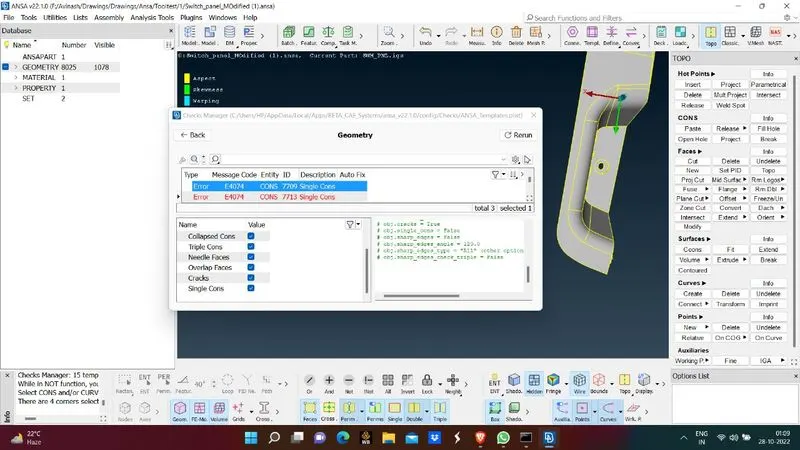
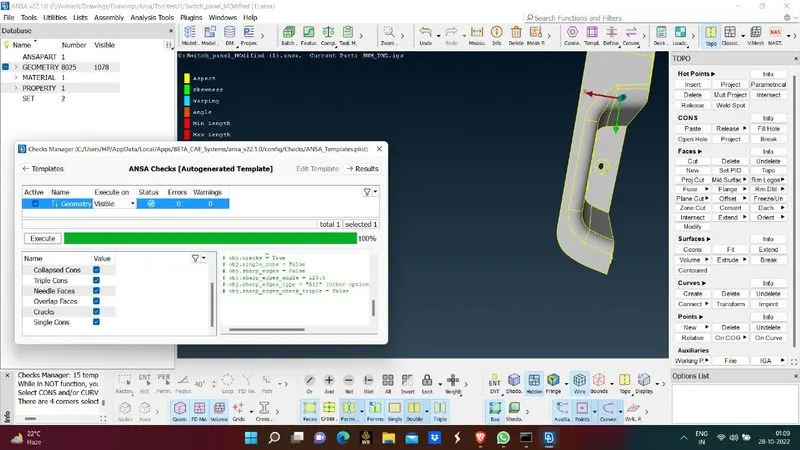
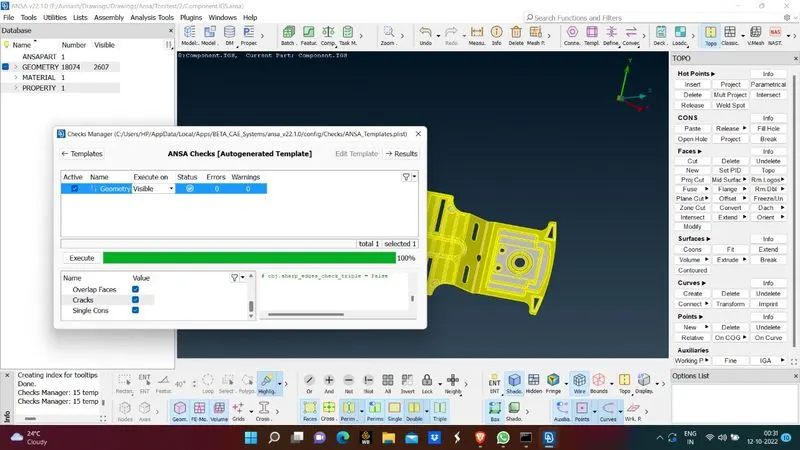
- Check for geometry issues and clear the errors
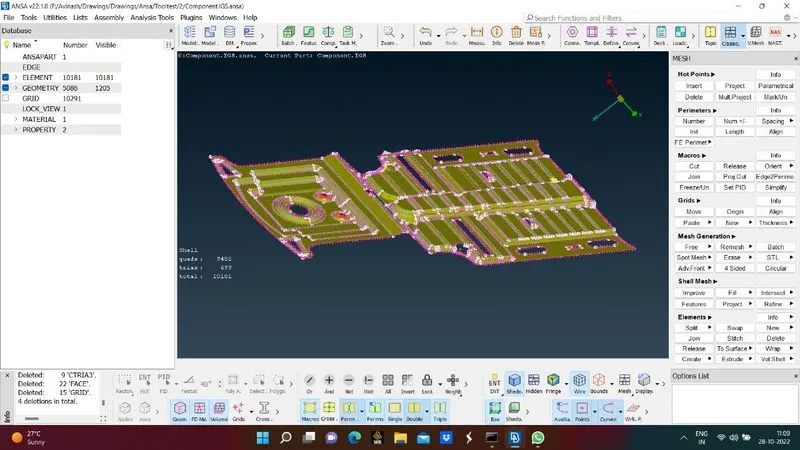
- After clearing all issues now extract mid surface
- For extracting mid surface use casting and extrusion method and give thickness and element size for meshing
- Then select apply after some time midsurface and extraction will be done
- Check for all surfaces whether the extraction is done properly
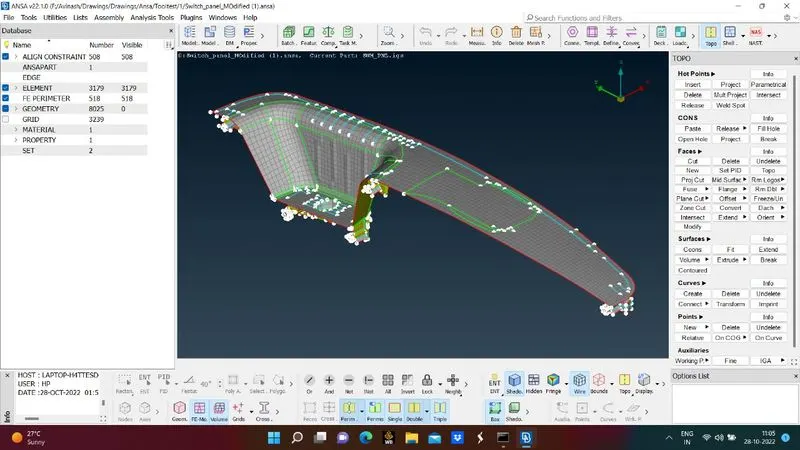
- Through align manager check for all empty regions of surfaces and perimeters and give correct allignment to that surfaces
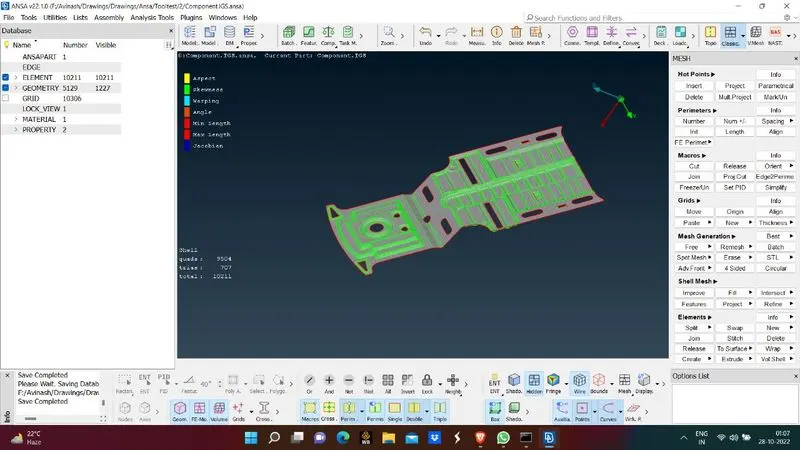
- After all surfaces are aligned now check for mesh criteria
- If any faiing elements are found clear the failing elements by giveing necessary comands
- Later all failing elements are removed give thickness to elements
- In mesh criteria select 'Draw shell as solid ' option
- This is how midsurface extraction foe sheet metal is done.
Plastic component
- Check for geometry errors and clear them
- Follow the same procedures that are mentioned in sheet metal
- And remove all failing elements
- And assign thickness for whole component
- And select 'Draw shell as solid' in mesh criteria manager
- This is how midsurface extraction for sheet metal is done
Learning Outcomes
- Learnt how to clear geometry errors
- Learnt how to do meshing and type of meshing to be used
- Learnt how to do midsurface extraction and necessity of it
Conclusion
- Midsurface extraction of two components is done
- Meshing of two components is done
- All faiing elements are eliminated and assigned thickness at last