Week- 5 - Solid meshing
Aim-For the given Rear view mirror component, check for the geometrical errors and mesh the Surfaces with the given 2D element Quality criterias and Use tetra elements to mesh the Volumes defined in the model.
Objective-For given quality parameter garneting the mesh on the model.
Below are quality parameter for 2D element,
|
S.No |
Quality Criteria |
Value |
|
1 |
Target/Average length |
1 |
|
2 |
Minimum Length |
0.5 |
|
3 |
Maximum Length |
2 |
Below are quality parameter for 3D element,
|
S.No |
Quality Criteria |
Value |
|
1 |
Tet collapse |
0.2 |
Procedure-
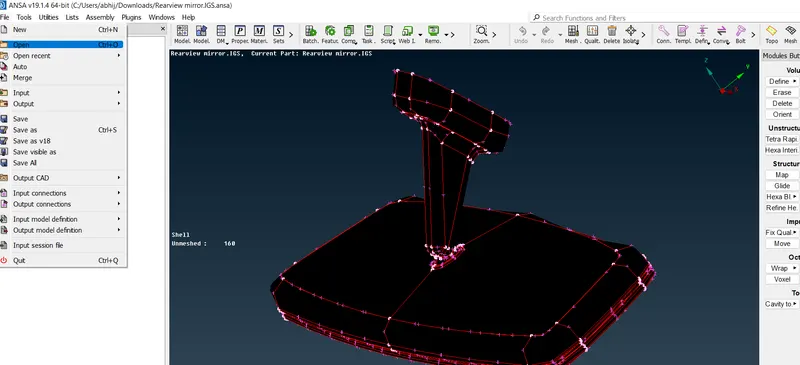
1.Import the model- In the left corner go to open and import the model.
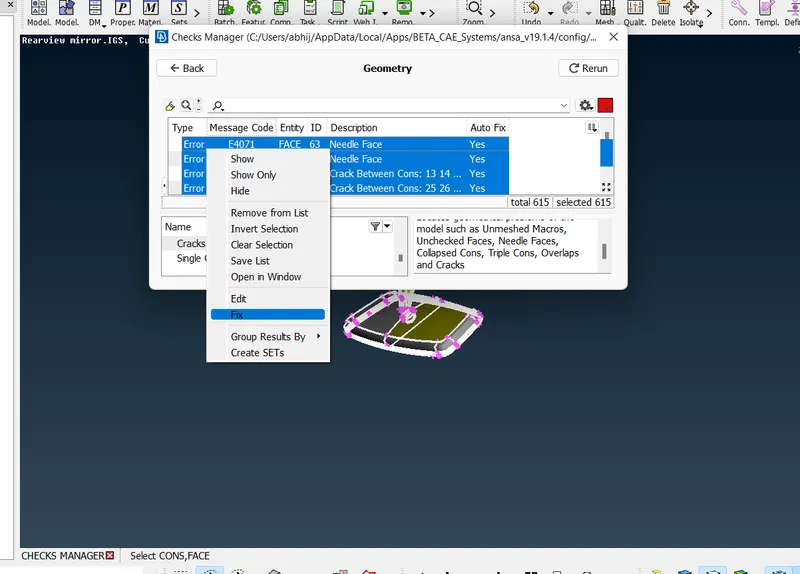
2.Geometry clean up-After importing the model go for geometry clean up in tool box there is check manager in that geometry and execute that after that it will shows the error then select all right click fix it or go manually also.
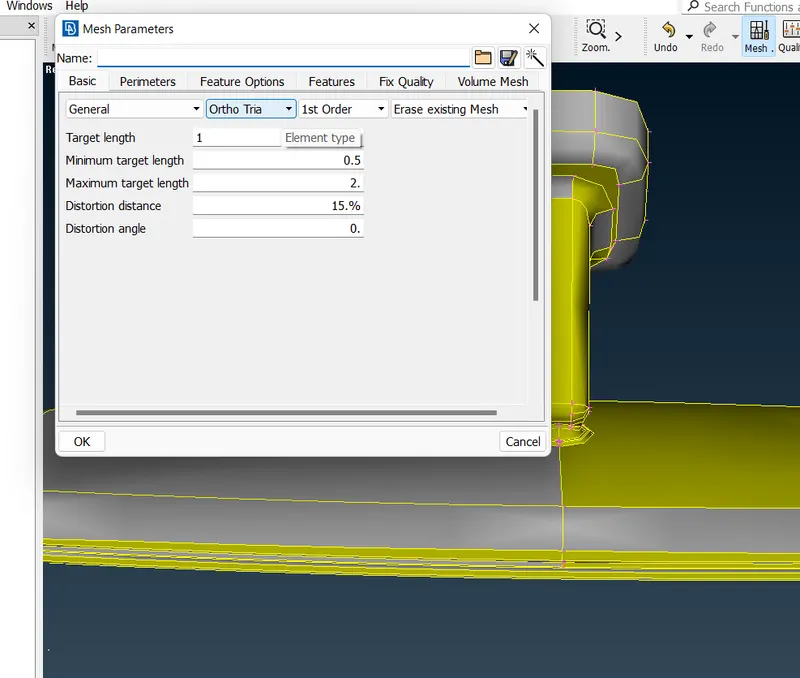
3.Mesh parameter- Define mesh paratmetrs and select ortho tria.
4.Quality criteria-Define max length and min length.
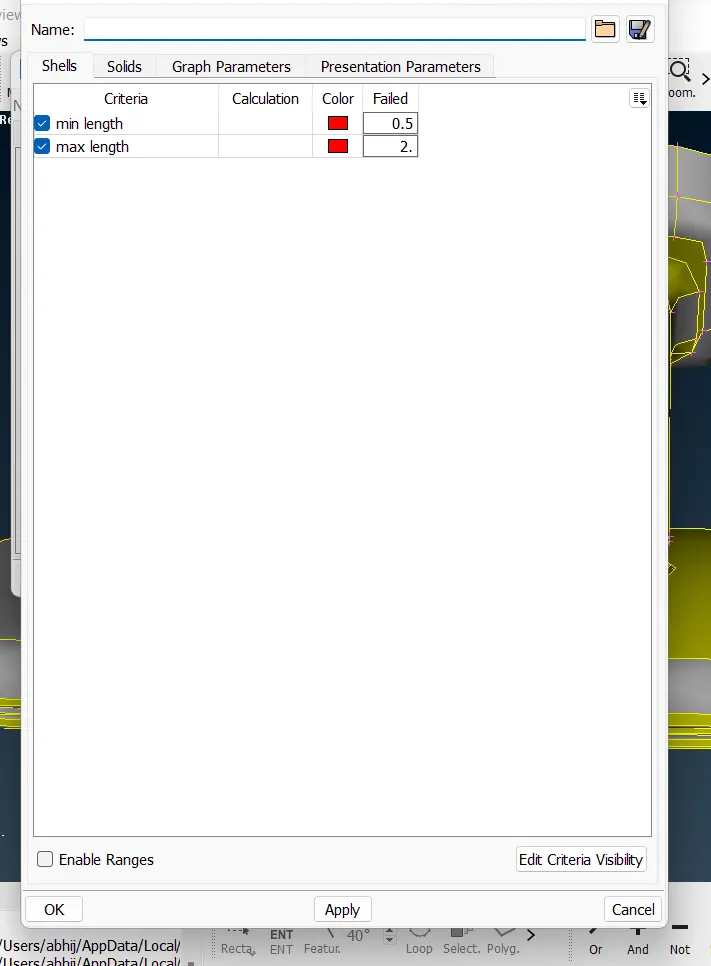
5.Assign target length-As 1.0
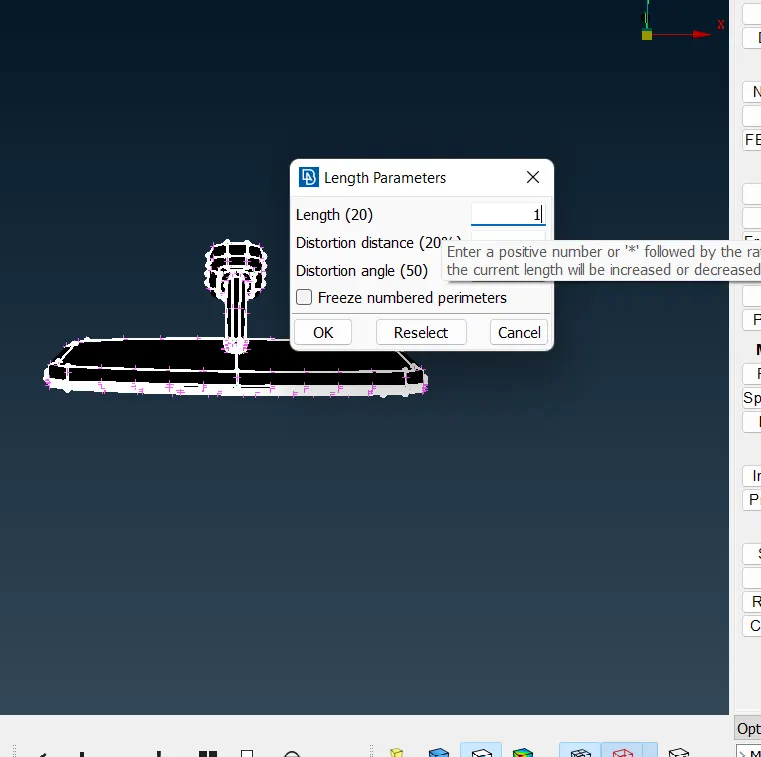
6.Mesh-By using spot mesh start one by one meshing for plane surface use tria and fillet surfece use ortho tria.
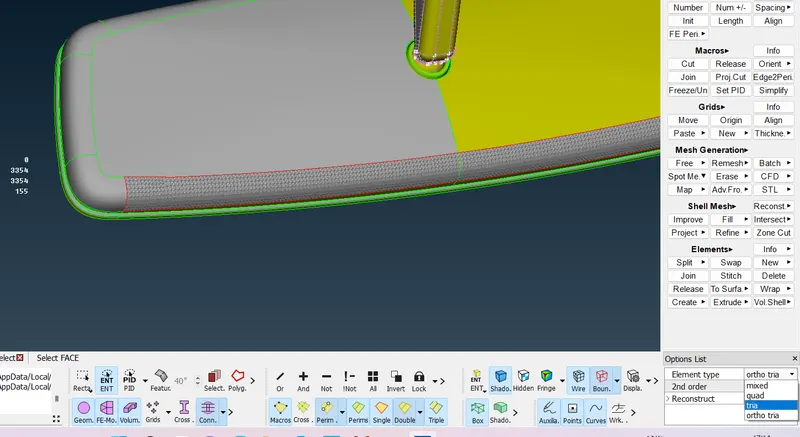
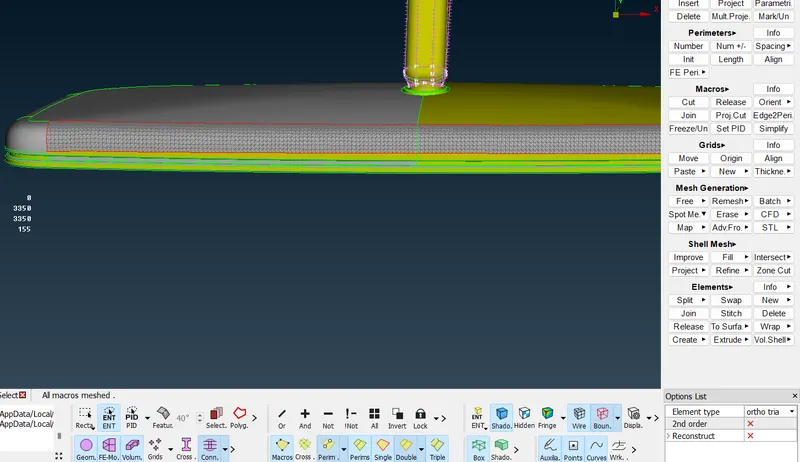
7.After meshing make sure that it will not fail any quality criteria for 2D element.
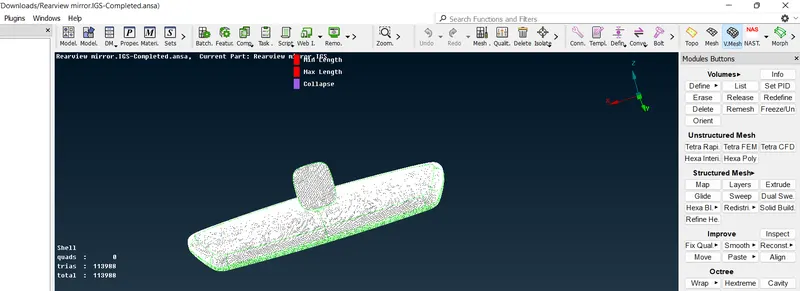
8.Adding collapse quality criteria for 3d element.
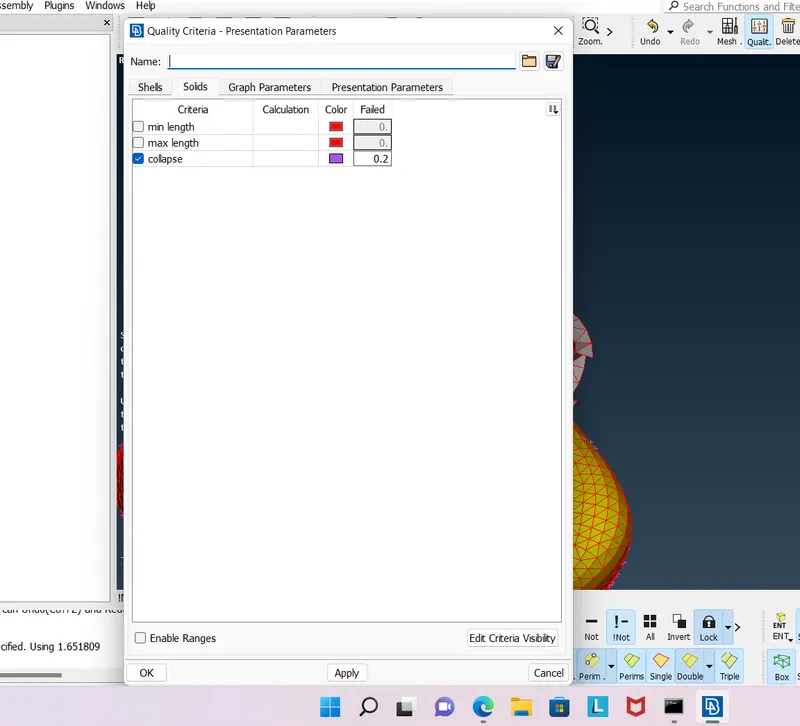
9.Asssign volume define seperatey those are not connected to eachother.Other wise it will fail and gives error.
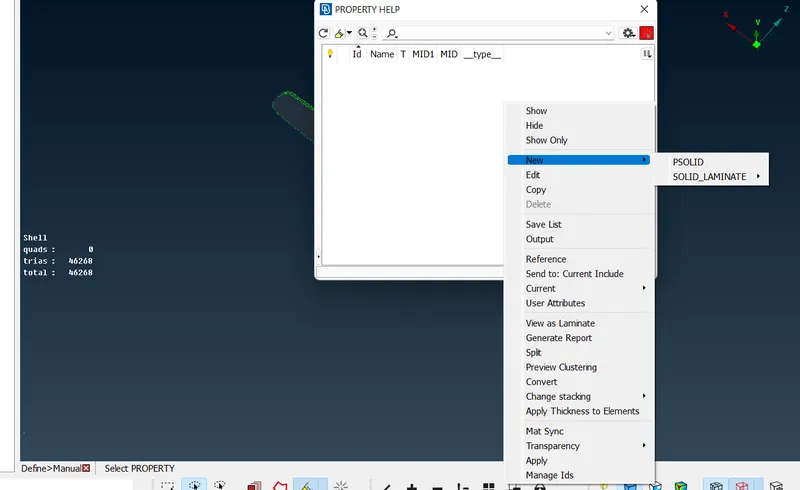
go for volume deck>define>manual>select part>middle click after that go list option after right clicking go new option and creat new psolid.
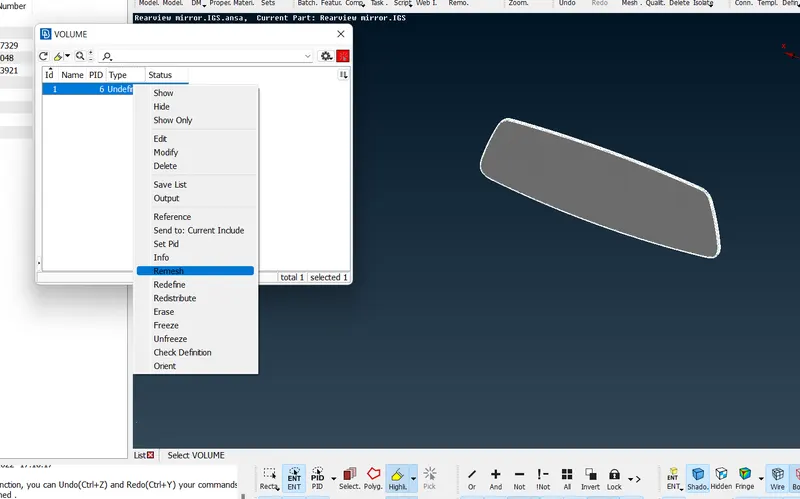
after that go in list option and select that property and right click go for remesh
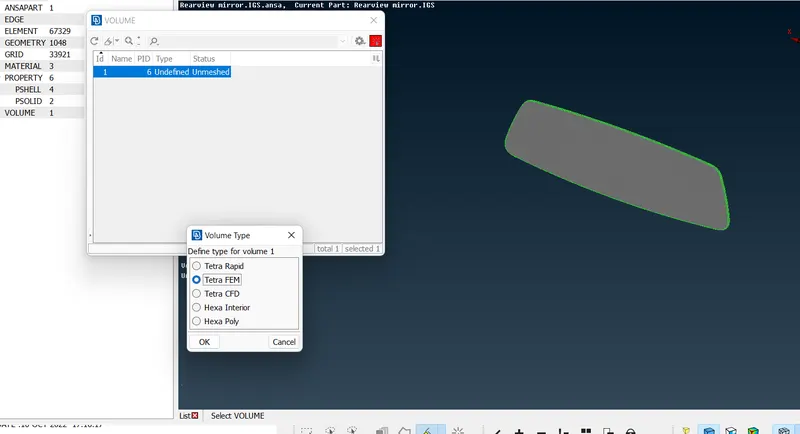
After that click tetra fem.
completed-
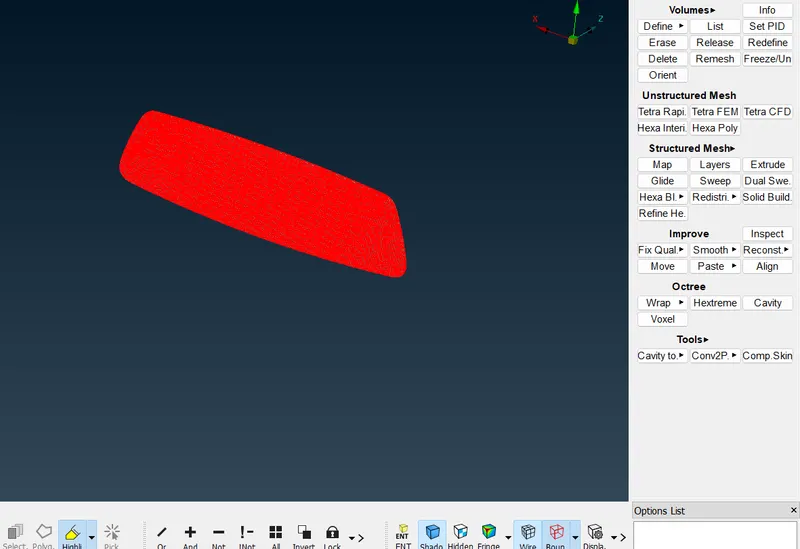
go for seperate part same as above-
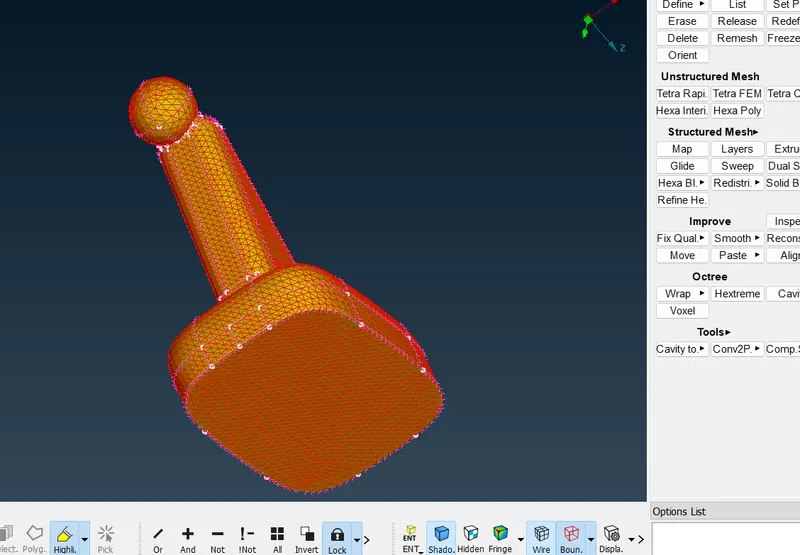
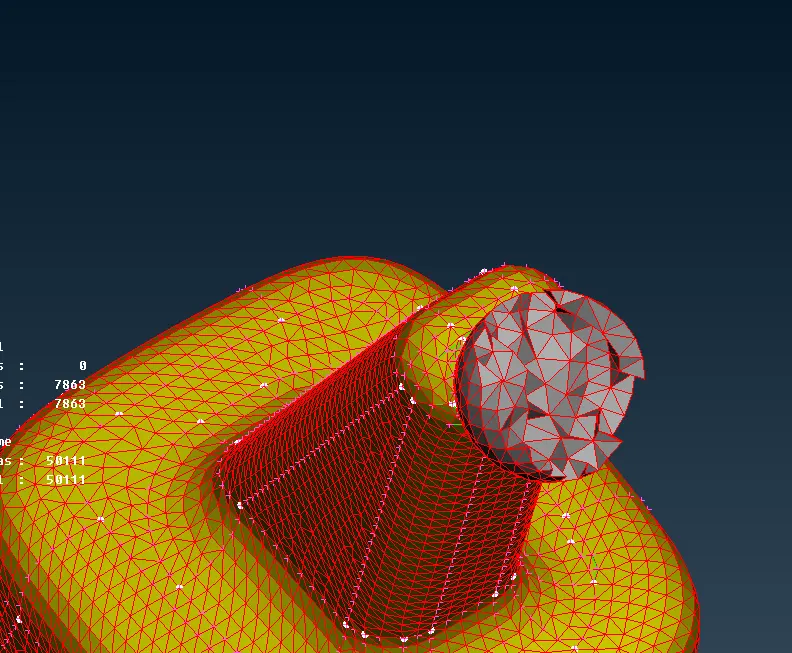
crossectional area of volume mesh-
no any knicks and dips in the surface-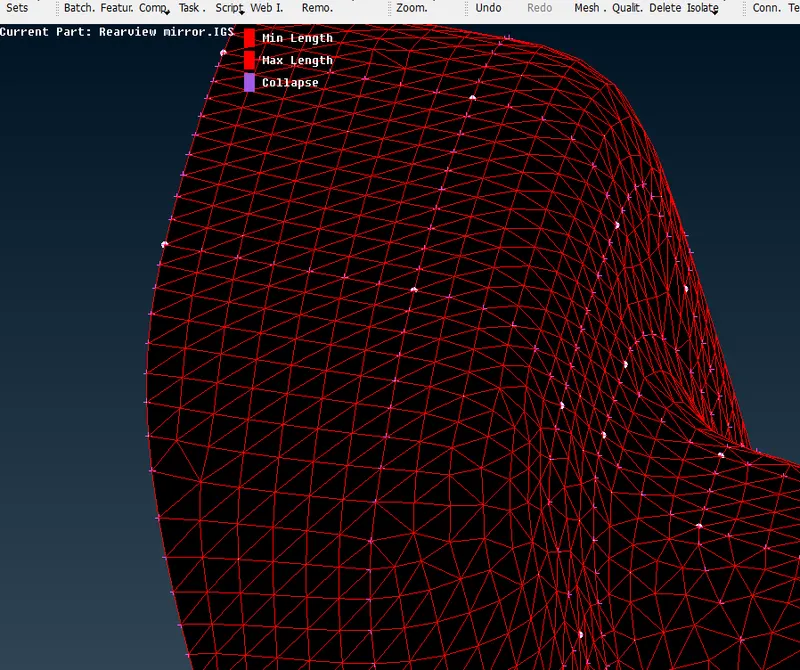
complete model without any off elements-
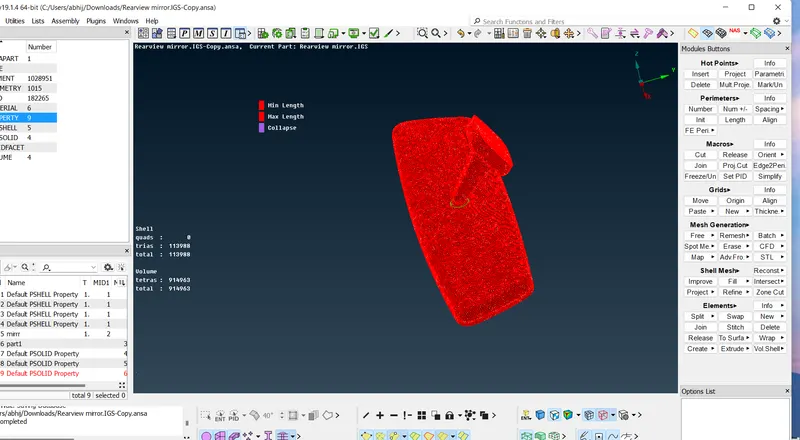
Outcomes -Understanding the 3d element meshing tetra fem ,tetra rapid,ortho tria and tria.