Week- 5 - Solid meshing
Aim :
To mesh the given component using Volumemesh and to check for the tet collapse by using ANSA software.
Objective :
To mesh the components in 3D meshing by using volumemesh option and to satisfy the given tet collapse value 0.2.
Procedure :
- Import the model to the graphical workspace.
- To check the component for geometry clean-up.
- To apply mesh on the component by selecting 3D Menu – Volumemesh.
- In volumemesh menu we have different options like volumes, unstructured mesh, structured mesh, octree.
Given model :
In this model it is asked to mesh the given component in 2D tria elements with few quality criteria like min size and max size.
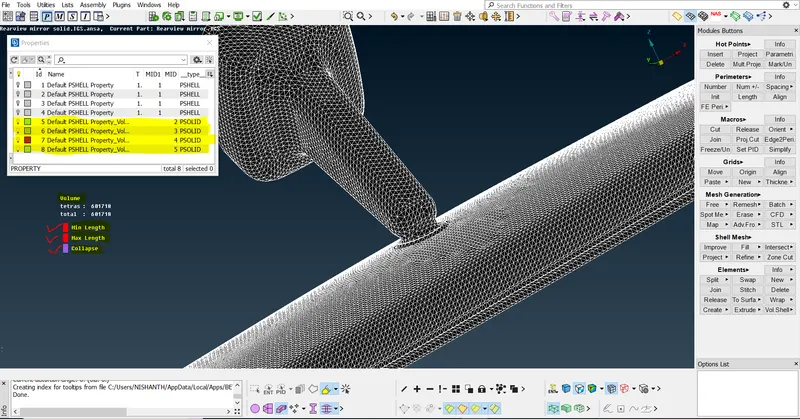
After satisfying the quality criteria we use volume mesh option in 3D menu and apply the mesh over the 2D meshed elements and it will capture the complete structure of the given component.
Volumes - Define - work on (visible) - select component (auto detected volume) - right click remesh - Tetra rapid (volume type)
By doing in this method of meshing the component we will have more control over the component and while applying 2D to 3D we can reduce the tet collapse element values.
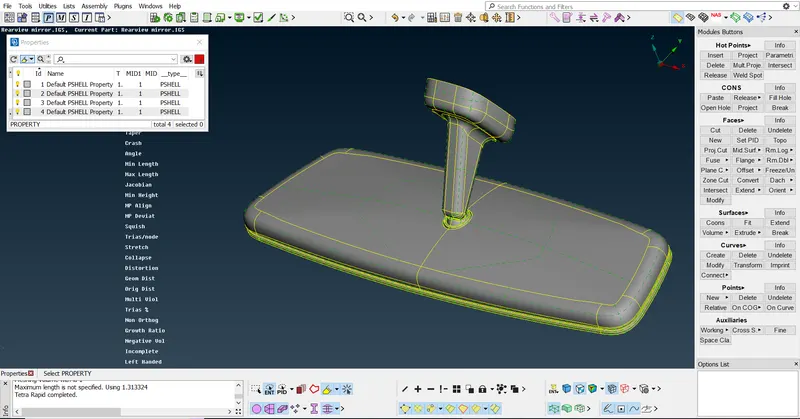
Worked component :
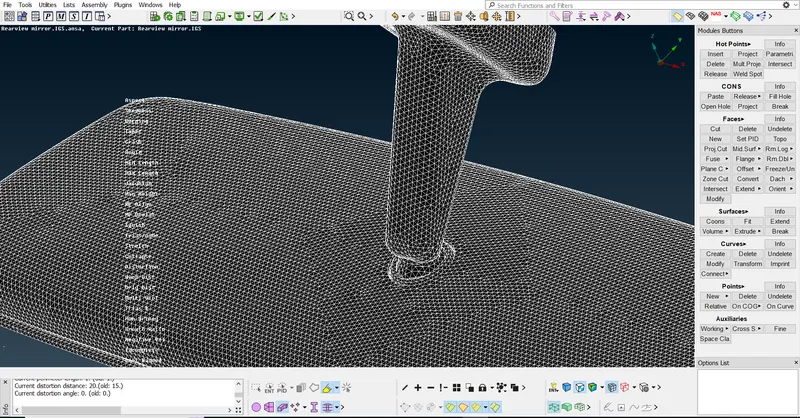
Result :
The meshing of given components is meshed using volumemesh successfully using ANSA software and it also satisfies the given criteria.