Week- 5 - Solid meshing
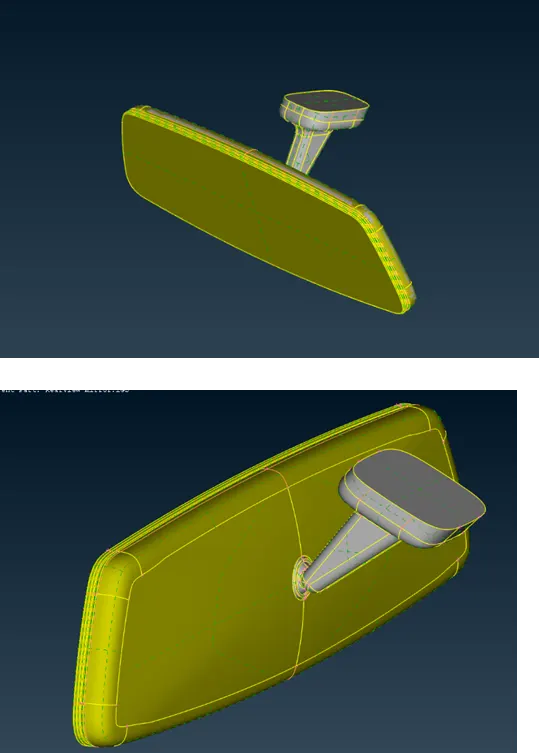
Aim: to mesh the given model of rear-view mirror.
Objective:
- Check for geometrical errors
- Generate mesh for the outer surface
- Generate the solid mesh
- Maintain the given mesh element quality criteria
Geometry clean-up is done using the Checks > Geometry option, where a list of all the geometry failures is given. The failures can be addressed manually or the Fix option can be called to eliminate the issues automatically.
Then using the Batch Mesh Manager the mesh was done automatically. Each property of the model was inserted into new volume ID. The geometry clean-up is also done by Ansa to some extent. Rest whatever is required is done manually.
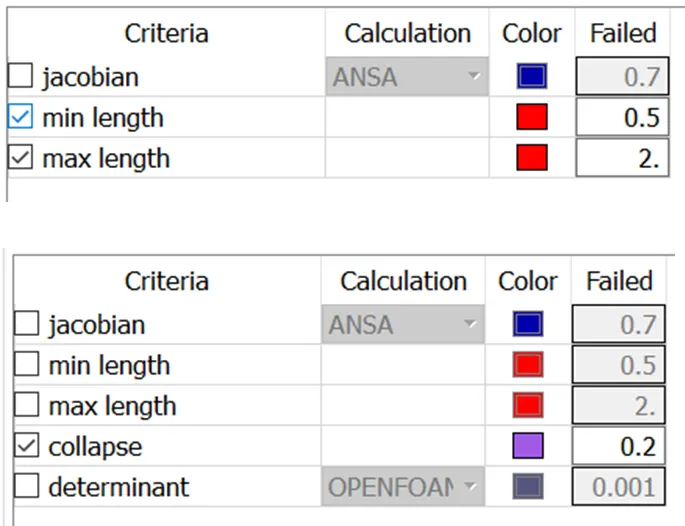
The quality criteria for the mesh element are set.
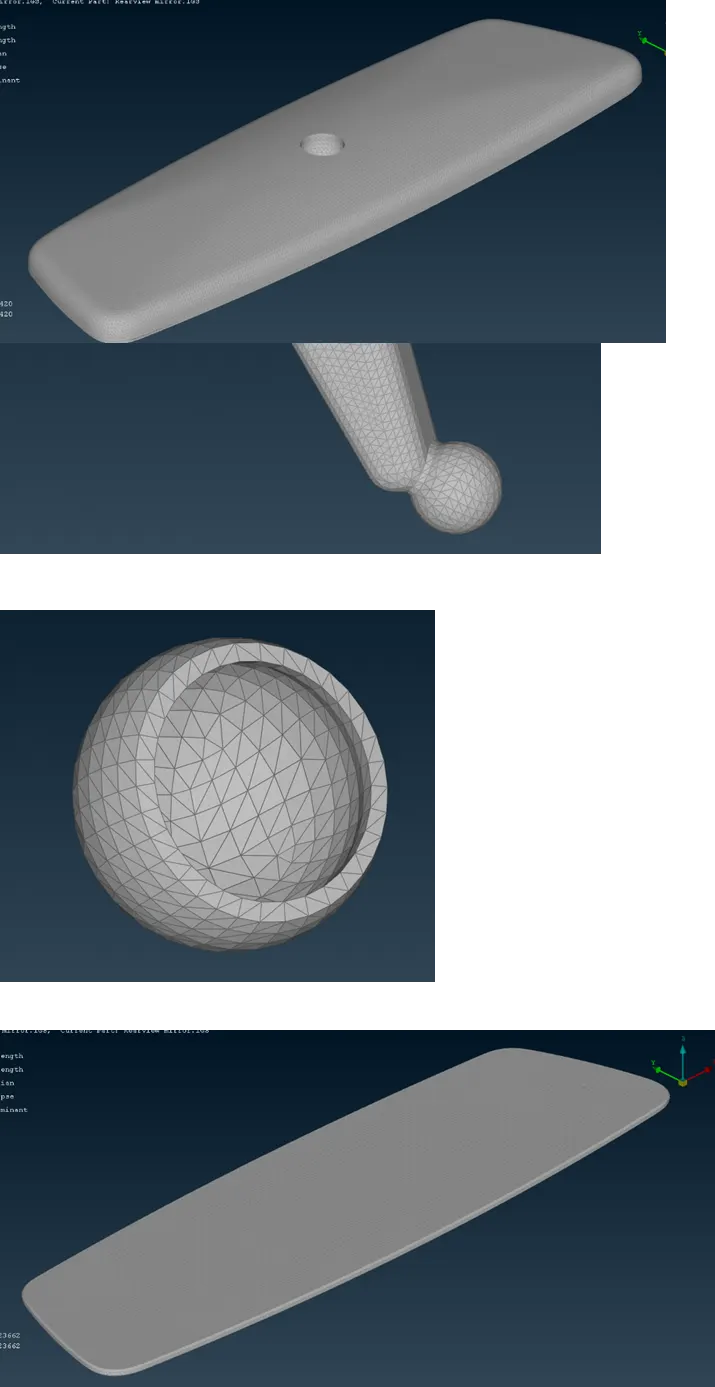
After the surface mesh is done, the volume of the model is defined in Volume Mesh Deck > Define option. The mesh was generated from the Volume manager or Unstructured Mesh > Tetra Rapid.
The PID view of the solid volumes:
Conclusion:
This exercise was really insightful on the basics of ANSA and solid meshing.
File: