Week- 5 - Solid meshing
Aim: For the given Rear view mirror component, check for the geometrical errors and mesh the Surfaces with the given 2D element Quality criteria as given below.
Procedure:
1. Import the geometry and check for any geometry errors. If any geometrical errors are present, fix the errors by using the auto-fix option.
2. Mesh the given geometry using shell mesh along with the given quality criteria and fix any quality fails by using the reconstruction option.
3. After the meshing is completed, navigate to volume mesh and define the property id. Later navigate to the list and then select the geometry that is defined. Next, remesh the geometry according to the given quality criteria.
4. Denote the collapse in the solid quality parameters and check if the quality fails. Fix the quality of collapse using the free node.
5. Define each component for volume mesh and remesh the component again.
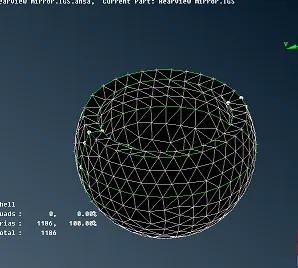
Fig. 1 shell mesh
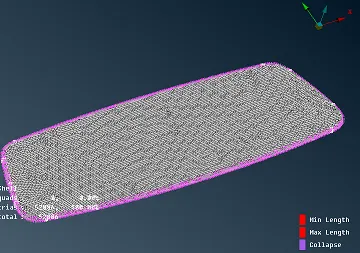
Fig. 2
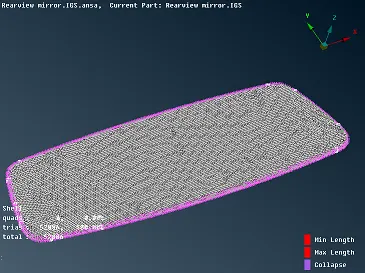
Fig. 3
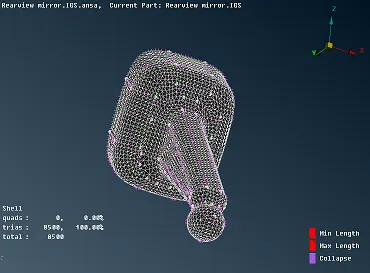
Fig. 4
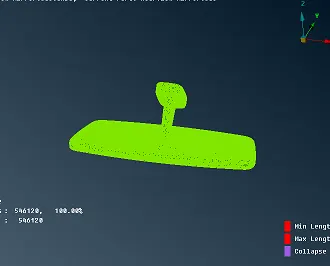
Geometry with solid mesh
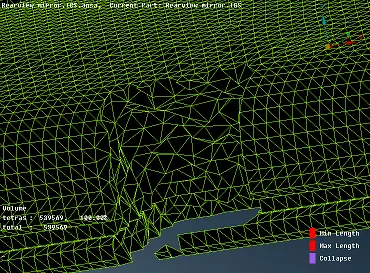
Tetra elements showing volume mesh
Conclusion: The challenge was successfully completed as per the given requirement.