Week- 5 - Solid meshing
Ansa July live batch 1
Aim: For the given Rear view mirror component, check for the geometrical errors and mesh the Surfaces with the given 2D element Quality criteria’s given below.
Given:
|
S. No |
Quality Criteria |
Value |
|
1 |
Target/Average length |
1 |
|
2 |
Minimum Length |
0.5 |
|
3 |
Maximum Length |
2 |
Stepwise procedure:
In this challenge we have to do the the 2D mesh and after that with the reference of 2D element we have to do tetra meshing so that the stepwise procedure mentioned below:
- Import the CAD model and give cons resolution of 1.
- (file>open>select model>open)
- Cons resolution must do to get proper resolution in curve areas:
- (Mesh module>perimeters>length>select surface>give length>assign)
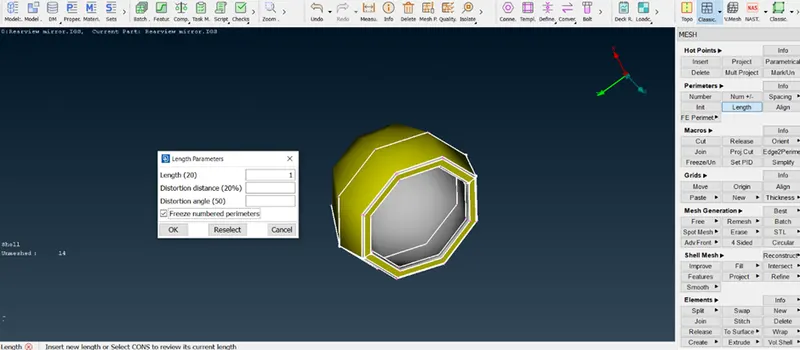
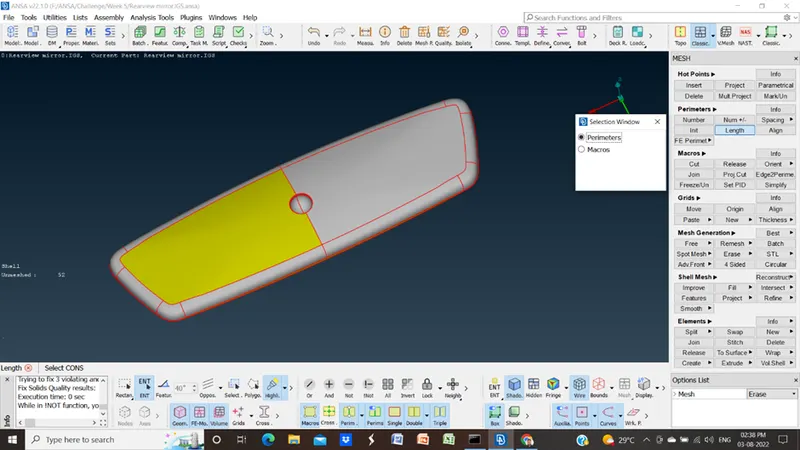
- After cons resolution we must do check for connectivity and there is no connectivity then we have to do topo
- (Topo module > topo)
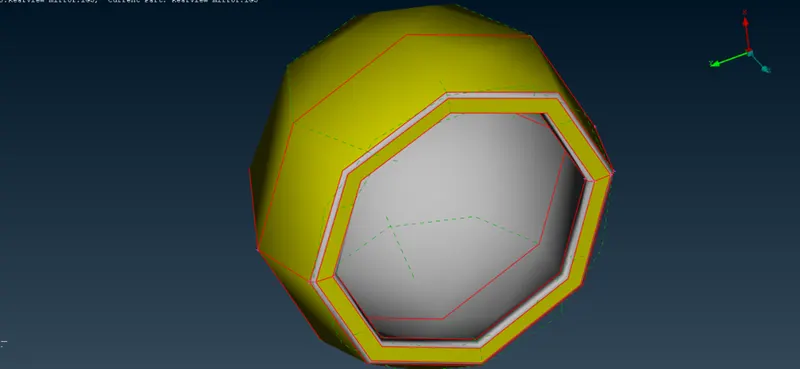
Without topo
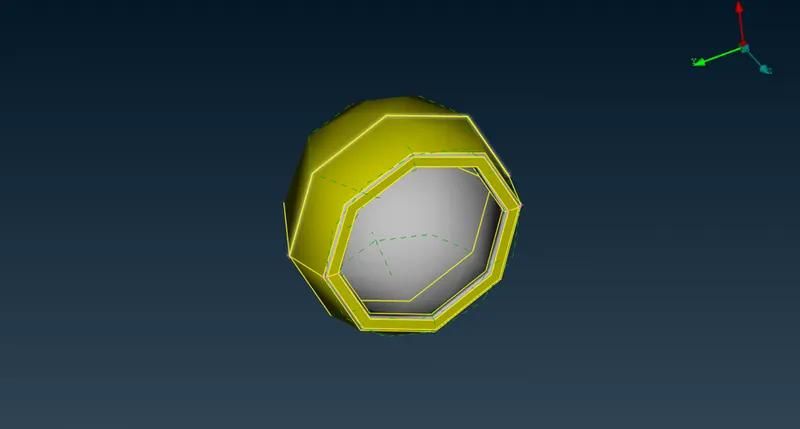
With topo
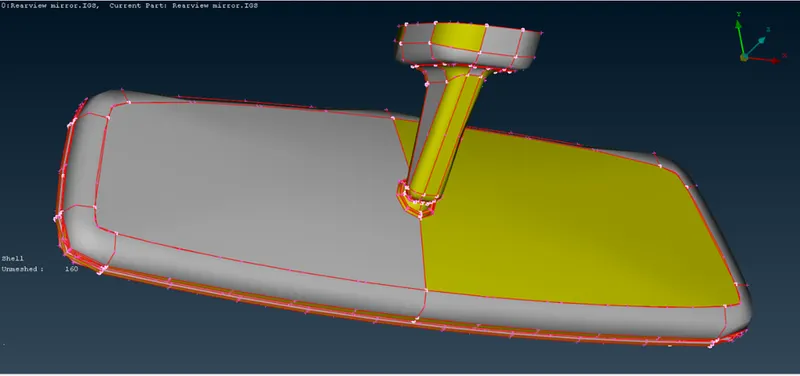
Without topo
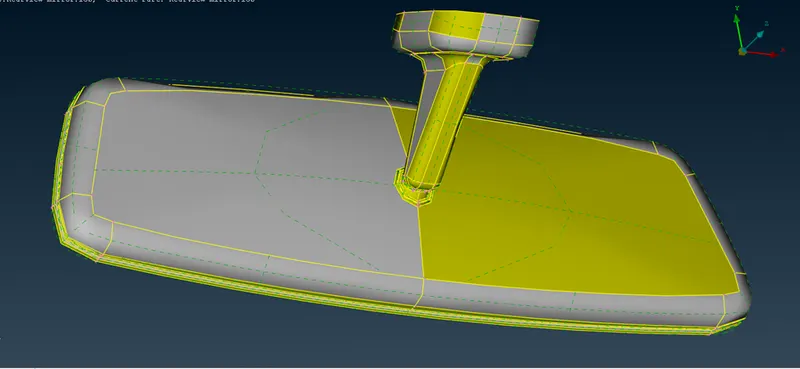
With topo
- After the cons resolution we have must do orient:
- (Topo module > faces >orient)
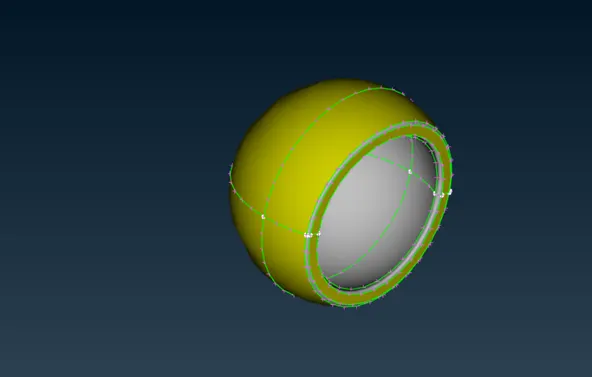
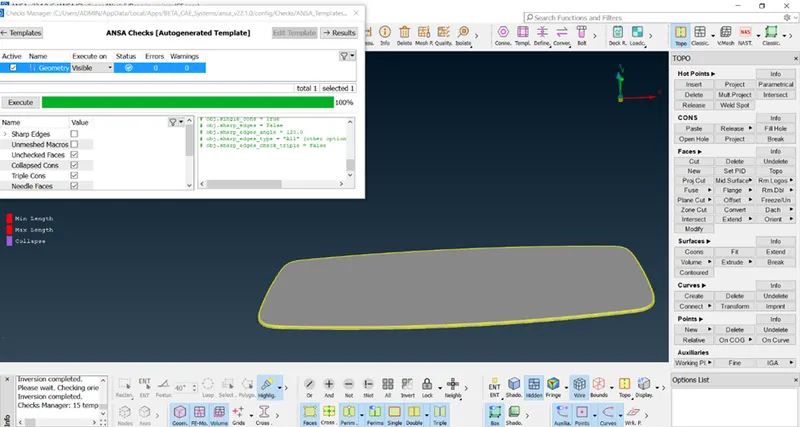
- The next step is to check geometry
- (Checks>Execute)
The main intention of Geometry clean-up is to eliminate single CONS and Reduce triple CONS as many as possible.
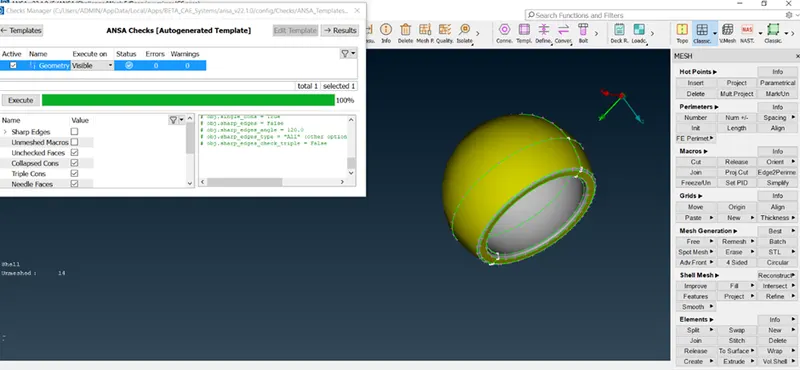
- The next step is quality criteria setup and parameters setup:
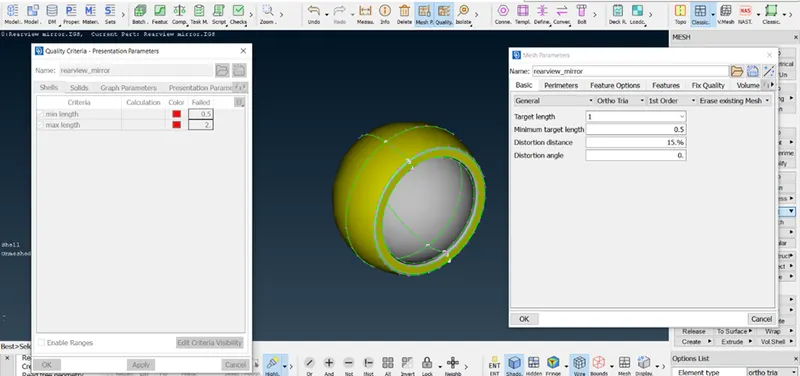
- Now we can start the mesh
- (Mesh module>mesh generation>best)
- Before start meshing, we have to measure the distance between two lines if they come under the minimum length criteria we have to join them or delete them.
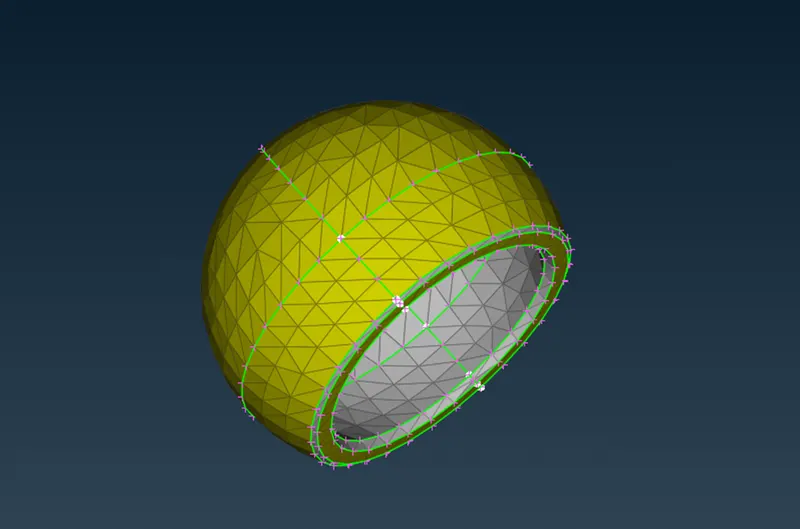
Minimum length and maximum length:
- If element having any small edge length than predefined min length, then it will fail for min length.
- If element having any edge length more than predefined max length, then it will fail for maximum length criteria.
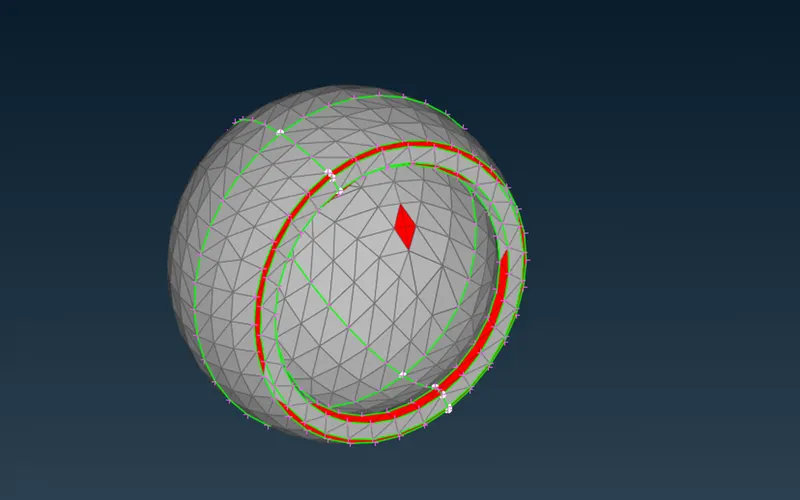
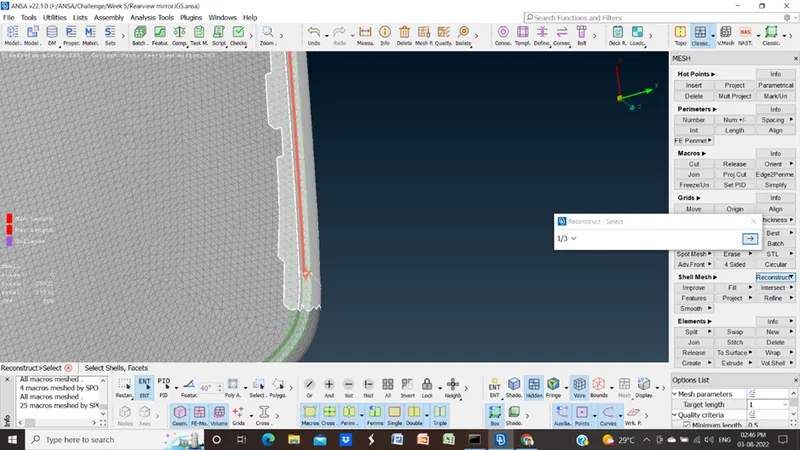
- For the correction of this element failure, we have to do reconstruction:
- (Mesh module> shell mesh > reconstruction)
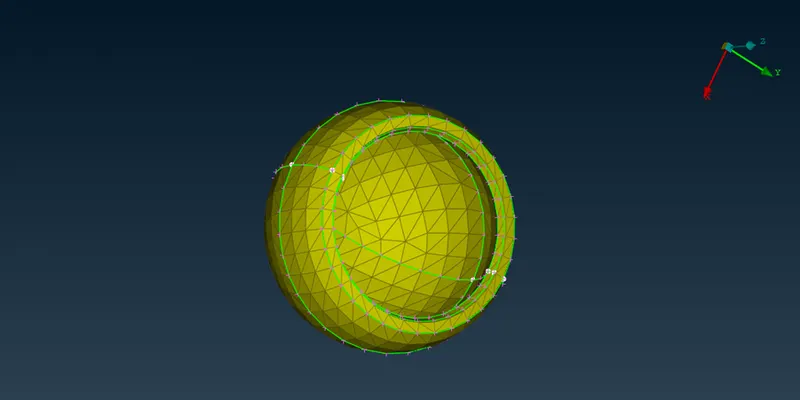
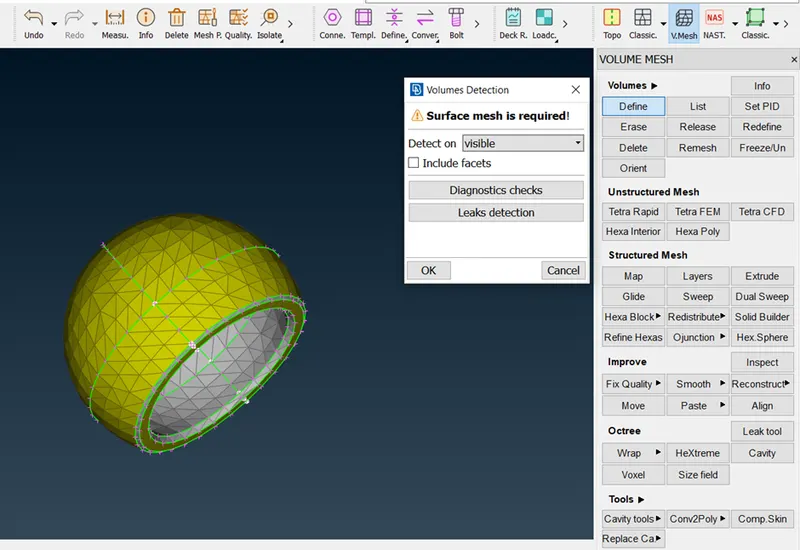
- Now, the next step to do 3D meshing
- (Volume mesh > define >visible)
- (Unstructured mesh> tetra rapid)
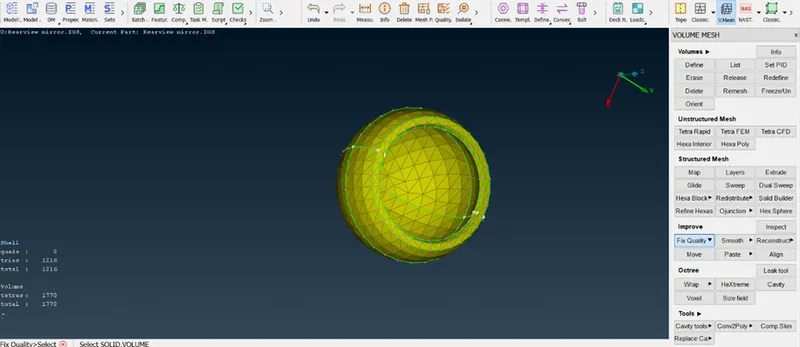
final model
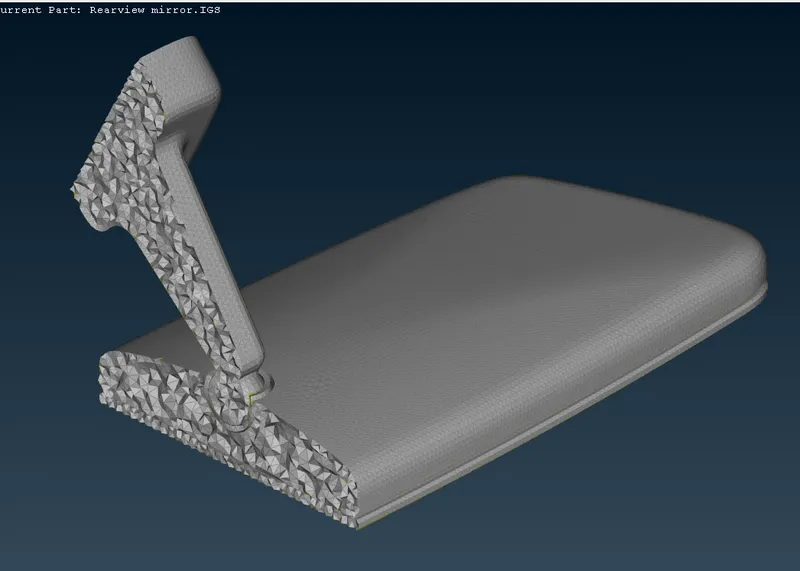
final model
Learning outcomes: In this model i had learnt about.
- How to do geom checks
- How to check quality criteria
- How to clean fail element
- Learned to mesh the given component using only tria and ortho tria elements.
Conclusion: finally we got our mesh model for finite element analysis using ansa software.
Conclude
Therefore a given Rearview Mirror model is checked for the geometrical errors and meshed with element type as ortho tria & tria as per given quality criteria. After meshing defined the volume and meshed the volume by using an unstructured mesh with the type of Tetra Rapid & Tetra FEM. The off elements also eliminated and the quality criteria are cleared in this model.