Week- 5 - Solid meshing
Aim: To generate volume meshing & checking quality of it.
Procedure:
By opening Rear view mirror component, checked property ID card.
There are 4 properties. By making one visible out of four, started working by as per following steps.
1) Checked cons resolutions & setted it to 1 mm throughtout.
2) Gave Topo to join all entities to each other & Checked, is orientation is proper or not? 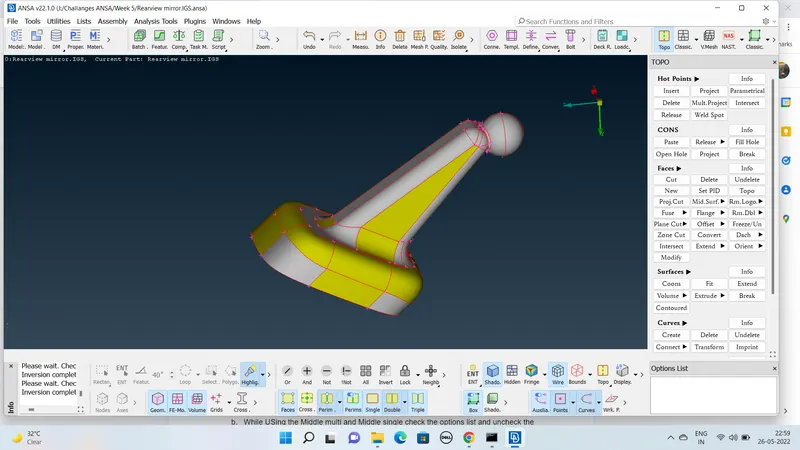
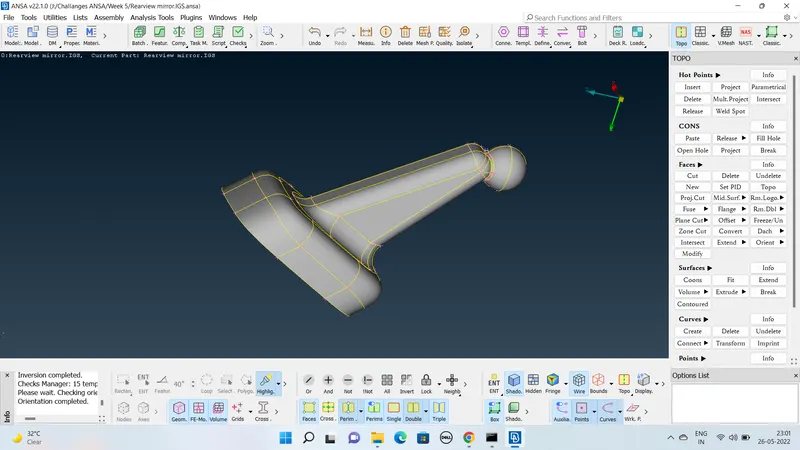
3) Geometry checks & got green signal.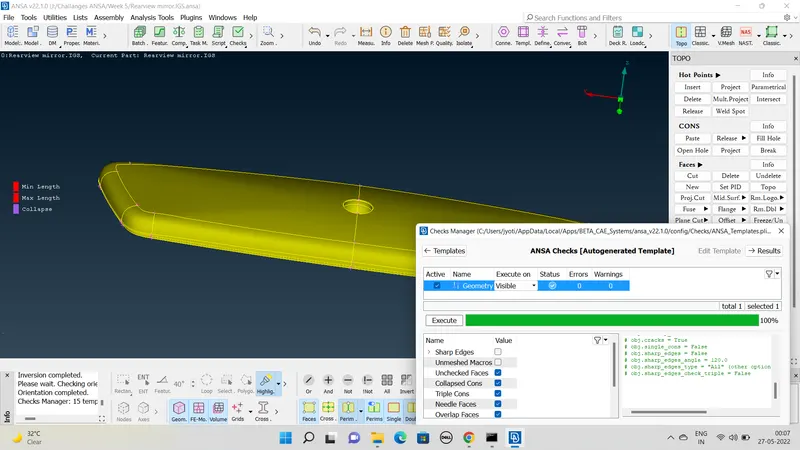
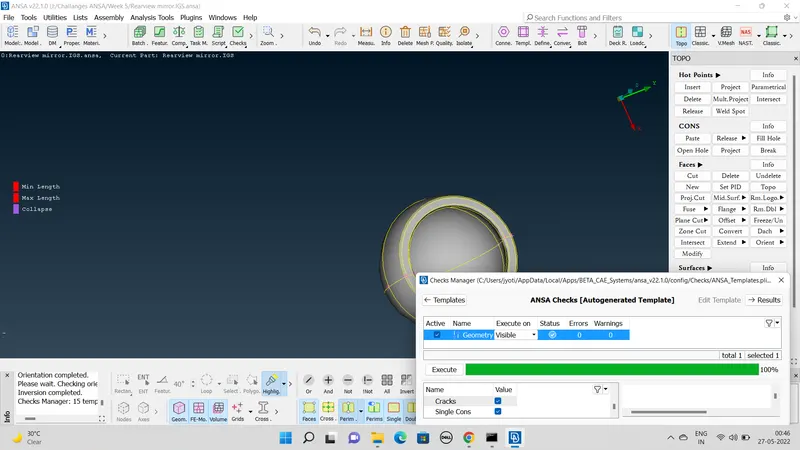
4) Took few measuremets to make sure the mesh will be within quality range.
5) Feed quality criteria for Shell mesh min. length & max. lenght & for solid mesh tet collapse as per given.
6) Then provided mesh parameters as per given & selected ortho tria for meshing.
7) By meshing curvature area with ortho tria moved to flat surface & meshed with tria.
8) Checked quality of mesh
9) Then switched to Volume mesh module & then defined volume mesh entities.
10) Then in same module using list provided mesh type & then did Remesh.
11) Checked tet collapse & moved to next property ID.
Same procedure for rest 3 parts.
Quality criteria feed only once for all IDs.
Whenever necessary used recunstruction & smooth mesh.
Outcomes: Learned how to generate Ortho Tria mesh, where to use them & also why.
Also learned generation of volume mesh & how to define it’s volume.
Conclusion: Increased some amount of speed & confidence.