Week- 5 - Solid meshing
WEEK 5: SOLID MESHING
AIM: For the given Rear view mirror component, rectify the the geometrical errors and mesh the surfaces with the given 2D element Quality criterias given below.
|
S.No |
Quality Criteria |
Value |
|
1 |
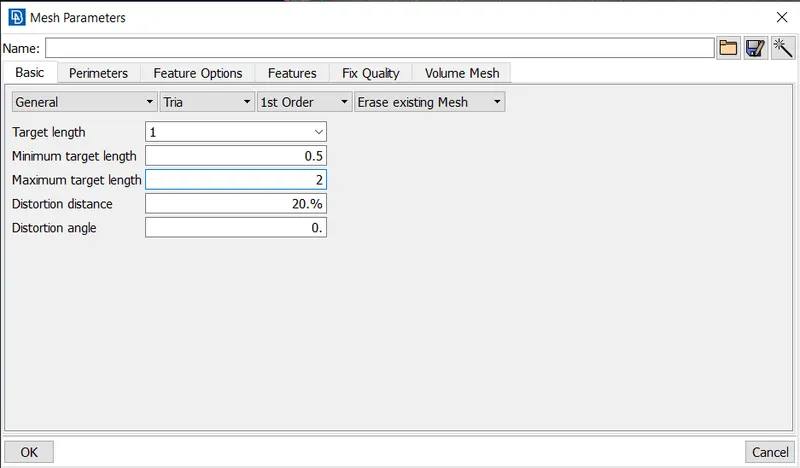
Target/Average length |
1 |
|
2 |
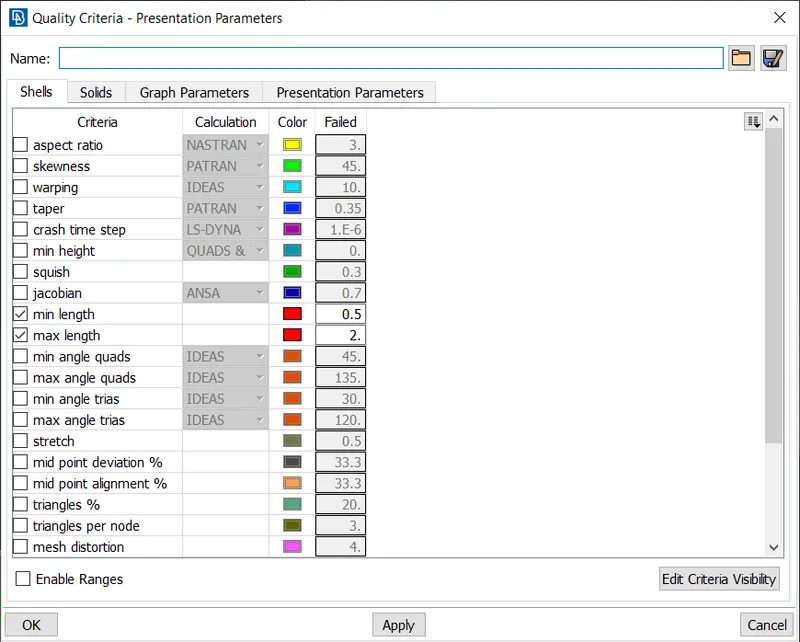
Minimum Length |
0.5 |
|
3 |
Maximum Length |
2 |
Use tetra elements to mesh the Volumes defined in the model and check for the below quality after Volume meshing.
|
S.No |
Quality Criteria |
Value |
|
1 |
Tet collapse |
0.2 |
PROCEDURE:
1) First import the given igs file.
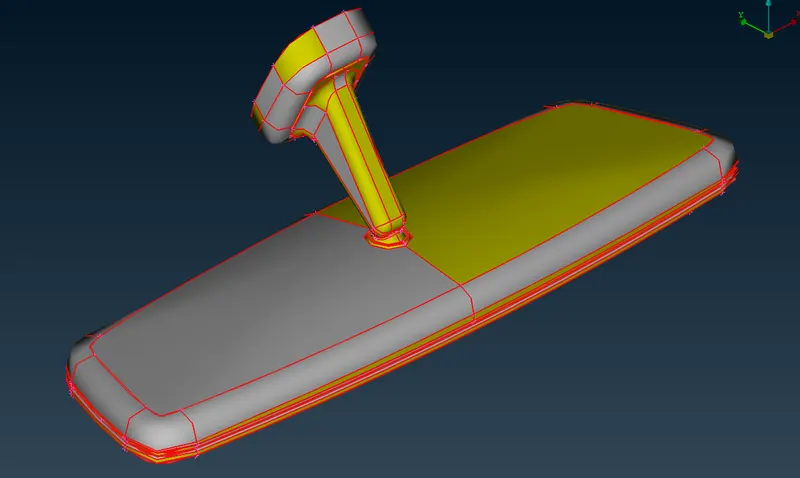
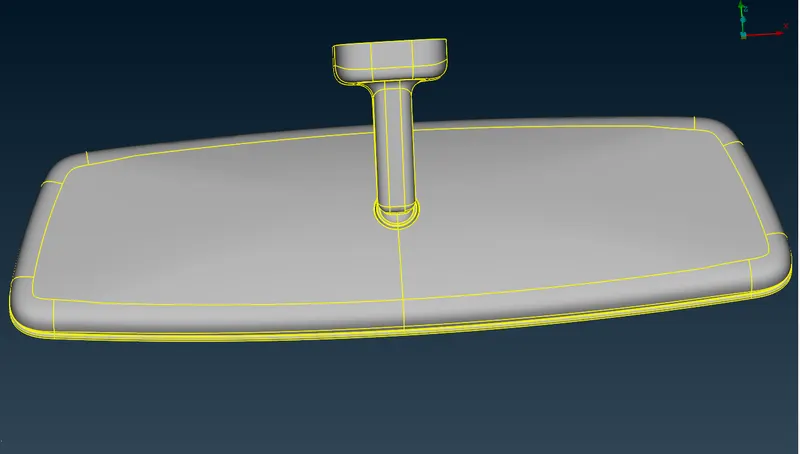
2) It is observed that the surfaces of the models are free surfaces, so we use topo tool to join the surfaces.
3) Geometry check is done to find faulty surfaces. If there are any geometrical errors we rectify them.
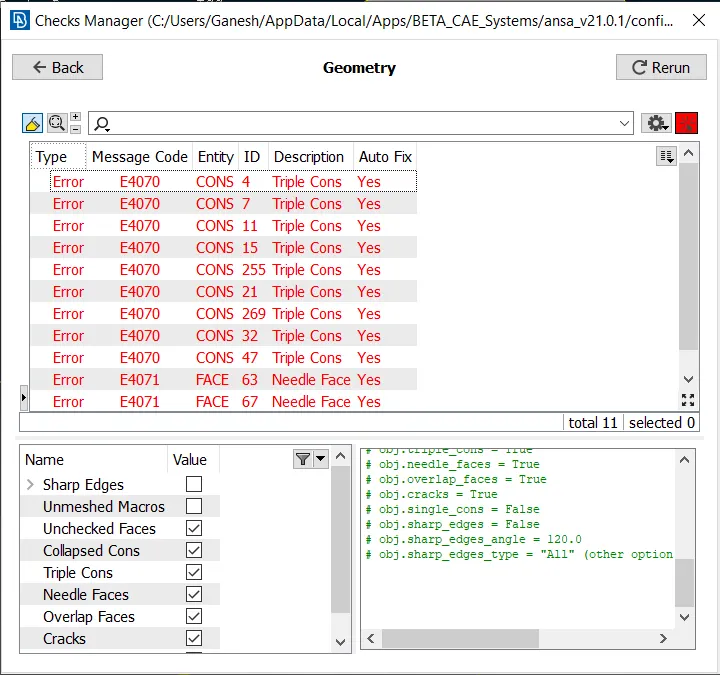
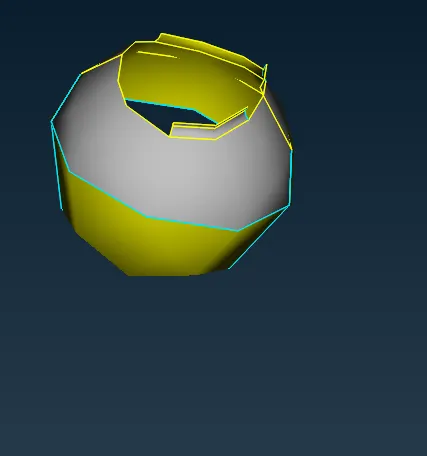
4) We then move on to meshing of the surfaces. We need to tria mesh so we only consider min and max length parameters in quality criteria as required.
5) We then also set mesh parameters to tria and give avg length as per our requirement.
6) To create a tria mesh we use spot mesh tool to create trias. We use tria element type for the flat surfaces and ortha trias for the curved surface or fillets.
7) We check whether quality criteria is satisfied or not. If the elements fail quality criteria we try to reconstruct the mesh using improve tool.
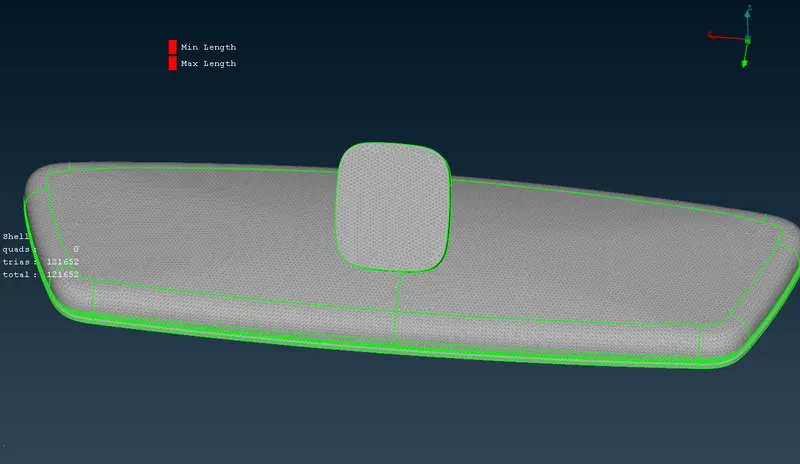
8) After completing 2D meshing, we carry out 3D meshing.
9) We first need to define the volumes. We use the define tool to define volumes.
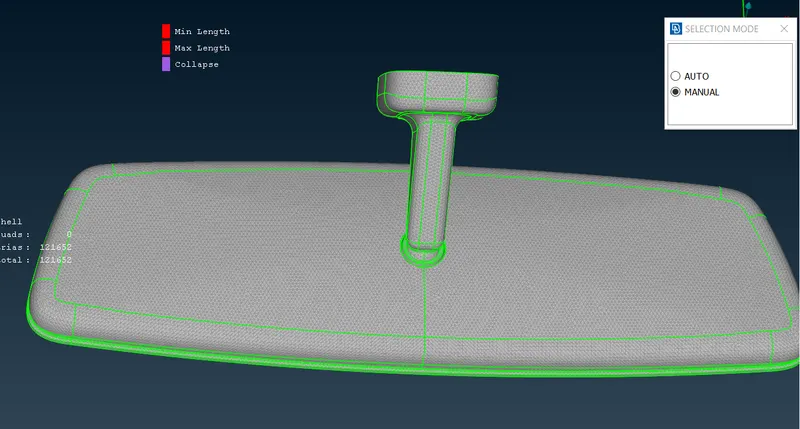
10) Then we check the list of volumes and right click on them to mesh them using the remesh tool and we use the tetra rapid or tetra FEM type to create a tetra mesh.
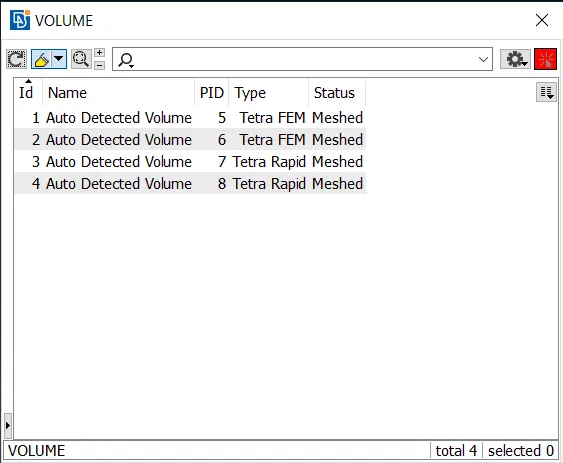
11) We check whether the tet collapse criteria satisfies or not, by adding the tet collapse value in solids quality criteria.
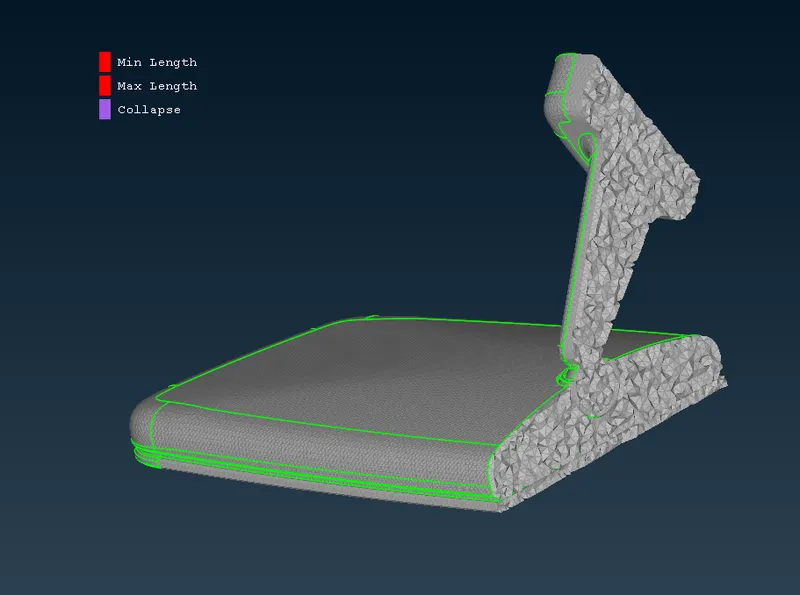
12) If the tet collapse criteria is not satisfied we try to modify the failed elements using fix quality tool or using the MV Free tool from the mesh panel.
CONCLUSION AND LEARNING OUTCOME:
1) A tetra meshing operation is performed on the given rear view model.
2) Use of various tools to create tria mesh and rectify individual element using MV free tool was learnt in this assignment.
3) Defining volume and how to create volumetric properties to create tetra mesh was also learnt.
4) Also learnt how to fix tet collapse.