Week 5 Challenge : Surface wrap on Automotive Assembly
Aim:- check for the geometrical errors and delete surfaces which are unwanted for Surface wrap. After clearing geometry, Merge all 3 models and perform surface wrap.
Objectve:-
1. Remove all the error on each file(engine, transmission and gear box)
2. merge three files together
3. perform wrap with 3mm target length.
Procedure:
1. Select the engine.ansa file. remove the error present on the surfaces.
file>open>select engine.ansa
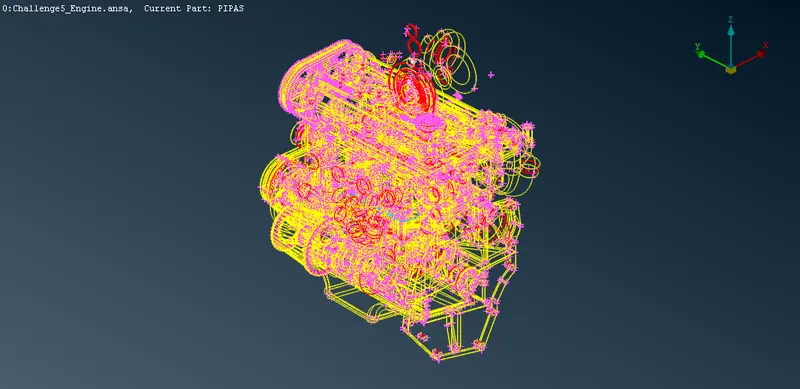
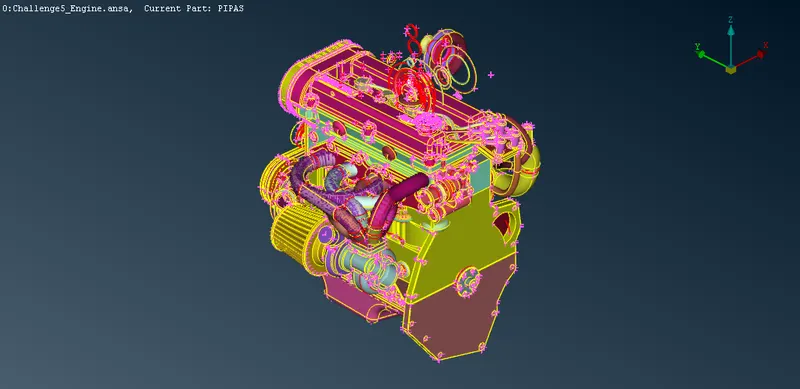
We dont need to remove internal error we are focusing on surface itself.
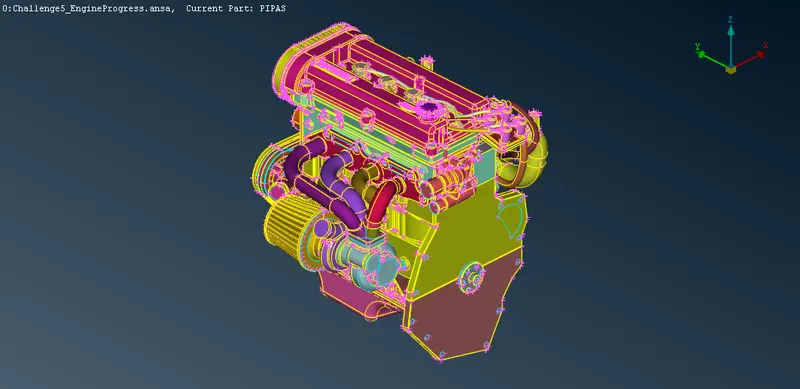
after removing all the error, finally we get
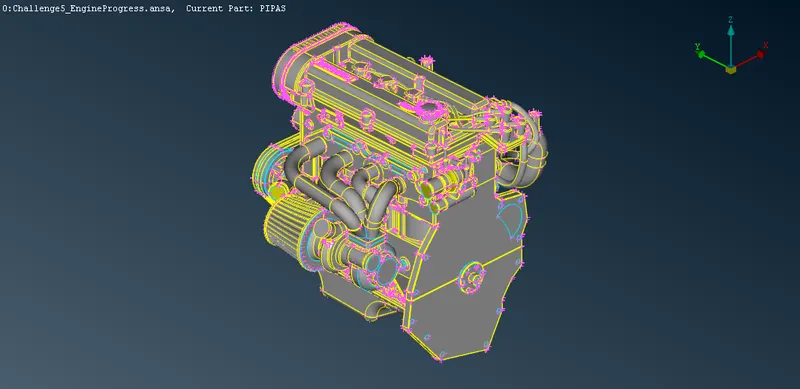
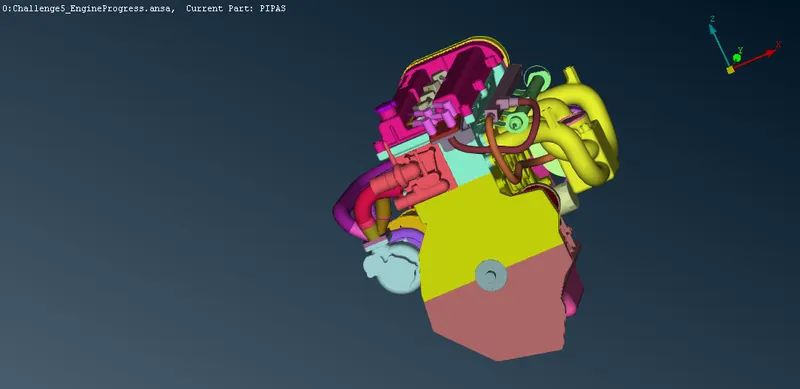
2. Select the transmission.ansa file. remove the error present on the surfaces.
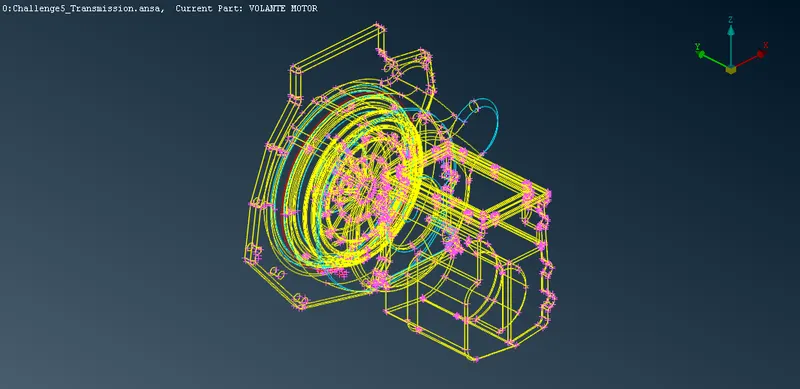
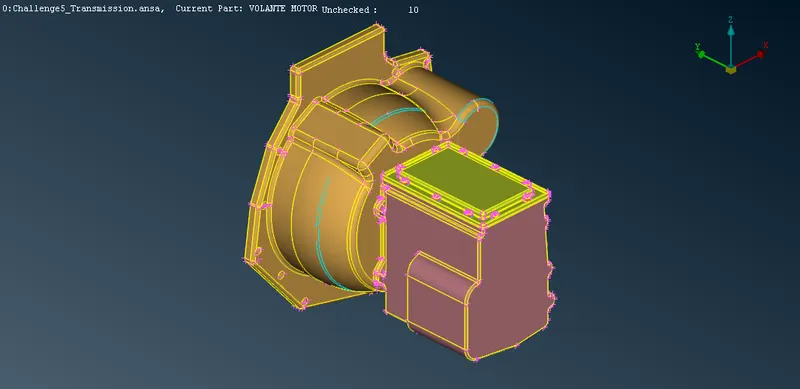
We dont need to remove internal error we are focusing on surface itself.
after removing all the error, finally we get
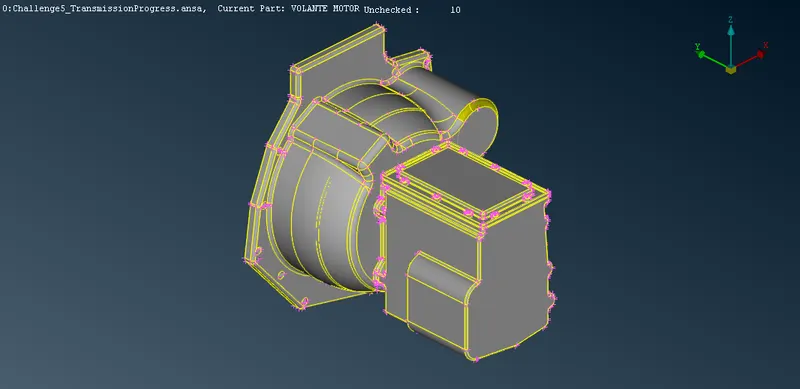
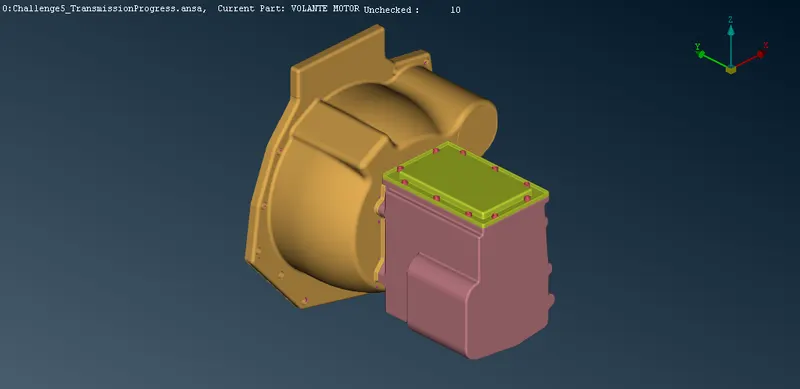
3. Select the Gearbox.ansa file. remove the error present on the surfaces.
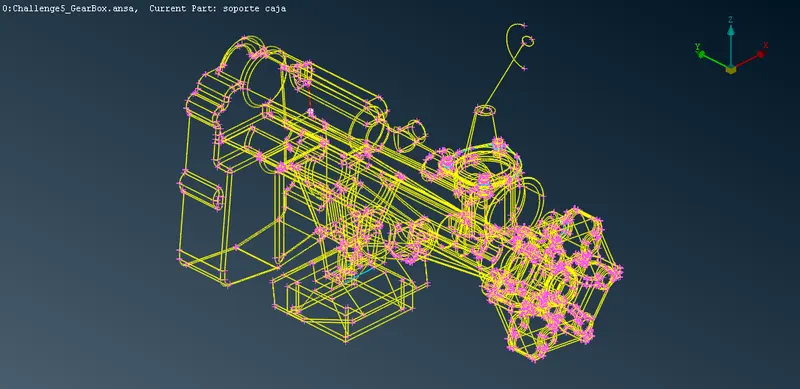
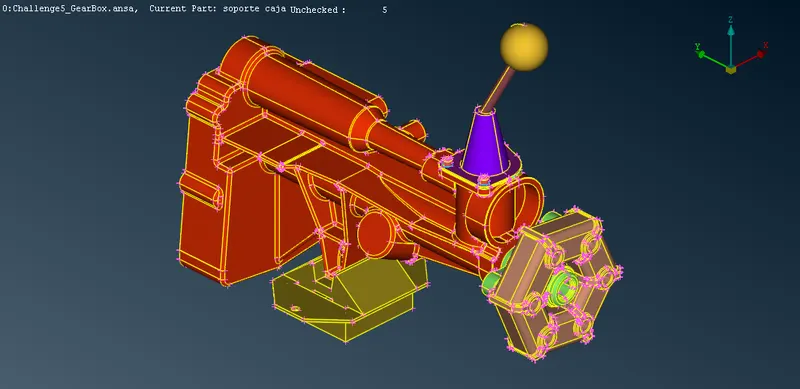
We dont need to remove internal error we are focusing on surface itself.
after removing all the error, finally we get
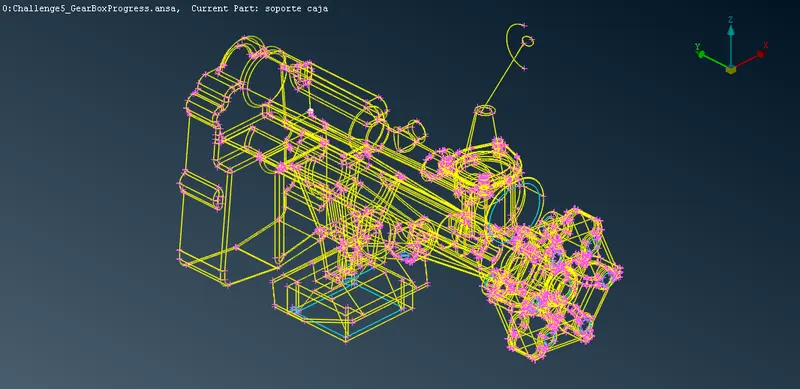
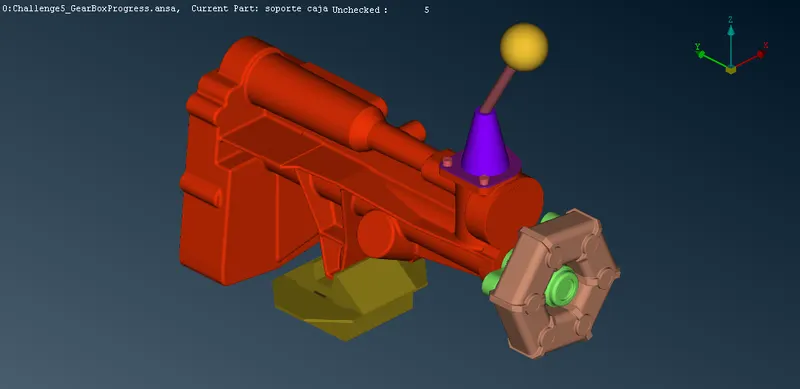
4. Now we need to merge all the 3 components into a single file.
file>open>select the 1st appropiate file to open.
we are choosing engine as 1st file.
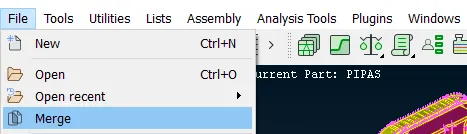
go to file>merge
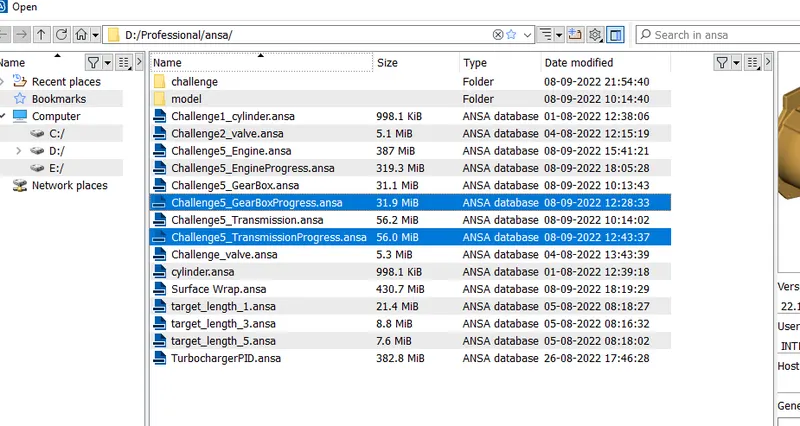
select the 2nd and 3rd file.
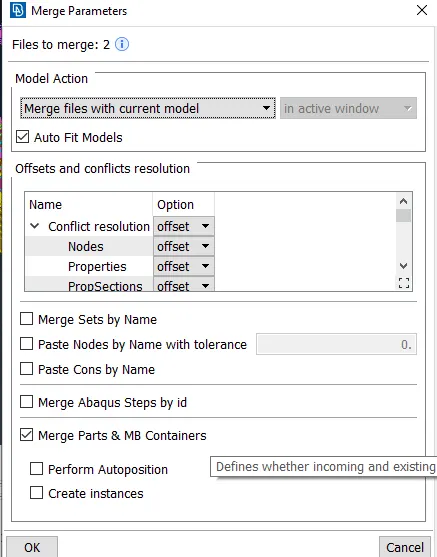
press ok
after merging we get.
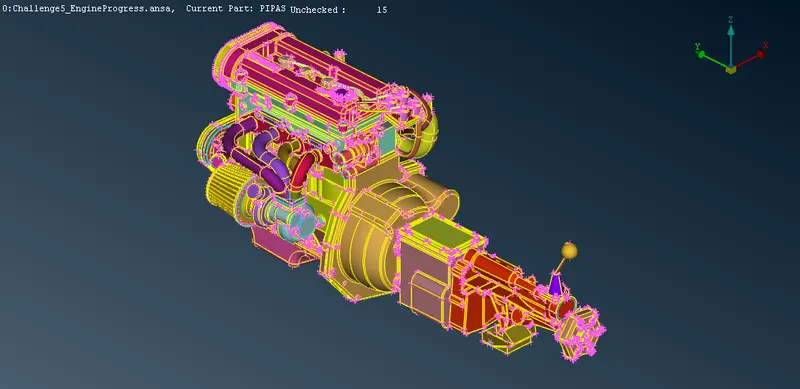
5. we observed that there are 15unchecked surfaces. we can delete that.
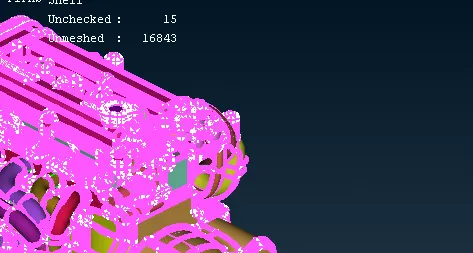
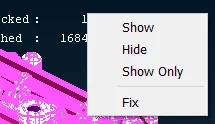
right click on unchecked surface>show only>universal delete option>box selection>middle mouse button to confrim.
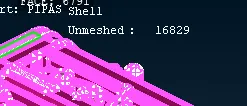
6. delete all unwanted pid with the help of compress tool.
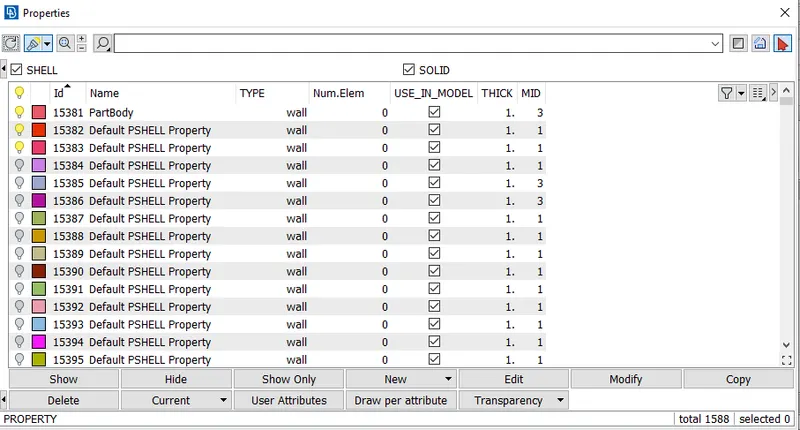
after compresing.
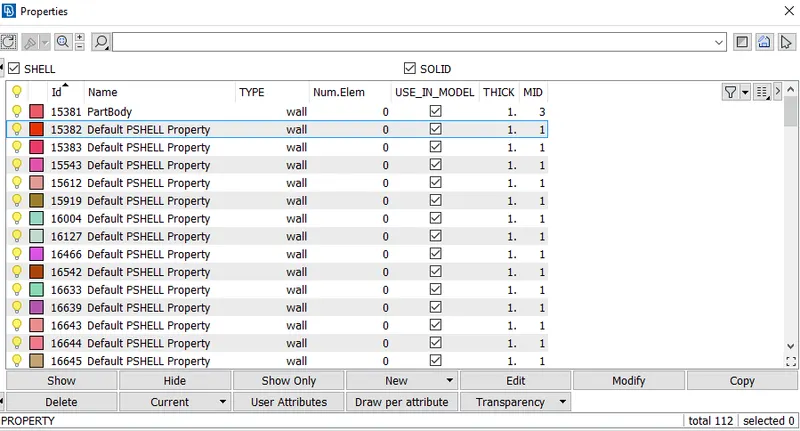
7. We can do surface wrapping now.
do to mesh module>octree>wrap>constant length
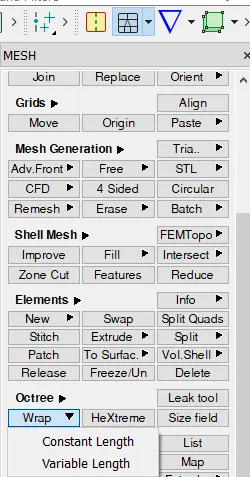
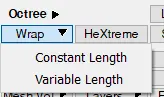
choose contant length.
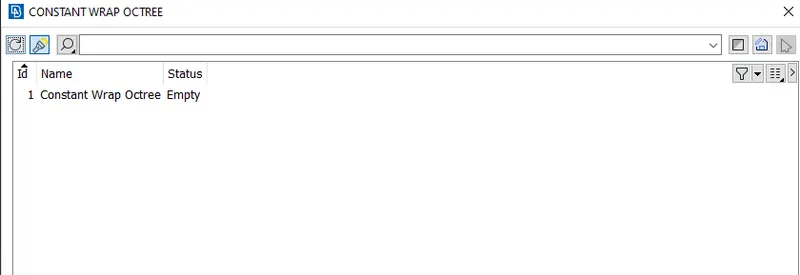
now double click on this.
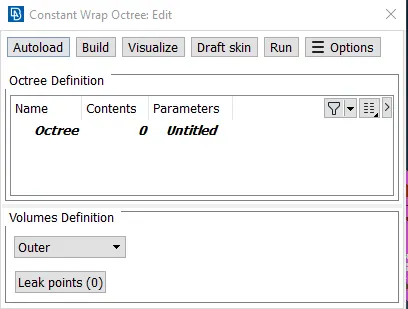
now click on the untitled below parameters.
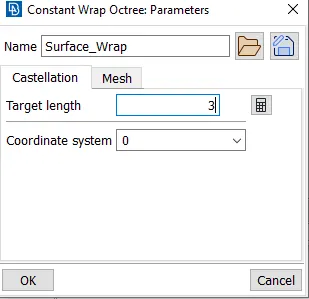
define a name and target length as 3mm.
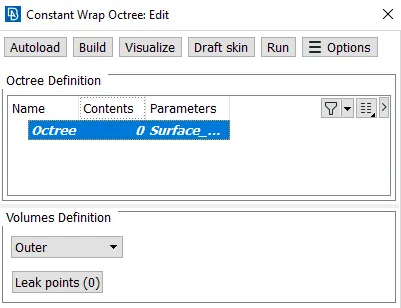
click on 0 below content.
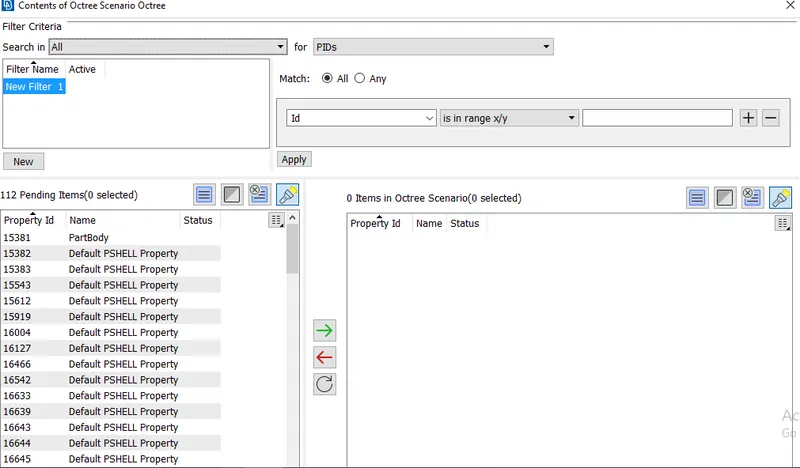
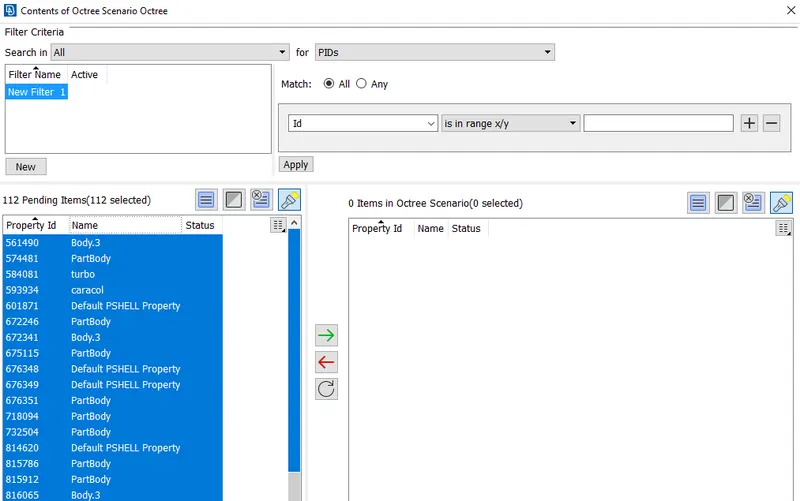
Select all the pids
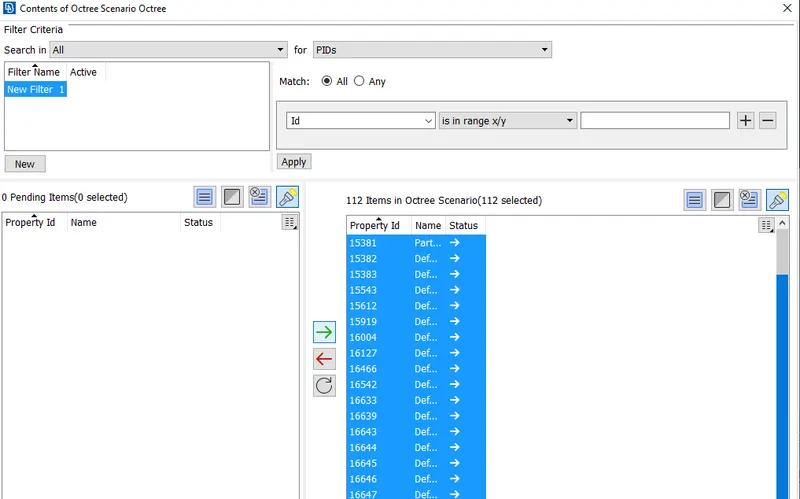
Press the green arrow.
Now press enter.
Now Press enter again
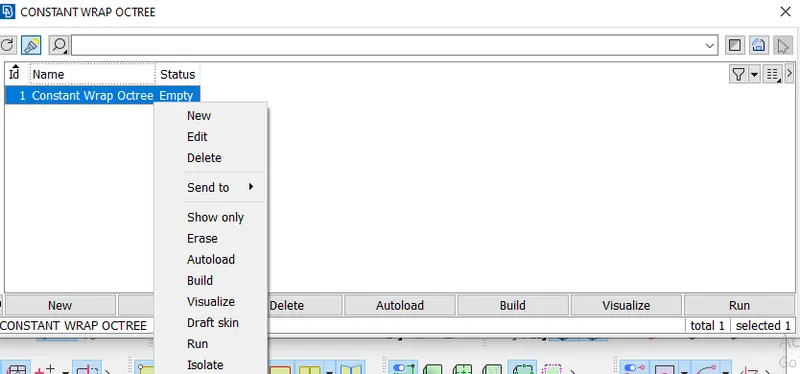
Now Press run.
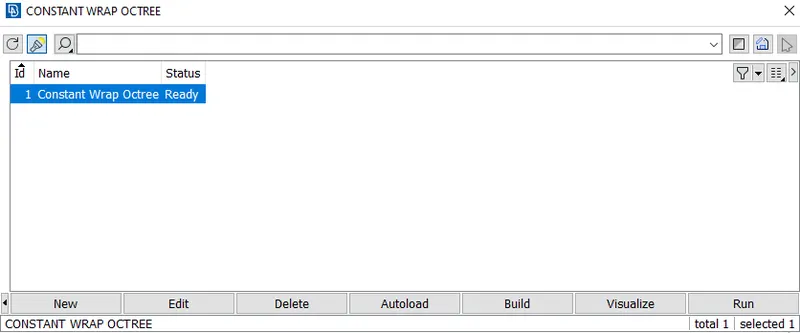
result after creadting surface mesh.
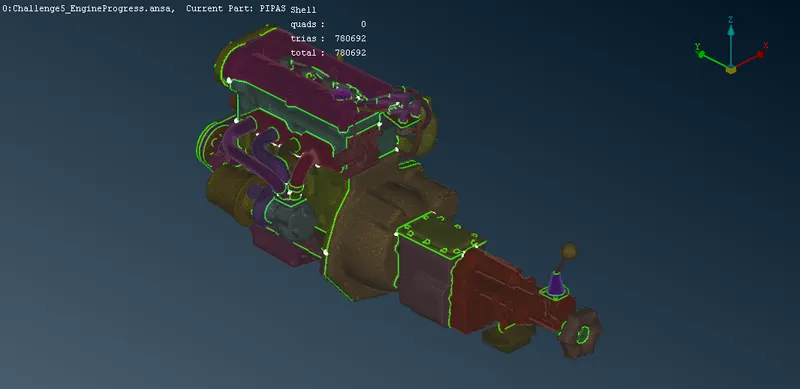
8. final result
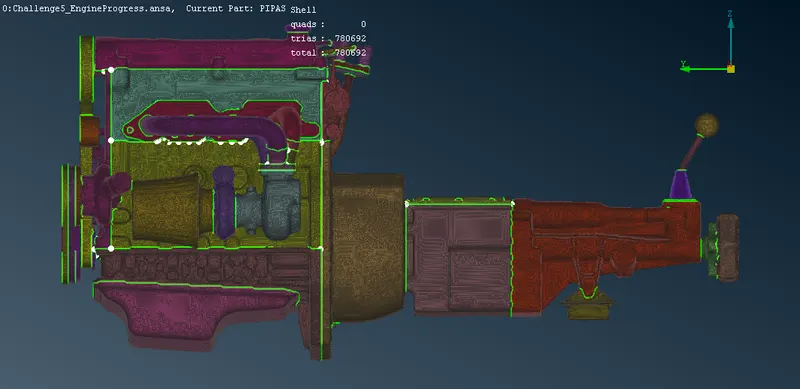
9. now we can use or option to hide some surfaces to see the surface wrap.
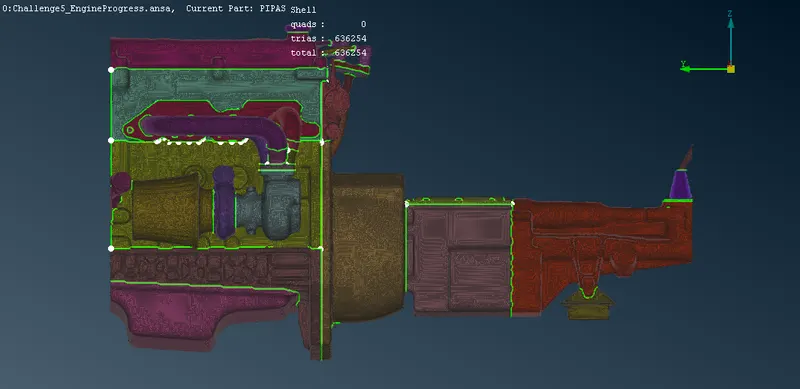
Result:-
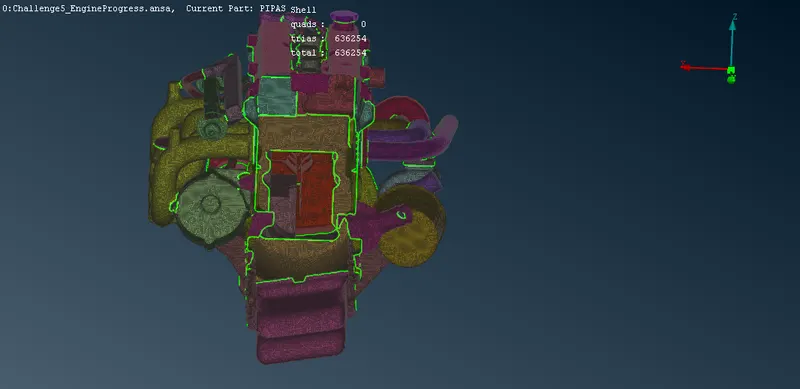
Link:- https://drive.google.com/file/d/1PyIobbI5Z5KszUaqTC6hTnego41flFCW/view?usp=sharing
Learning Outocomes:-
1. Reagrding surface wraping
2. use of surfaces wraping
3. basic procedure to create surface wraping.