Week 5 Challenge : Surface wrap on Automotive Assembly
Aim: To check the geometrical errors and delete surfaces which are unwanted for surface wrap. and merge all 3 models and perform surface wrap.
- engine
- gearbox
- transmission
Given target length: 3mm
Procedure
- import geometry.
- delete unwanted parts.
- create surfaces to close geometry.
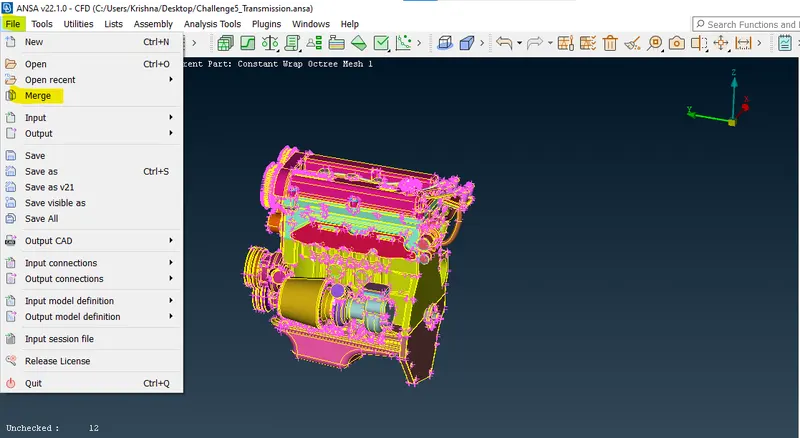
- merge all parts.
- start surface wrapping.
Import geometry
Engine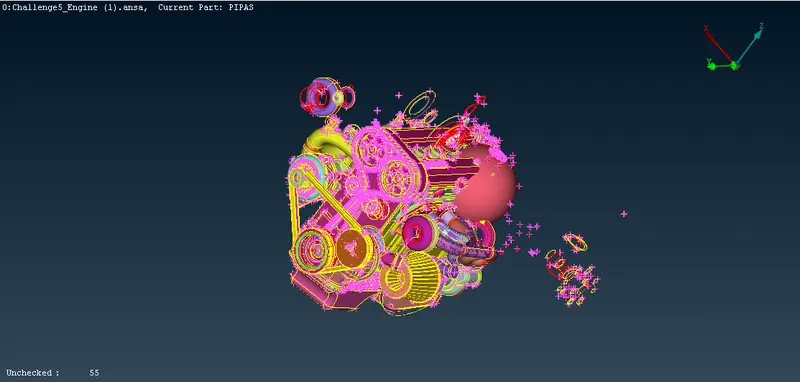
Transmission
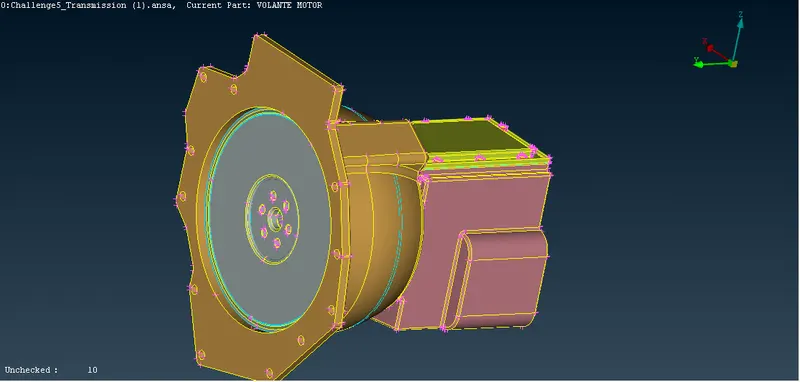
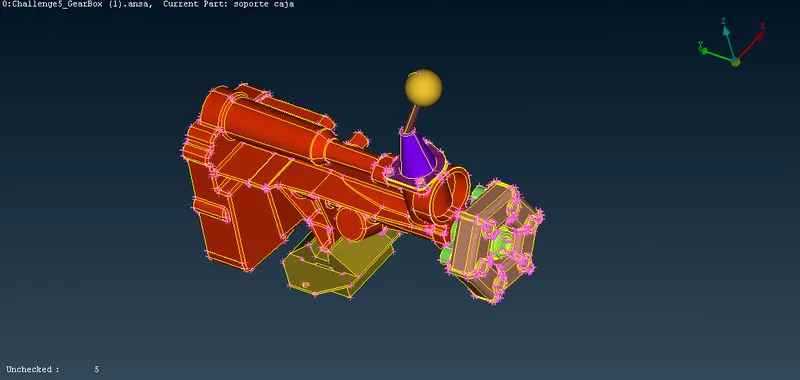
Gearbox
Delete unwanted parts and create new surfaces if required to close openings
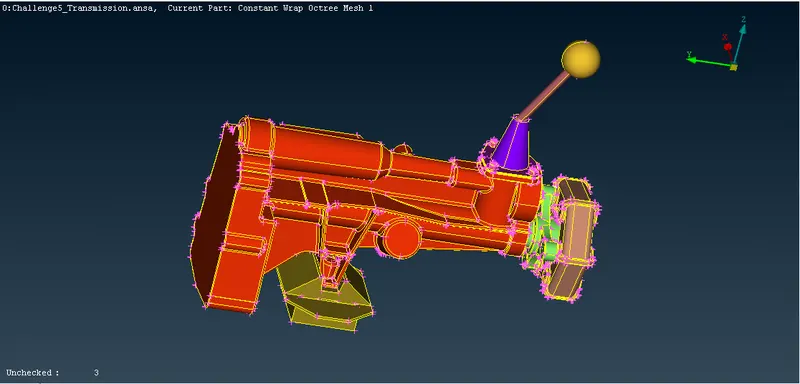
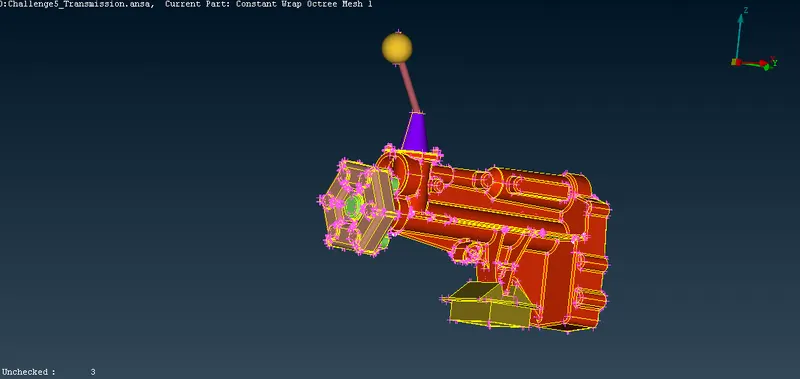
Cleared geometry
engine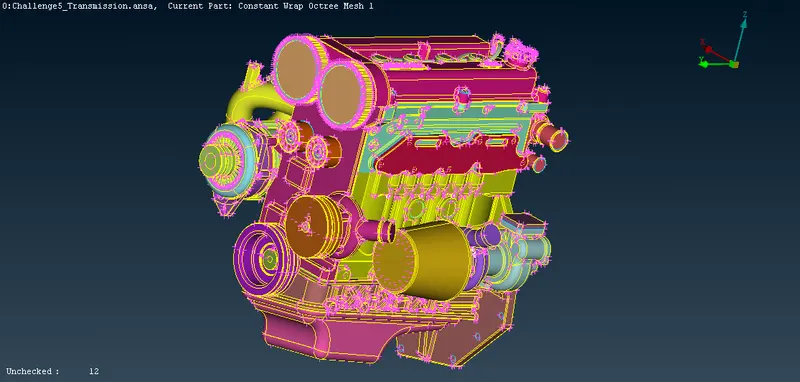
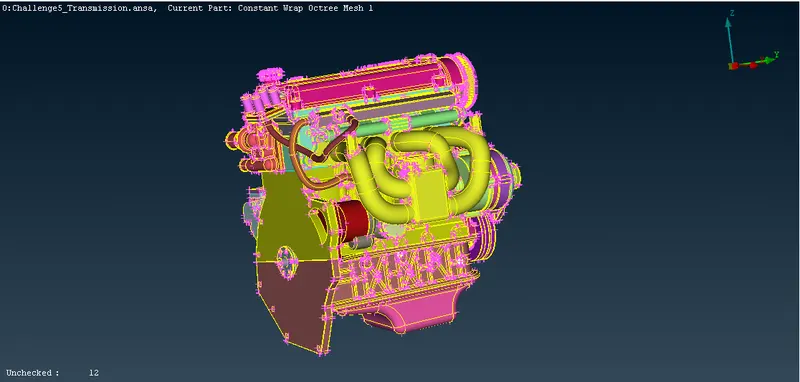
Transmission
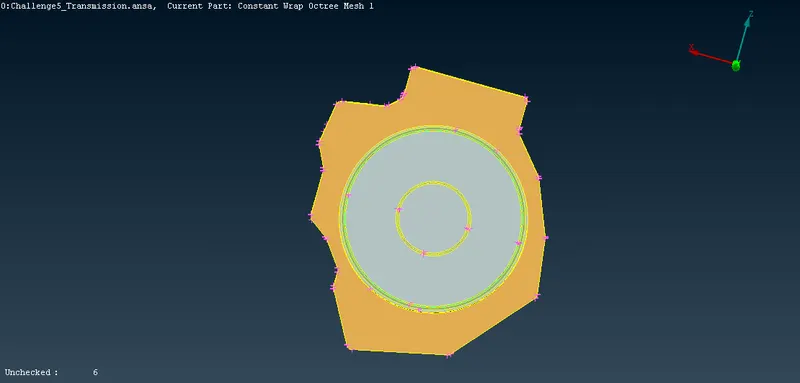
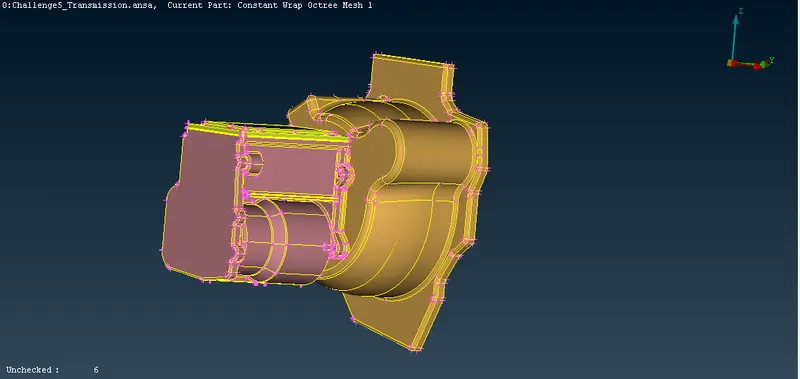
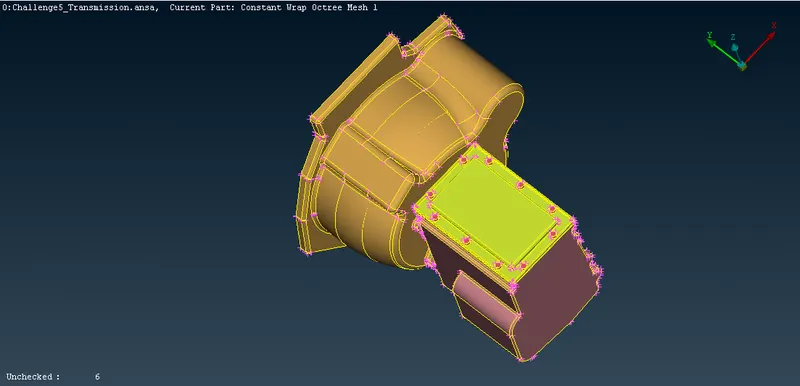
Gearbox
Merge all parts
File`->`merge`->`select the file to merge`->`press Open
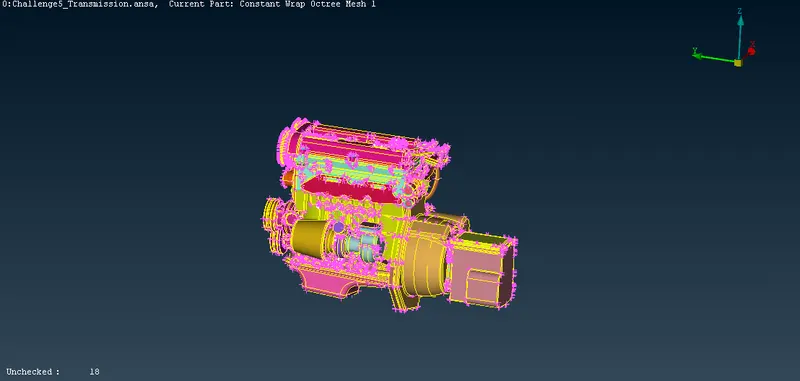
Merge the other part similarly
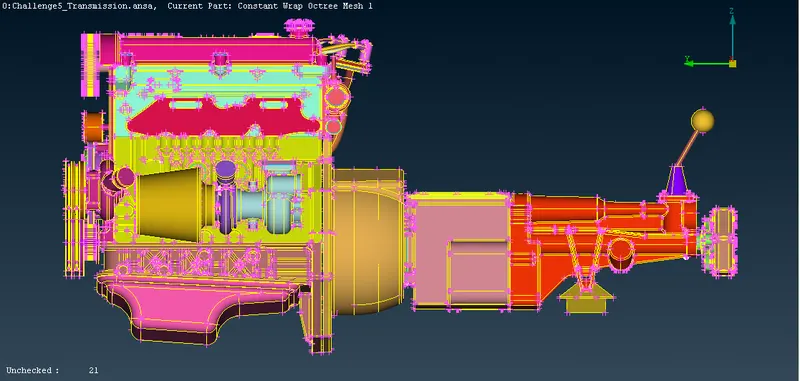
Surface wrap
Classic mesh`->`elements`->`wrap`->`constant length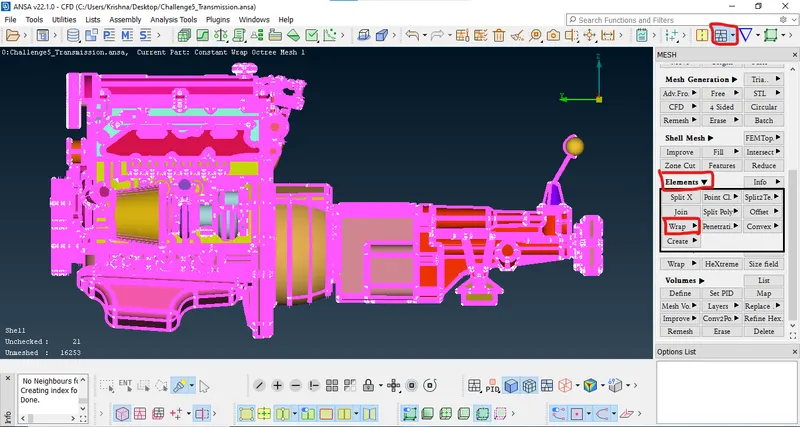
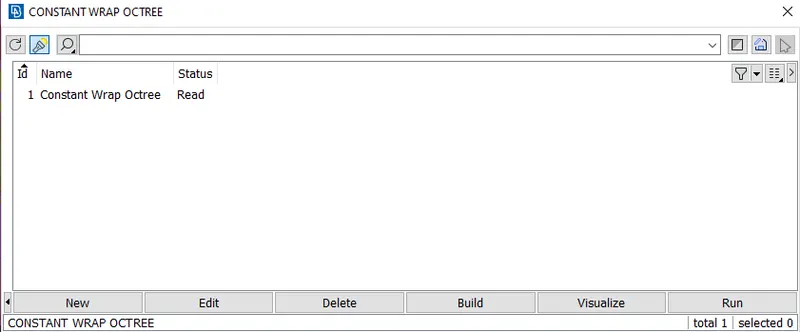
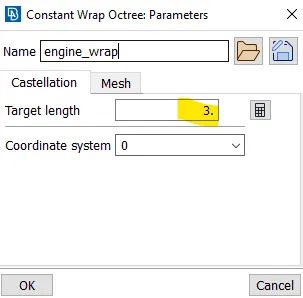
set target length 3mm
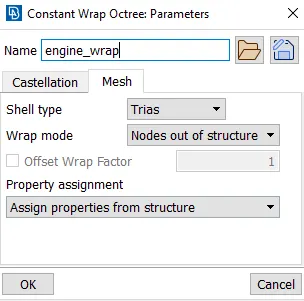
set the mesh shell type and wrap mode
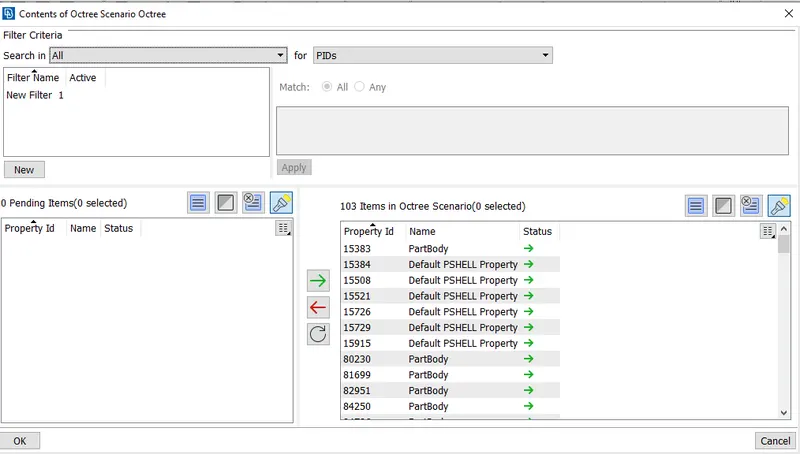
select all PID's and click on green arrow
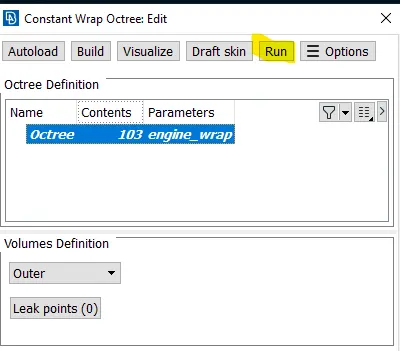
Now clock on Run.
Created surface wrap for the model.
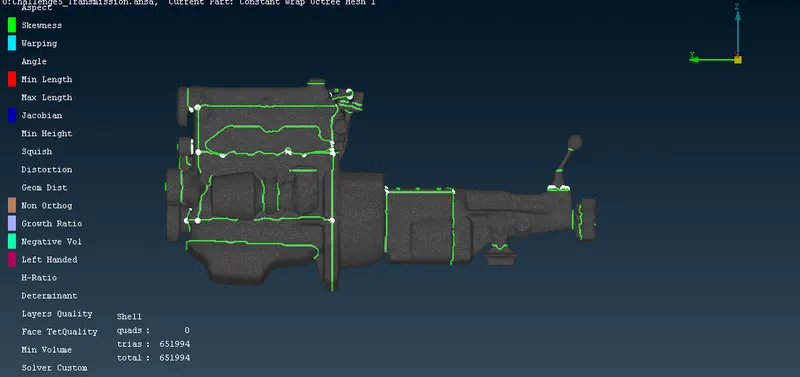
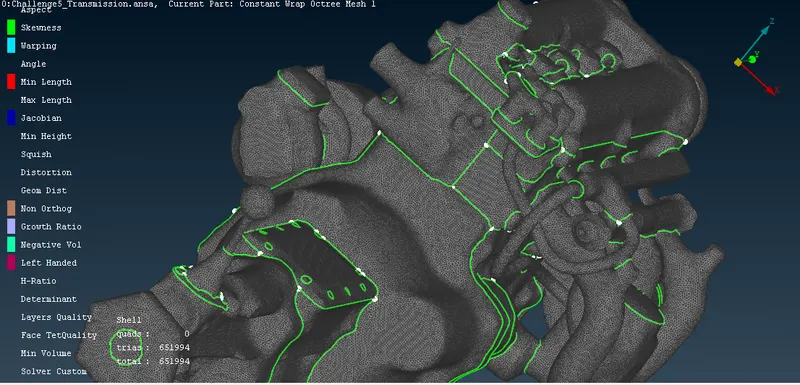
after cutting from the ends of the model we can see the hollow space.
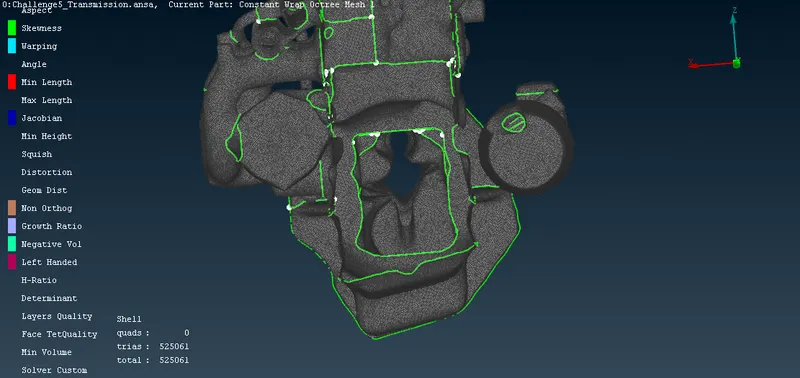
Learning outcomes
During this project i have learned so many things which i have listed below.
- deleting unwanted faces.
- creating new faces.
- merging geometries.
- surface wrapping.
Google drive link for the model
https://drive.google.com/file/d/1iESxbSwqH4IMlLWOFH9OEys603_u43pb/view?usp=sharing