Week 5 Challenge : Surface wrap on Automotive Assembly
SURFCE WRAP LINK:
https://drive.google.com/file/d/1FkCv5IA_O5YY0XJKLvlskgXnfnAkhI1Z/view?usp=sharing
Aim: Surface wrap on automotive assembly.
Procedure:
1. Initially file toleft click open option is used to open the engine file.
2.Open engine file intially use the topo option is used to the modal it will convert the single cons to double and triple cons.
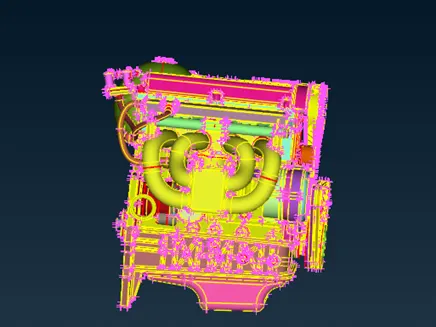
3.After using the topo option to identify the single ,double cons and overlaping two surfaces using wireframe mode.
4.Surface wrap to the surfaces remove the unwanted surfaces and it must have to closed the open surfaces.
5.Remove the surfaces to click the unwanted surfaces to right cilck and use the universal delete option remove.
6.In order to remove the unwanted material using the view option to fix thepostion of the modal visualising surfaces.
7.Using the boolen operation hiding the required surfaces and usinglock option fix the visualising the surfaces.
8.Observe the one by one using universal delet option to click the surfaces removing.
9.after removing the surfaces removing the lock option all option to retrive the hidding surfaces and check any necessary surfaces removing.
10.If any surfaces removing use the undelete option to click the cross section lines get the required surface.to completing the surface ever time using topo option to connect the surfaces.
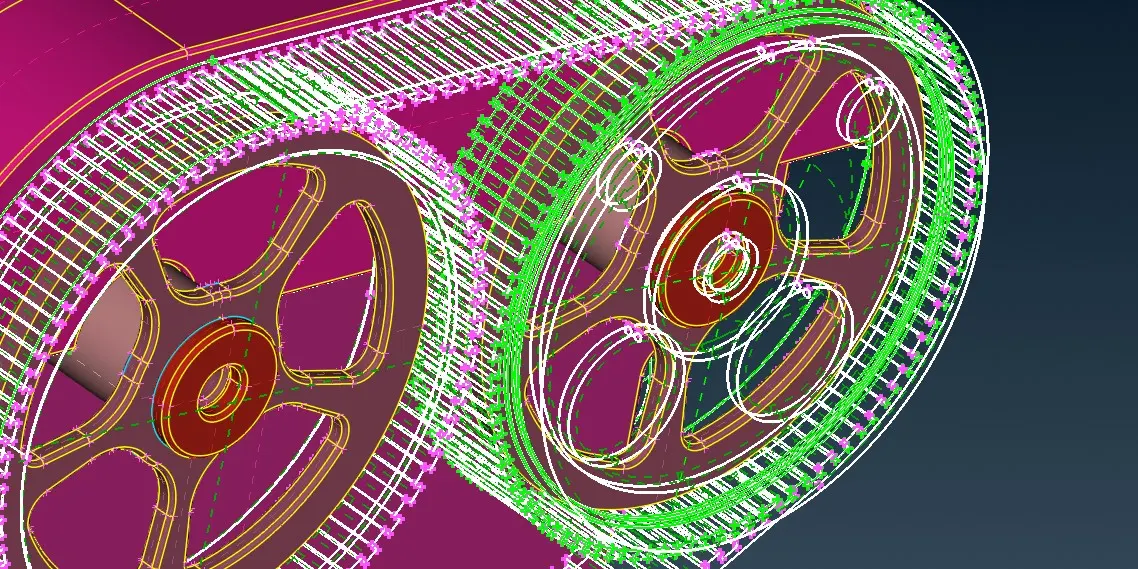
11. Completing the topo cleanup save option save the modal.
12.In the same way using open option to upload the gerbox and transmission to open.
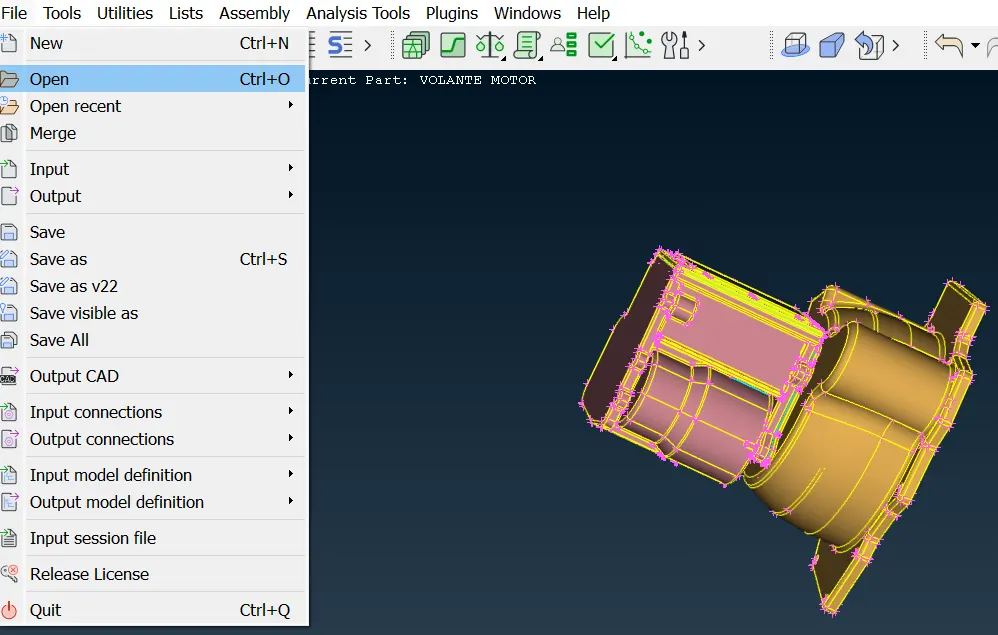
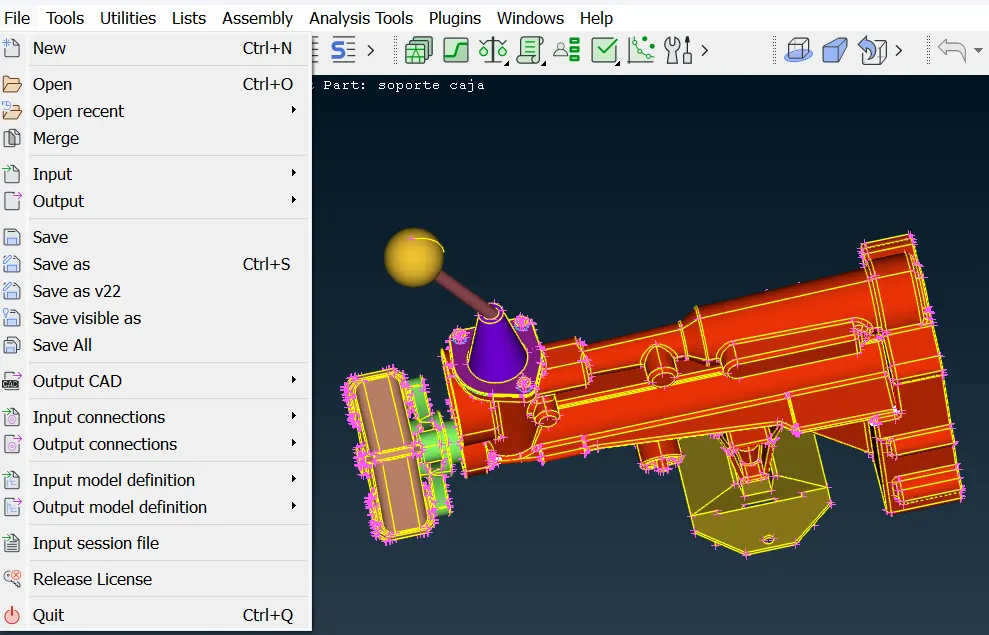
13.Check the modal and using the universal delete option removing the unwanted surfaces.
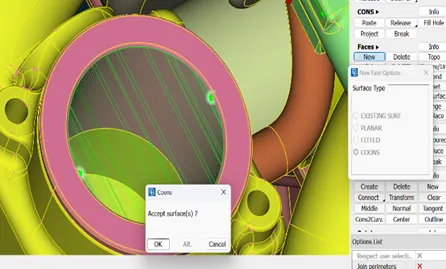
14.Open the engine file and check the modal and using the new option to file the open surfaces.
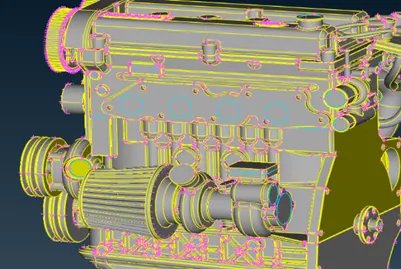
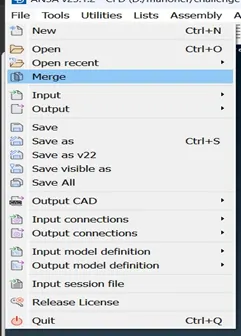
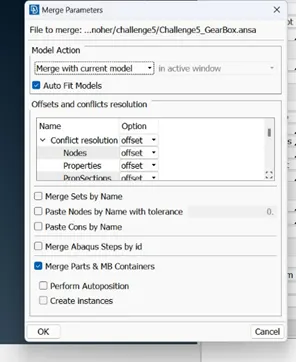
15.Assemble the three surfaces file option using the merge option clickthe auto fit mode merge the gerbox and transmission.
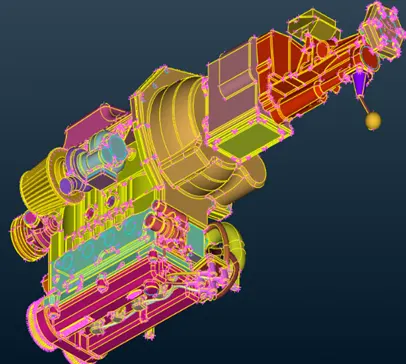
16.Completing the assembly to check carefully once and usingcoons,fitted option to fille the outer surface.
17.to check the pid and compress option used to removing the unwanted pid .
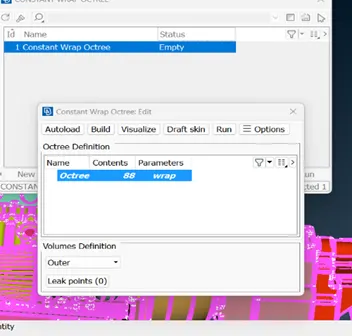
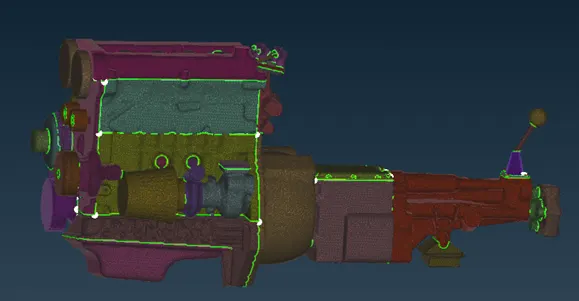
18.Surface mesh to wrap option click the constant length using to create through out equal length modal.
19.Click the constant length to open theconstant wrap table check the status .
20.status to clickthe empty open the tabe to see the contents ,parameters .in perameter to change the names and gicing the mesh length to assinging.
21.contents to giving the required pid toassing the content and to see the pid in content.
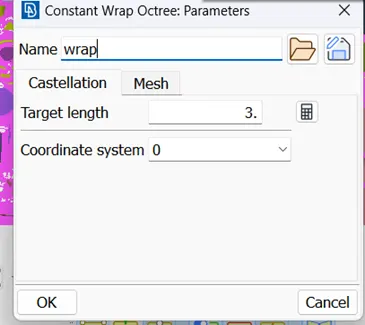
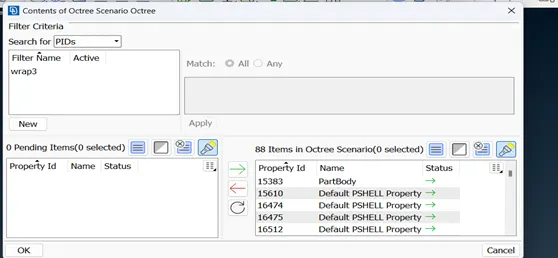
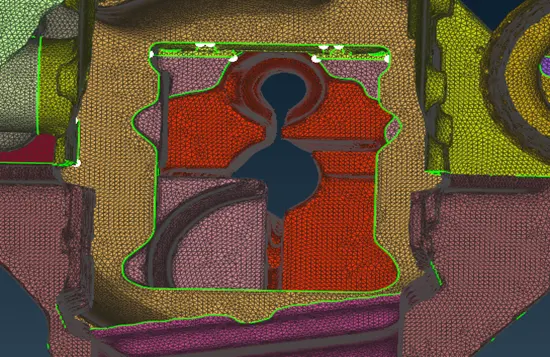
22.After completing the pid and mesh to click the run option and wait some time to see the surface wrap mesh.after completing mesh using not option to hide the front and rear surfaces and to see to create through some gap inside surface.
learning:
1.to create fine surface wrap to removing the unwanted materials clean up.
2.remove the unwanted material to hidding the surfaces usingthe not,i not option.
3.surface wrap to perfome tocrate the closedvolume to using the coons,fillet.
4.to merge the two component with out change any pids.
5.Create finite surface wrap on assembly surface in constant wrap length.
Outcomes:create surface wrapon automotive assembly on length of 3mm.
Result:Obtain surface wrap on automotive assembly length of3mm.
Conclusion:Remove the gomentrical erros and mege the components and perfrome surface wrap.