Project 1 : CFD Meshing for Tesla Cyber Truck
Cyber truck file link:
https://drive.google.com/file/d/15UN_14ssaQsaCaFZEGsY4P1ltQeorl9x/view?usp=sharing
Aim:CFD meshingfortesla cyber truck.
Procedure:
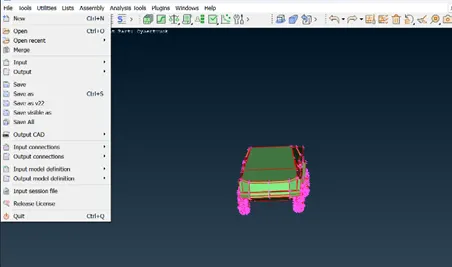
1.Intially to left click the file open option using import the cyber truck.
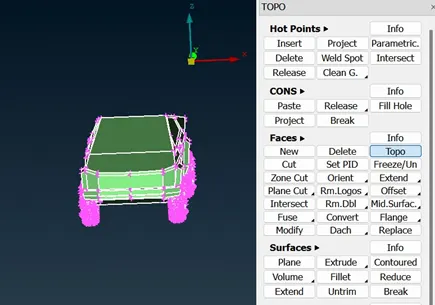
2.Open the cyber truck using the topo option to the modal single cons to connect to the double and triple cons.
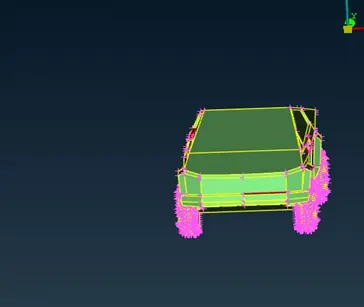
3.Check the modal and fix the view to using the new option to create the surfaces.
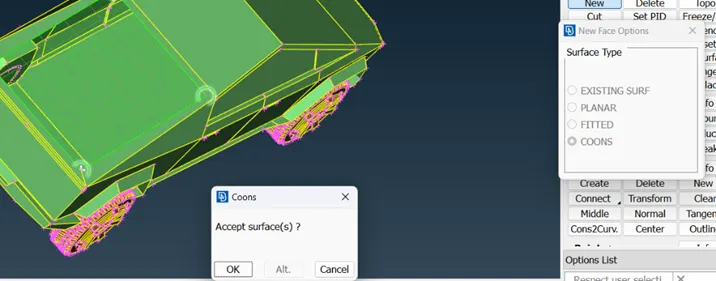
4.Remove the unwanted thickness in the inside modal and using the file hole ,new option to create the surface.
5.After completing the topo cleanup we can assign pid to the modal using properties option crates new pids.
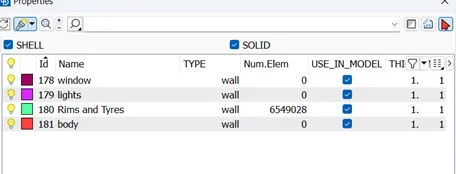
6.Created Pids to left click and apply option used to select the surface to using the entie or pid mode to assign the propeties.
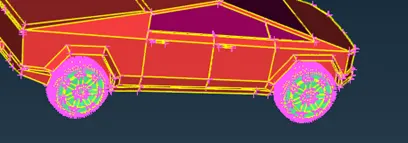
7.To check the each con length using measure tool to identify length and compare to the mesh parameter cut option using to remove the cons.
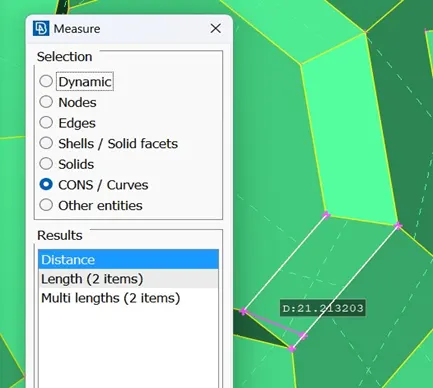
8.after completing the checking using mesh parameter and quality criteria to giving the target length and maximum, minimum lengths assign.
9.Using the Pids to hide the required pid and assign mesh parameter and quality criteria. after completing the target length using length option to giving the perimetric and macros to the surface. Select the spot mesh and select the surface to create the finite mesh.
10.Change the pids and using the length option to giving the perimetric and macros and spot meshtool.
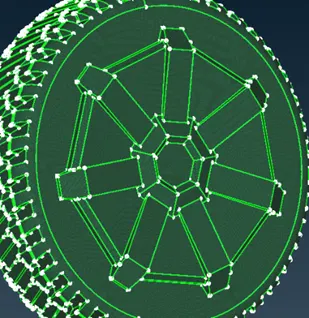
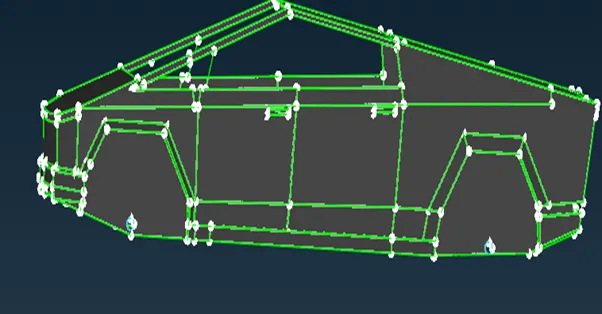
11.After completing the mesh using hidden mode see the offset. Reducing the offset using reconstruct option to reducing the quality criteria and reducing mesh to required length.
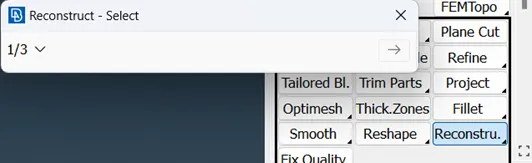
12. Completing the reconstruct using move and smooth option to remaining off set to converted into finite mesh.
13. completing the mesh to the modal using the relative option is using to crate the point in the surface.
14.Select the point using the x,y,z direction giving the values in the relative crate three points.
15.using the create option to connect the point and using the new coons option to create the surface.
16.offset option using to click the crated surface and giving the offset value generated same surface in required length.
17.clickthe new option using top and bottom surfaces to create surface. Completing the wind tunnel using properties option to create pids.
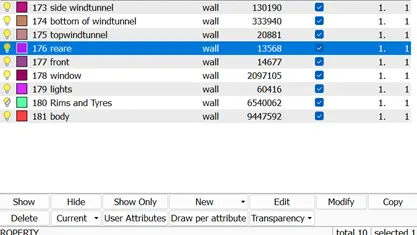
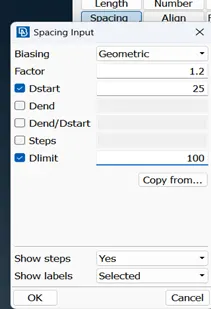
18.change the mesh parameters and quality criteria to required target length to the top and bottom surfaces . Using the spacing operation to change the mesh length to increment the bottom surface to top surface. to select the cons and giving the distance in top to bottom surface click ok.
19.spot mesh to activate and select the pid to hide the remanning surfaces mesh the wind tunnel surfaces.
20.after completing the meshing to check the mesh length to measure the length and open the volumetric mesh.
Learning:
1.to observing the modal and removing the unwanted surfaces using universal deete option.
2.Learning the single,triple cons rectify and create smooth surfaces.
3.Assign the pid and change the mesh parameters to each pids create good mesh.
4.Create required distance to the windtunnel and generating finite mesh.
outcomes:
2d finite tetra mesh tesla cybertruck.
Result:
Obtain Finite tetra mesh on tesla cyber truck.
conclusion:Tesala cyber truck to be topo clean up and generated finite 2D mesh.