Week 4 Challenge : CFD Meshing for BMW car
https://drive.google.com/file/d/1WCC8jK3WfrtXmA8Sn0kDH9x_HQKjweIf/view?usp=sharing
Aim:CFD meshing for BMW car
Procedure
1.Initially open the BMW car from the folder.
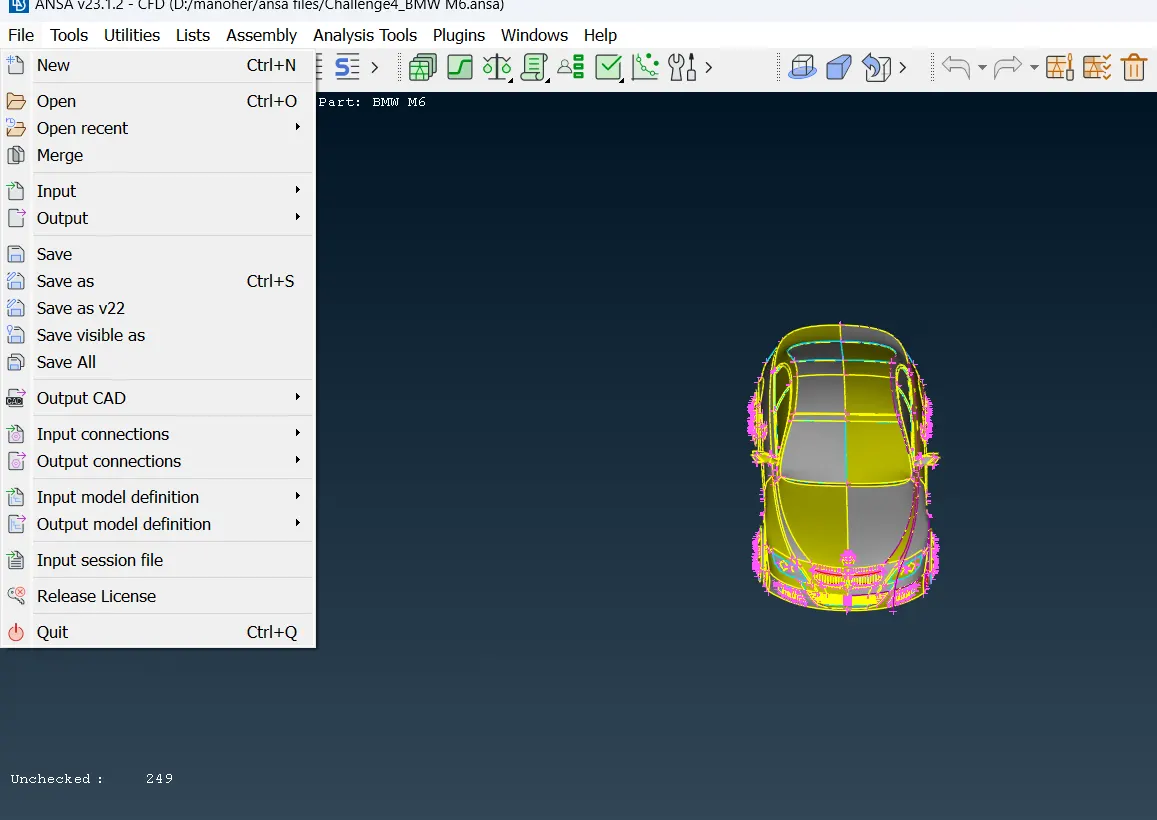
2.Open the modal toapply the topo option it will connect the single cons to join to the doubleor tiplecons to generating .after completing the topo clean up using fin option or length option to select the modal it will goos surface to be from.
3.Observe the modal both sides to be same to remving the half modal by using the universal delete option.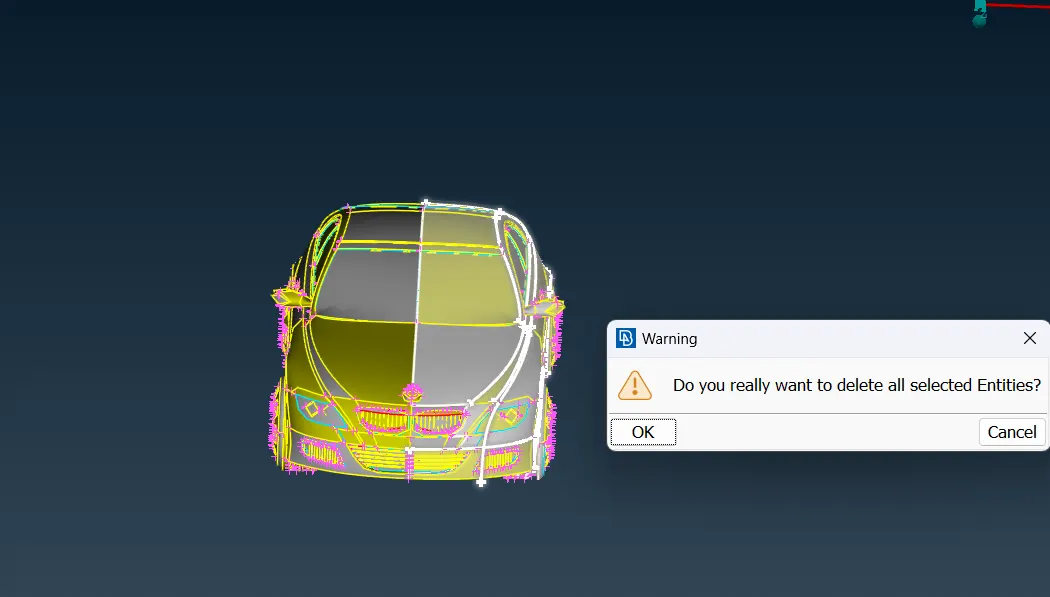
4.To using checks option using to gomentry to check up on single , triple cons to identify.
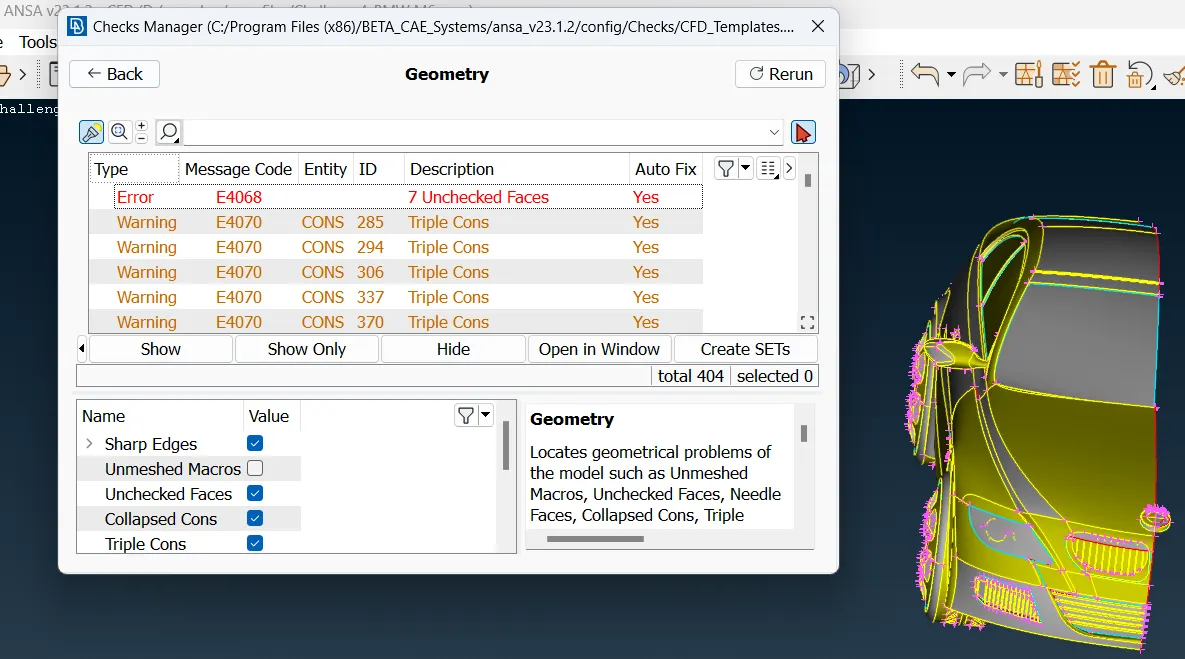
5.Using the inot or not option to isolate the required surface.
6.Intially to isolate the grills part using wire frame mode toidentify the triple cons,single cons and removing the overlaping surfaces.
7.After chack the modal to using the new,file hole,cut ,past,inser differnt topo cleanup tools to using to removing the unwanted surfaces,single,triple cons create the smooth surface.
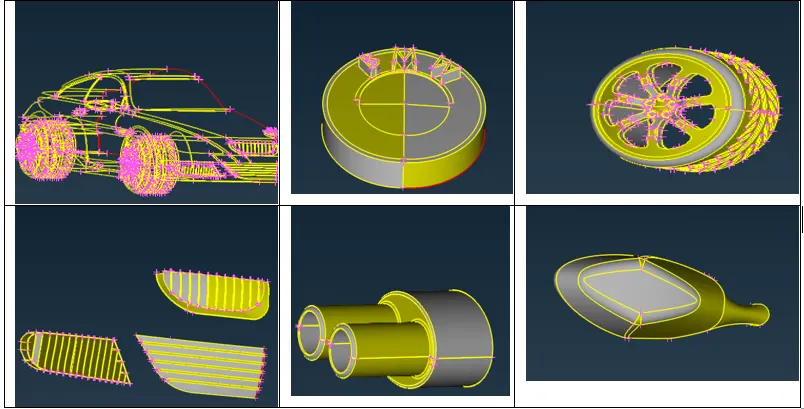
8.Change surface and using the wire frame and top clean up tools to removing the cons and create smmoth surface.
9.In the modal to create the finite volume mesh on the inner to be one surface crate to removing the thickness,surfacess in the inner side.
10.in the modal having overlaping the tyres and car body to removing the universal delet option and usind the cons2curves option to create the line using the new option to genrate the smmoth surface.
11.Once again check the gomentry on single cons and triple cons and rectify all the error.
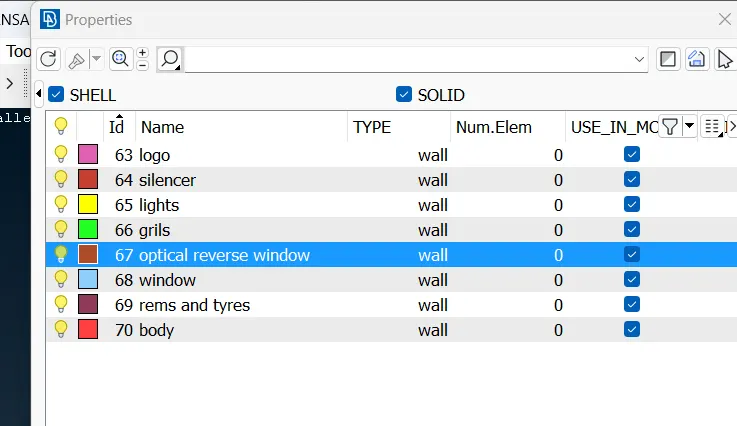
12. Propertie option is using to crate each surface pid and assing a the names to click the each surfaceto using entite or pid option to assain the name.
13.Going to the mesh check the one con to another con having distance and check the pid mesh length and removing the nearest cons toremoving using the cut option.
14.each time removing the con check the con connection properly.
15.Removing the nearest cons giving the mesh perameter and quality criteria change the length of minimum,maximum and target length,change the mesh to tria .
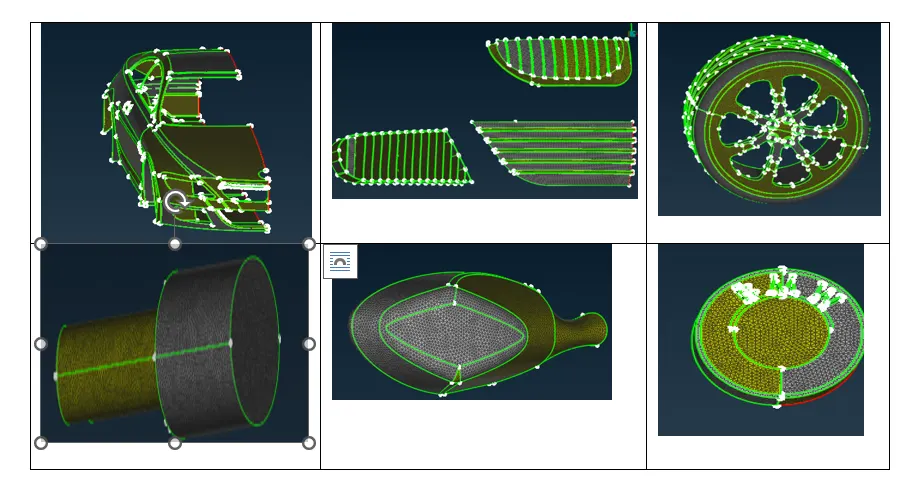
16.using the pid to open the required surface and length operation to giving the perimeric,macros to giving length and using spot mesh to create the surface mesh.
17.Take the grills,window,rimand tyres,light to change the mesh perameter to assing the mesh toapply the spot mesh.
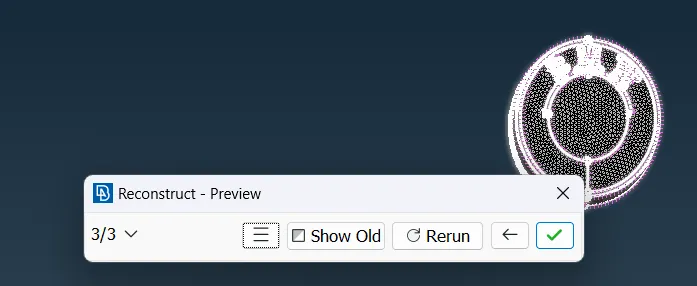
18.every time to giving the mesh to chang the modal tothe shadow mode to hidden mode in this view we can see the qulity crireia and using the reconsract option to create finite mesh.
19.PID option is using to open the body and using to click the body in pid region and contact tns another pid suface cons to removing very care fully and giving the length operation perfrome the spot mesh.
20.in the left sid we ccan view the mesh surfaces and off set to using to open diectly to the required region and evry time wegiving themesh using the reconstract option to chanethe qulity crieriato redusing the mesh to reqiredand finitemesh to create.
21.Using the move ,smooth,split option is used to change the cons to removing the off set create surface mesh.
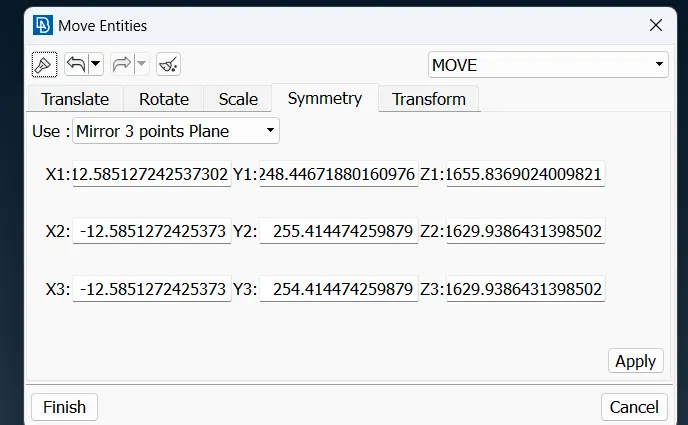
22.completing the 2d surface mesh to half portion to using the copy to mirror the half bodyto using symmenty option toclick the three points create the modal.
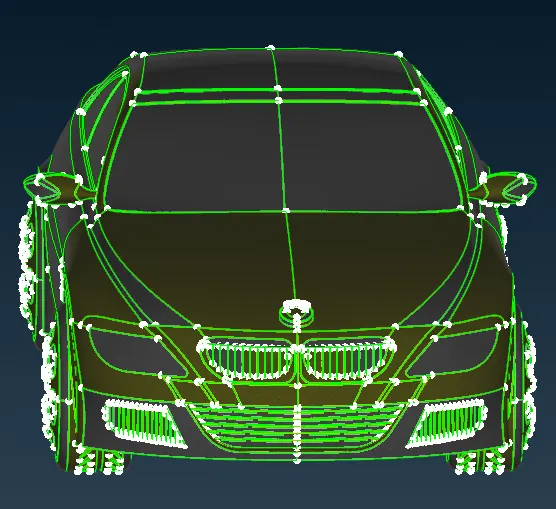
23.relative option is using to create the point to the required distance and connect to crate option crate the line.
24.new option usingto crate the surface and offset option to create the surfaceto create in the top side.
25 using the top and bottom surface crate the coons,fitted option to generating the surface.
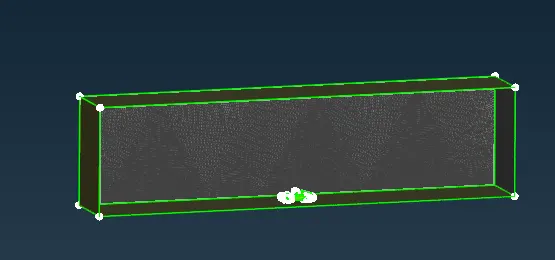
26.creating wind tunnel giving the pid and change the mesh perameters and qulity criteria to select the pid cratethe spot mesh.
27.spacing operation is using to mesh to incresing the bottom surface to top surface increce in intial to final in order to click the cons and check the diraction of arrow and ok.
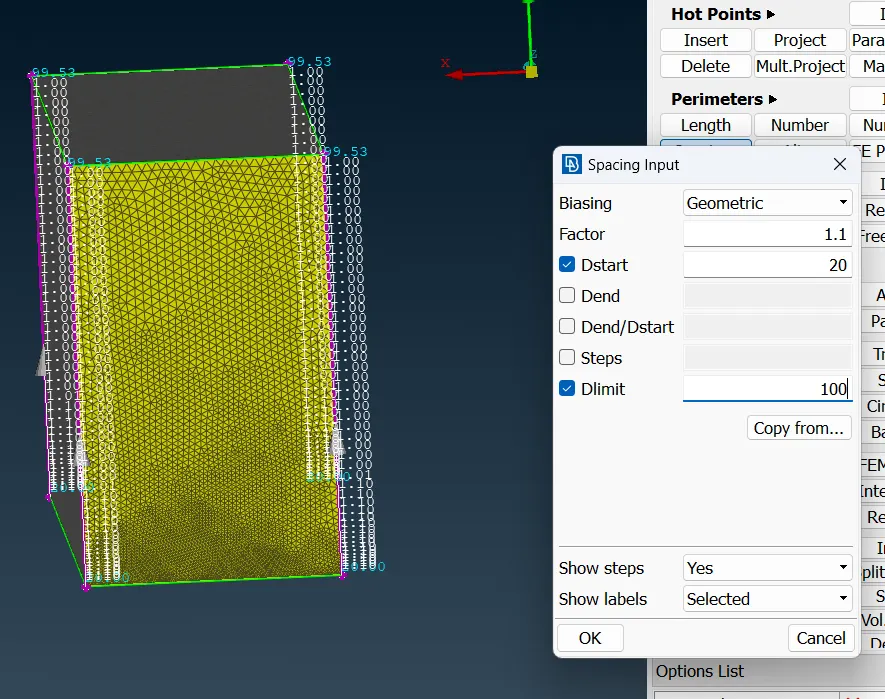
28.once completing spacing length using spot mesh to create mesh remaining pid and mesaruring tool to checkthe mesh length.
learning:
1.to obseving the modal and removing the same shap surfaces and copy it.
2.In order to create finite volume meshing through the surfaces to removing the unwanted surfaces.
3.learning the single,triple cons to be rectify and create the smooth surface.
4.Assining the pid each and change the mesh perameter to the each pid create good mesh.
5.identify the off set and rectify the reconstact,move,smooth operation.
6.tocreate the required distance in the windtunnel and generating finite mesh.
Outcome:
2d finite tetra mesh of the BMW CAR
Result:Obtain generated pid meshing on BMW car.
Conclusion:BMw car to be topo cleanup and to generate the 2d finite mesh