Week 5 Challenge : Surface wrap on Automotive Assembly
Collapsed CONS: Those cons that has its start and end points coincident. To fix such cons, release the hot points where the cons are coincident and apply topo.
Unchecked Surfaces: These are the surfaces that fail to show in shadow mode.Such, Faces usually are thin needle shaped Faces or Faces that have bad Surface description.
Rings an sphere use in ANSA: It is a powerful technique to capture, manage, and control model features effectively, leading to more efficient and accurate finite element analysis workflows. They are used to give proper shapes to components like fillet, groves etc.
Wrapping: It is a way to transfer a mesh from one geometric configuration to another, usually with some modifications, without completely remeshing the model. It helps to save time and is mostly used where we need to combine different model and to get a single volume combined mesh instead of doing individual mesh.
TOOL USED:
1. TOPO toolbar: Helps in fixing the topology of the model.
- Insert:It creates hot points on cons or 3d curves.
- Topo: This function automatically creates topological conditions between selected adjacent CONS.
- Project: It defines a new hot points or new cons as the projection of existing hotpoints or cons.
- Cut: splits or joins existing faces.
- Intersect: Used to define the intersection between two surfaces penetrating each other.
- Create new surface
- Coons: This is an easy way to define a new surface by its boundary curves.
- Fitted: The FITTED option is used for the definition of a non-planar Face. The created Face fits to the selected boundaries.
2. Mesh toolbar : Helps in meshing using different mesh algorithm and mesh tools.
- Wrap Tool: To create a water like body or wrap around the model to craete a single hollow volume.
4. Set PID: This function assigns selected Faces, Shells or Groups of entities to an existing or new PID.
5.Universal Delete: The delete option is used to delete all the entities which are selected.
6. Loop: Helps to select multiple cons connected to each other at a time.
7. Fill Holes: Fills the holes and holes present in the model.
8. Compress: Compress files size by removing unwanted and unused entities.
9.Wire: To see model in wire frame mode.
10.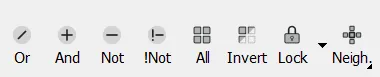 These tools are used to see entities or hide entities and are very useful while inspecting then model for errors.
Not tool: Use to hide a surfaces or PID.
And tool: Helps to find the neihbouring surface belonging to selected con or PID.
!Not tool: Help in isolating multiple surfaces and PIDs.
Or tool: Isolating a surface or a PID.
Lock tool: To lock isolated PIDs or surfaces.
11.Cross-Hatches: Activate and deactivate cross hatches on the model surfaces.
12.PID properties: It is helpful to name the PIDs present in the model and facilitates property management.
13. Compress Tool: To remove alll unnecessary PIDs in PID manager.
OBJECTIVE:
Checking for the geometrical errors and deleting surfaces which are unwanted for surface wrap and merging all 3 given model to perform surface wrap.
Given Models:
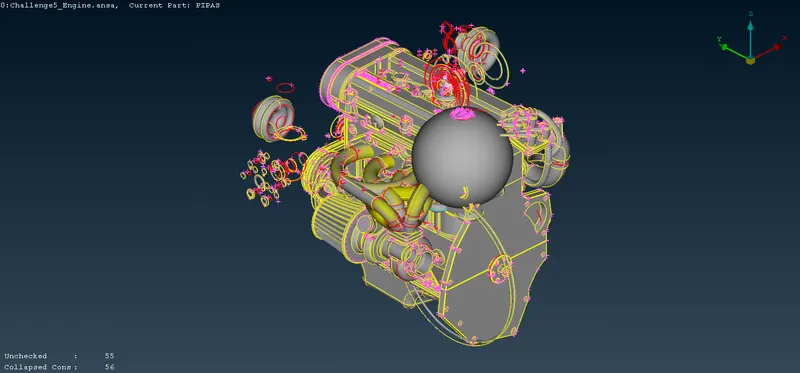
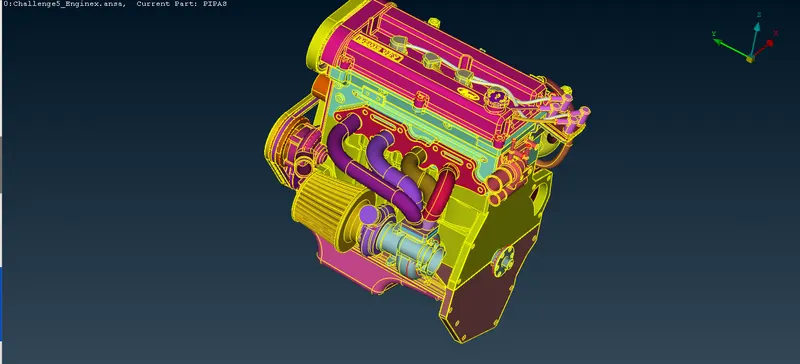
1. Engine:
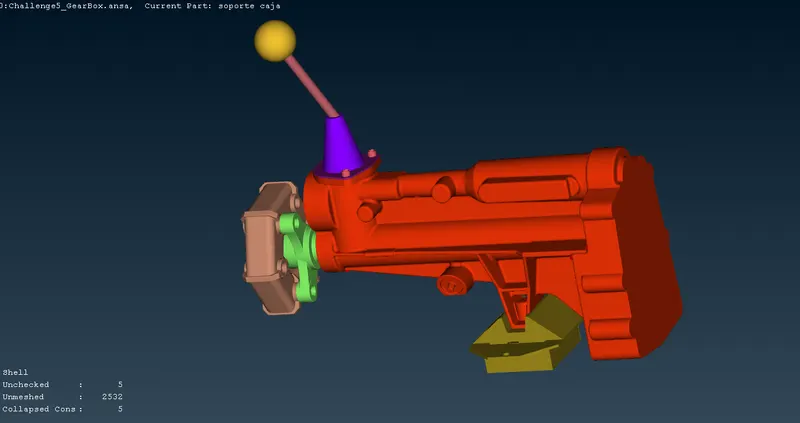
2.Gear box:
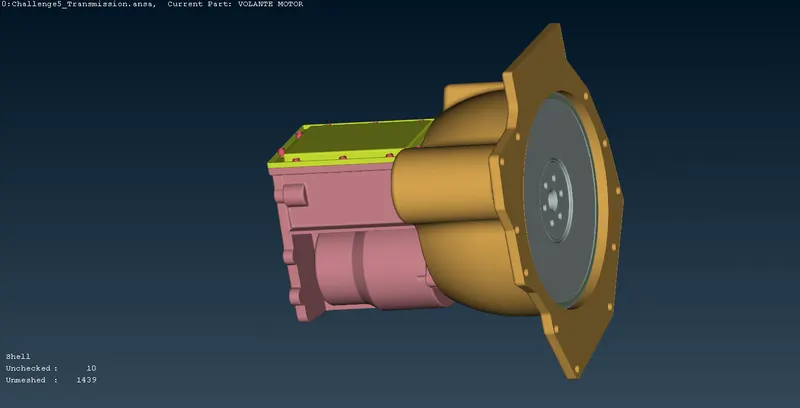
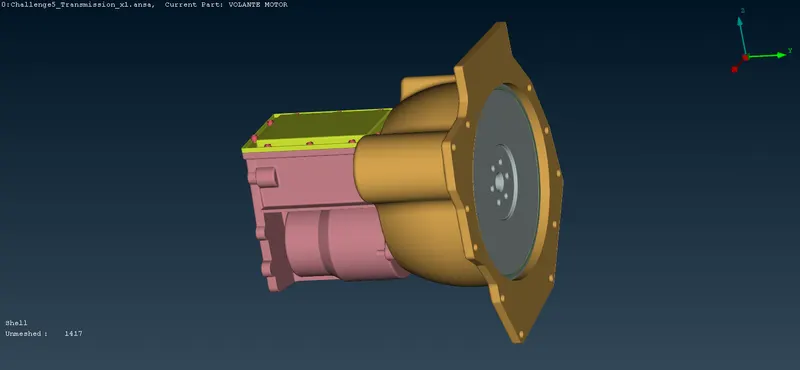
3. Transmission:
SOLUTION:
(a) Cleaning the geometrical errors of the Engine:
Deleting unwanted surfaces from the given engine model:
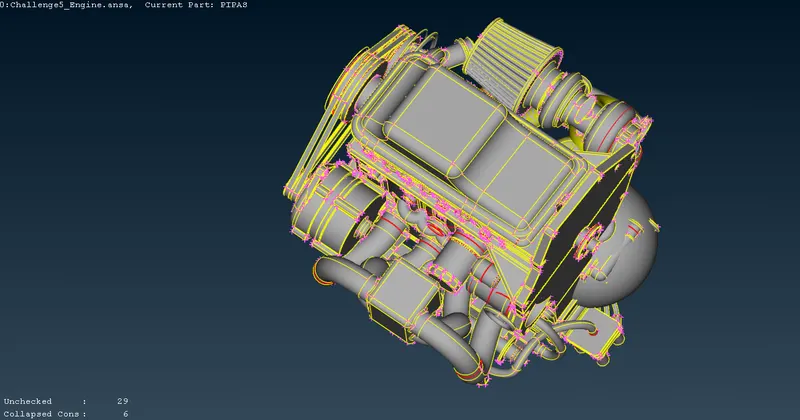
Now, fixing collapsed cons.
Isolate remaining unchecked surfaces and delete them.
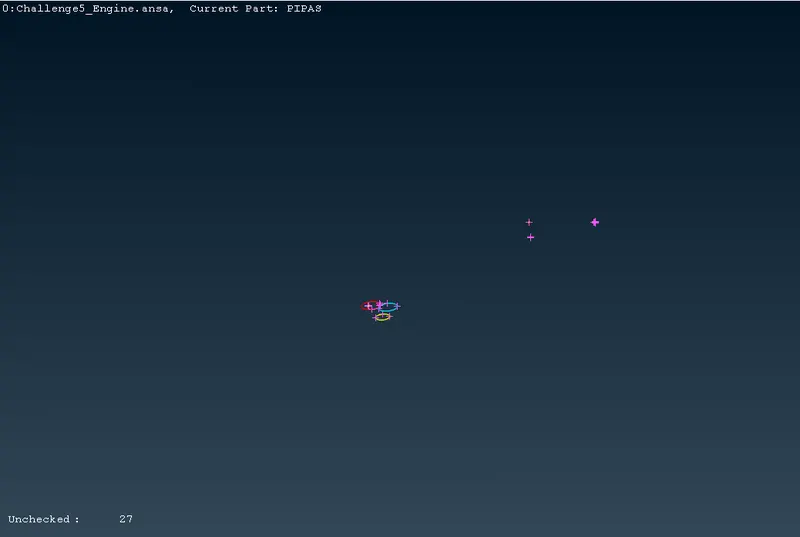
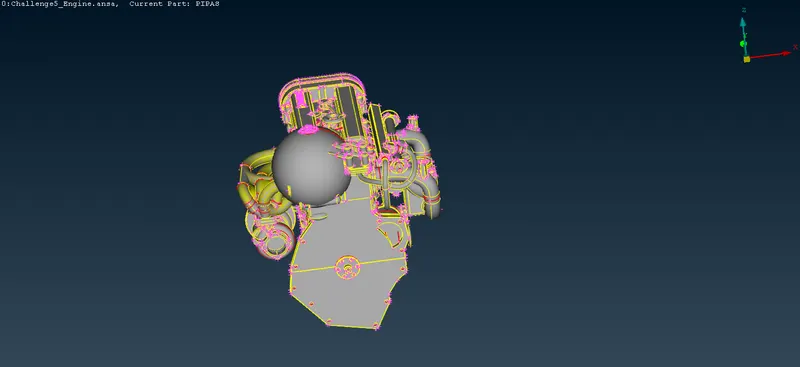
Removing duplicate surfaces and rings given to capture features:
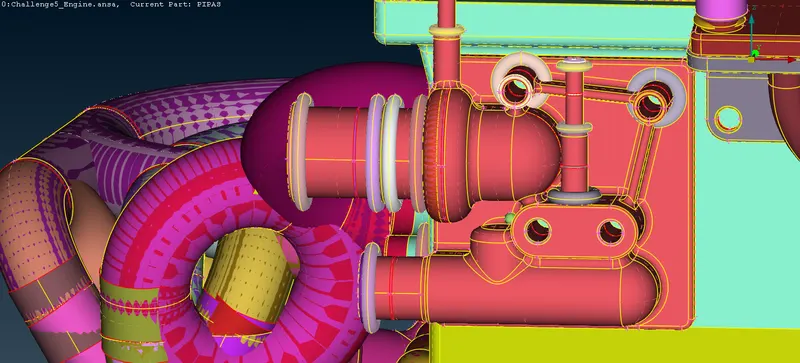
Hiding all the major PIDs by using Not tool and isolating the unwanted surfaces like rings and spheres.
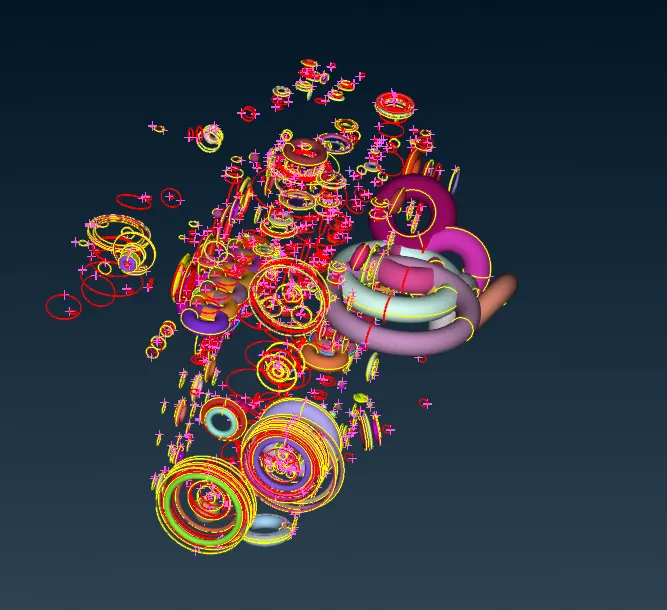
Deleting all these using universal delete tool and geometry cleanup is done.
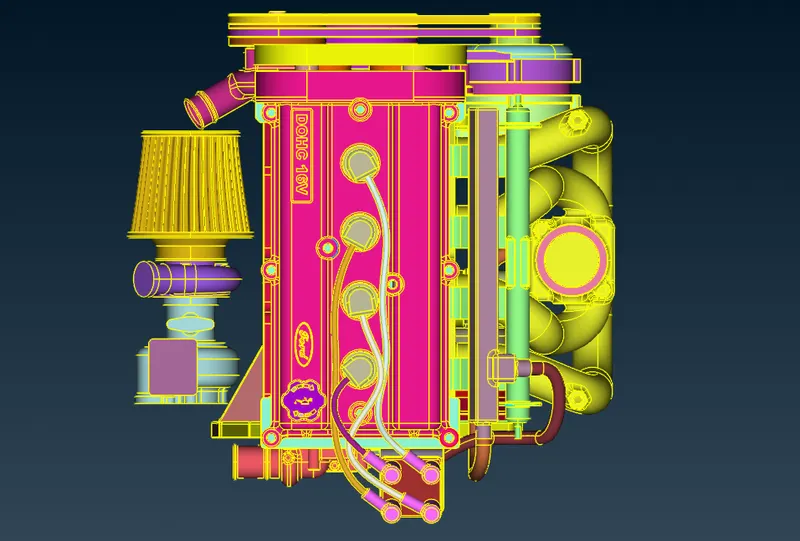
Using Not tool and universal delete tool, delete all the surfaces that are causing triple con on the outer surface and hidden overlaped surfaces.
(b) Cleaning the geometrical errors of the Gearbox:
Perform topo on the whole gearbox model and eliminate extra surfaces:
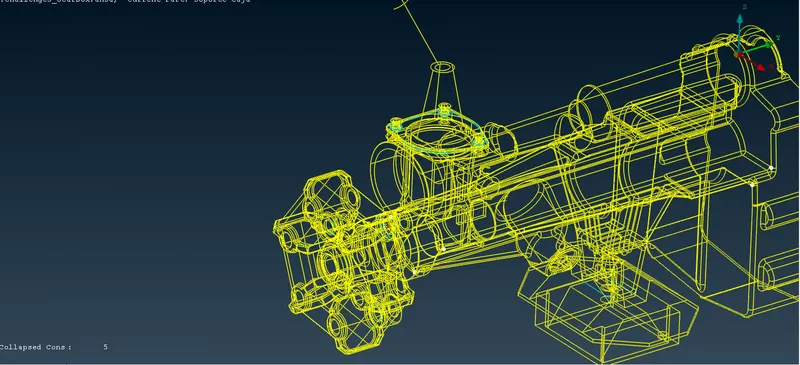
In wireframe mode we can see some triple cons and some single cons.
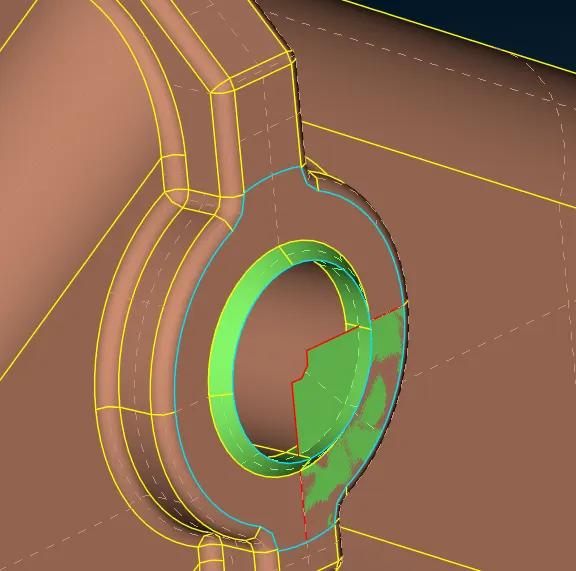
removing the overlapping surface using universal delete tool.
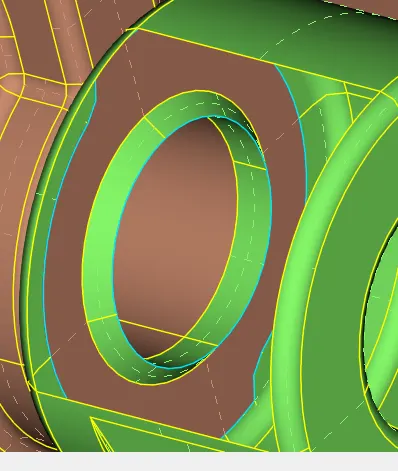
Inside triple cons are not an issue as we are dealing with outside surface.
Focusing on other triple cons:
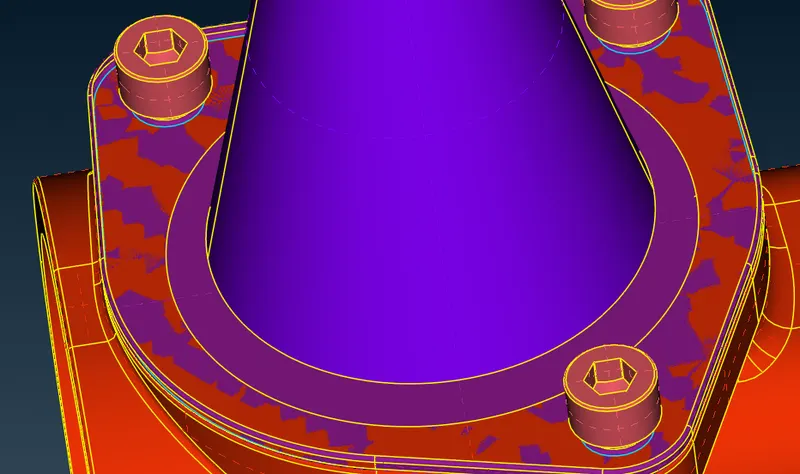
removing the extra surface will eliminate all triple cons.
No more errors were found.
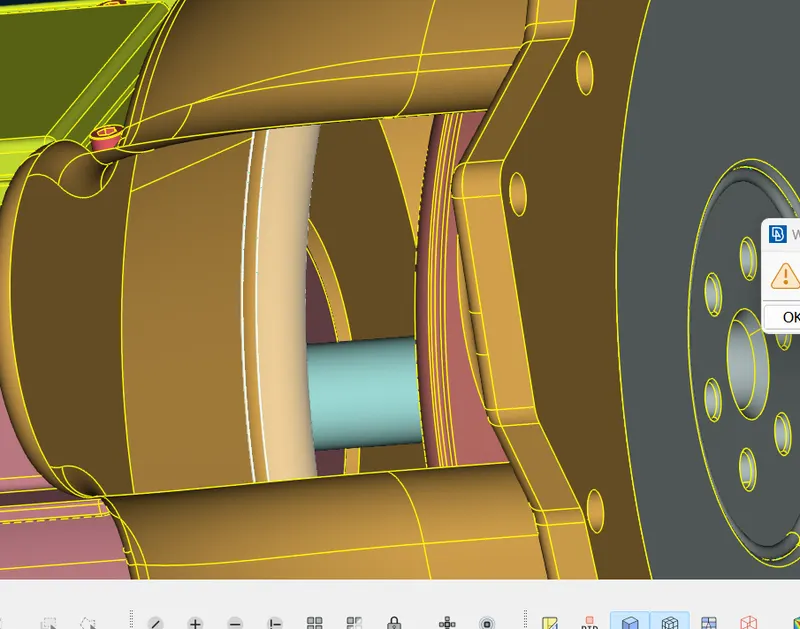
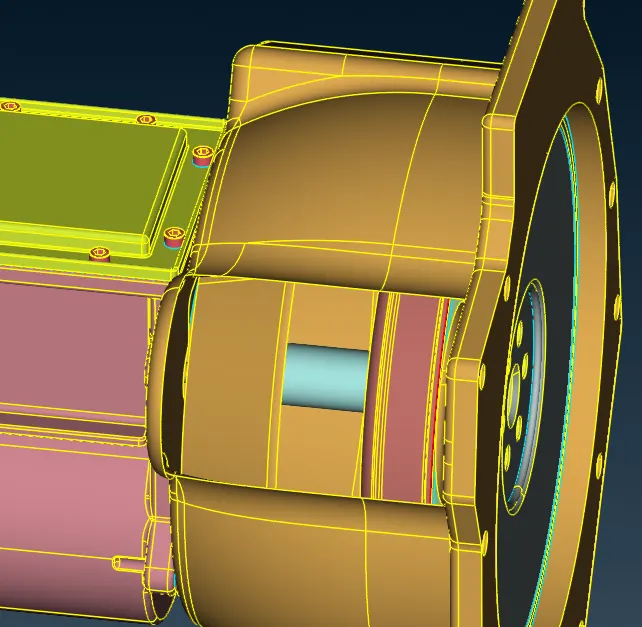
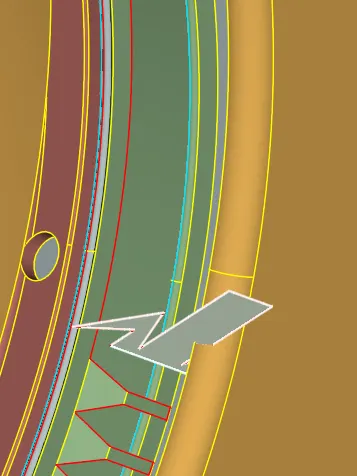
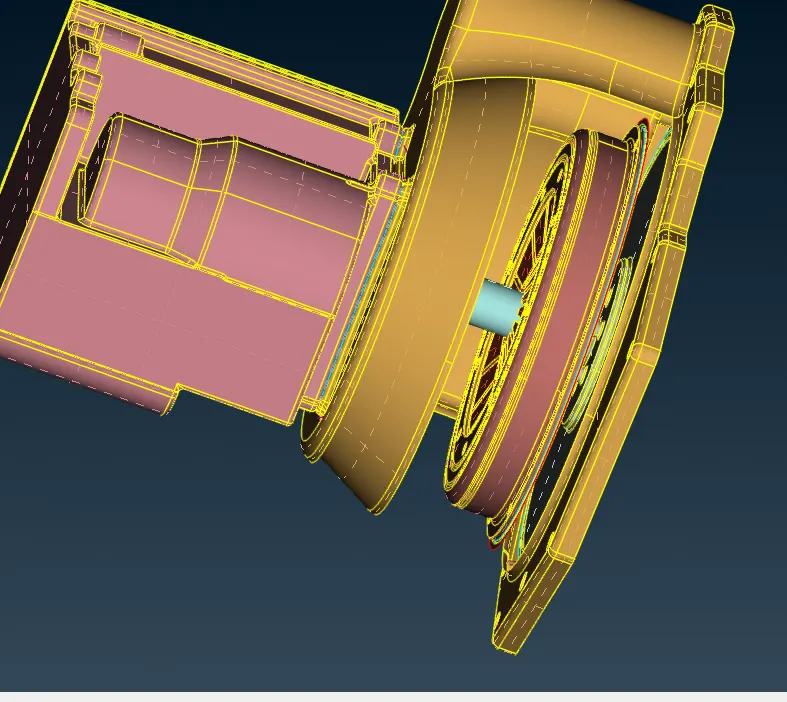
(c) Cleaning the geometrical errors of the Transmission:
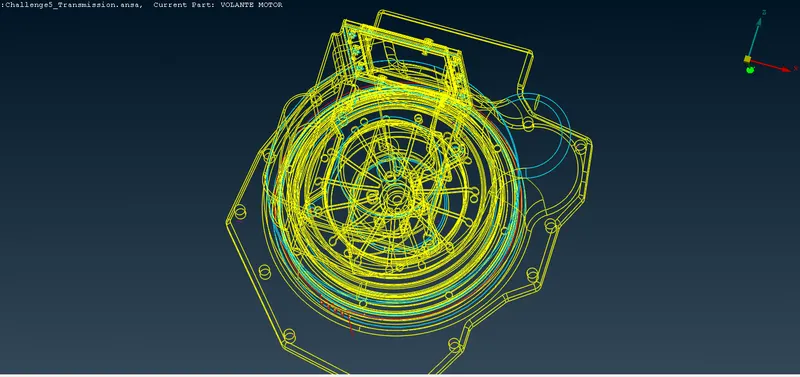
Use Or tool to isolate PIDs and remove triple cons:
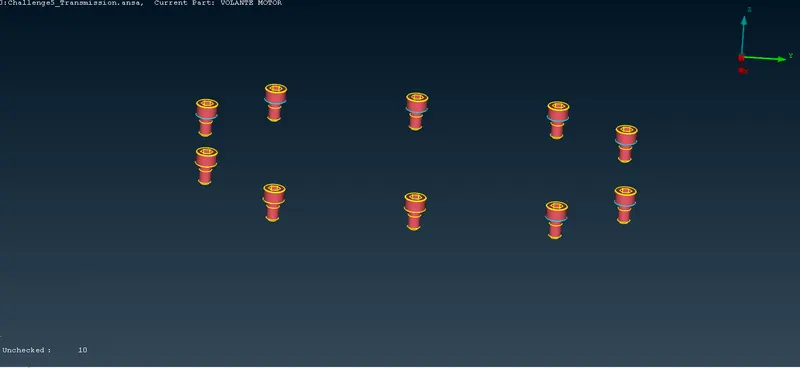
Using universal delete tool remove all the extra surfaces forming triple cons:
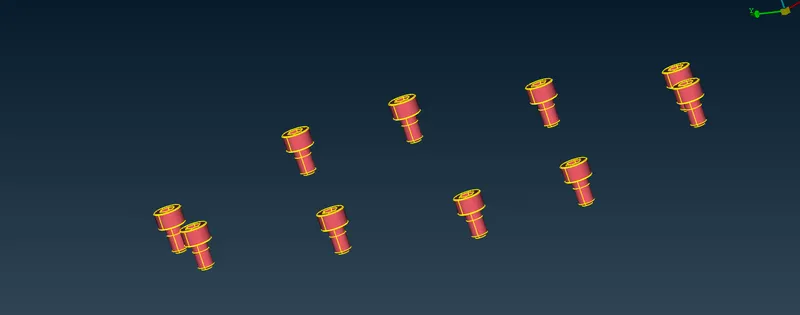
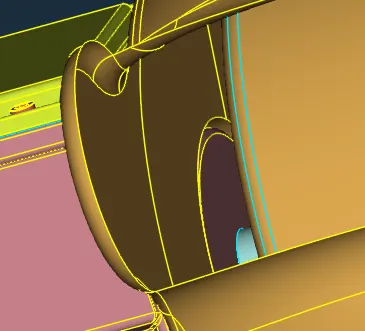
Inspecting the model for other unnecessary triple cons and surfaces and deleting them:
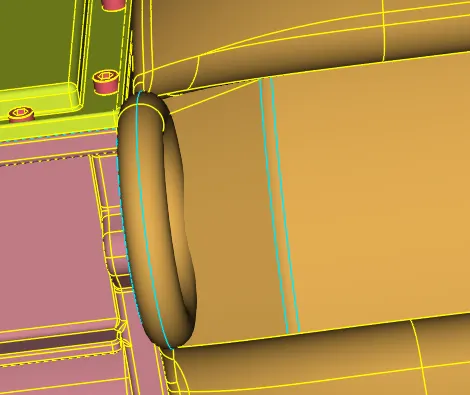 =>
=> 
 =>
=>
 =>
=>
All the disperancies were removed:
(d) ASSEMBLY:
Closing the holes present in the engine model:
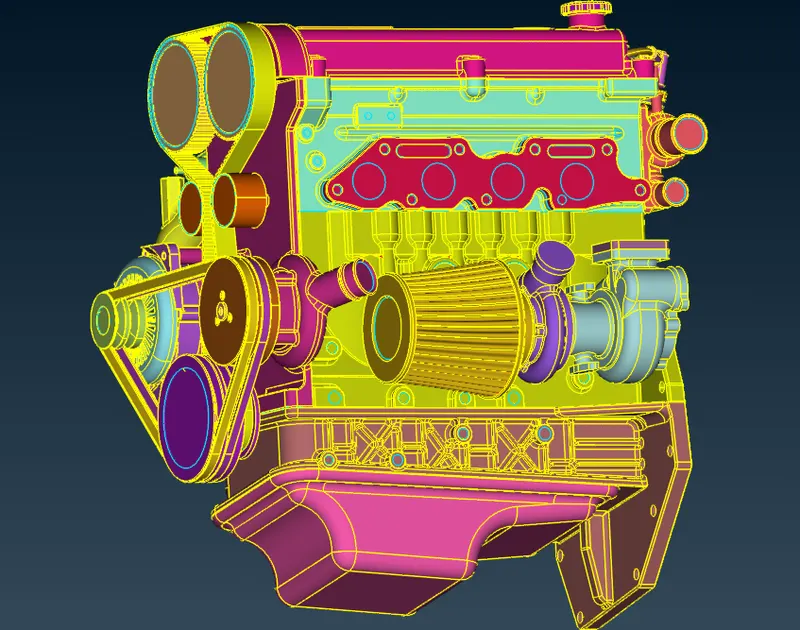
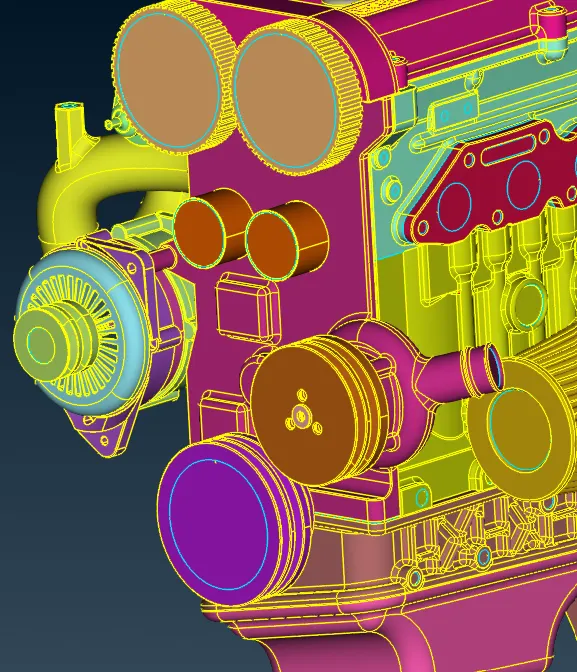
Deleting thing PIDs like belts which may cause problem during wrapping:
Merging in sequence of:
Engine>Transmission box>Gear box
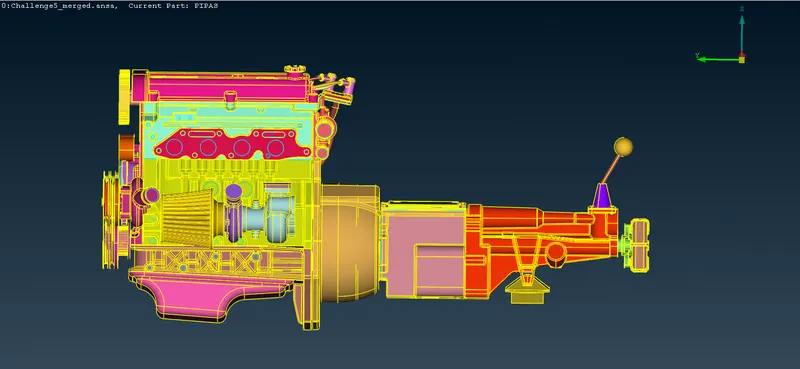
Closing all the holes after assembly.
On front view:
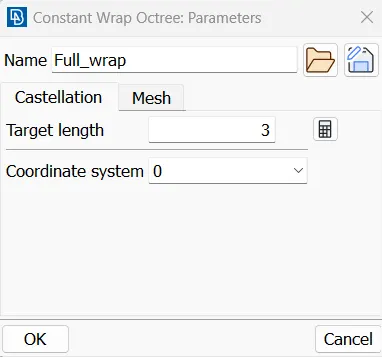
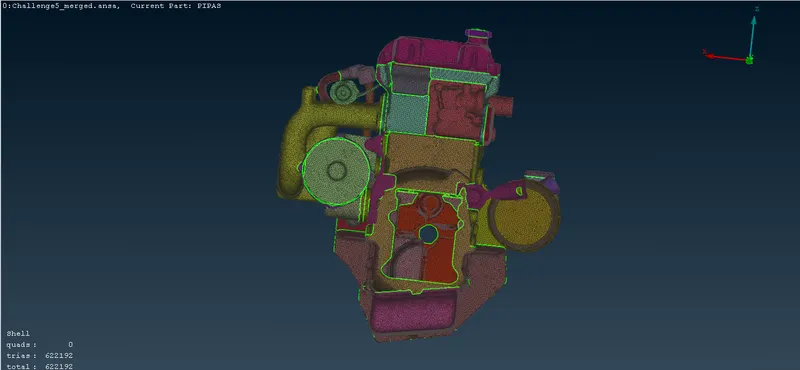
Use MESH>Element>Wrap>Constant tool to get a water tight single volume mesh.
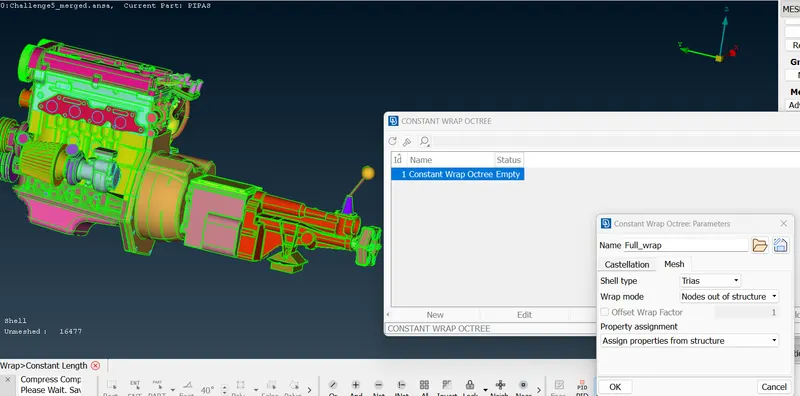
Element length= 3 mm
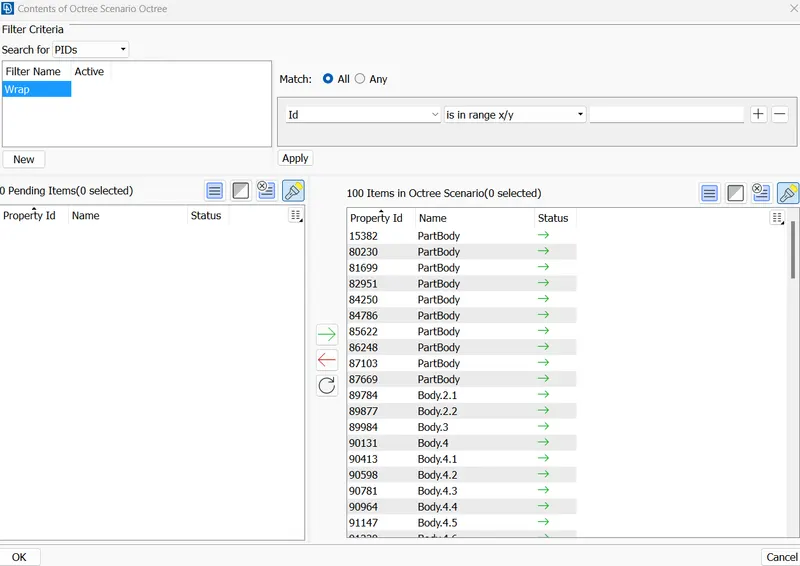
Resulting wrap model:
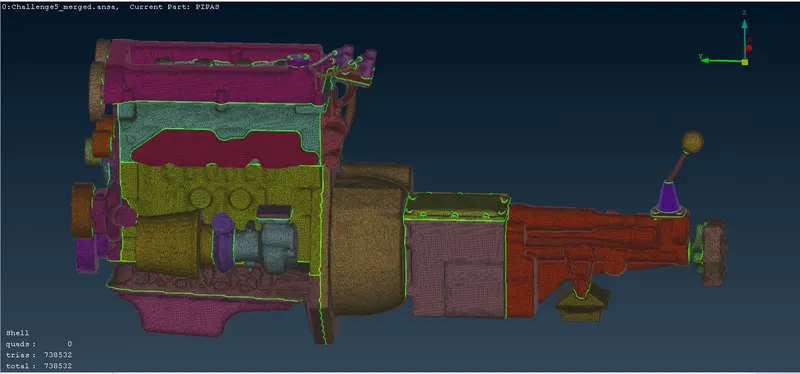
Single volume attained:
- Merging different parts in ANSA increases file size.
- As the holes were closed, a better wrap mesh was generated.
- Increasing or decreasing target length affects wrap mesh time.
- Using PID selection to hide PIDs and removing the unwanted surfaces was faster approach.
- Triple cons present at the surface is the one way to identify the unwanted surfaces.
CONCLUSION:
- All given models were pre-processed separately to remove any extra surface and close all the holes to get better result.
- All the 3 models given were merged and a surface wrap was done at constant target length of 5 mm succesfully.
G Drive:
https://drive.google.com/file/d/10oTDox-Y8YSKmizhbGOorBZiAN6lXeMp/view?usp=sharing