Week 5 Challenge : Surface wrap on Automotive Assembly
AIM:
To do the surface wrap for Engine, transmission and gear box
Procedure
1. Use Not option to find the unwanted entities in the model. Here rings, spheres are used for creating the fillets so that we can delete this.

- Overlapping surfaces are cleared in Gear box
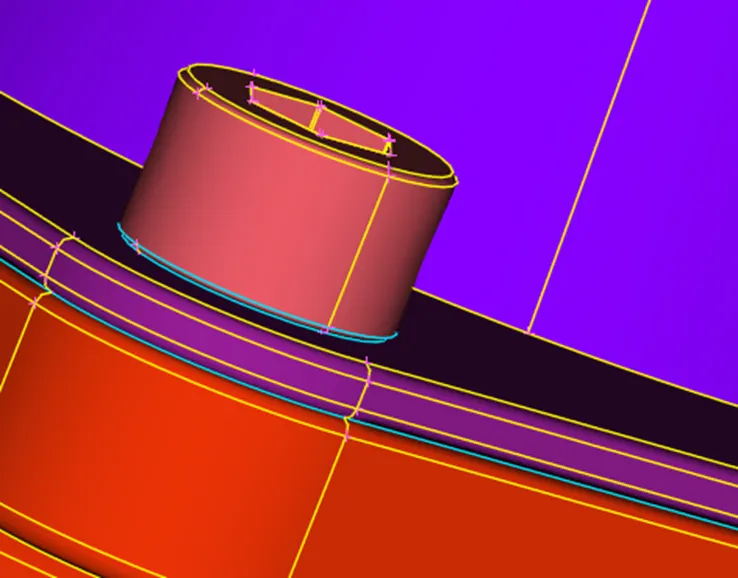
- Overlapping surfaces are cleared in transmission box
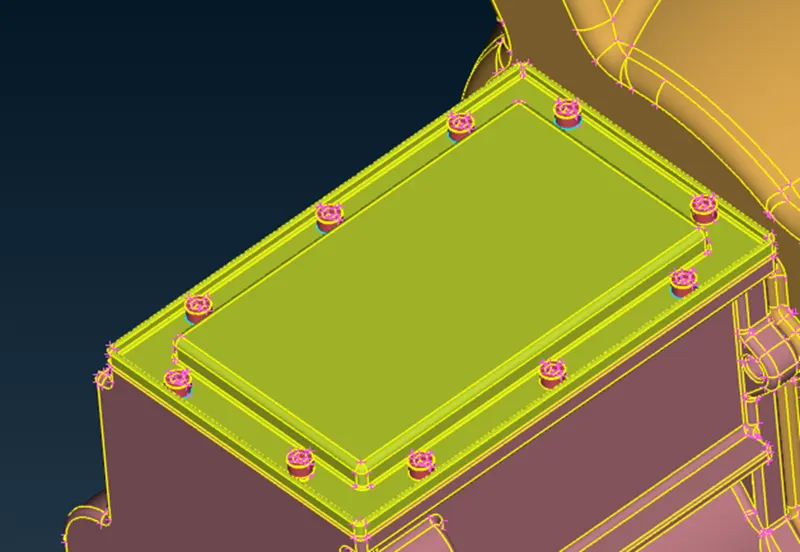
4. The unwanted surfaces are cleared in transmission
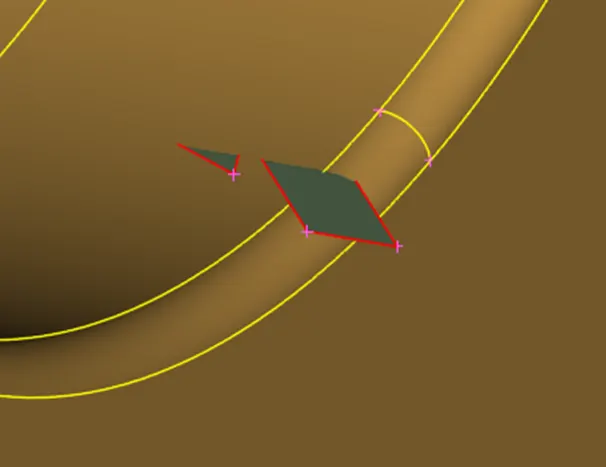
5.Delete the fused pipes and belts in engine
6.Close all the holes to get common volume inside it
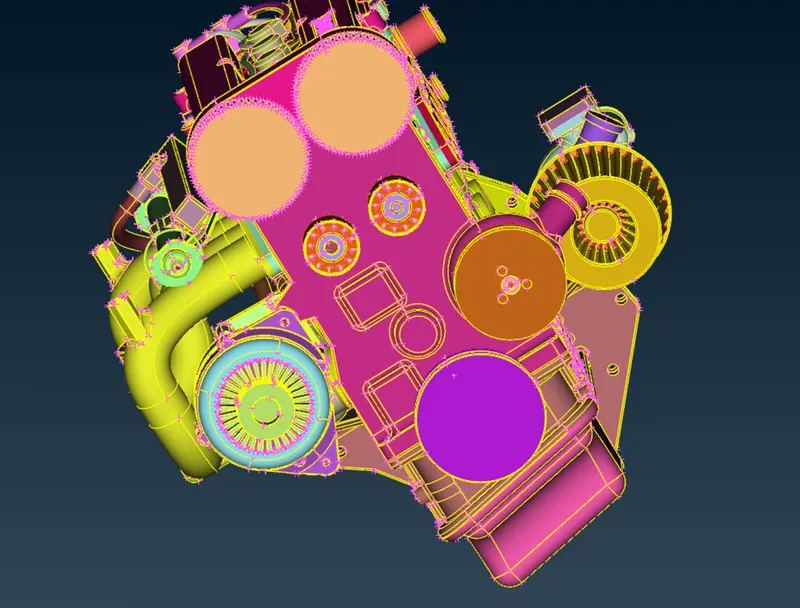
7.Merge all three model into into one
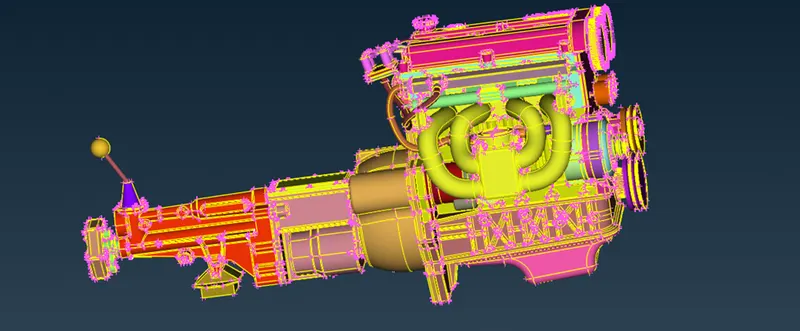
8.Use compress option to delete the unwanted PIDs
9.Go->Classic mesh->Wrap->Constant length to do the surface wrap
- Set the target length as 3 mm
- Select all the PIDs and click Run
- Final view after surface wrapping
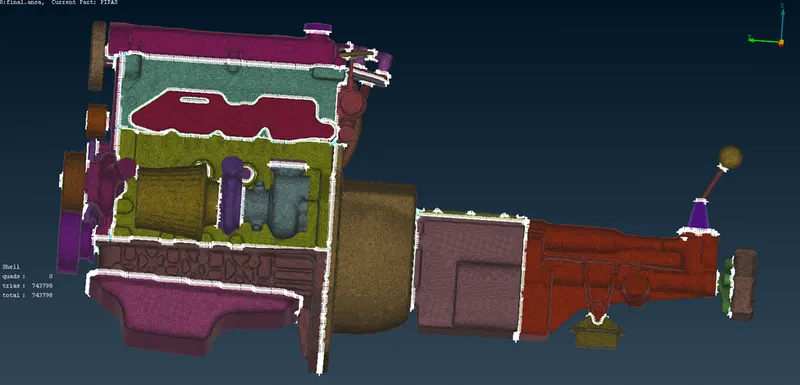
- Cross sectional view shows that common volume is formed inside the model
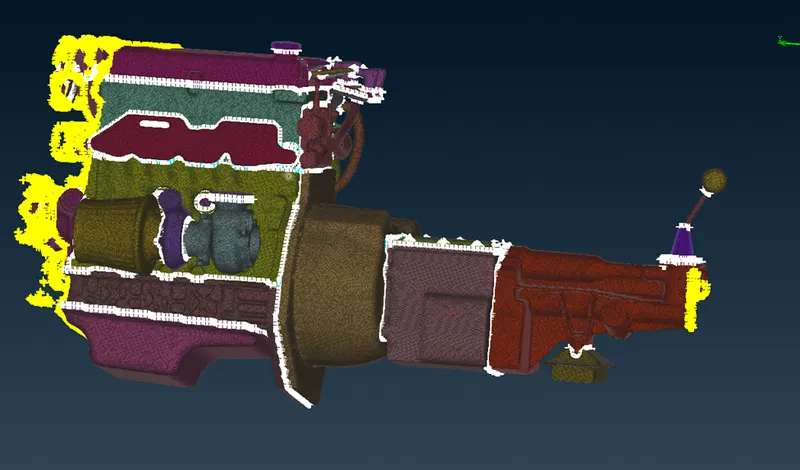
Learning Outcomes:
learned how to delete unwanted surfaces, elements and to do the surface wrap
Result:
Surface wrap of given model with mesh length of 3 mm was gone
Conclusion:
Surface wrap of the model is used for interior analysis and exterior analysis with wind tunnel