Week 5 Challenge : Surface wrap on Automotive Assembly
AIM: To check for the geometrical errors and delete surfaces which are unwanted for Surface wrap. With given surface warp length ‘3’.
TOOLS USED:
Classic TOPO:
- Checks: It is used to check the errors in the model.
- Geometry: It is useful to find errors in the geometry.
- Hot Points:
- project: It projects the points in the selected cons or faces.
- Project: It projects the points in the selected cons or faces.
- CONS:
- Fill hole: It fills the holes and openings.
- Release: It releases the topology of selected CONS.
- Faces:
- New: It is useful to create a new face anywhere in the geometry.
- Delete: If any unwanted part is created it will remove it.
- TOPO: It merges the CONS.
- Intersect: Intersects the two different faces.
- Cut: It cut the faces from cons and nodes.
- ENT: It can select any entity one by one.
- PID: It can select one by one or with the box selection.
- Not: It disappears the visible entities.
- All: Bring back all the entities to the current window.
- Compress: It compress the unused entities.
Classic Mesh:
- Elements:
- Warp: Surface warping by Variable size mesh.
- PIDs: Property list for specifications of properties and boundary condition.
PROCEDURE:
- Open the model in the ANSA.
- To make the model visible with the faces use the ‘shadow tool’ present in the bottom of the window.
- Then go for the “checks>geometry” and check how many and where are the errors and then execute.
- To create a new face there are different methods to use, by using the tool “faces>new>existing surface.”
- For checking the overlapped surface, you can use “Faces>TOPO.”
- Delete the overlapped surface by using universal delete option by selecting the surface which you want to delete.
- If any extended surface is located first intersect by using “faces> intersect” tool and delete the surface once it forms a con.
- If you use release tool “Cons>Release” it will separate triple con into three different single cons.
- If you do ‘TOPO’ from ‘faces’ it will do the opposite of the release, it will merge the cons to form a double con.
- If you don’t want a face or a line in the model, you can remove it by using “TOPO>Faces>Delete.”
- After the topo cleanup, merge the 3 parts into one by using “open>merge.”
- Assign the PIDs for every part {as shown fig} by using PIDs properties. And by using tools from feature selection: ENT & PIDs>PID/PID region.
- After merging the parts go to surface mesh and do surface warping.
- To wrap the surface use “mesh>elements>warp” and length should be ‘3’.
FIG 1. Topology cleanup of engine
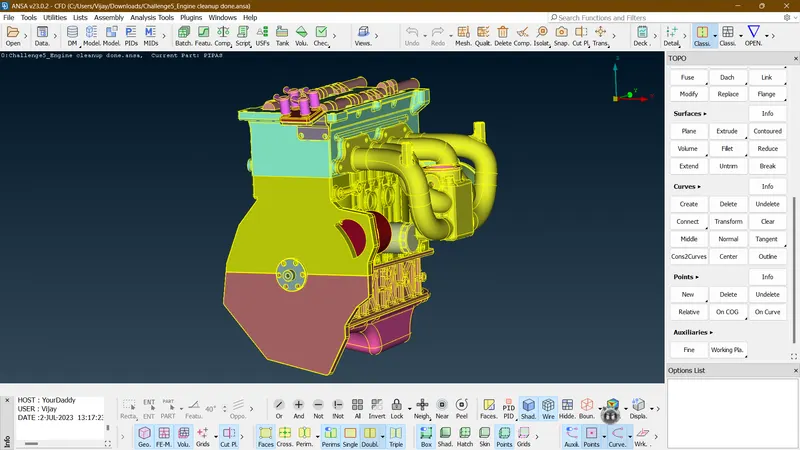
FIG 2. Topology cleanup of Gearbox
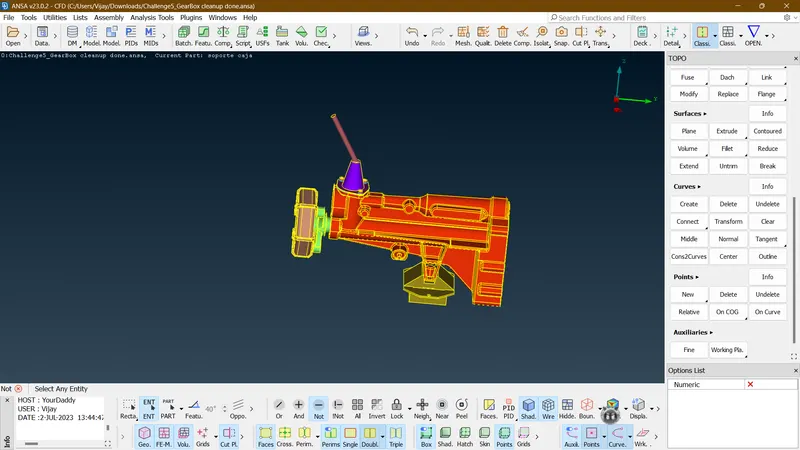
FIG 3. Topology cleanup of Transmission
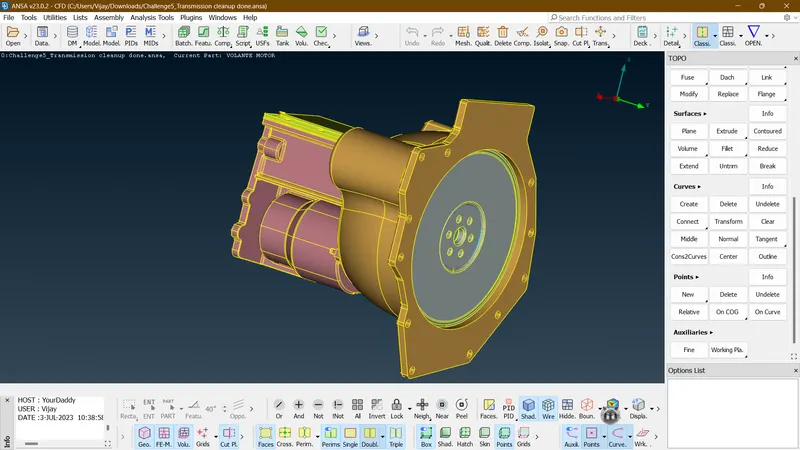
FIG 4. Full assembly of parts
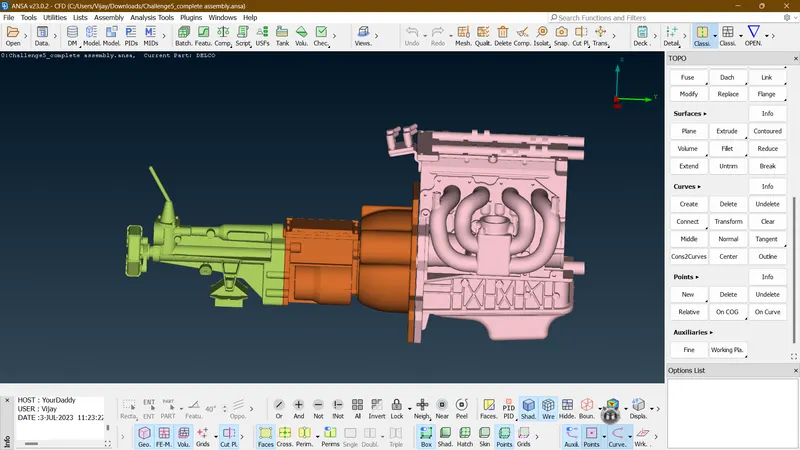
FIG 5. Surface warp with given target length ‘3’
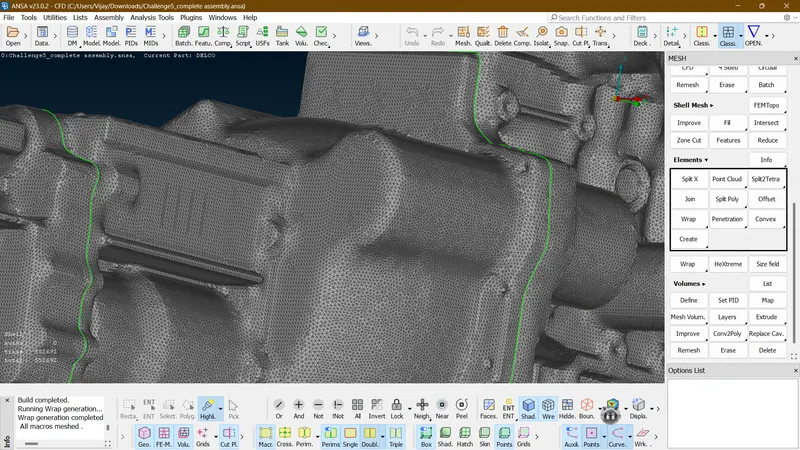
FIG 6. Full surface warp
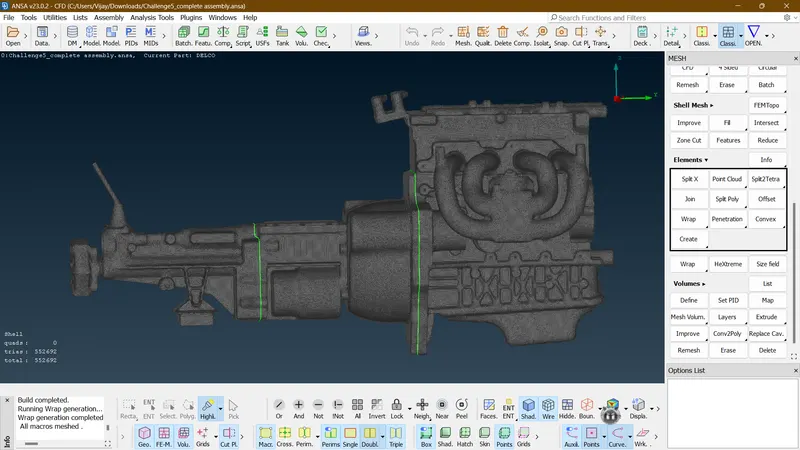
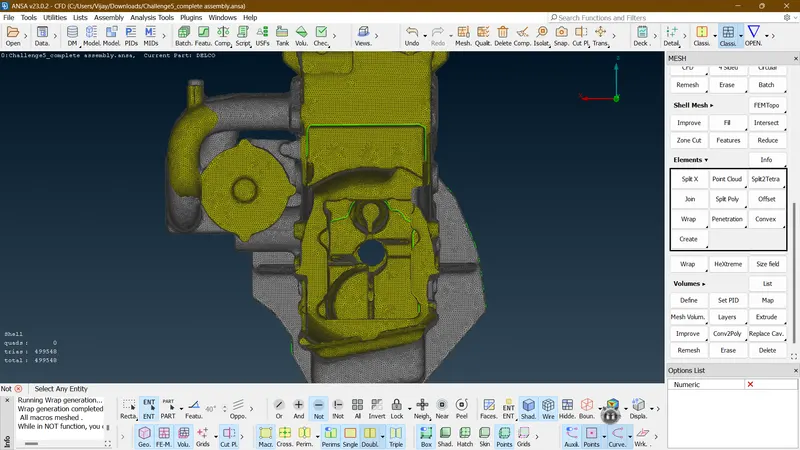
FIG 7. Showing no interfering warp inside the parts
RESULT:
- The main model is cleaned up and fully refined
- Three parts has been successful merged.
- Surface warp done successfully with fine meshing.
CONCLUSION:
The given CAD model is successful merged and fully surface warped with the given length.