Week 5 Challenge : Surface wrap on Automotive Assembly
OBJECTIVE :
For the models of Engine, Gear Box and Transmission, check for the geometrical errors and merge all the three models to perform surface wrap over the assembly
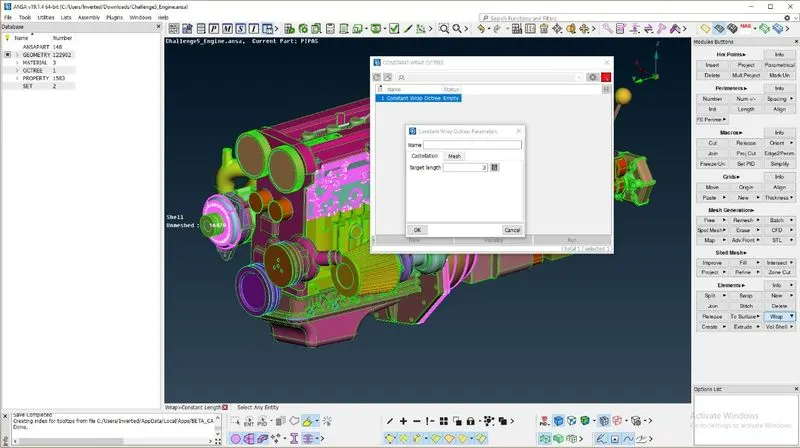
Target Length = 3 mm
PROCEDURE
TOPOLOGY CLEANUP
- Open the Engine model in ANSA
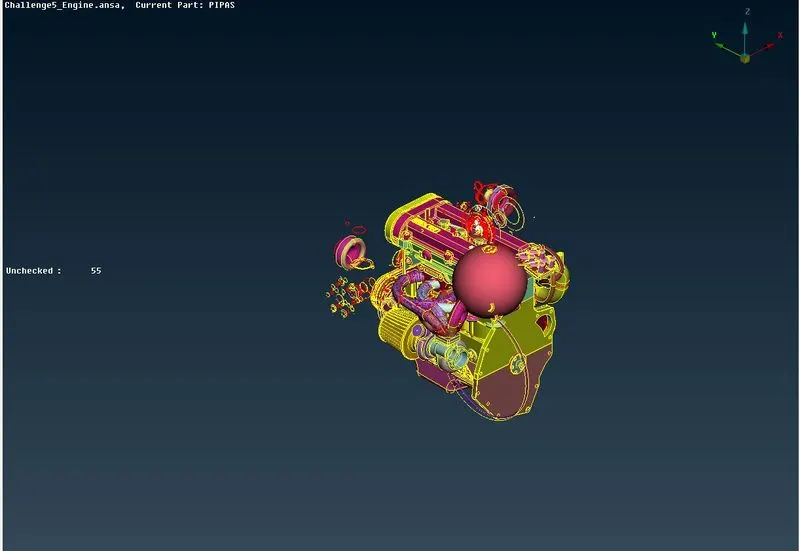
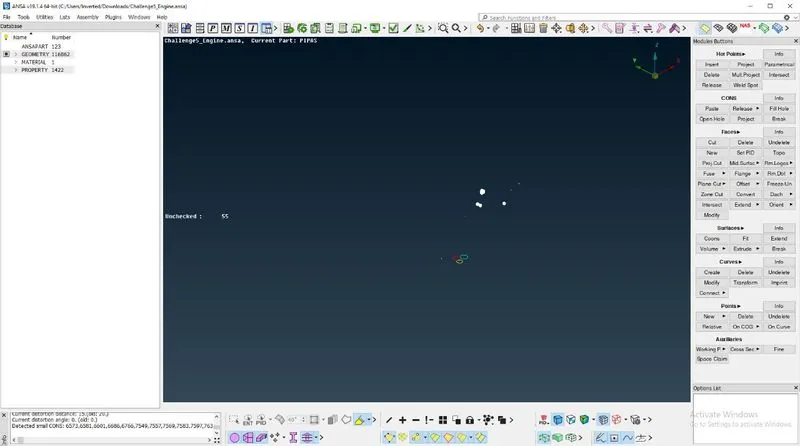
- Delete the unchecked entities after checking if they are of no use by click on them and opting for show all
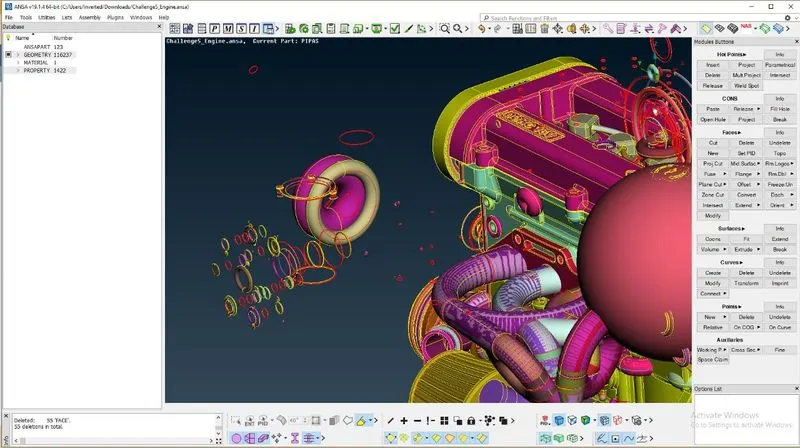
- To clean the rings and unnecessary surfaces formed in the model in an attempt to achieve certain features by the designer, the major parts or PIDs of the model must be hidden by using boolean operations. This enables us to view the unnecessary entities and delete them efficiently
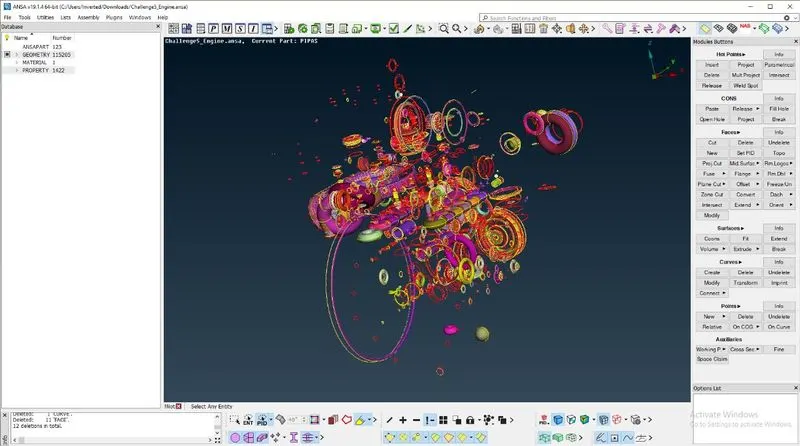
- To facilitate the formation of surface wrap over the model, the holes in the model are closed using new option appropriately
- The goal here is to make the surface of the model error free as the internal geometry of the model does not concern the surface wrap formation
- The single cons on the surfaces are solved using different methods of topo cleanup
- Belts and other parts with smaller thicknesses are deleted to get a better surface wrap
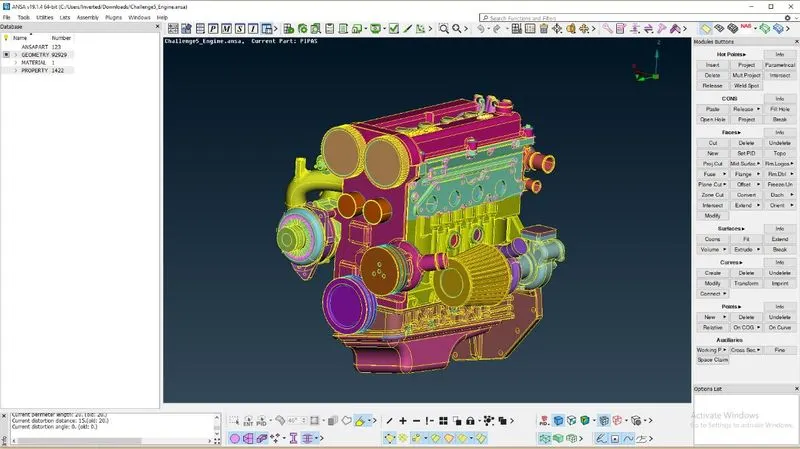
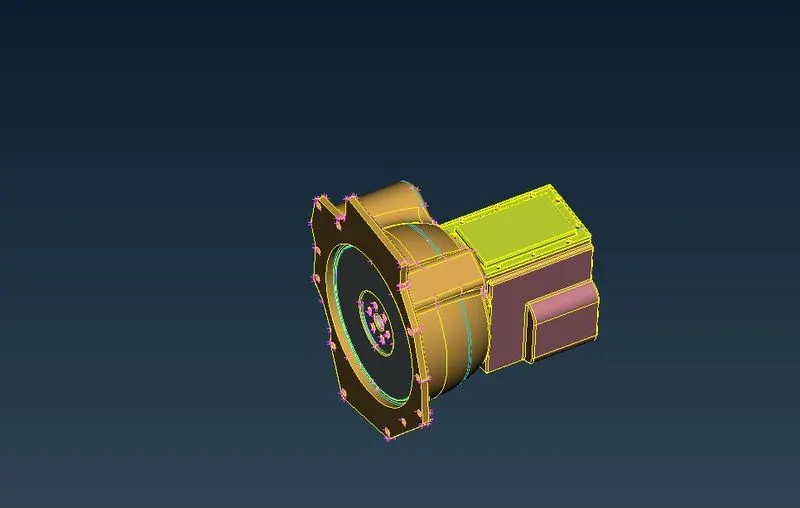
- After getting done with the geometry cleanup of the engine model, similar steps are used to make the gear box and transmission models ready for surface wrap
MERGING MODELS
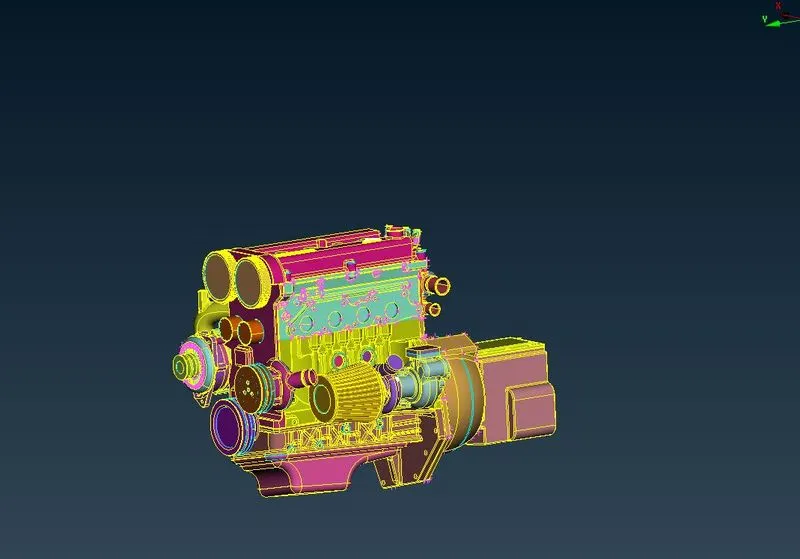
- Open the engine model
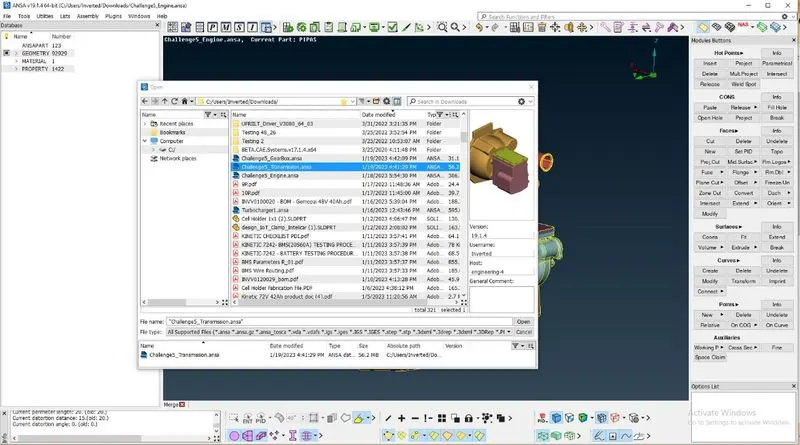
- Click on File > Merge , after clicking on merge, search for ansa file of transmission model and click Open and then ok
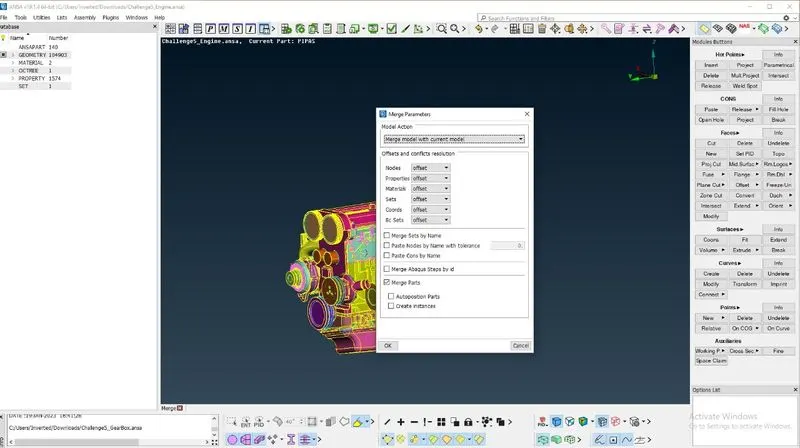
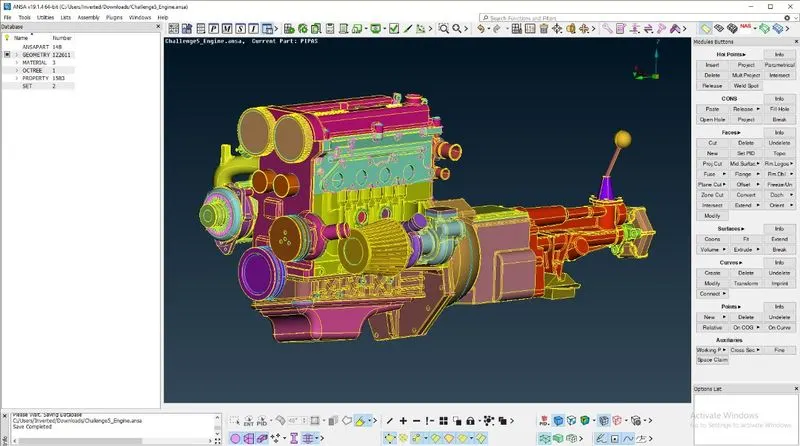
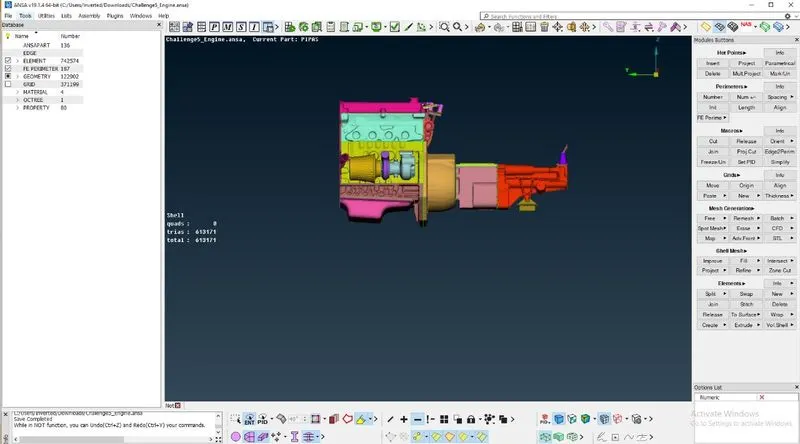
- The model merges with the engine model with no gaps
- Repeat the same process for the gear box
PERFORMING SURFACE WRAP
- Examine the assembly for holes and fill if found any. This is done to avoid the surface wrap from getting into deep cavities
- Switch to surface mesh mode
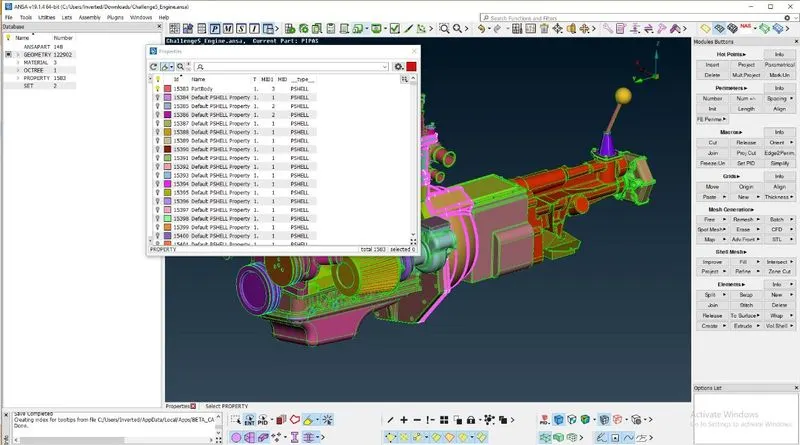
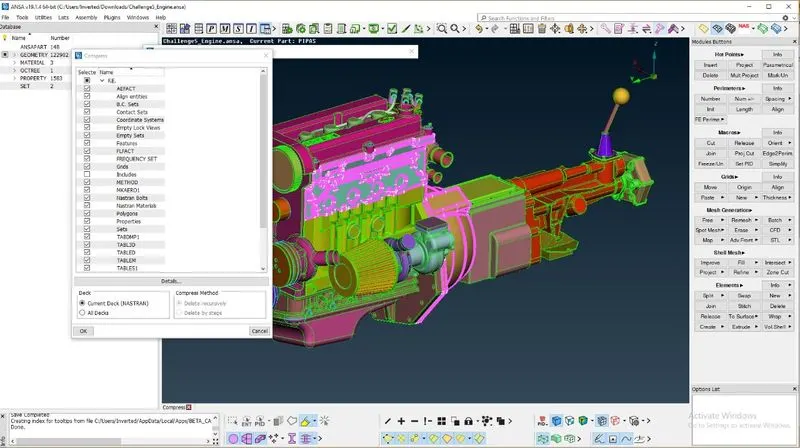
- Compress all the empty PIDs by using Compress tool
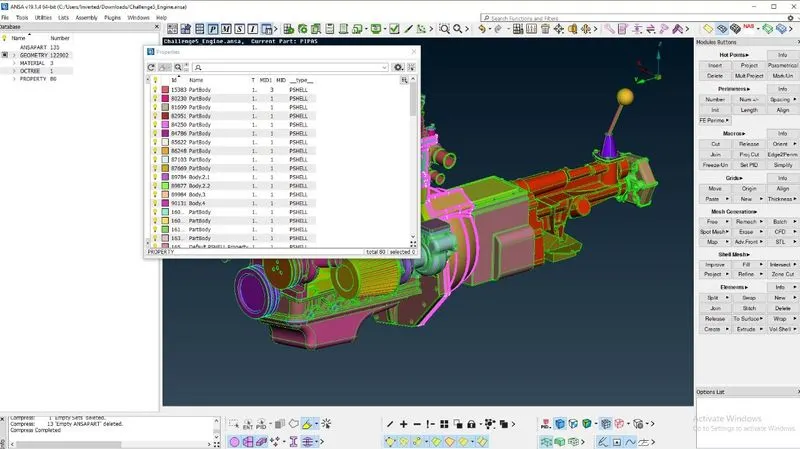
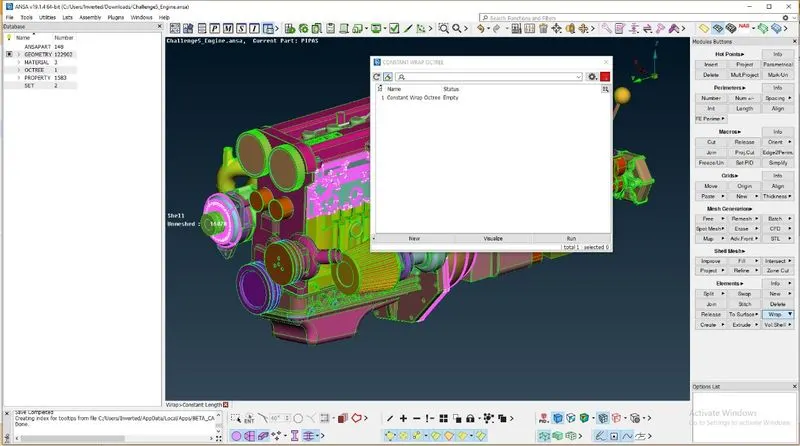
- Go to Elements and Click on Wrap > Constant Length
- The Constant Wrap Octree window window appears. Double click on empty
- The Constant Wrap Octree:Edit window appears. Click on Parameters and set target mesh length = 3 mm and let mesh parameters remain at default
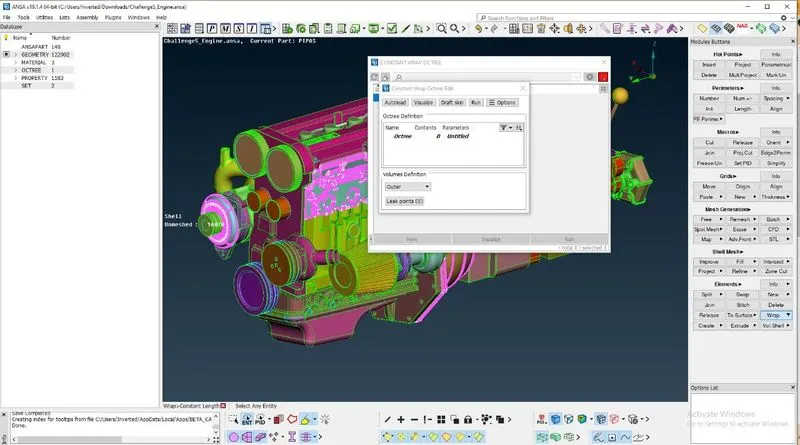
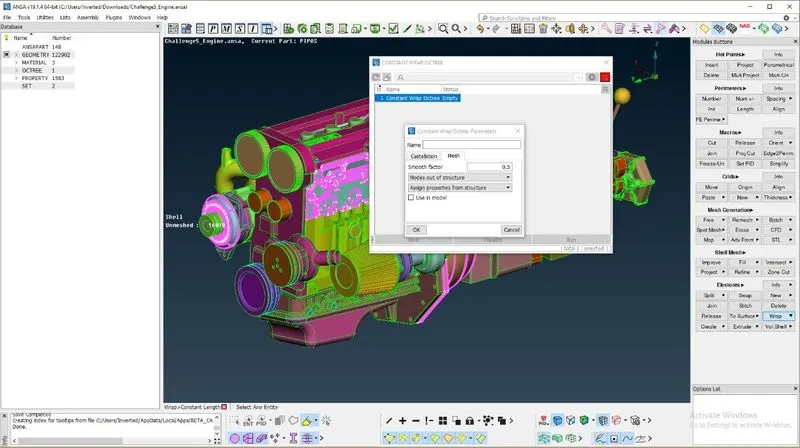
- Click on contents and select the PIDs to be created a surface wrap on
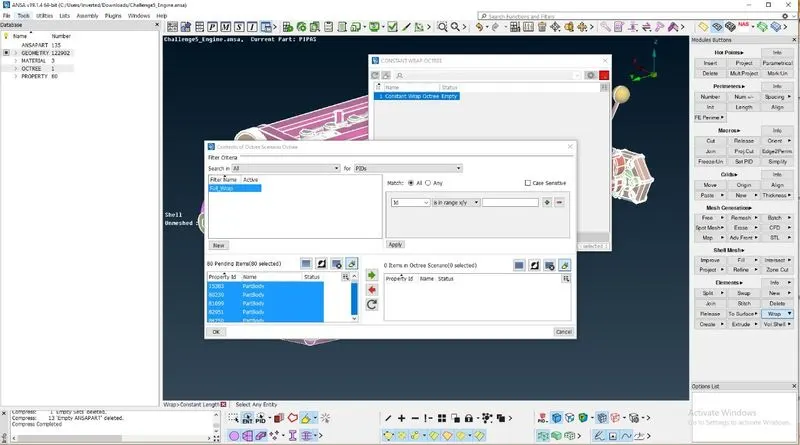
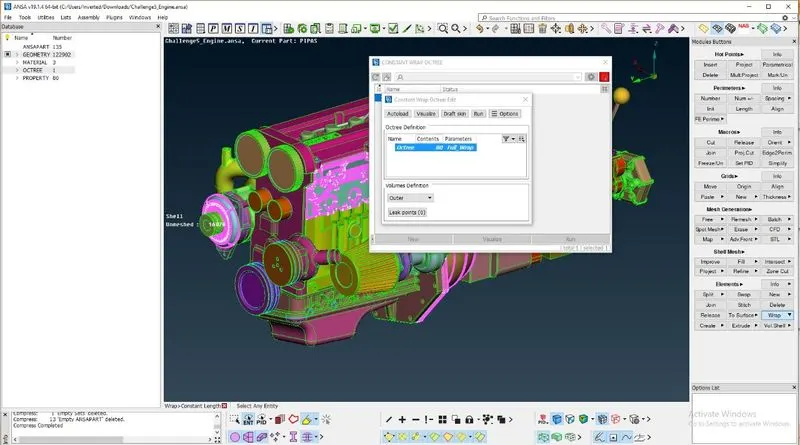
- Shift all those PIDs to octree using the green arrow button
- Click on run to execute the surface wrap
RESULTS
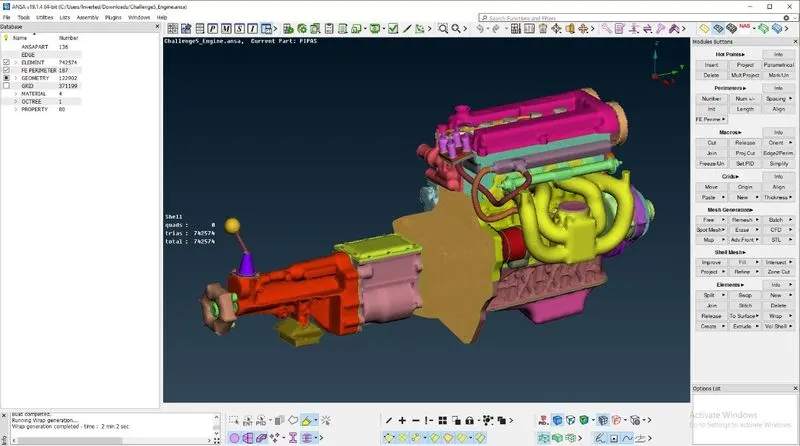
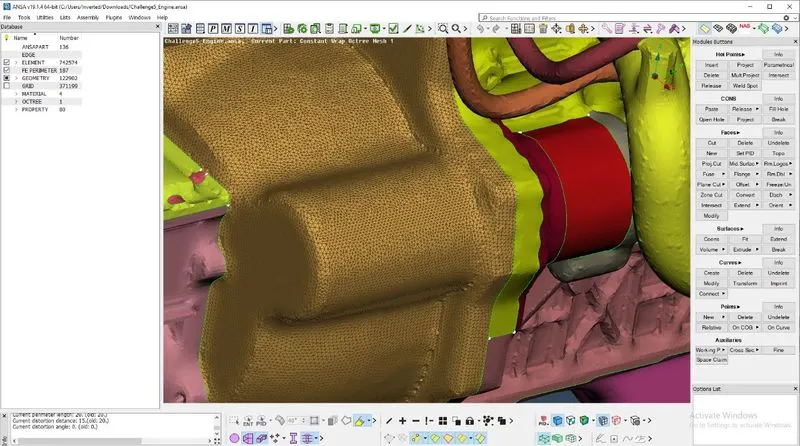
- After the mesh, we get a surface wrap around the assembly, ready for further simulation with target mesh length = 3 mm
OBSERVATIONS
- Smaller the target mesh length, finer is the surface wrap.It enables the wrap to capture the assembly effectively
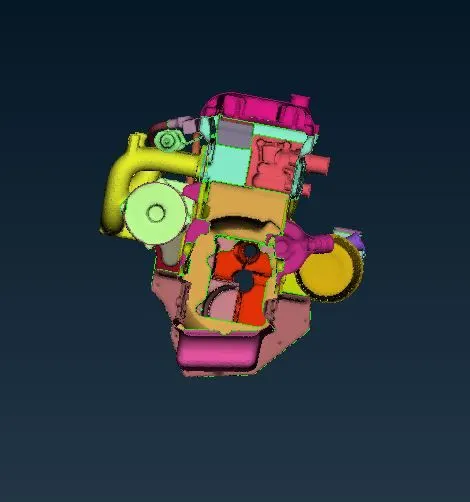
- The surface wrap is hollow from inside if it is formed properly
LEARNINGS
- Topo cleanup of typical models
- Concept of surface wrap and it's uses in CFD applications
- Merging different models to form an assembly in ANSA
- Use of compress and wrap tools
- Setting up target mesh for constant length wrap
Link to the model: