Week 5 Challenge : Surface wrap on Automotive Assembly
Aim:
To check for the geometrical errors and delete surfaces that are unwanted for the surface wrap and merge all 3 models and perform surface wrap after clearing geometry with target length for Wrap should be set to 3 mm.
Procedure:
1. Importing the file:
- To import the given file to ANSA
- In ANSA, Go to File -> select Open
- Select and open the given file with .ansa extension
- The model is opened in ANSA
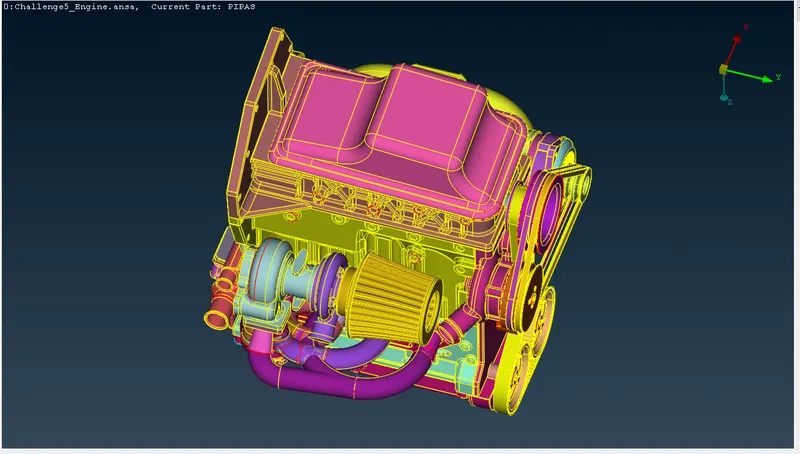
(i) Engine :
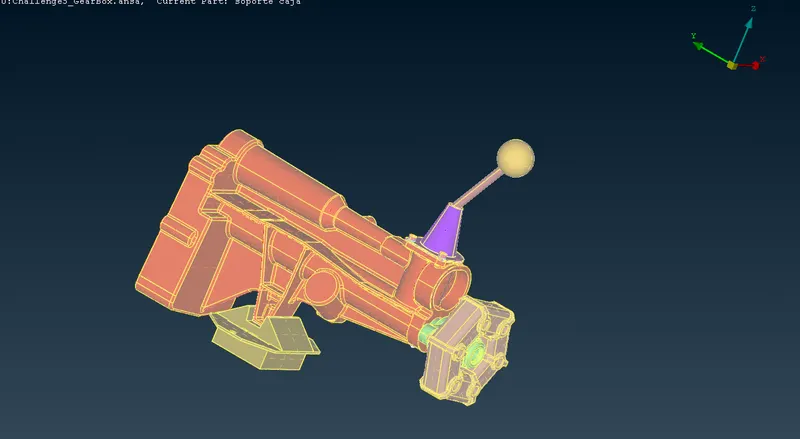
(ii) Gear box :
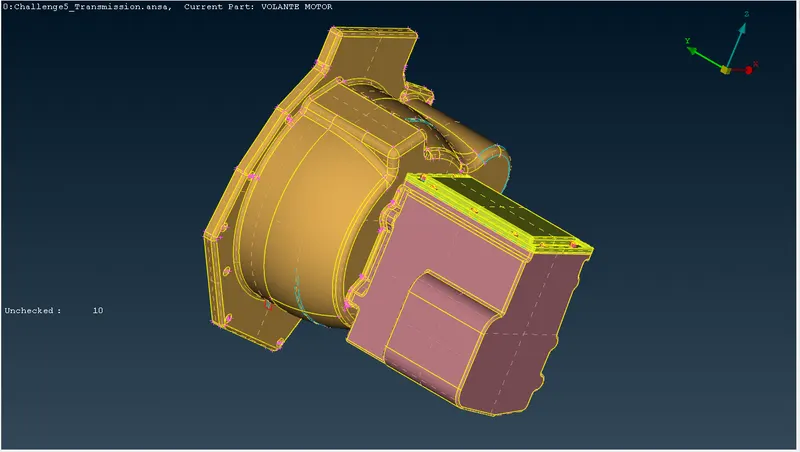
(iii) Transmission :
2. Surface wrapping:
- After the model is opened we will do geometry cleanup
- so that the unwanted surface are deleted without damaging the outer shape of the geometries.
- Single cons are solved here as it would affect negetively on the surface wrapping.
- After cleaning up the geometry from the unwanted surfaces it is then solved.
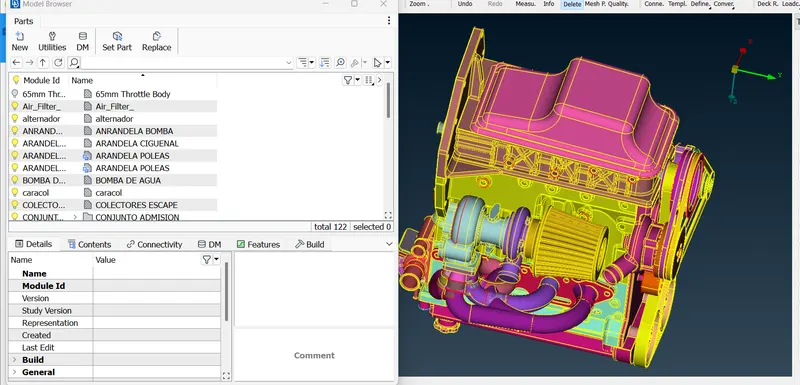
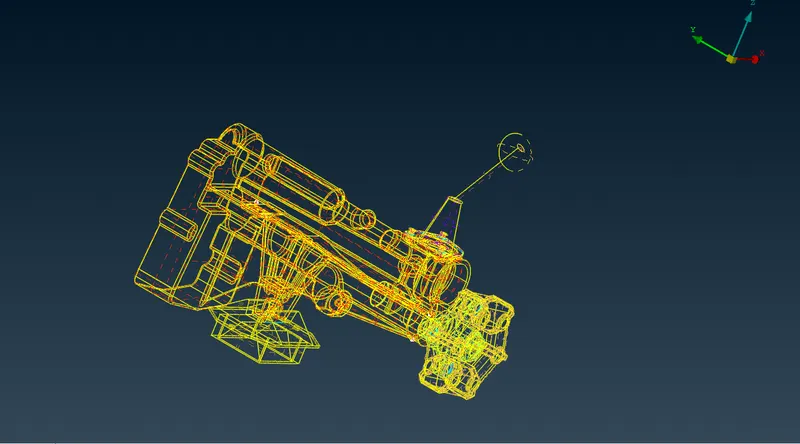
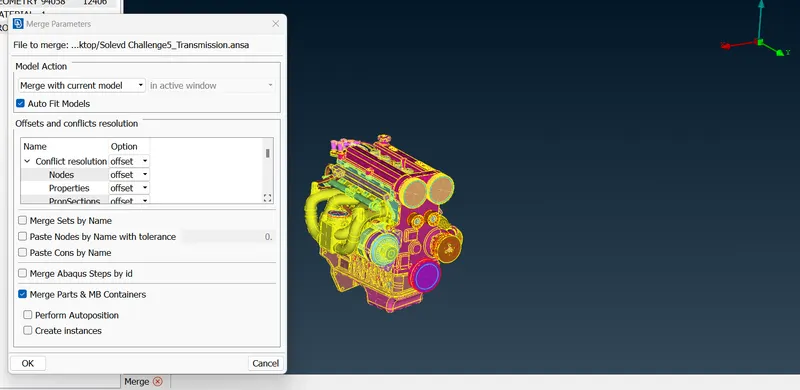
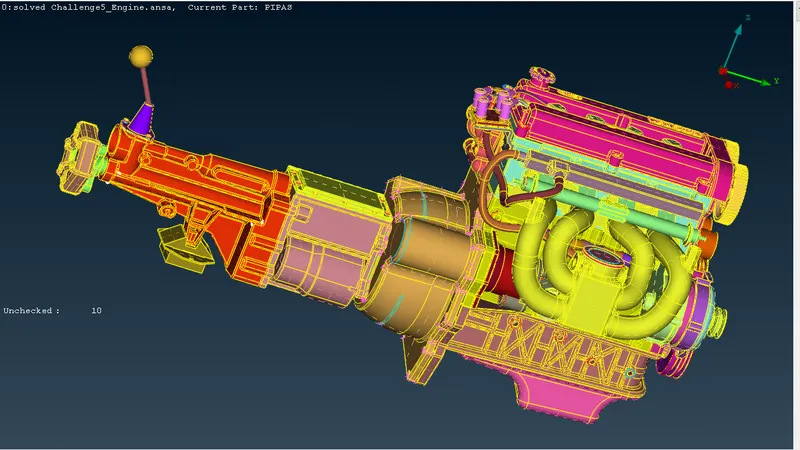
- Then whole three geometries are merged together to form the required system.
- Merge can be done by selecting the merge option under file and select the gearbox, transmission files and perform the merge
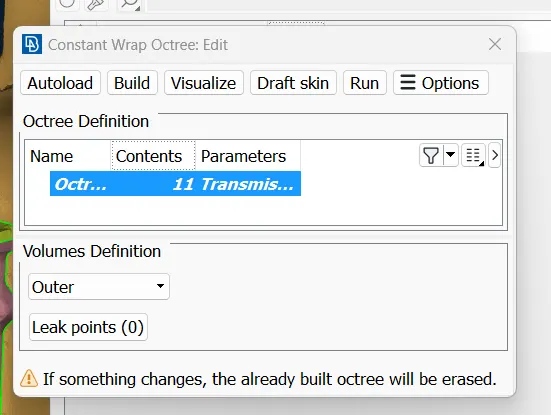
- Go to mesh -> wrap under mesh generation. Click and hold on wrap and a drop-down appears. Choose constant length.
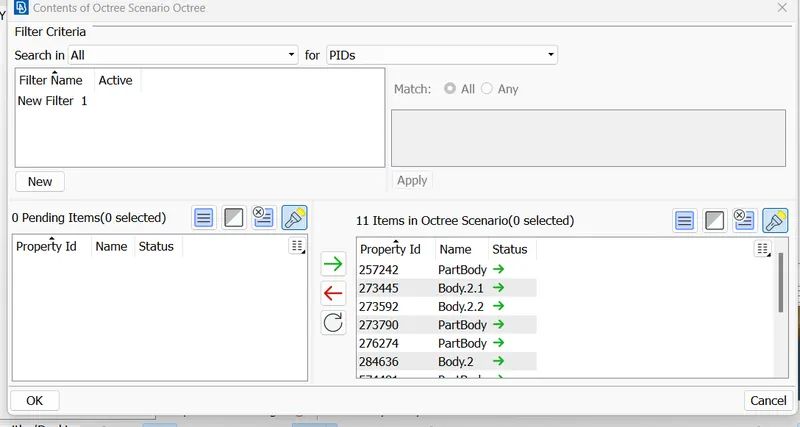
- Create a new wrap octree and upon double-clicking it a pop-up window appears, where we are required to give mesh parameters.Give mesh length=3mm
-
Click on RUN to perform wrap on the selected PIDs.
-
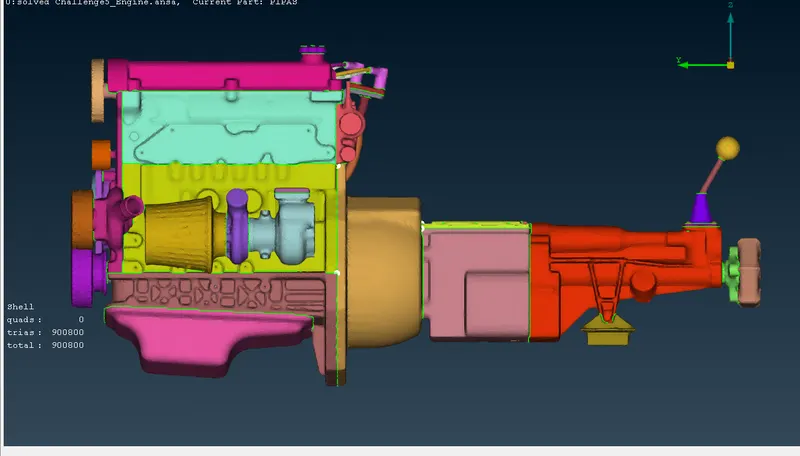
The surface wrap is achieved.
Learning outcome:
As a new learner we can learn about how to do geometry cleanup,geometry merging so that we can do surface wrapping
Result:
- Geometrical cleanup is done
- Surface wrap is effective for outside flow simulations where the volume between the body and wind tunnel is required for flow over the body simulations.
- Effective surface wrap is achieved on the given body for a given mesh length of 3mm
For whole model google drive: https://drive.google.com/file/d/1E-eIH-91RFzmJgyH9RCCkb3mAO_bnBIK/view?usp=sharing