Week 5 Challenge : Surface wrap on Automotive Assembly
Week 5 Challenge : Surface wrap on Automotive Assembly
Aim: To surface wrap the automative assembly.
Objective:
- Geometry clean-up all parts
- merging all parts
- Surface wrap with target length of 4 mm.
Procedure:
Impoet the Engine model into the ANSA
File> Open > Select the model>open
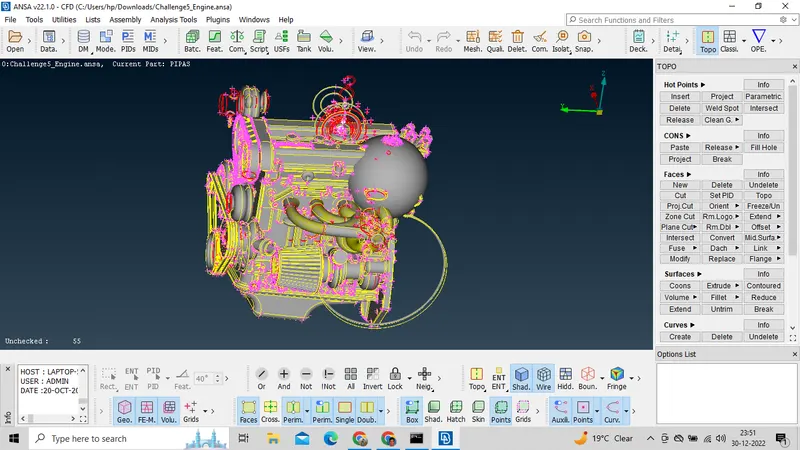
Check for unwanted parts for geometry clean-up.
Delete dough-nut shaped surfaces in model
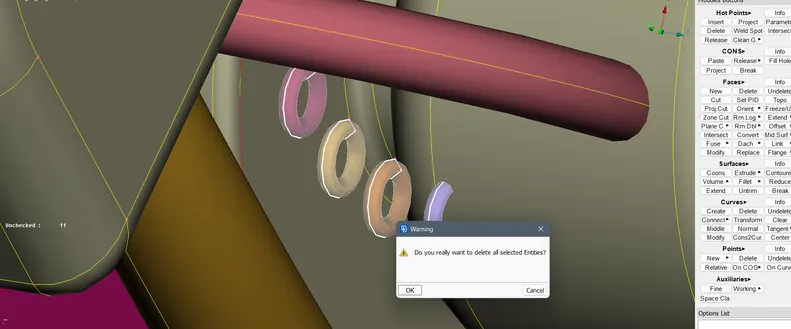
Hide the required surfaces using not option and delete the unwanted surfaces.
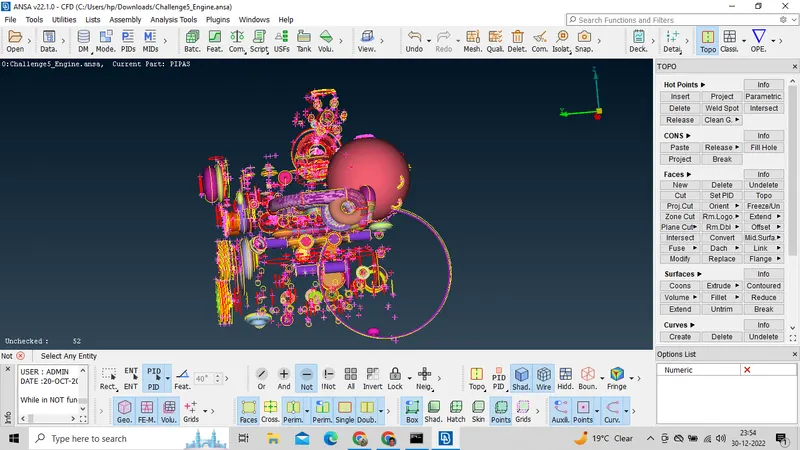
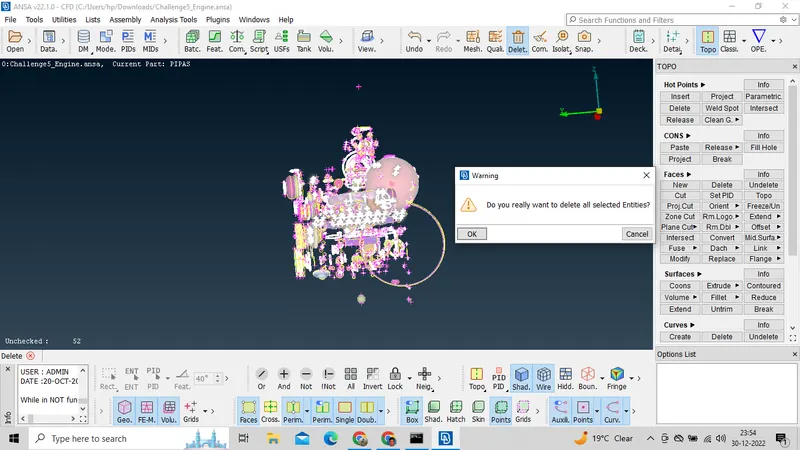
In the above image show delete all the unwanted face.
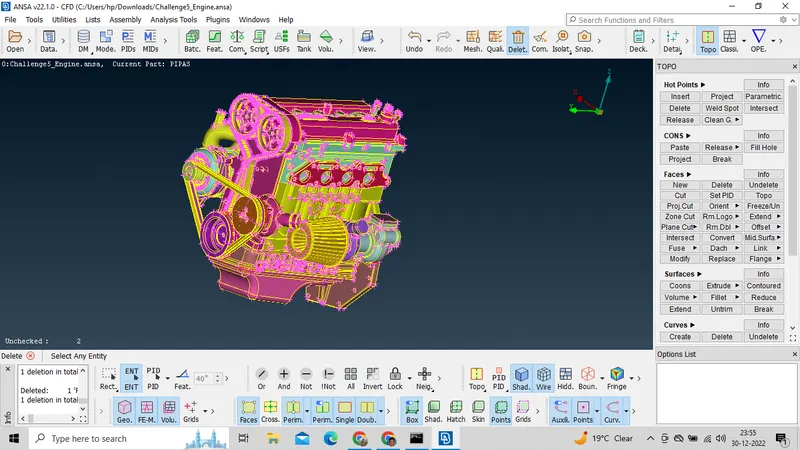
In the above image we see after delete all the unnecessary surface.
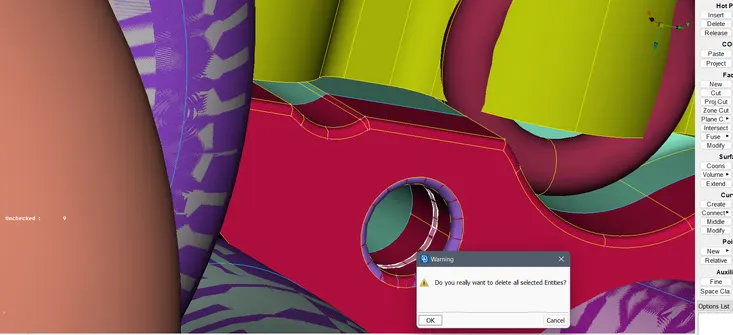
In the above image we see there are overlap surface present.so we have to delete all the overlap surface .
Here we can see the triple cons.we have to delete all the unnecessary surface.
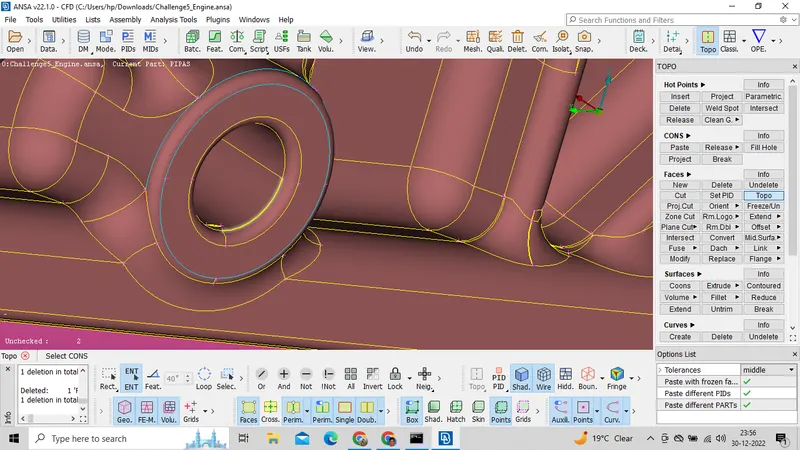
We have to follow same procedure to avoid all the triple cons.
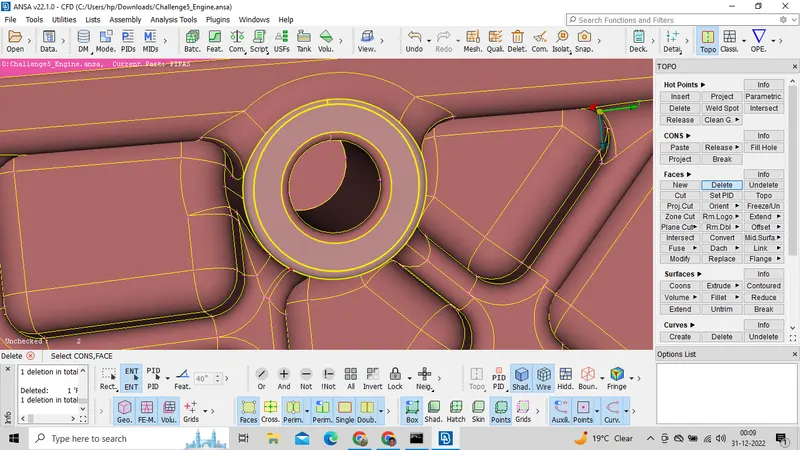
After removeing all the unnecessary surface.
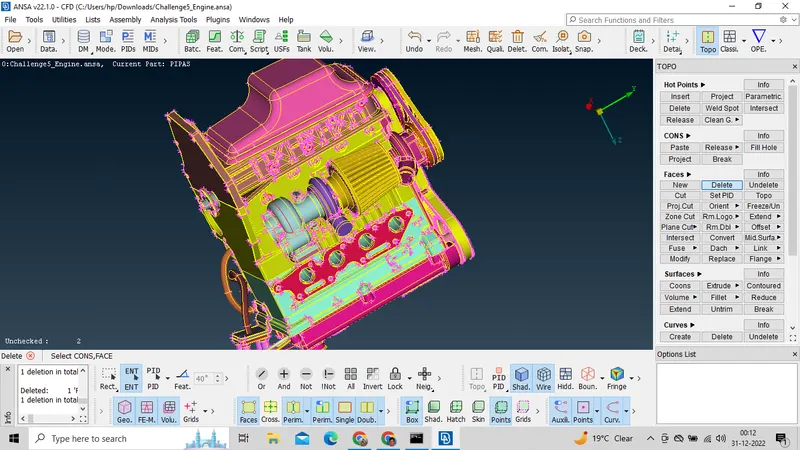
Afte resolve all the error.
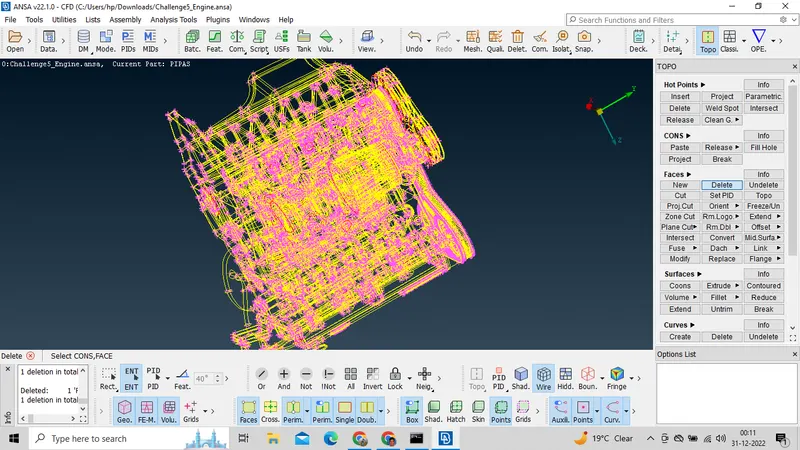
Here we can see some single and triple cons we can neglect those cons because we do the wrap operation.We have to clear all out side error.
Naw Import the Transmission model into the ANSA
File> Open > Select the model>open
Here we can see the triple cons. lets delete all the triple cons.
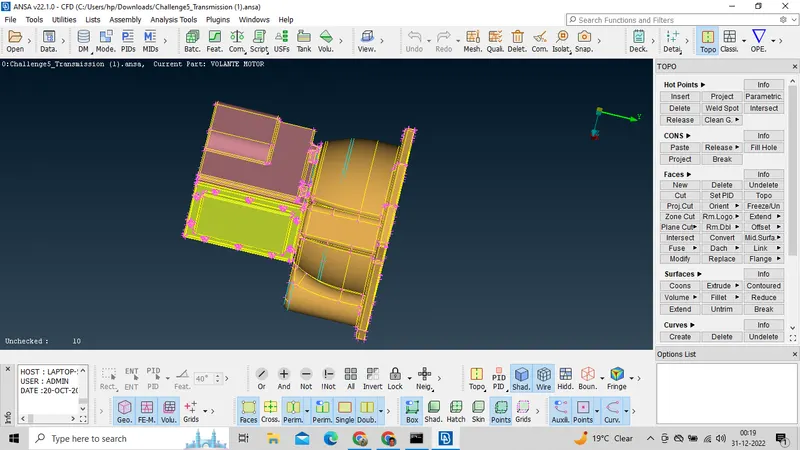
Start from the nut of the Transmission.
Here we see the triple cons. we can hide the upper face by useing nut option then direct delete all the unwanted faces.
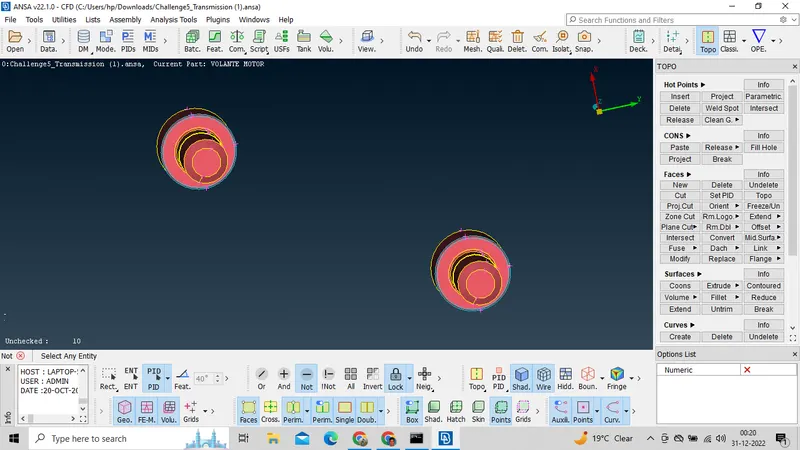
After isolate the triple cons.
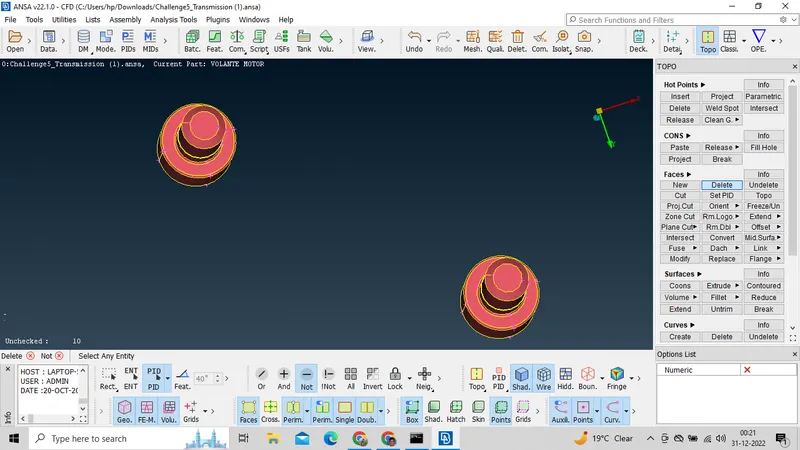
Here we can see dough-nut shaped surfaces inside the model. Hide the upper face and delete dough-nut shaped surfaces.
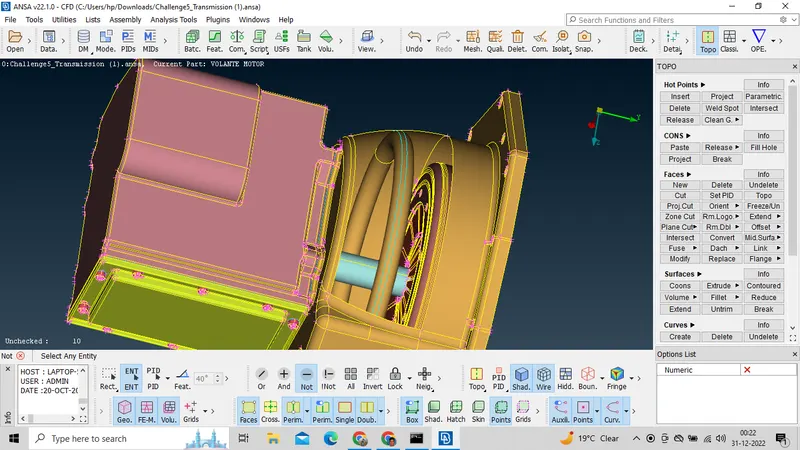
Here also dough-nut shaped surfaces.
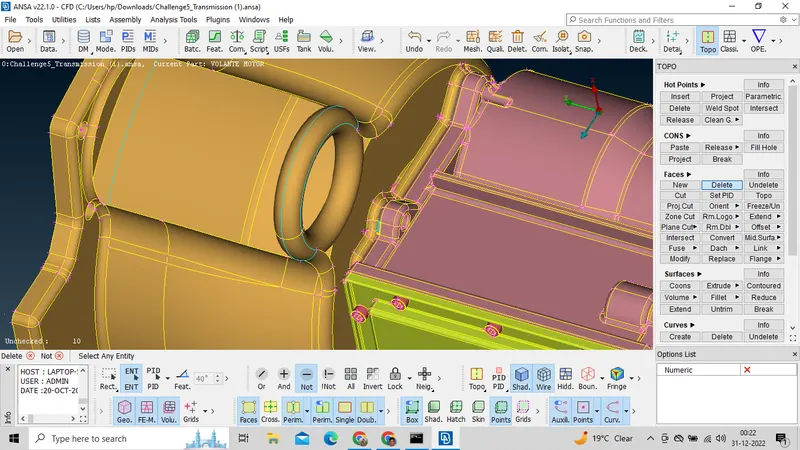
It look like after delete all the dough-nut shaped surfaces in model.
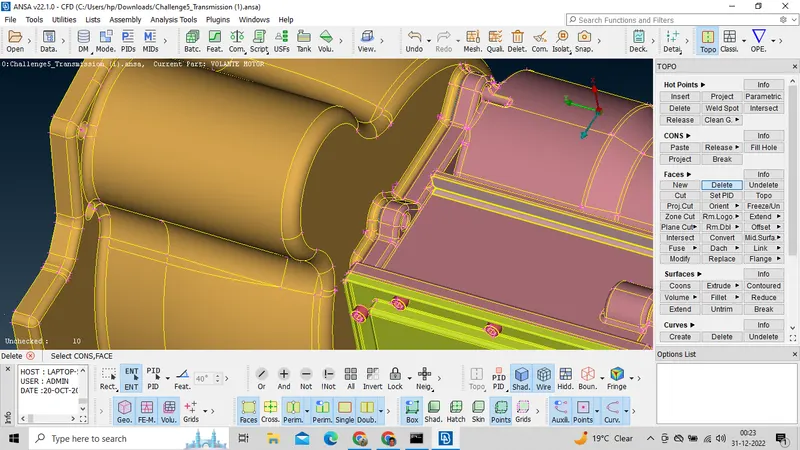
Here we cam see some triple cons neglect this because we have to assemble other parts hera so we can neglect those triple cons.
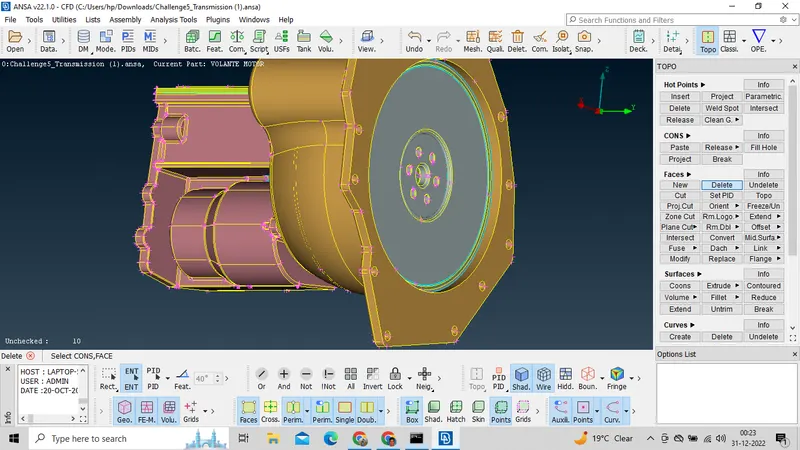
Naw Import the Gear box model into the ANSA
File> Open > Select the model>open
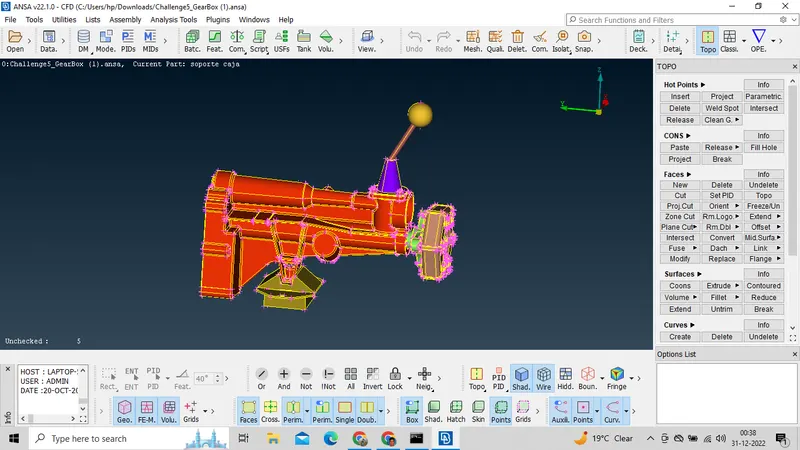
Here we can see the triple cone. we can follow same procedure to delete the triple cons.
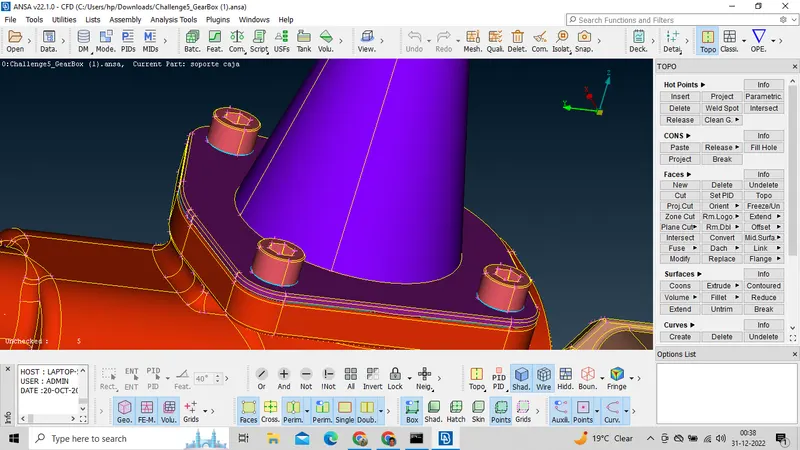
Here we see the colaps point.we have to isolate all the colaps point by delete the face and recreate thode face again by face new option.
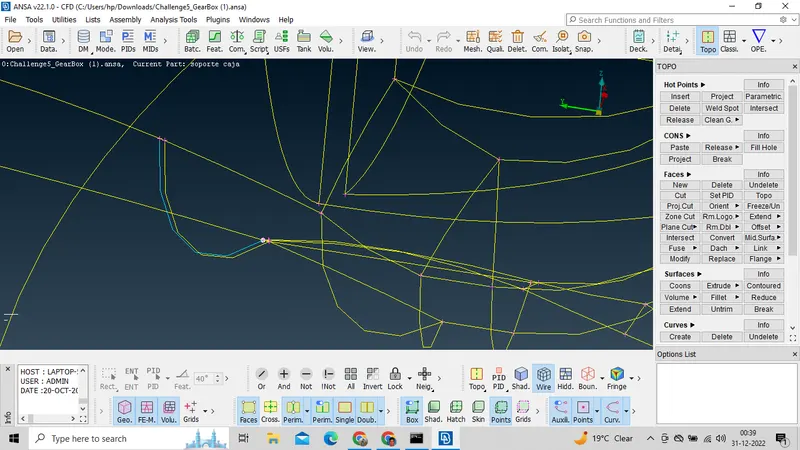
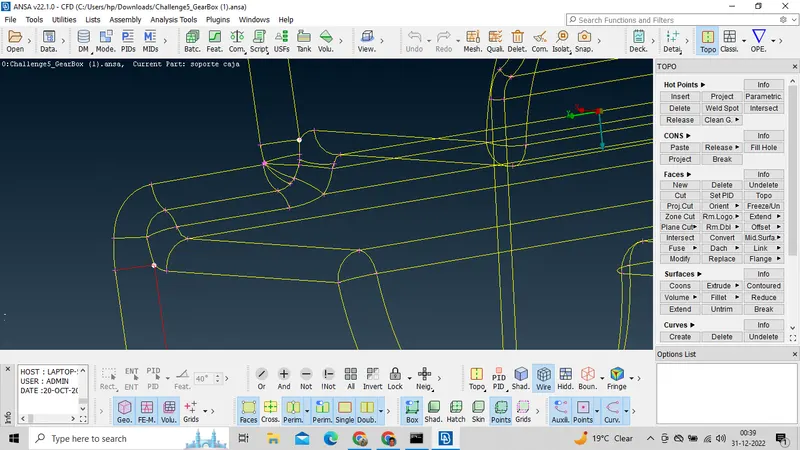
Afte removeing all necessary errors it look like this.
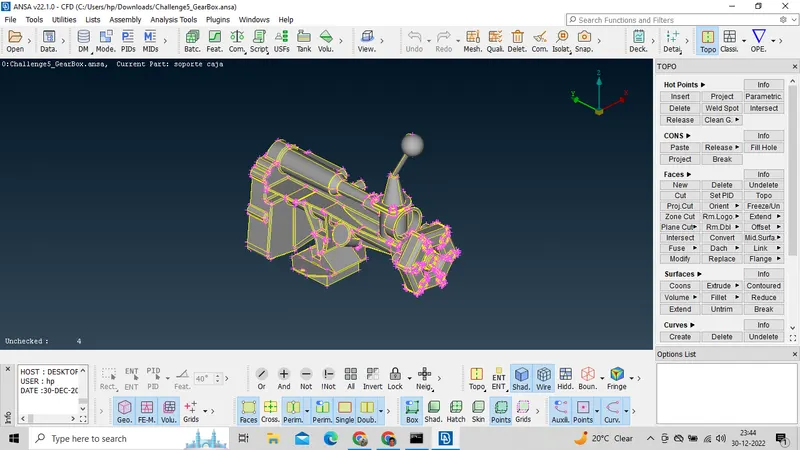
Merge all 3 models.
Open Engine part.
File >Merge> select transmission
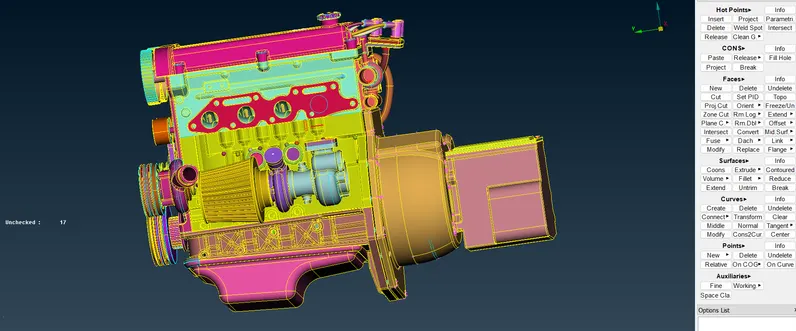
Then merge the gear parts.
File> Merge> Gear
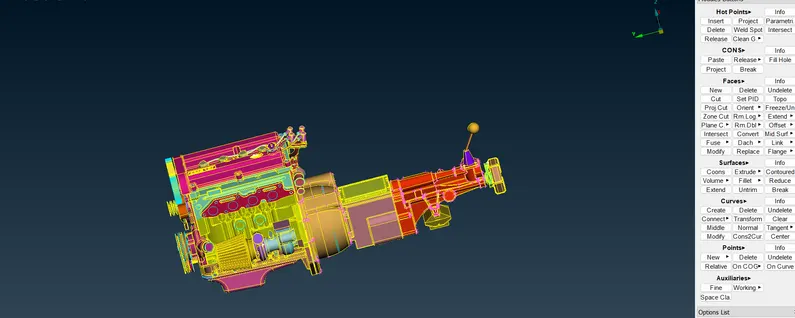
Note- Fill all the remaining holes which affect surface wrap.
Perform Surface wrap
Mesh modole>Elements> Wrap > Constant length.
target length 4 mm.
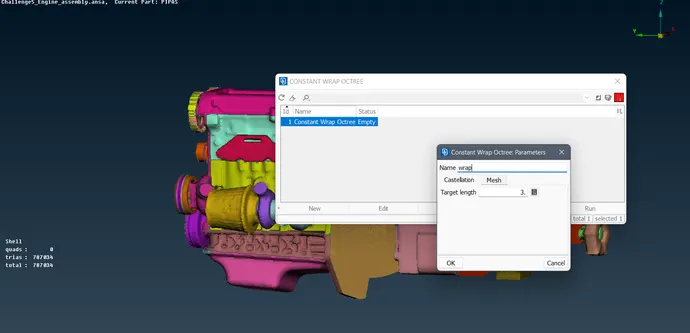 Double click on 'Constant wrap Octree.
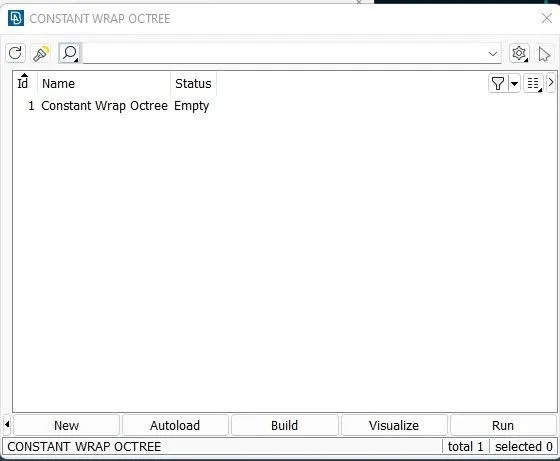
Double click on 'parameters'.
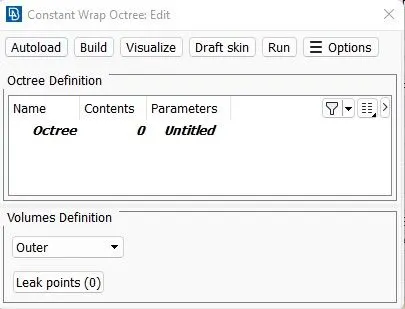
Change the name untitle to warp.
Castellation - Give target length 4mm.
Enable Nodes out of structures.
Enable Assign properties from structure.
Provide Any name like 'Full-Wrap' and click on 'OK'
Double click on contents
Select all the PIDs.
Click on green button to perform operation and click on OK.
Then hit on RUN button.
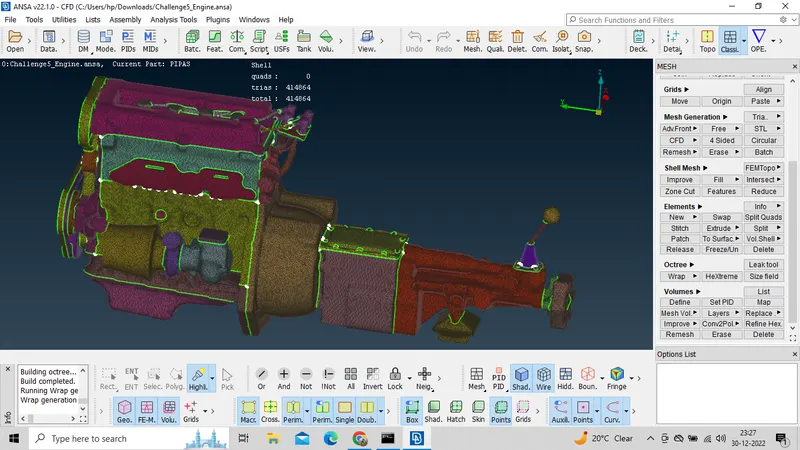
Then the below model is coming out.
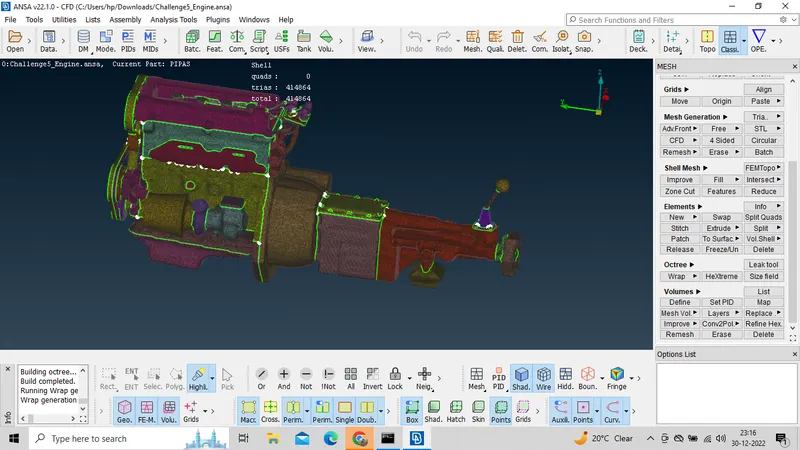
RESULTS
Conclusion:
Assembly and Surface wraped the automotive at target length 4mm.
google drive Link for ANSA file engine assembly surface wrap
https://drive.google.com/file/d/1jb_BHxOZ-IZj9aeI14CsYVXgHurwLeHj/view?usp=share_link