Week 5 Challenge : Surface wrap on Automotive Assembly
The aim of this exercise is to perform surface wrapping for given models of engine, gearbox and transmission. For this, first we have to import the models of the engine, transmission and gearbox into ansa. Then, we have to individually check the models for any discrepancies present on the geometries of these models by performing topological analysis and cleanups.
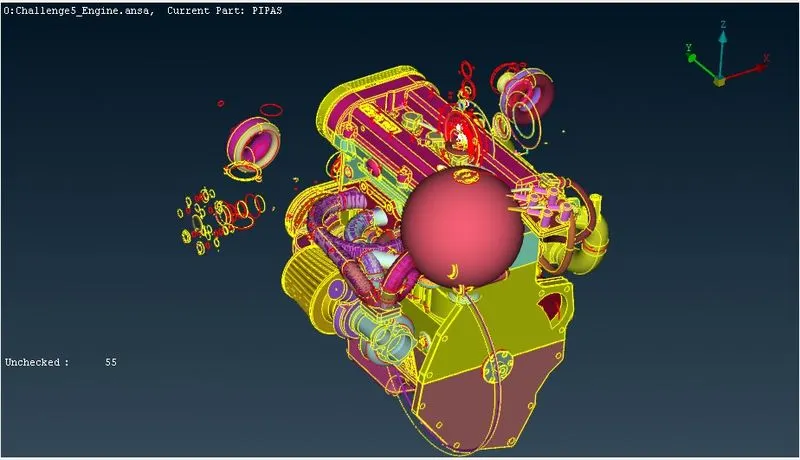
First, we check for all the errors present in the geometries. We analyse the errors such as duplicate surfaces, single triple coons although for surface wrapping, the single and triple coons are not of great significance, we cleanup the geometry by deleting the unwanted surfaces and components, components which have less importance for the purpose and duplicate surfaces while cleaning the model and creating new surfaces.
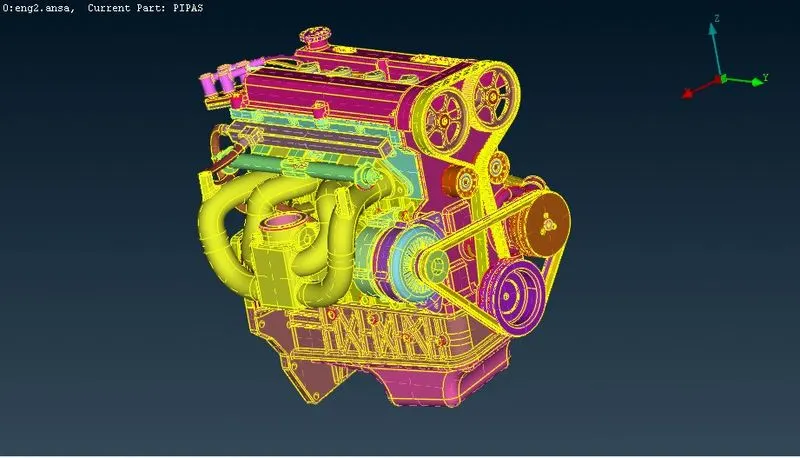
Similarly, this process is repeated for all the models and we have to carefully analyse each components present in the model before performing surface wrap. Also, the internal components can be left undisturbed since the wrapping is done only on the outside surface of the models combined in a single window.
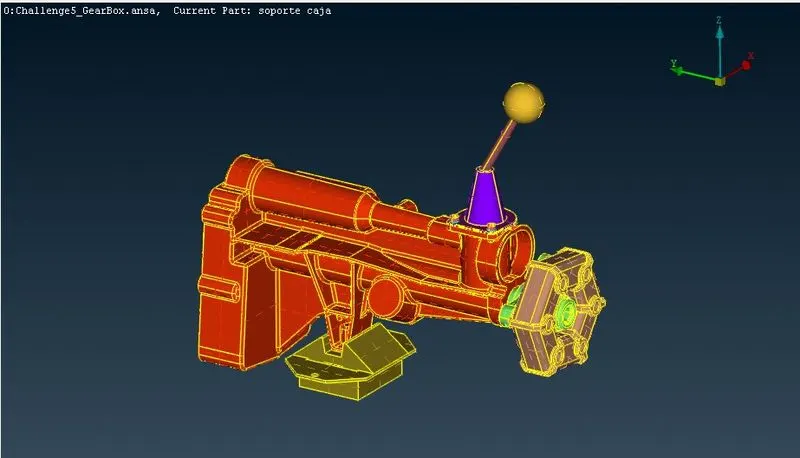
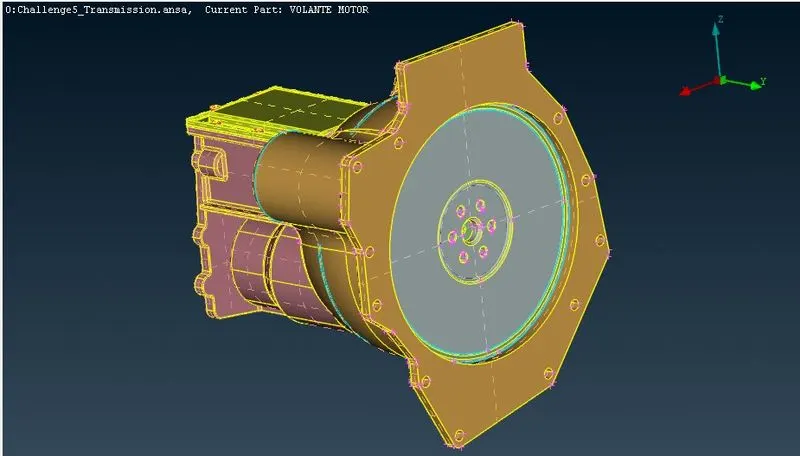
After the process of geometry clean up, we have to find all the open surfaces and holes and patch them in order to avoid discrepancies while we do surface wrapping and obtain clwaner surface wrapping of the model.
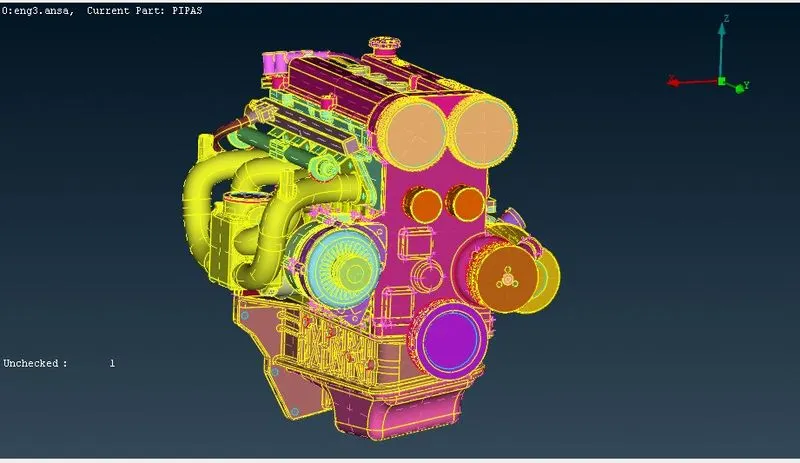
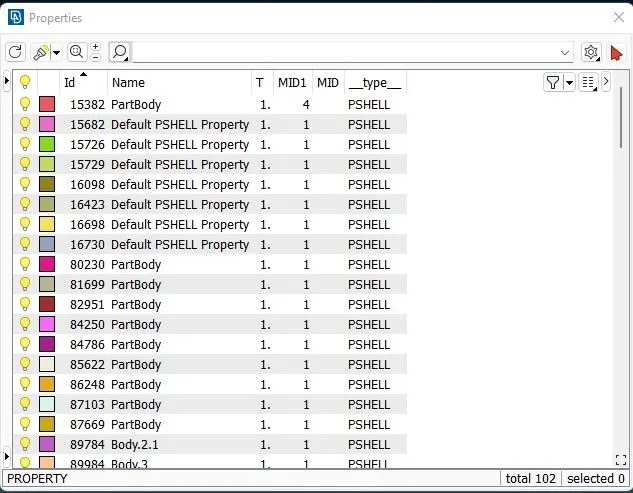
After all the holes have been patched, we can now delete all the empty pid's present in the pid manager so that only the pid's that are being used are present and shown.
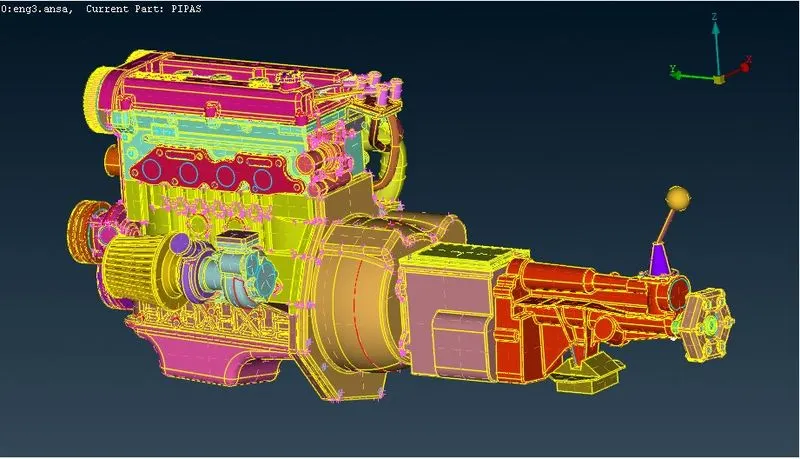
Finally, we can import all the three models in a single window by using the merge option from file and setting the view.
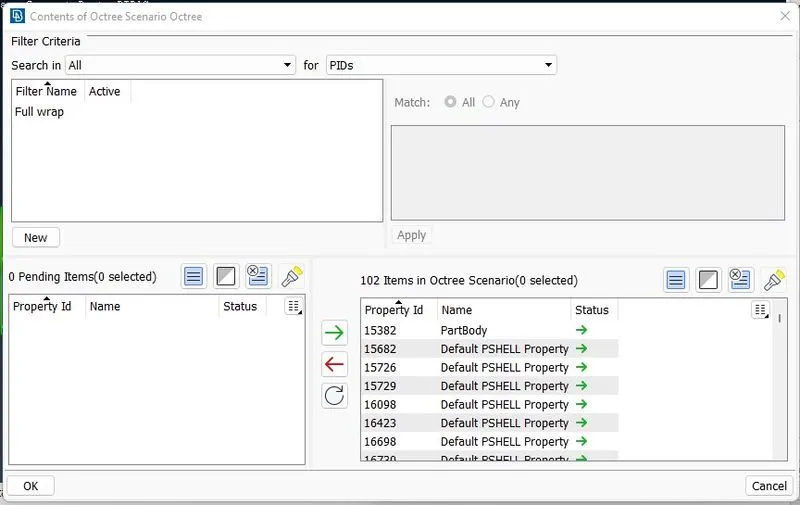
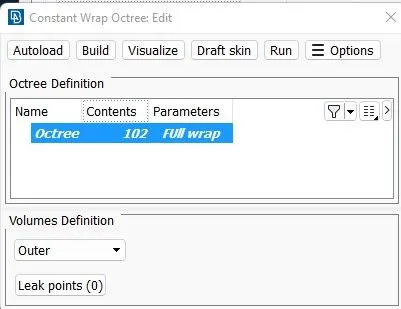
Now, we can move onto surface wrapping by going into mesh deck, clicking on wrap and constant length and slecting the predefined constant wrap octree. We can go inside the octree and the first define the parameters that are required such as the name of the combine model and the mesh length.
Then, we can go into the octree and then import all the pids to the used space and then exit the window.
Finally, we can use the run option to create a total surface wrap for the model.
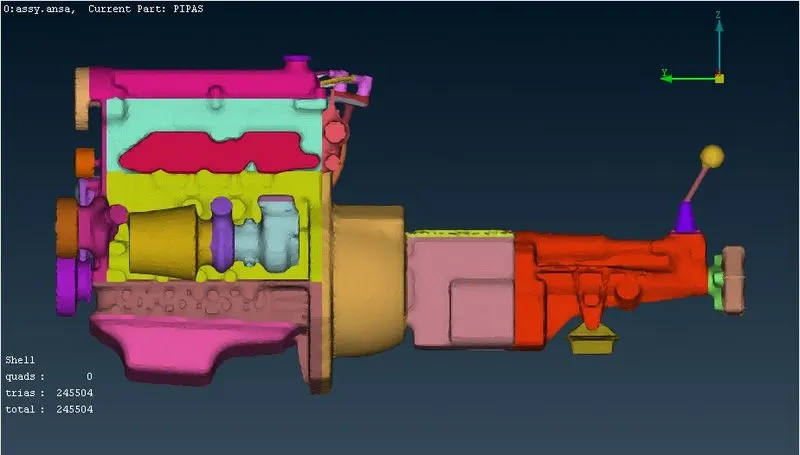
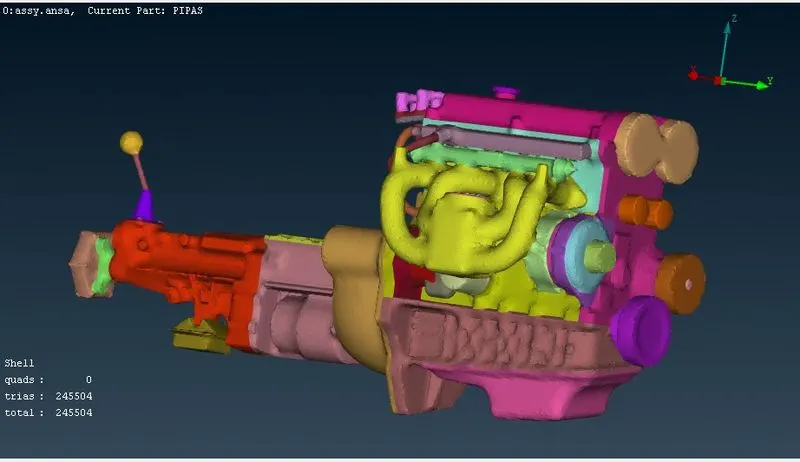
Thus, we have successfully performed surface wrapping for all three models merged together using wrap in ANSA. We can check the statistics and information regarding the total number of mesh elements genertaed and type of the elements that are generated within the bottom corner of the window.
https://drive.google.com/file/d/1mPZ8NA0ccUMB7wBIVpbhmFzzlLmn8R9V/view?usp=share_link