Week 5 Challenge : Surface wrap on Automotive Assembly
AIM -
For the given models, check for the geometrical errors and delete surfaces which are unwanted for Surface wrap. After clearing geometry, merge all 3 models and perform surface wrap.
Target length for Wrap = 3 mm
PROCEDURE -
Open the engine model first
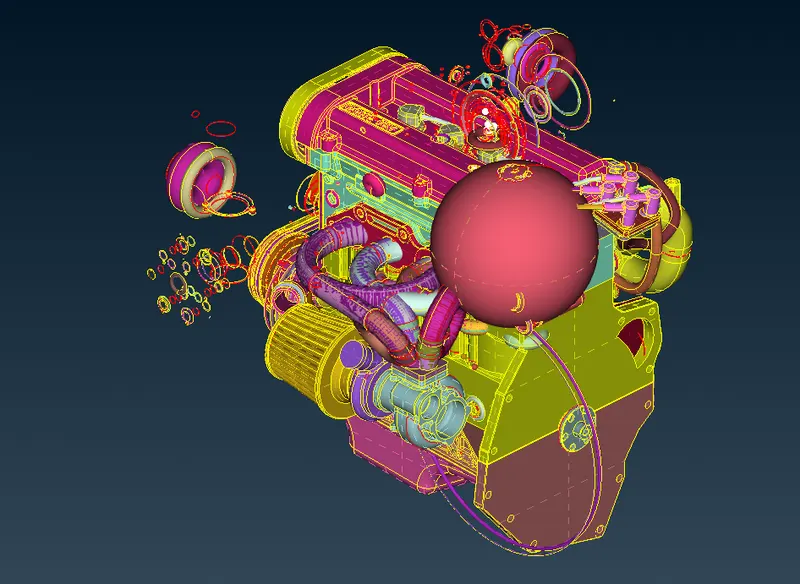
We can directly delete the surface that are not attached to engine which is clearly visible
For this challenge we must delete unnecessary tube that the designer has made in order to make fillet between 2 surfaces and no need to clear single or triple cons inside the engine.
We can directly delete the unchecked surfaces by right clicking on it and use universal delete option to delete it. It is better to delete unchecked surfaces, we do not want to bother whether it is outside or inside the engine.

We can hide all the necessary PID’s and delete the unnecessary parts as shown below, if by mistake we delete an important PID we can use the undelete option to bring back that part.
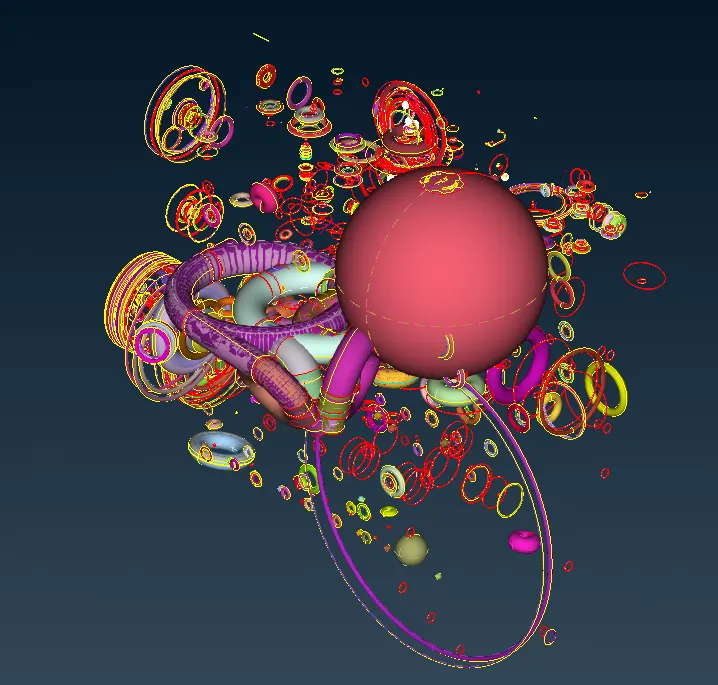
After all that, the model looks like this.
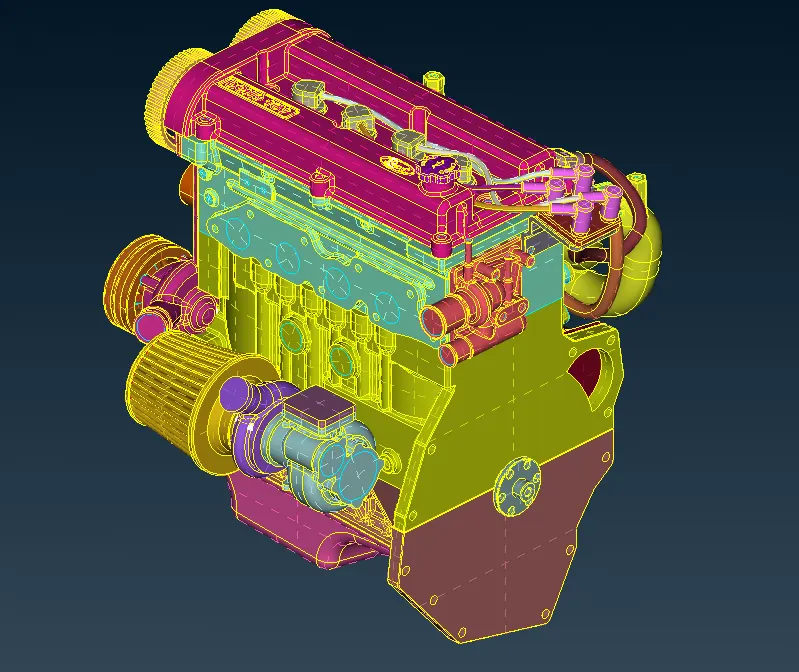
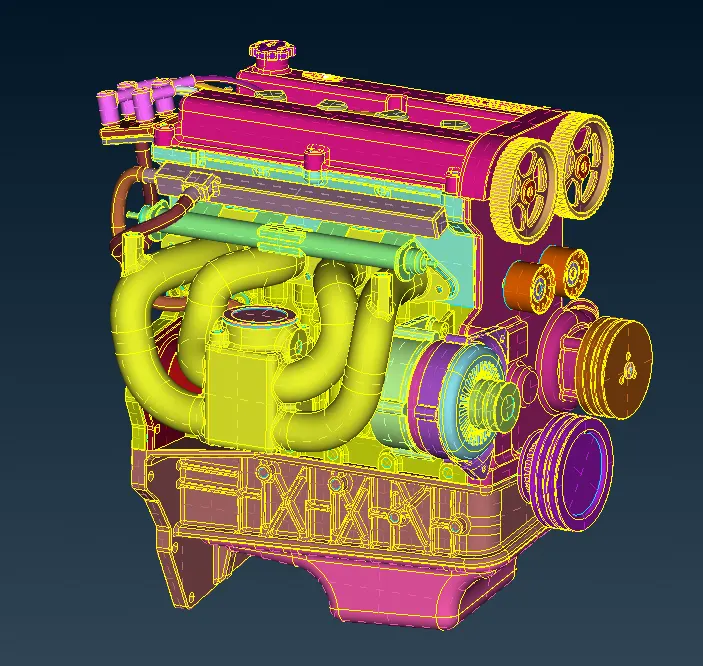
Lets move to transmission part to clear the errors outside,
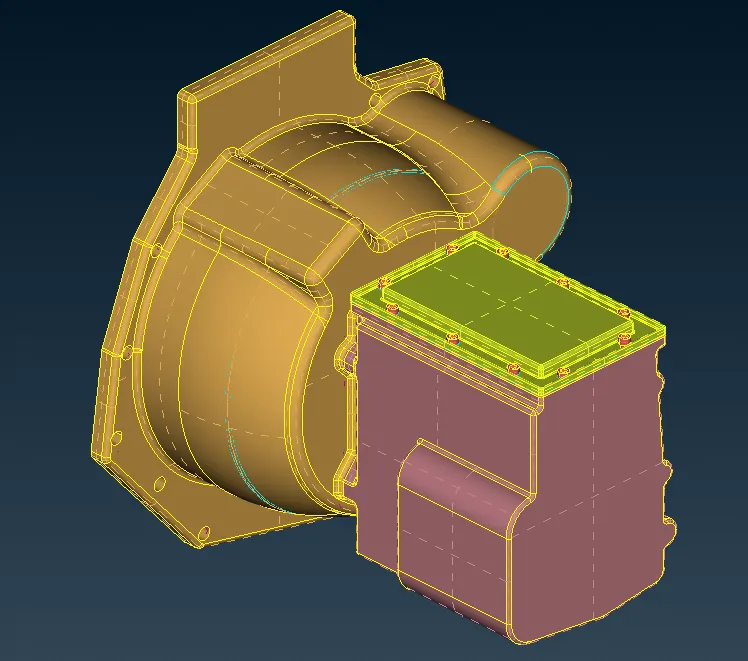
We have to clear all the single and triple cons shown below
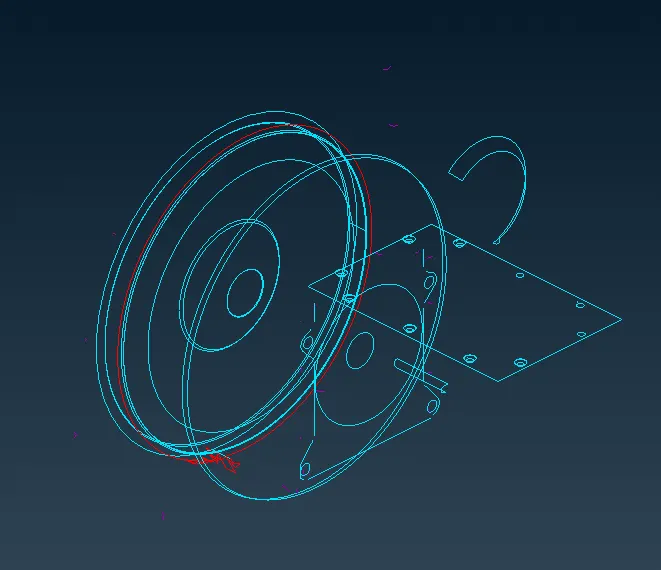
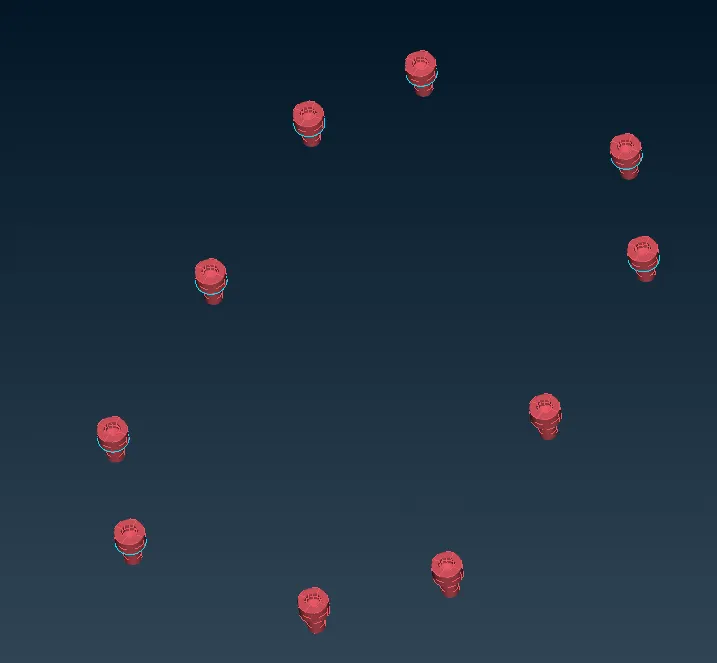
After all that, the model looks like this.
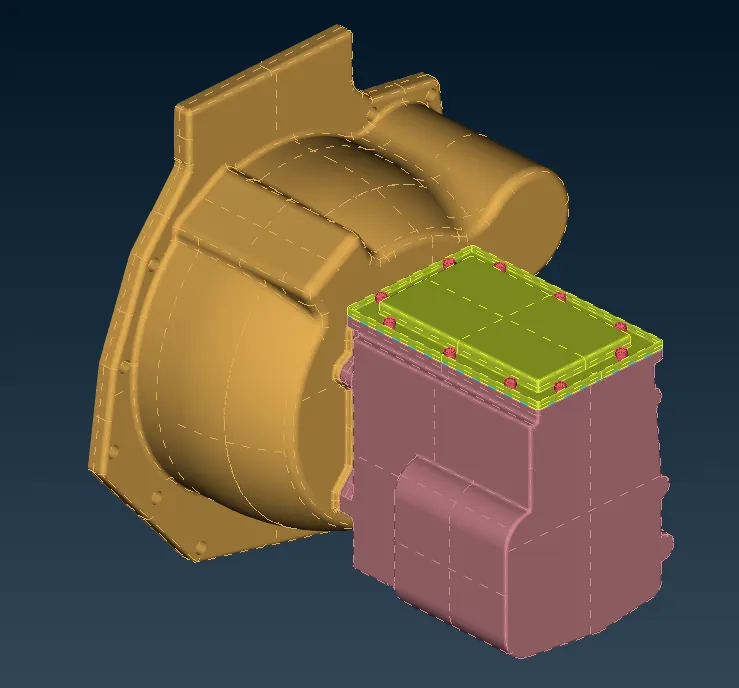
Lets move to gear box now
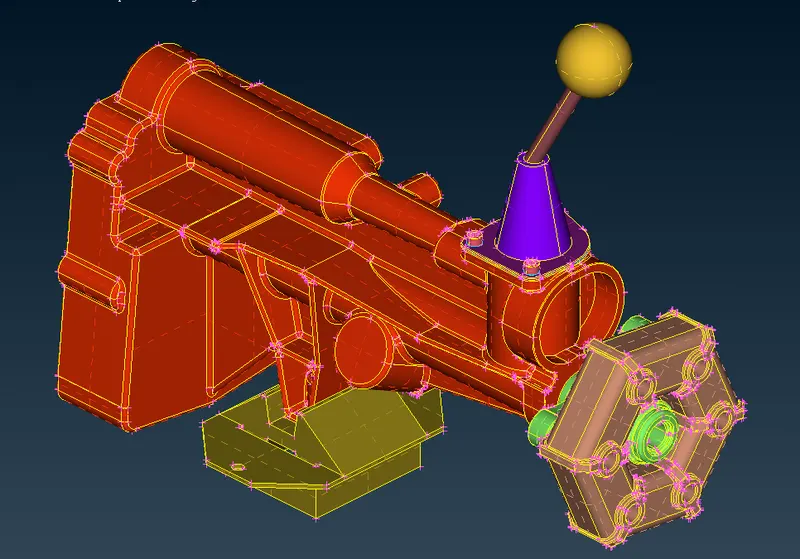
We have to clear all the single and triple cons.
Now as we're done cleaning all the three models, we can now merge them together as shown below.
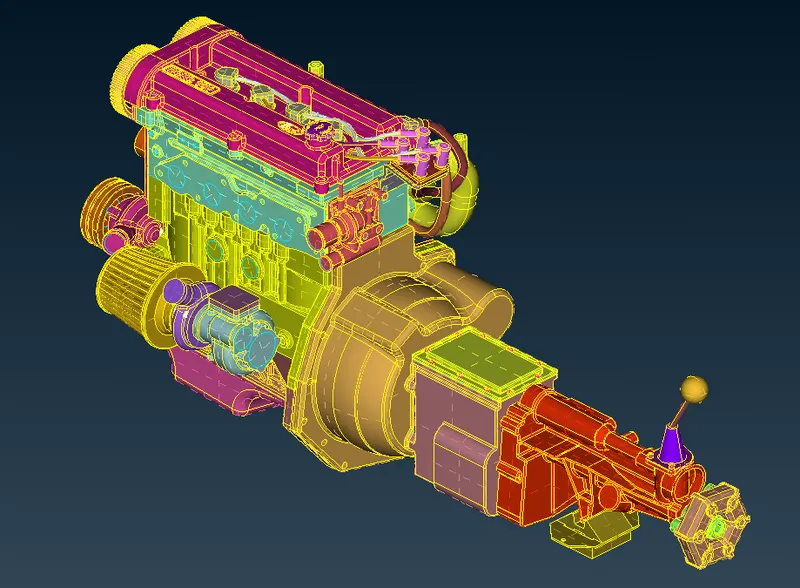
Use wire frame mode to see any single cons or triple cons and then zoom to see whether any error at outside surface.
Now lets do compress to compress the unnecessary PIDs.
After that lets go for surface wrapping.
Select constant length wrap from octree
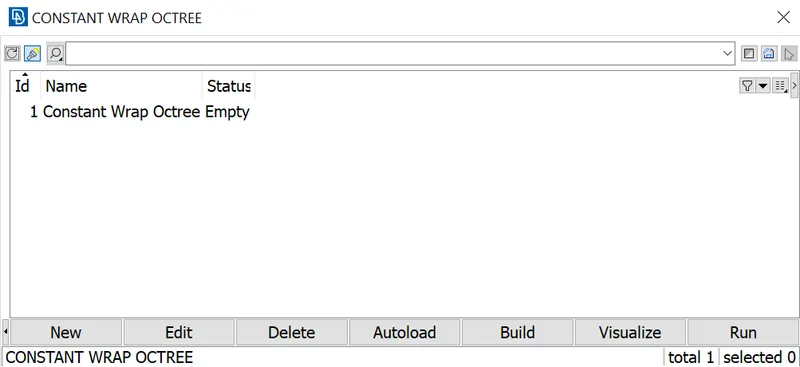
After that assign all the PIDs to wrap
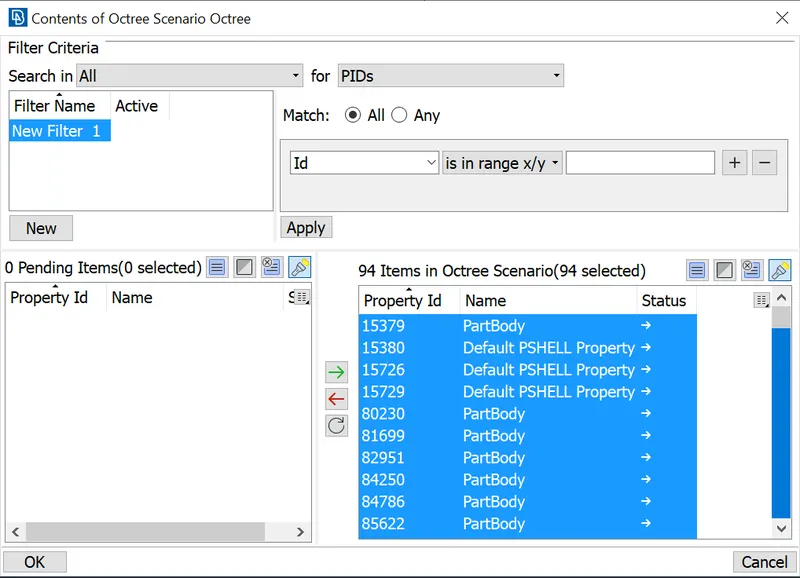
Then provide the target length as 3 mm
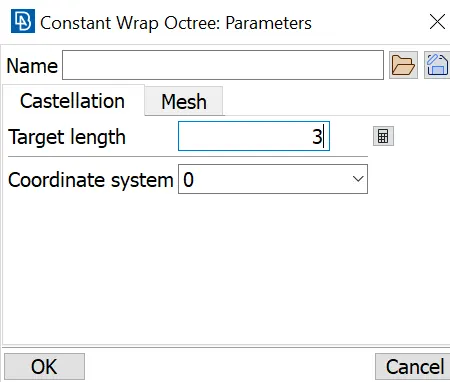
Click on run to do surface wrap
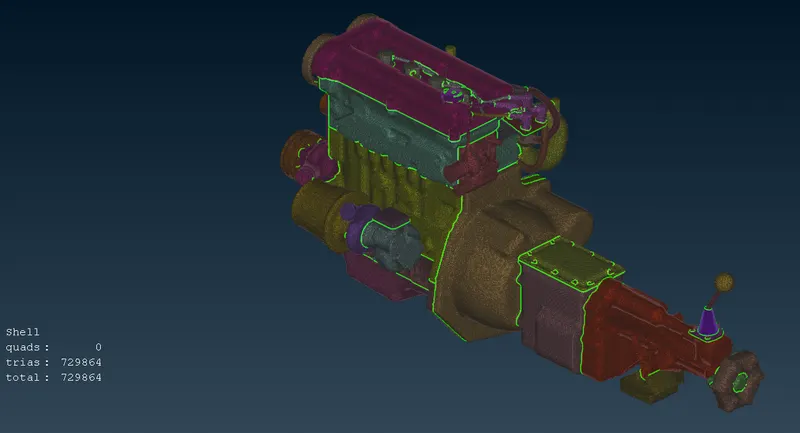
After surface wrapping, the model looks like this shown below
ATTACHMENT -
The surface wrapped model is attached below
https://drive.google.com/file/d/10t2fMwZvs2b8qoELUzWcsu6wZfo-vQEV/view?usp=share_link