Week 5 Challenge : Surface wrap on Automotive Assembly
AIM
To perform surface wrap on automotive assembly.
For the given models,
To check for the geometrical errors and to delete surfaces which are unwanted for Surface wrap as shown in the videos.
After clearing geometry,merge all 3 models to perform surface wrap.
Target length for Wrap = 3 mm.
PROCEDURE
All three models like Engine, Transmission, Gear Box model are imported and are checked one by one for any unwanted surfaces present and if any single cons are present.
Topo cleanup is done by deleting such unwanted surfaces like extra ring like structure protruding from geometry, extra edges on surface.
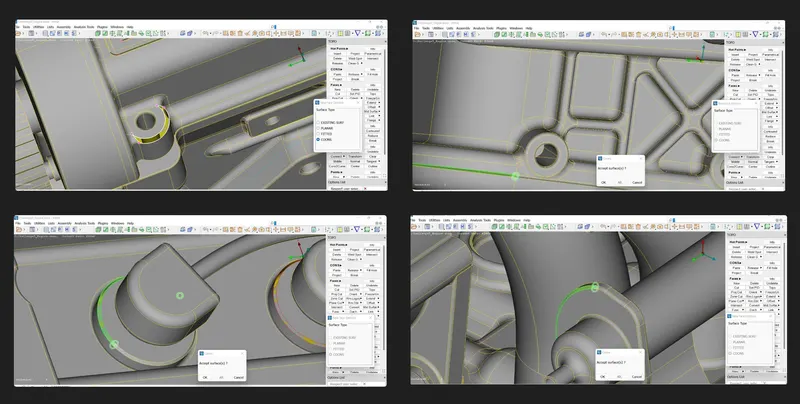
The final topo cleaned model. Save the models
After cleaning all the models, we can merge them to create an assembly, For merge we can go to FILE-> MERGE
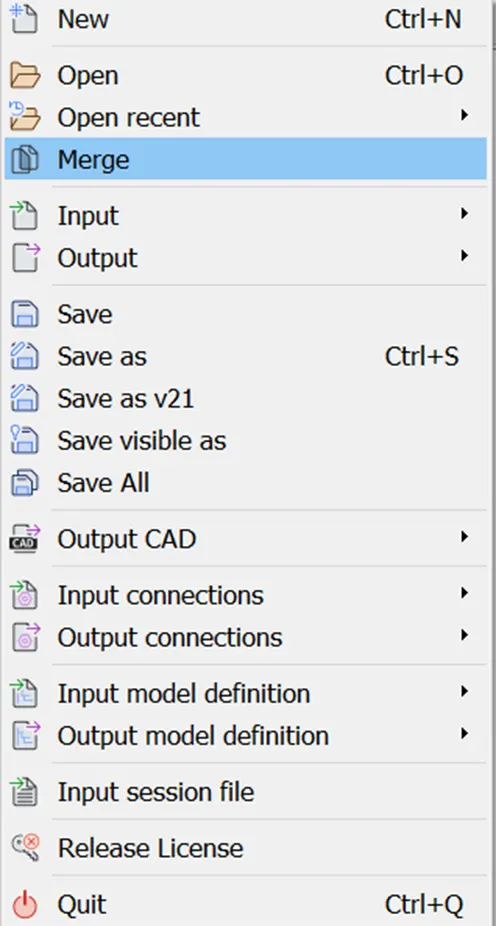
Select the required geometry and merge the models together
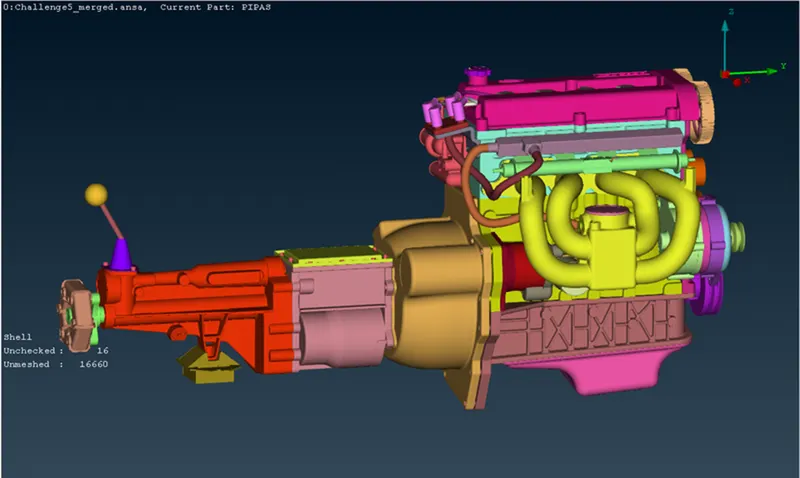
This is how the assembly looks like
SURFACE WRAP:
We can find the wrap option in the mesh option
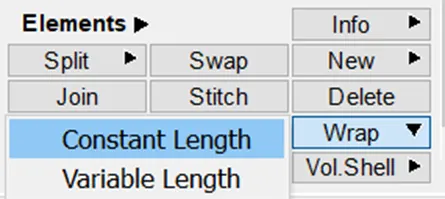
Select constant length as we have same target length through out
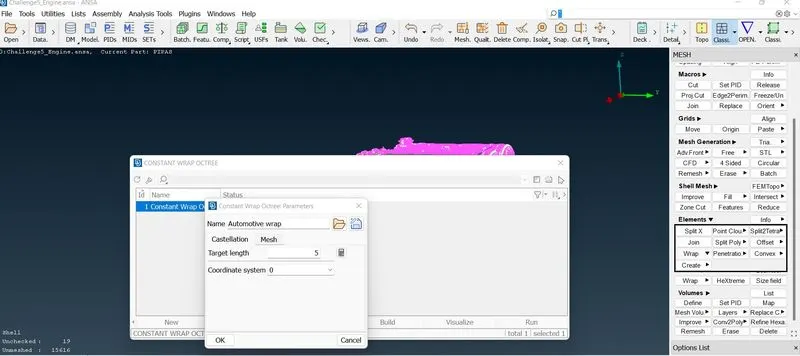
Double click on first empty we will get a pop up and then click on untitled below parameters
Here we are going to put the target length
Now selecting contents so double click on 0
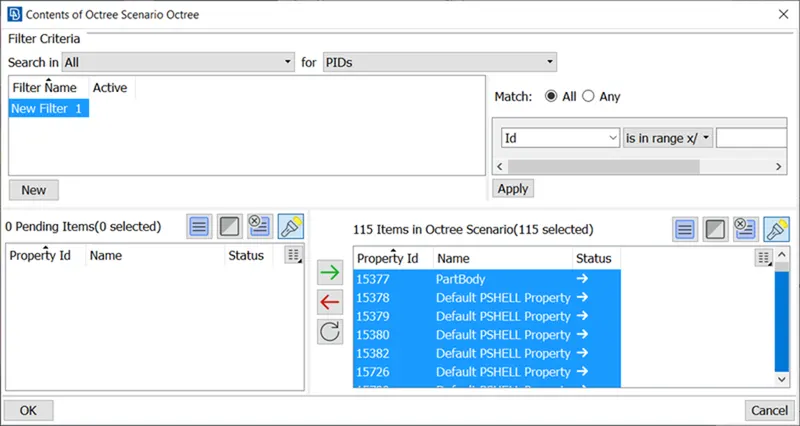
Select all PIDS and put it in right box those will get selected, as shown there are 115 items in octree scenario
It will take 10-15 min
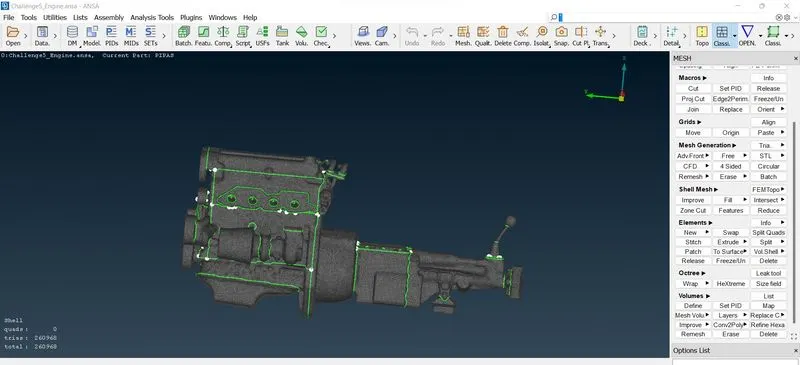
CONCLUSION:
We have succesfully merged all the 3 components and completed the meshing with surface wrap for the full merged model with a given target.
drive link:https://drive.google.com/file/d/1MwpVb9MNveZ0uyVSnSKAfS9OyO4QurPY/view?usp=sharing