Week 5 Challenge : Surface wrap on Automotive Assembly
Aim/Objectives
- For the given models such as Engine, Gearbox and Transmission check for the geometrical errors and to delete surfaces which are unwanted for surface wrap.
- Merging all three models and perform surface wrap.
Procedure
> When the model is complex and are difficult to generate mesh and consumes more time due to which surface wrap is
used.
> In surface wrap only the external surface is considered and a single volume is created for surface wrapping.
> Below shows the unwanted surfaces which are cleared during geometry clean up.
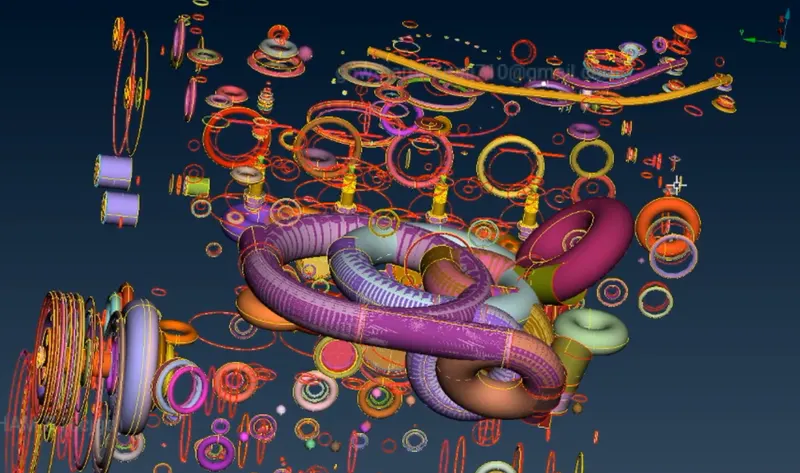
> As the geometry is very complex only the external surfaces is considered for surface wraping.
Tools used :
Some of the major tools used to perform topological clean up are,
- Delete - Used to delete selected entities.
- Faces --> New - To create new faces.
- Topo - Geometry is optimised automatically.
> Before performing surface wrap all three individual model is merged using merge option.
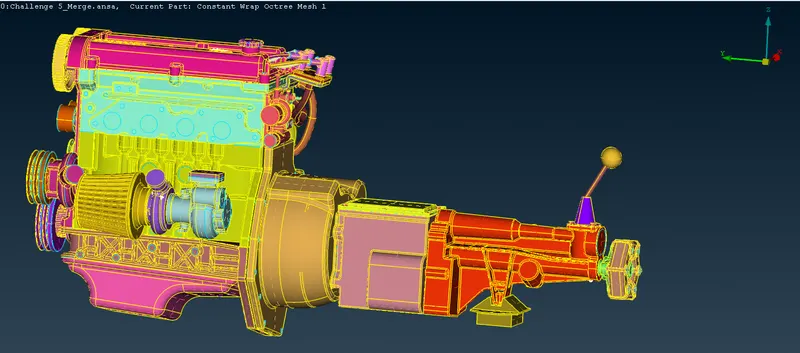
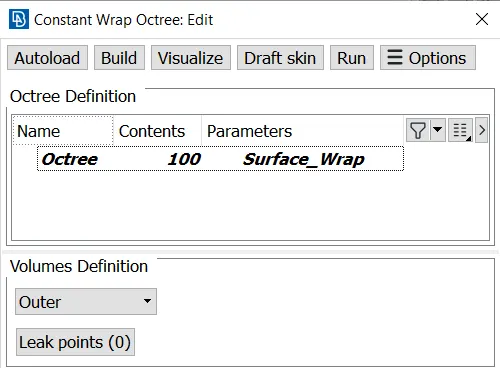
> Surface Wrap is performed using the following command : Elements --> Wrap --> Constant Length.
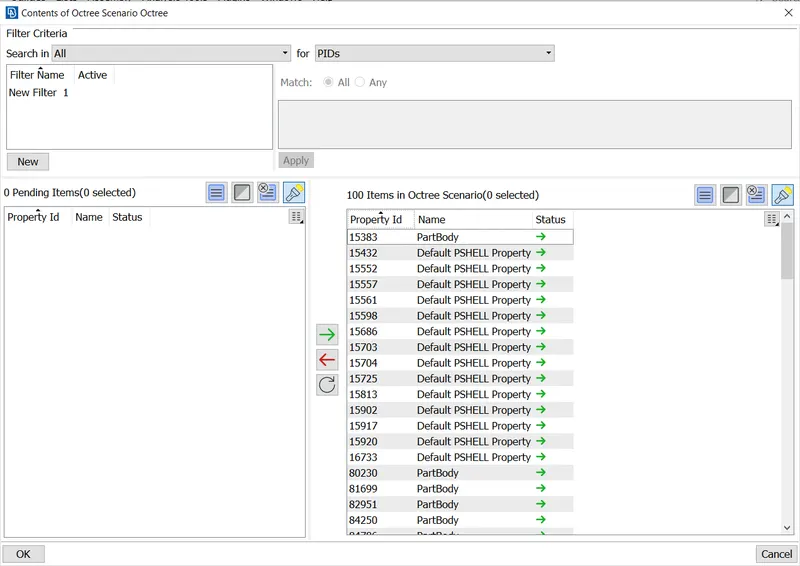
> Contents in the below figure shows the selected surfaces or number of PID's for wraping.
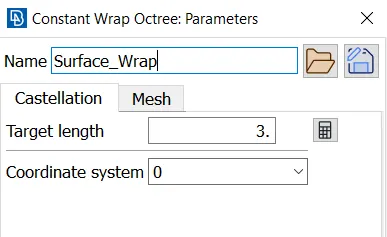
> Target length is specified in parameters section.
> Target length of 3 mm is specified for the surface wrap.
> In order to run or execute surface wrapping below is the step consist of selected PID's of 100 items.
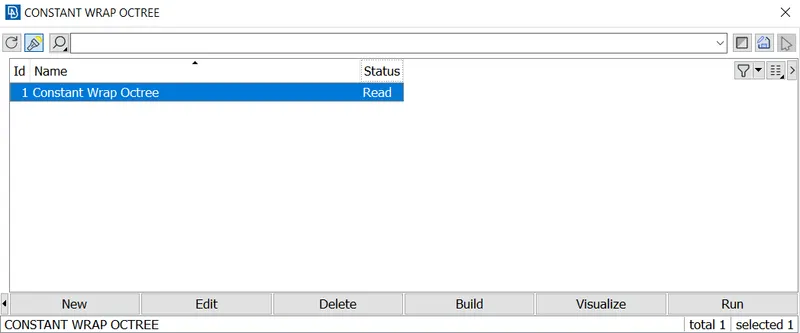
> After running the status is observed. Below shows the status as read which is the final message of the surface wraping.
Results
> The below shows surface wrap of the merged model such as engine, gearbox and transmission.
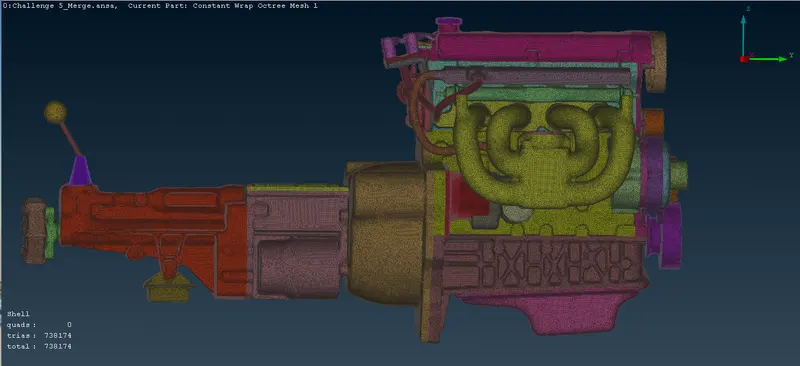
> A volume that dose not have any intersecting surfaces is made through surface wrapping.
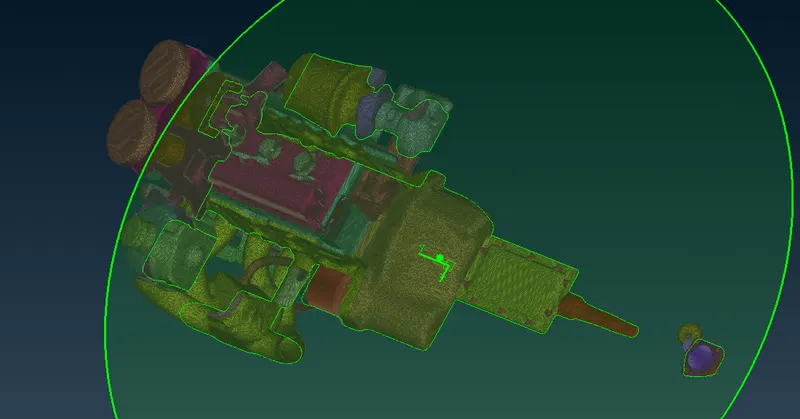
> A cut section view of the model after surface wrapping is shown below :
Learning Outcome
To perform surface wrap for the given model
ANSA Model
https://drive.google.com/file/d/19dygD5y7IwyJQnLr0-BIakmvV0LPqxpN/view?usp=sharing