Week 5 Challenge : Surface wrap on Automotive Assembly
Aim/Objective: To check geometrical errors and delete the unwanted surfaces, do the surface wrap, merge all the 3 models provided and go for a surface wrap.
Procedure/ Learning Outcomes: We will follow the guidelines which are told in the videos to go forward with completing the surface wrapping.
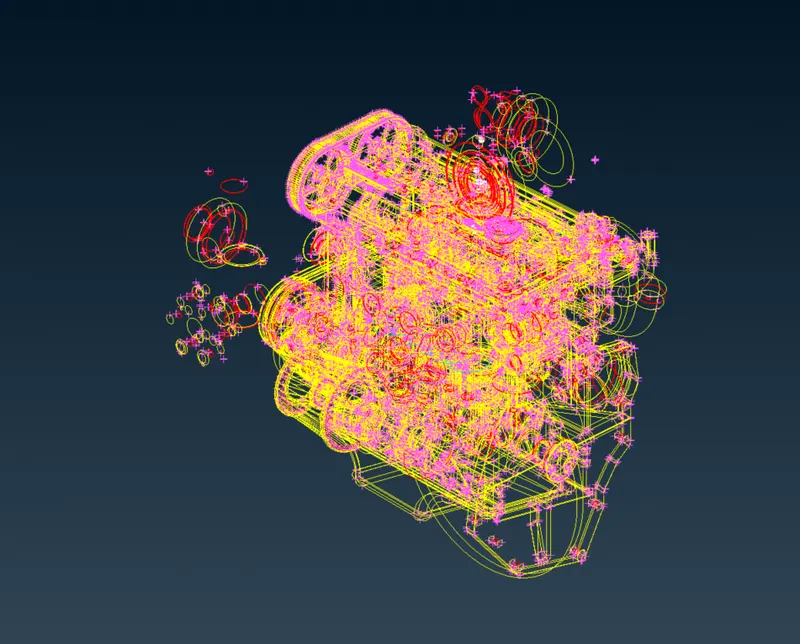
Available model of engine
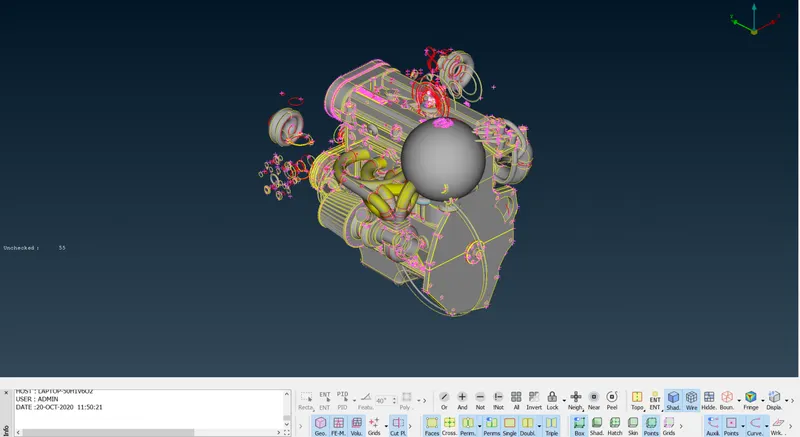
Here is the model in shaded mode.
Let's see in PID mode
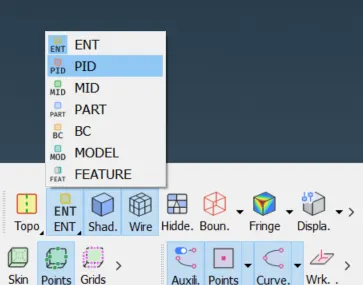
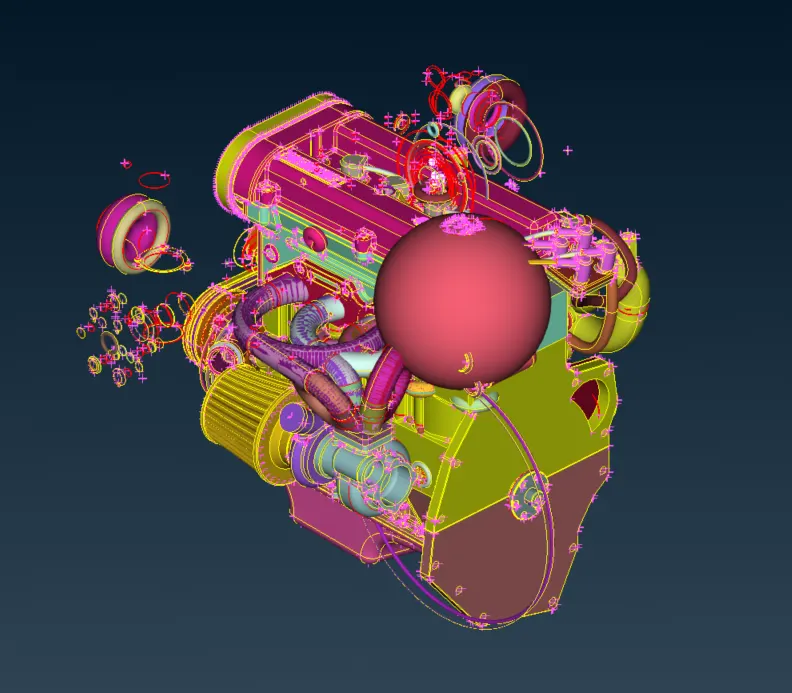
Surface Wrap: It is used for external flow applications only. It only takes care of the water-tight mesh of the external surface so that we don't get any errors in external surface meshing.
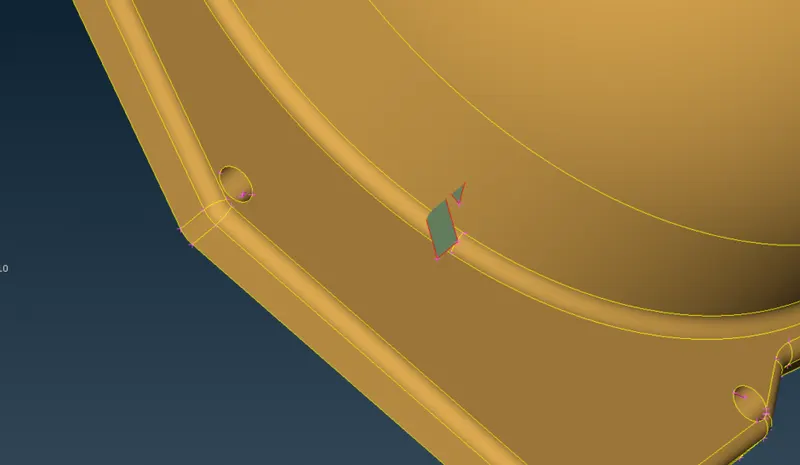
Some non-usable entities, let's delete them.
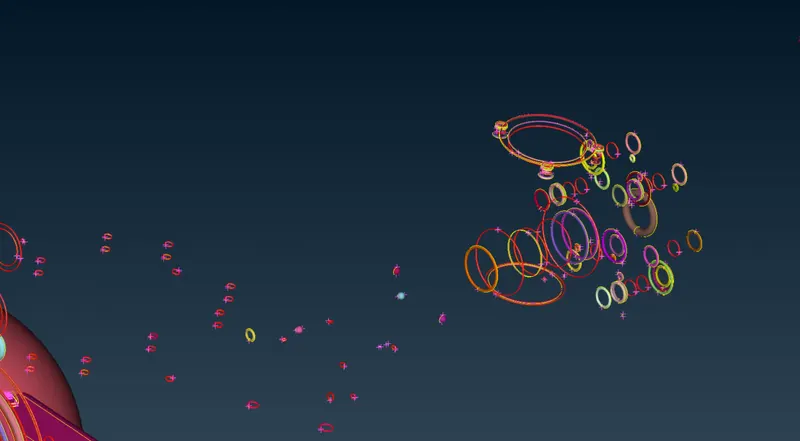
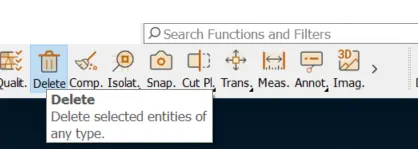
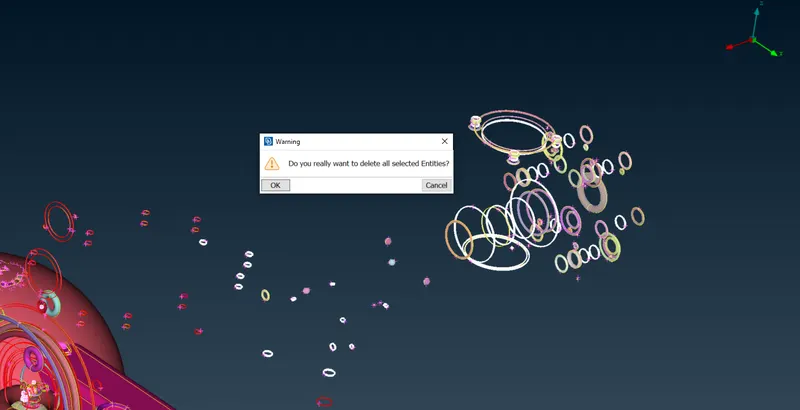
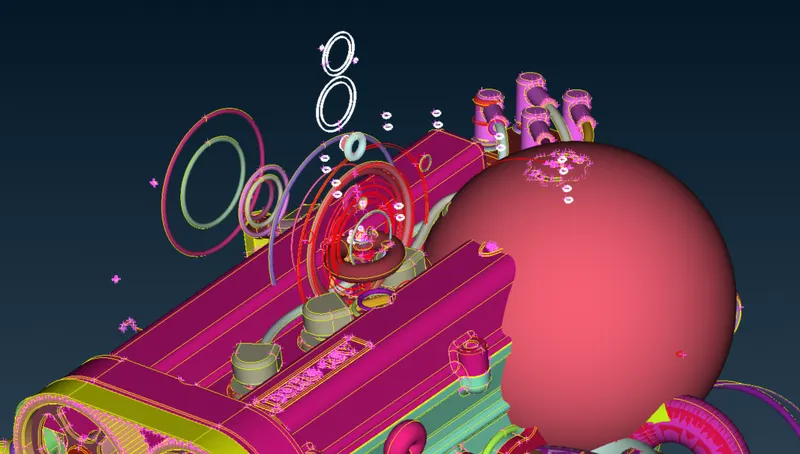
After cleaning one of the areas
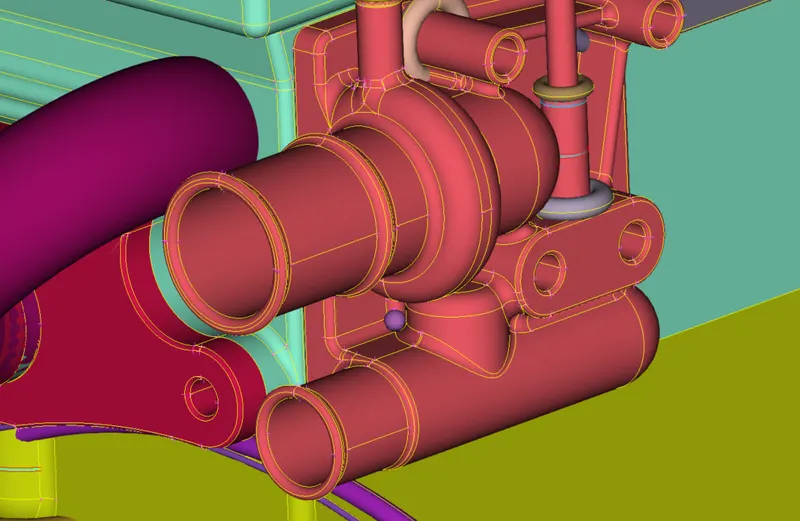
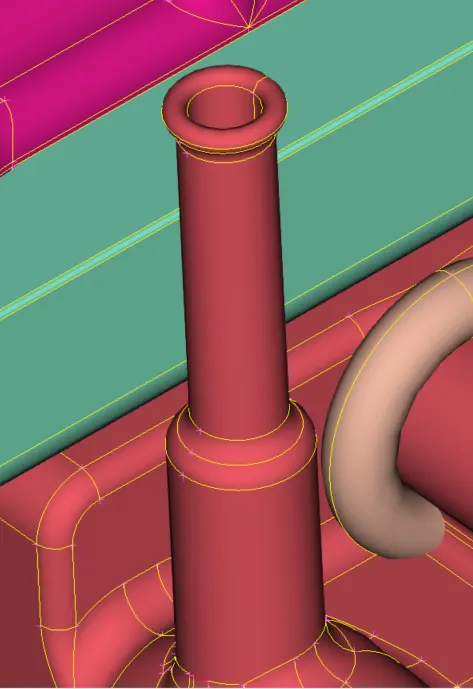
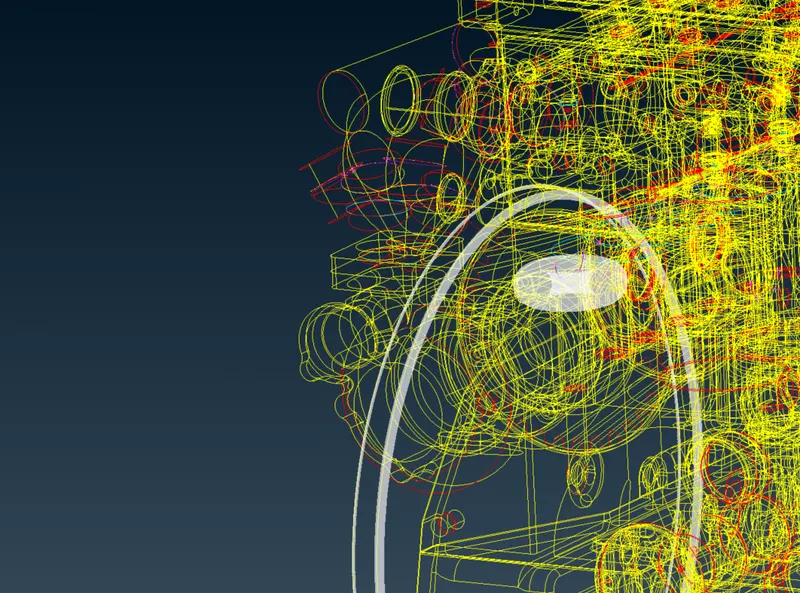
This will take quite a lot of time let's hide the engine part so that we can play with the tubes.
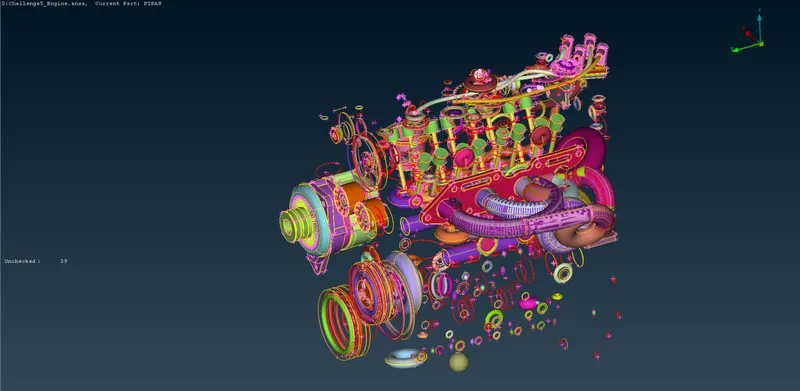
Quite interesting to play with this wonderland I think.
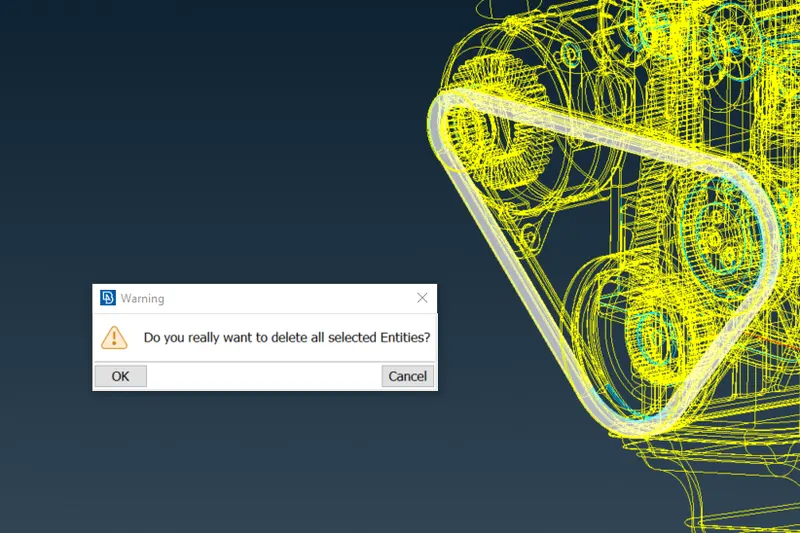
For very thin surfaces we are not able to capture surface wrap, so we need to delete belts, and also need to close holes
After closing holes, we can see the geometry like this
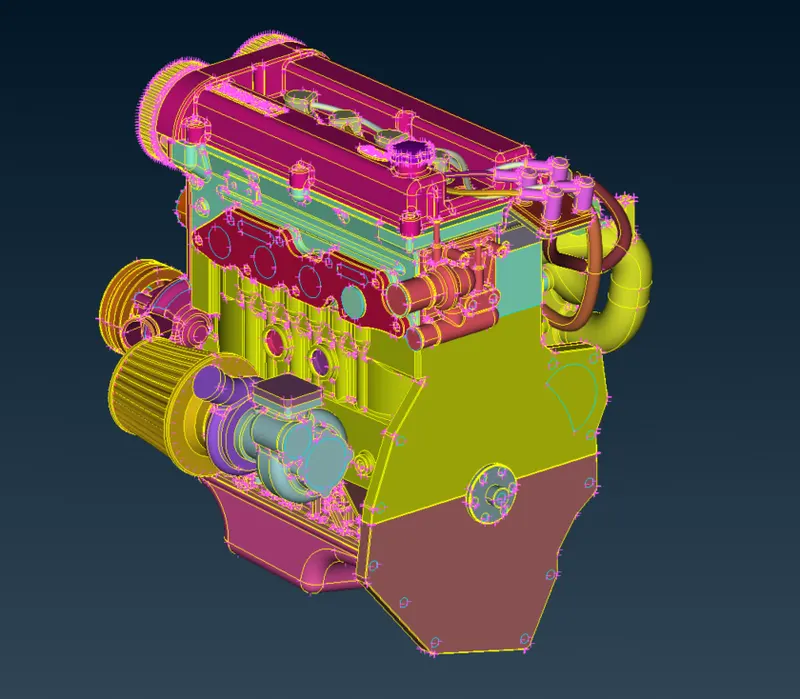
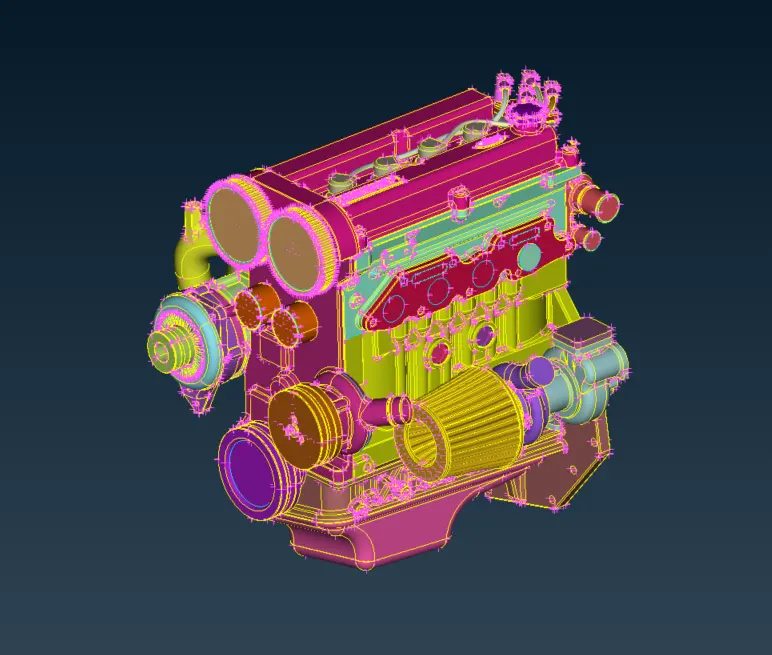
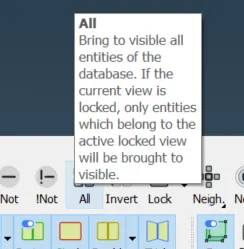
We cleared all the tubes and during clearing, we did delete one of the lower surfaces or the edge surface and then deleted the tube section which is not needed, and then do the ALL tool for getting the geometry back again in shape.
This repetitive task helped us in cleaning the geometry and then we filled all the holes for the required geometry.
Now, let's go for the Transmission part.
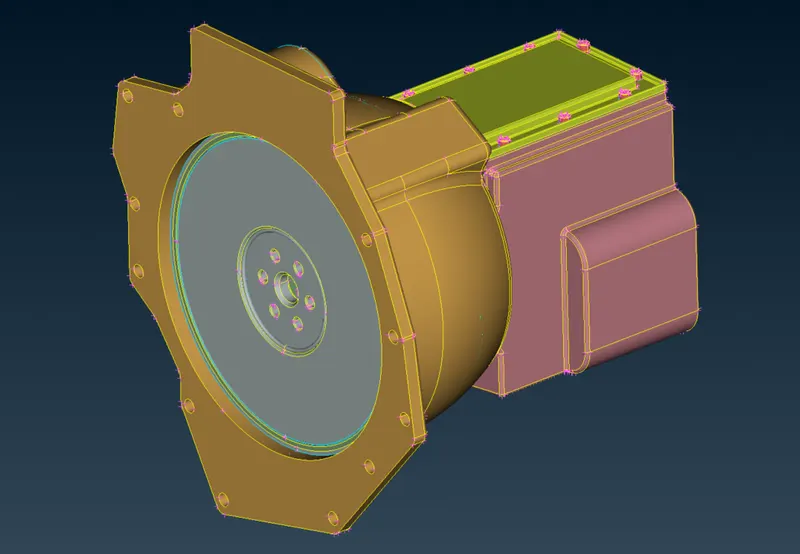
Here is the available geometry.
Delete
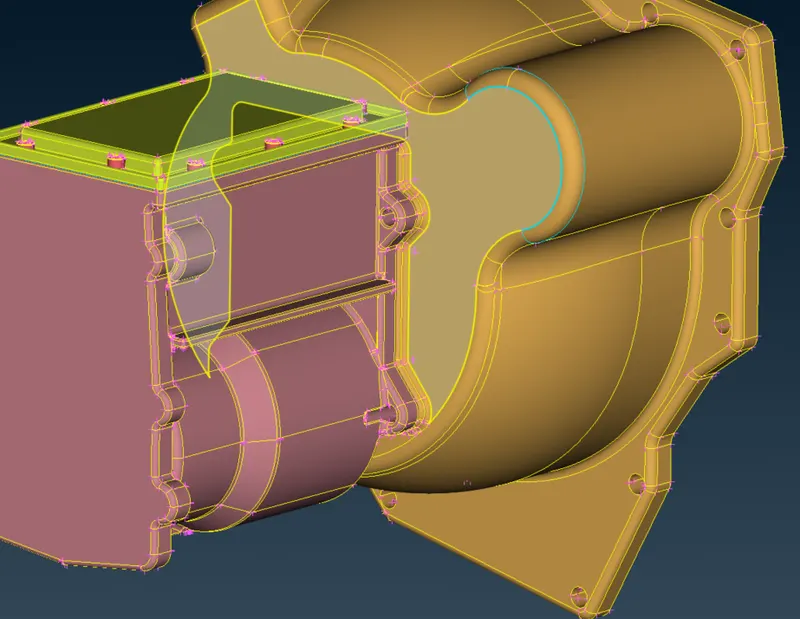
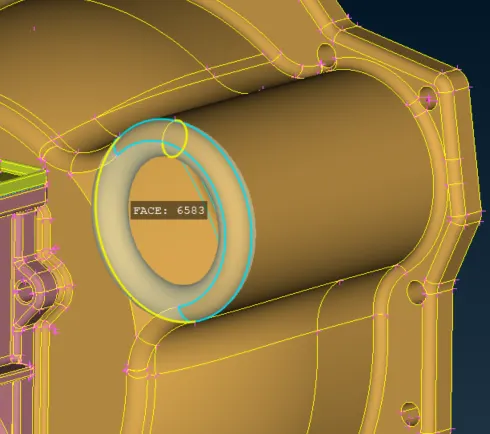
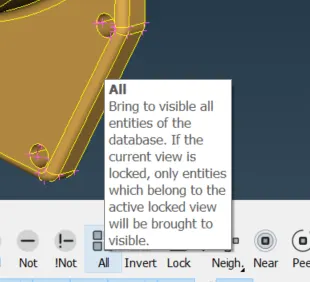
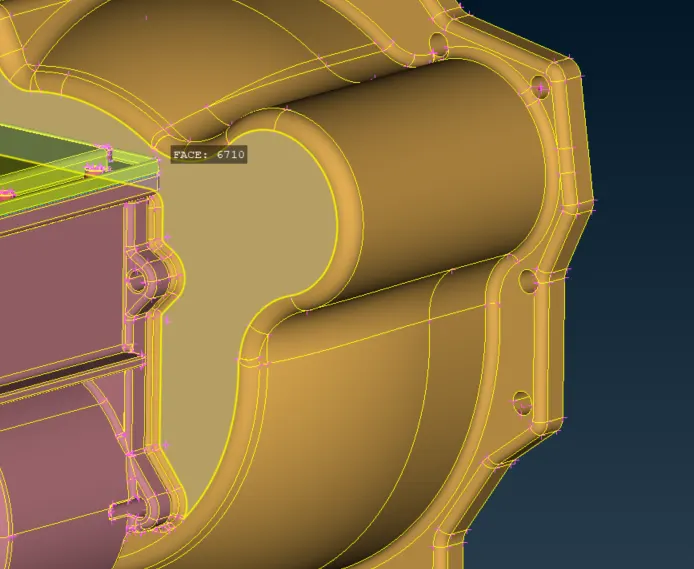
Clear as we did in the engine part.
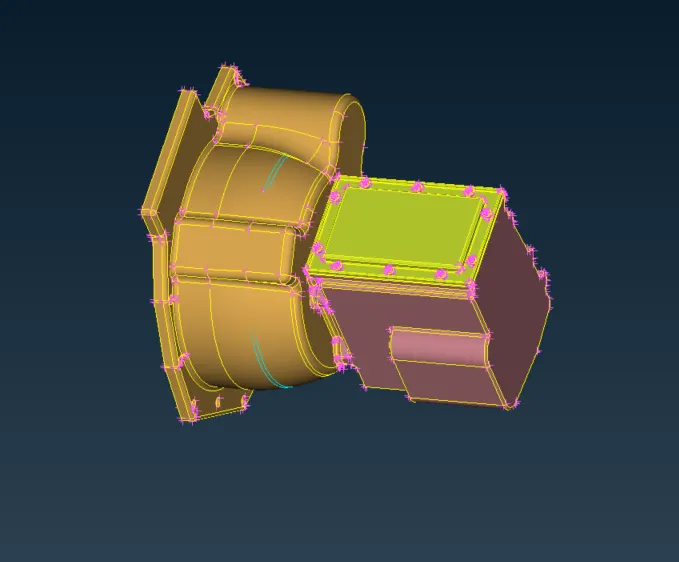
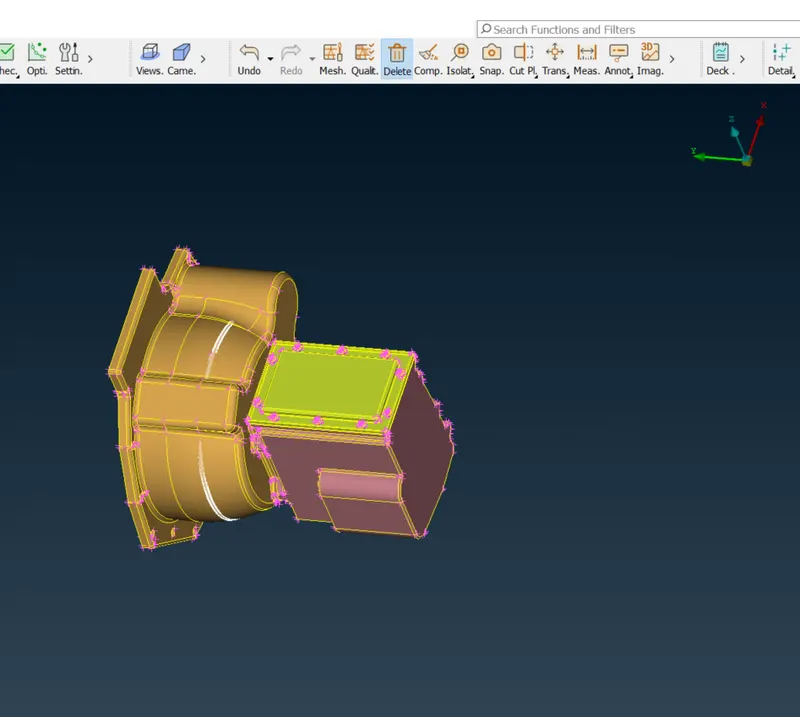
Deleted
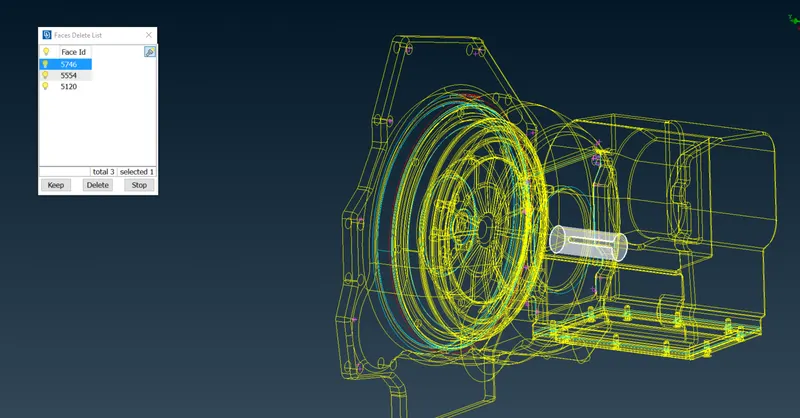
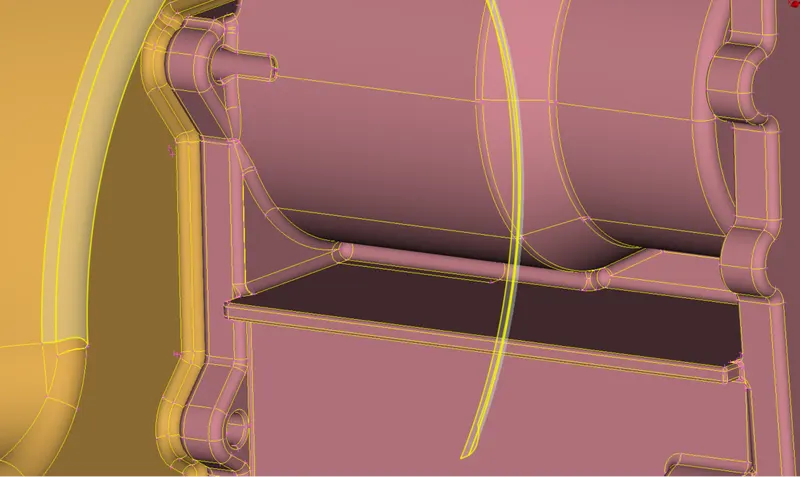
We will not close the holes here as we need to assemble the model and the complete holes can be closed as per the requirement of what is looking outside.
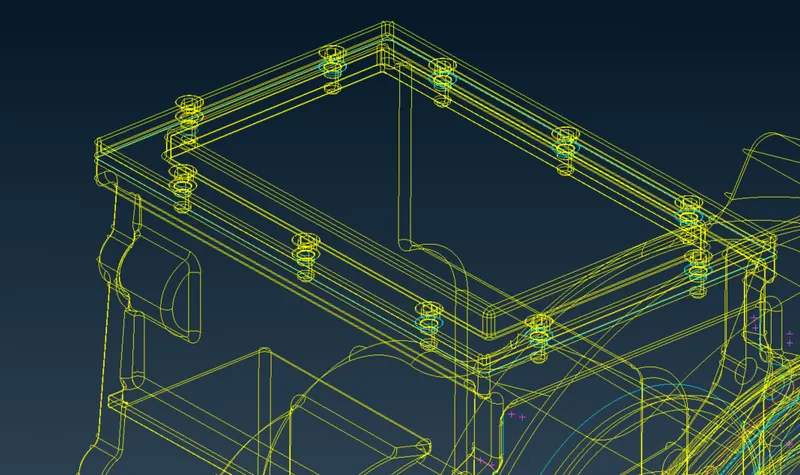
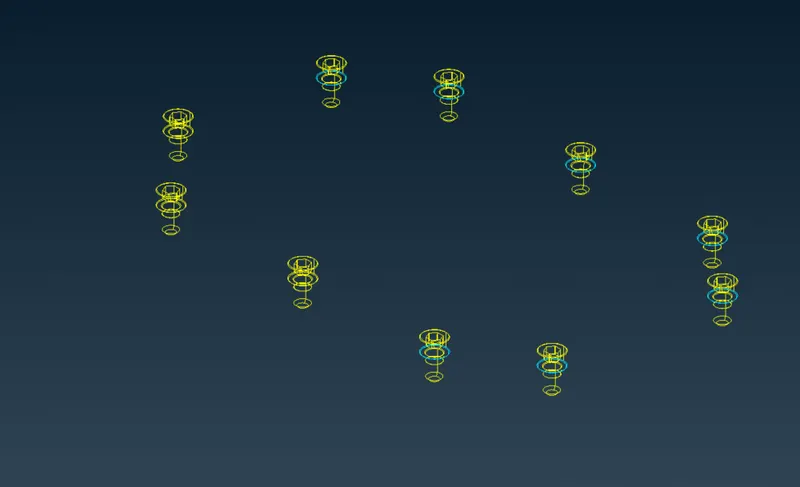
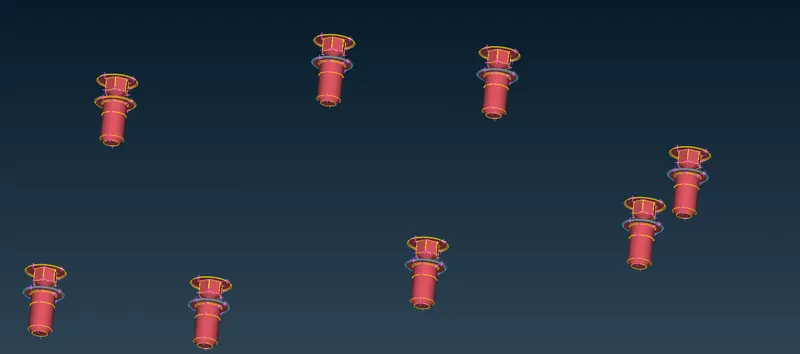
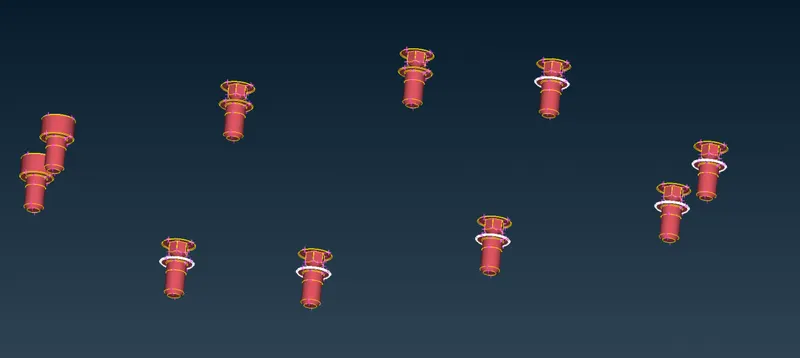
Let's see the Gearbox now
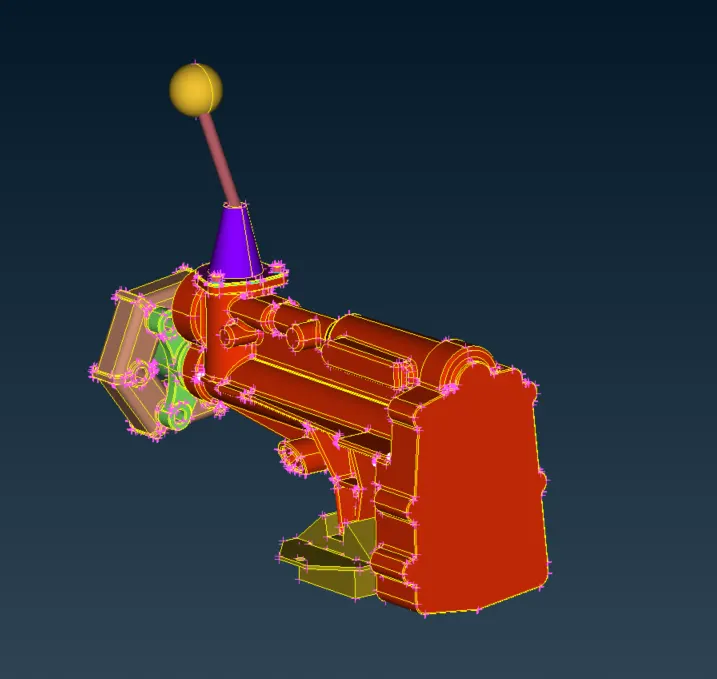
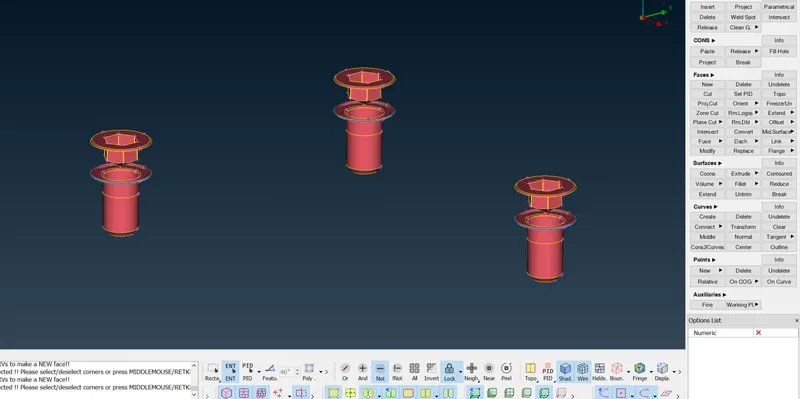
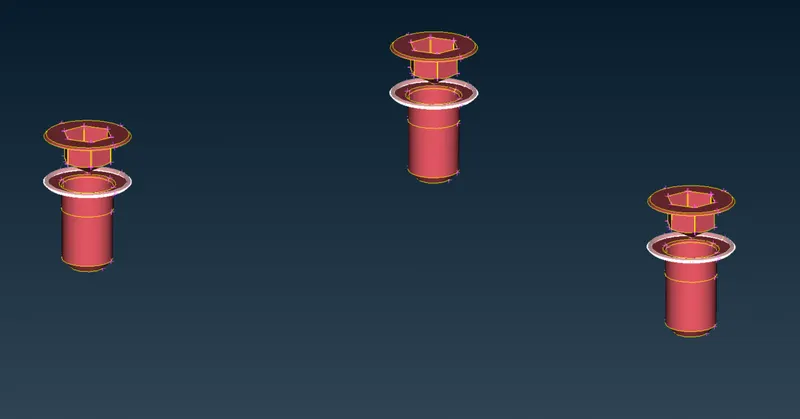
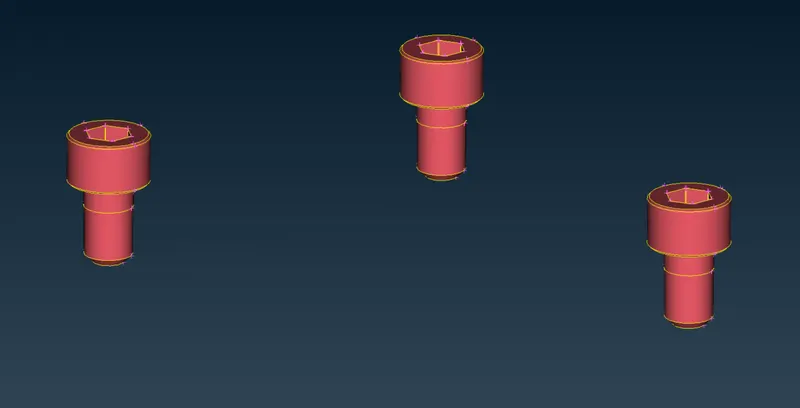
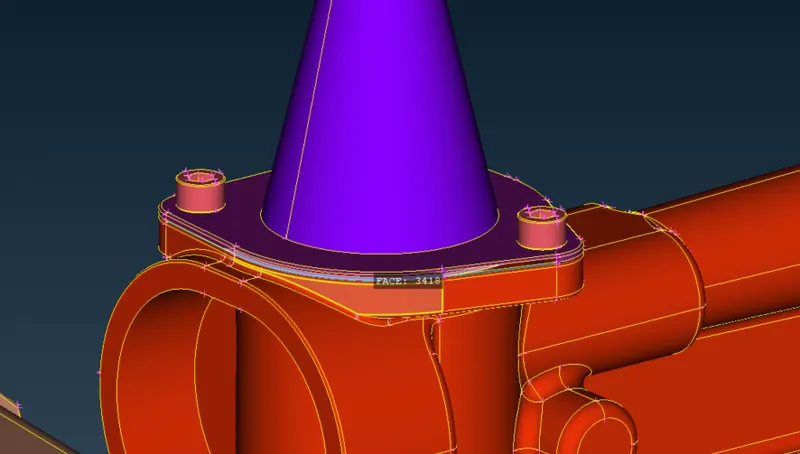
After doing all these we need to merge the model.
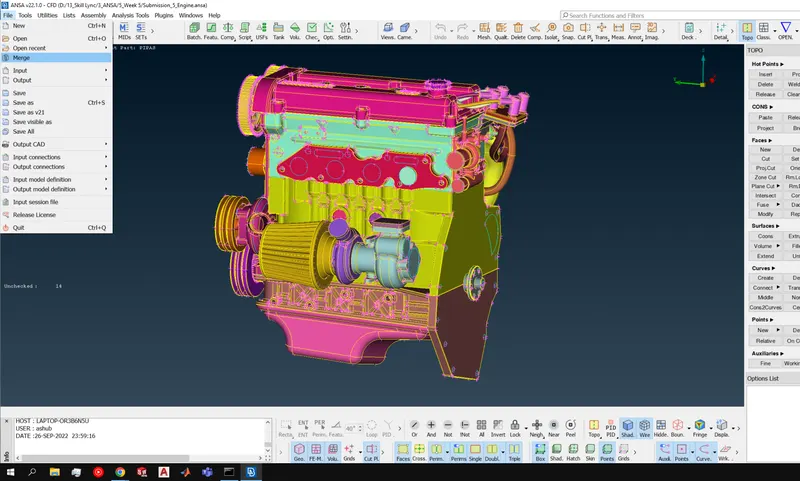
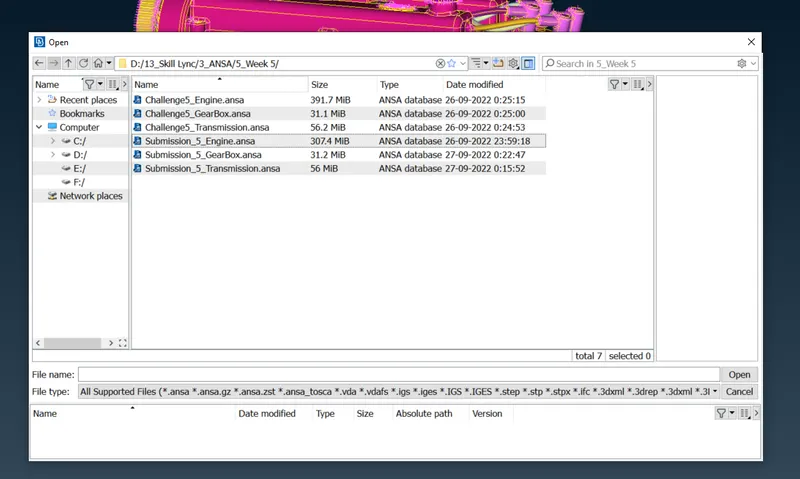
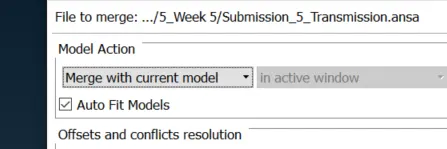
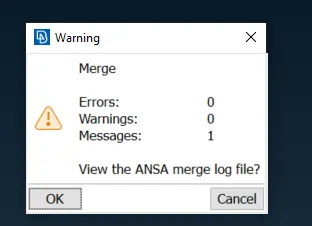
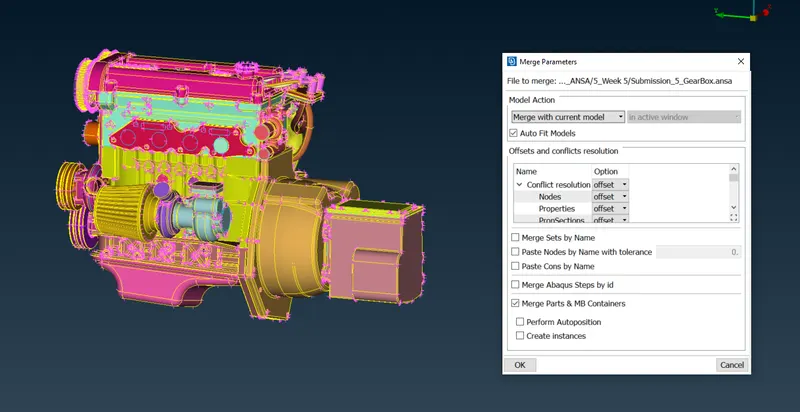
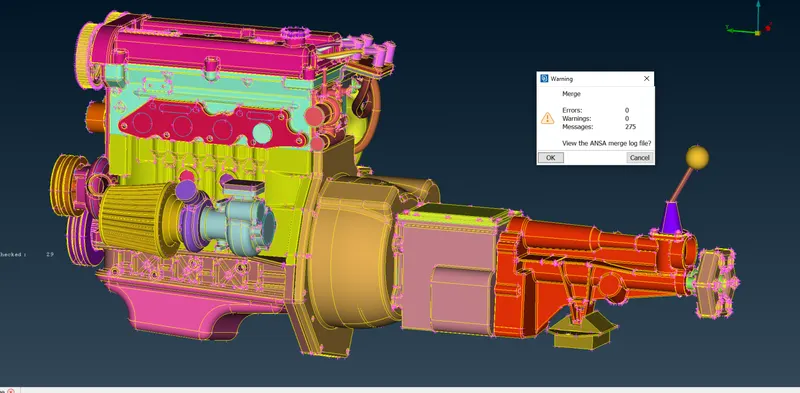
So we have done the merging of the complete assembly.
Let's move ahead now for a surface wrap.
Let's close the available holes first.
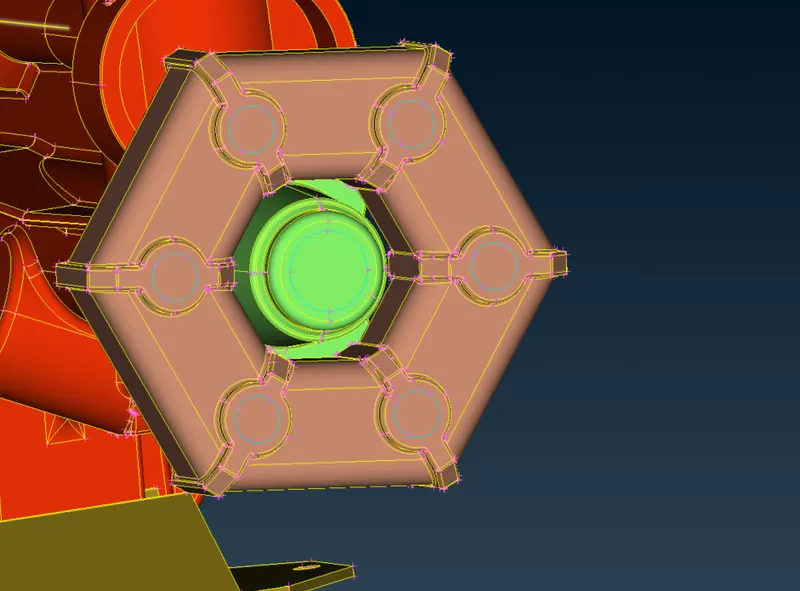
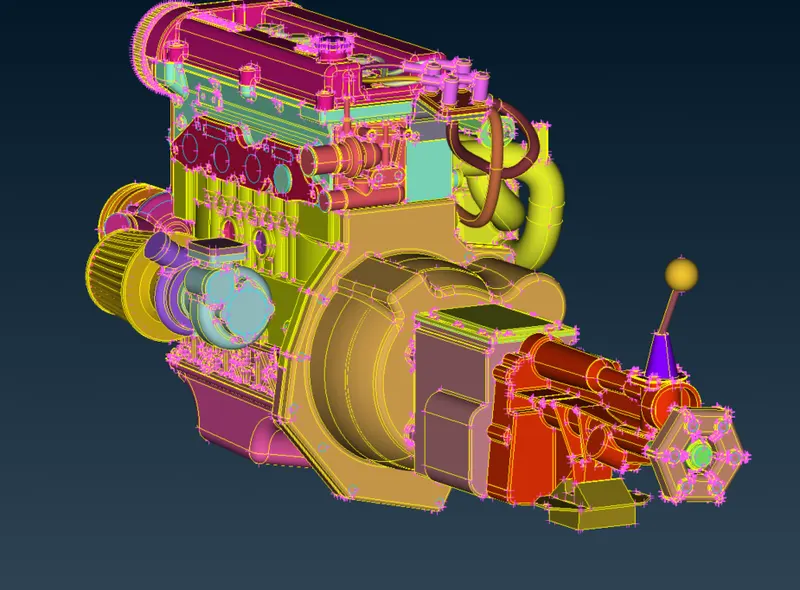
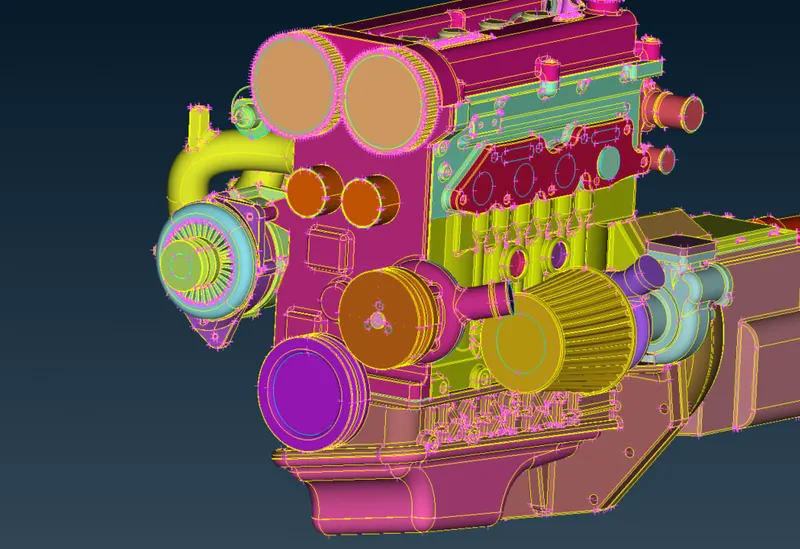
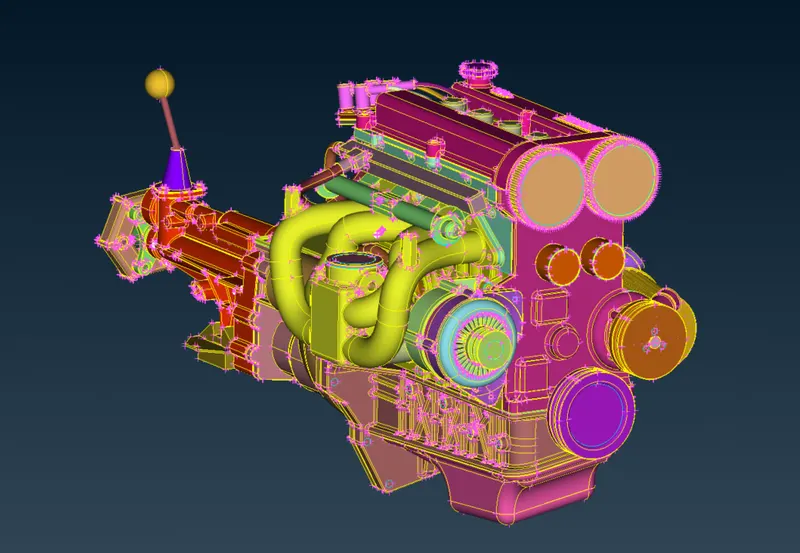
After finishing even the bolt's surface, we will be going ahead with surface wrap
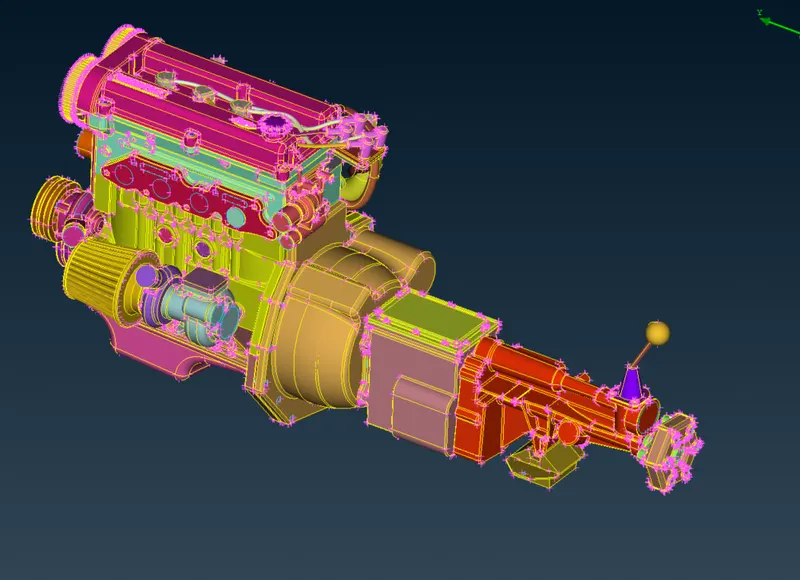
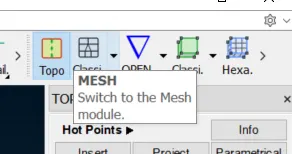
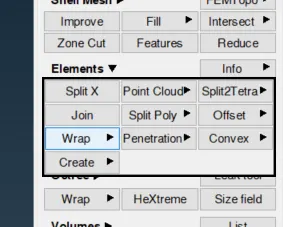
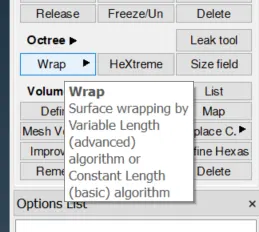
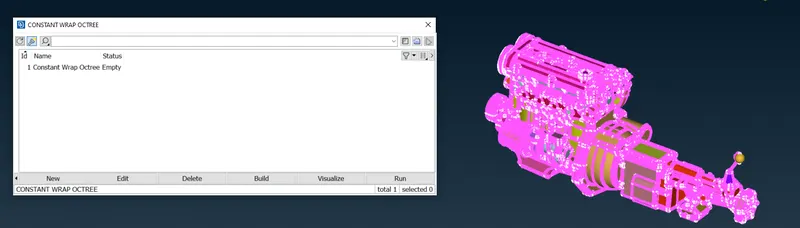
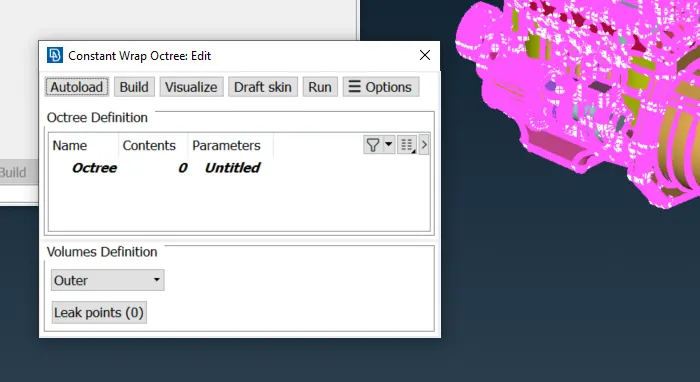
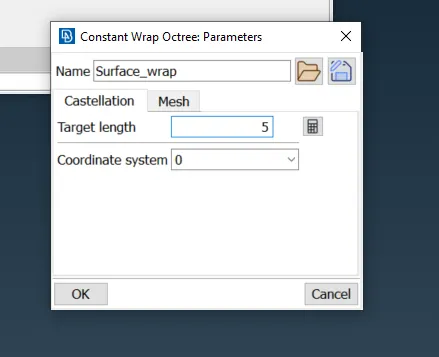
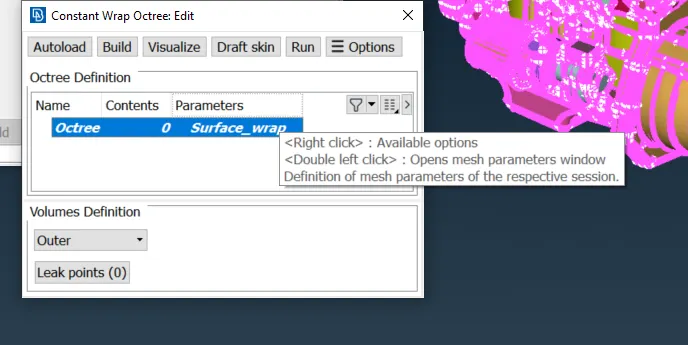
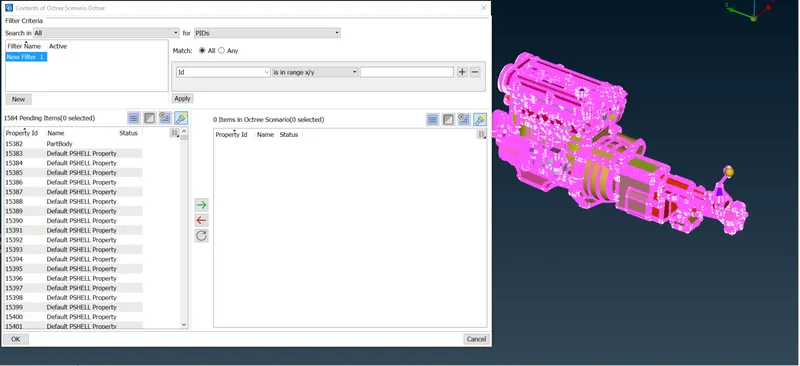
This is quite a large amount of PID so we need to compress
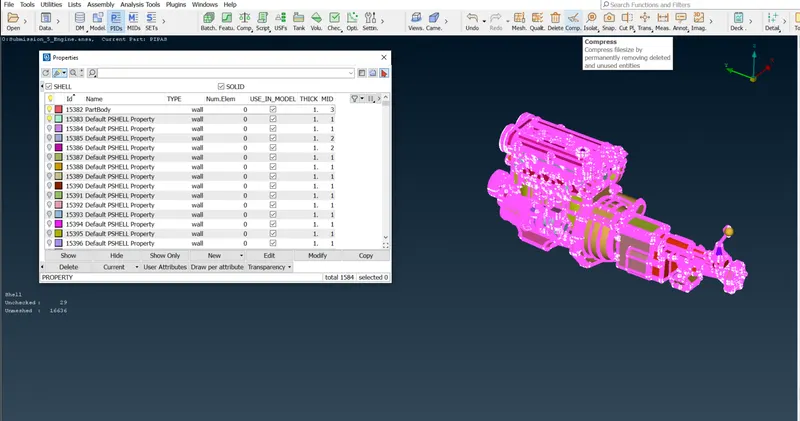
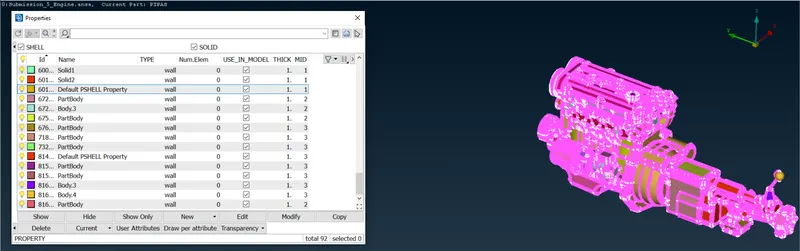
After compressing go again to surface wrap and check the reassigned all PIDs for meshing
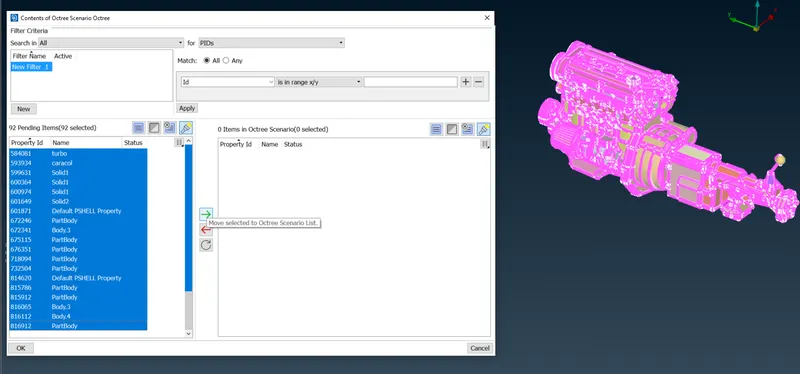
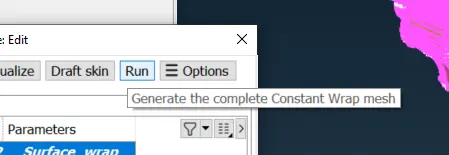
Let the magic take time.
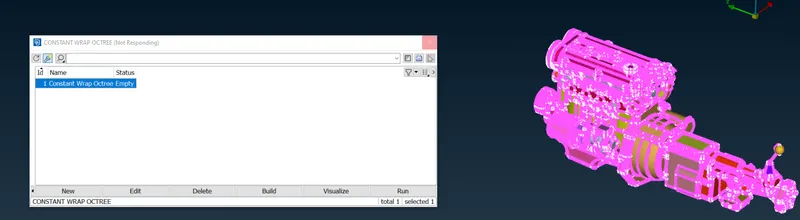
Here is the awaited result
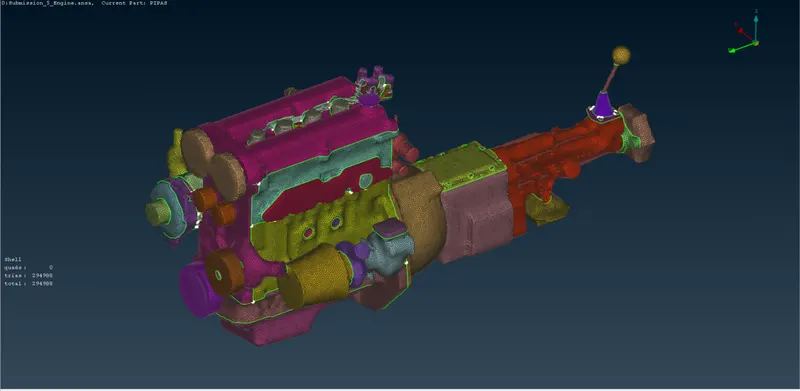
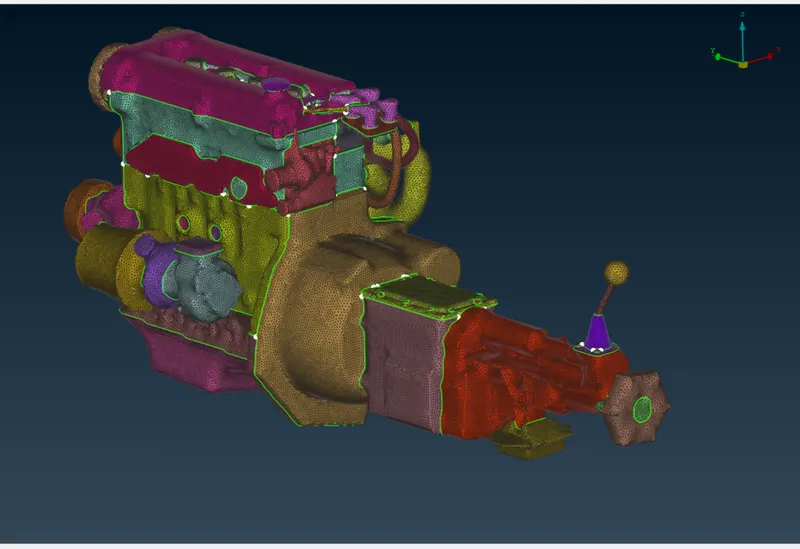
Result: We did the complete objective, and completed the surface meshing.
The files are attached in the below-mentioned link.
Conclusion: All the links can be seen and the meshing has been done as per requirement.
Thank you.