Week 5 Challenge : Surface wrap on Automotive Assembly
- AIM: To check the geometrical errors and delete surfaces that are unwanted for a surface wrap. And merge all 3 models and perform SURFACE WRAP.
- Target Length For Wrap: 3mm
- PROCEDURE:
- Open the given file
- First we start Engine
- visible shadow mode
- Set in PID mode
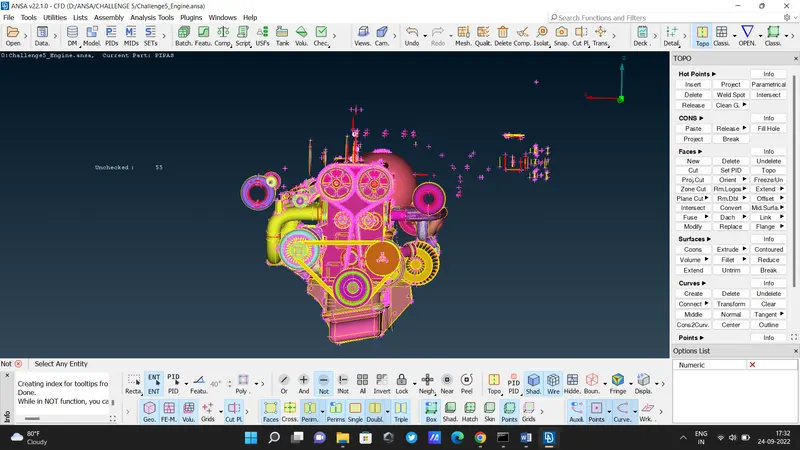
- using the Universal delete option, so it will help to select multiple entities.
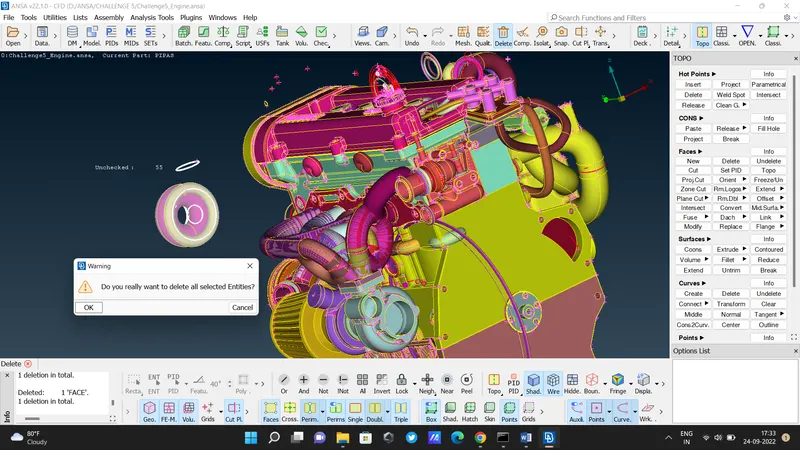
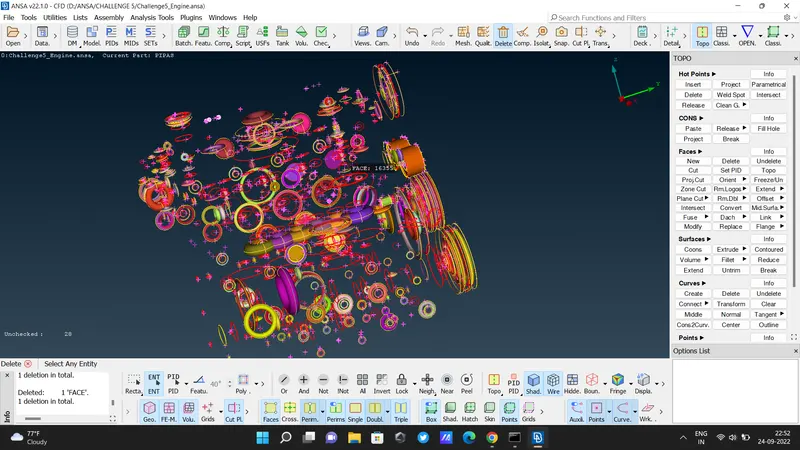
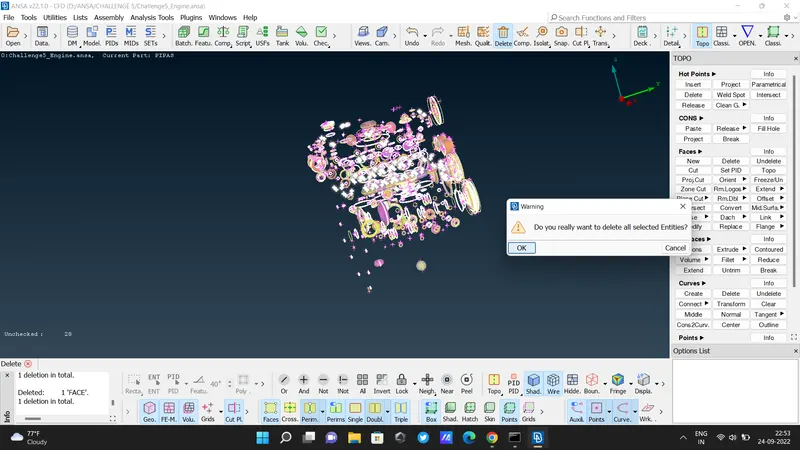
- After deleting all unwanted entities
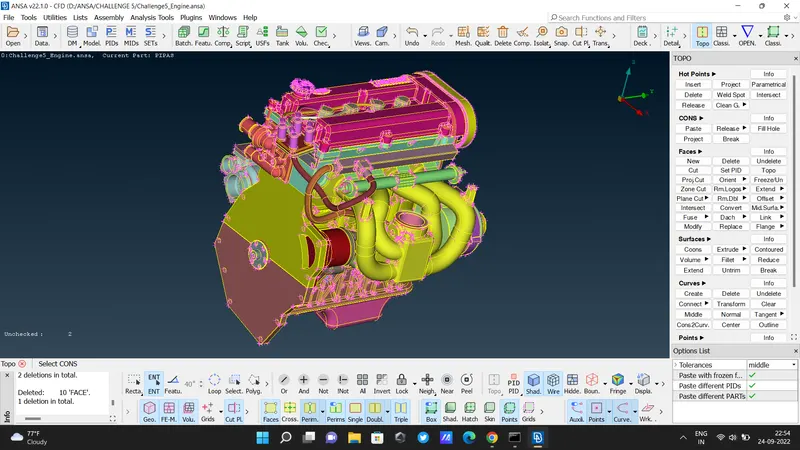
- If there is a red cons then used TOPO and then delete it. And after clearing all fill the all holes so it will be better for Surface Wrap.
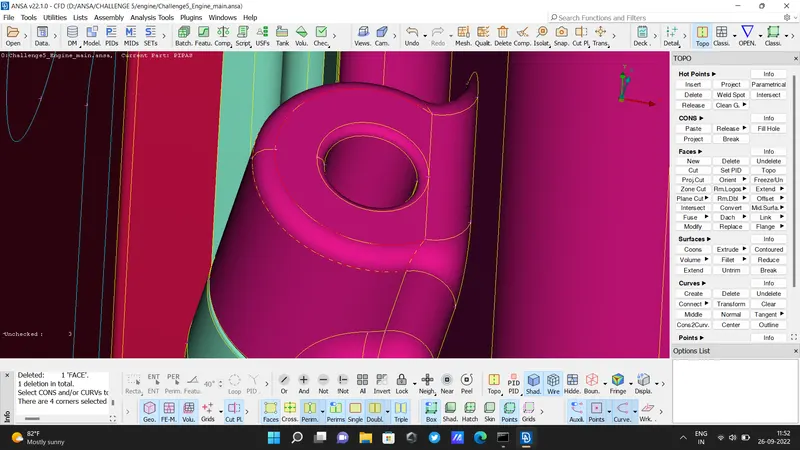
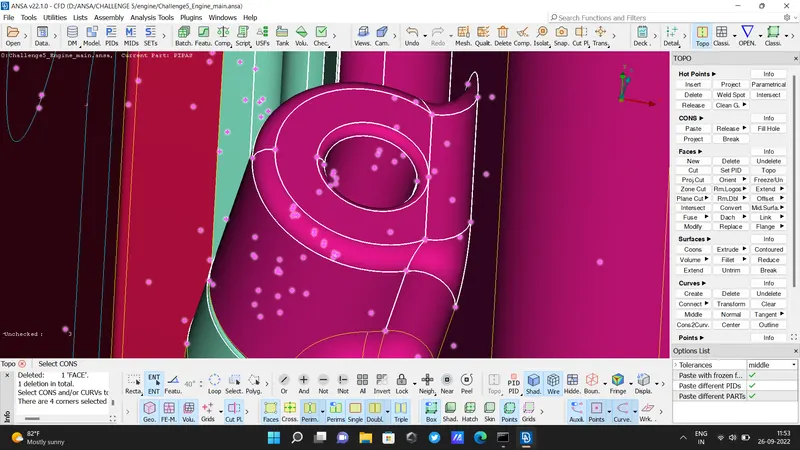
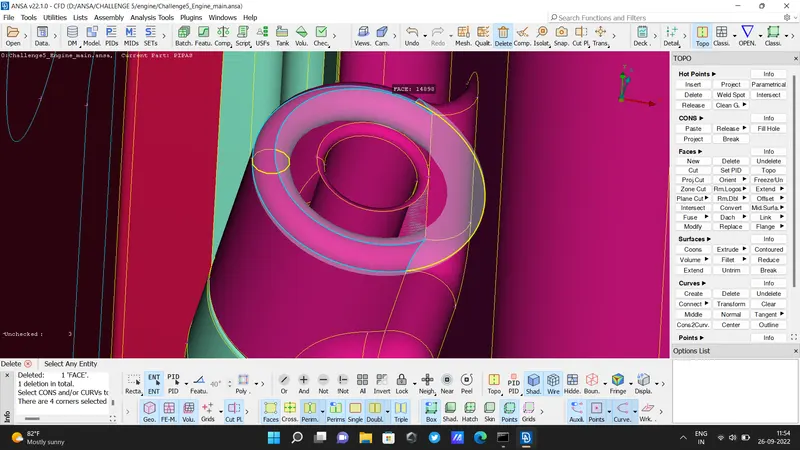
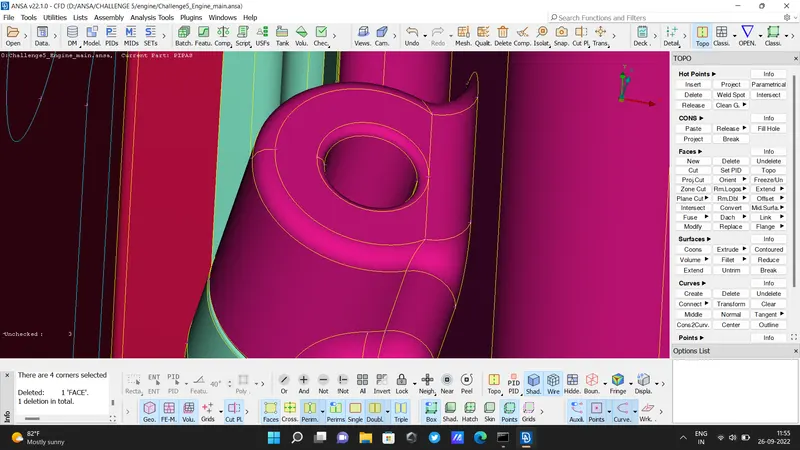
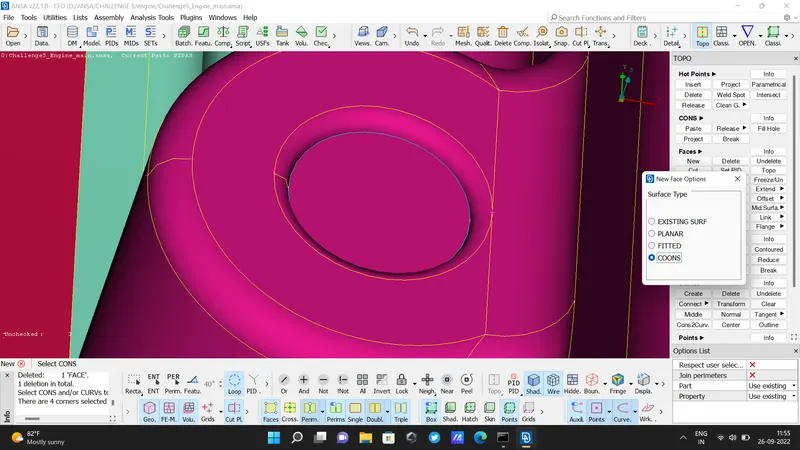
2) TRANSMISSION:
- Before
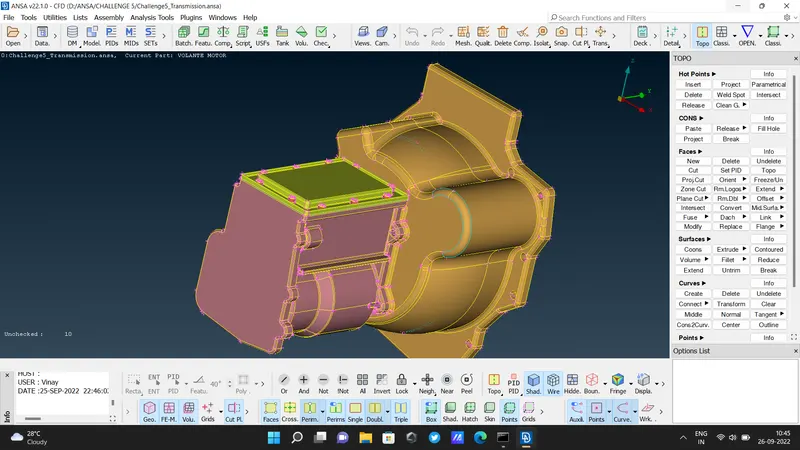
- After
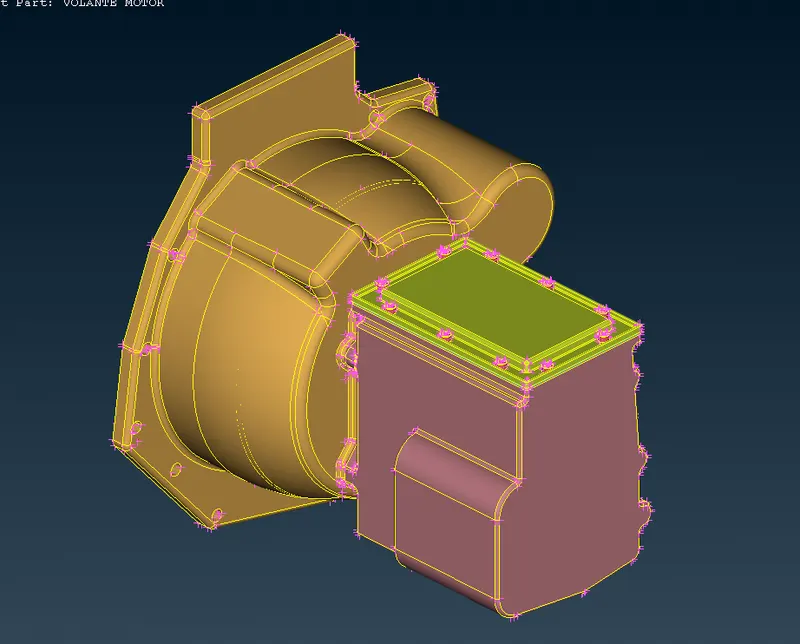
3) GearBox:
- Before
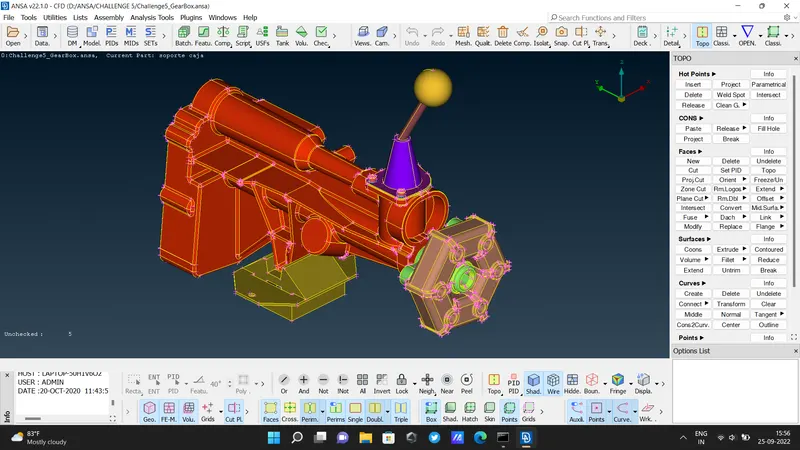
- After
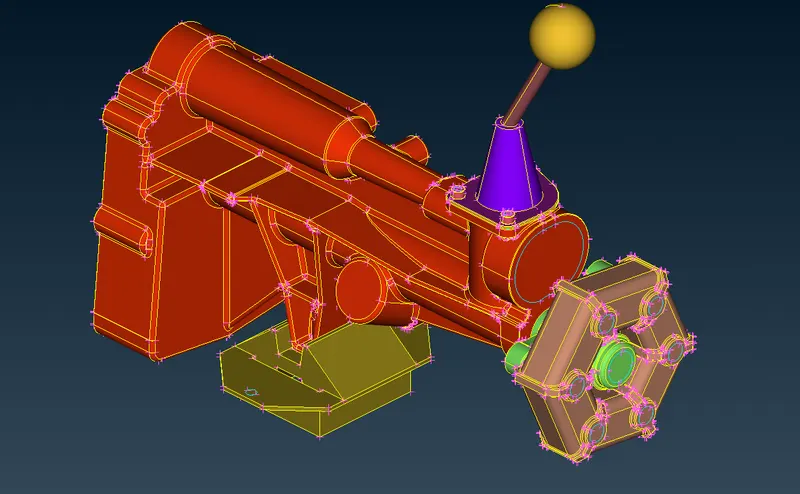
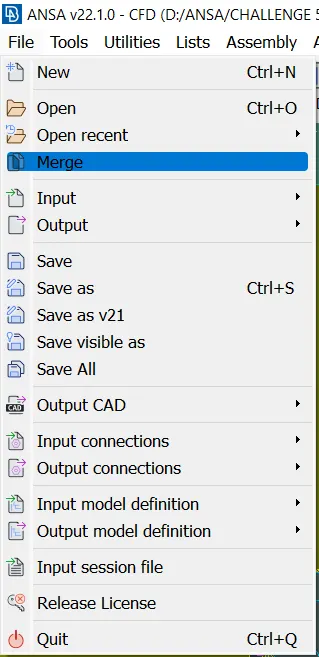
- Next go for the merge option from file.
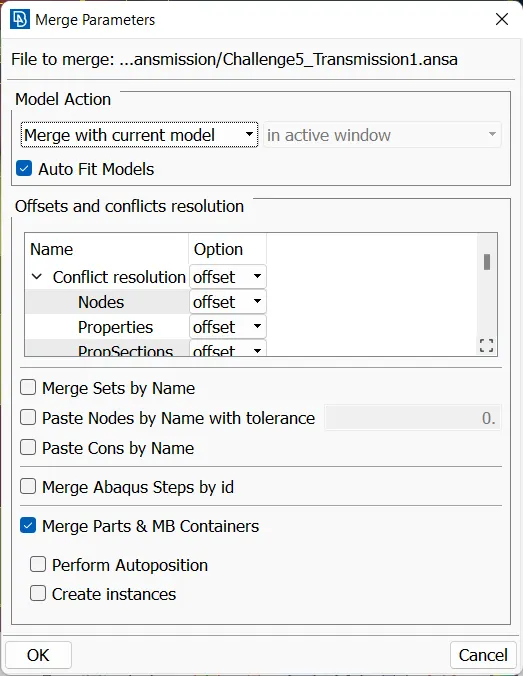
- Always select - 'Merge with current model' & 'Auto fit model'
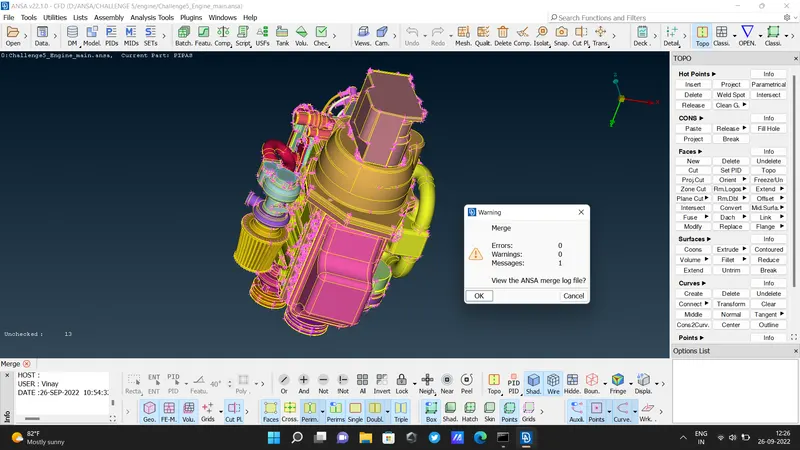
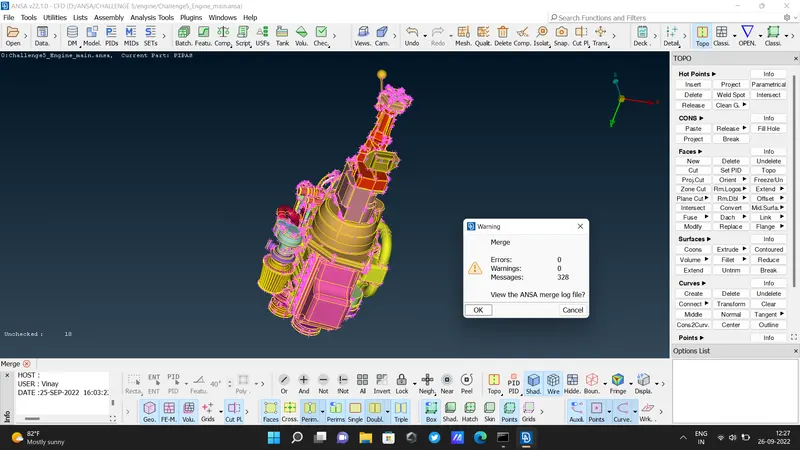
- Select the Wrap option from " Classic mesh - Elements - Wrap " OR "Octree - Wrap "
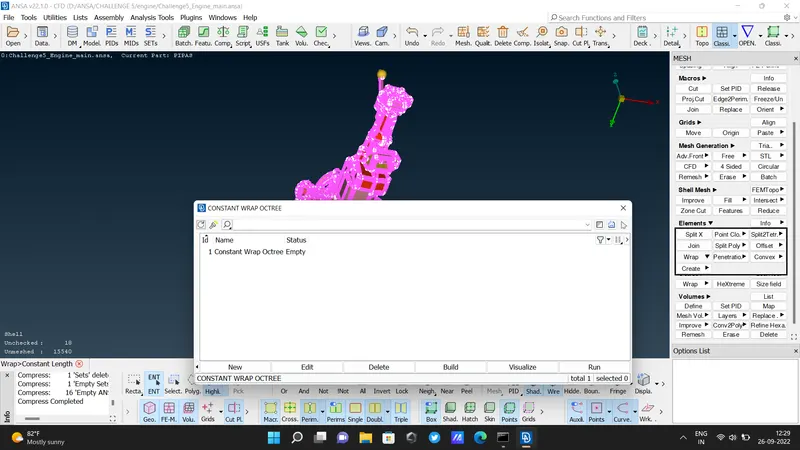
-
Then this pop-up box will show that double-click the untitled.
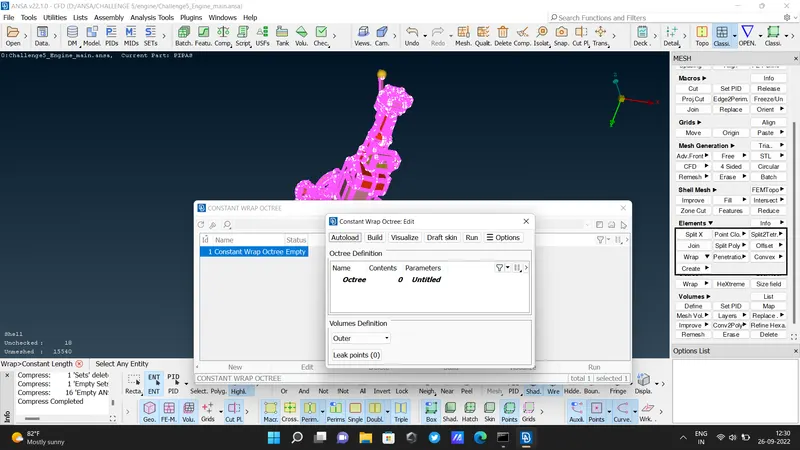
- Then select all PIDs and move it to the Octree scenario
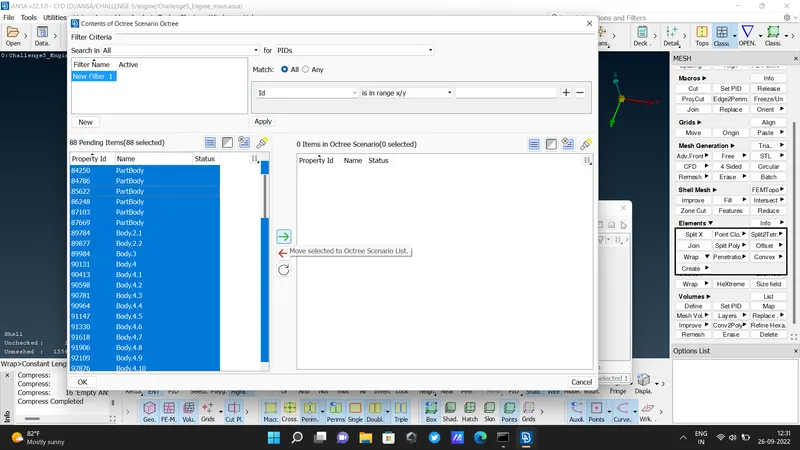
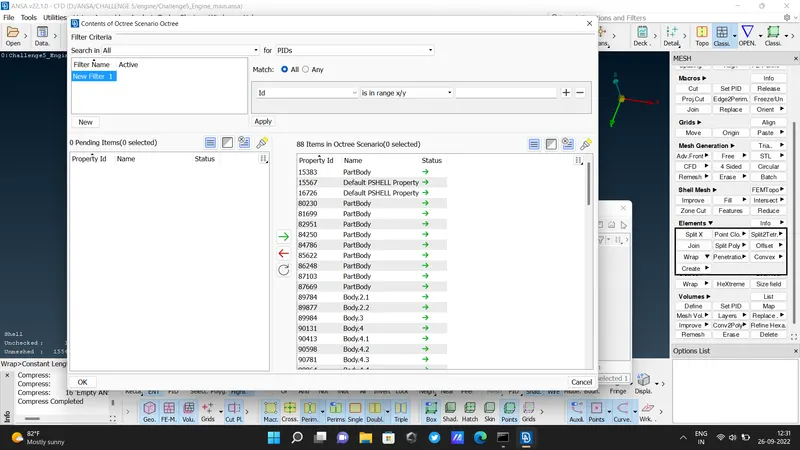
- click to RUN button.
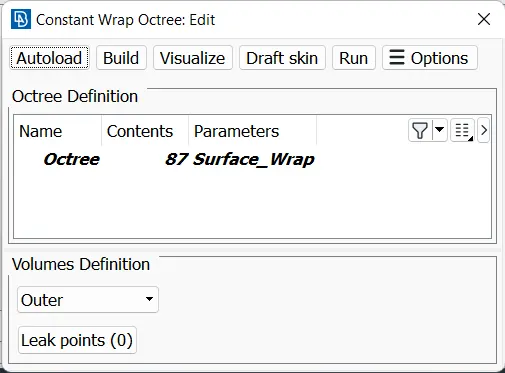
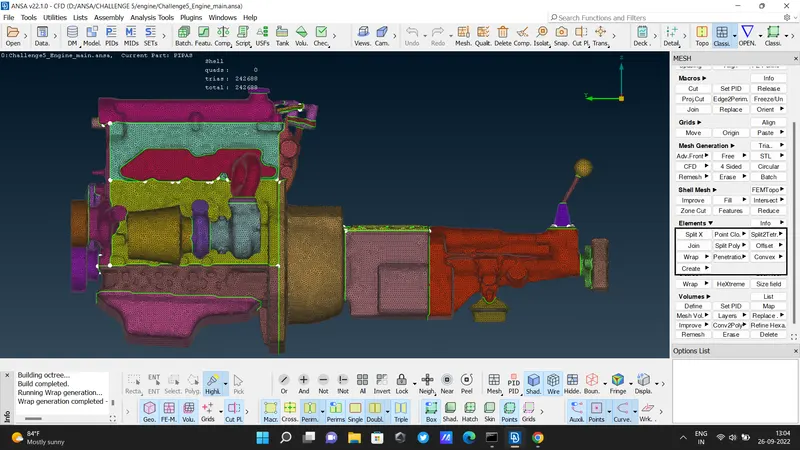
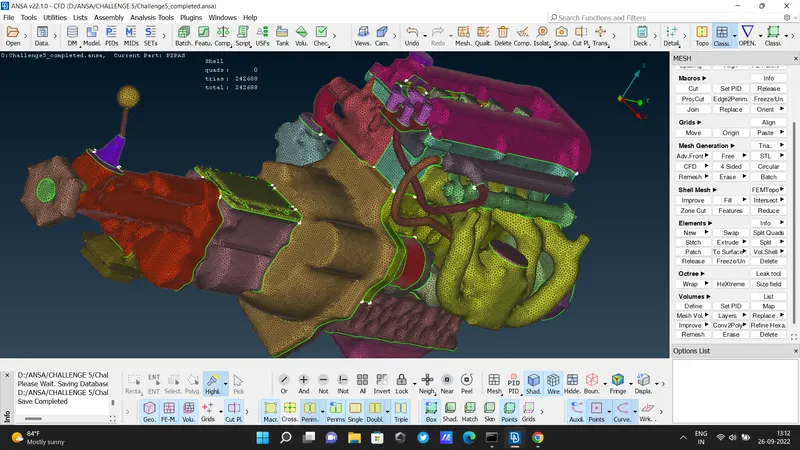
- Done!