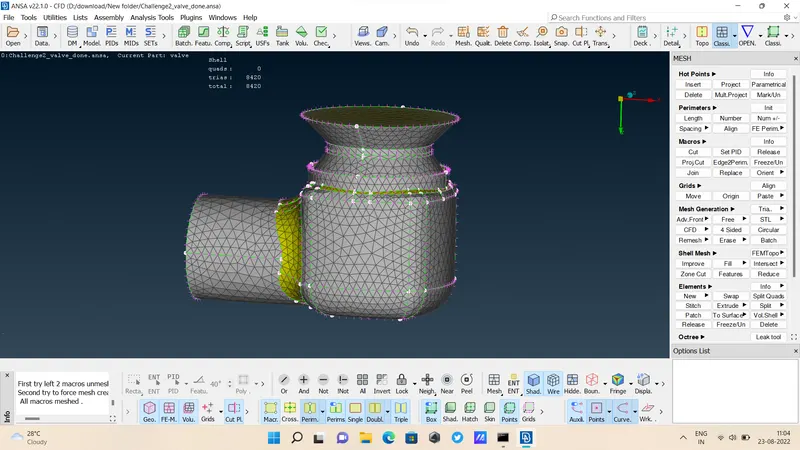
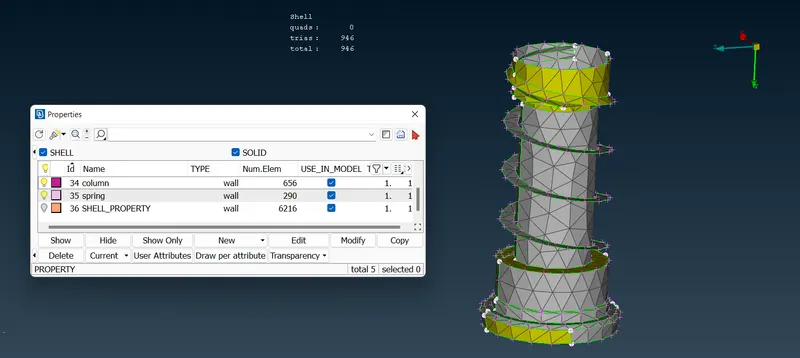
Week 2 Challenge : Surface meshing on a Pressure valve
Aim : Surface meshing on a pressure Valve .
Given data :
- Target length = 1mm, 3mm, 5mm
- Element type = Tria
Procedure :
Download valve file from dashboard.
- open ansa software
- select " CFD " & " PERFORMANCE MODE 3"
- Open downloaded Valve file
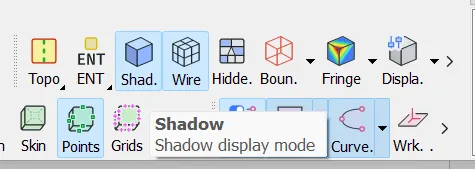
- select Shadow display mode
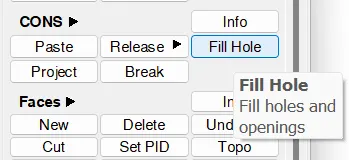
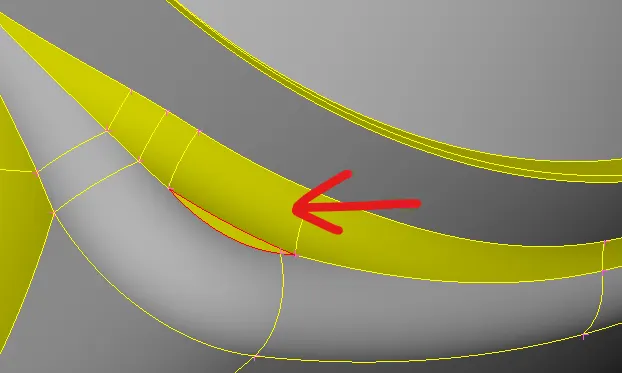
- clear all RED COONS ( CONS - FILL HOLE & FACES - NEW )
- Delete some extra part from body
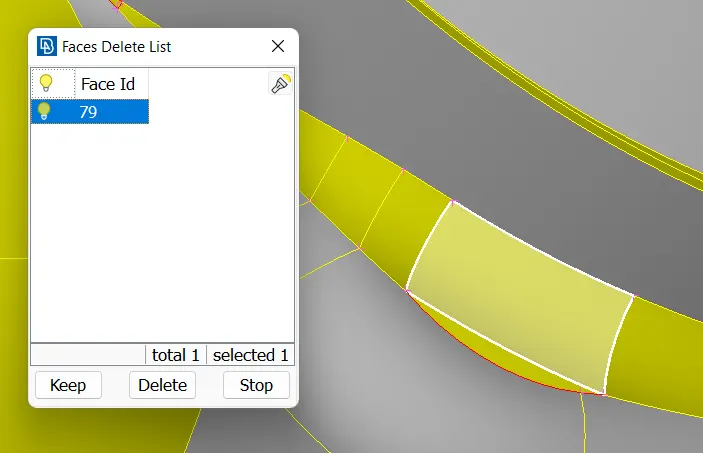
- select Faces - delete - select part ( shown part no. )
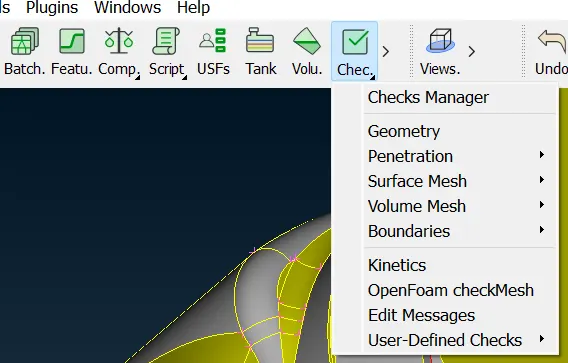
- after filling all red coons , go to Geometry check
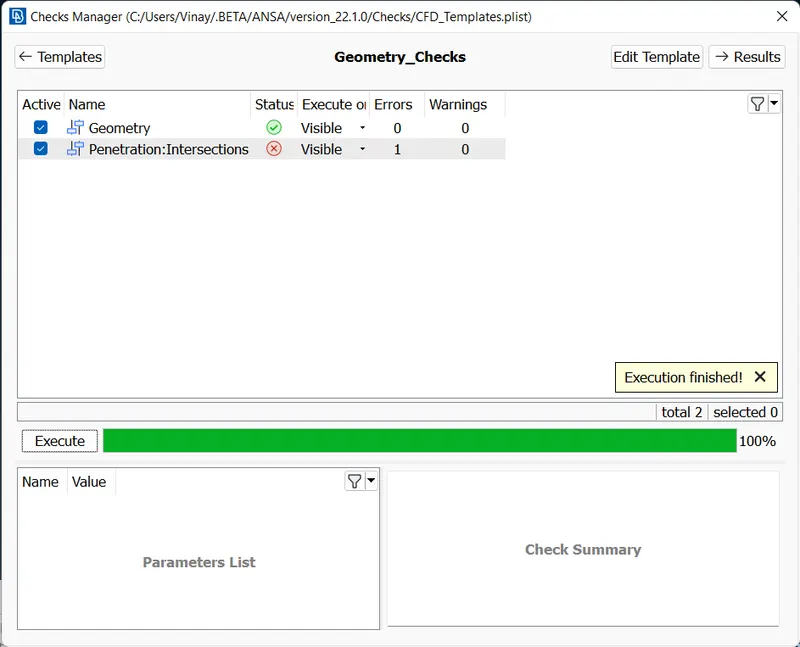
- Here we see 1 IntersectionError are visible.
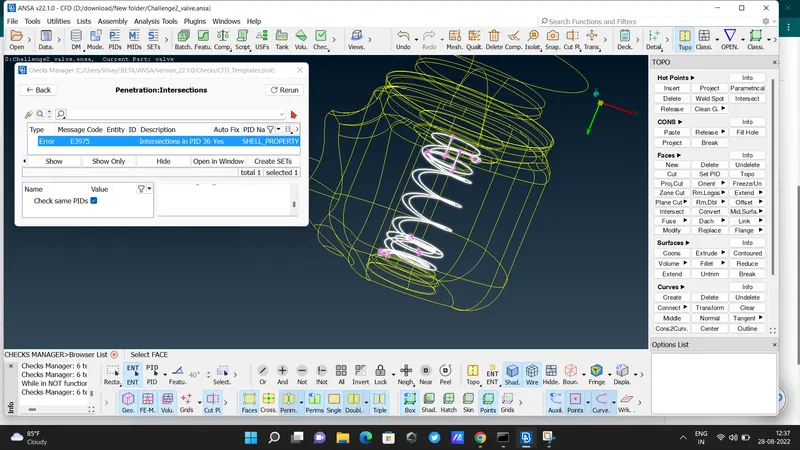
- so we have to clear that .
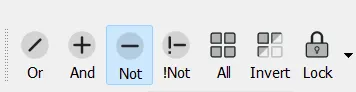
- select 'NOT' option
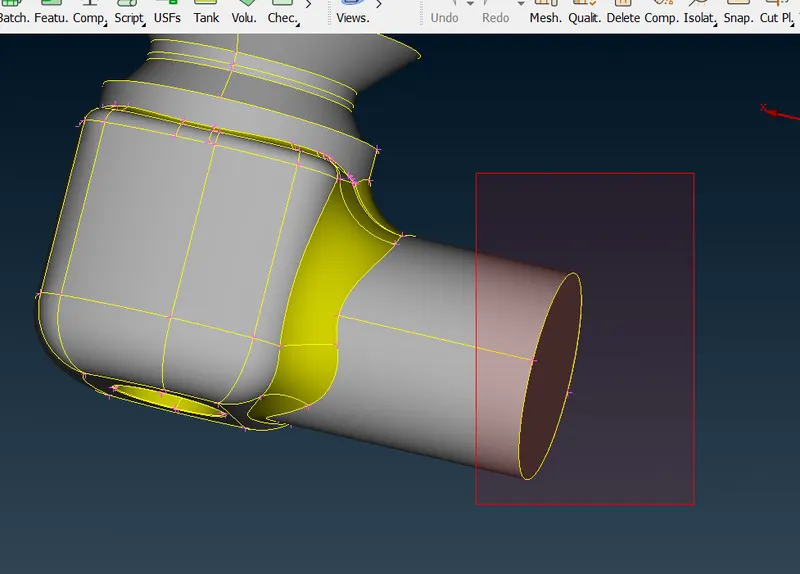
- select a part that we don't need ( temporary remove )
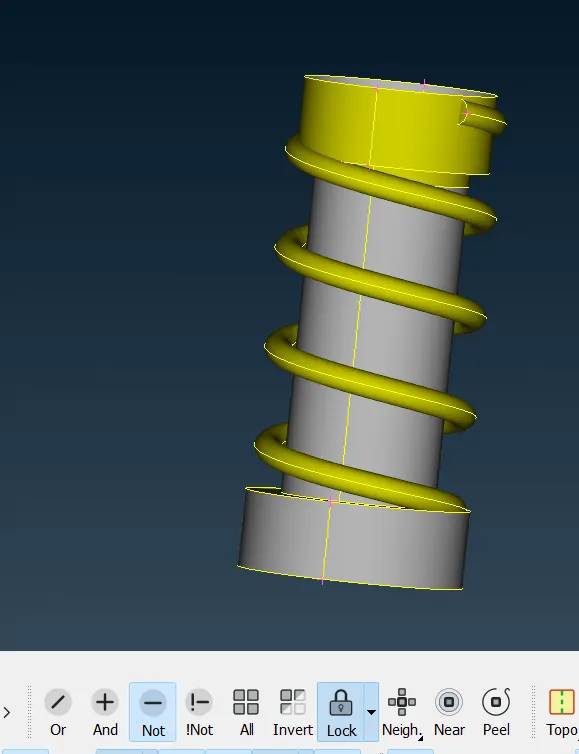
- after removing parts do not forgot to 'LOCK'
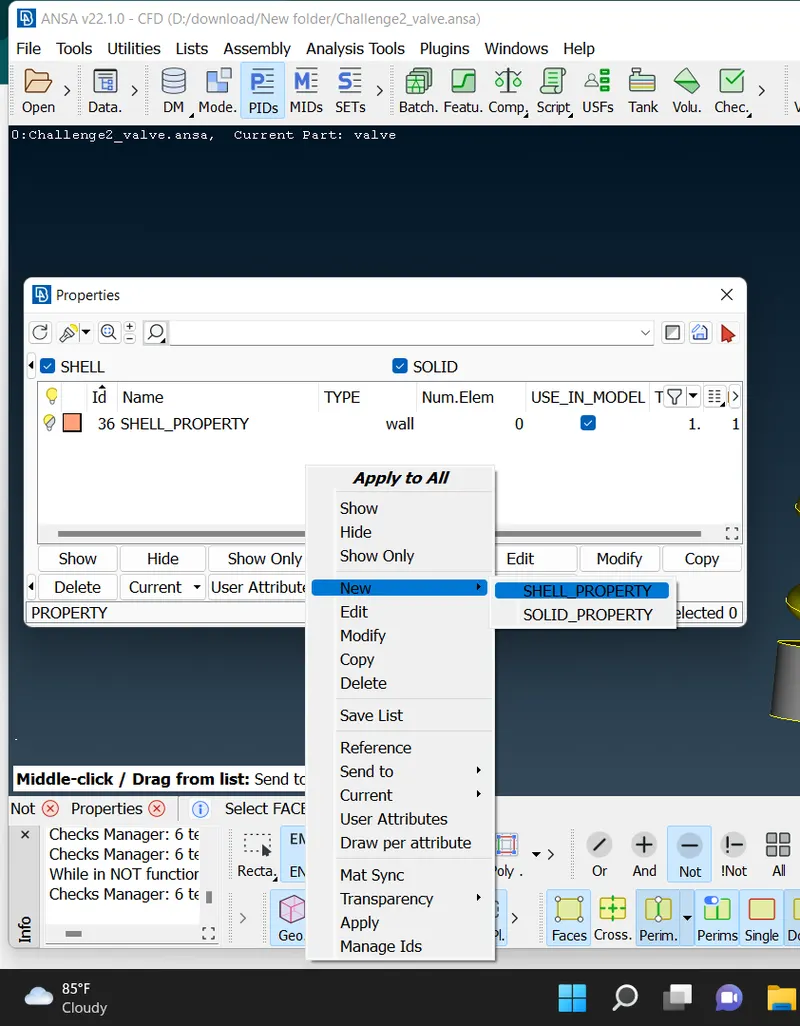
- then go to PID & creat a New PID ( PROPERTIES ID ) - select new - shell property.
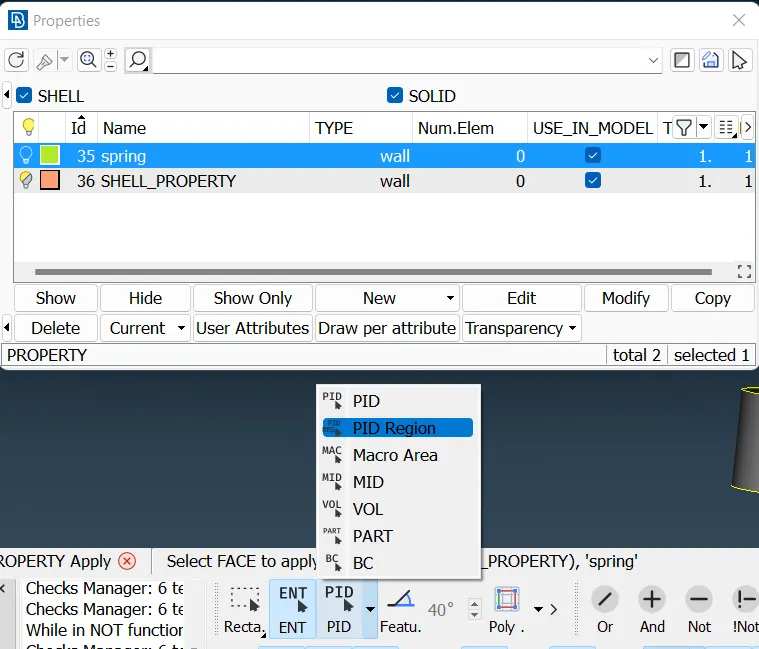
- select PID region & apply it .
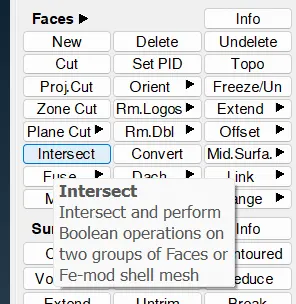
- after PID assigned go to intersect
- select 1st part ( here we select 1st part as spring )
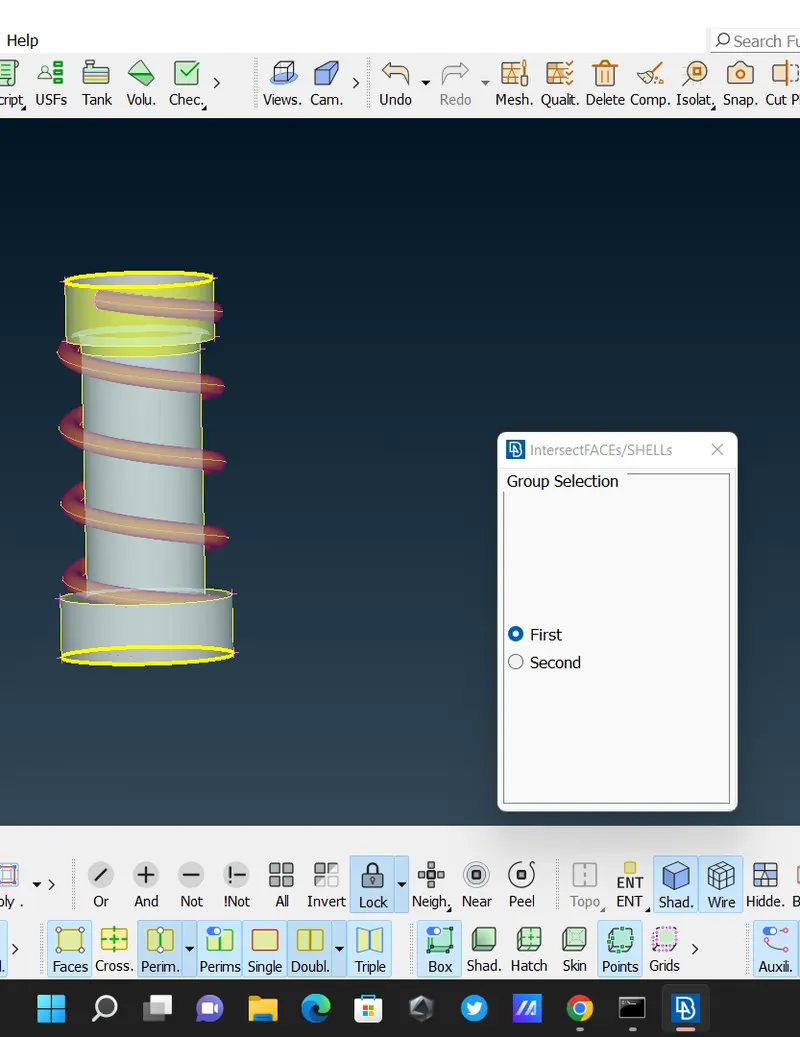
- then select 2nd part ( column )
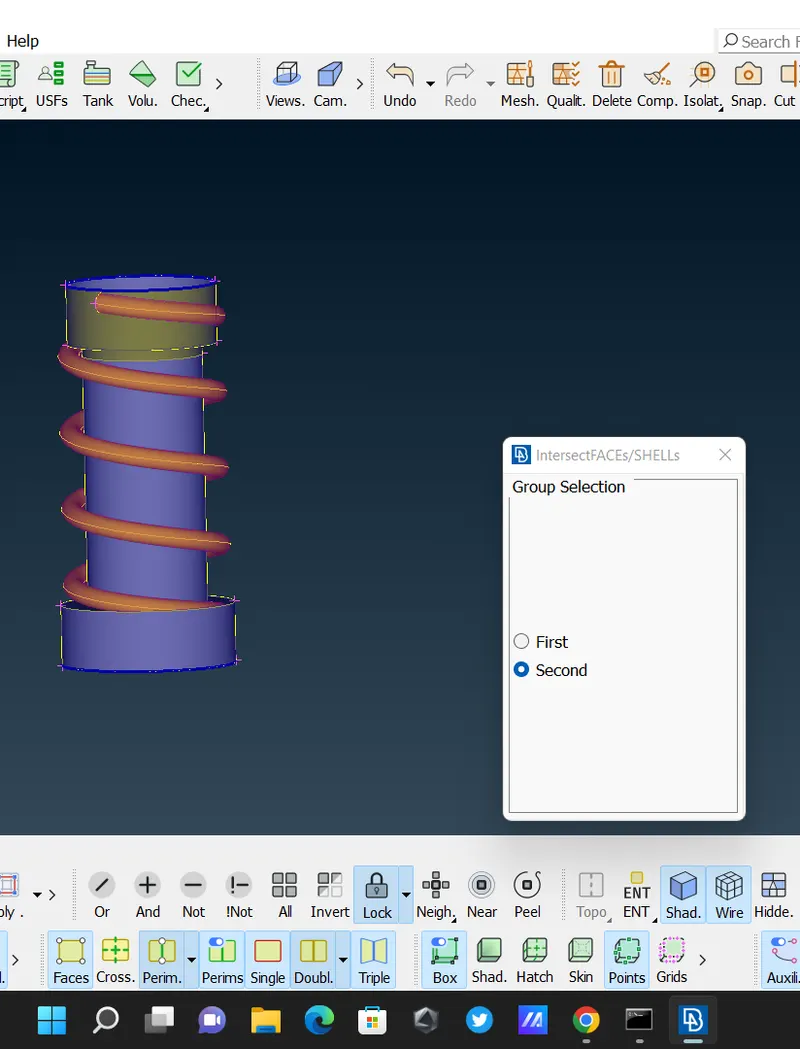
- delete extra parts
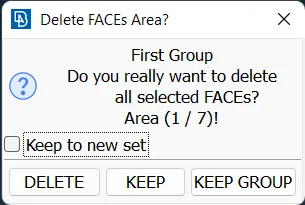
- a
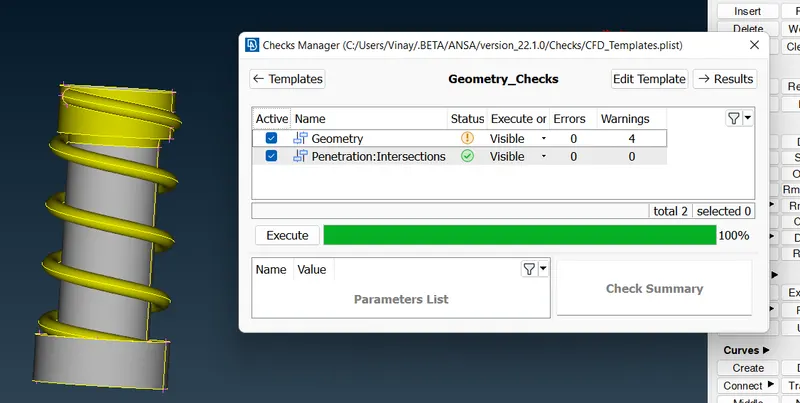
- then click 'ALL'
- after clearing all errors go to meshing . set minimum length 0.5mm , maximum length as 1mm . - OK.
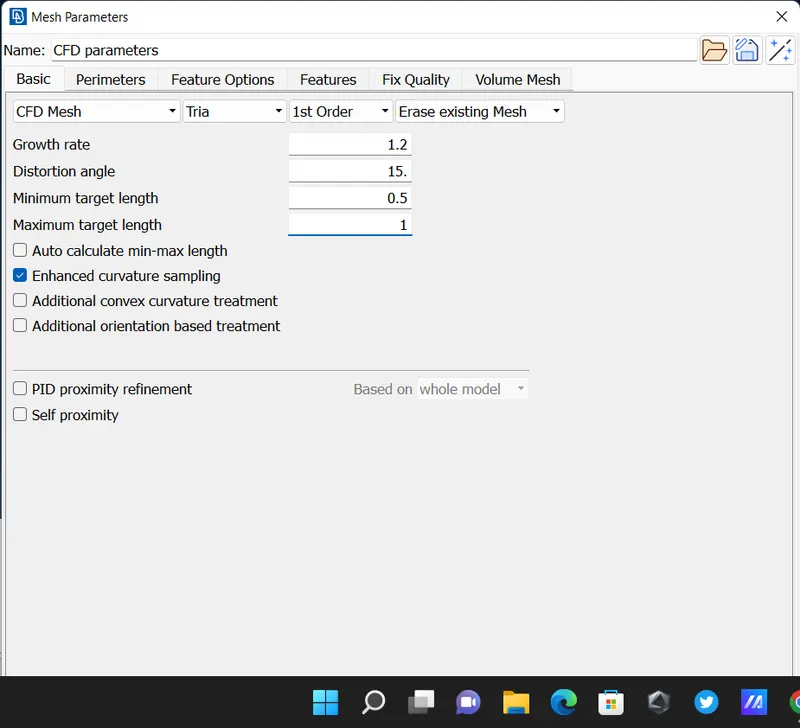
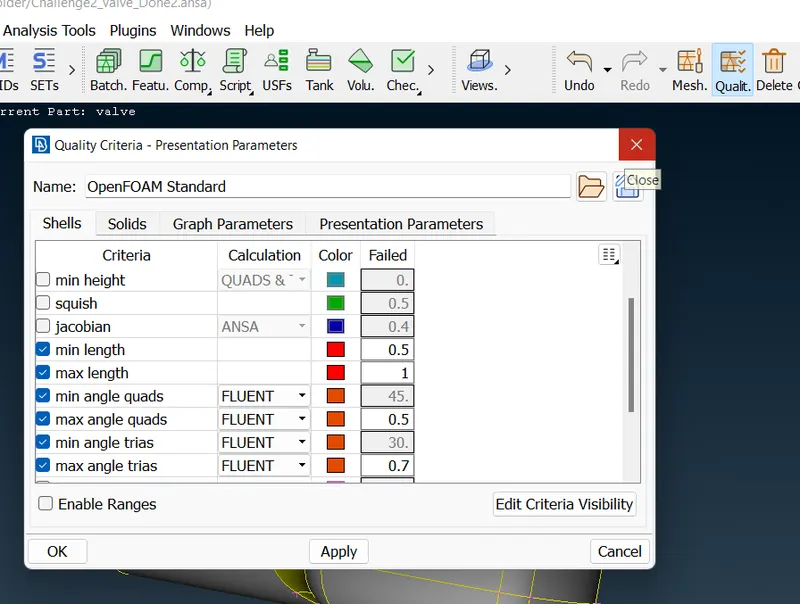
- set quality criteria - min. length 0.5mm & max. length 1mm - APPLY - OK
- then go Classi. - Perimeter - length ( set 1 mm )
- mesh generation - CFD mesh - visible
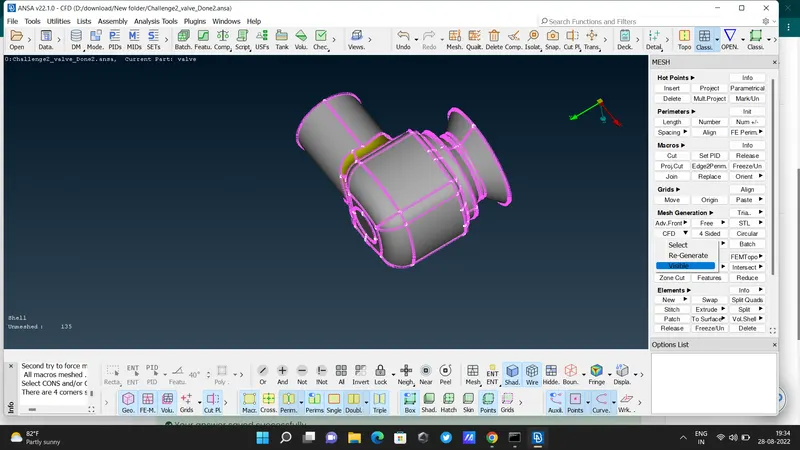
- after meshing -
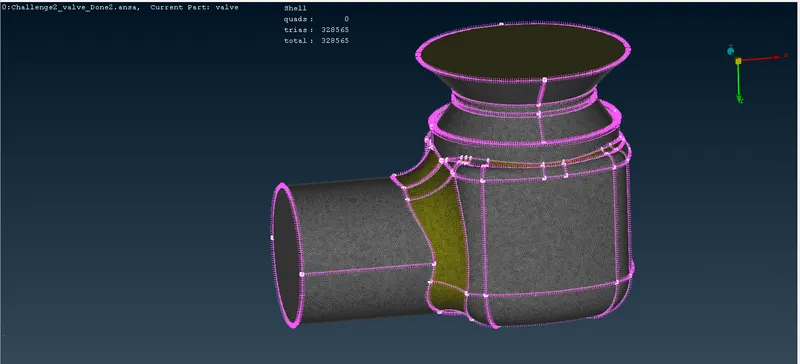
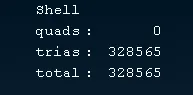
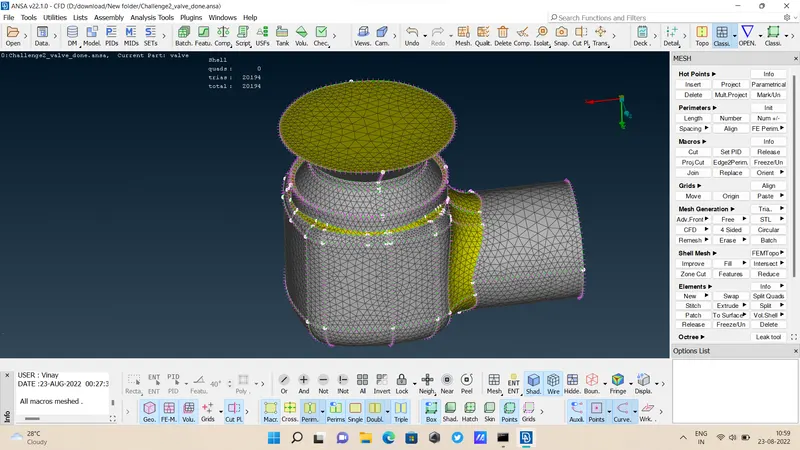
Out of 1mm, 3mm, 5mm the result of 1mm meshing is great . All parts are equally divided . So the meshing is done well.
here we see 3mm meshing :
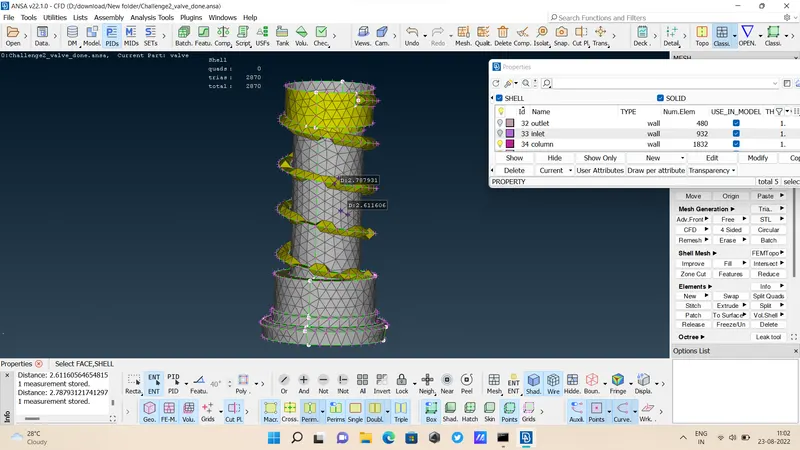
5mm meshing :