Week 3 Challenge : CFD meshing on Turbocharger
AIM : TO PERFORM SURFACE MESHING & VOLUME MESHING ON TURBOCHARGER .
GIVEN :
- Surface meshing target lengths -
- Blade stage-1 = 1 mm
- Blade stage-2 = 1 mm
- Impeller = 2 mm
- Shaft rotor = 1 mm
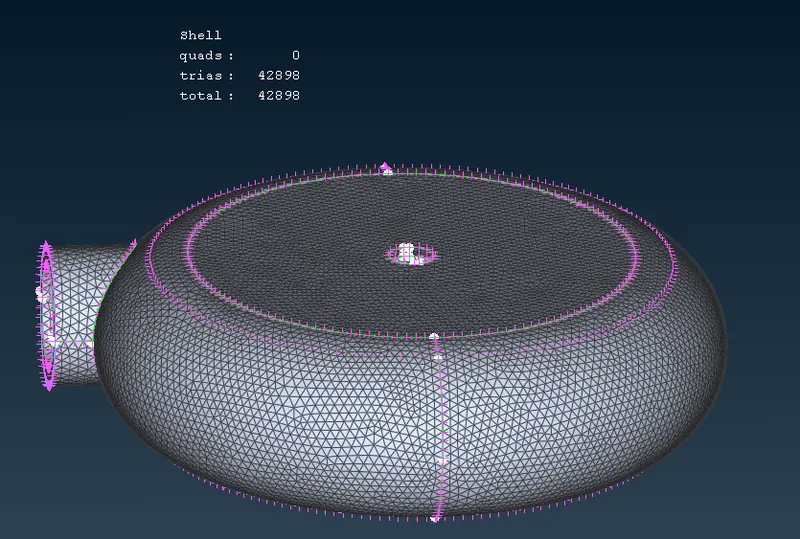
- Turbo casing = 5 mm
- Compressor casing = 5 mm
- Inlet casing cover = 5 mm
PROCEDURE :
- Open given ANSA file .
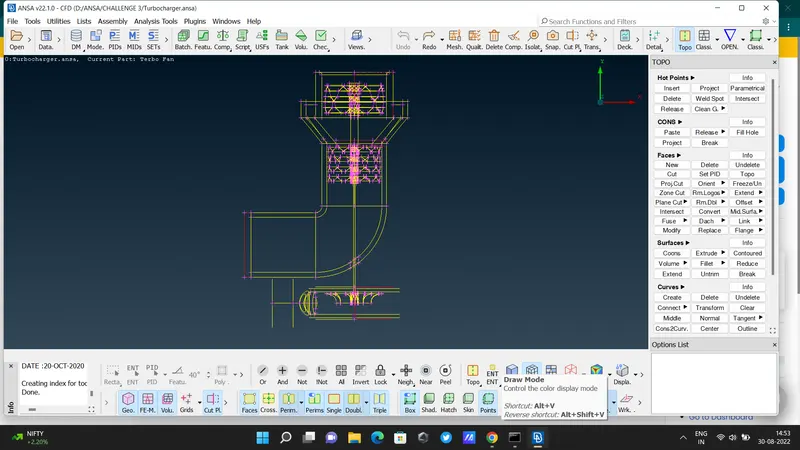
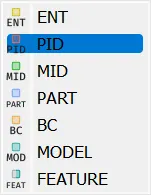
- here we have to show this file in PID mode , so on 'PID' from options
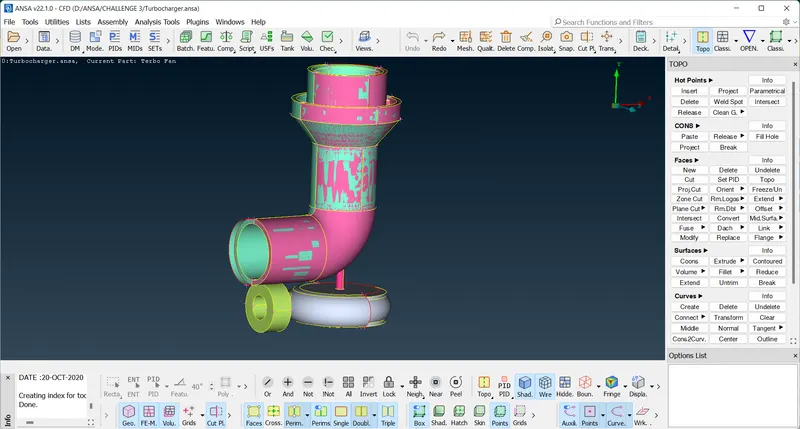
- this is how we see , after PID mode
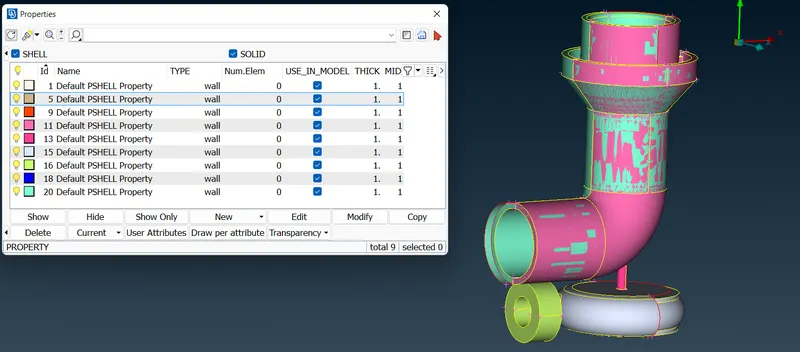
- check all assigned PIDs
- delete unwanted parts using ( faces - delete OR "universal delete " command )
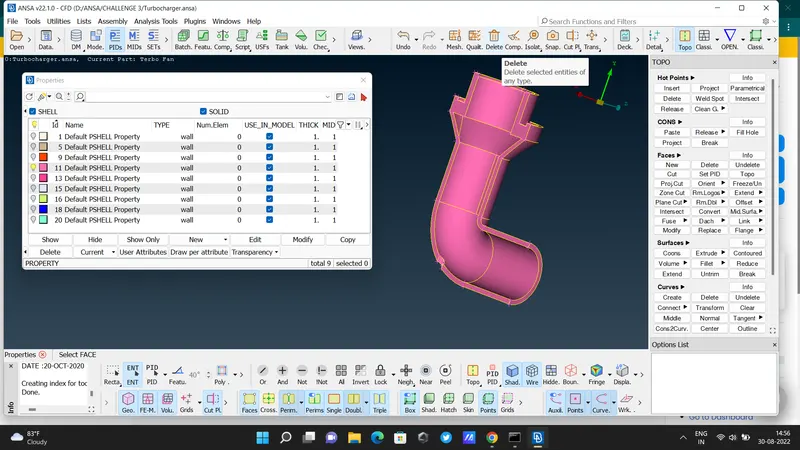
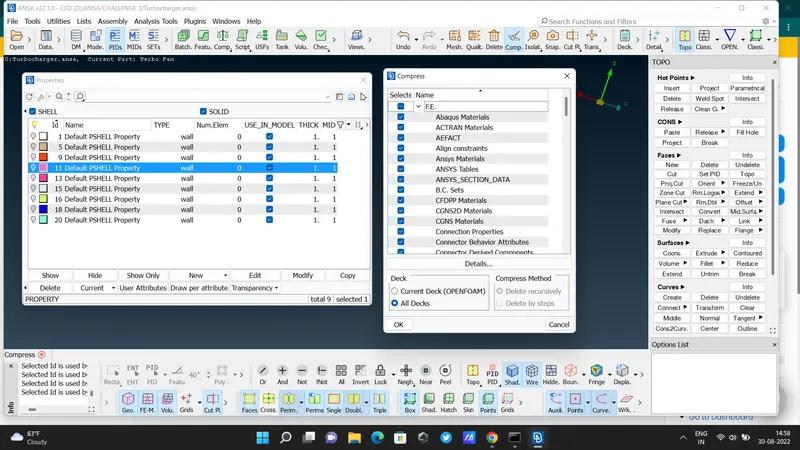
- delete assigned PID which we don"t need . used compress command .
- delete overlapping surfaces . & make a new surface that we need .
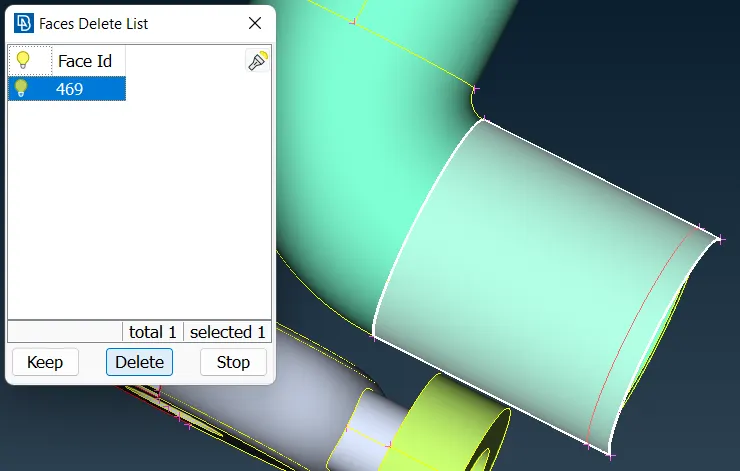
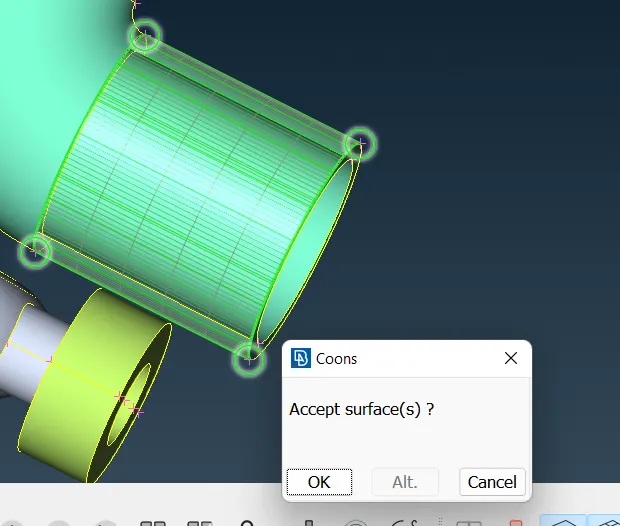
- then here we see some curved parts
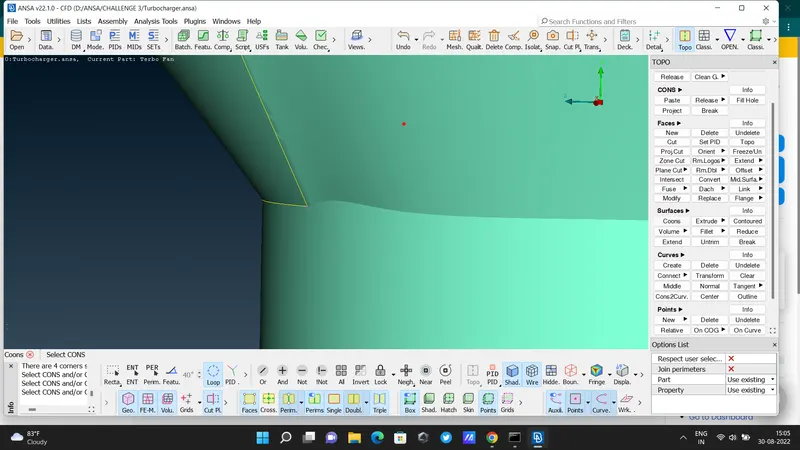
- go to intersect . select 1st part then 2nd part - apply . Delete unwanted part ( intersection error )
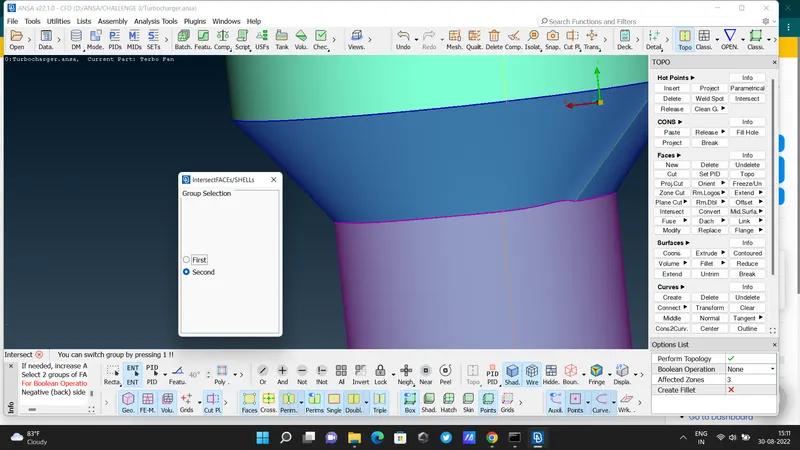
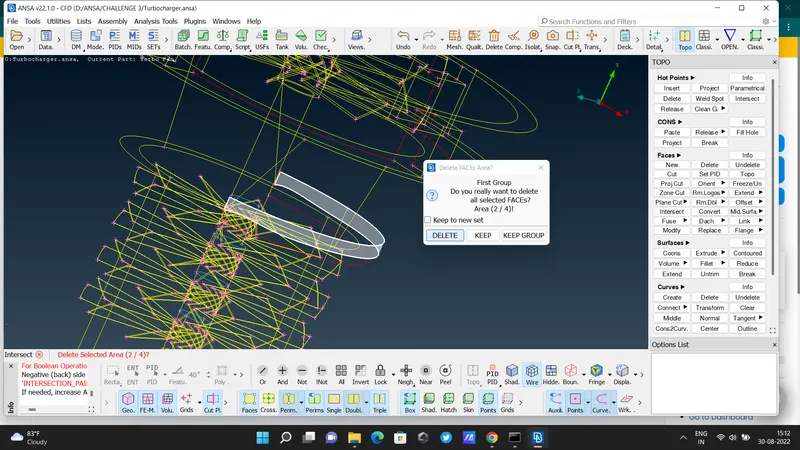
- then go for "cut" option .Make a cut .
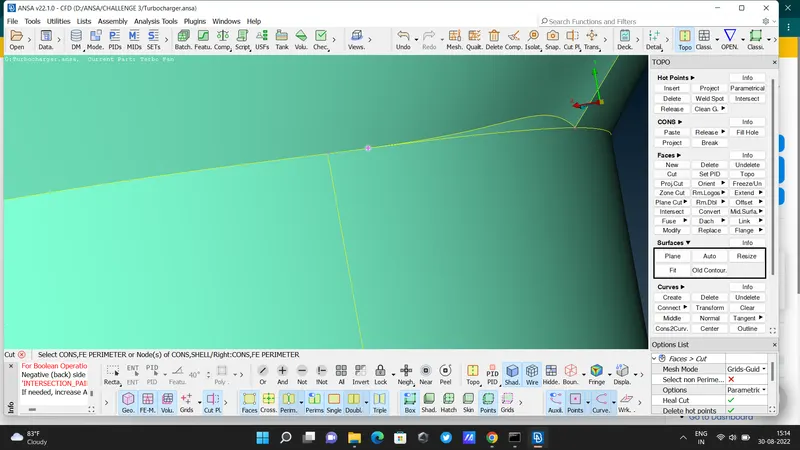
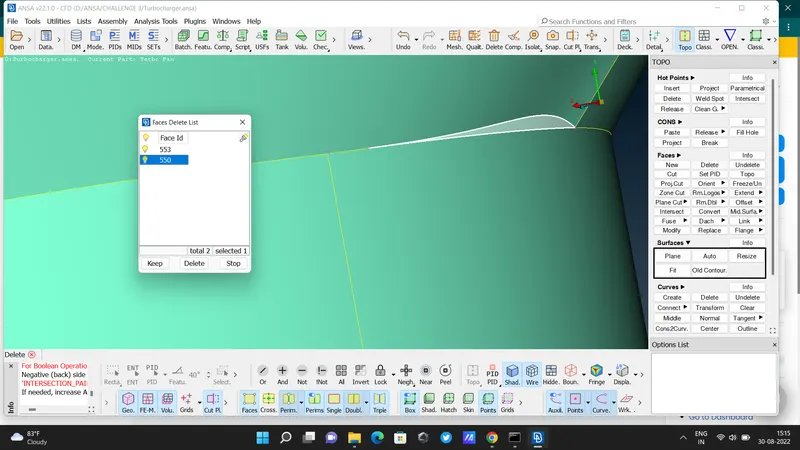
- then delete extra part . ( used Faces - Delete )
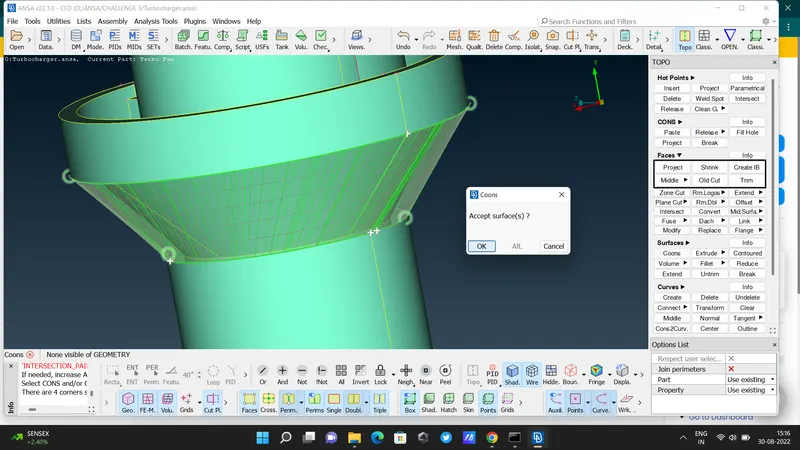
- then create a new surface like this ( using coons option)
- then in upper side we see an error
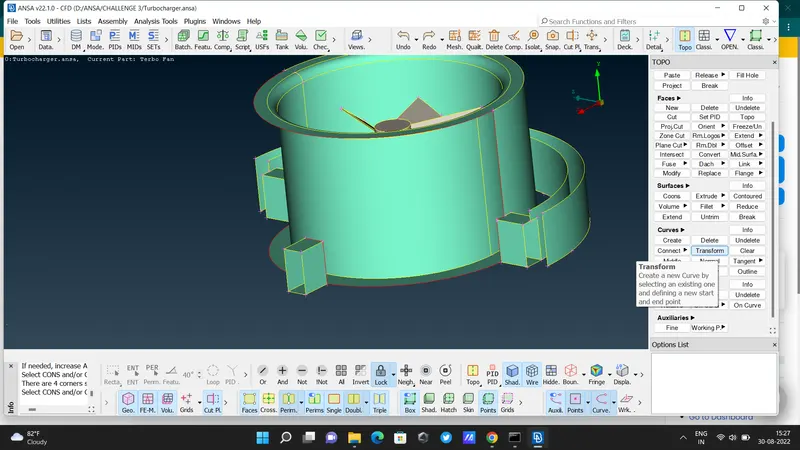
- here we used "transform" command then select entities & creat a new surface .
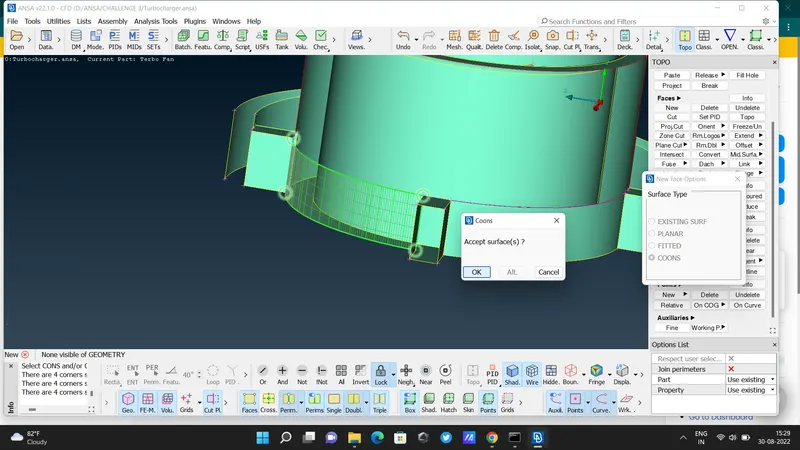
- after that , delete that curved lines ( in purple colour )
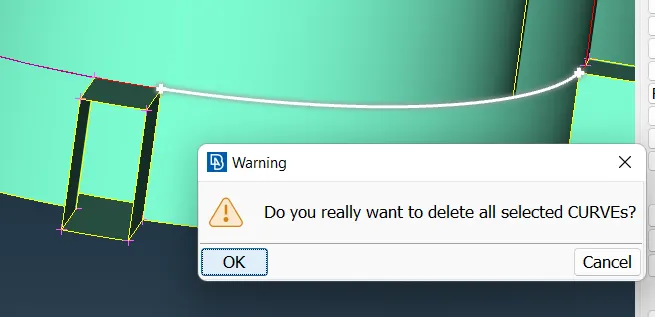
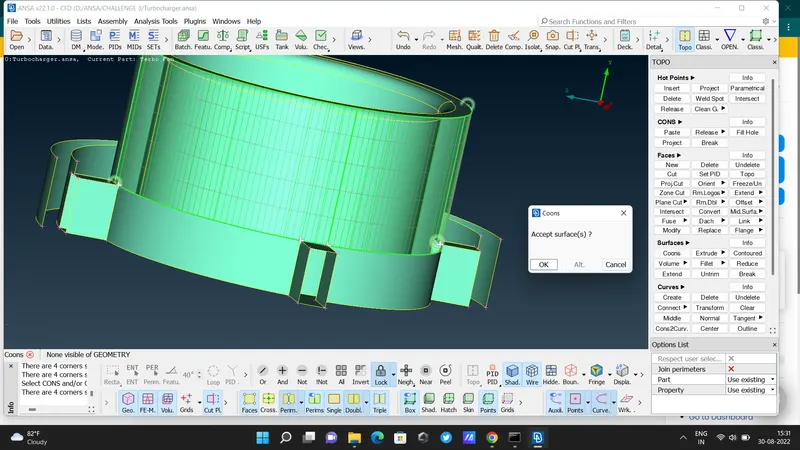
- creat remaining surface using coons option
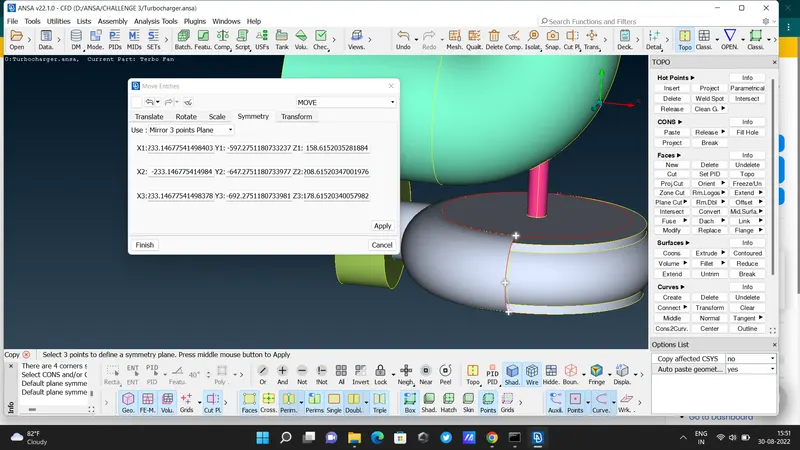
- here while solving error , we need to creat a new hot point - transform - copy - entities - mirror 3 point planes - symmetry - select 3 hot points - apply - finish . ( don't forgot to select "finish" button )
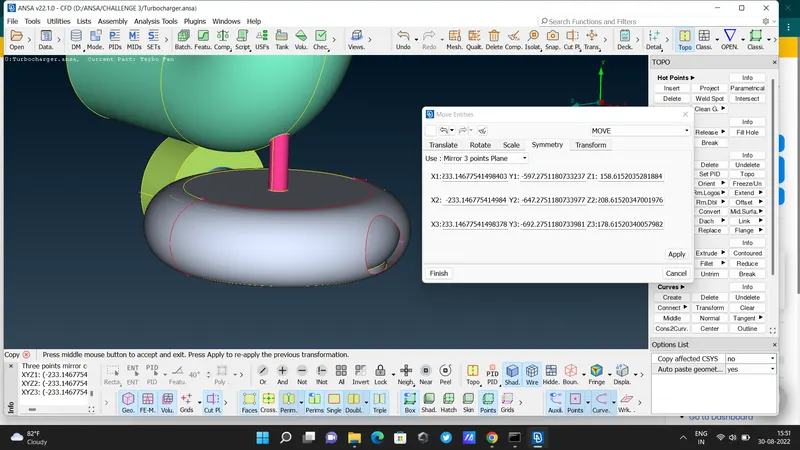
- for circular portion uesd " fill hole " command .
- then clear errors in blade. delete overlaping surfaces .
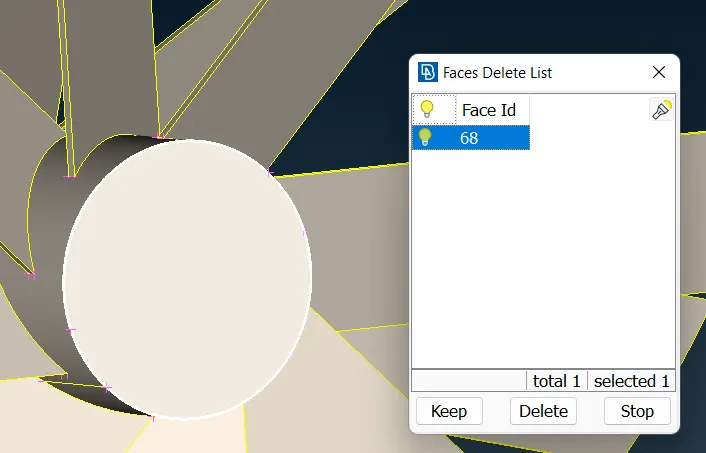
- here used projrcet command & then delete extra parts .
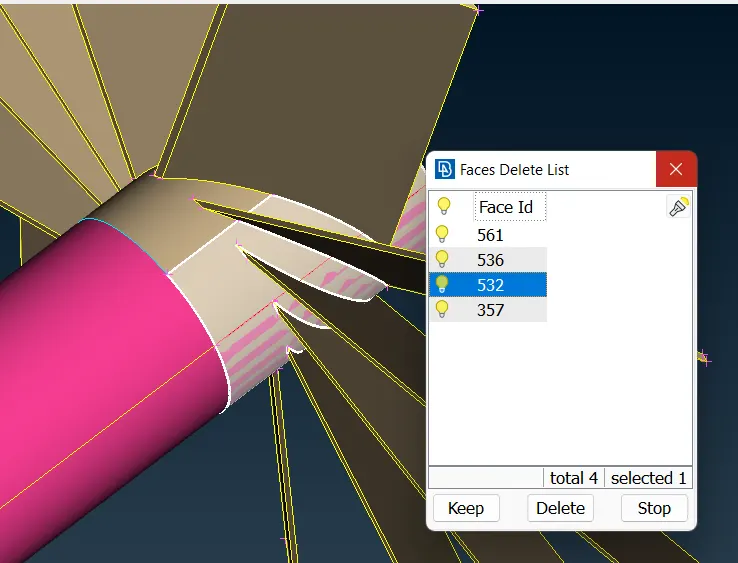
- delete red coons in shaft & delete extra parts .
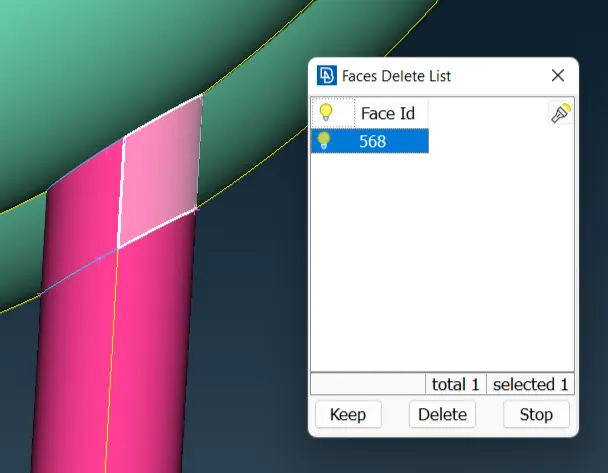
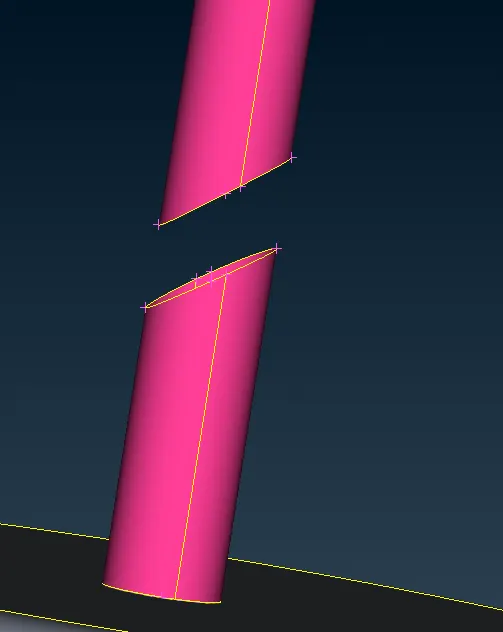
- delete all overlaping surfaces from body . be careful while selecting
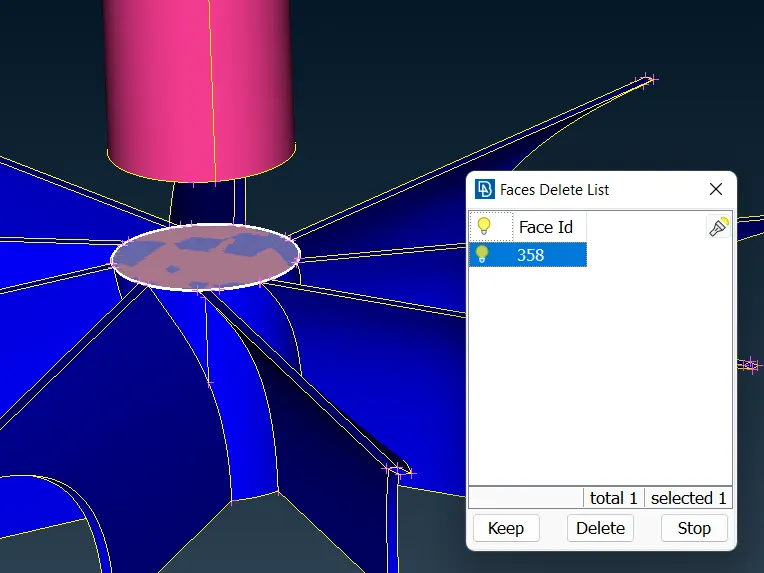
- before going to surface meshing we have to fill all holes in the given body ( using fitted , coons , fill hole command )
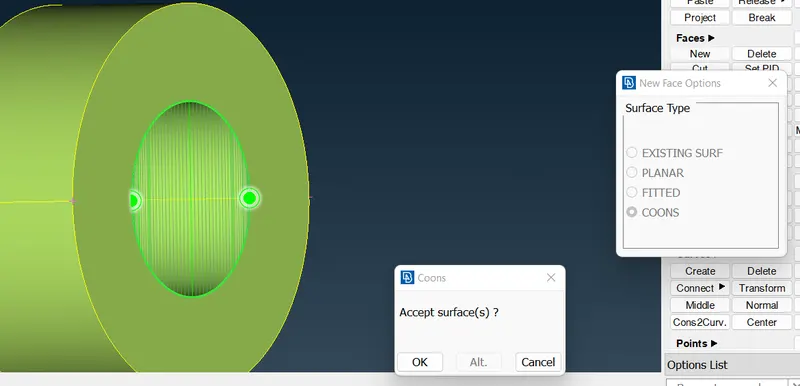
- check body very carefully
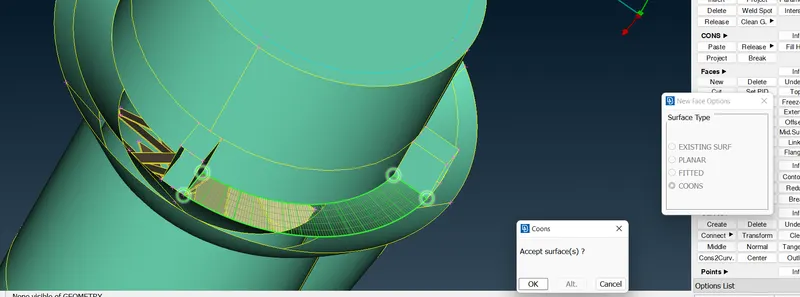
- this is after clearing all geometric reeors & intersection errors .
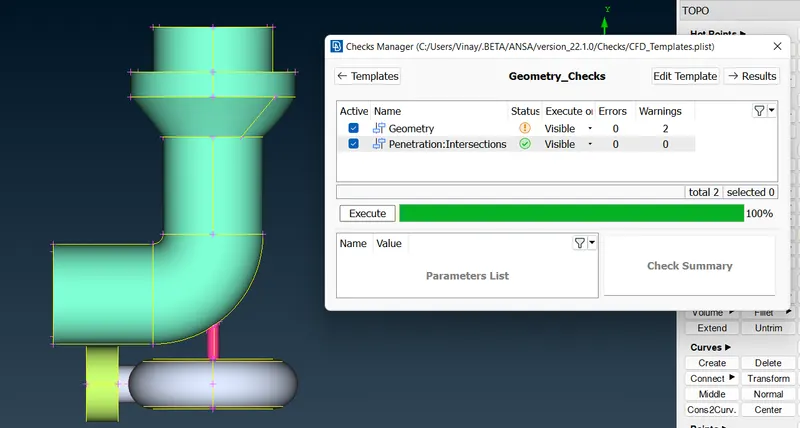
- go for meshing
- classic - perimeters - length - perimeter- macros (5 mm for turbo casing , compressor casing , inlet casing cover)
- mesh generation - spot mesh - visible .
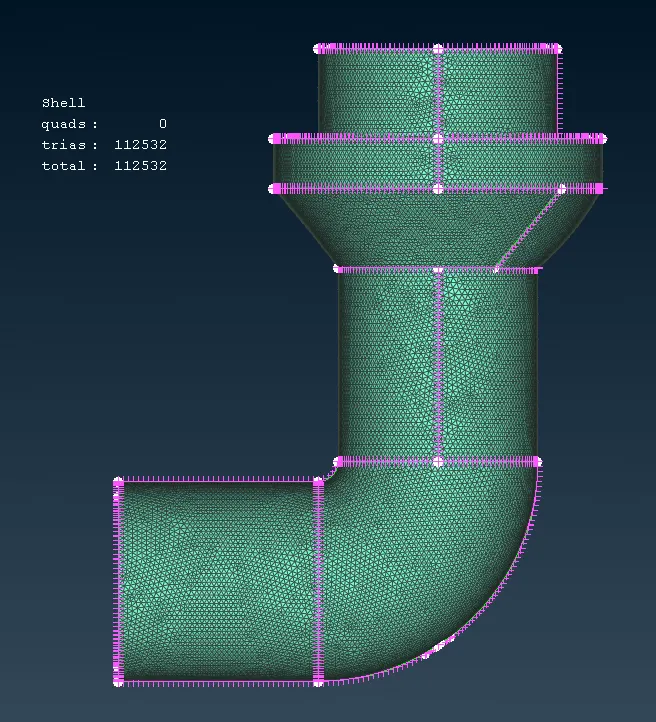 +
+
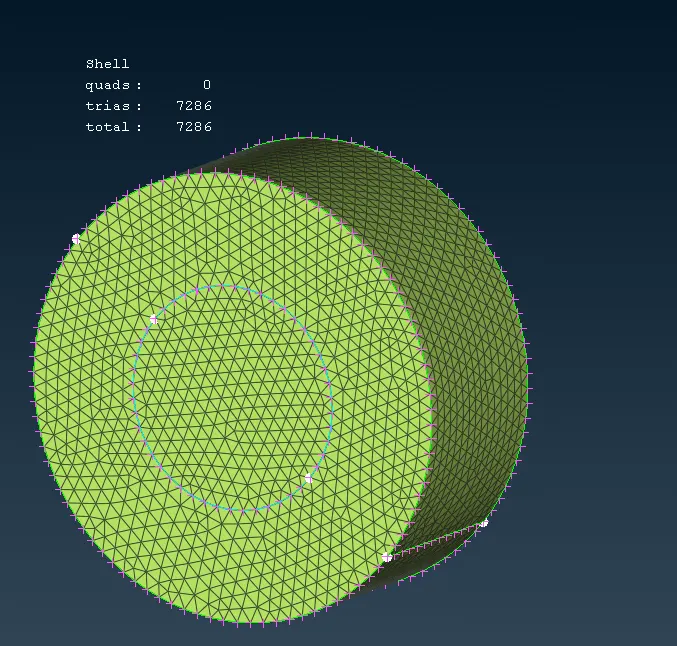
- impeller mesh target length 2 mm
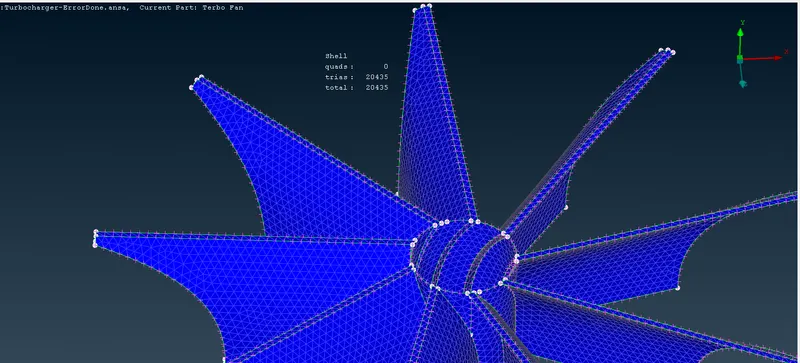
- blade stage 1 & 2 & shaft mesh target length is 1 mm
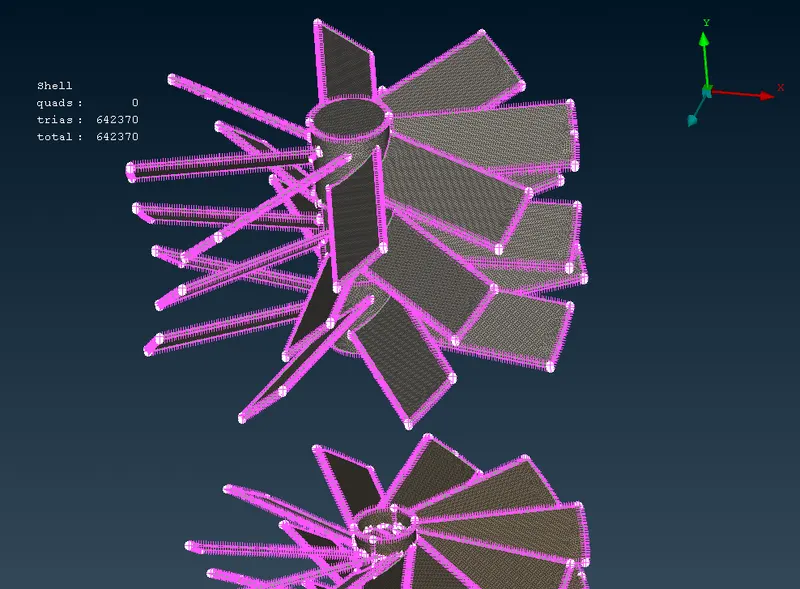
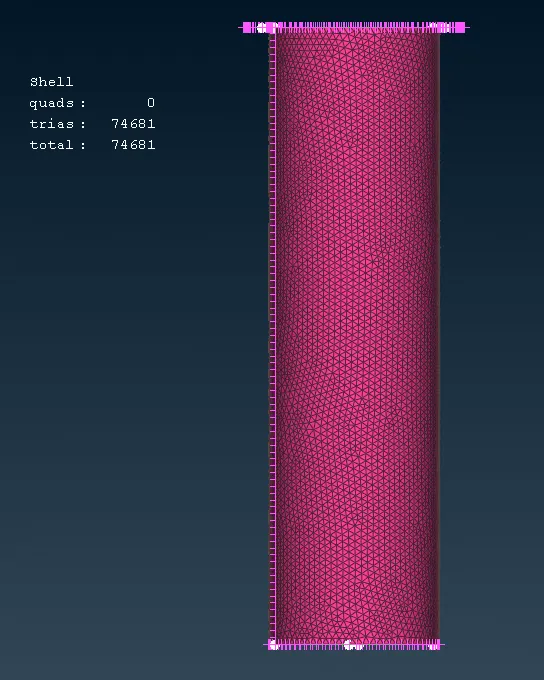
- view all after all meshing are done
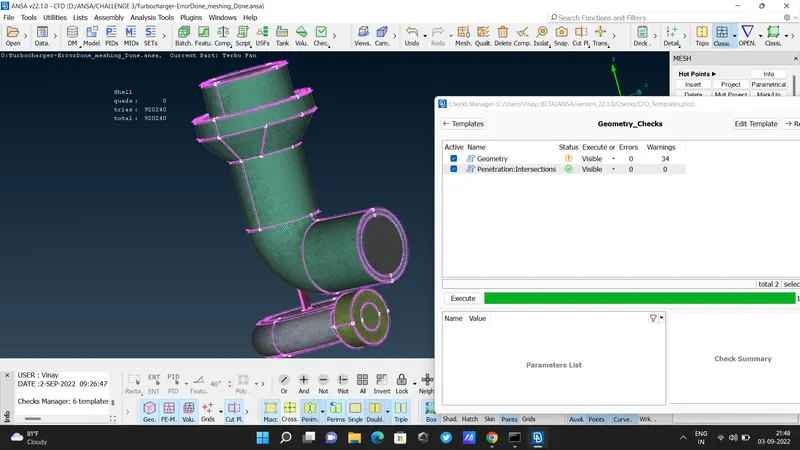
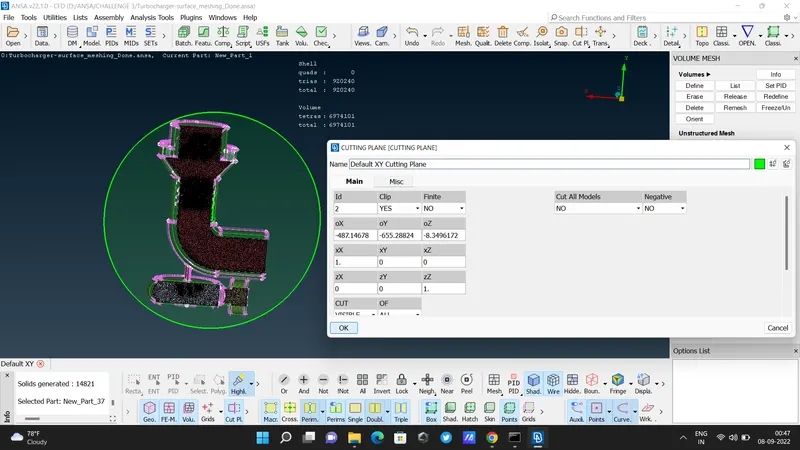
- Then go for cut section . Cut Plane - New - XY Plane .
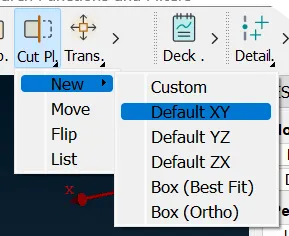
- select new part
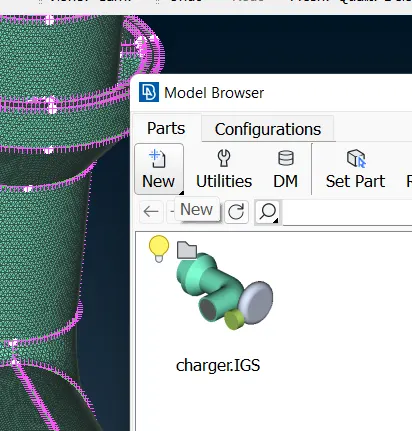
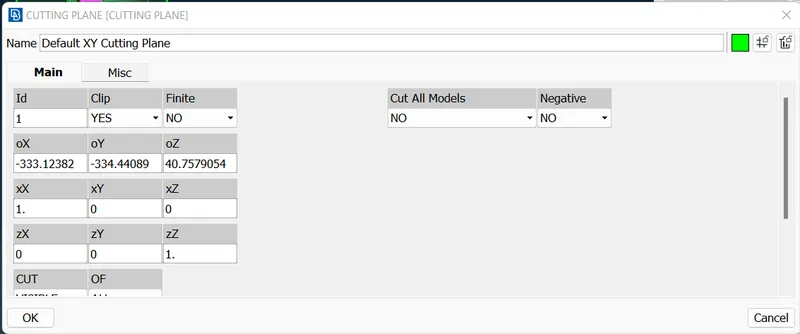
- here we see cut section of turbocharger ( surface mesh )
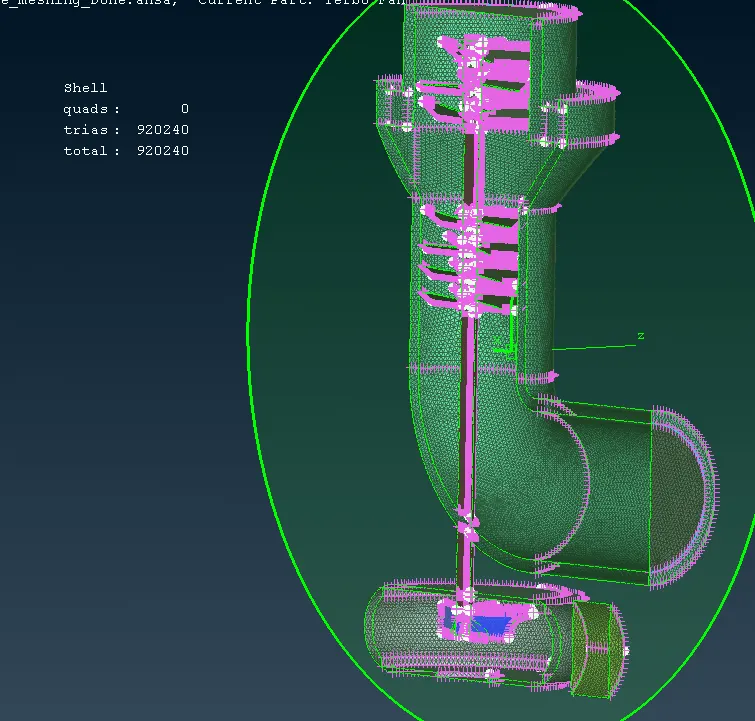
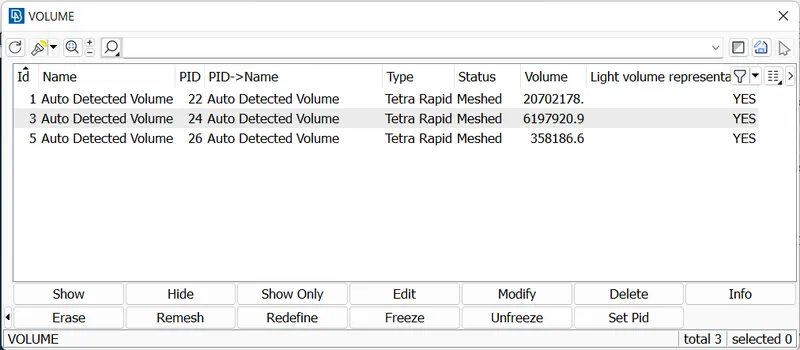
- select volume mesh
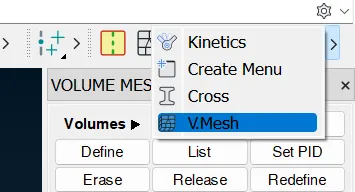
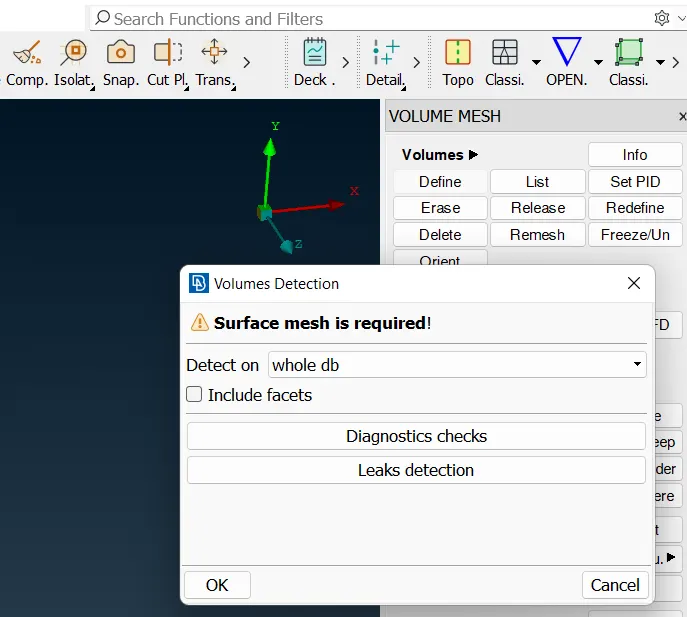
- select define from volumes . one pop_up box will shown . click ok
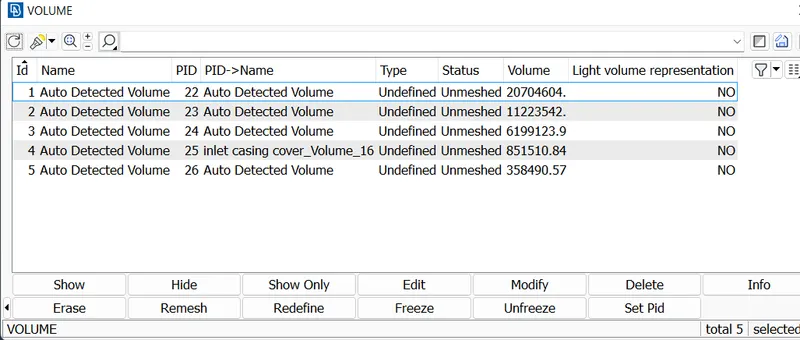
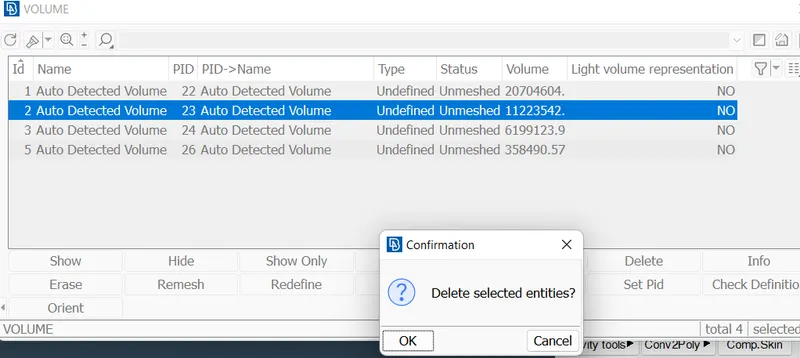
- check all volumes , & delete outer part of the entities.
- click to unfinished - select TETRA RAPID type mesh. - ok - REMESH .
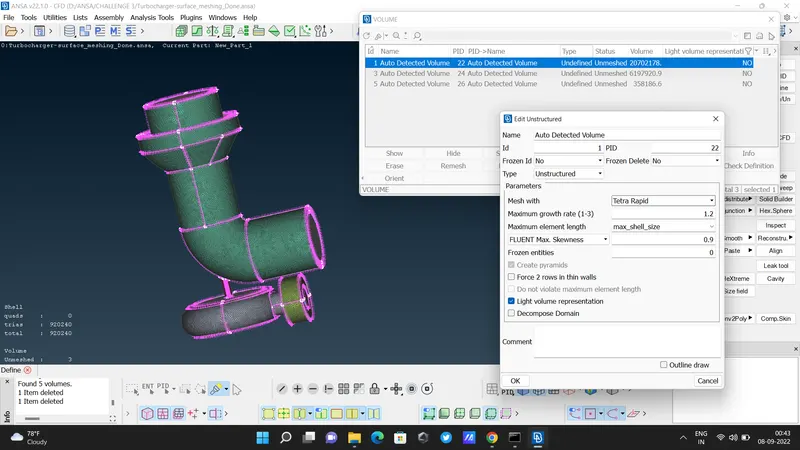
- mesh type - TETRA MESH
- Here we see cut section of volume mesh
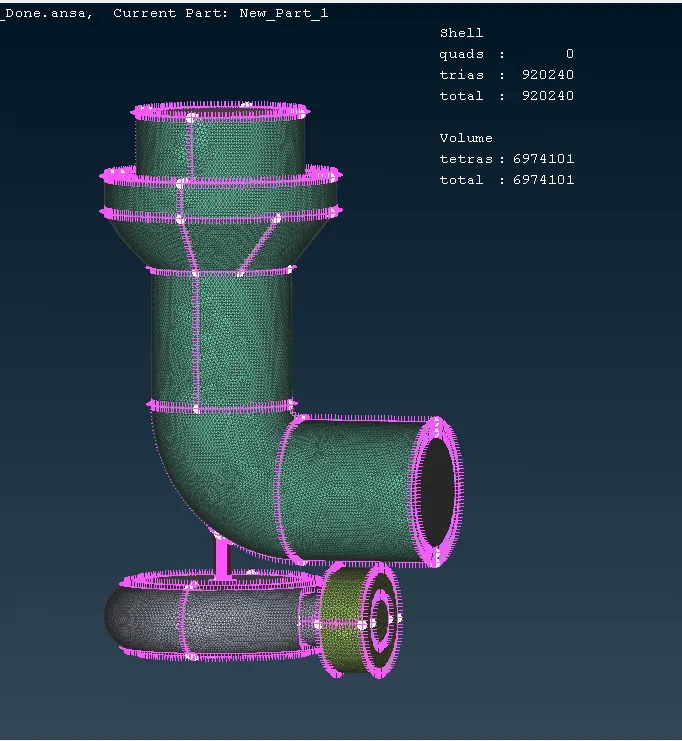
- DONE !
In this challenge we see following tools :
CUT
TRANSFORM
PROJECT
INTERSECT
SURFACE MESH
VOLUME MESH
DRIVE FILE :
https://drive.google.com/file/d/1qxtgfAUWiK6EPdgiAlbJRlJza8Zwm105/view?usp=sharing