Week 5 Challenge : Surface wrap on Automotive Assembly
Week 5 Challenge : Surface wrap on Automotive Assembly
Aim:-
To check for the geometrical errors and delete surfaces which are unwanted for Surface wrap for the given model. To merge all 3 models and perform surface wrap.
Target length for Wrap = 3 mm
Software Used:-
ANSA v22.1.0
Procedure:-
- First of all need to open the given model for geometrical clean up and turn on the shades
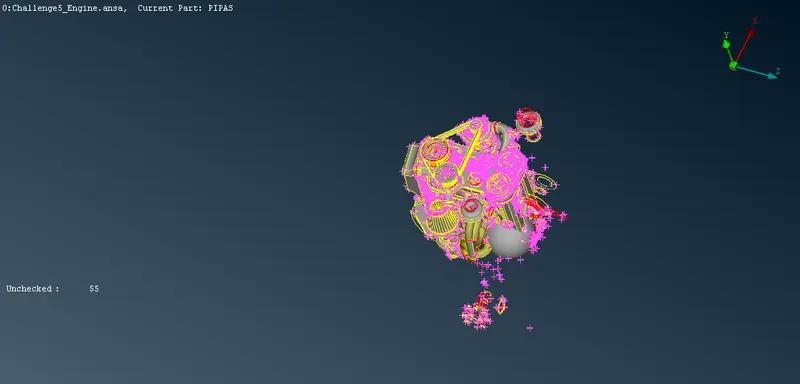
- There are lots of unwanted sufaces available to perform surface wrap as shown in fig.
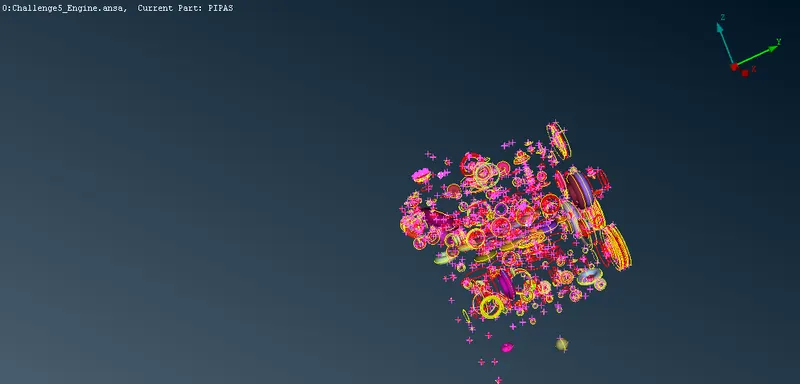
- In order delete the unwanted surfaces, first need to hide the required surfaces to make the deleting process simple as shown in fig.
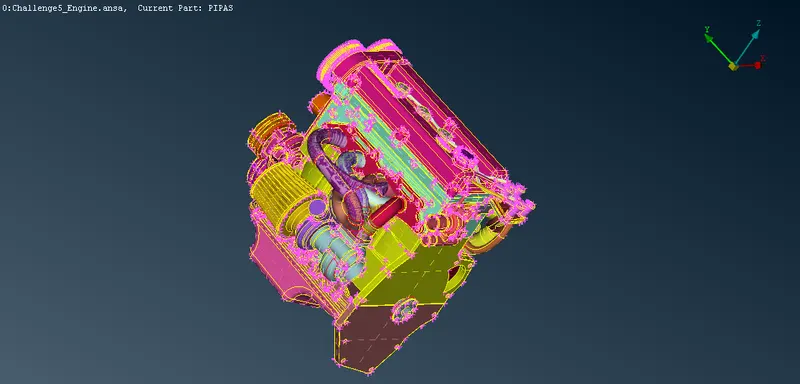
- Then need to delete all the unwanted surfaces by using box selection.
- Then the model will be as shown in fig.
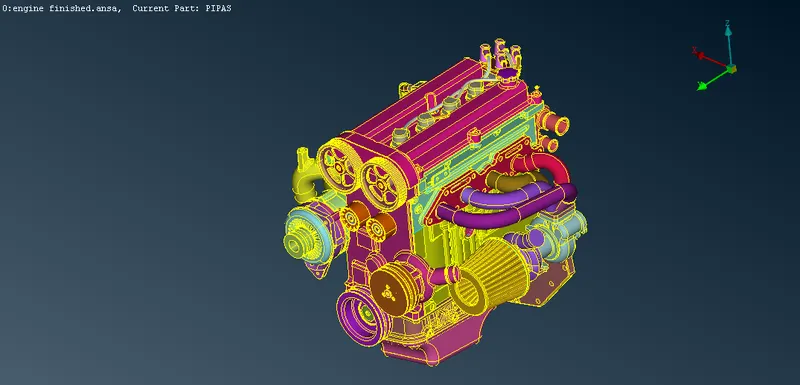
- Then need to clear all the geometrical and penetration errors on the outside surfaces of given model to perform surface wrap.
- After completing the clean up the model will be as shown in fig.
- Then need to repeat the same procedure for the other two models.
- After completing the geometrical clean up for all the three models need to merge the three files to perform surface wrap as shown in fig.
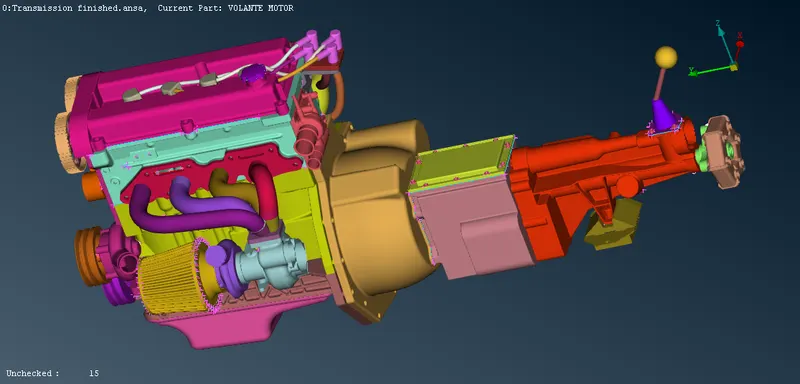
- After merging, need to closed all the openings on the outside surfaces of the model to perform surface wraping operation as shown in fig.
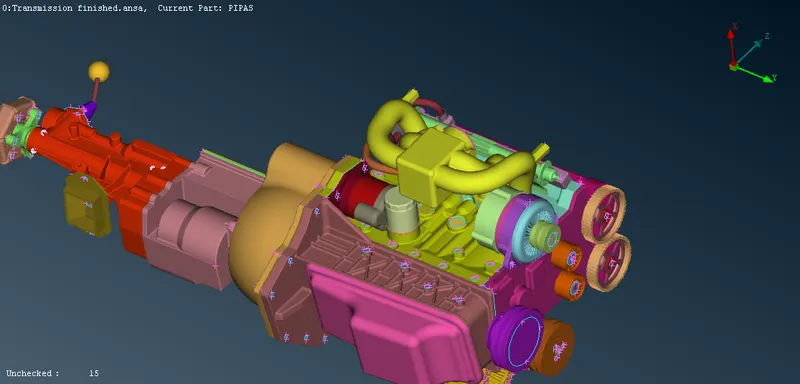
- Then need to compress the dummy PIDs using compress option.
- After completing the geometrical clean up then need to perform the surface wrap by using OCTREE>>WRAP>>CONSTANT LENGTH option.
- In that need to assign the mesh parameters and the contents as shown in fig.
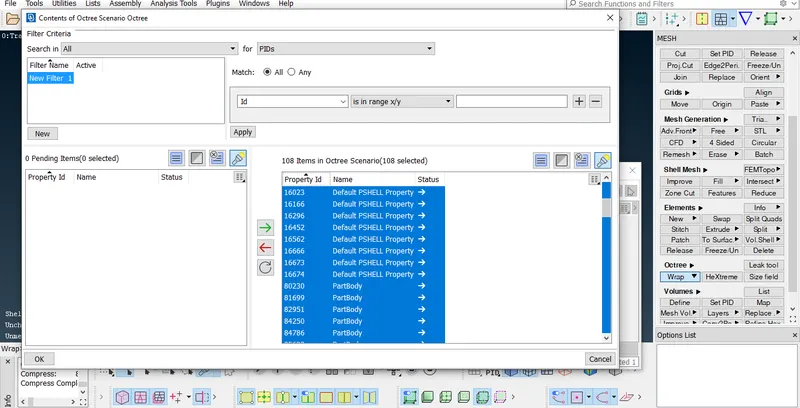
- After that need to run the surface wrap operation as shown in fig.
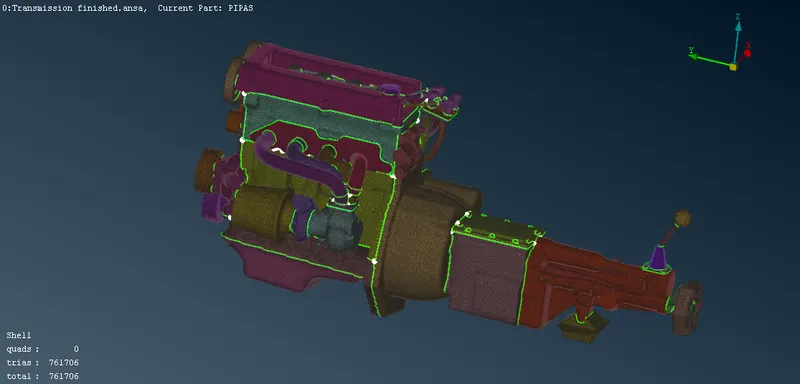
Result:-
The surface wraping operation for the given model had been completed successfully. The link for the completed model is given below.
https://drive.google.com/file/d/1lsj3nMTjztZYXCQD0QMJAZlzYtl-vtvy/view?usp=sharing