Week 5 Bending of iPhone
Aim
To simulate the bending of iPhone
Procedure
1. Open ANSYS and drop static structural.
2. Open the engineering data resources and select the materials required. Create a material as Glass.
3. Generate a S-N curve from the given data for aluminum.
4. Import the geometry.
5. Open modelling.
6. Rename the components of the geometry.
7. Remove any finger to finger connections.
8. Set all the connections except frame to screen to frictionless. Frame to Screen connection is bonded.
9. Create fixed joints for all the fingers individually except the thumbs. Set translational joints to the thumbs. Check the direction of motion is correct.
10. Create mesh. Create a face sizing mesh for the back of the iPhone and the face of the thumbs touching the back.
11. Go to the analysis settings.
12. Set the number of steps to 8, program controlled auto time sweeping, direct type solver, program controlled weak springs.
13. GO to the non linear section, change the stabilization to constant, energy method. Set the energy dissipation to 0.1, activation for first substep as yes and stabilization force limit to 0.2.
14. Select yes to all options on output controls.
15. Create fixed joint for the faces shown below.
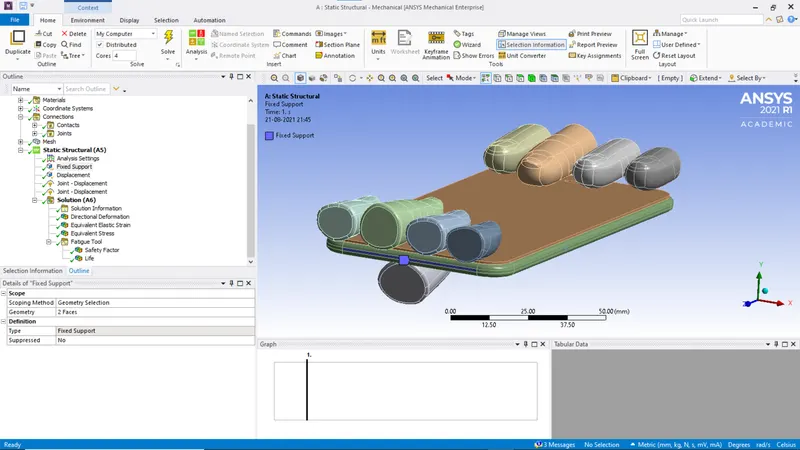
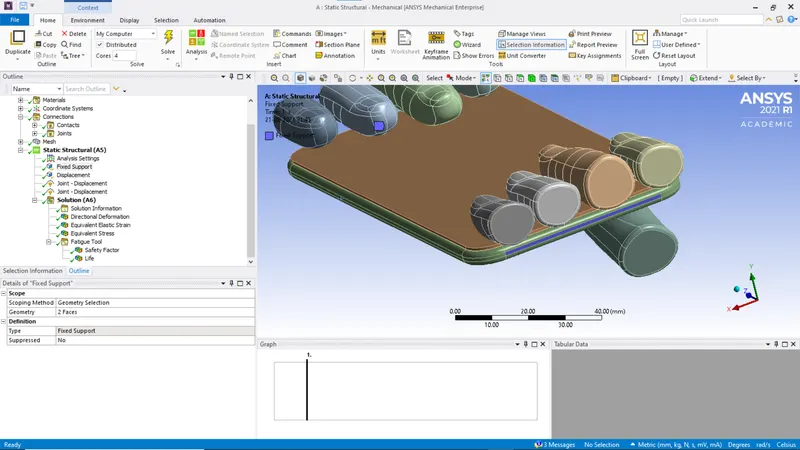
16. Create displacement for the edges as shown.
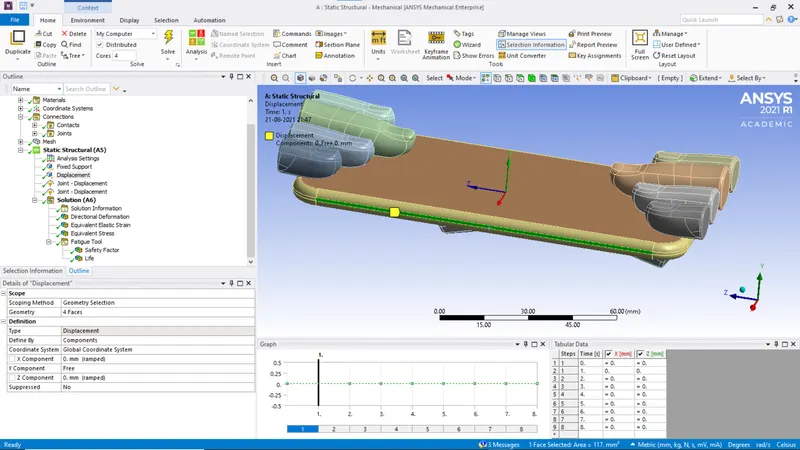
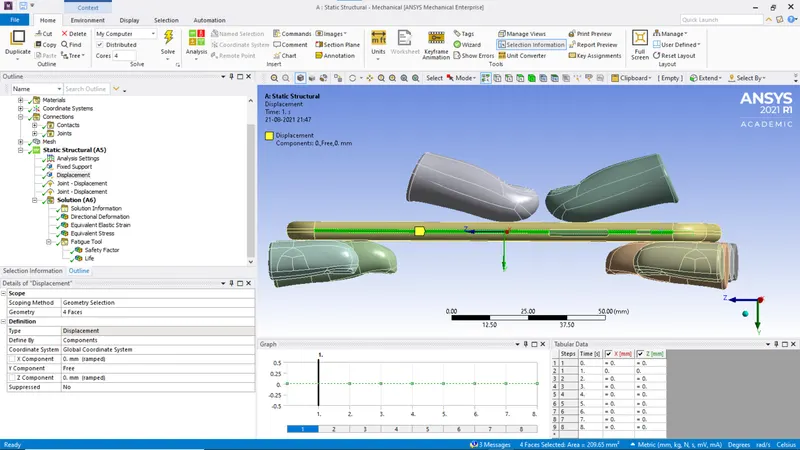
17. Create displacement joint for the thumbs.
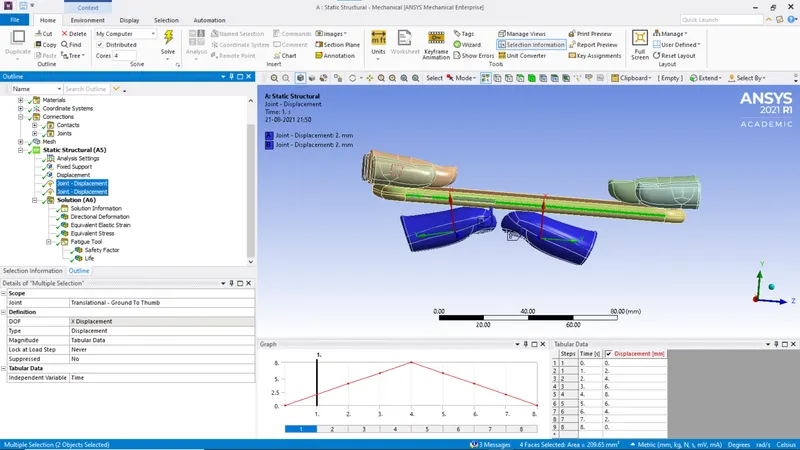
18. Set the required solutions.
Results
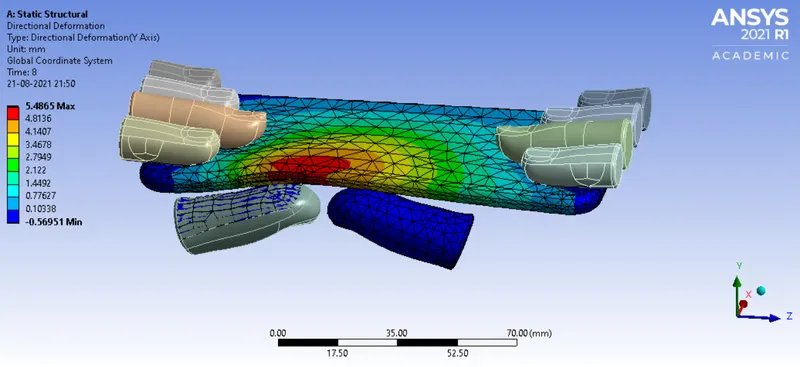
Case-1
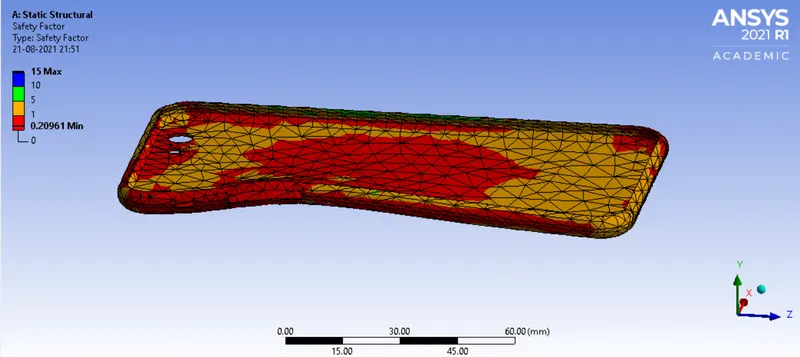
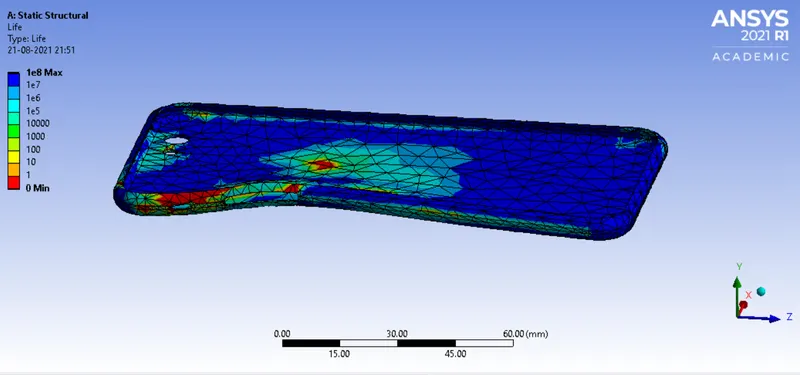
Case -2
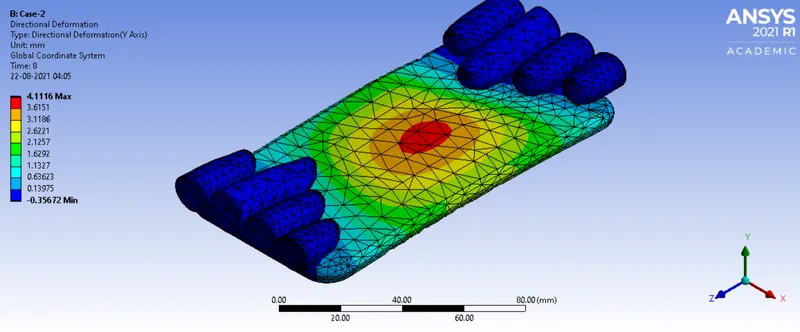
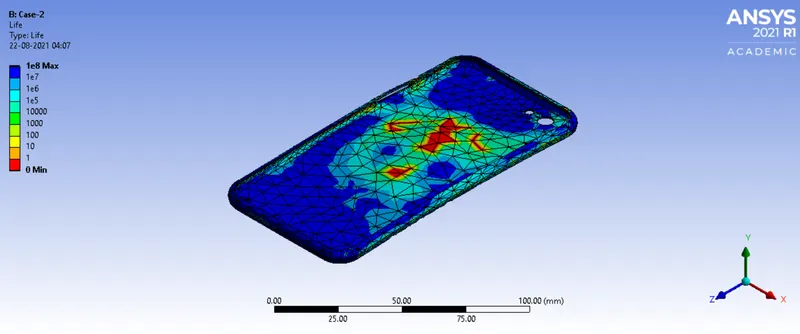
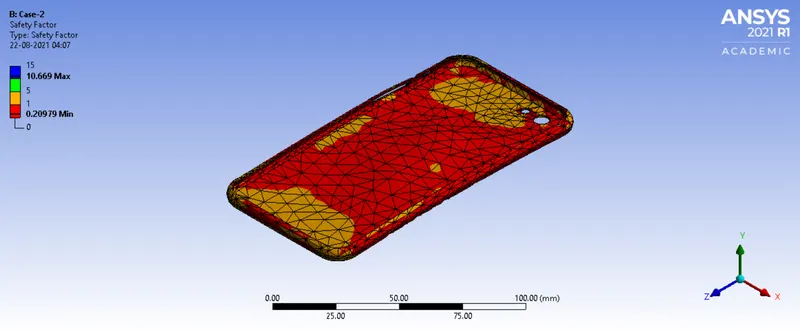
Observation
|
Max Directional Deformation (mm) |
Min Directional Deformation (mm) |
Safety Factor | Life | |
| Case-1 | 5.4865 | -0.56951 | 15 | 1e8 |
| Case-2 | 4.1116 | -0.35672 | 15 | 1e8 |
Conclusion
The safety factor and life of the material does not change if the force remains constant even if the position of force applied is change.