Week 5
Aim:
- To check for any geometric errors in the given model and clean up the geometry, also perform the shell mesh to geometry with trias and orthotrias with prescribed quality and perform Tetra mesh to the geometry with zero OFF elements.
Procedure:
- First open the model using File- Open in menu. Then model will be displayed. Model should be checked for errors. For better understanding of geometry fine option is used which displays all features of model in accurate manner.
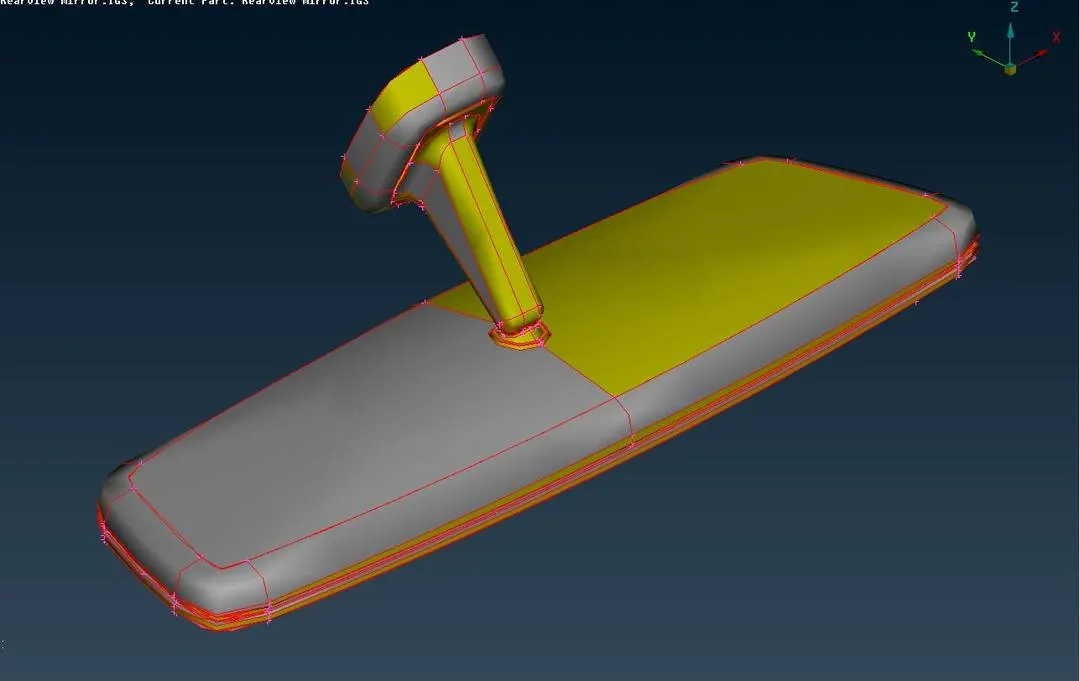
Fig:-1 Showing the initial model
- For checking errors in geometry, Click on Tools- Checks- Geometry and then click on execute option which shows all the errors in model. These errors can be fixed manually or automatically by right clicking on particular issue then tap on fix option. Erros in geometry will be solved as per ANSA understanding. Some issues cannot be solved automatically which needs to be fixed manually.
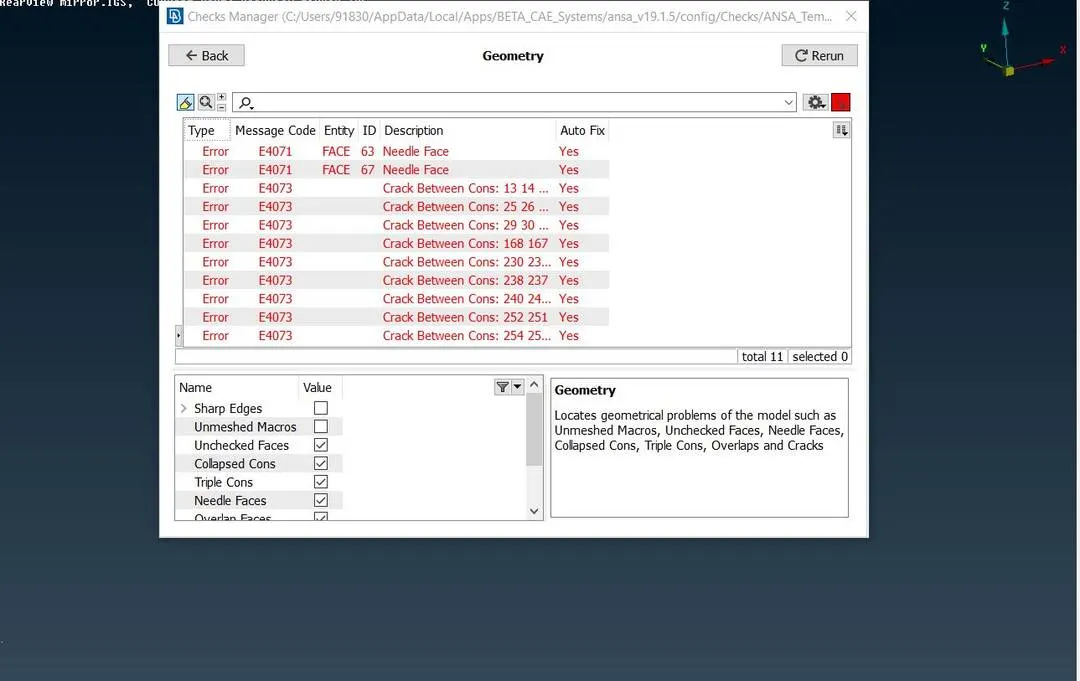
Fig:-2 Showing geometric errors in model
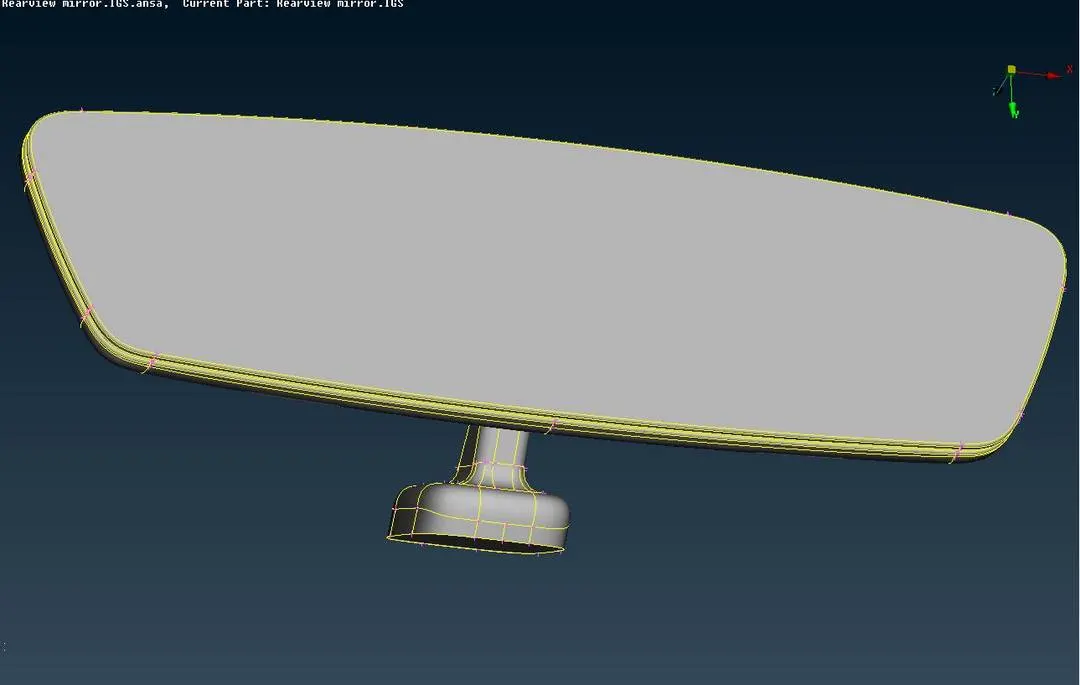
Fig:-3 Showing geometry free from errors
- After the geometry is error free, proceed further by Keying Quality criteria parameters specifying Min length and Max length of elements. Quality criteria parameters can be given by pressing F11 or By clicking on Utilities-Quality criteria parameters. Perform shell mesh on the geometry with trias and ortho tria elements by using Spot mesh option in Mesh Generation tab. Elements failed for quality should be cleared using Reconstruct and Smooth option in Shell mesh tab.
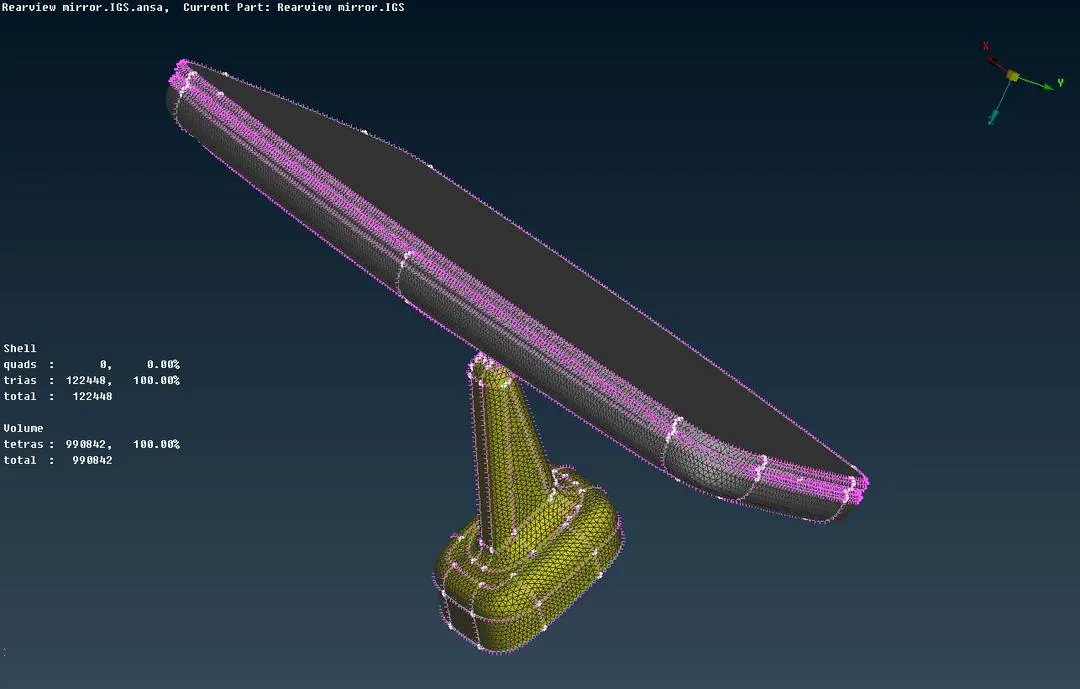
Fig:-4 Showing Meshed model with Trias and Ortho Trias
- After Shell mesh is generated, Volume mesh is generated using Volume Mesh Tab. In volume mesh tab, Volume has to be defined first by clicking on Define option in Volume tab. After volume is defined it will appear in List option.
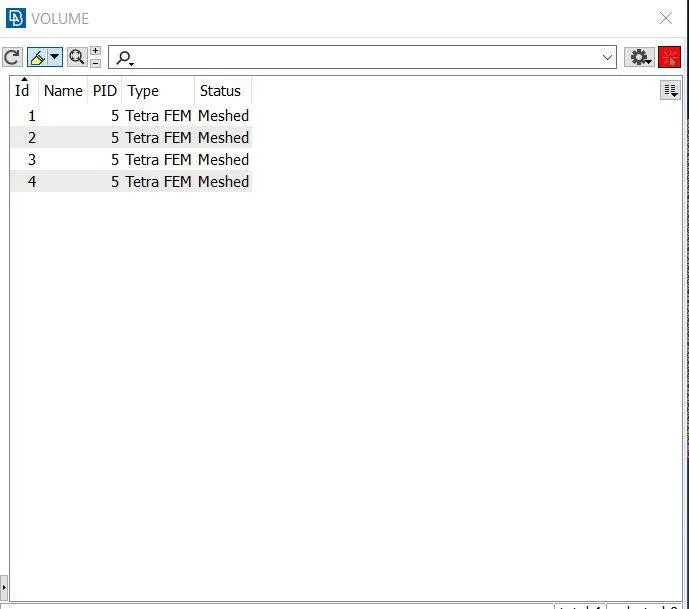
Fig:-5 Showing List tab
- In list option it will show the stauts of model whether it is meshed or not and type of meshing algorithm used for meshing. For mesh generation, right click on the contents in List option and tap on remesh option. Then a window will pop up showing different algorithm for mesh. Click on Tetra Fem option. Mesh is generated for the given model. After Mesh is generated, it should satisfy the prescribed quality. For elements which failed for quality should be adjusted using Fix quality or by using Reconstruct option or by using Smooth option.
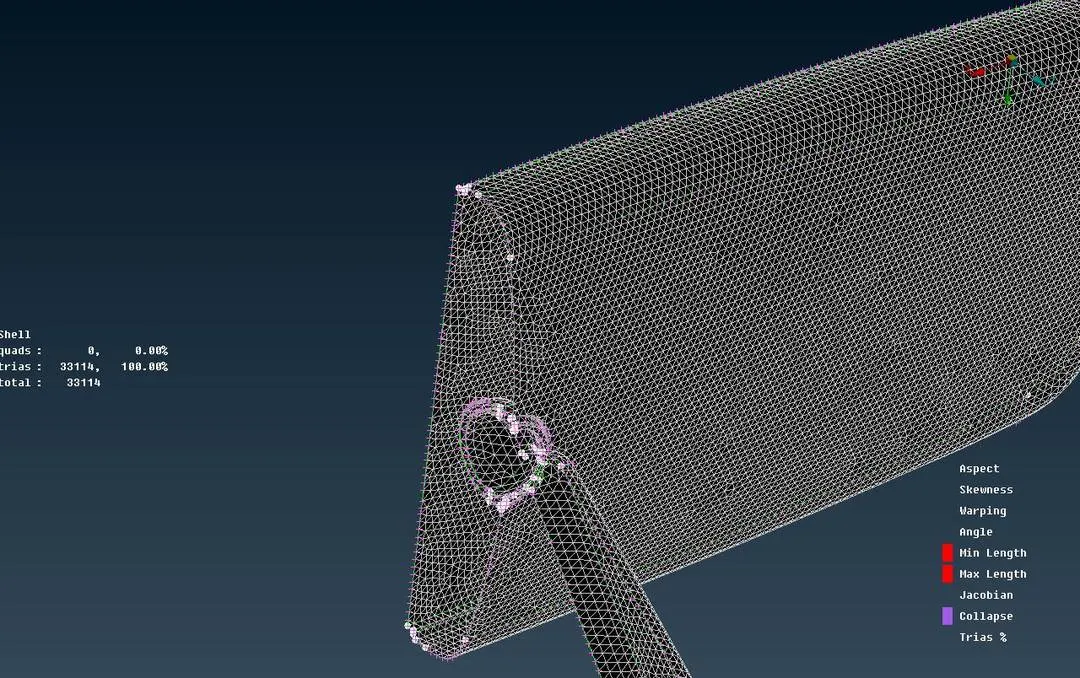
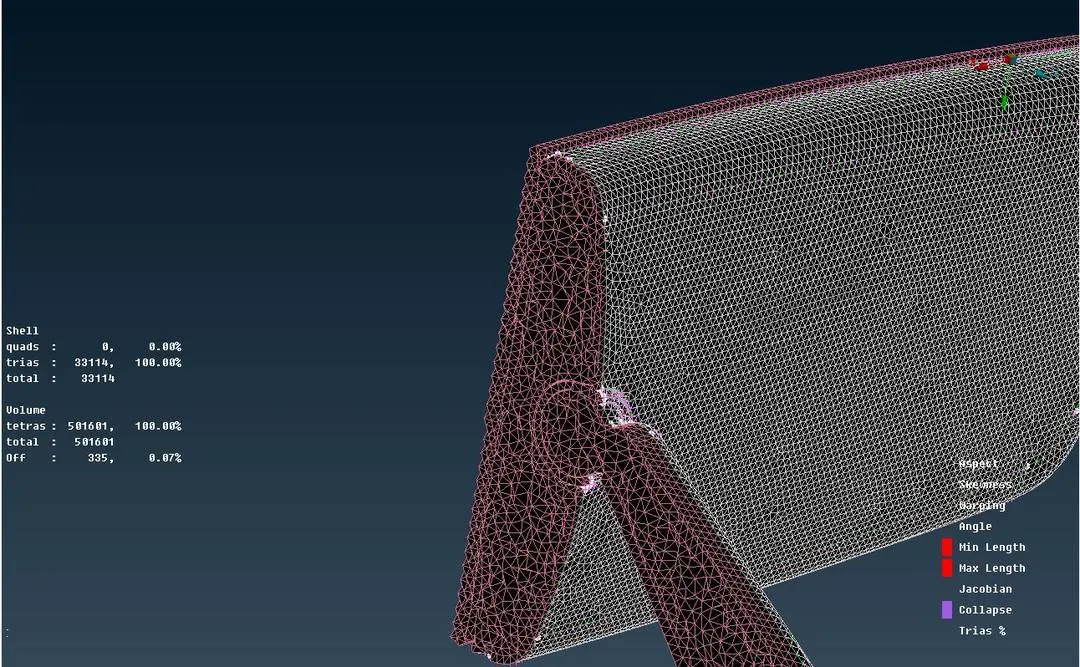
Fig:-6 Showing Meshed model (without volume mesh) Fig:-7 Showing Meshed model (with volume mesh)
Learning Outcomes:
- Perform Geometry cleanup
- Perform shell mesh with trias and ortho trias
- performing volume mesh
- clearing the quality for the mesh
Conclusion:
Fig:-8 Showing the intial model (raw geometry) Fig:-9 Showing the meshed model (volume mesh)