Week - 5 - 2D meshing for Plastic components
Week - 5 - 2D meshing for Plastic components
For the given Plastic Bottle Cap model, check for the geometrical errors and take the mid surface by suitable mid surfacing techniques. PID and Thickness assignment has to be done for all the mid surfaces. Mesh the same with the given element Quality criteria. (Refer to the table below for the Quality criteria)
This is the geometry of the bottle cap, today which we are going to mesh.
To the first, there are some geometrical corrections need to be done before meshing, so, to do that, we need to check for the geometrical errors, and we got some, out of which some can be fixed automatically and the remaining need to be fixed manually.
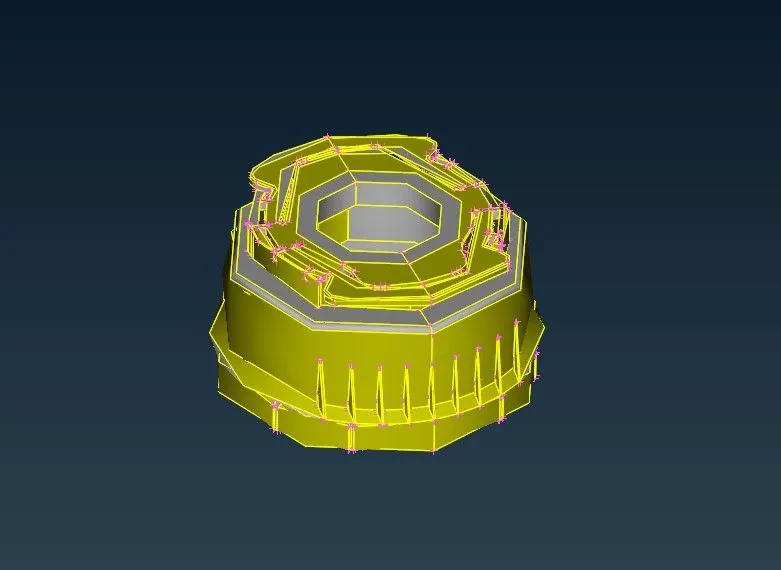
here is the part that shows error and we fixed it.
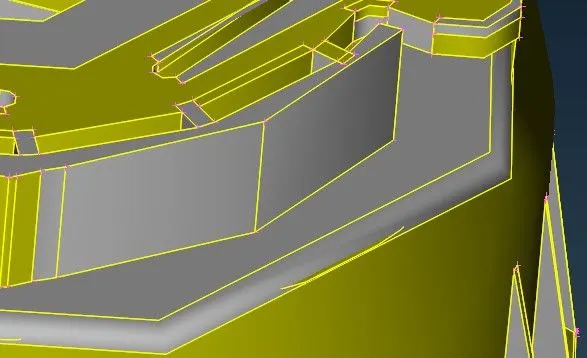
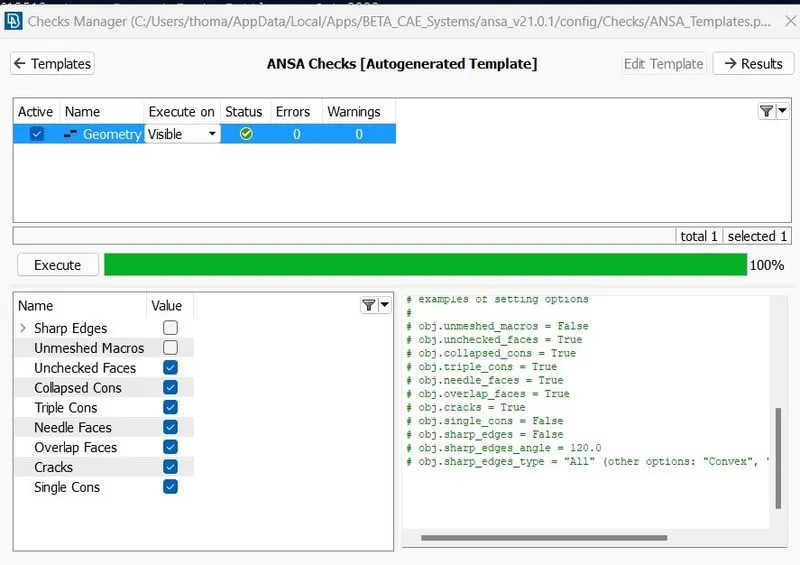
Now, we are going to create the mid-surface, we are doing it by Faces-> Midplane option and selecting both sides of the surface and the midplane is generated.
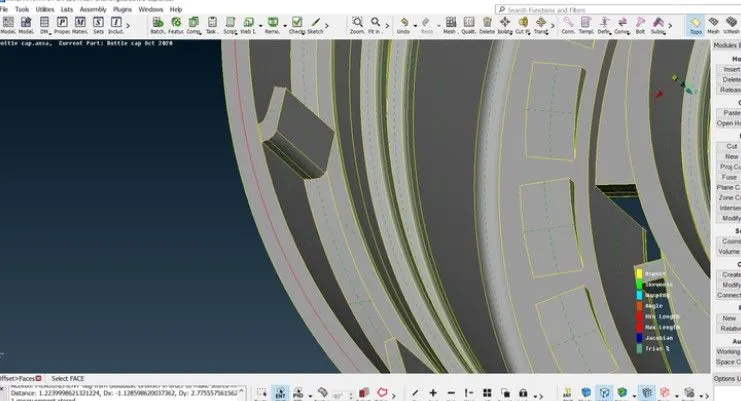
Midsurfacing between the thread.
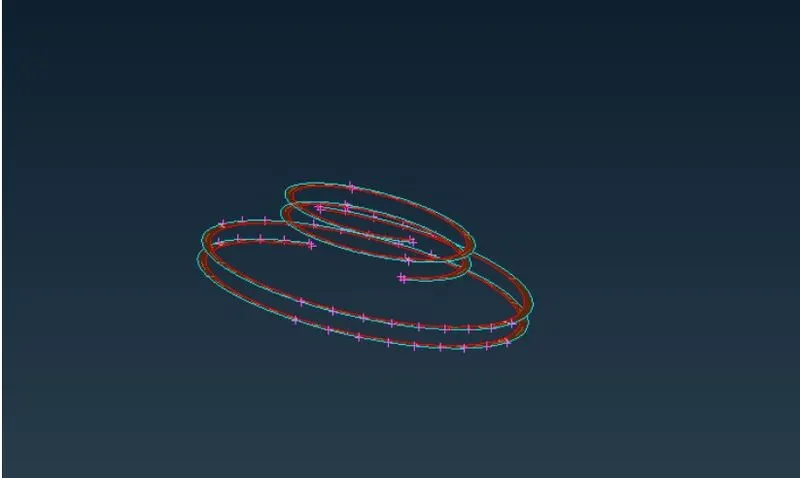
Midplane between the end lock.
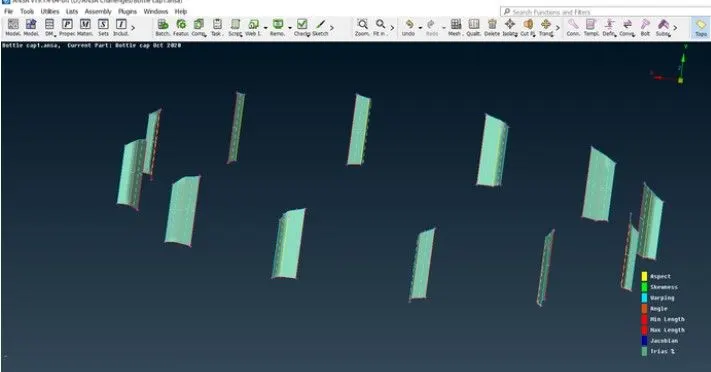
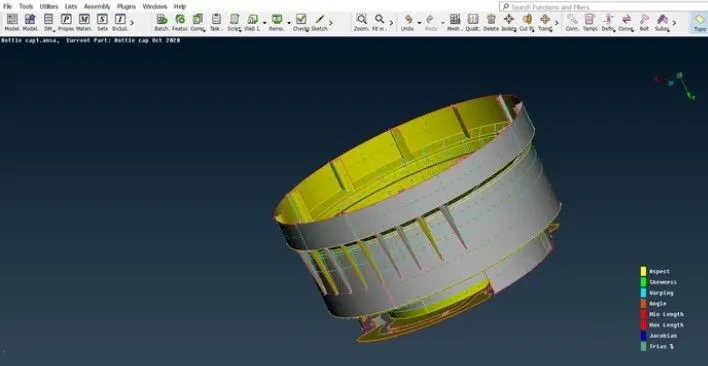
here is the fully generated midplane of the bottle cap geometry.
Now, the next step is to set the quality criteria before meshing.
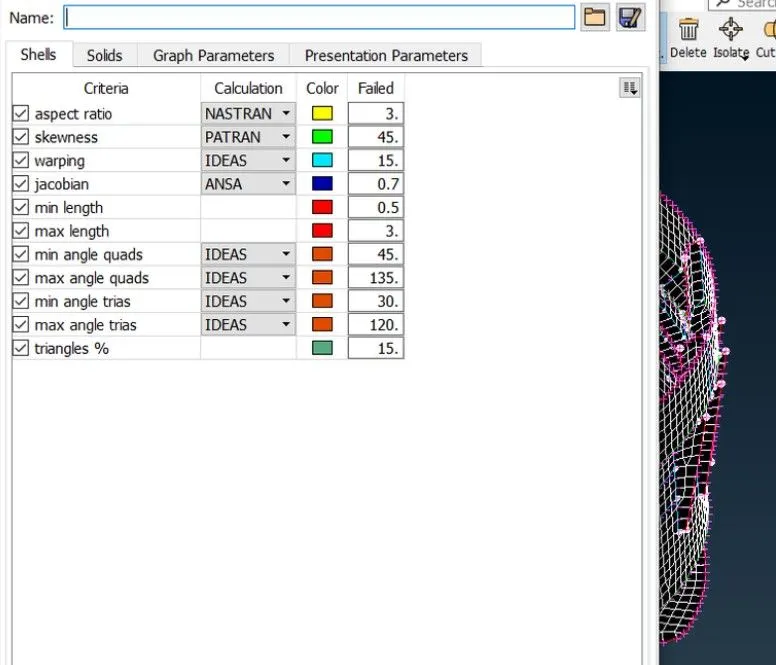
Setting the Mesh parameters
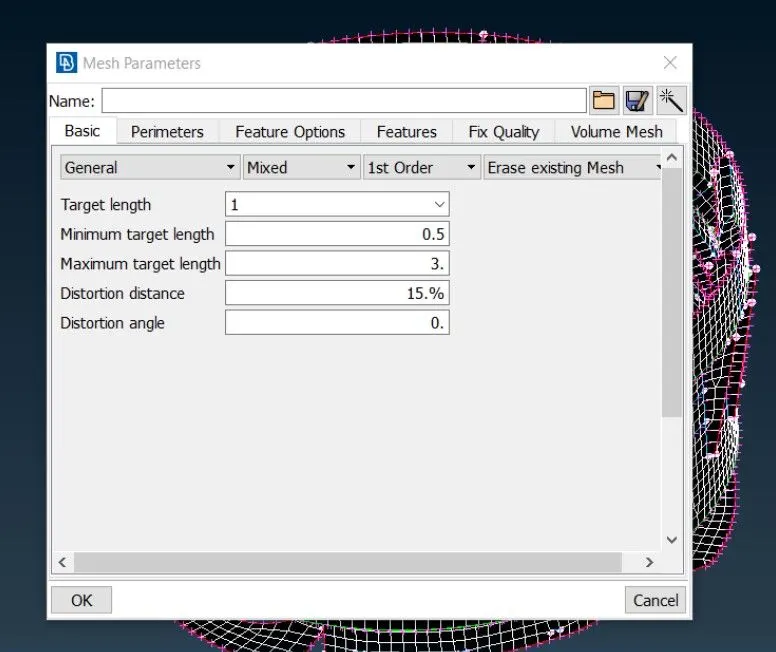
The Meshing is done using batch meshing.
The errors or low-quality areas of the meshed faces are corrected using reconstruct, swap, smooth, and split tools available.
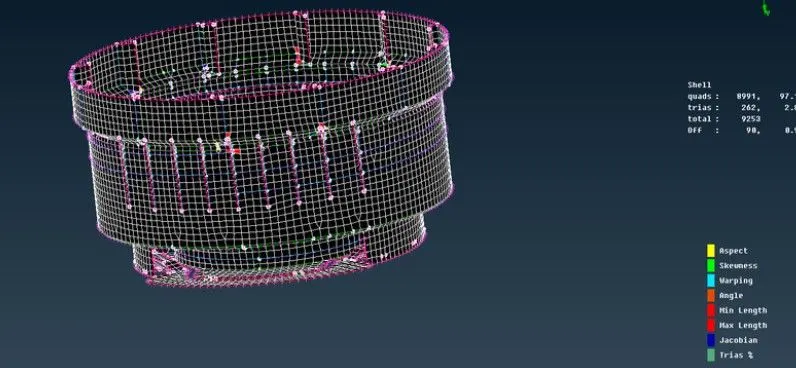
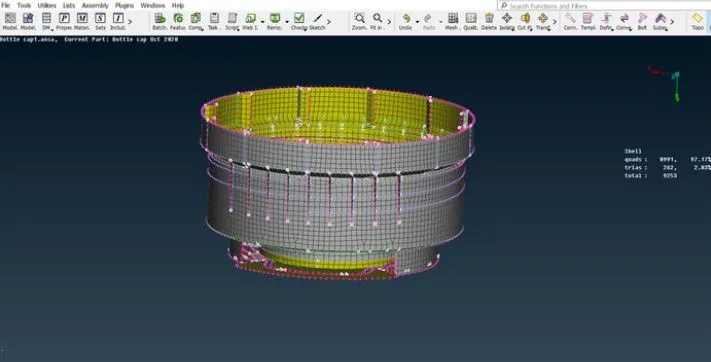
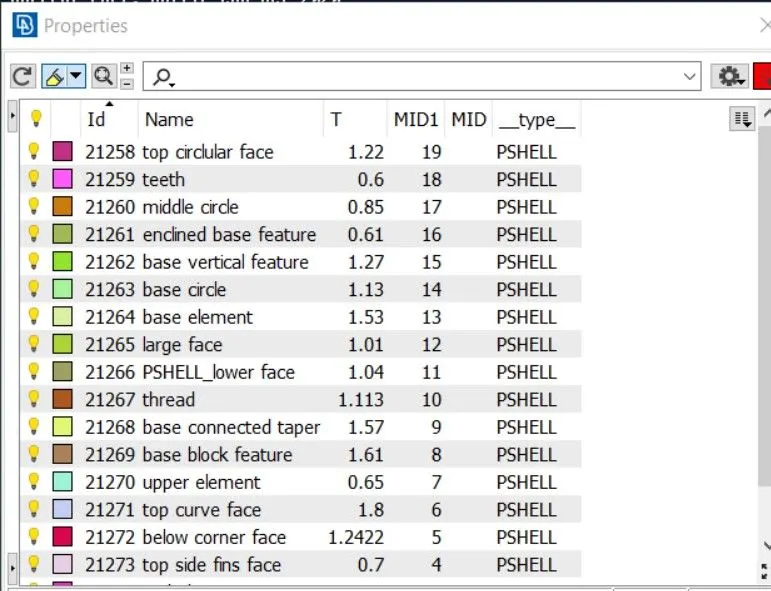
Now, the last step is to set the PIDs as per different thickness.
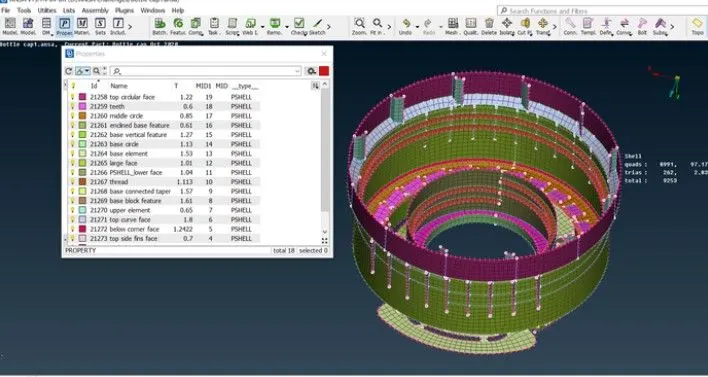
Thank You