Week - 5 - 2D meshing for Plastic components
AIM:
To create a 2D meshing on the given PLASTIC MATERIAL-BOTLLE CAP.
PROCEDURE:
- First, we separate each element as the bottle cap has different thicknesses in each element.
- Then I give the proper perimeter and Macro length as 1.
- I check for geometry and removed the cons.
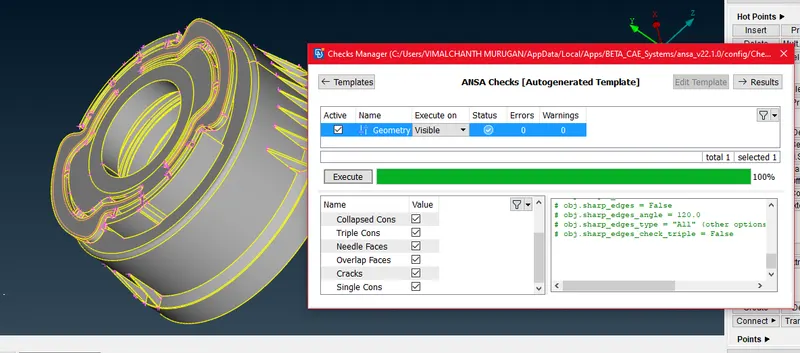
- We need to create a mid-surface for all materials in the bottle caps using different commands. Each element has a different thickness, like Threads, Taper region, Fin extension and circular faces.
- FACE
- MIDDLE-SINGLE
- MIDDLE-MULTI
- CURVE-MIDDLE
- CON-PROJECT
- FACE-NEW(Using coons and fitted)
- FACE
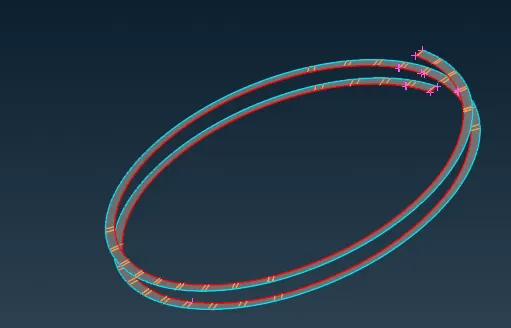
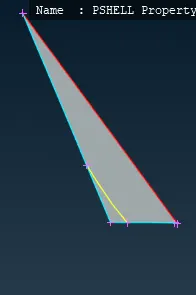
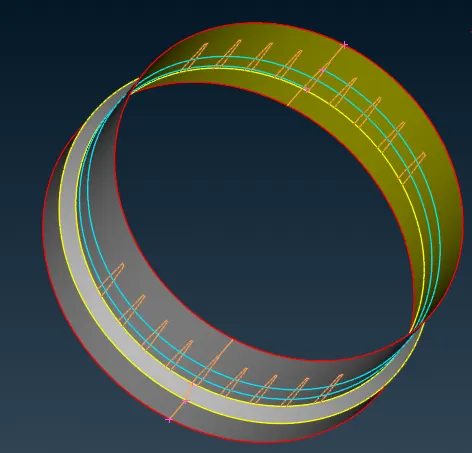
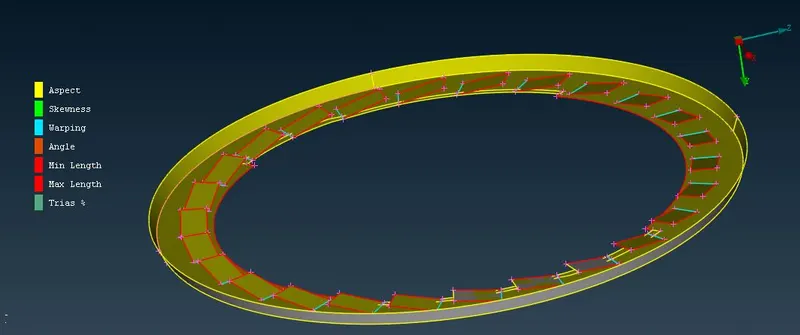
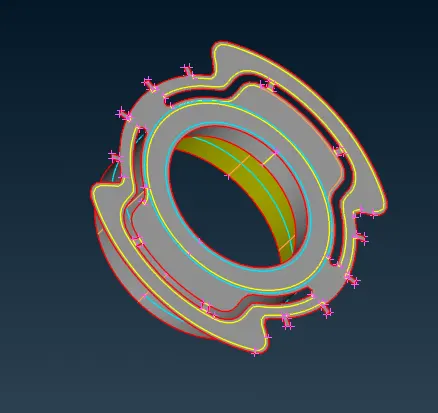
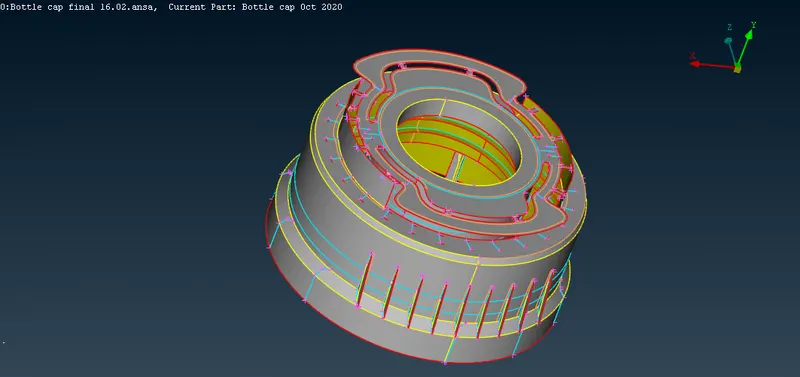
- Now I apply quality mesh parameters to all the materials.
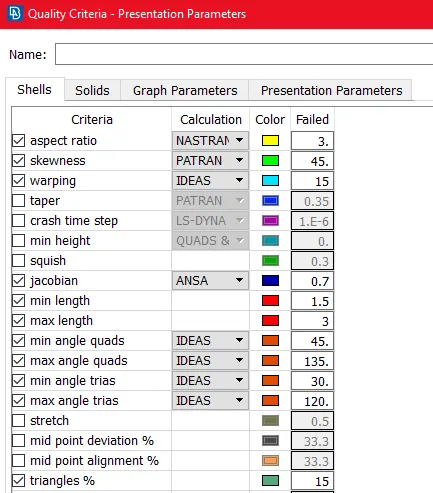
- Next, We need to create a mess on the mid-surface of each material on the hood.
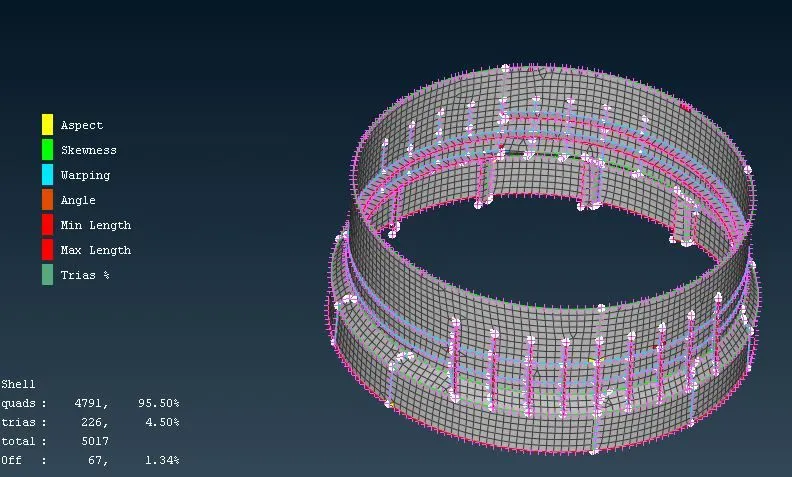
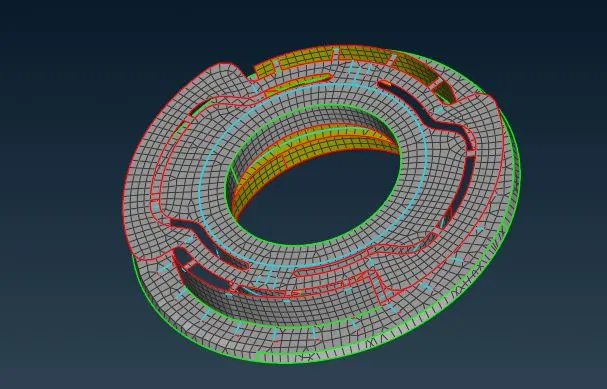
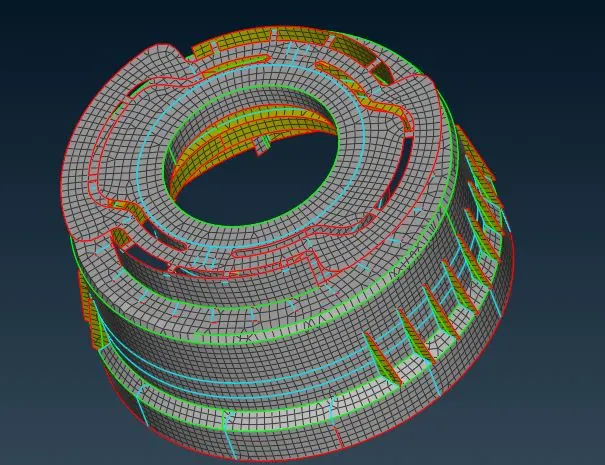
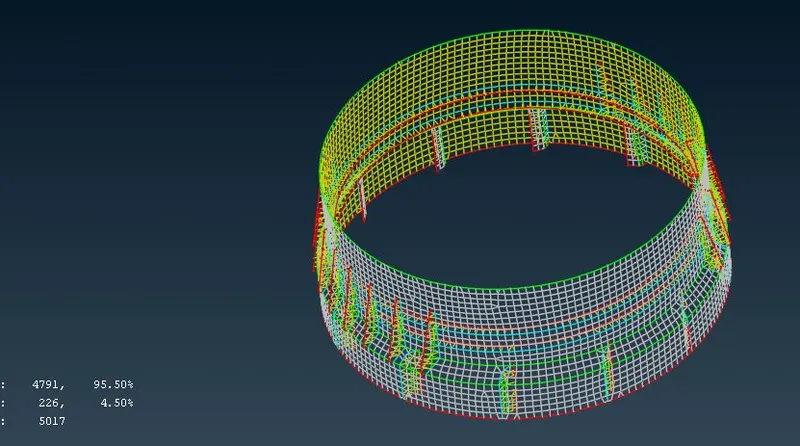
- After creating the mesh on the mid-surface, we have to check the mesh for each material in the bottle cap and try to reduce the tri elements and off elements using the following commands.
- Split
- Swap
- Join
- Smooth
- Reconstruction.
LEARNING OUTCOMES:
- I learned about various commands used in the ANSA for geometry clean-up, mid-surface generation and messing.
- I learned how to use the swap, split and join commands to reduce the tri elements in a mess.
CONCLUSION:
2-D Mesh on the given plastic materials(bottle cap) is created.