Week 4 - 2D Meshing for Sheet Metal
AIM:
To create a 2D meshing on the given Sheet Metal [WATER STORAGE SUPPORT BKRT RFD_MODIFIED].
PROCEDURE:
- First, we must find the thickness of each element in the given geomentry.
- Then I give the proper perimeter and Macro length as 1.
- I checked for geometry and removing the cons and error presented in the geometry.
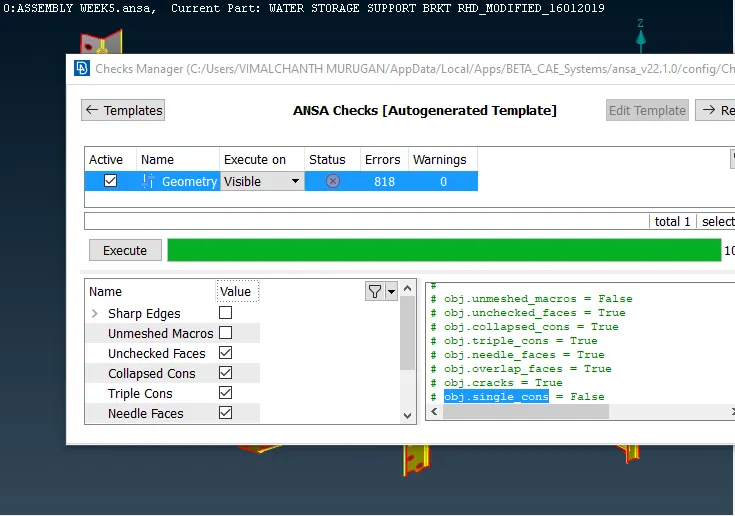
- Now I create a mid-surface for all materials in the seat belt cover using different commands. Each element has a different thickness, like narrow structures, circultural element, taper, fillet regions and circular faces.
- FACE
- MIDDLE-SKIN
- OFFSET
- FACE
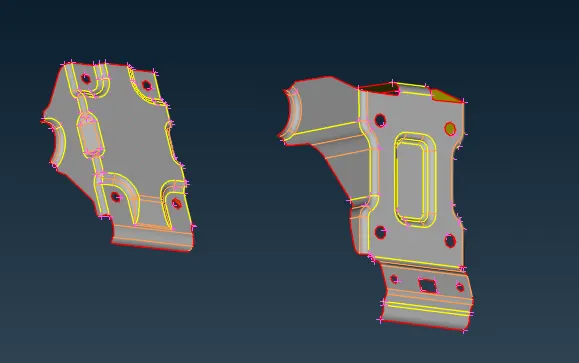
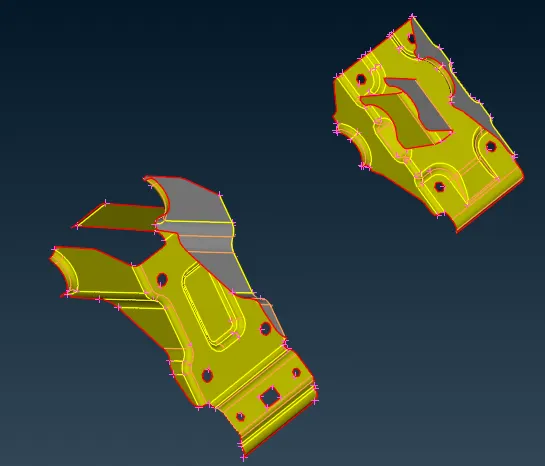
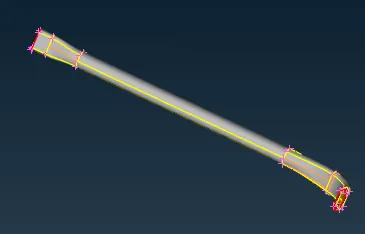
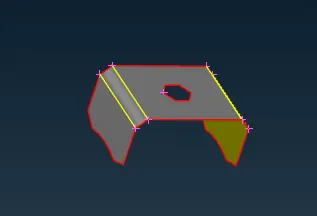
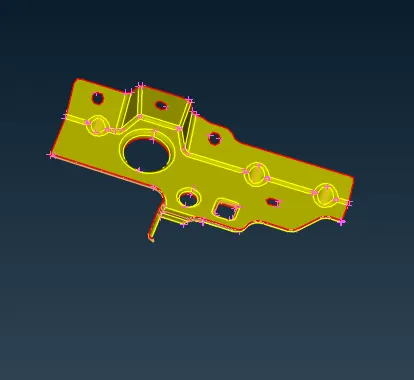
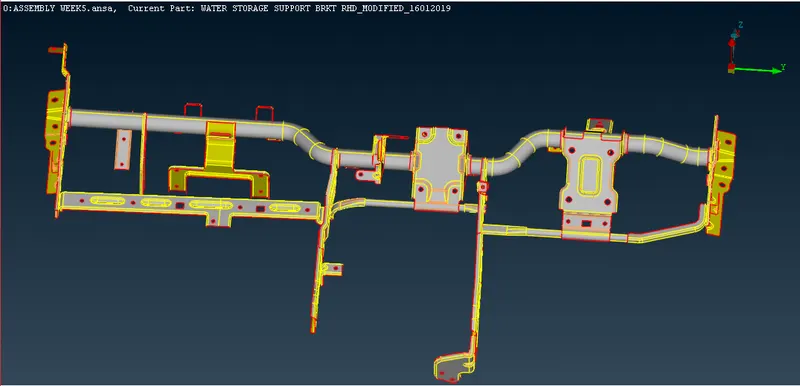
- As mentioned, I have applied the quality mesh parameters to the geometry.
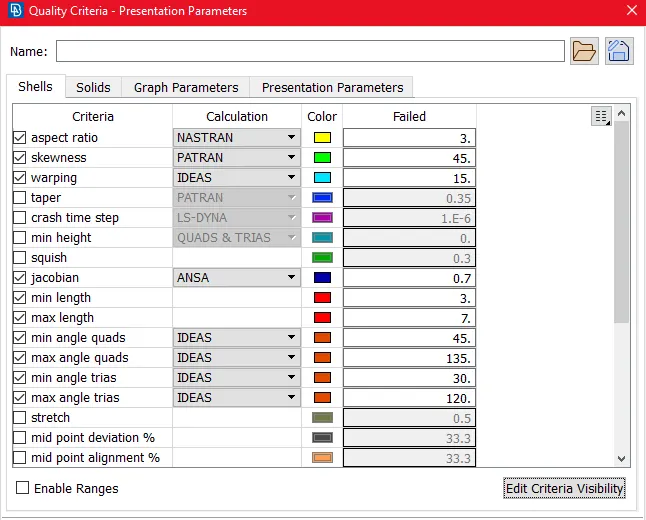
- Next, I create a mesh on the mid-surface of each element in the Geomentry using the following commands.
- MESH - BEST
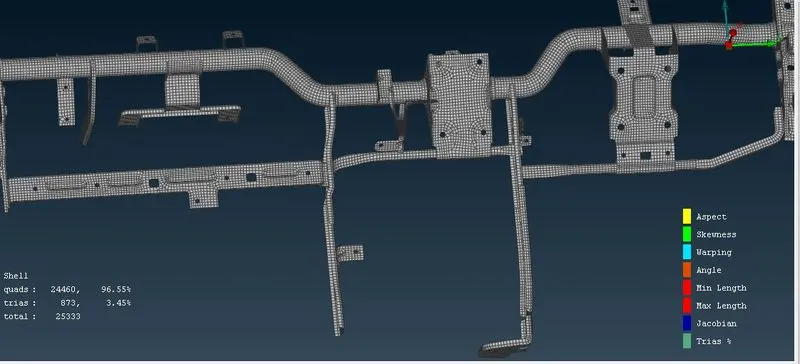
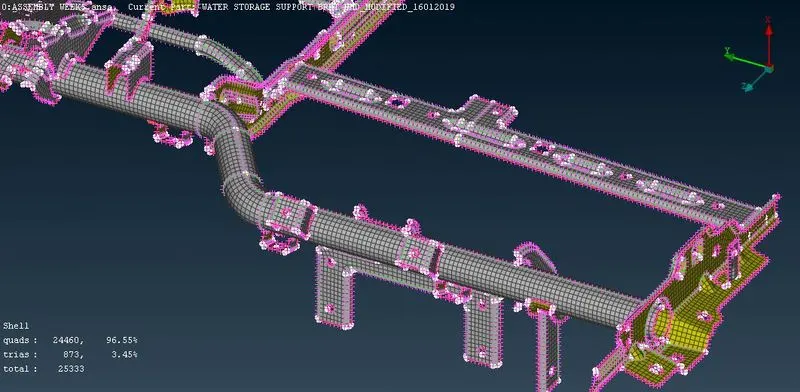
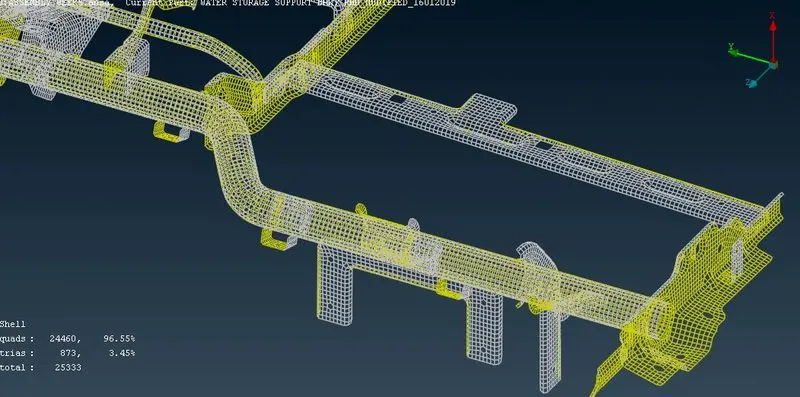
- After creating the mesh on the mid-surface, we have to check the mesh flow for each element in the given geomentry and try to reduce the TRIA elements and OFF elements using the following commands.
- Split
- Swap
- Join
- Smooth
- Reconstruction.
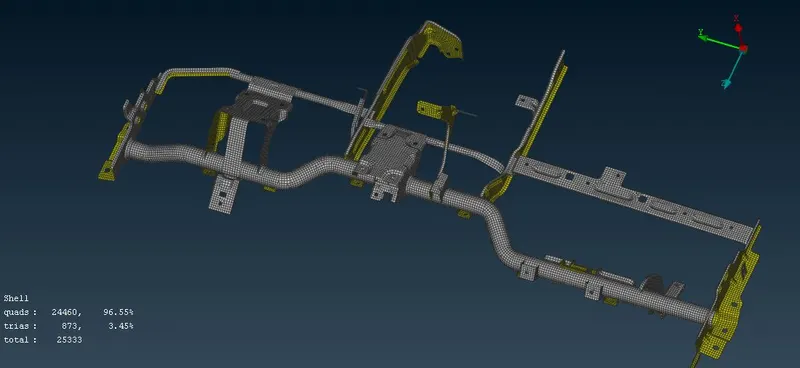
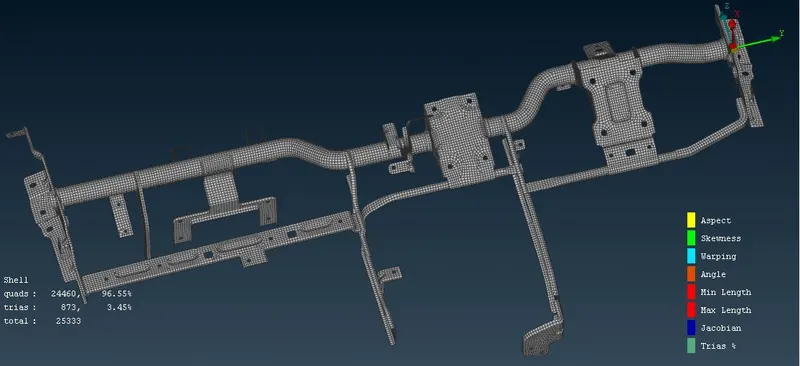
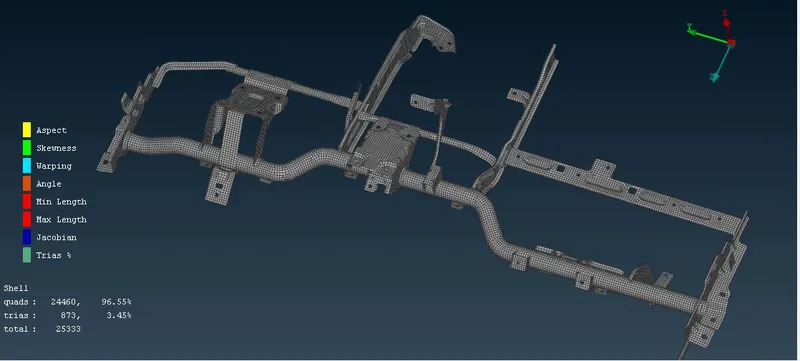
- Finally, After the smoothing the mesh flow, I obtained
- Quad Elements - 24460 - 96.55 %
- Tri Elements - 873 - 3. 45 %
- Total Elements - 25333
LEARNING OUTCOMES:
- I learned about various commands used in the ANSA for geometry clean-up, mid-surface generation and messing.
- I learned how to use the swap, split and join commands to reduce the tri elements in a mess.
CONCLUSION:
2-D Mesh is successfully created on the given assembly.