Week 4- Rolling operation
OBJECTIVE :
Run the simulation of rolling opertaion on a workpiece made of Copper. And check the results of stress, plastic strain and deformation
CASE 1:
1. Download the model from the challenge.
2. Open the ANSYS workbench and drag the static structure analysis.
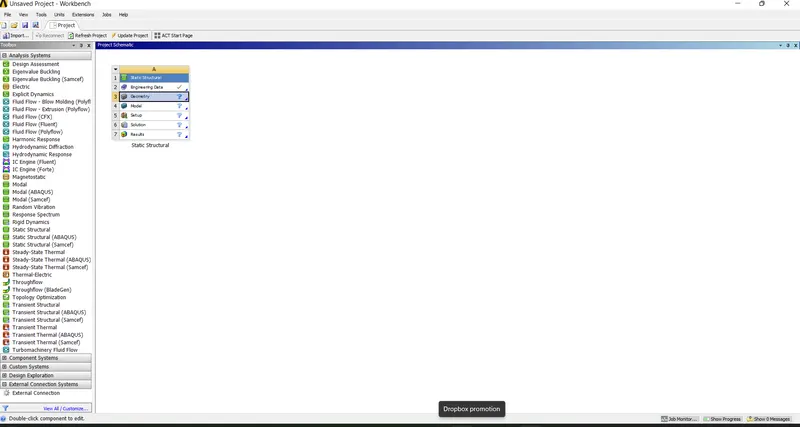
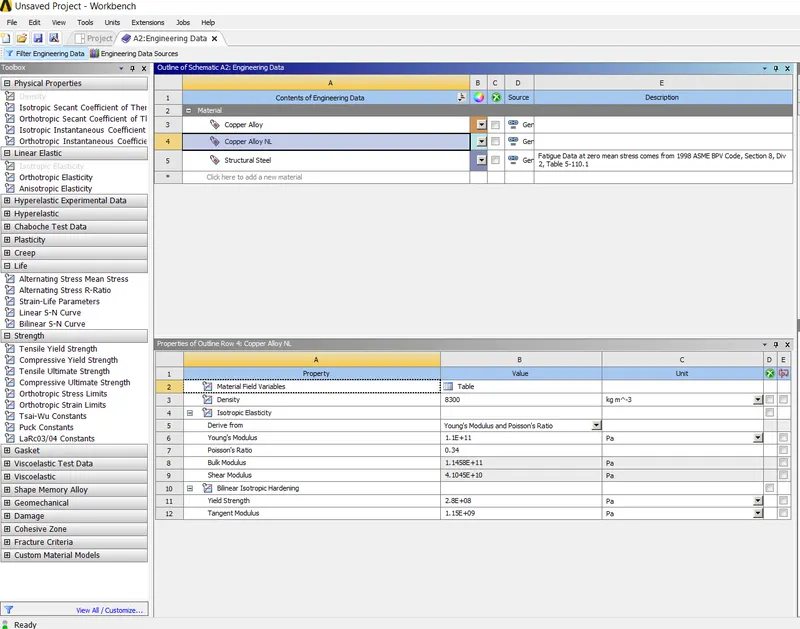
3. Double click on the engineering materials and add Copper NL alloy.
4. now right click on the geometry, import the model downloaded.
5. Now double click on the model. And check the model loaded properly or not.
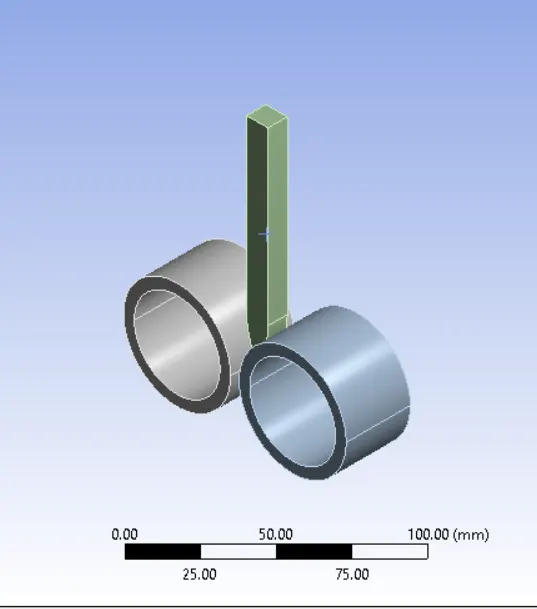
6.change the names of parts according to the
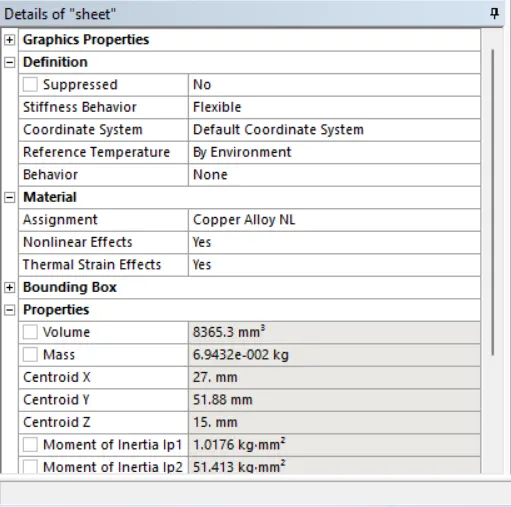
7. Now click on the geometry in the outline tree. And assign the copper to the the workpiece.
8. Now click on the contacts. It shows some default contacts. And make that re arrange the contact on basis of definition. and also flip the connetions.
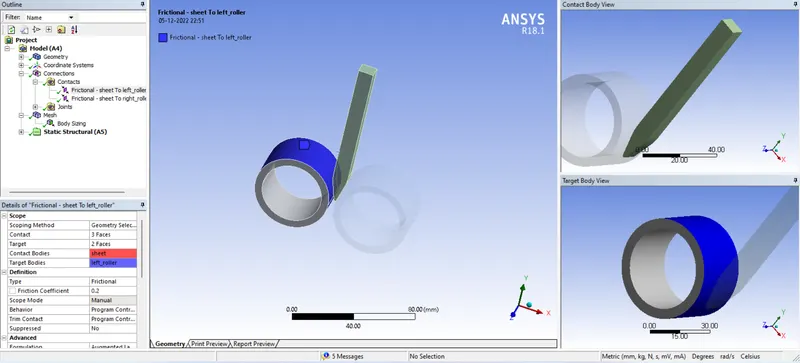
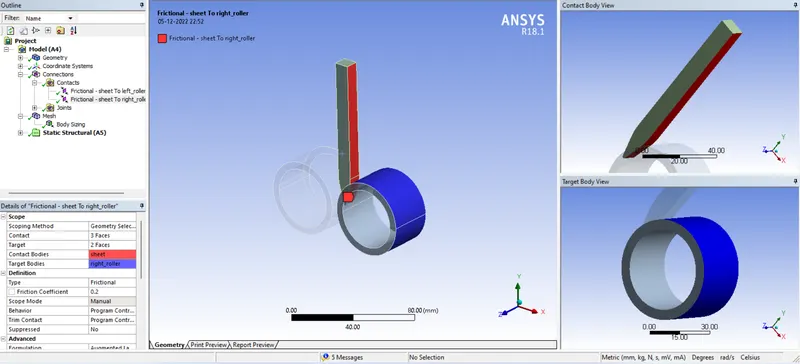
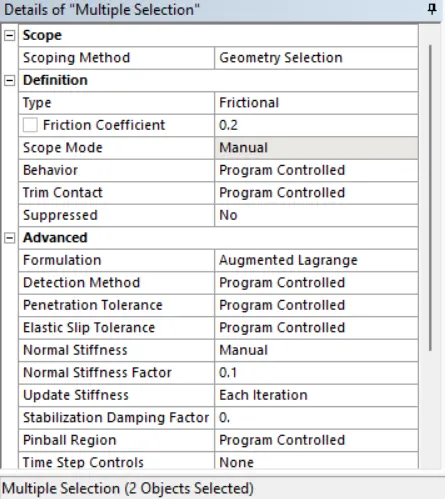
9.change the contact as friction with coeffient of friction is 0.2.
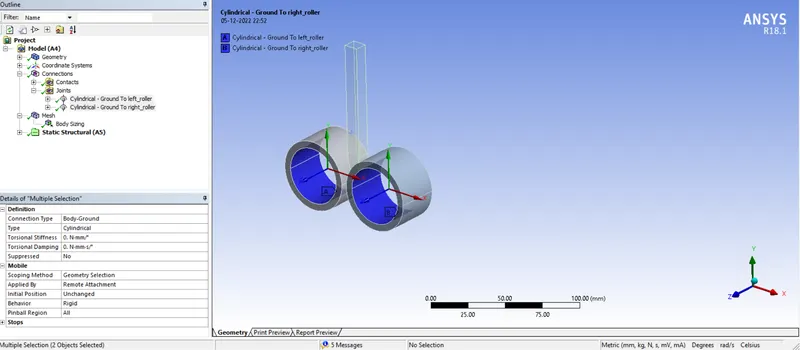
10.now give the cylinderical joint to the rollers.
11. Click on the mesh and insert the one mesh tab. Select the workpiece and give the size of 2 mm mesh.
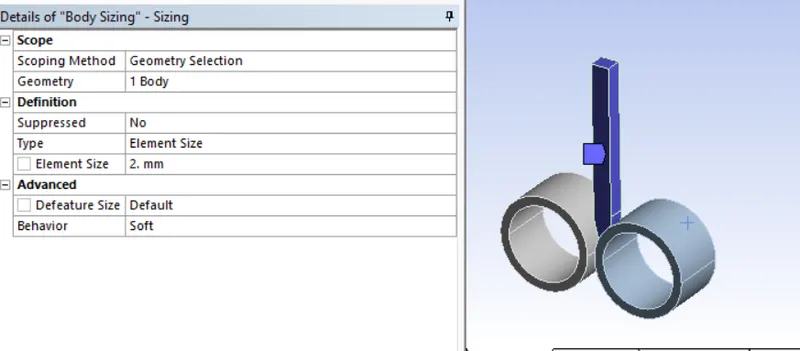
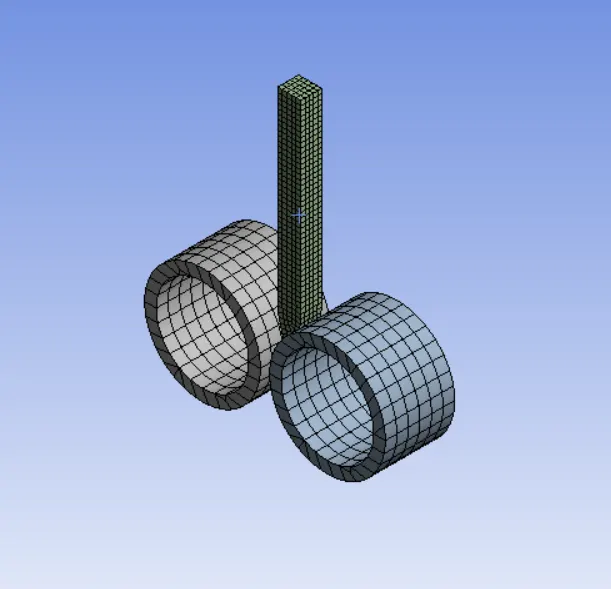
12. Now generate the mesh.
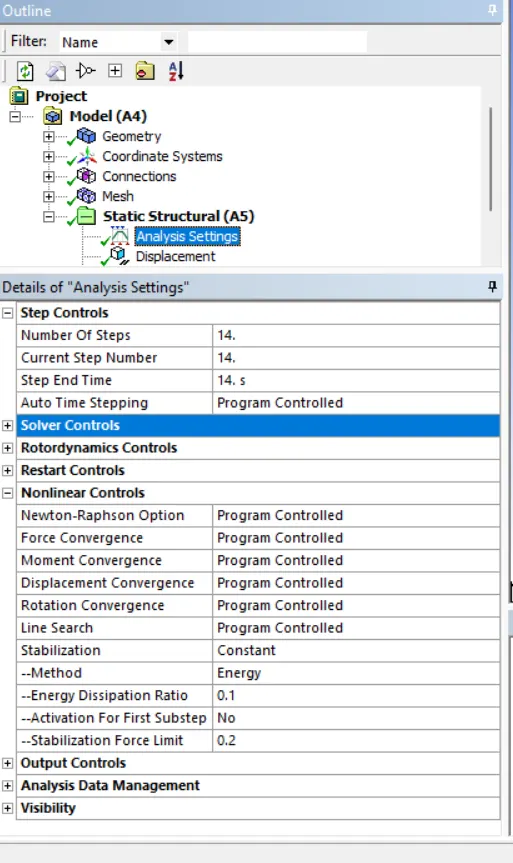
13. Now go to analysis setting divide the solution into 14 steps.and make it ON Large deformation.
14.Give the Diplacement to the workpiece as shown below.
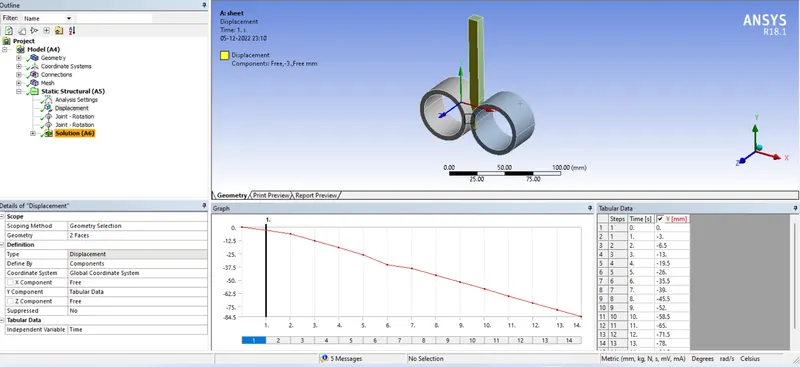
15. give the rotational oint to the rollers.
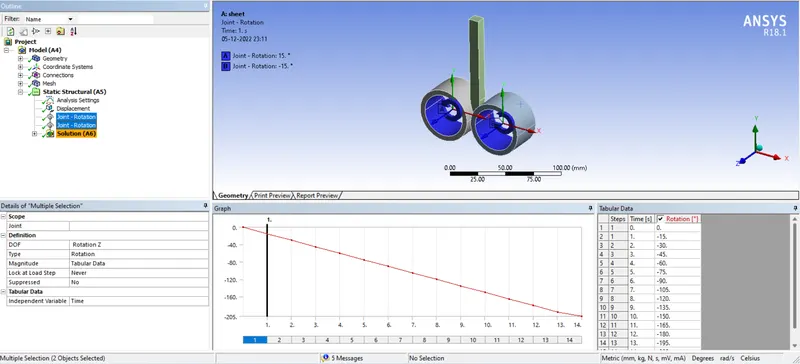
16. Now insert the solution parameters as shown below.
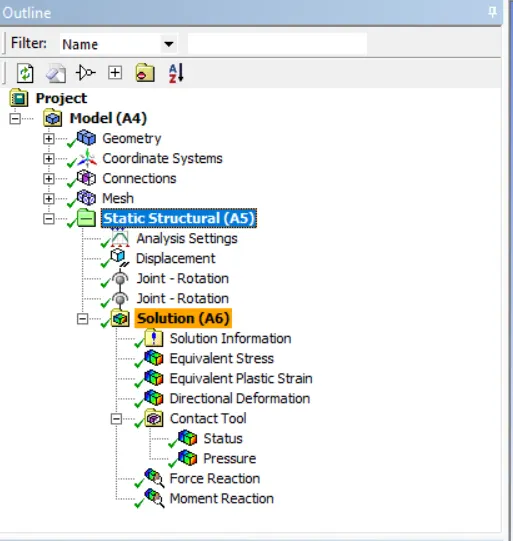
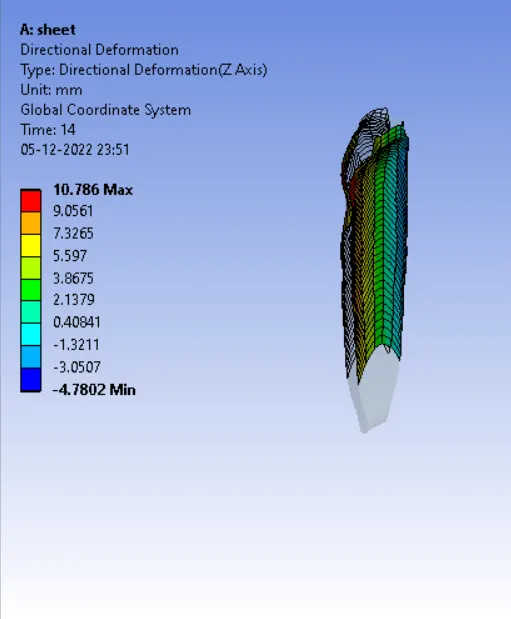
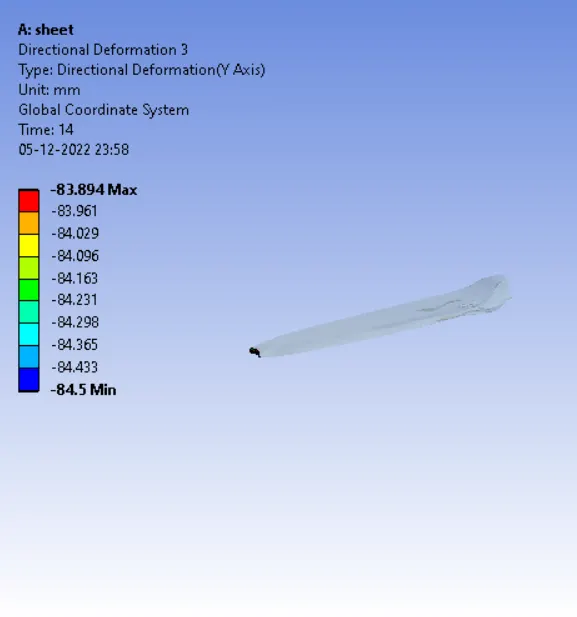
17. Now solve the model. After providing the solution it shows the following results.
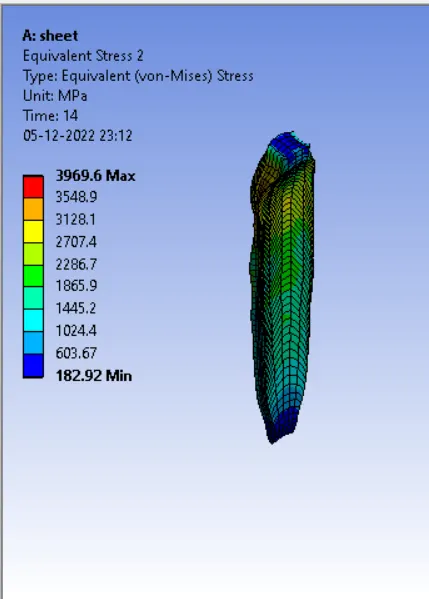
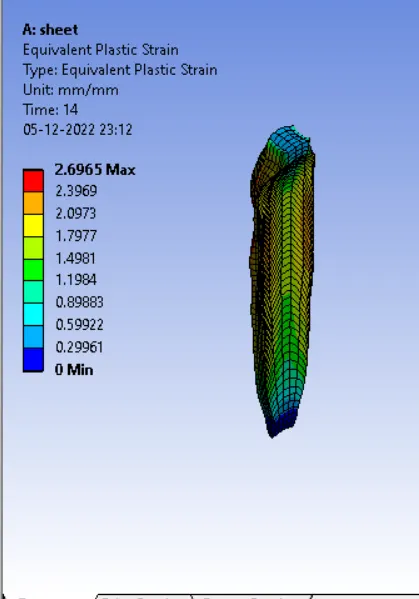
CONCLUSION:
The stress alone developed in the workpiece is 3969 MPa
The plastic strain developed in the workpiece is 2.96.
The direction deformation in the Z directon is 10.78 mm
The direction deforamtion in the Y direction is 84.5 mm
so, we conclude that the copper is moved approximatly 90 mm in the down direction.