Week 4- Meshing of Backdoor Challenge
challenge 4
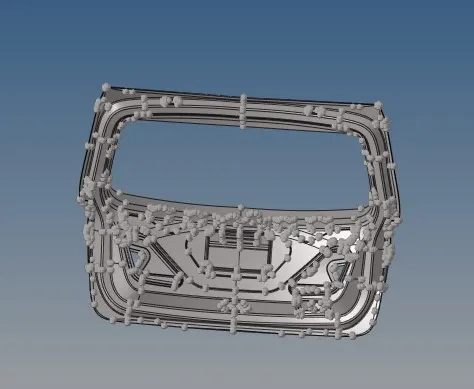
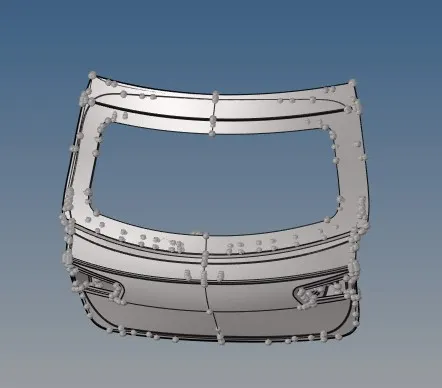
meshing of backdoor with the following quality criteria
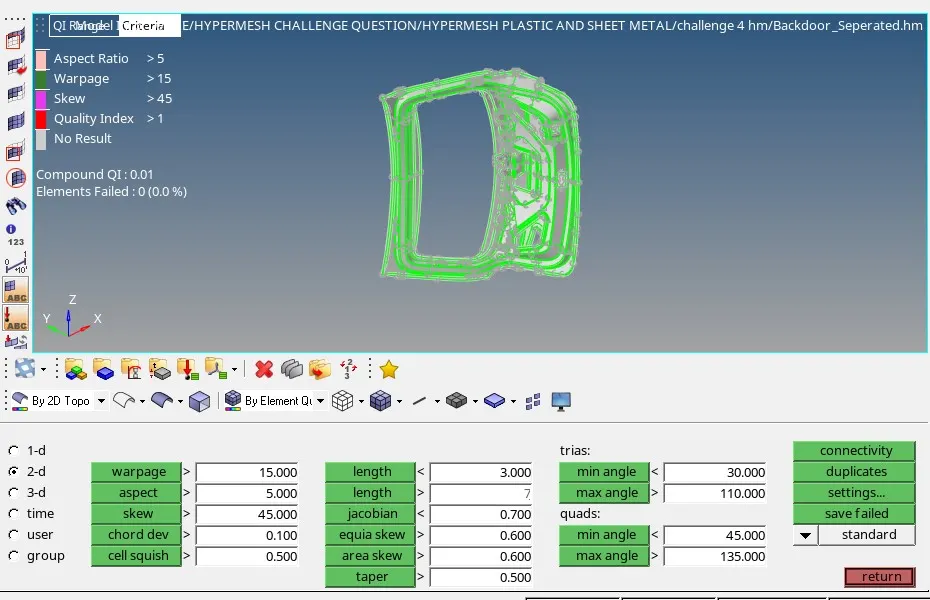
The challenge questioned with inner, upper, lower door panel
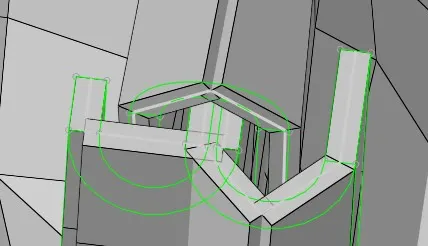
- Isolate the working door panel first and search for surface damage and remove all the fillet which will disturb the mid surface generation
- Go to mid surface in 2d sub panel and generate the mid surface

- After generation of mid surface do all the surface cleanup that will disturb the mesh generation by creating aspect, warpage, skew beyond the quality criteria
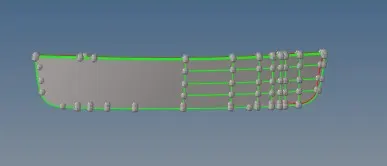
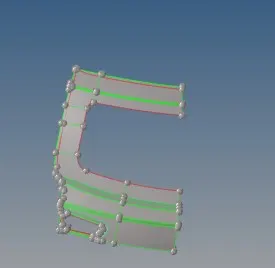
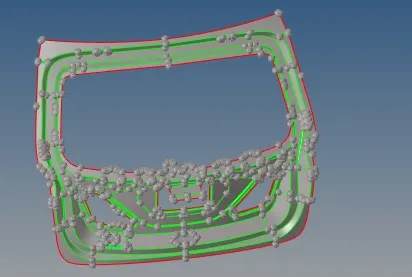
- For a symmetric surface mask the half and do the required work
- After completion of geometry clean up set quality criteria in F10 AS SHOTCUT
- Click F12 for automesh creation by setting element type as quad and element size as 5
- After generation of mesh clear the quality criteria by REPLACE using F3, PROJECT using SHIFT + F7, ALIGN using F7, QUALITY INDEX from 2d sub panel
- Reflect the remaining half by choosing reflect from TOOL sub panel
- click and choose element and duplicate in current file the select the base node and choose reflect direction and give reflect
- At last add properties as thickness7.5000e01 and check for matching of surface by detailed 2d element represent