Project 1-Meshing of Rear Wheel Holder challenge
PROJECT 1 PROJECT 1 GOOGLE DRIVE LINK
procedure:
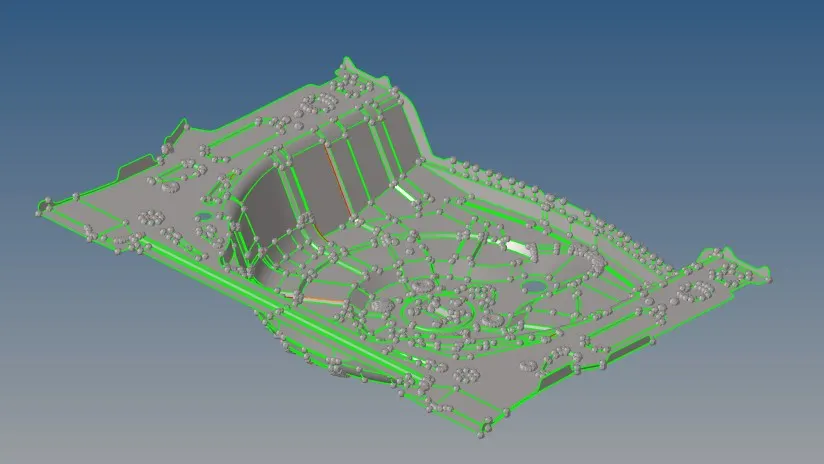
- Import the cad model as geometry from import tab.
- Delete the solid from cad model.
- Extrude the mid surface from mid surface from mid surface tab
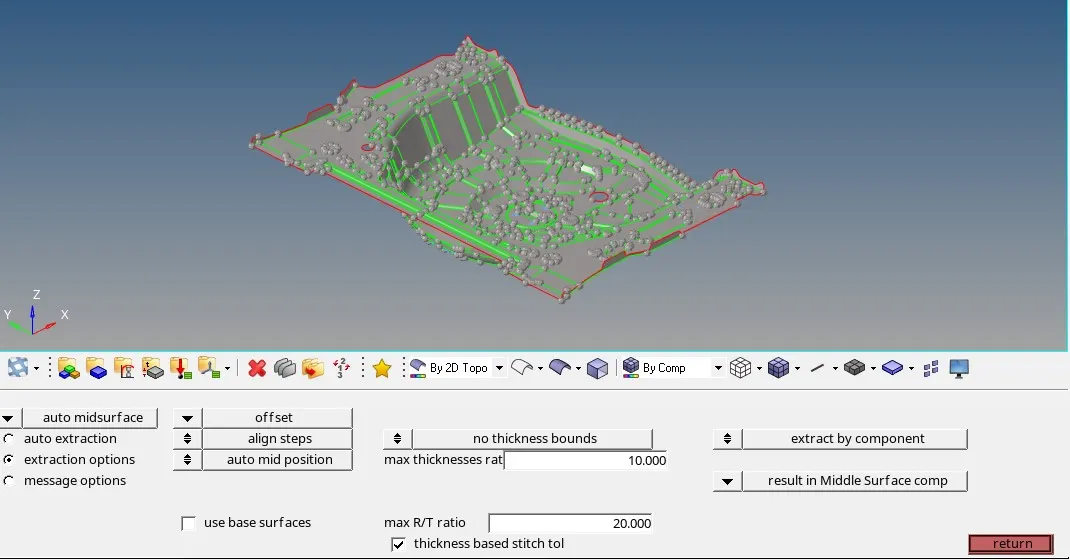
- check for surface damage and repair the damage by using the tool from quick edit tool panel
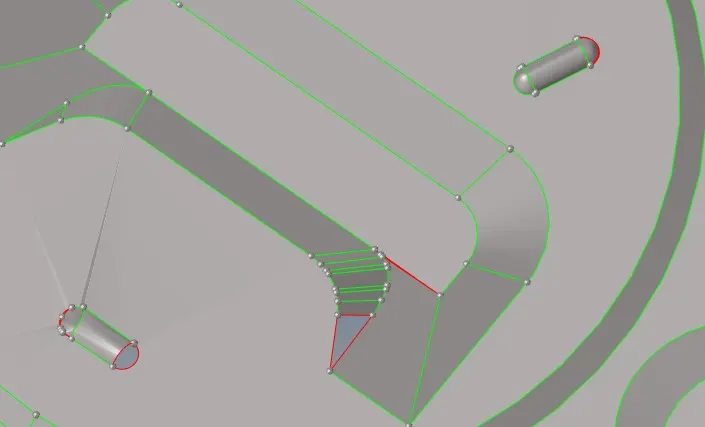 .
.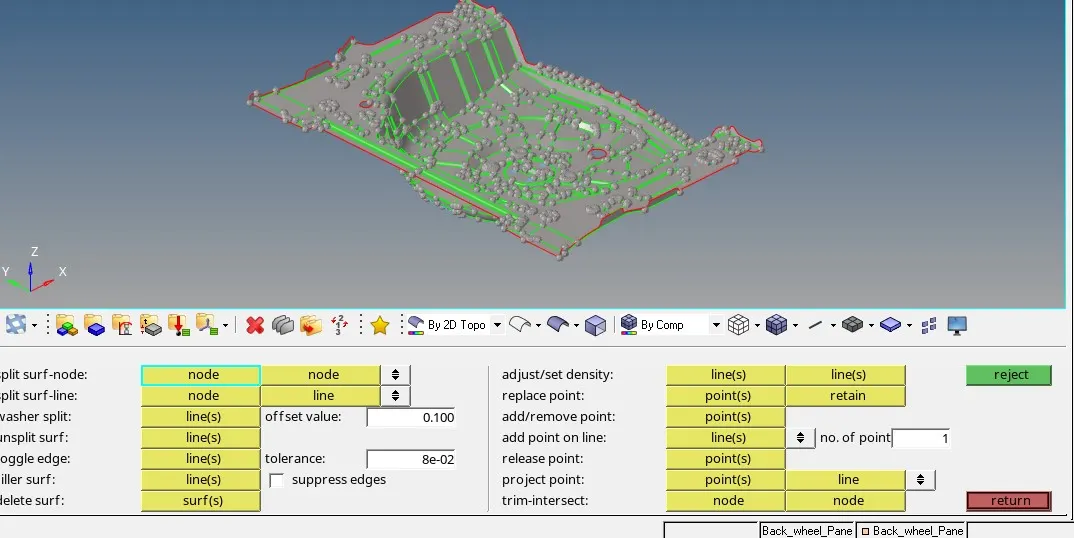
- use filler surface to fill the hole and by using toggle toggle edge to make the mesh smooth
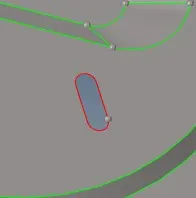
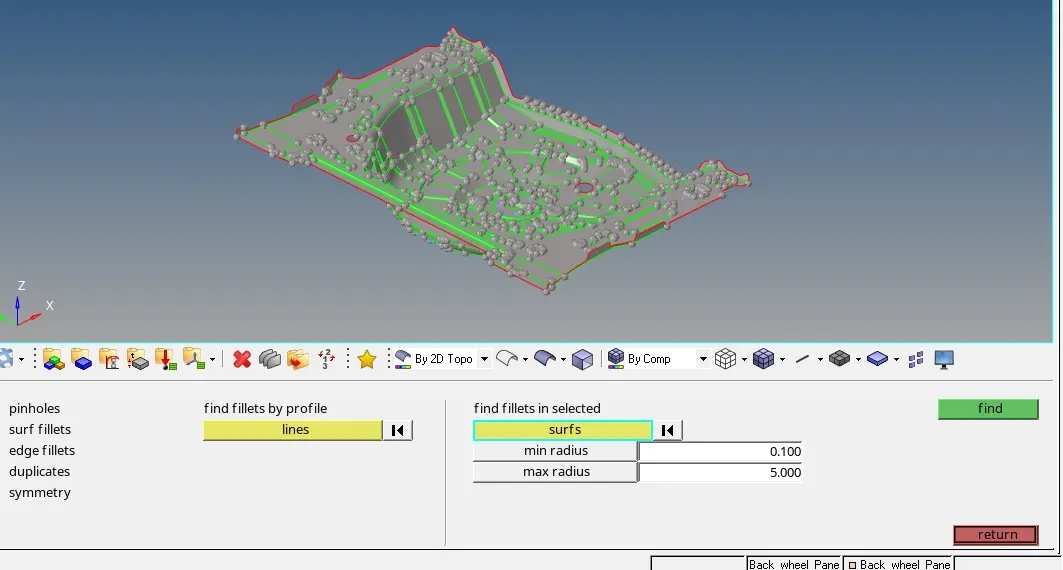
- By using the defeature delete all the surface fillet minimum 5mm radius
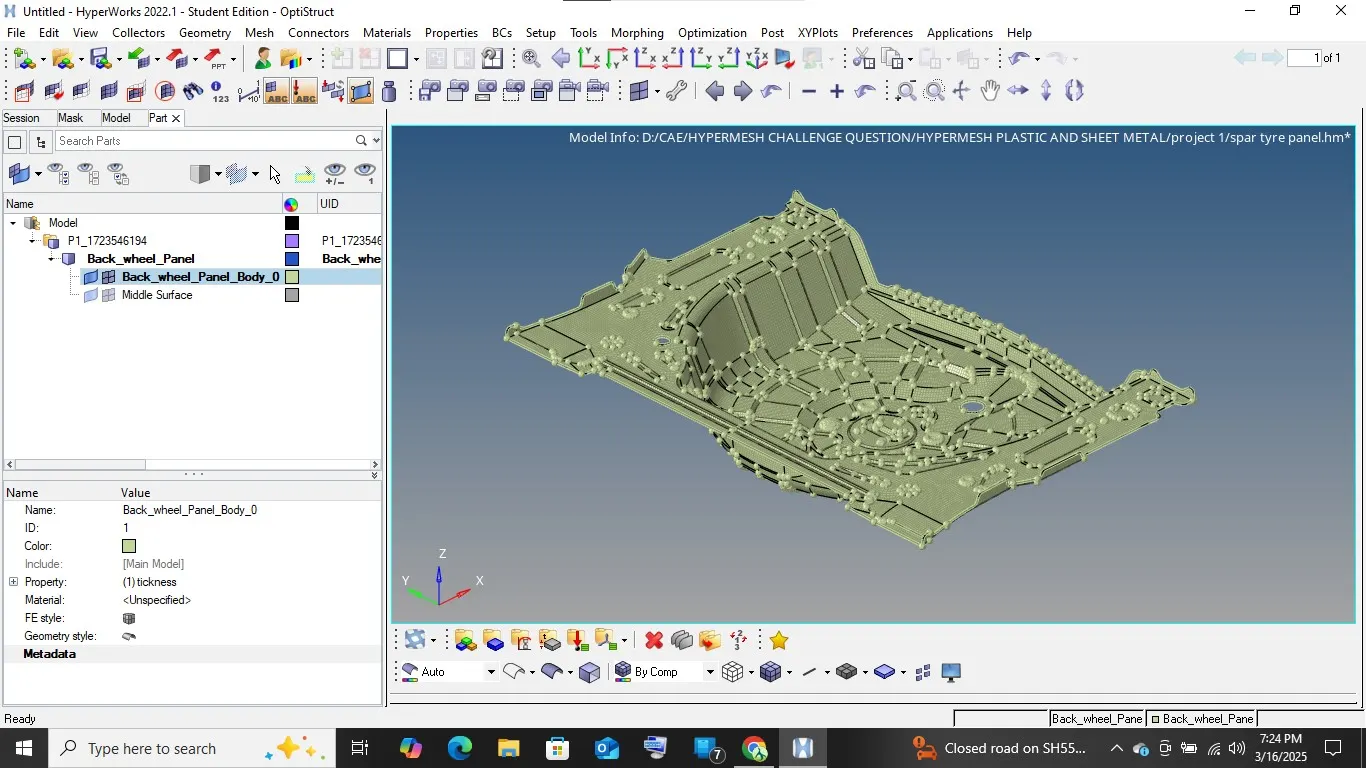
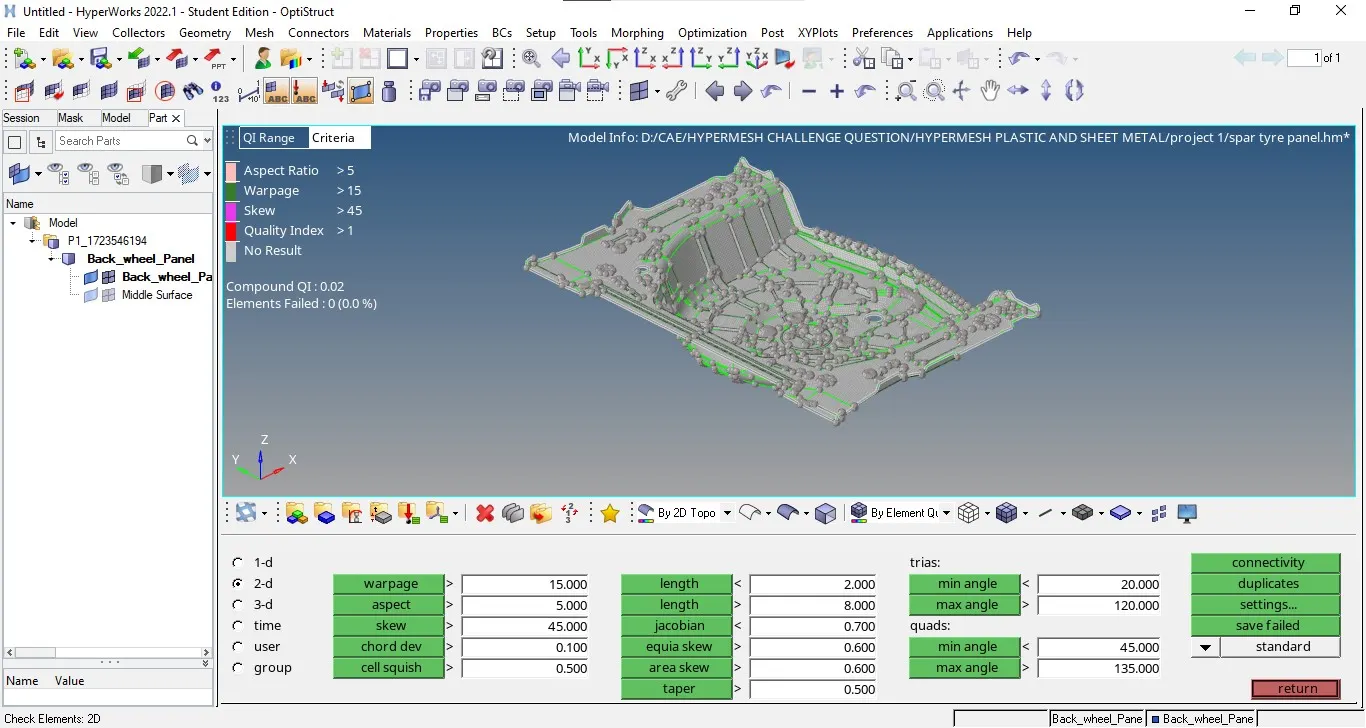
- Create the mesh by automesh by setting element shape as quad and size as 5mm and also by following the below mentioned quality criteria
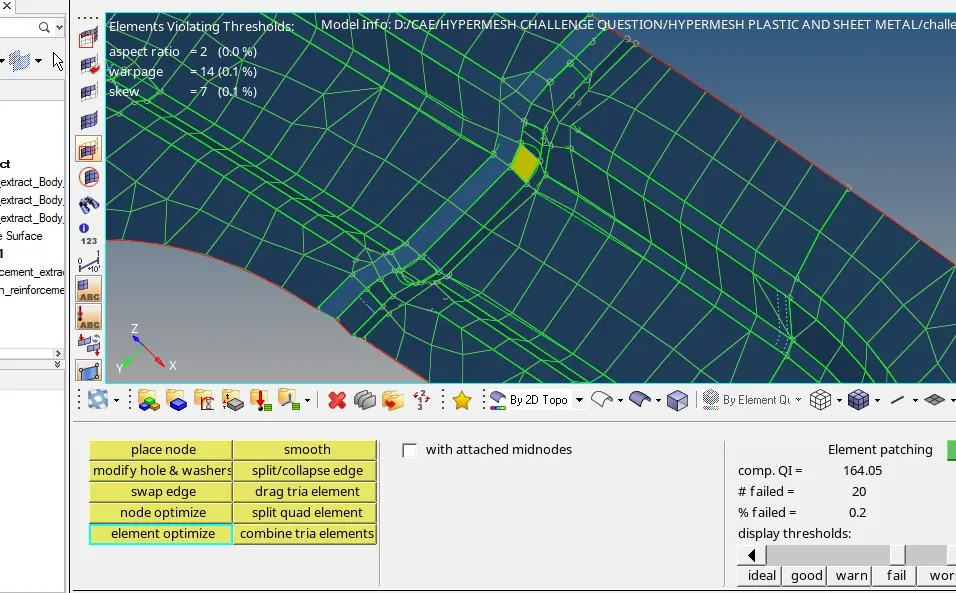
- clear all the unqualified element by translate, replace, align and by quality check tool from 2D subpanel
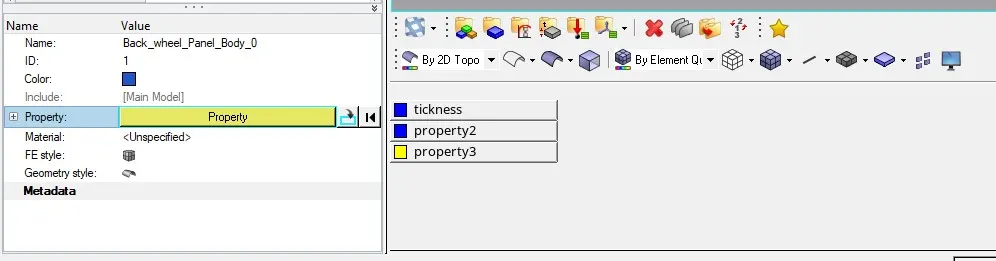
- At last add the properties as thickness the model from properties tab in "T"