Week 3-Meshing of Hood Challenge
Objestive:
To generate the mid surface and perform the geometry cleanup to get the proper mesh flow based on our quality criteria.
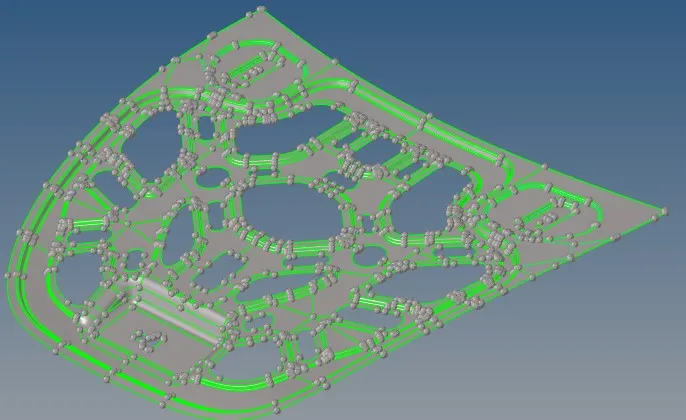

PROCEDURE:
- import the hm modal that we need to mesh by choosing " import > import modal "
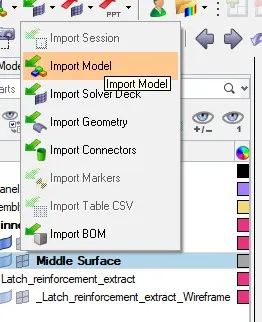
- check the CAD modal surface for any damages
- Before extracting the mid surface clean the geometry that will damage the extracting of mid surfacing

- After cleaning the geometry select midsurface >extrtaction options> choose - offset - thikness_bounds.

- And choose closed solid surf from autoextraction > EXTRACT
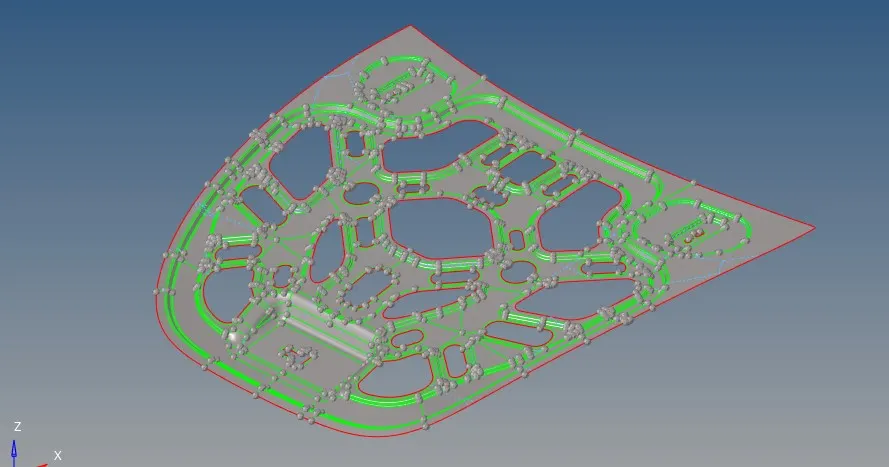
- Check the geometry for any damage and clear the damages using surface ,surface edit and quick edit
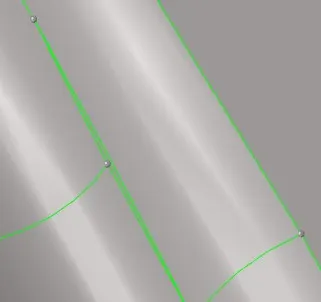
- Remove all the free edges inside the geometry and small surface in it by toggling them.
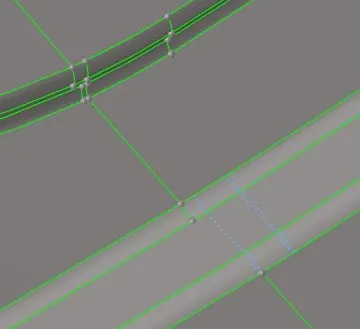
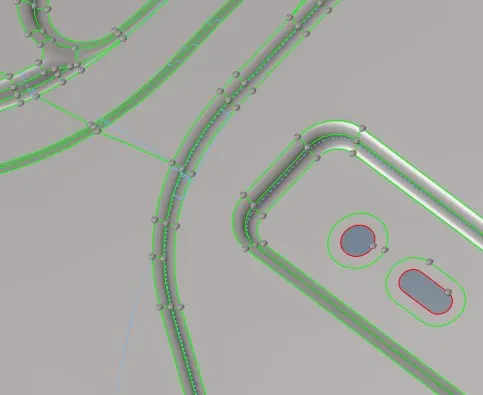
- use washer split for round hole areas
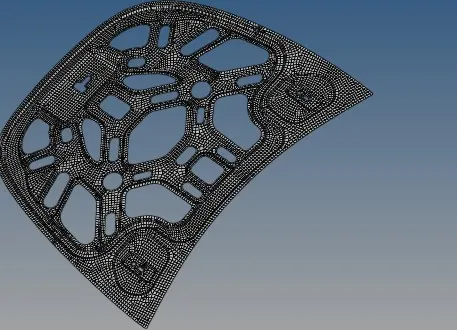
- choose MIXED ELEMENT with element size as 5 from automesh
- Check the quality criteria and clean the mesh by remesh , replace ,element optimize , node optimize and smooth
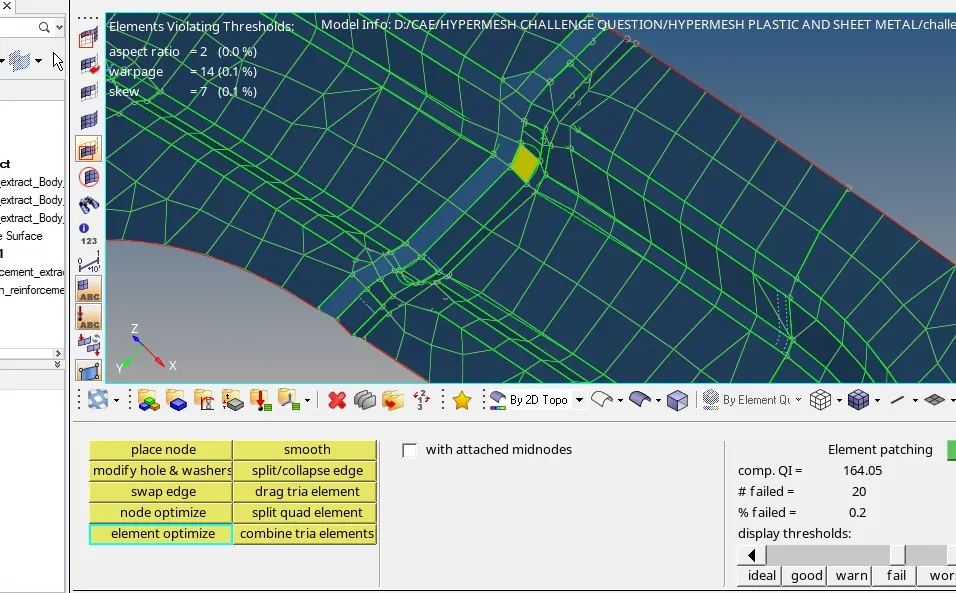
- make 0 elements failed
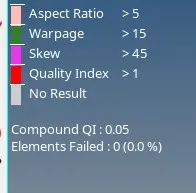
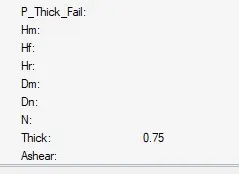
- assign the properties and set the thickness in property as part thickness by measuring its distance
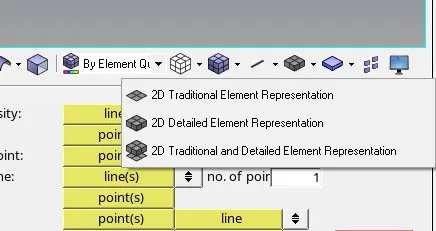
- to check the element select 2d detailed element representation
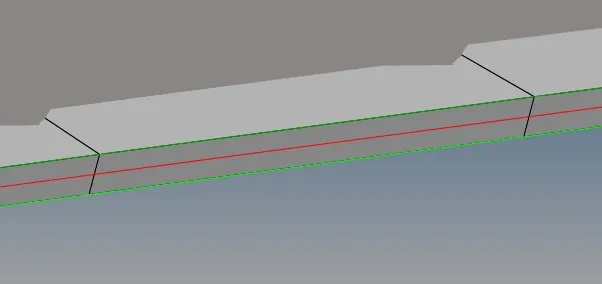
- FINAL OUT
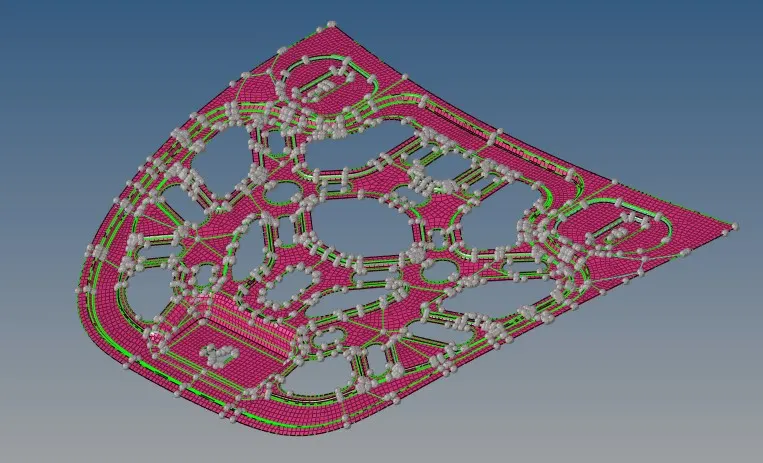
- RESULT: