Week 4- Meshing of Backdoor Challenge
AIM:
To take the mid surface for all the components after checking the geometrical errors and mesh the mid surface with the given element Quality criteria for the given back door model.
GIVEN DATA:
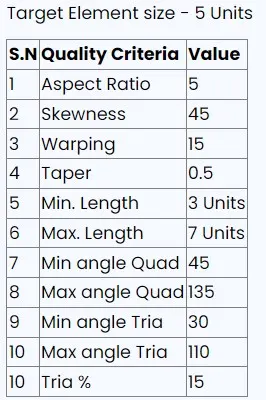
STEPS INVOLVED IN THE PROCEDURE:
- To check all the geometry error and to fix them.
- MId surface to be made for all the given components.
- to generate mesh with the given quality criteria.
PROCEDURE:
- Open hypermesh software.
- import the given hood model from the import geometry option.
- in hypermesh we can import all the cad software file formats like iges,step,etc.
- and we have to do mid surfacing for the component to mesh the component within the given criteria.
GIVEN MODEL:
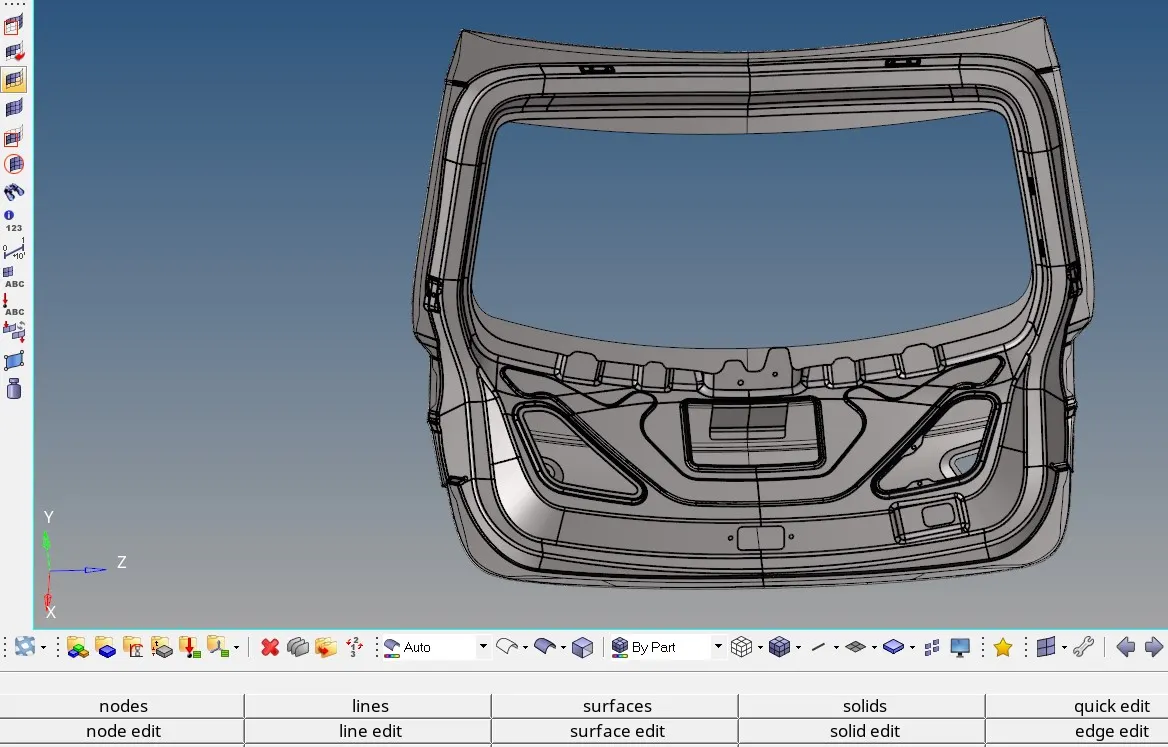
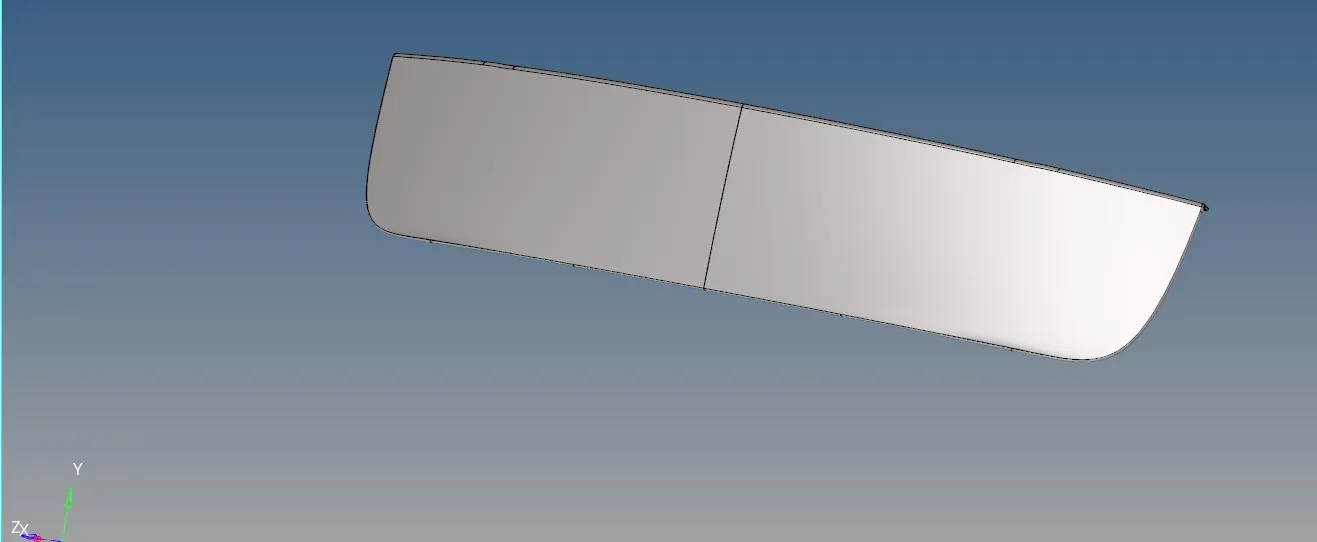
The given model consists of 3 components.
upper body
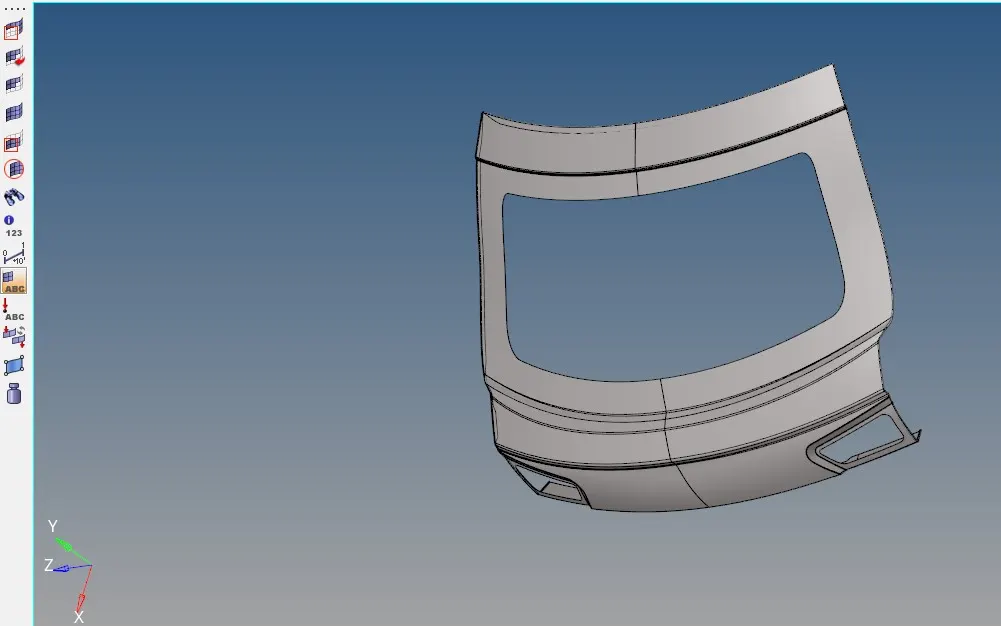
inner panel
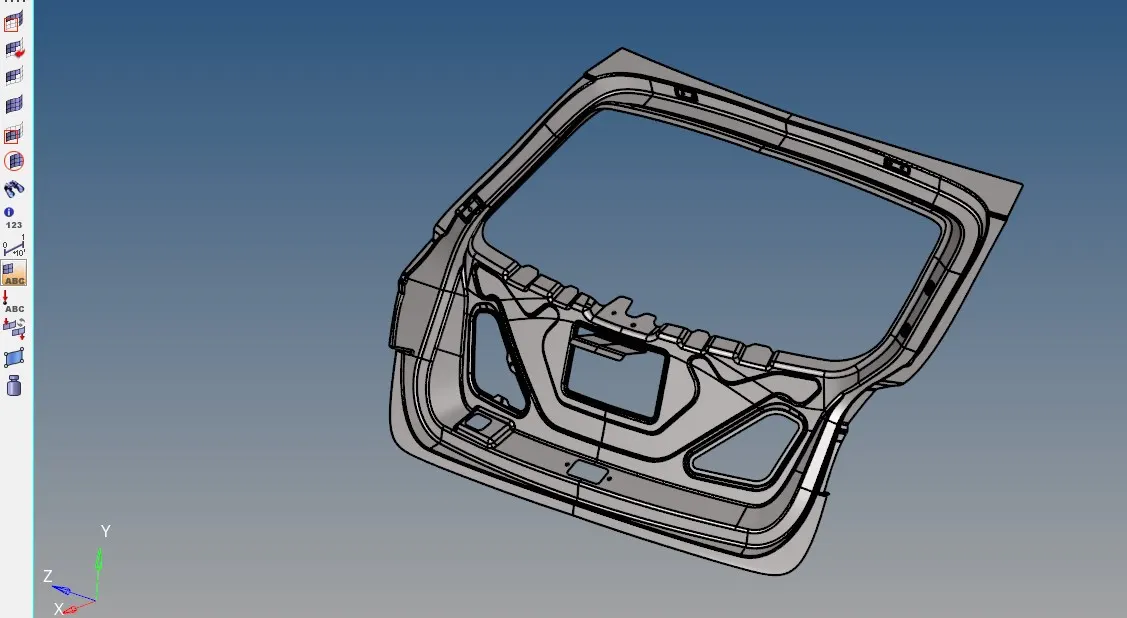
lower body
STEP 1:
- After importing the model check whether there are any solids present in it.
- if any solids present in the component then we have to delete them.
- for that go to delete<<solids and select the component and click on delete.
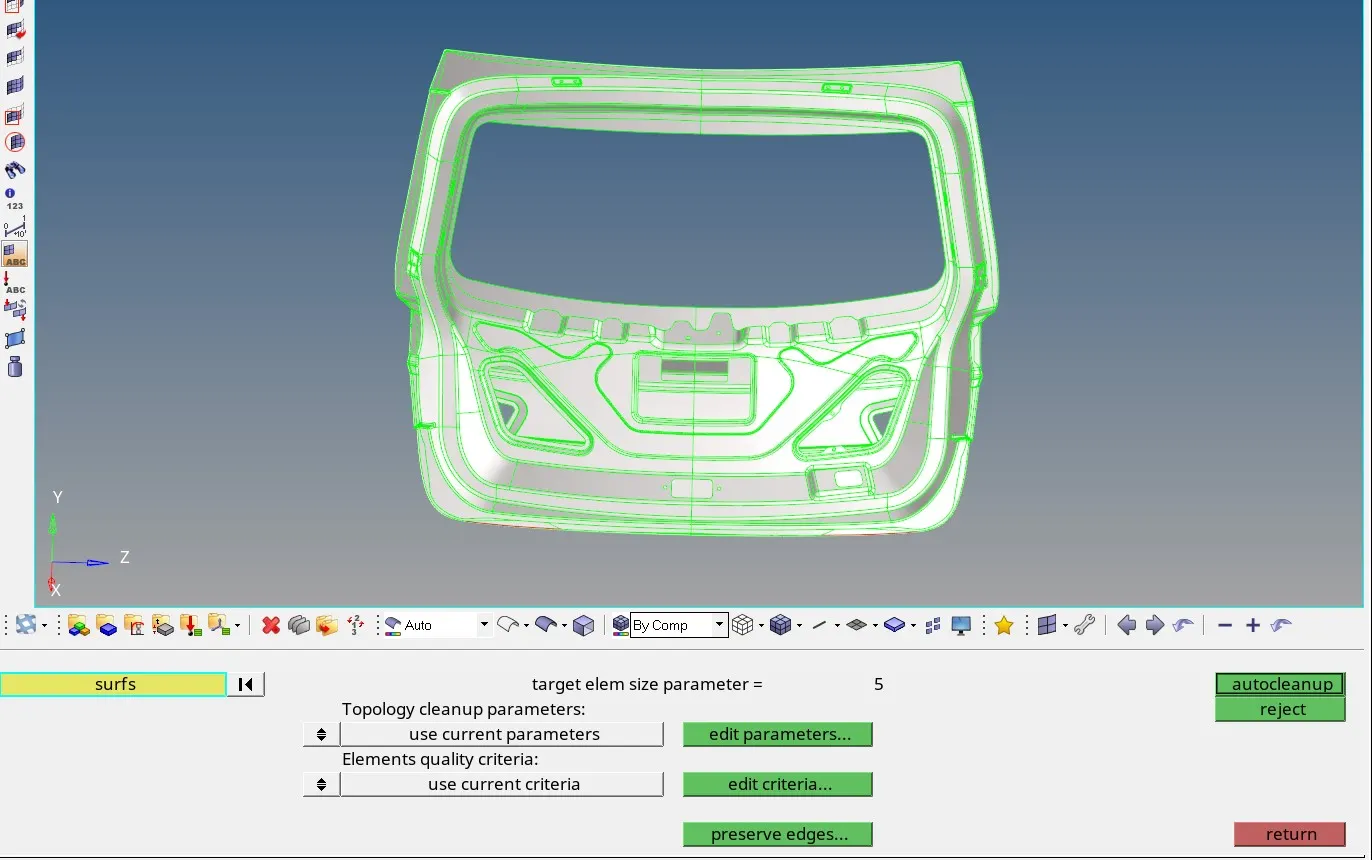
STEP 2:
- After deleting the solids we have to check whether there are any geometry errors.
- Now to perform geometry cleanup go to geometry<<autocleanup option.
- autocleanup option automatically clear geometrical errors present in the model.
STEP 3:
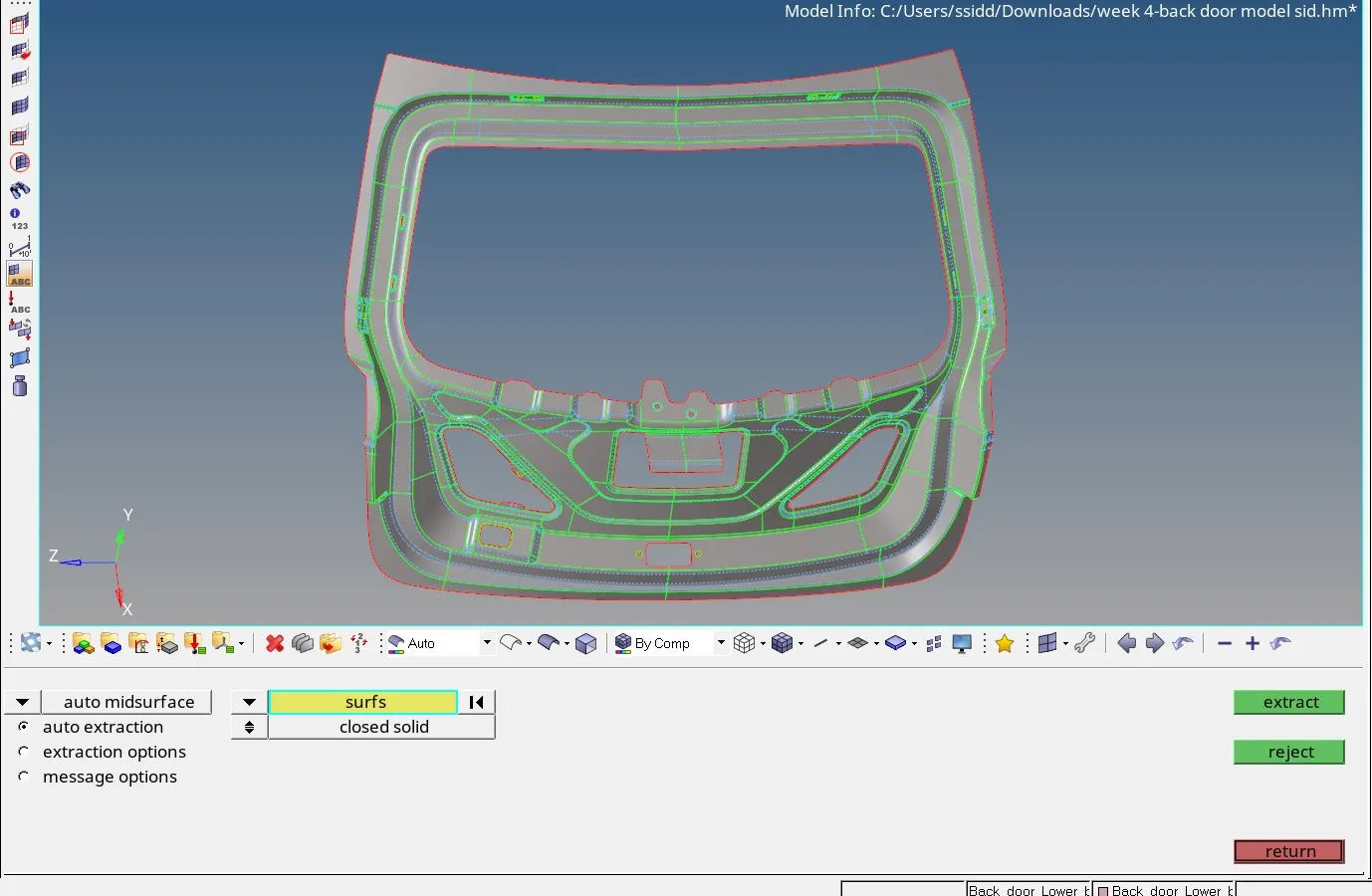
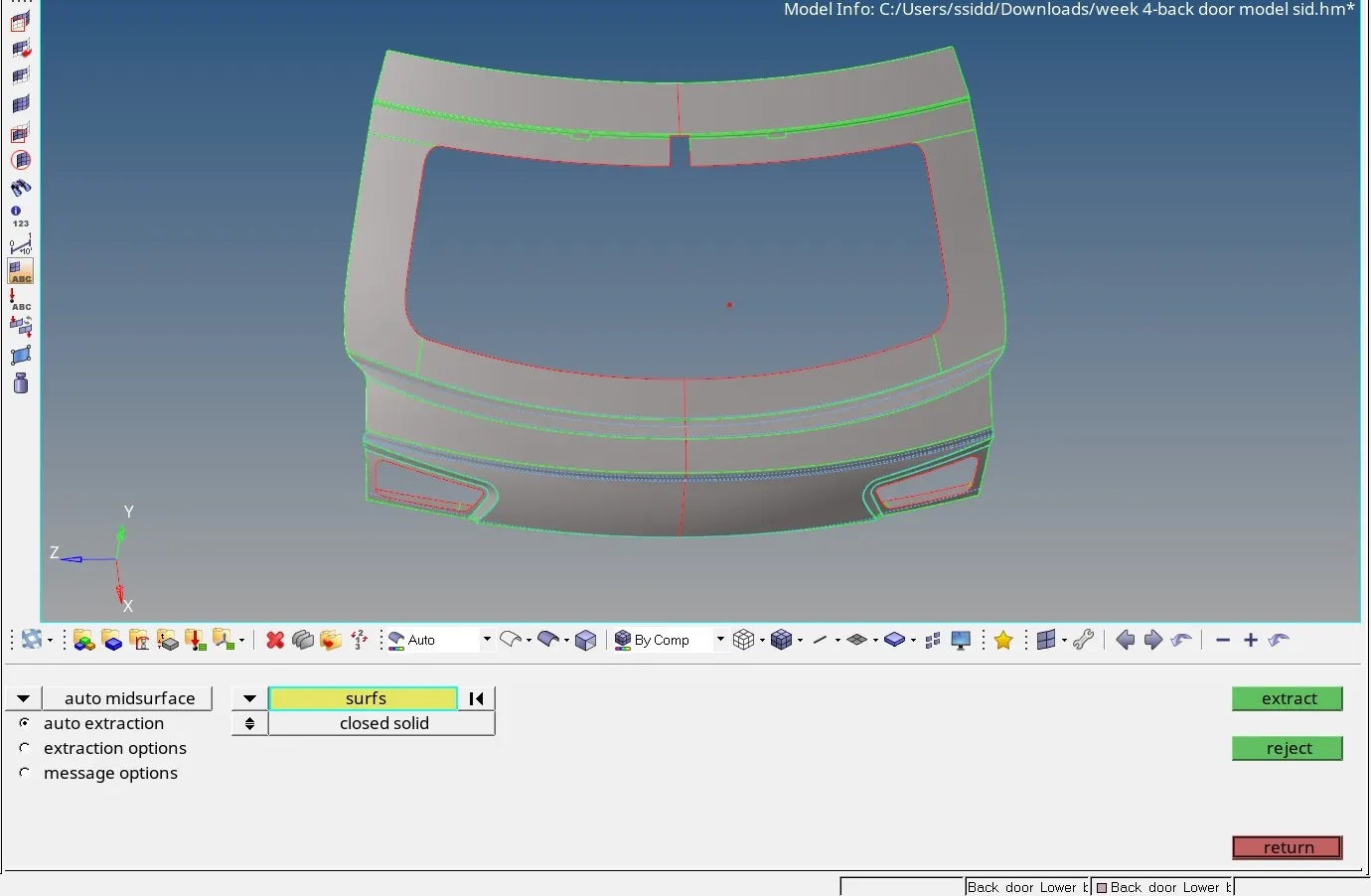
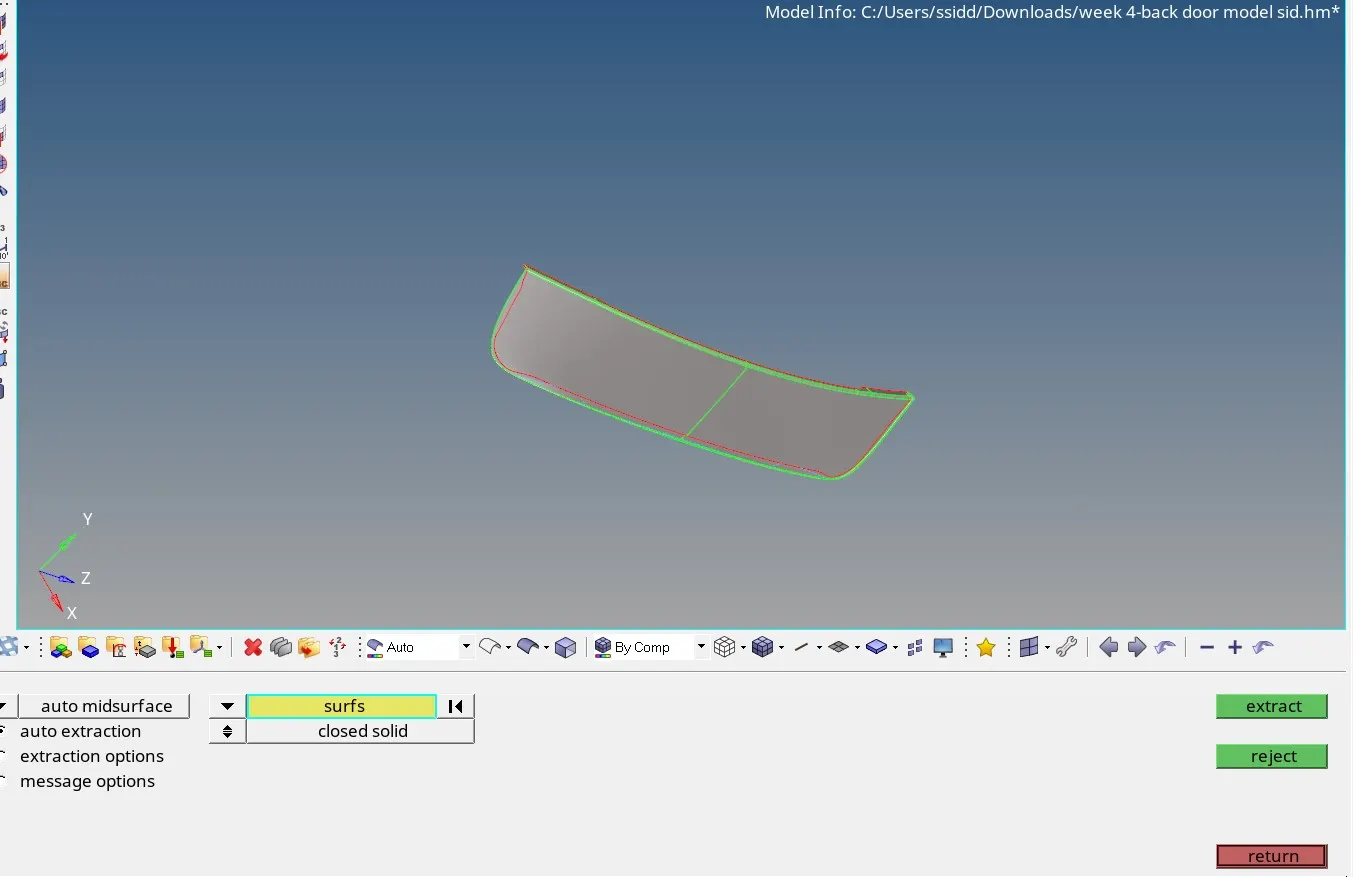
- After geometry cleanup we proceed for mid surface extraction.
- go to geometry<<mid surface option. choose auto mid surface option and select the component.
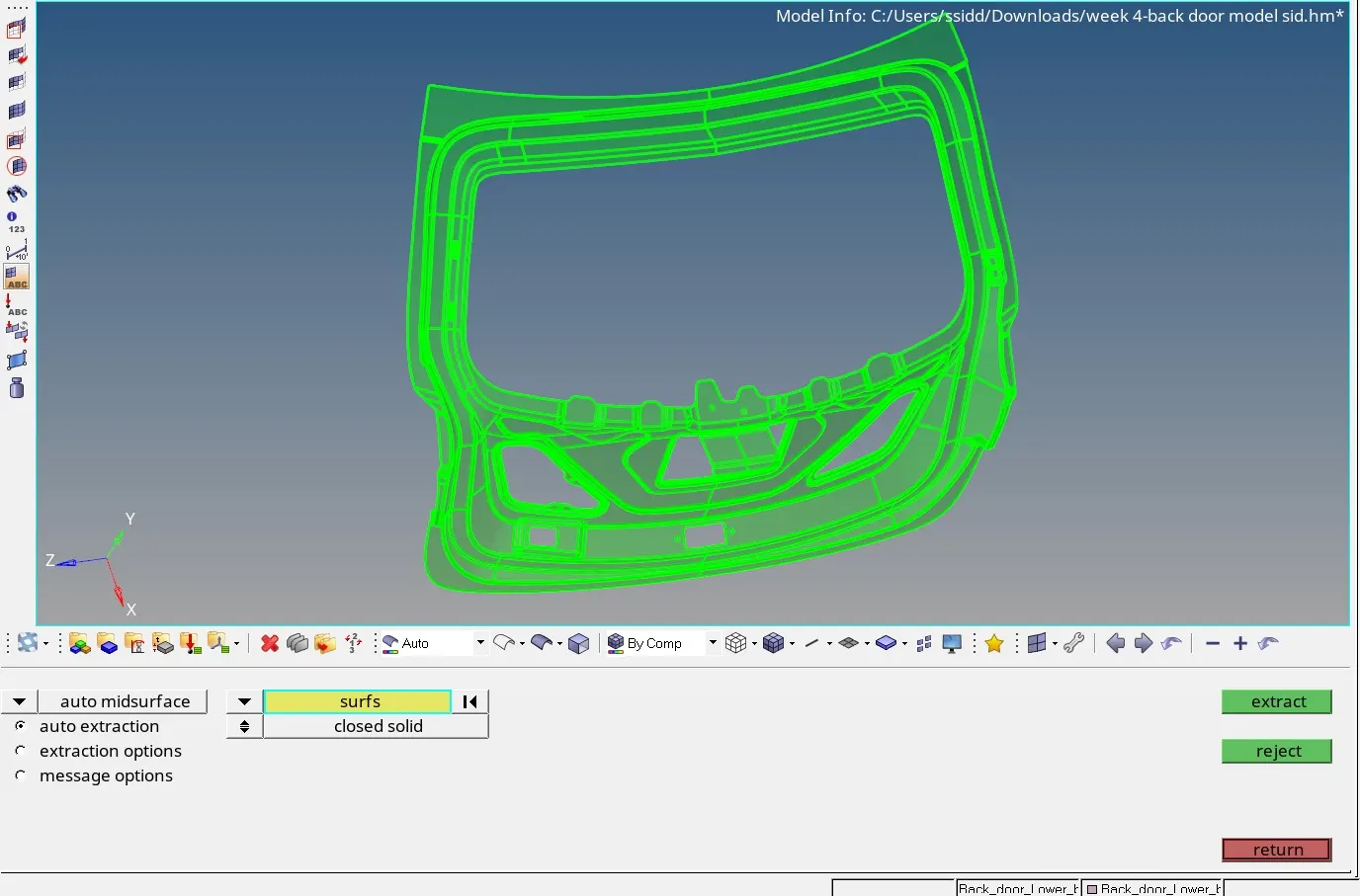
- the mid surface has been done for all the 3 components.
STEP 4:
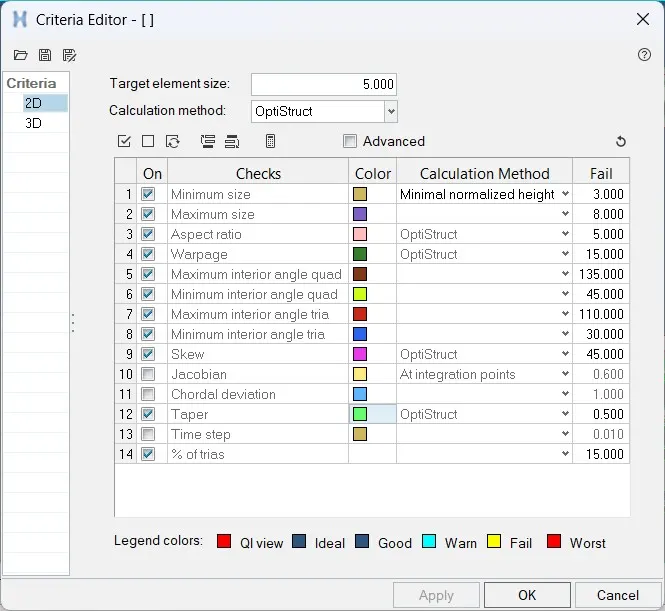
- After doing the mid surface we have to go for meshing.
- before that we have to enter the quality criteria and target element length.
STEP 5:
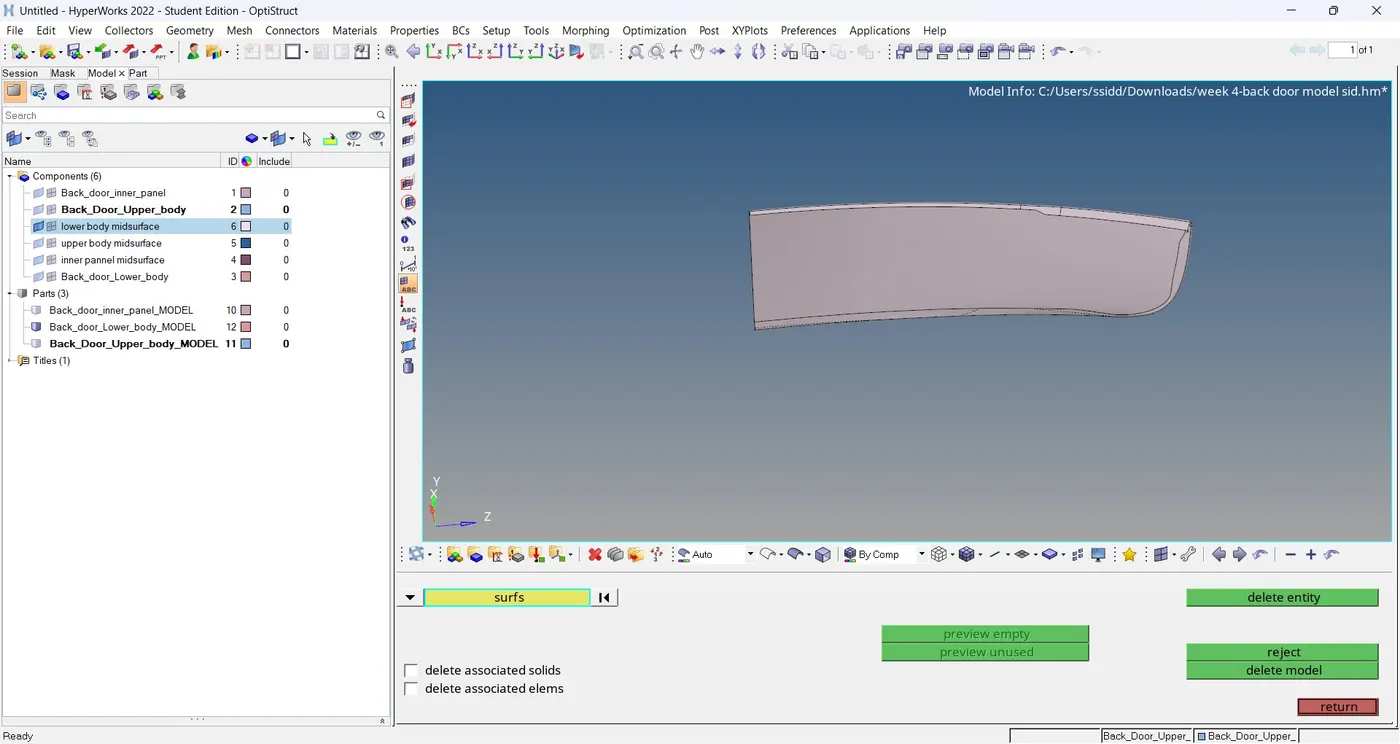
- since the given model is symmetric it is cut down into half for better Meshing.
- Now the lower body panel is trimmed into two halves because of similar to both sides.
- go to geometry<<surface edit<<trim with surfs/planes<<with planes.
- after that delete one half of the component.do this for all components.
STEP 6: MESHING
- We can use two types of mesh auto mesh and batch mesh.
- go to 2d or press f12<<auto mesh <<select the surface <<provide element length and choose mesh type as mixed<< click mesh.
- after meshing the half part go to tool<< reflect<< select elements<<duplicate<<choose axis and base point and click reflect.
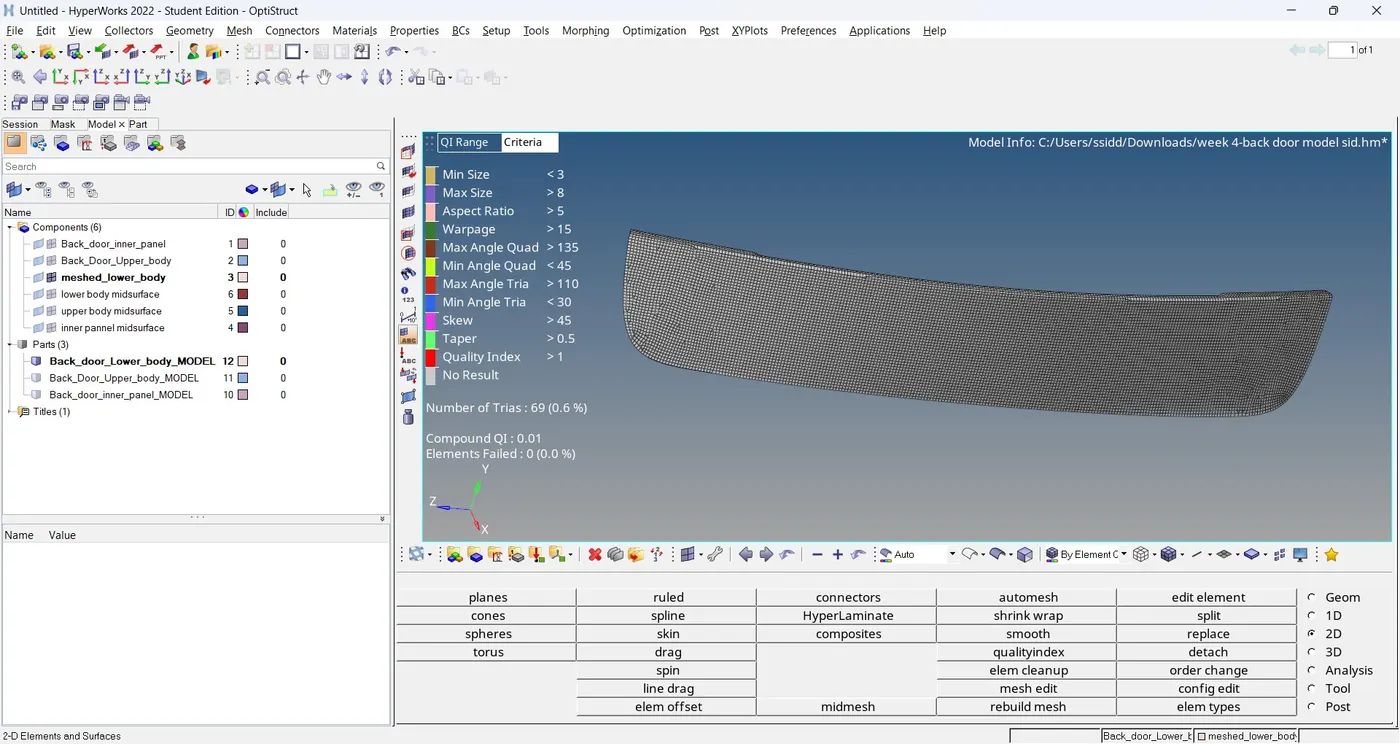
- meshing has been done for all the components.
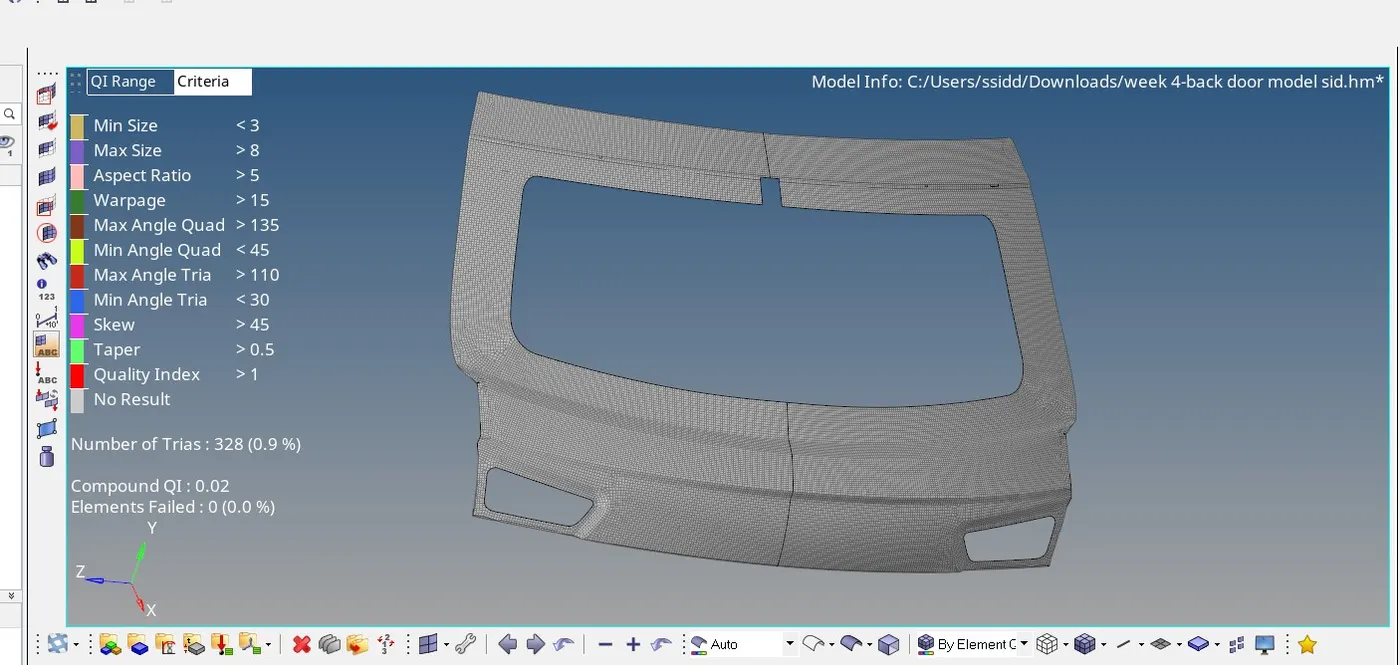
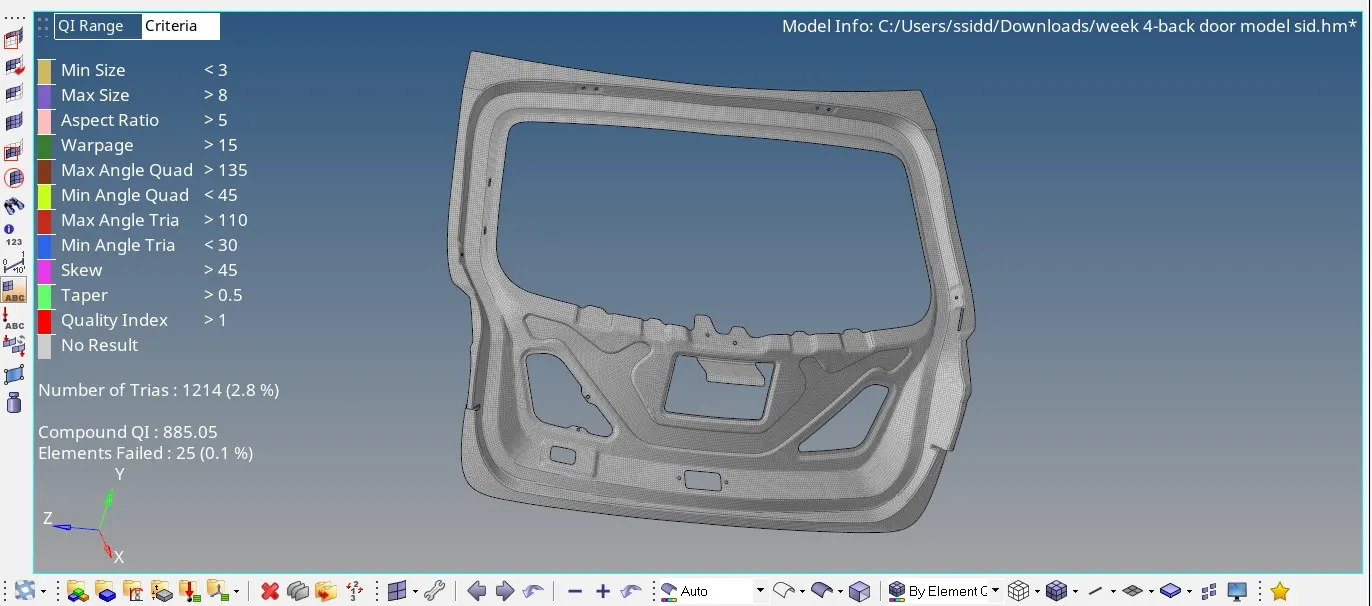
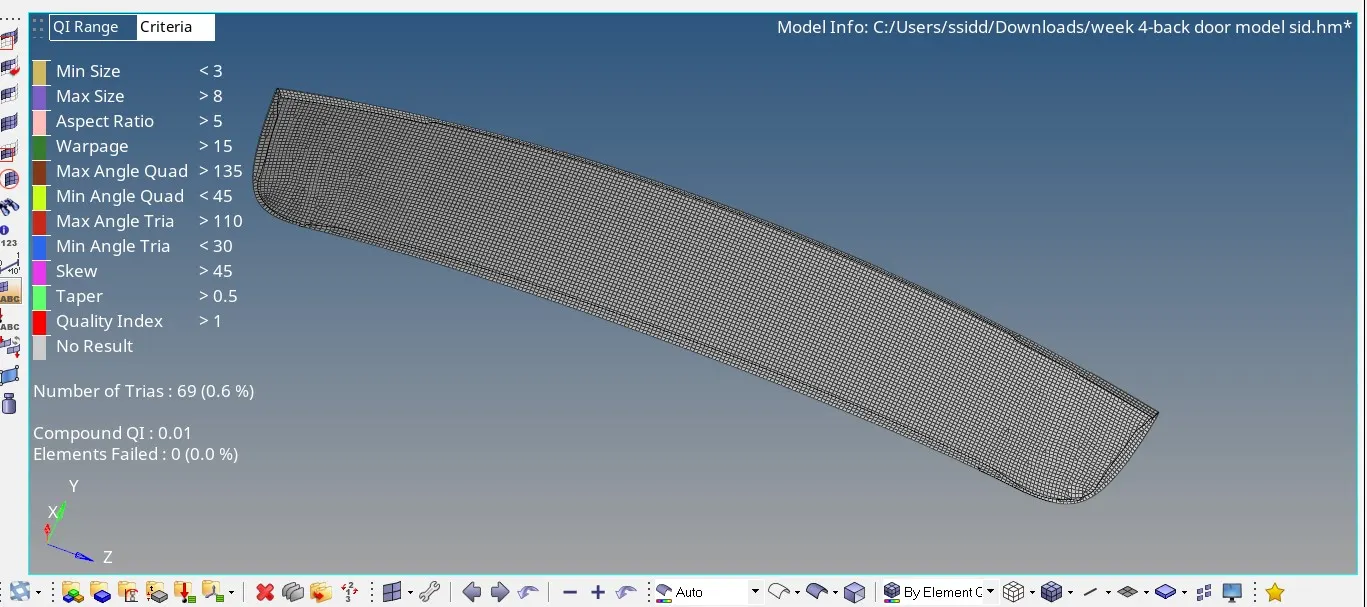
- now we have to check for element failing
- go tomesh <<check<<element<<quality index.
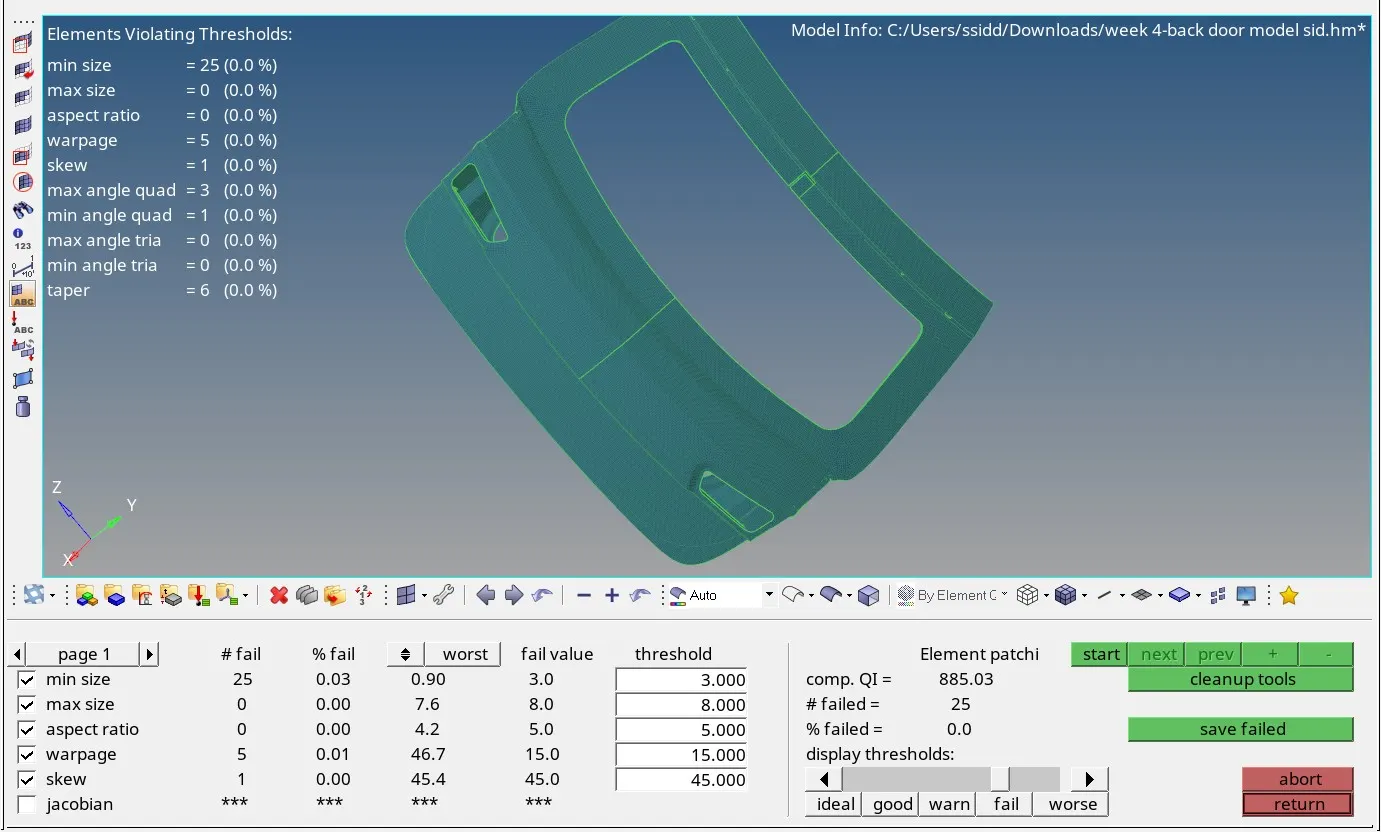
- this is the final mesh containing all the components
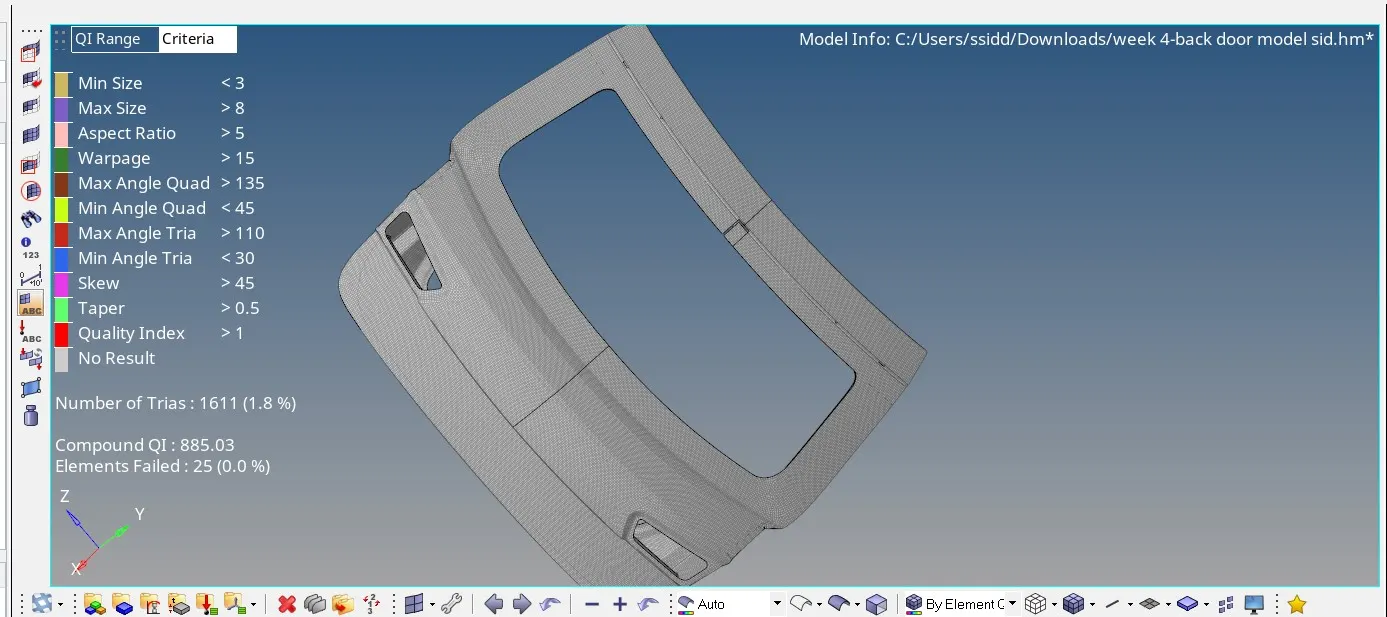
- the tria percentage is 1.8%
LEARNING OUTCOMES:
- I can now able generate geometry cleanup for the complex components.
- can do mid surface for any component
- understood how to do mid surface for complex geometry.
CONCLUSION:
Thus for the given back door model the mid surface for the component is generated and the geometry errors are identified and fixed and meshing for the component with the given element quality criteria is done .
since the file size is larger than 20 mb I uploaded it in my drive and shared the link -
https://drive.google.com/file/d/1RGYO0yvVKhizfa8njmvkF7cNdek9biWt/view?usp=sharing