Week 4- Meshing of Backdoor Challenge
Meshing of Backdoor
Aim : To extract the mid surface and to mesh the given backdoor component as per the given quality parameters
Procedure:
-
To import the CAD model into hypermesh in IGES format
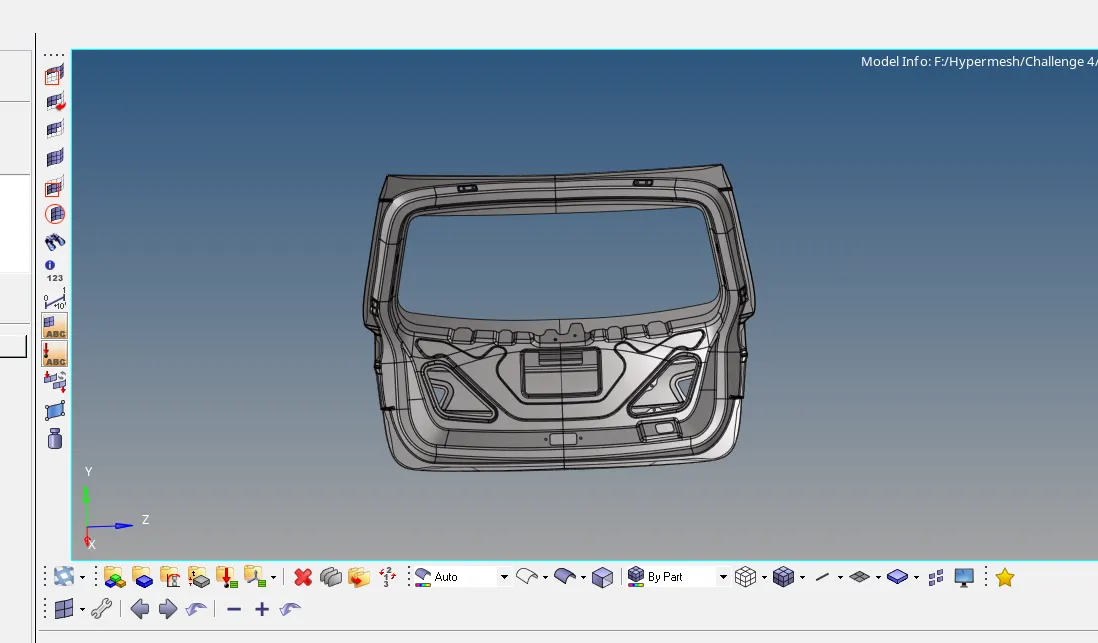
-
Before starting the geometry cleanup ,delete the solids by using delete option
delete>> solids>>delete entity
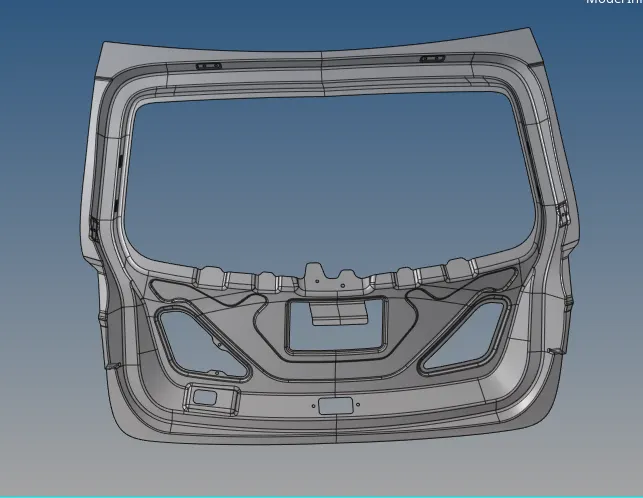
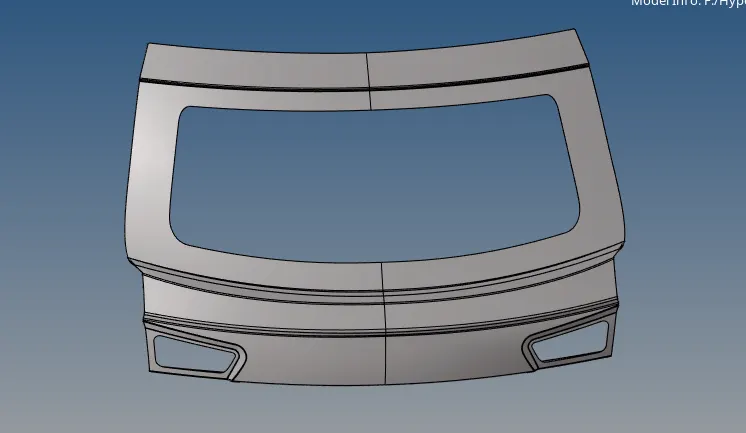
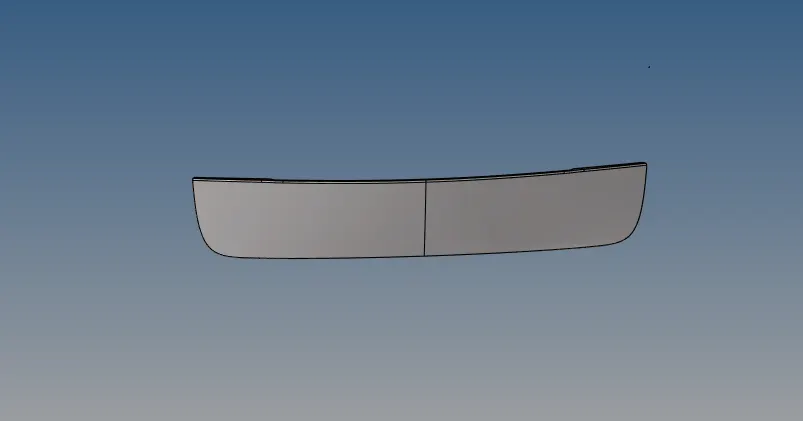
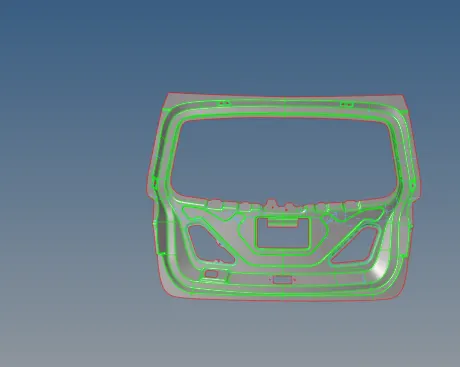
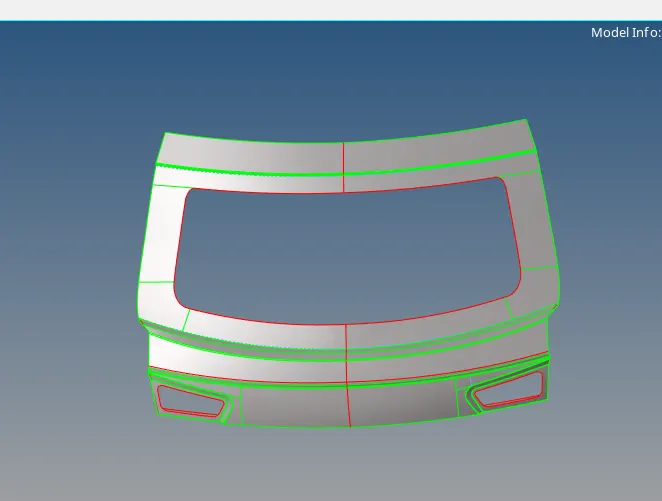
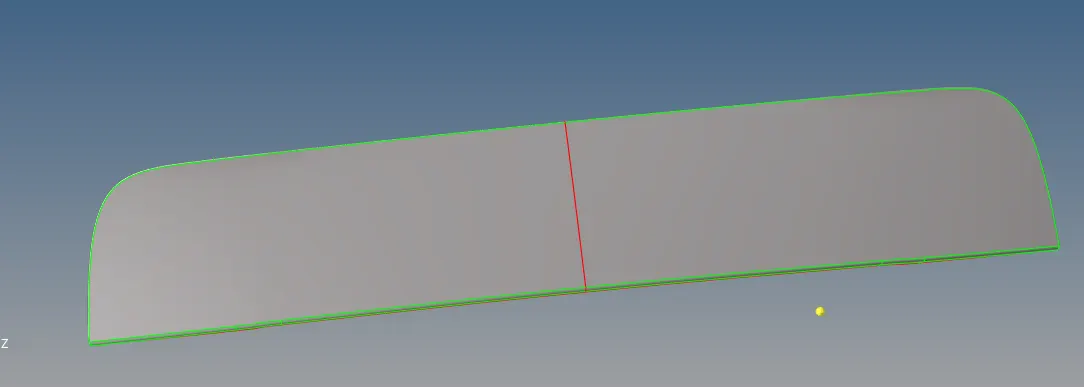
Backdoor component mainly consists of three part
-
Inner panel
-
Upper panel
-
Lower panel
-
Inner panel
-
Upper panel
-
Lower panel
-
Next measure the thickness of the component and the extract the mid surface of the component manually or automatically
Mid surface
-
Here auto mid surface has been extracted by using offset method
geom>>mid surface>>offset>>auto extract>>extract
-
Extract the mid for all the three component ie. inner panel ,upper panel and lower panel as shown below
-
After extracting the mid surface once again do the geometry clean if there any damaged surface, unwanted lines, unwanted points and for the unnecessary construction line
-
Manual clean up is necessary to maintain the proper mesh flow, to minimize the element failing for the given quality criteria and for proper feature capturing
-
As the backdoor component is a symmetrical component it can be cut into half ,so that we can reflect the surface and the mesh on the other side,by doing this we can save lot of time
Meshing
-
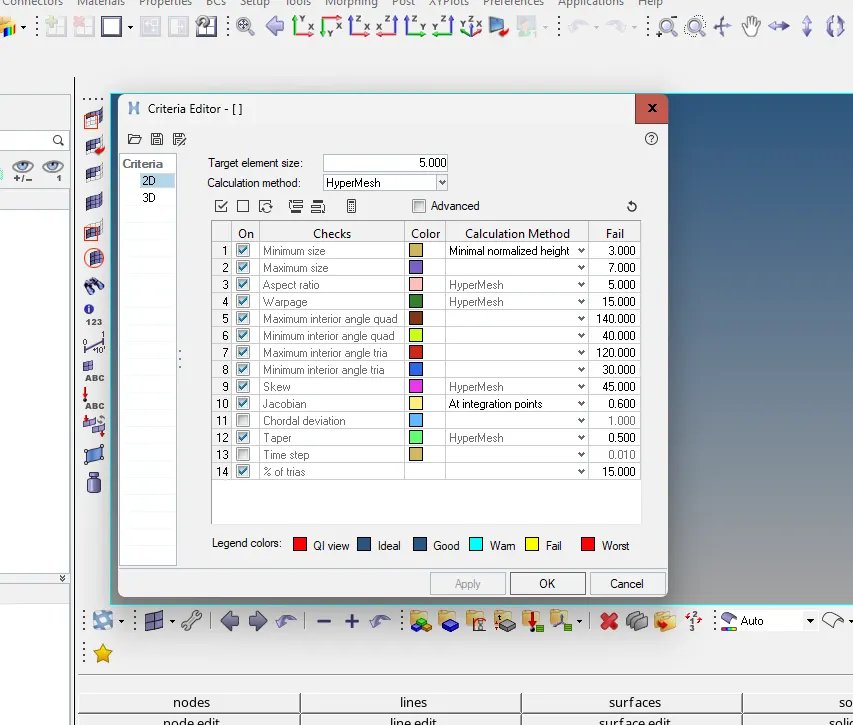
Now assign the quality parameters as given for the back door component
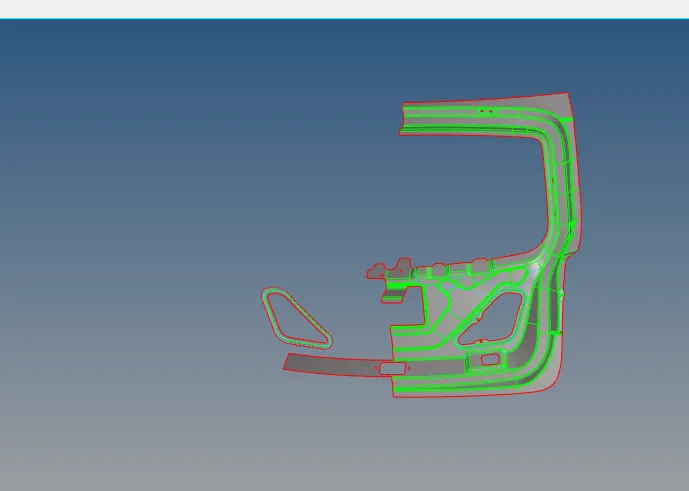
preference>>parameter file settings>>basic>> target length>>apply>>ok
preference>>criteria file settings>>apply>>ok
-
Now start meshing the component surface by surface
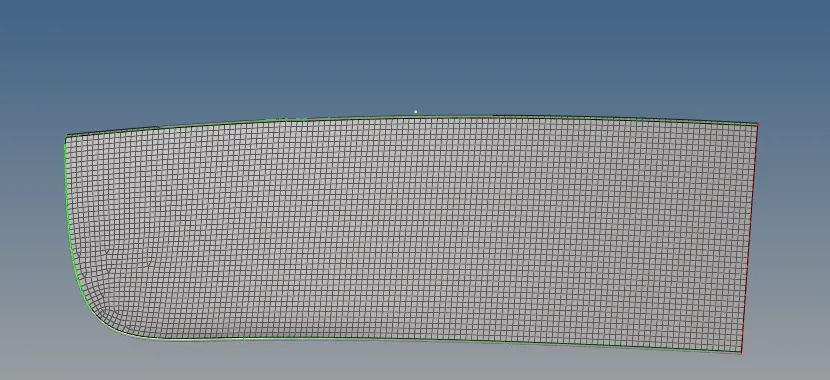
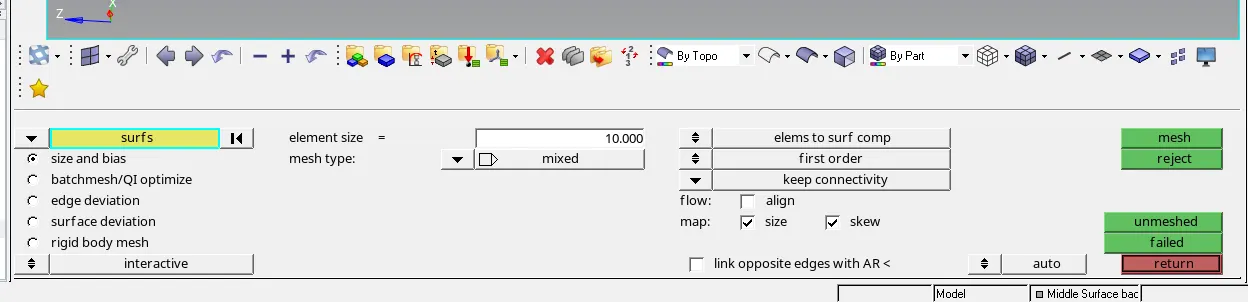
2D>>automesh>>surfs>>mesh
-
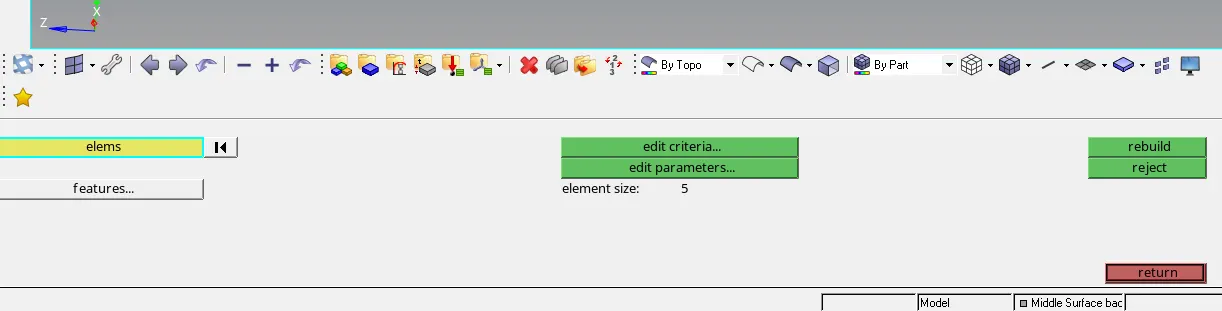
Rebuild the mesh if necessary ,to maintain a proper mesh flow and to avoid back to back trias
Rebuild mesh >>elem>>rebuild
-
Check for the connectivity of the meshed element by using option edges
tool>>edges>>elem>>displayed>>find edges
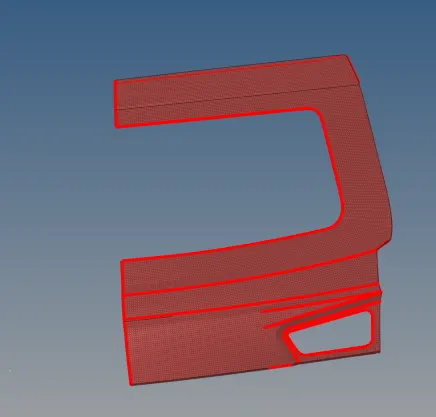
-
Next give equivalence, so that element get connected node to node
tool>>edges>>elem>>displayed>>preview equivalence>>equivalence
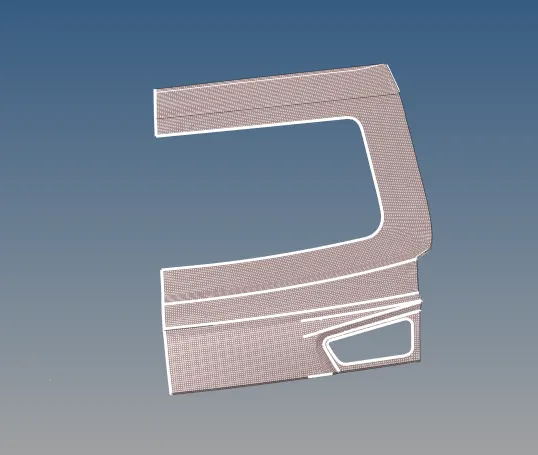
Reflect
-
Once the mesh is complete ,we need to reflect the component to other side
-
tool>>reflect>>surfs or elem>>displayed>>duplicate>>current comp>>select the axis >>base>>reflect
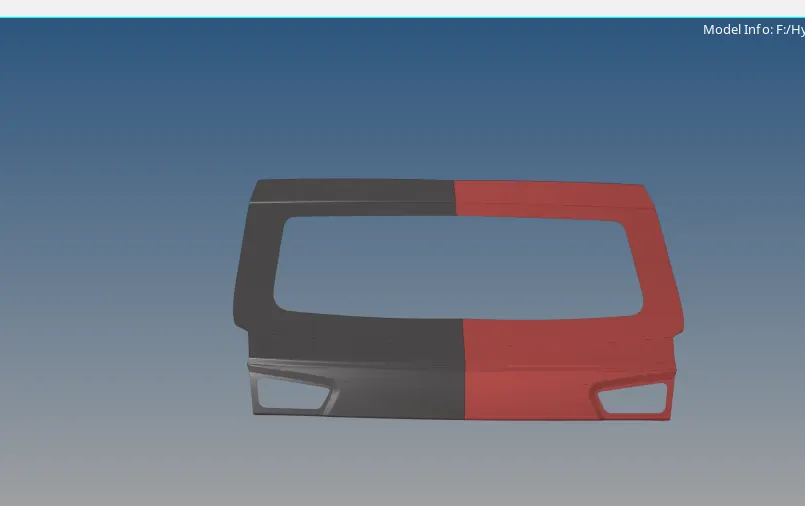
-
After reflecting the other half we might get free edges check for it by using the option edges and fix it
-
Check for any quality issues, if they are failing,resolve them and have better mesh flow by using quality index
2D>>quality index>>cleanup tools>>smooth
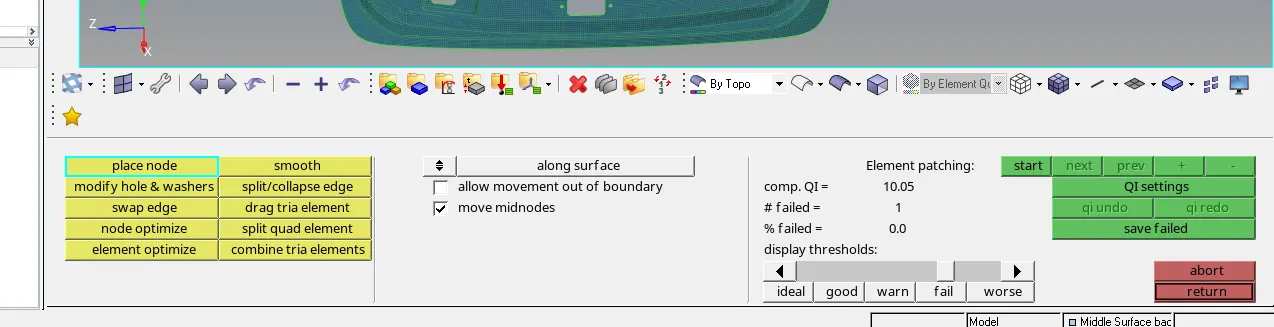
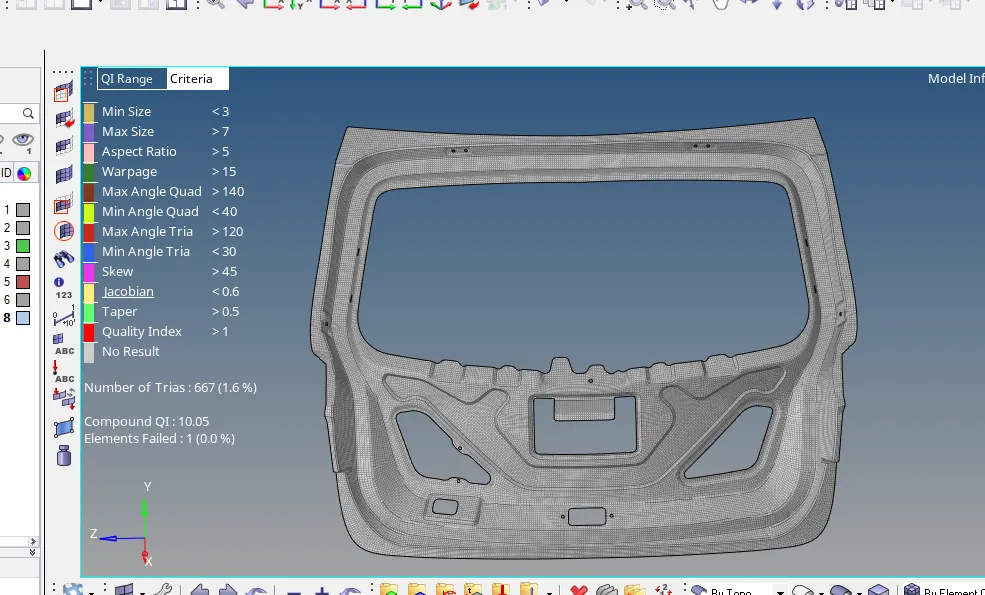
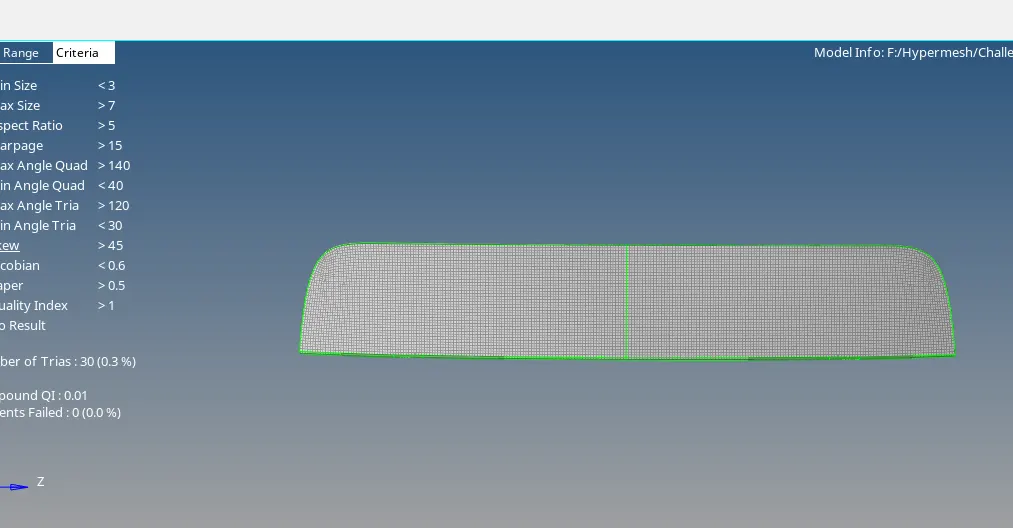
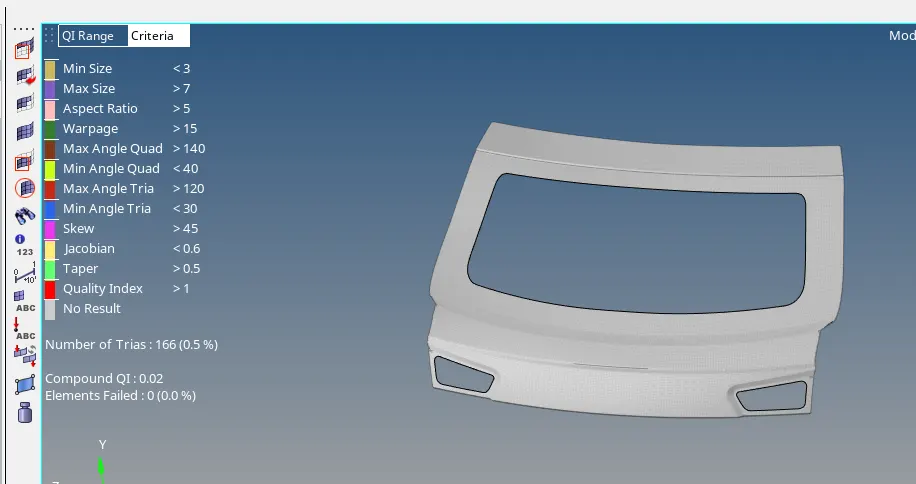
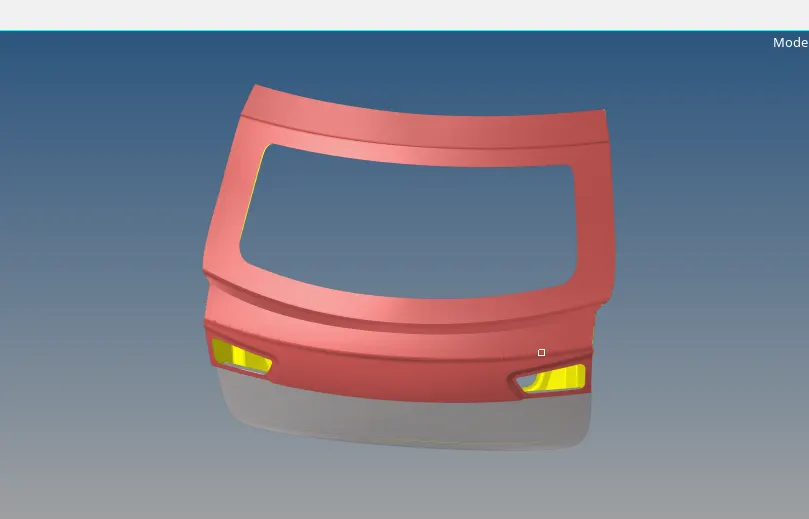
Final model image
Learning outcome
Learnt how
-
To extract the mid surface manually as well as auto extract
-
Minimize the number of trias
-
To save time in symmetrical components and to reflect them
-
To find free edges in the meshed element
-
Proper feature capturing and to maintain proper mesh flow
-
To check for the duplicates in the component
Conclusion:
Extracted the mid surface for all the three ie. inner panel, upper panel and lower panel for the backdoor component and meshing has been done as per the given quality criteria.