Week 4- Meshing of Backdoor Challenge
OBJECTIVE: To generate midsurface and mesh the given backdoor sheetmetal component and assure good flow of mesh and adherance of mesh to the required quality criteria. (Due to limitaion in the number of nodes , the lower door-panel alone is meshed. similar process of meshing will ensure proper mesh generation of other parts too)
CAD MODEL: The given CAD model after executing autocleanup and deleting unwanted entities is as shown.
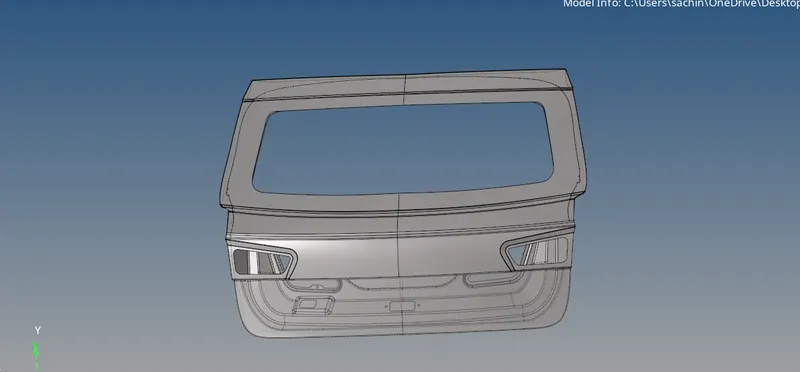
MIDSURFACE CREATION: The overall midsurface is created using GEOM-->midsurface.
In the midsurface , we need to capture fillets seperately as a surface which can be achieved by using extraction_options-->offset+planes. Finally in auto_extraction, we select the extract to create the midsurface.


Post the creation of midsurface, it is important to check for defects in the created surfaces, and the defects present in them are corrected using surface_edits and quick_edit tools.
The created and post processed midsurface is shown below.
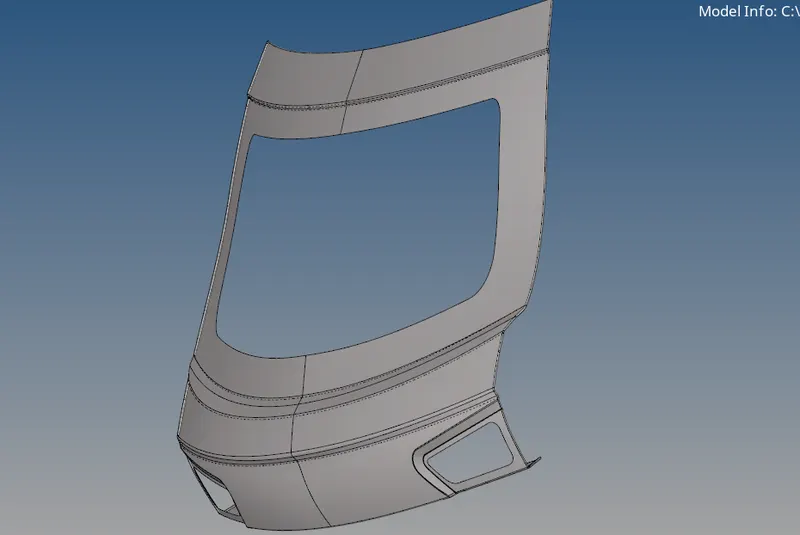
Free edges are ensured to be RED and toggle in quick_edit is used to correct those if improper.
MESHING:
The hood part has many intricate surfaces with small and large fillets distrubuted throughout the model. It is important to mesh the component with care for every part seperately so that a fine and proper mesh can be achieved.
Also it is worth noting that there is a line of symmetry for this part along the middle line. It is thus enough to mesh properly the left half of the hood and reflect option can be utilised to reflect the mesh on the right side surface.

F12 shortcut is used to access the automesh option. Meshing is done for the hood part by part and elements are checked for quality then and there.

TOOLS-->CHECK ELEMS is used to check failure of mesh elements for various preset quality criteria such as warpage, min.length , max.length , max angle , min angle , jacobian and many more.
Failed elements can be isolated for correction using SAVE_FAILED option in the check elems window.
There are many methods for correcting mesh elements both for size correction and orientation and placement sake.

2D-->QUALITYINDEX has many correction features such as place node using which we can move the node of an element and see if the failure is corrected.
smooth is used to refine the mesh. ELEMENT OPTIMIZE is an usefull tool to optimize failed elements and automatically correct them and adjust them to not fail.
Similarly there are many more such options such as split/collapse , swap edge and more.
The most useful tool for meshing axi-symmetric componets is REFLECT optiion in TOOLS.
After meshing the left half of the hood and correcting them for avoiding failure and refining the mesh , we can just reflect the acquaired mesh along the central line vector to duplicate and paste the mesh on right half also.

FINAL MODEL IMAGE:
The final meshed model is as shown below.
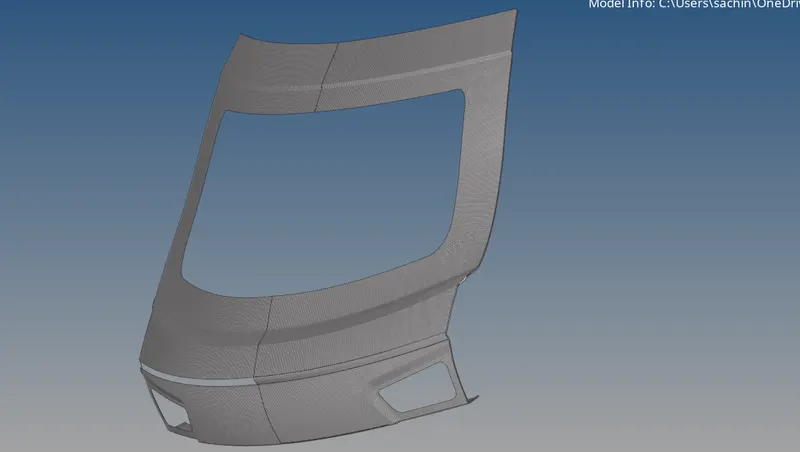
Thus meshing has been successfully done for the backdoor panel.