Week - 4 - Crash Box Simulation
AIM: To simulate the crash box provided with the mesh.
Given:
Material : Mild Steel
Units : gm/mm/ms
Initial velocity: 50 kmph = 13.88 mm/ms
Thickness: (i) 1.2mm for case 1 (ii) 1.5mm for case 2
Procedure:
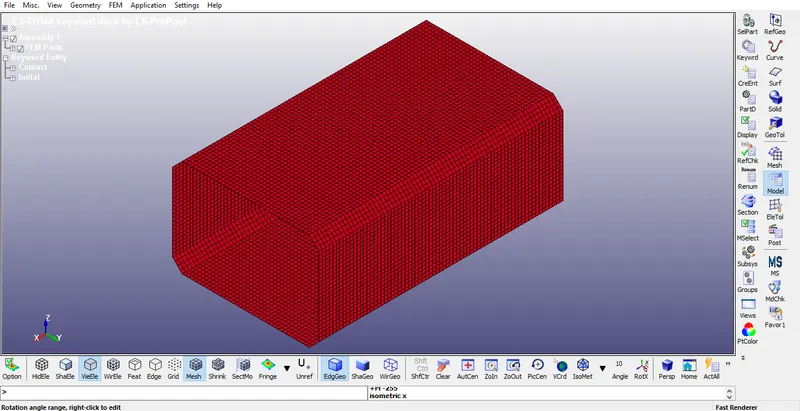
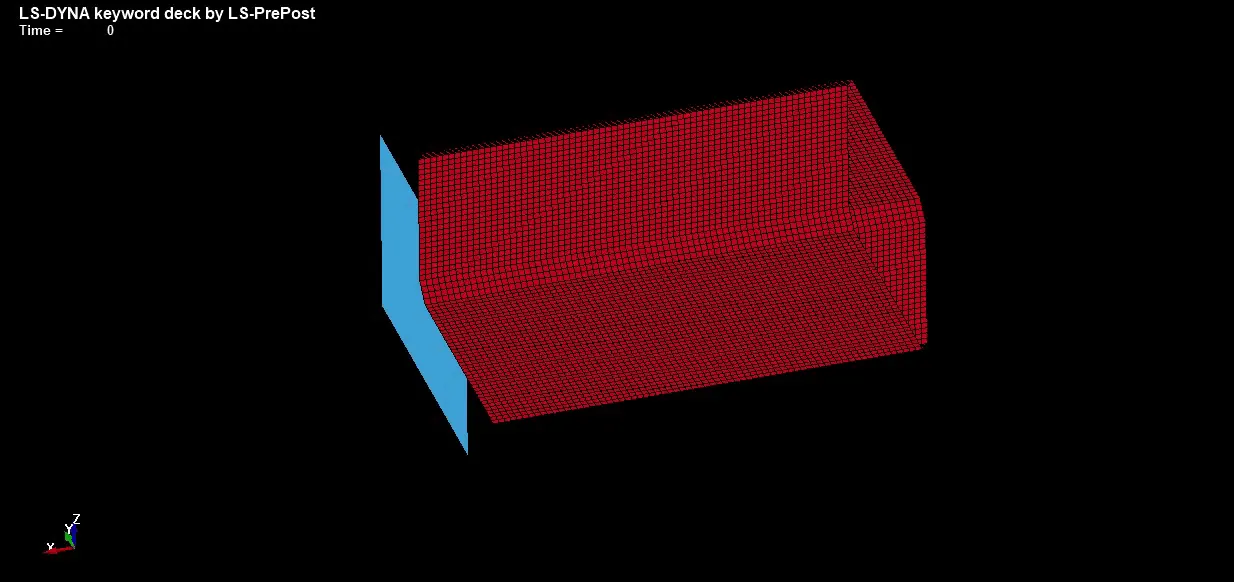
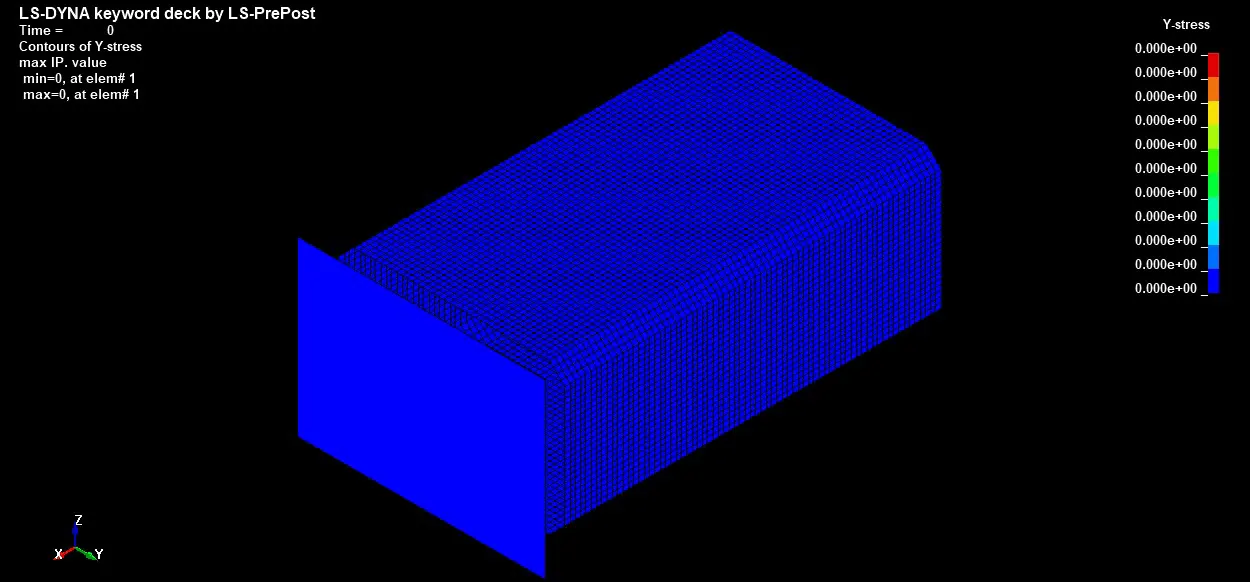
Step 1: Importing the keyword file to LS-Dyna. The keyword file of Crash box is as shown below.
Step 2: Defining Material properties for the given Crash box
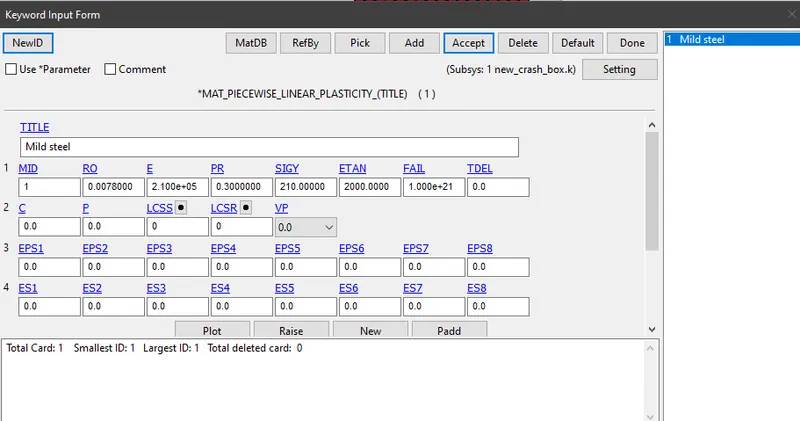
The material used here is Mild steel with 0.3 as poisson's ratio. A non linear material property was given. Tangent modulus and failure criteria were given to ensure that the material is going to break after crossing certain strain.
Material properties are given by Keyword manager > MAT > 024-Piecewise linear plasticity
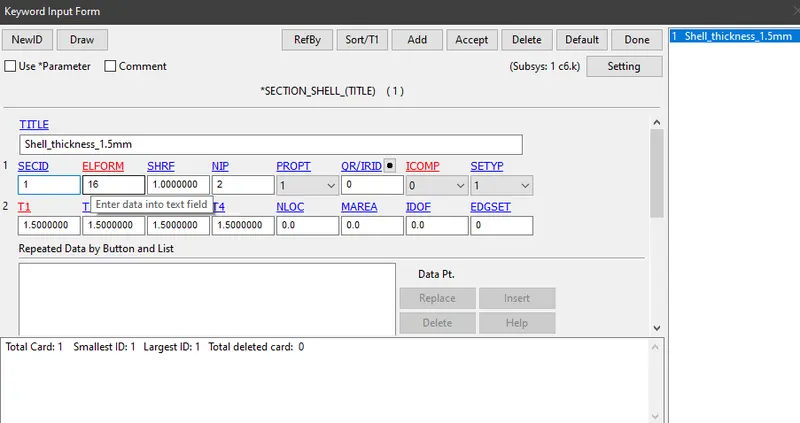
Step 3: Defining Section properties for the given Crash box
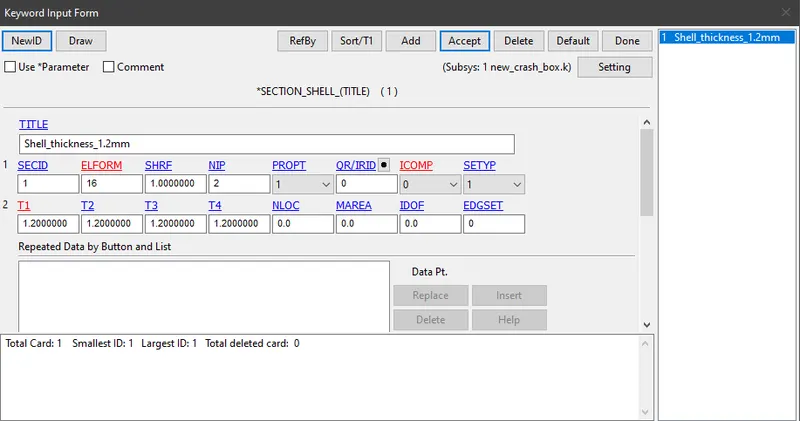
Here, the value of ELFORM is given as 16 for the shell element with thickness 1.2 mm
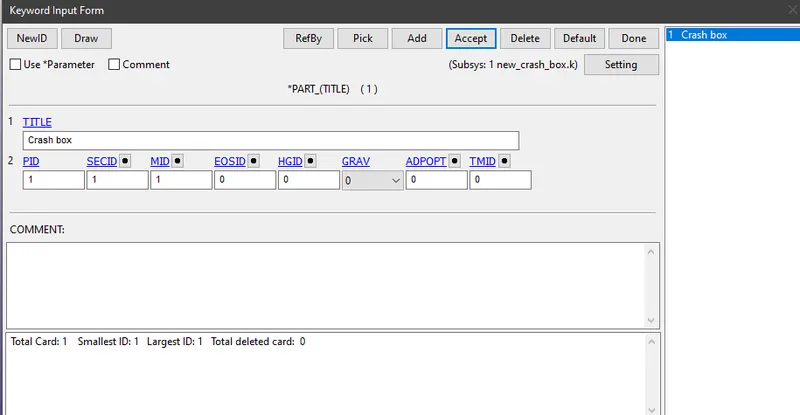
Step 4: Assigning the Material card and section card to *Part
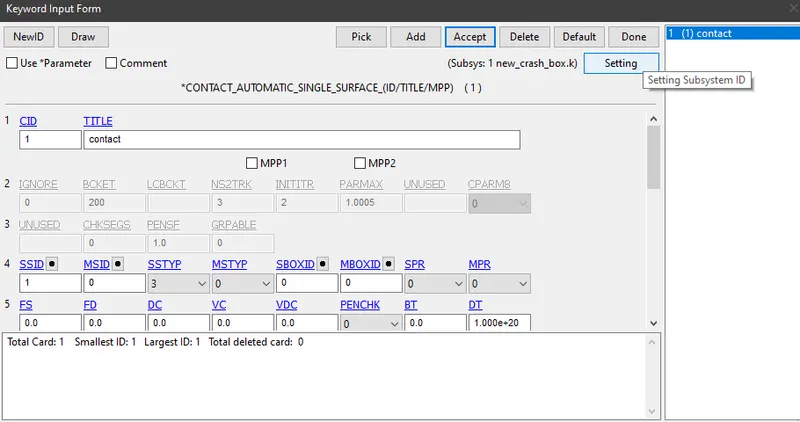
Step 5: Assigning contacts for the given Crash box
Here *CONTACT_AUTOMATIC_SINGLE_SURFACE is used. The part deforms so much, that it contacts itself. This is a case of self contact where the given crash box is both slave and master and in this case LS-Dyna specifies slave only.
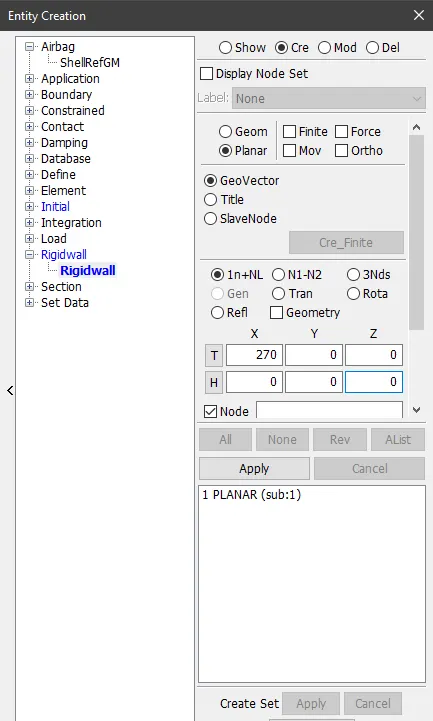
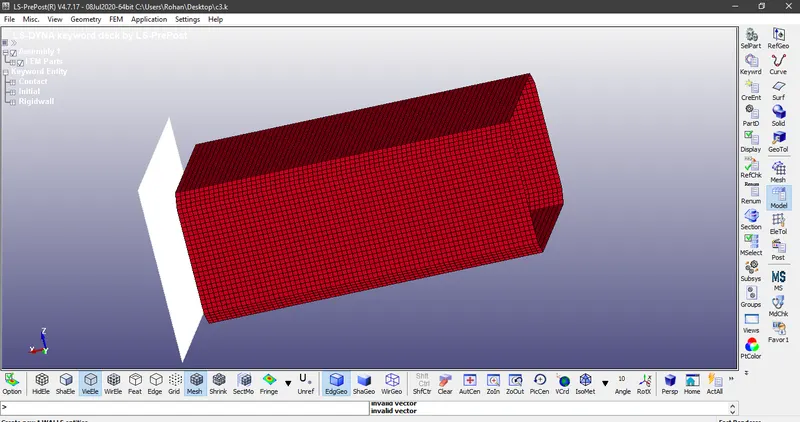
Step 6: Creating a Rigid wall
Here the distance in X-direction is kept for 270mm which is more than the defualt becuase it need some distance to impact the rigid wall
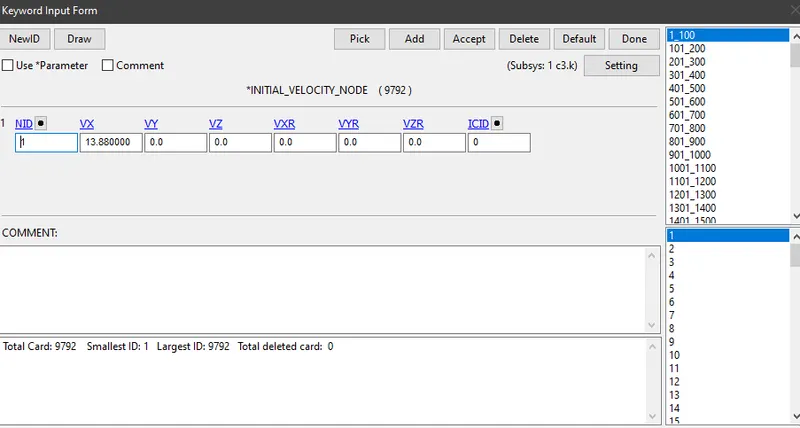
Step 7: Assigning Initial velocity
Initial velocity of 13.88 mm/ms is given to the crash box along X-direction.
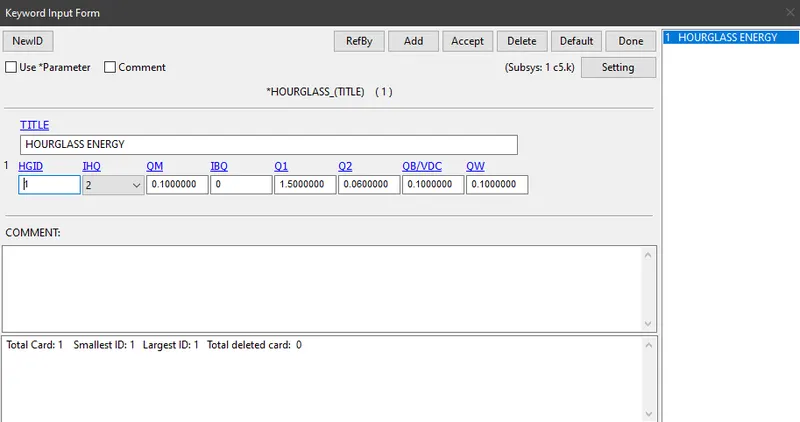
Step 8: Hourglass energy
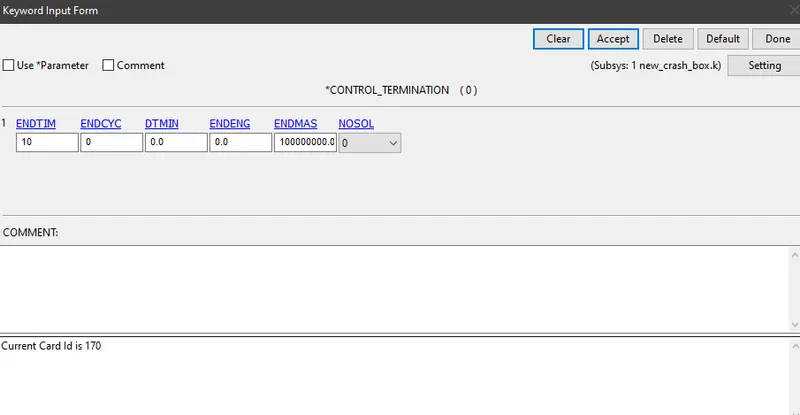
Step 9: After completing all the above steps, create a control card for termination.
Here, termination time is given as 10m/s
Step 10: Providing necessary conditions for the output files
Output files can be defined in the keyword manager. For Binary D3 Plot, select database > D3 Plot. For ASCII files, Keyword manager > Data base > ASCII. Choose elout, matsum, glstat, sleout, rcforc, rwforc, secforc, spcforc and load the values
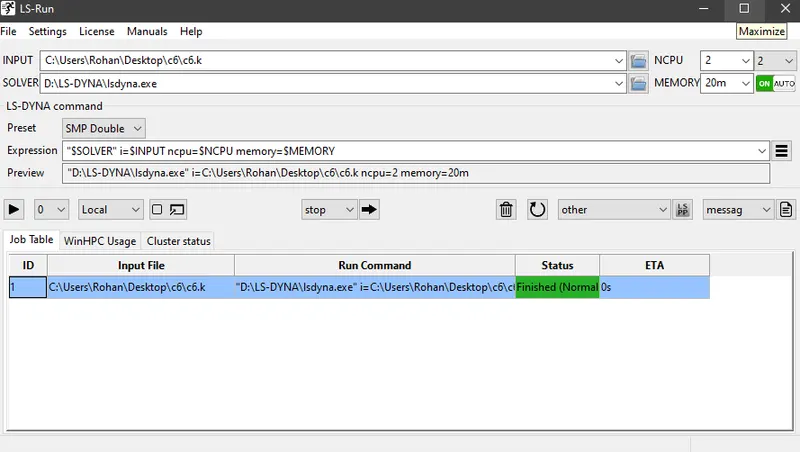
Step 11: Save the problem and run it
RESULTS:
Final Animation of the Crash box
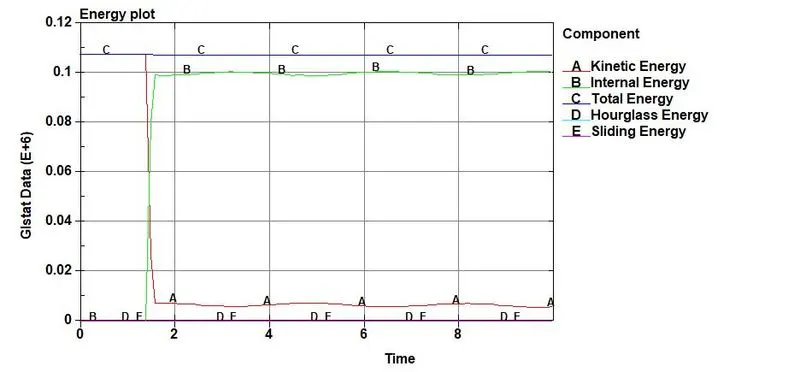
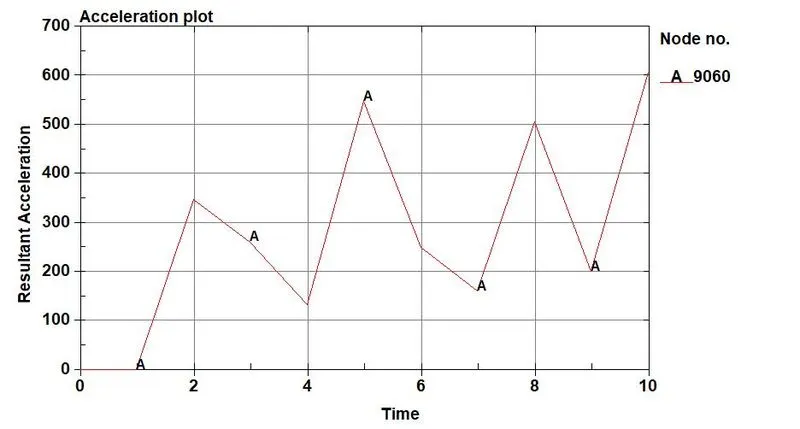
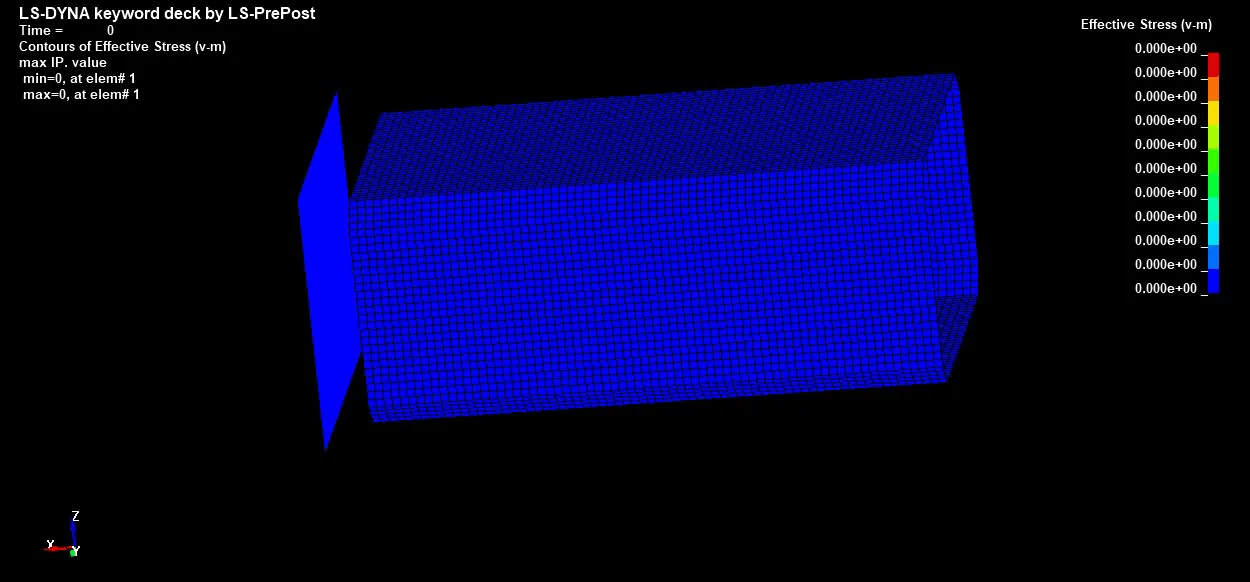
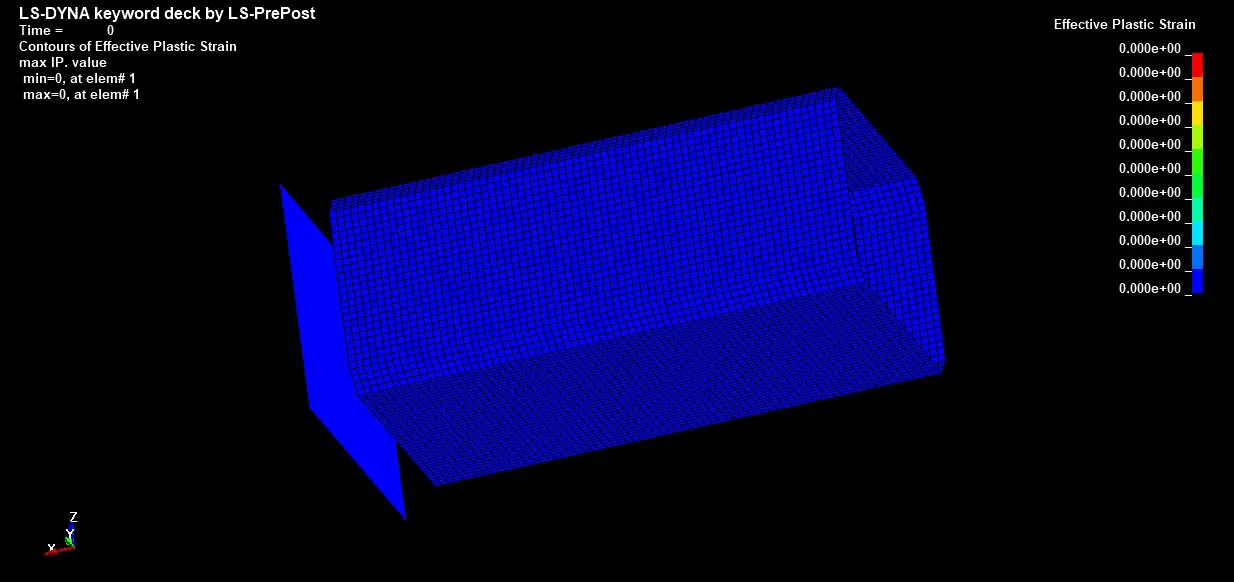
Case 1: The following results were obtained for the shell thickness as 1.2mm
1)Plot of all energies (total, internal, kinetic, hourglass, sliding)
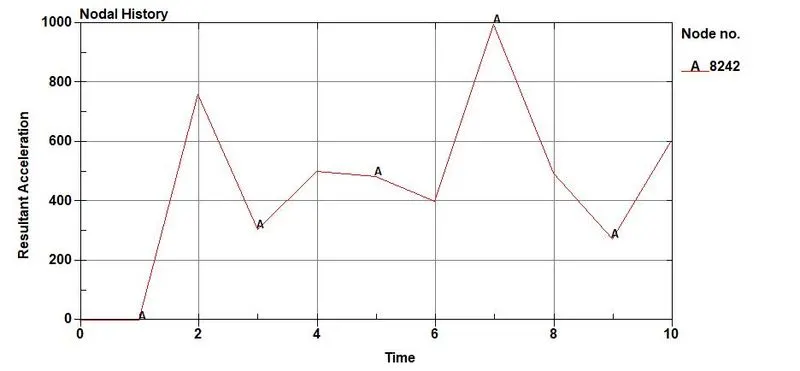
2)Acceleration plot of a node
3)Von-Mises Stress: Maximum stress = 212 MPa
4)Effective Plastic Strain: Maximum Plastic Strain = 0.0325509
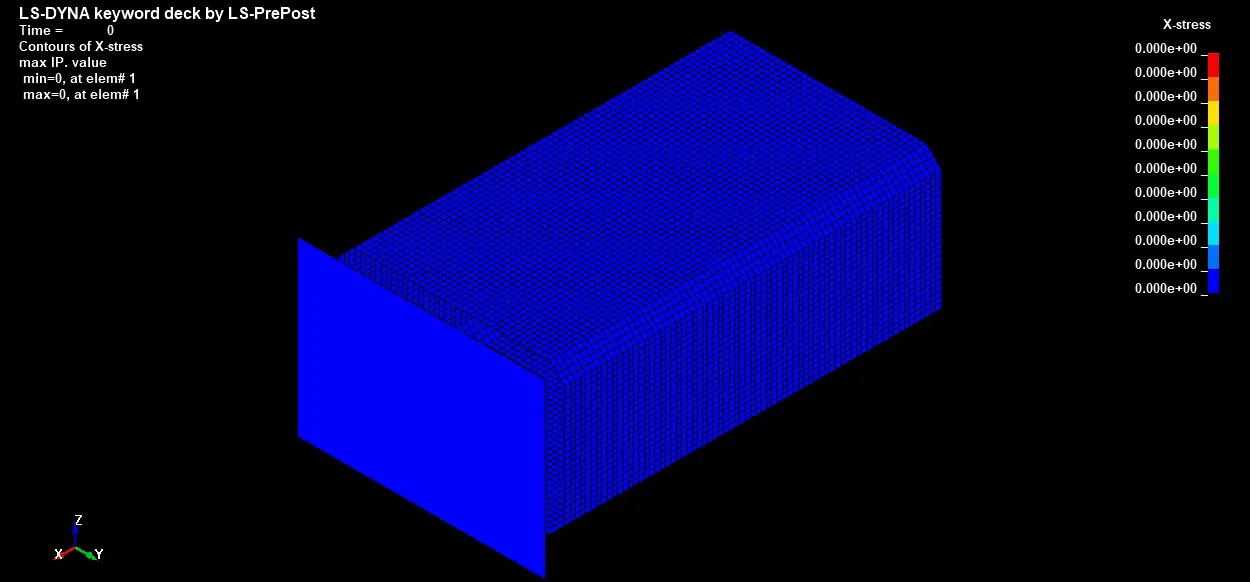
5) Maximum Directional Stress along X-axis = 154 MPa
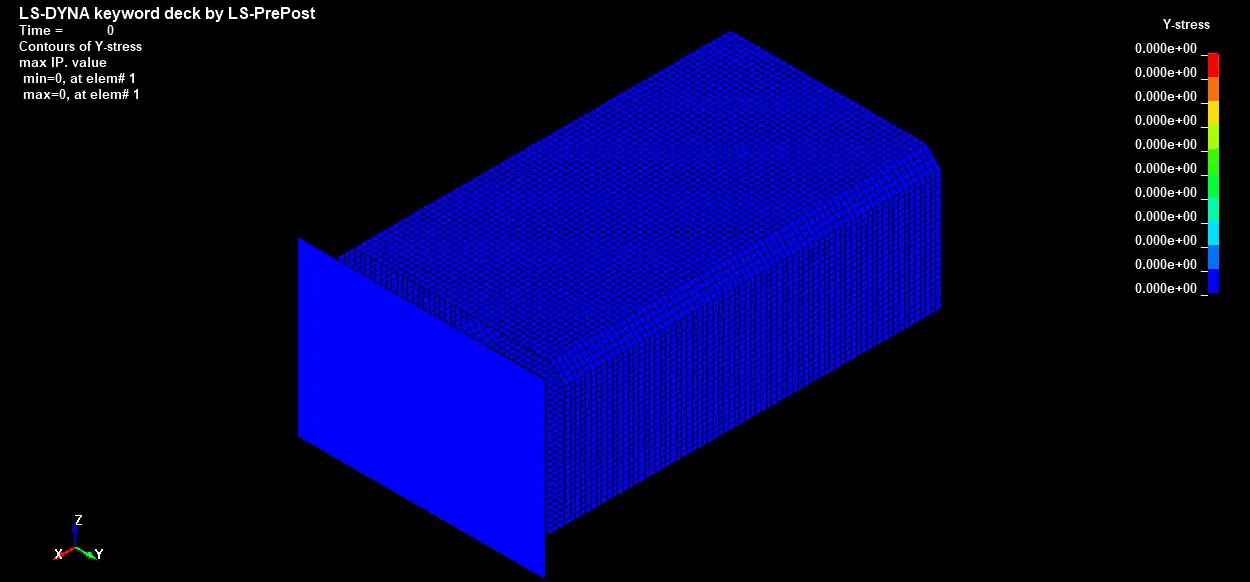
6) Maximum Directional Stress along Y-axis = 173.4 MPa
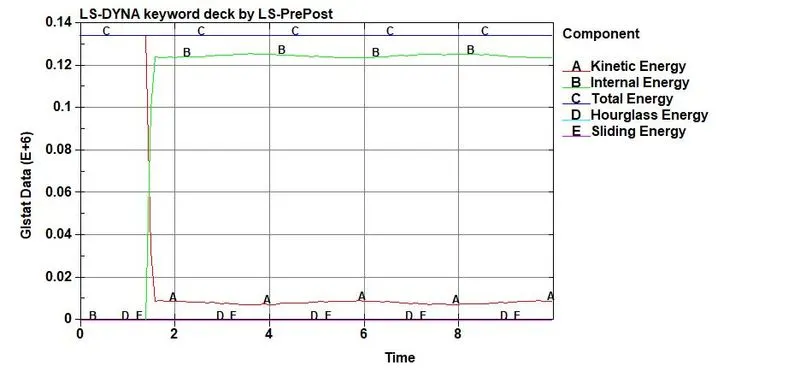
Case 2: The following results were obtained for the shell thickness as 1.5 mm
1)Plot of all energies (total, internal, kinetic, hourglass, sliding)
2)Acceleration plot of a node
3)Von-Mises Stress: Maximum Stress = 178 MPa
4)Effective Plastic Strain: Maximum Strain = 0.0335311
5) Maximum Directional Stress along X-axis = 145 MPa
6) Maximum Directional Stress along Y-axis = 178 MPa
Final Result: The simulation for the given crash box has been completed by plotting graphs of various parameters.
- Solved Keyword files can be accessed from the given links using google drive
For thickness 1.2 mm https://drive.google.com/file/d/1DAMB9lVbYZ_y9gBkafODvgnGjVU_V9rw/view?usp=sharing
For thickness 1.5 mm https://drive.google.com/file/d/1l8B6wXobPB4aP7oztZjE8xlVDQBkE53V/view?usp=sharing