Week - 4 - Crash Box Simulation
AIM:
In this assignment, the student needs to simulate a crash test for a crash box for which mesh is given. A crash box is a highly energy absorbing structure that crashes on application of loads and reduces impact on other components nearby. A full-fledges crashbox is a highly sophisticated design but in this case we will go with a rectuangular channel which can thought of as the most simple crashbox.
Here are the different assumptions and information required:
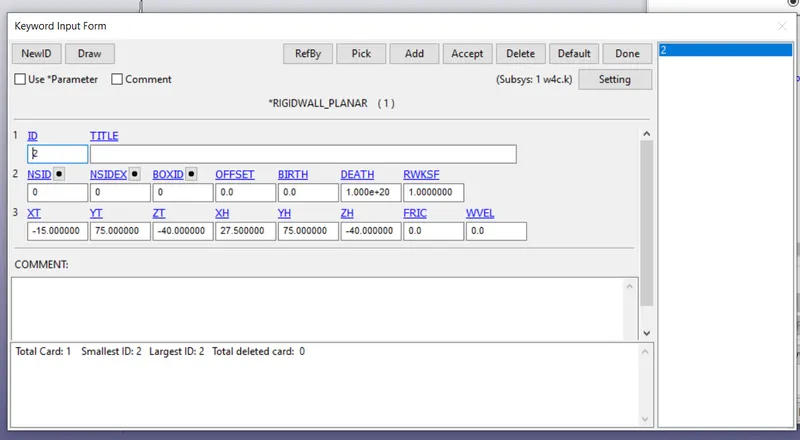
- The crashbox should crash into a rigidwall created using *RIGIDWALL_ keyword. Check the manual to understand and create a rigidwall.
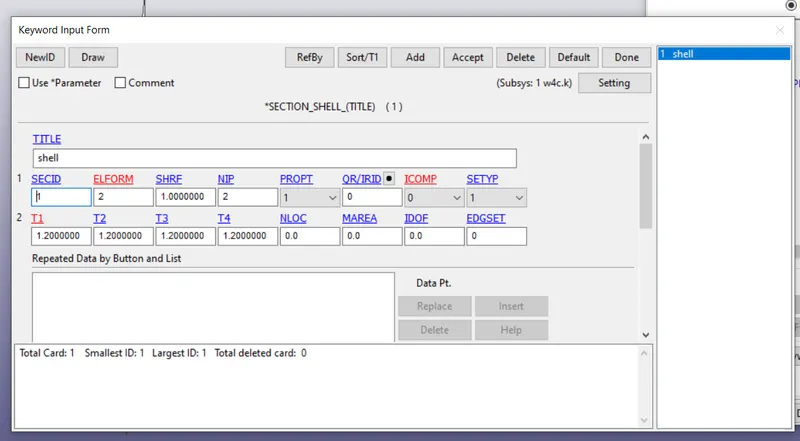
- Material for the crashbox is steel. The simulation needs to be started using elastic material to verify its correctness and later a nonlinear material card data will be provided. Thickness of the crashbox is 1.2mm.
- Initial velocity for the crashbox should be around 50 kmph
- The units system to be used is gm-mm-ms
- The simulation should satisfy either of the two situations - (1) It crashes on the rigidwall and rebounces completely or (2) it buckles and folds in the axial direction so as to come in self-contact.
- Once the simulation is completed and results as asked for below is collected, run another simulation by increasing the thickness of the crashbox from 1.2 to 1.5mm.
PROCEDURE:
STEP 1:
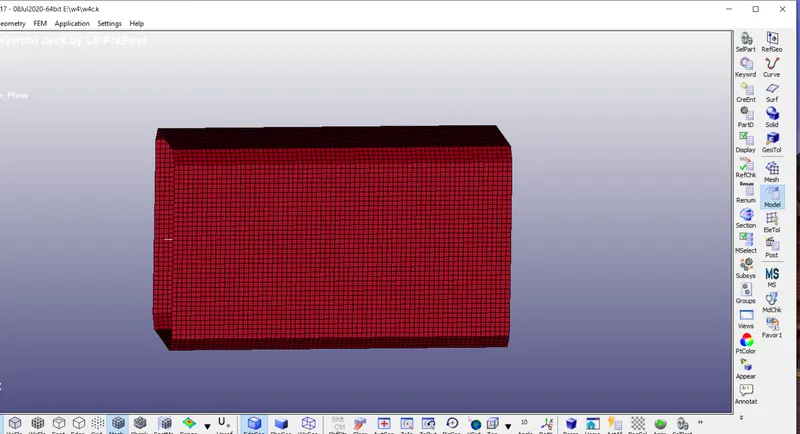
Given model.
STEP 2:
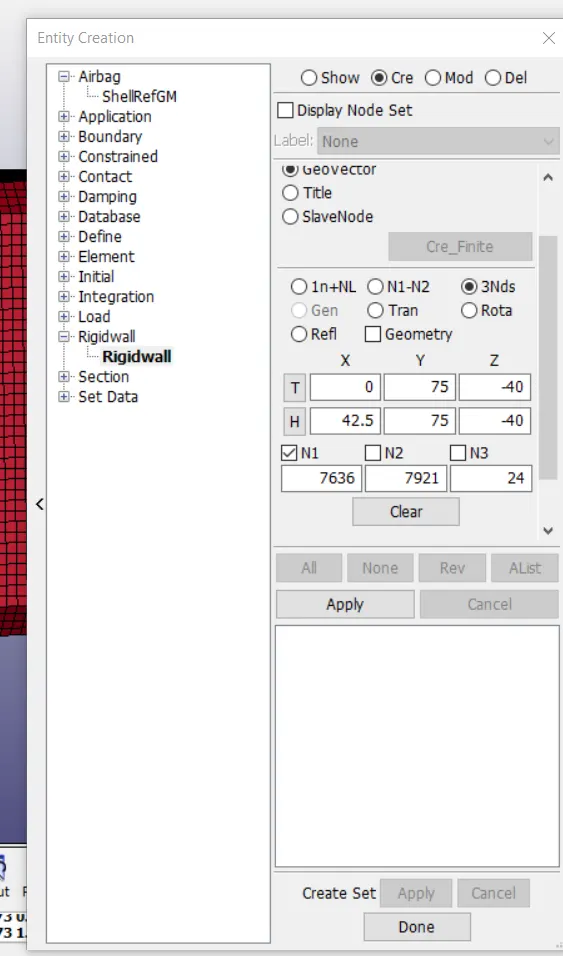
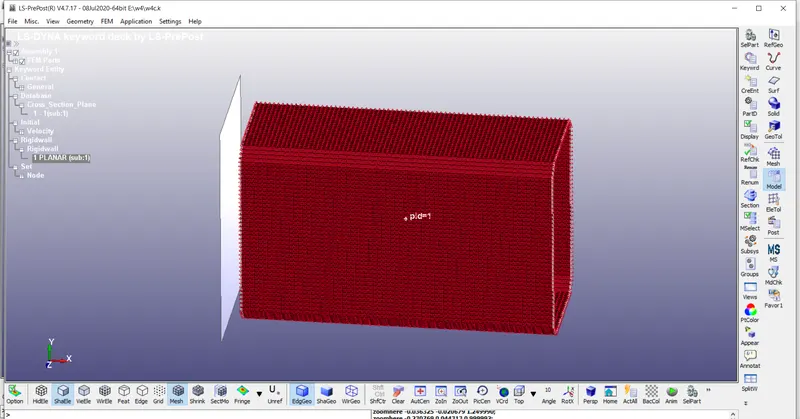
To create planar wall
Go to create entity -----select 3 node----plane will be created
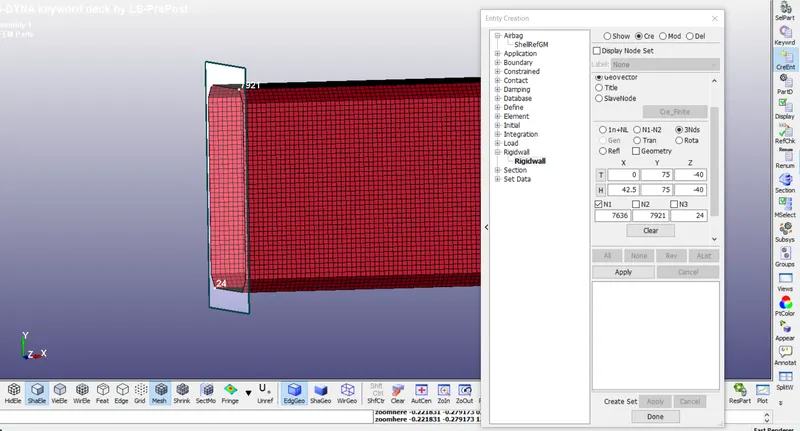
The planar has been created in X-direction
STEP 3:
The planar is close to the crash box.
Go to trans----distance as 15-----(trans-)===apply
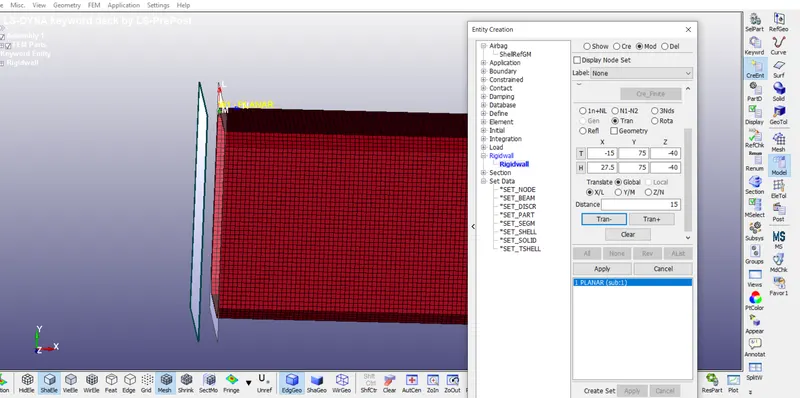
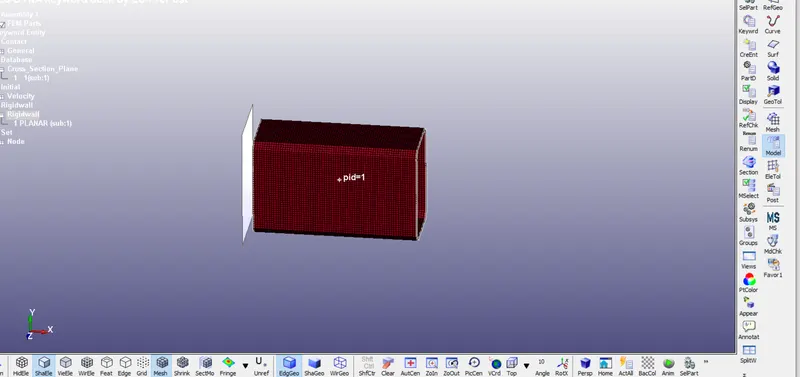
STEP 4:
Go to create entity----set data---set node----select node in crash box----apply
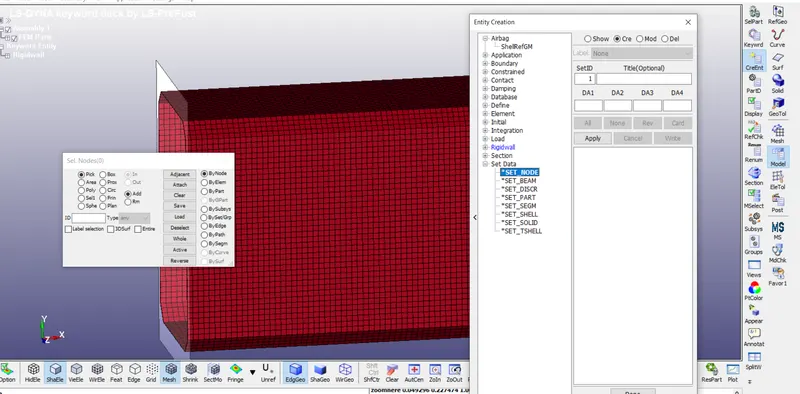
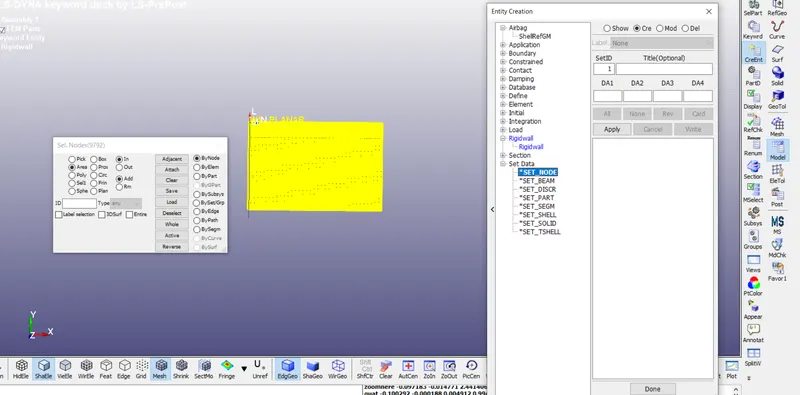
STEP 5:
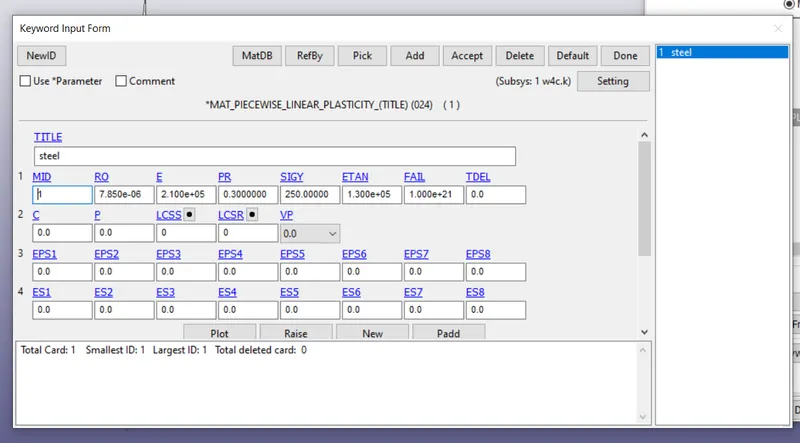
To create MATERIAL
Go to MAT----PIECEWISE LINEAR PLASITICITY-----apply values.
STEP 6:
Go to RIGID WALL---PLANAR-----apply value
STEP 7:
Go to SECTION---SHELL---Assign thickness as 1.2mm-----for shell
STEP 8:
Go to CONTACT -----AUTOMATIC SINGLE SURFACE----give SSID only
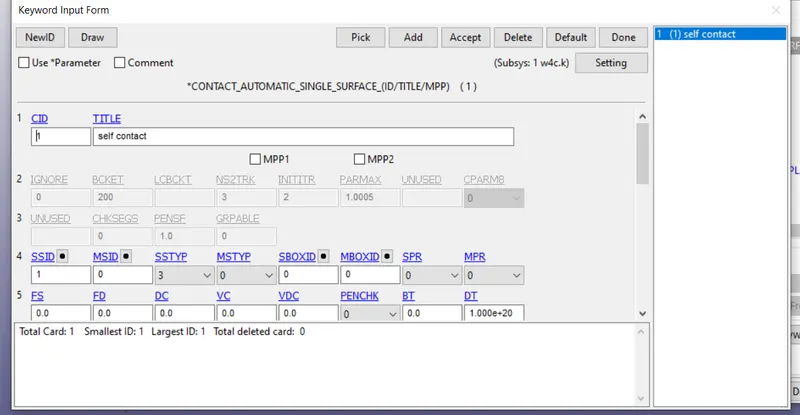
STEP 9:
Go to CONTROL----ENERGY
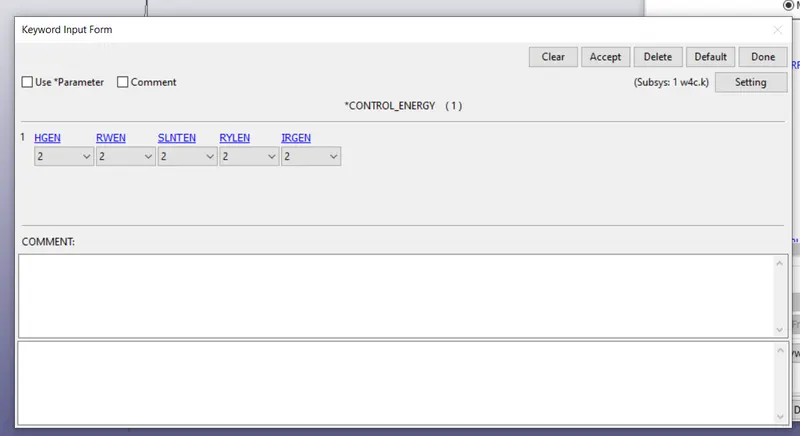
STEP 10:
CONTROL ----UNITS
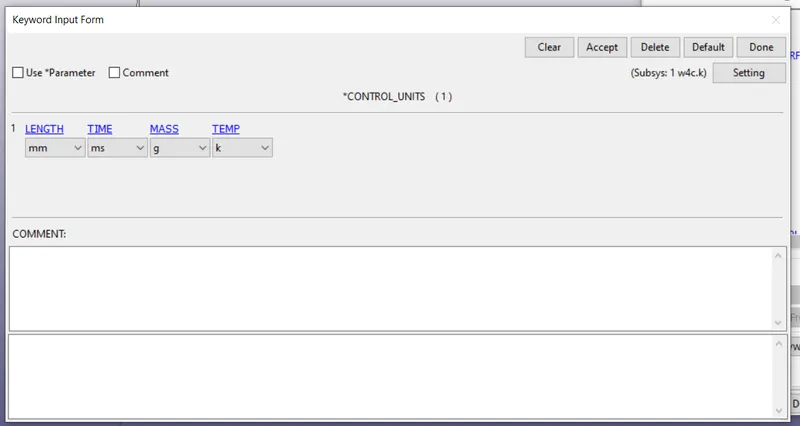
STEP 11:
Go to DATABASE----CROSS SECTION---PLANAR
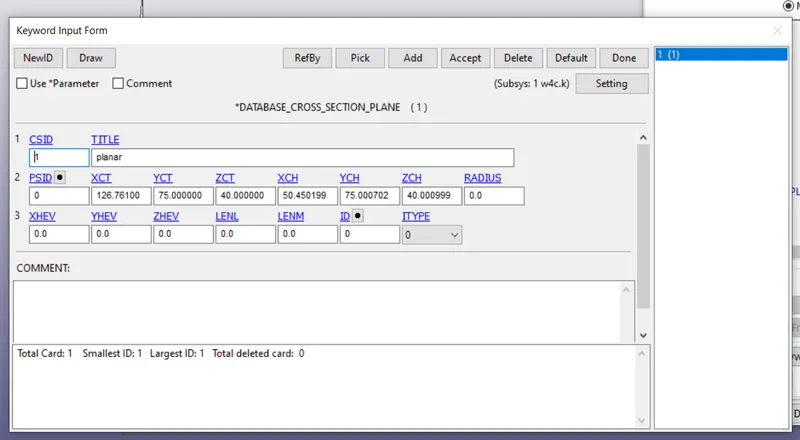
DATABASE-----BINARY PLOT
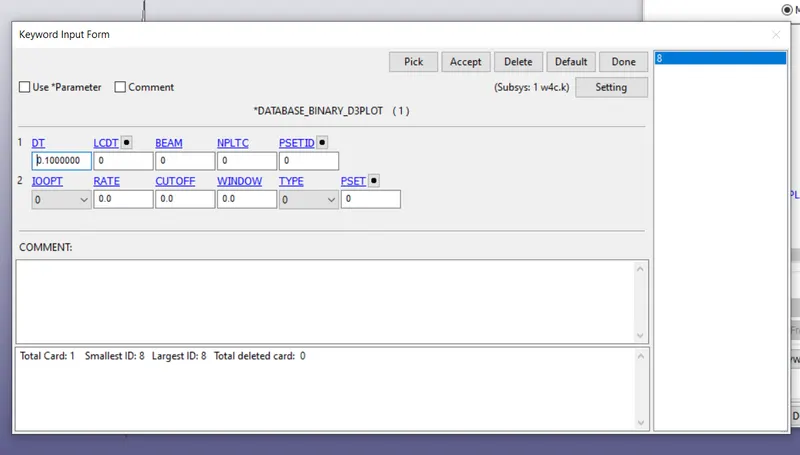
STEP 12:
Go to DATABASE----ASCII OPTION----select MATSUM-RCFORC--SECFORC
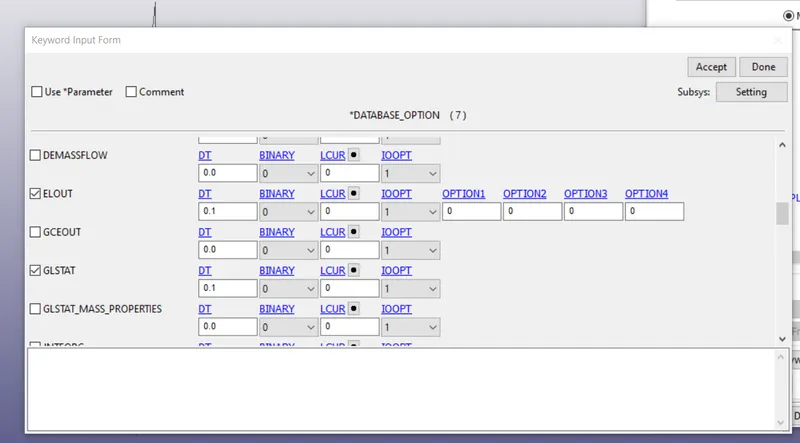
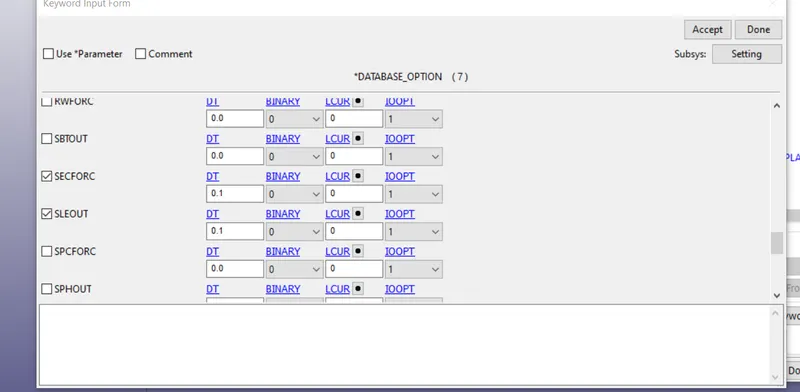
STEP 13:
Go to INITIAL VELOCITY----the given velocity is 50kmph---after conversion---13.88
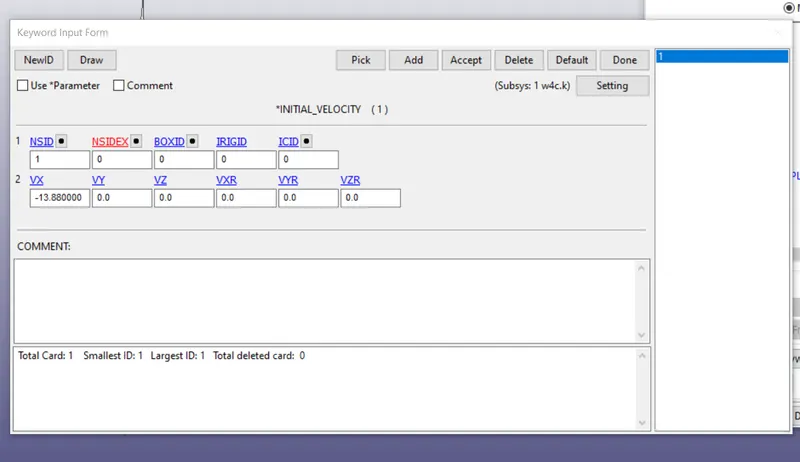
Velocity flow direction.
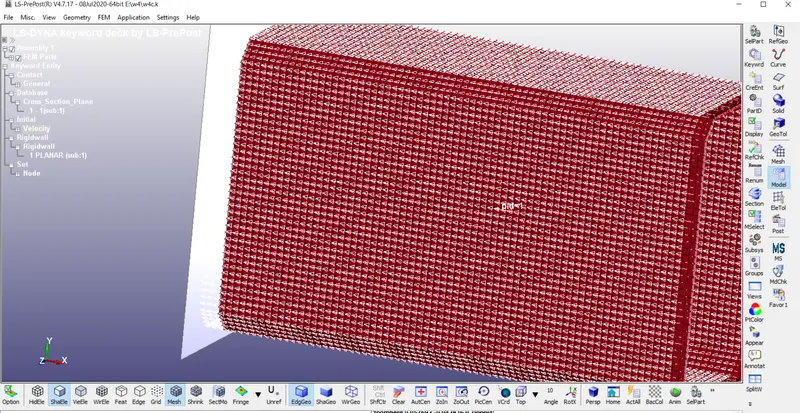
STEP 14:
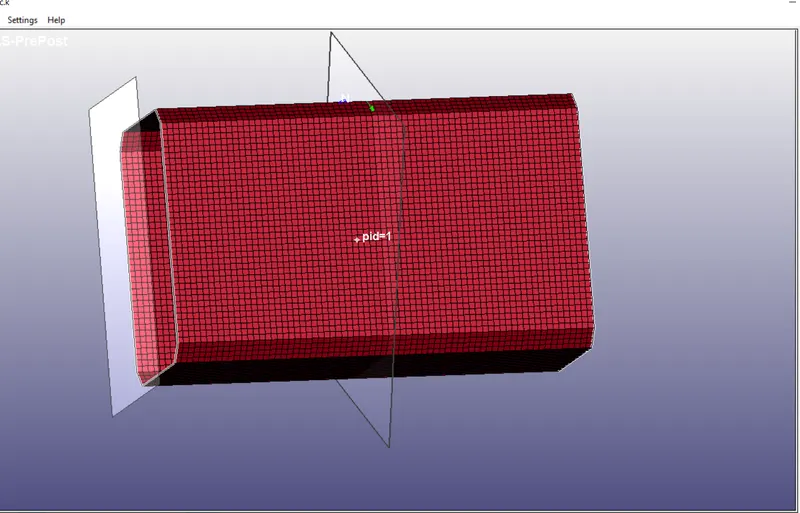
Go to create entity---DATABASE---CROSS SECTION----select node--create cross section plane.
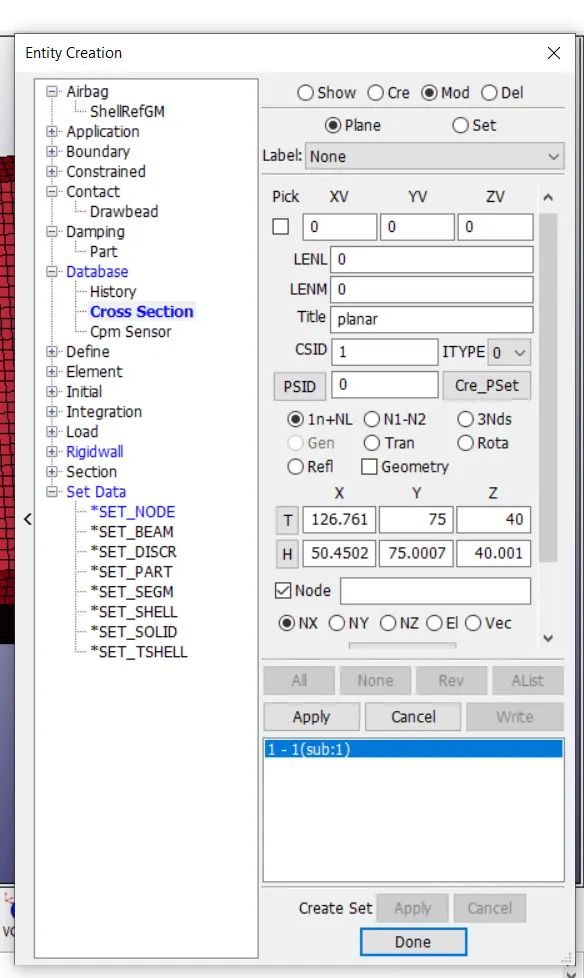
Cross section has been created.
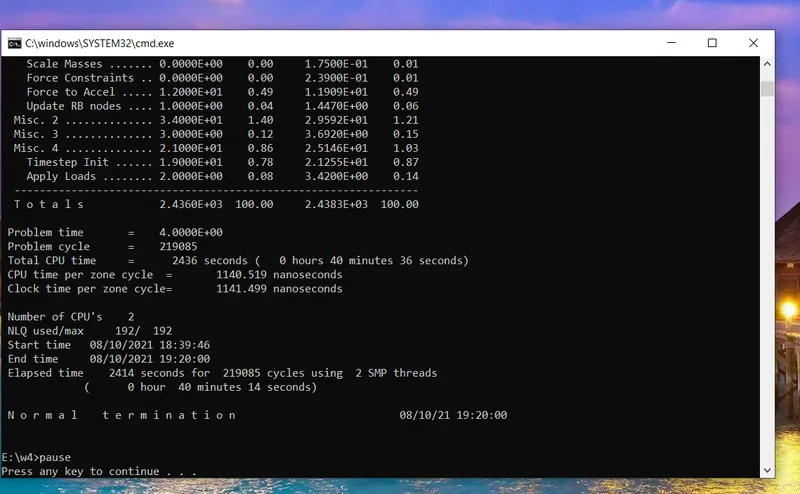
STEP 15:
Go to LS-RUN----run the simulation----got normal termination.
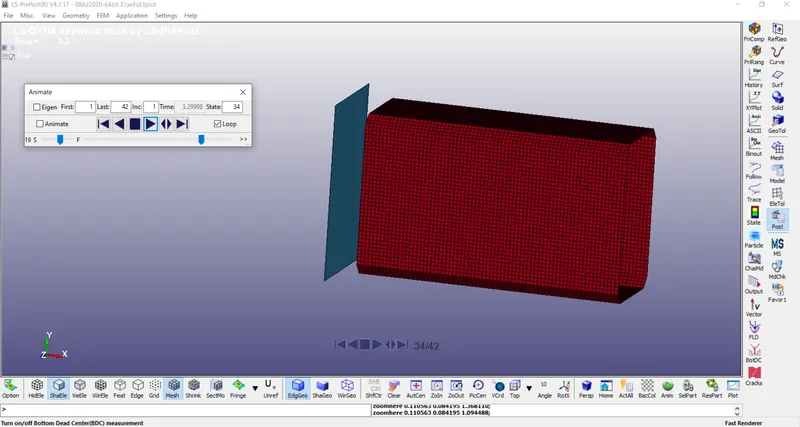
STEP 16:
Go to notepad++----change the value of thickness
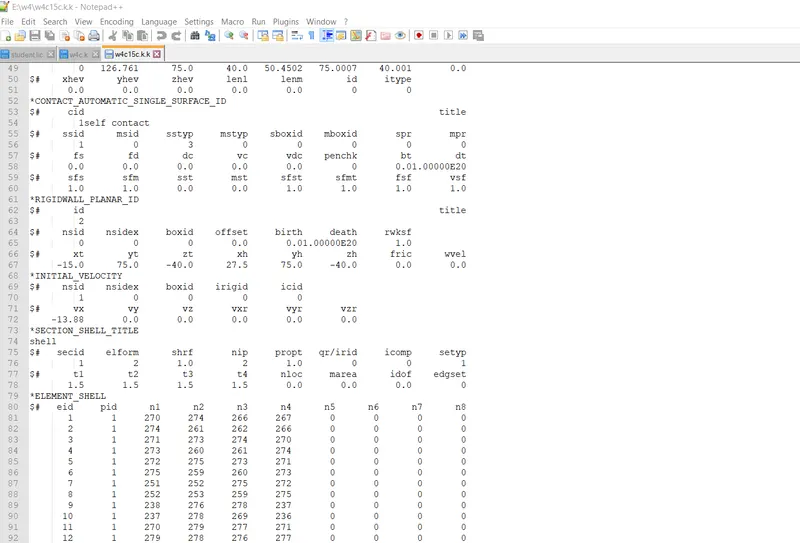
STEP 17:
Run the simulation.
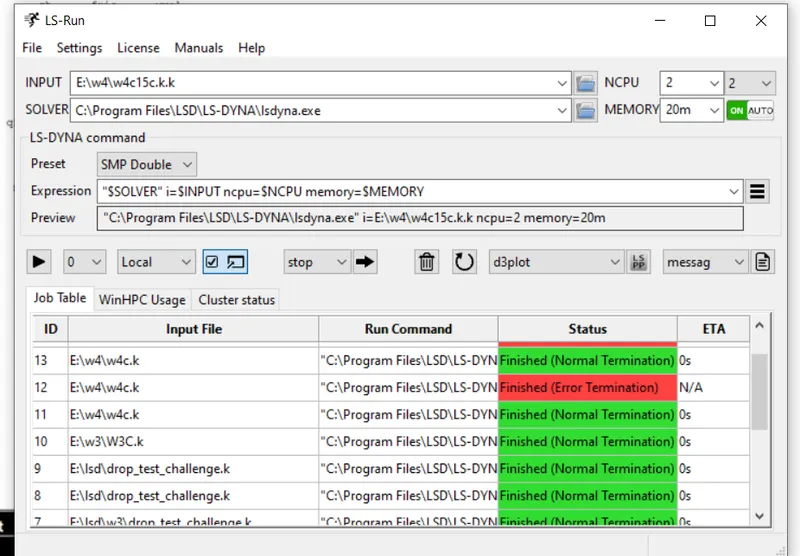
STEP 18:
GLSAT----AscII---energy plot.
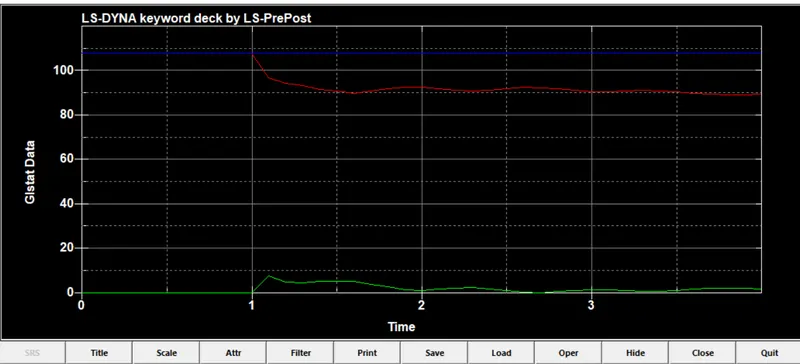
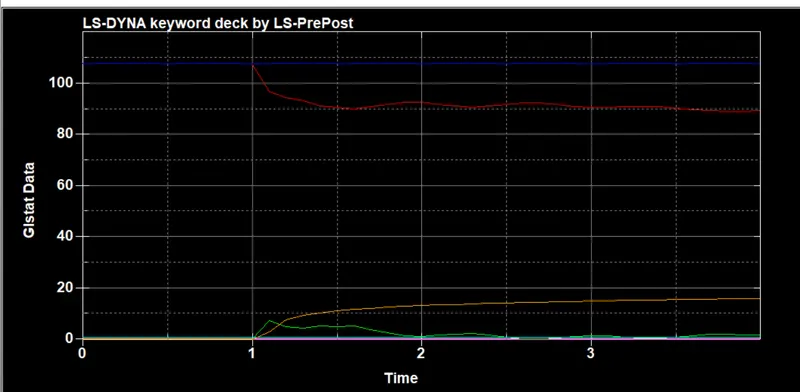
RESULT:
The simulation has been done
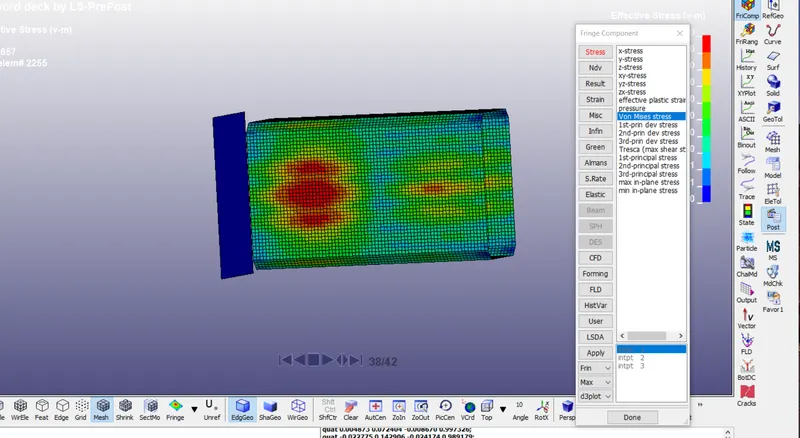
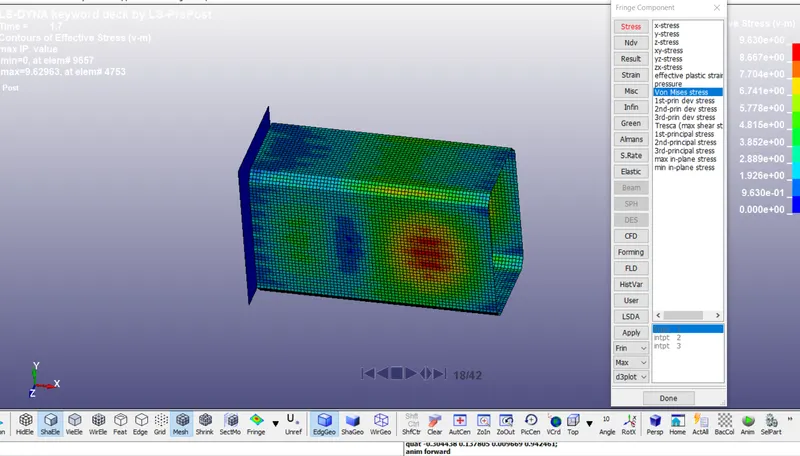
The von-mises theory has been done.
At the thickness 1.2mm
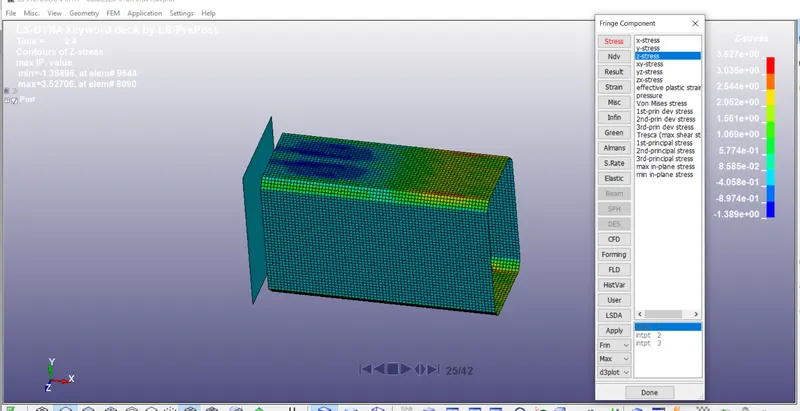
At the thickness of 1.5mm