Week - 4 - Crash Box Simulation
Objective: To simulate the given box model, when it crashes a flat rigid wall.
Procedure: The complete 2D mesh model of BOX is imported onto the LS-DYNA GUI. The rigid wall with which BOX model will crashed against is created within the LS-DYNA software, giving it the necessary pre-requisites.
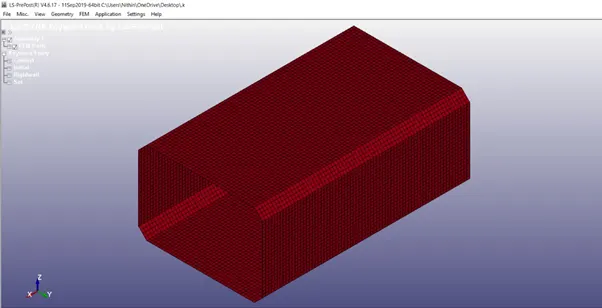
STEP 1: Import the given model onto the GUI of LS-DYNA.
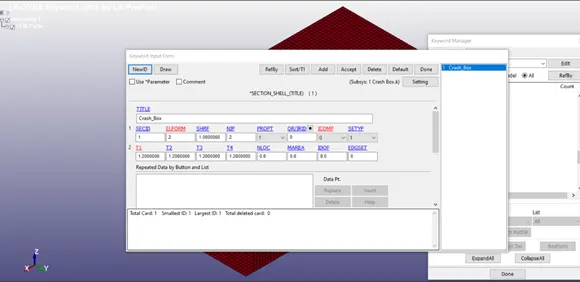
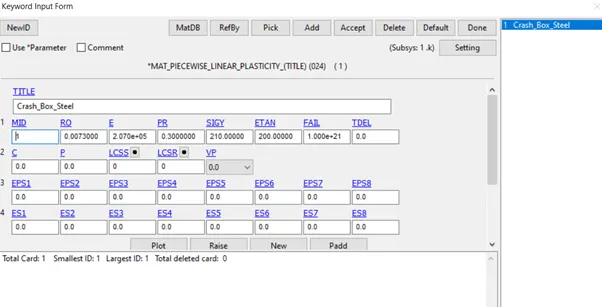
STEP 2: Give the model specific Section ID and Material properties.
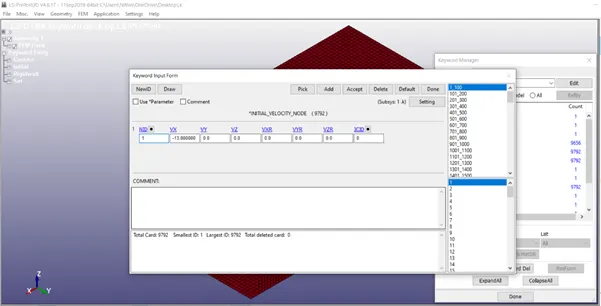
STEP 3: Giving the specified acceleration to the model. The specified speed is 50 kmph, which is converted into gm mm ms and put into Velocity terms.
STEP 4: The rigid wall is created from create entity option.
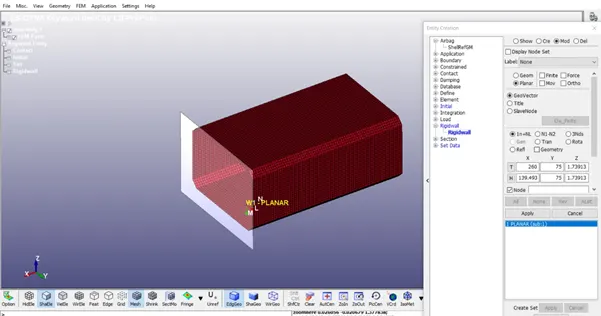
There should be certain gap between the Box model and the RIGID wall. The distance is calculated.
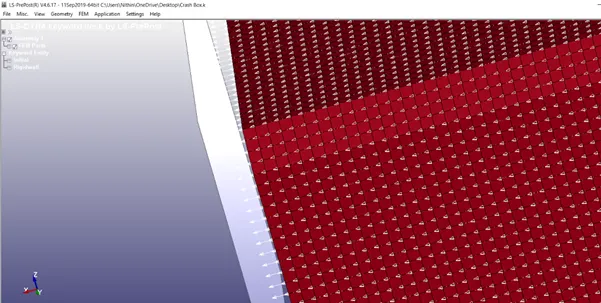
The direction in which the box should be travelling and the speed with which the box will travel is specified and indicated in initial velocity card.
STEP 5: The type of contact is given.
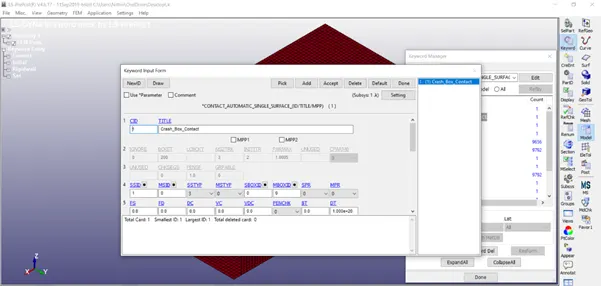
The “Automatic Single Surface” type of contact is selected. Since it is only the simulation of box this type of contact will be the apt one.
STEP 6: Give the control termination time.
STEP 7: The type of database is given as BINARY D3 Plot.
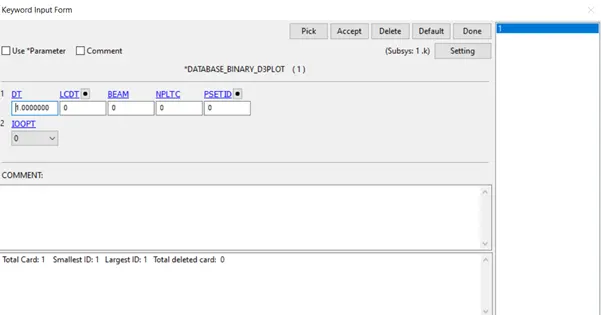
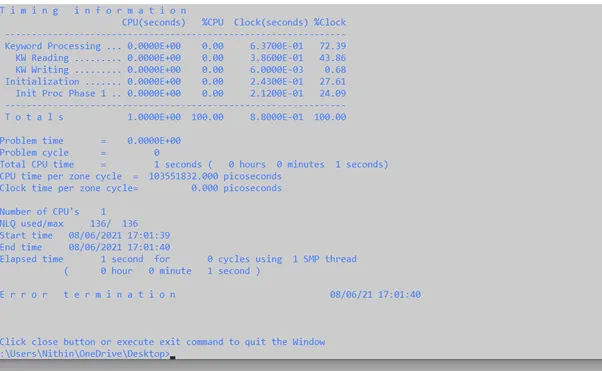
STEP 8: The model is saved and then run in the ls-dyna program manager to get the d3 plot output files.
STEP 9: The model is checked for the von misses stress for both thicknesses 1.2 and 1.5.
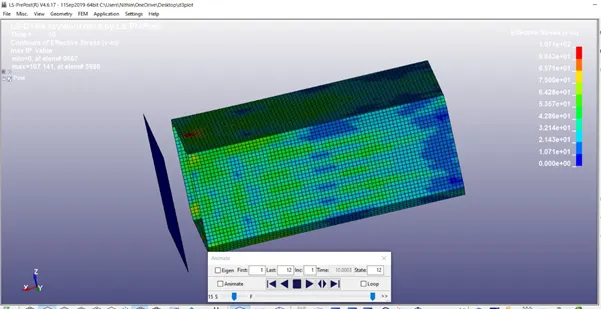
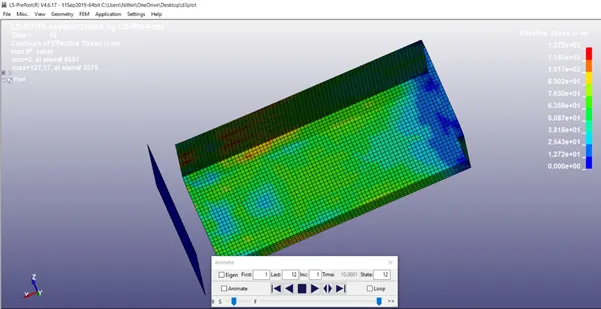
CONCLUSION: The Box model is simulated for both the given thicknesses and the valid result is obtained.