Week 4 Challenge : CFD Meshing for BMW car
AIM:- To Perform CFD Meshing for BMW car.
OBJECTIVE:-
For the given model, check and solve all geometrical errors on half portion and Assign appropriate PIDs. Perform meshing with the given Target length and element Quality criteria. After meshing the half model, Do symmetry to the other side.
Target lengths for the different parts of a model are as follow:
- Body - 3 mm
- Lights - 4 mm
- Grills - 1 mm
- Rims and Tyres - 2 mm
- Optical Rear view mirror - 2 mm
- Window - 2 mm
- Silencer - 3 mm
- Logo - 1 mm
PROCEDURE:-
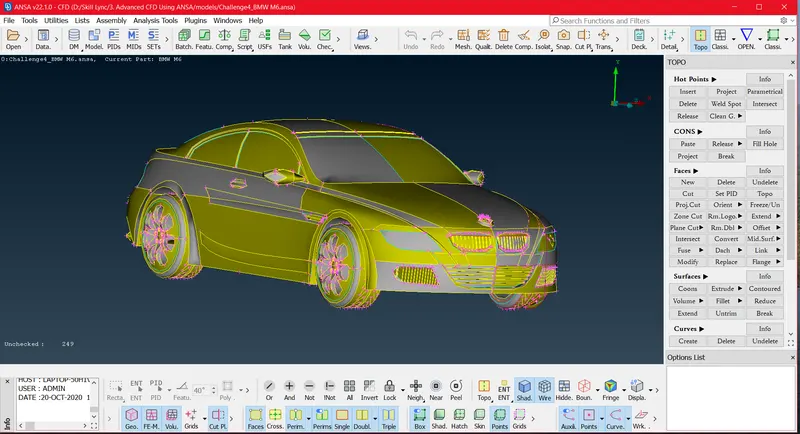
- Import Geometry:-
- Topology Clean-up and Geometry Checks:-
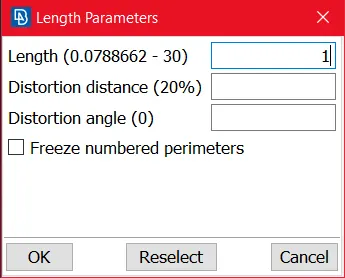
First of all we have to Clean The geometry by using Mesh > Perimeter > length set the perimeter as 1 mm Now we can get finer Geometry.
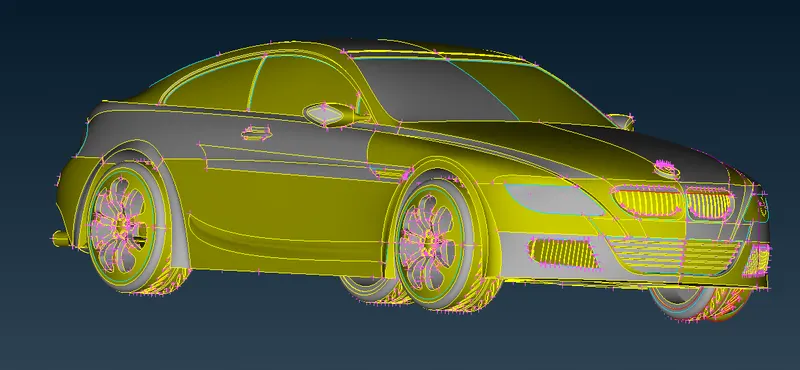
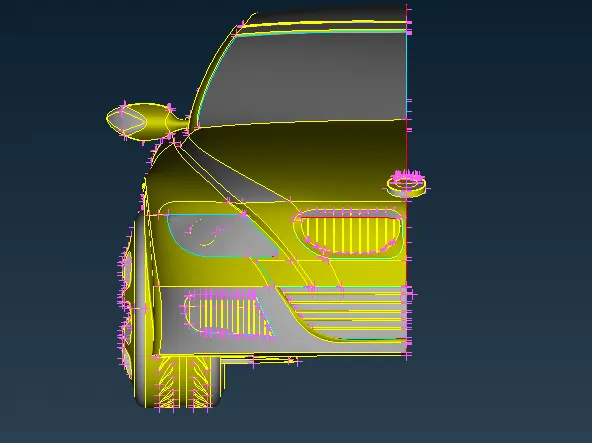
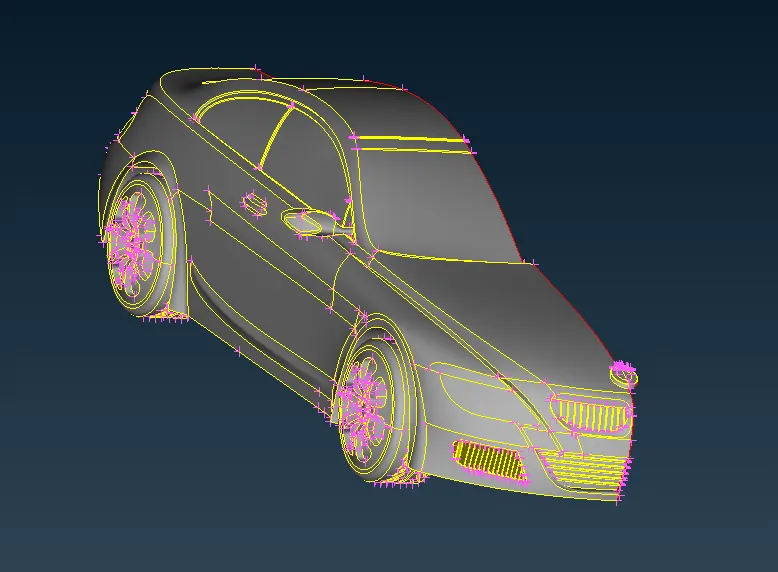
Then we can Delete Half part Of the Car Geometry since we have Syymetrical Car Geometry further more we can use Transform After Meshing. After deletion geometry look like as below.
Check The Geometry Error and Intersection Error:-
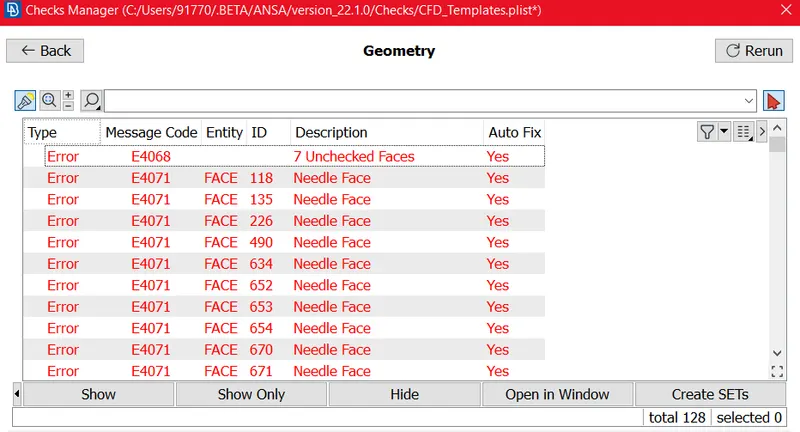
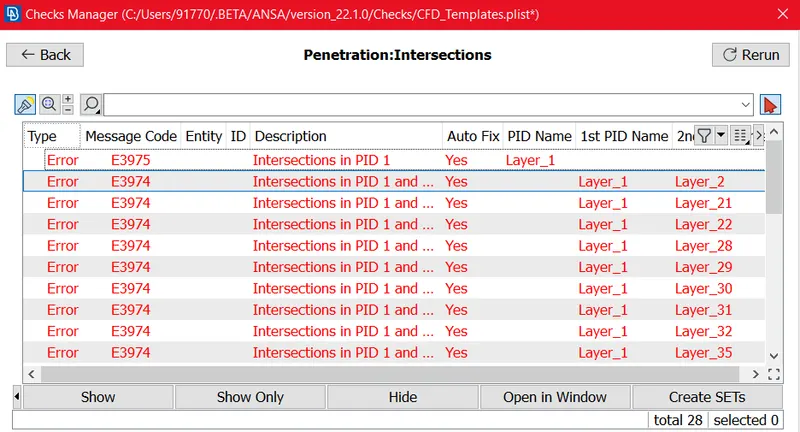
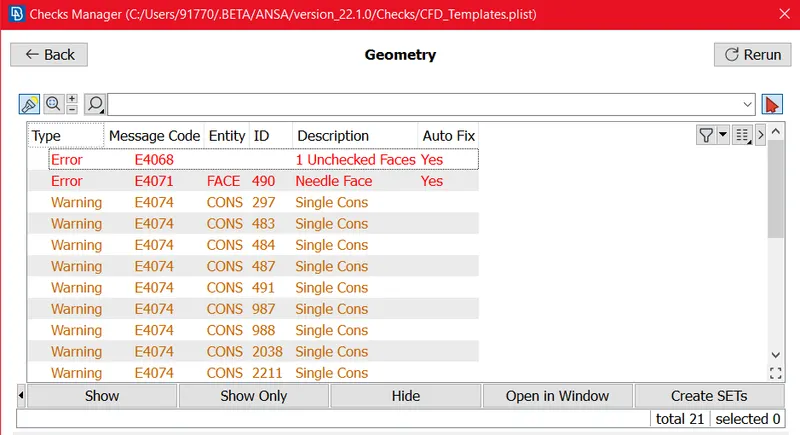
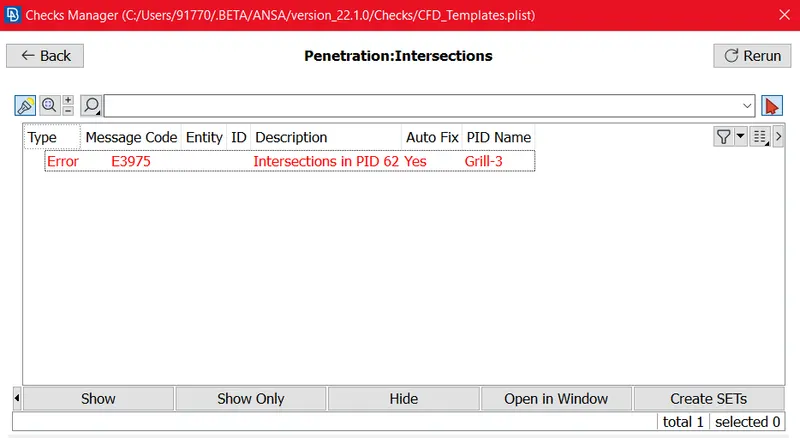
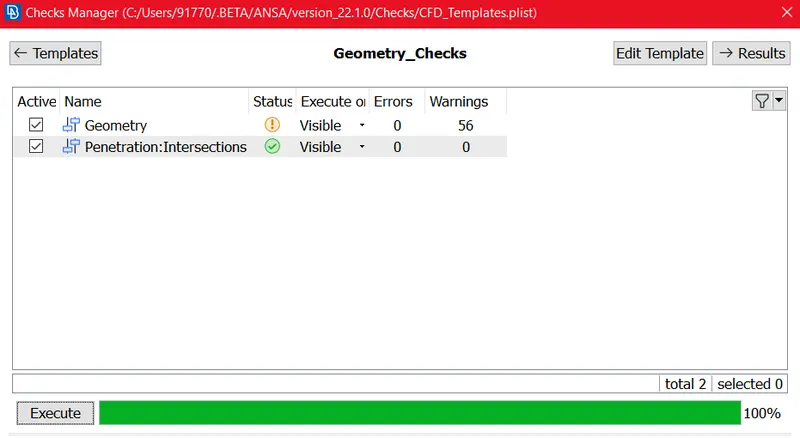
We can get the Errors like Below Figures.
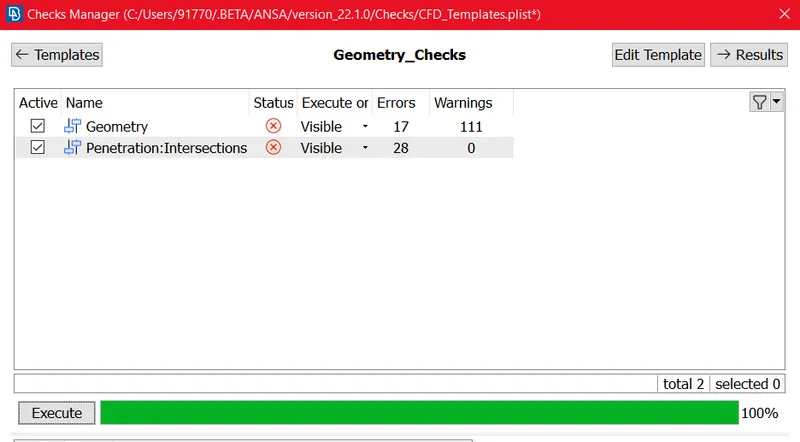
Geometry Errors:-
Penetrations : Intersections Errors:-
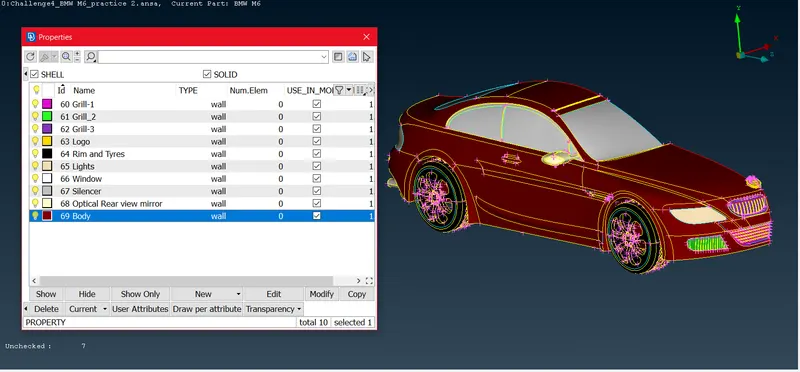
ASSIGN PID's:-
We can assign PID's
Then We can Try Topology Clean-up by One by One part:-
We can Try Clan-up as per Single Volume Interiour so we need Water-tight Geometry because we are trying to Mesh as per study External Aerodynamics of car. so we need to avoid Un-wanted Volume, so likewise we have to Clean Geometry.
- Grill-1:-
We can try Clearing above Shown Errors.
we can Try deleting Un-wanted Surfaces, Edges to avoid Triple cons and single cons. make Water-tight volume and avoid unwanted volume.
by using Project Cons tool we can project the un-bonded surfeces to main surface.
by using delete un-wanted surfacess we can make water tight volume.
Grill-1 Before Clean-up:-
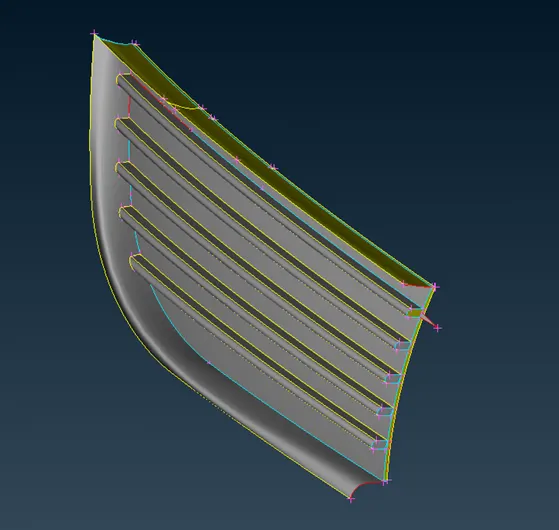
Fig. Grill-1 Before Clean-up
Grill-1 After Clean-up:-
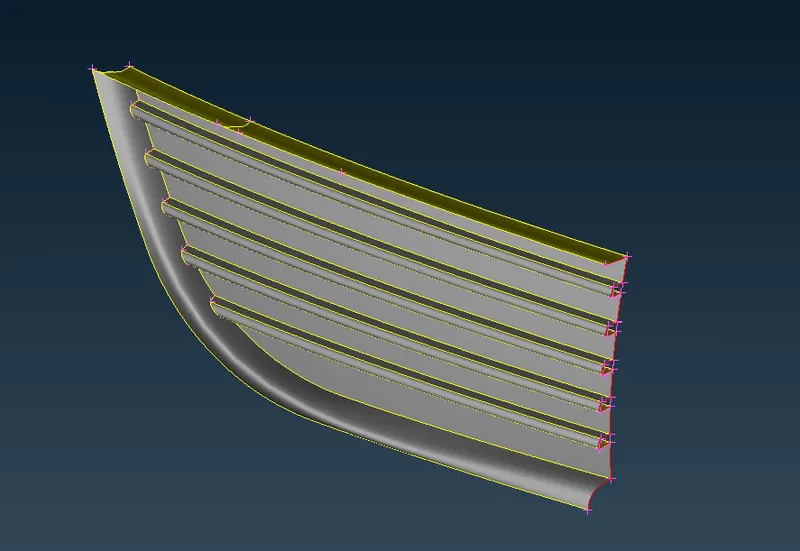
Fig. Grill-1 After Clean-up
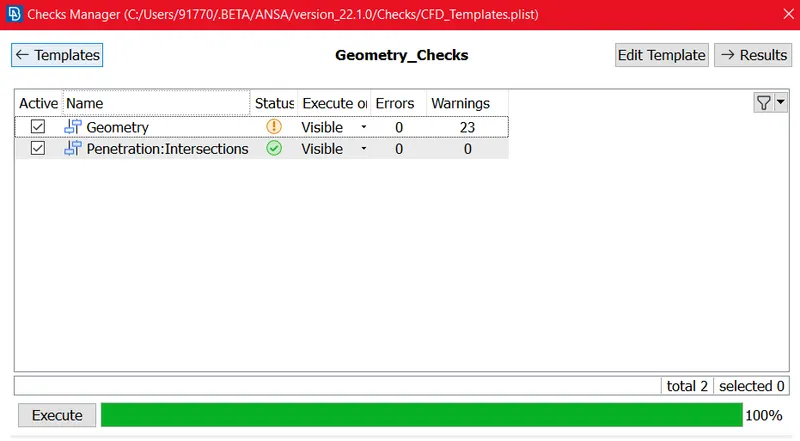
After cleaning again checked Errors:-
We are getting 23 warnings related to single cons becase these surfaces Associated with Syymetrical half section we can not avoid those erros, bacause that single cons becomes double cons after transform.
2. Grill-2:-
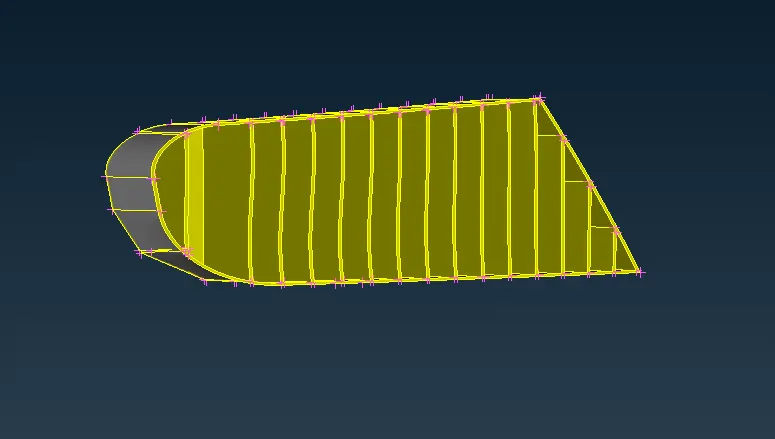
we can Try deleting Un-wanted Surfaces, Edges to avoid Triple cons and single cons. make Water-tight volume and avoid unwanted volume.
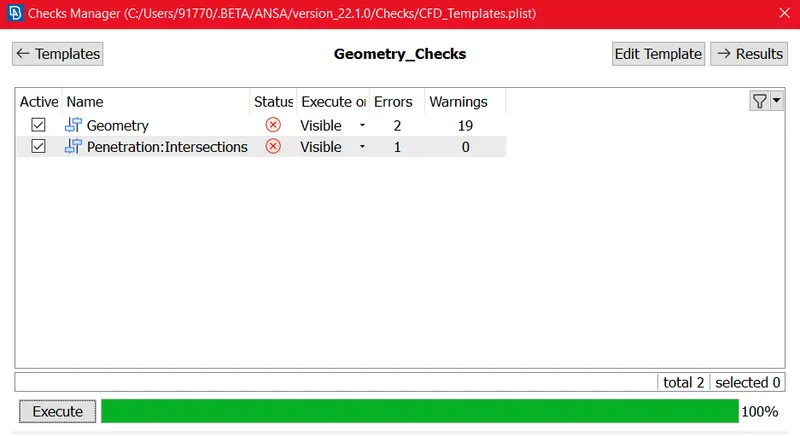
Geometry and Penetration Checks:-
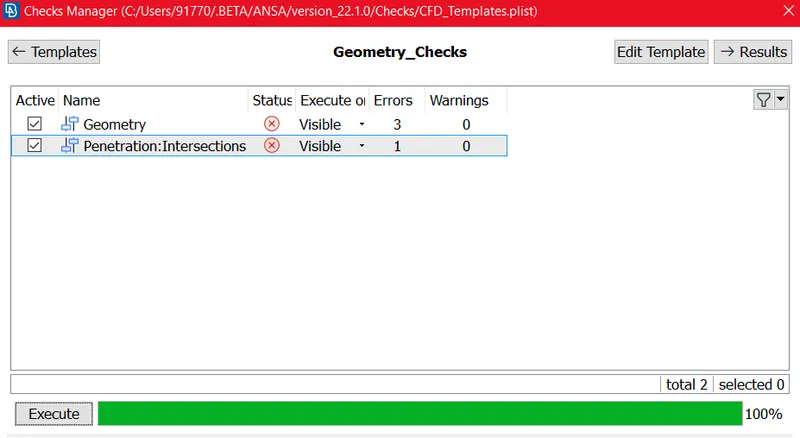
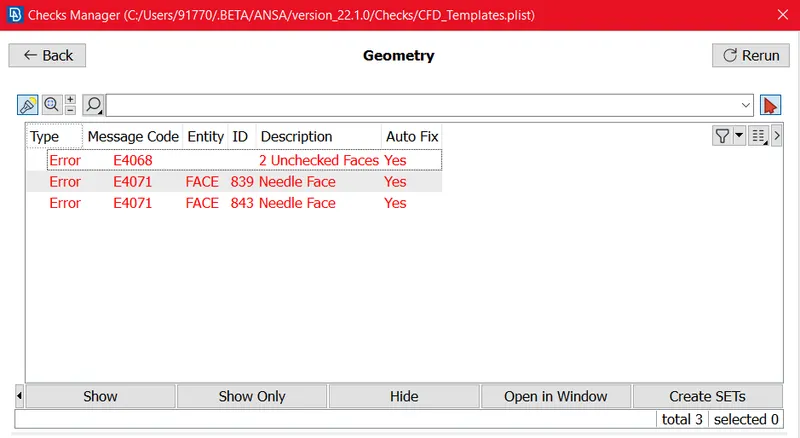
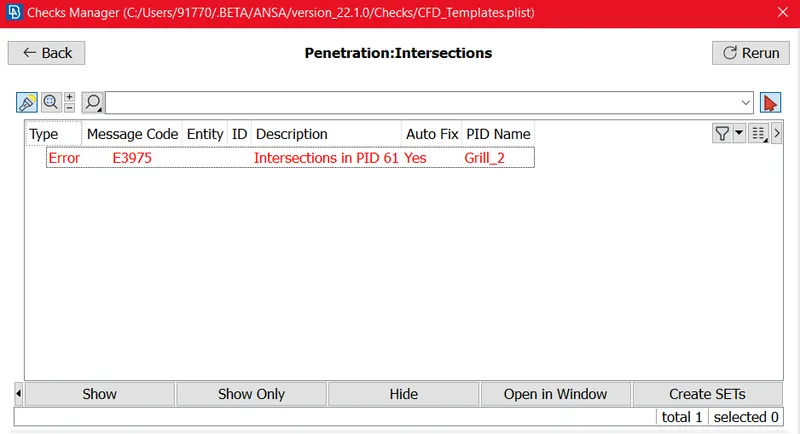
Grill-2 Before Clean-up:-
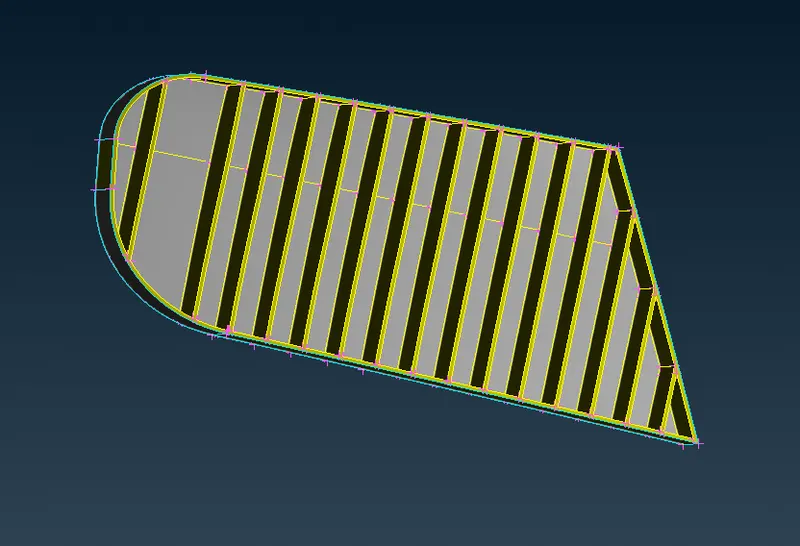
Fig. Grill-2 Before Clean-up
Grill-2 After Clean-up:-
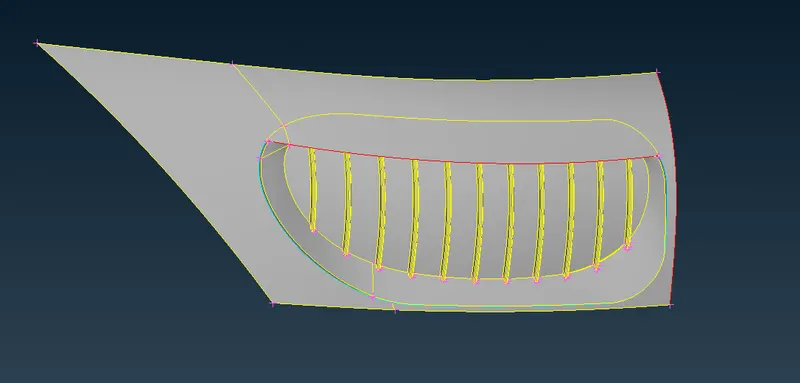
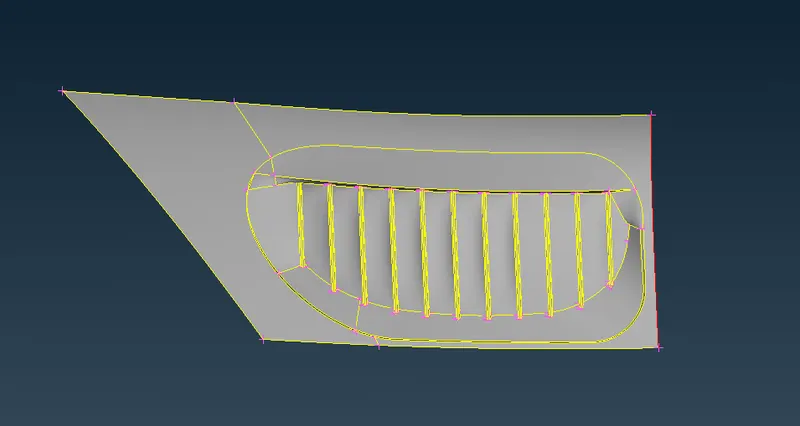
3. Grill-3 :-
Errors:-
Before Clean-up:-
After Clean-up:-
Logo:-
Errors:-
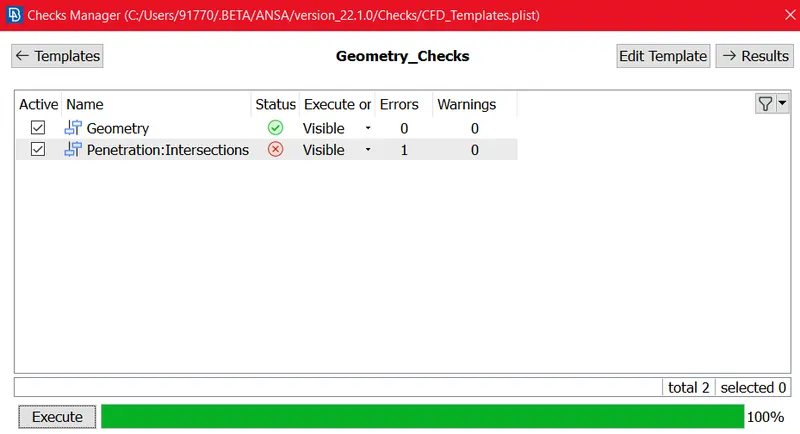
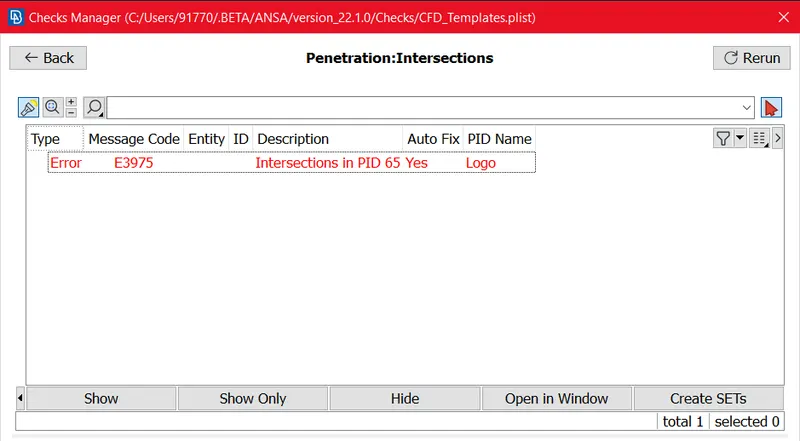
Logo Before Clean-up :
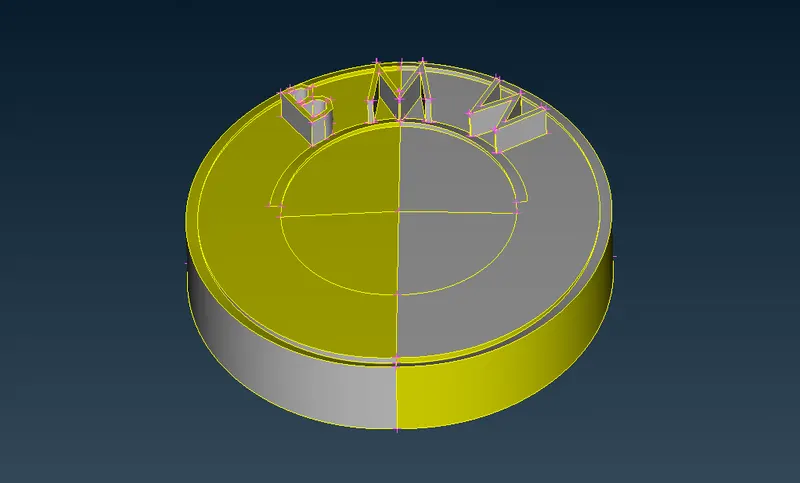
Logo After Clean-up :
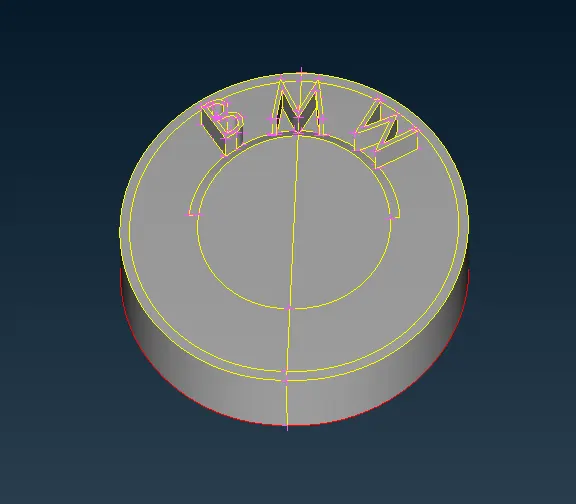
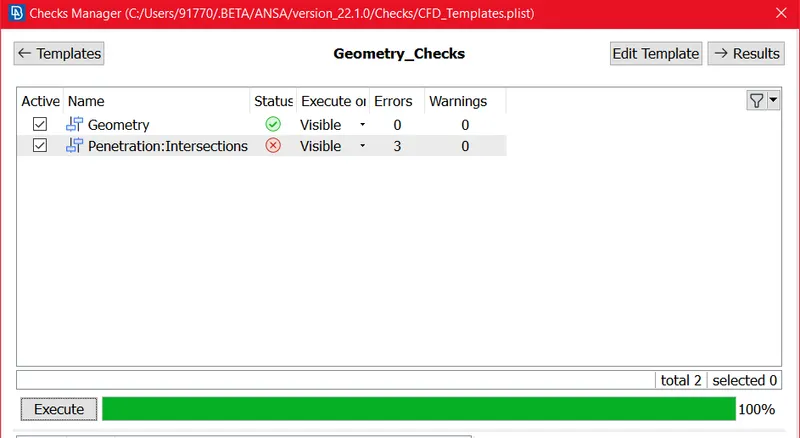
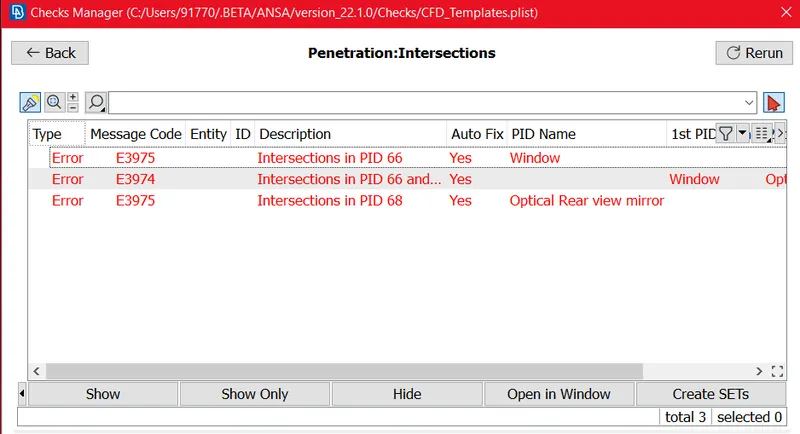
Mirror
Errors:-
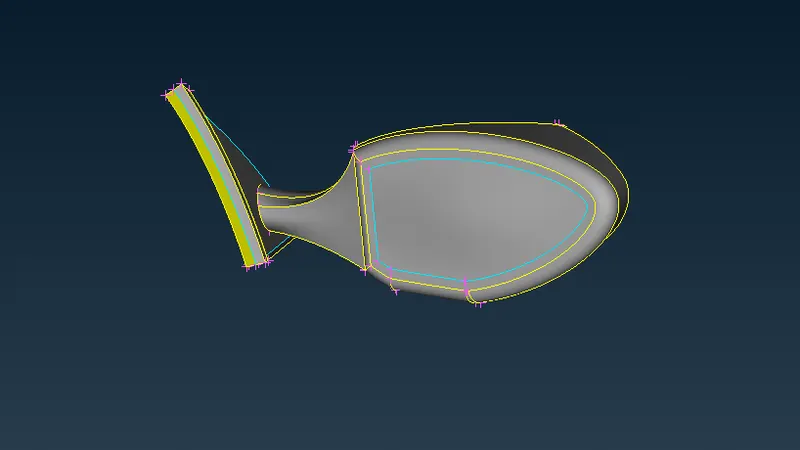
Before Clean-up:-
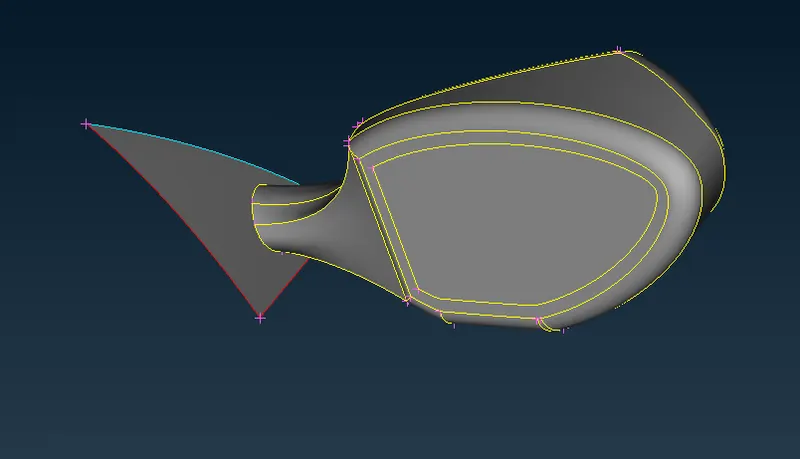
After Clean-up:-
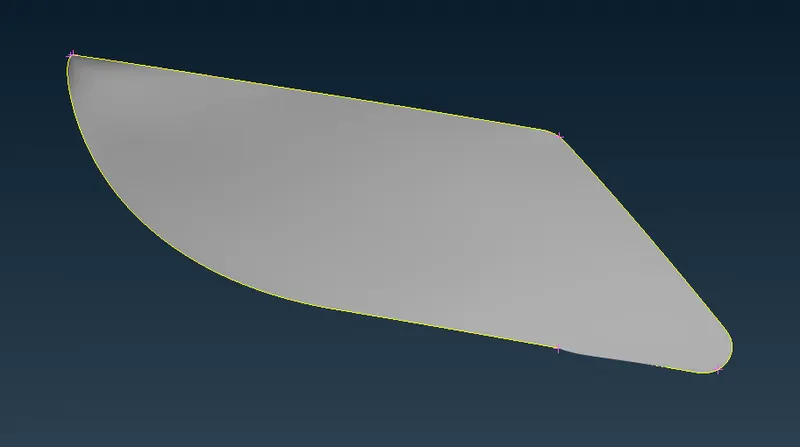
Lights:-
Errors:-
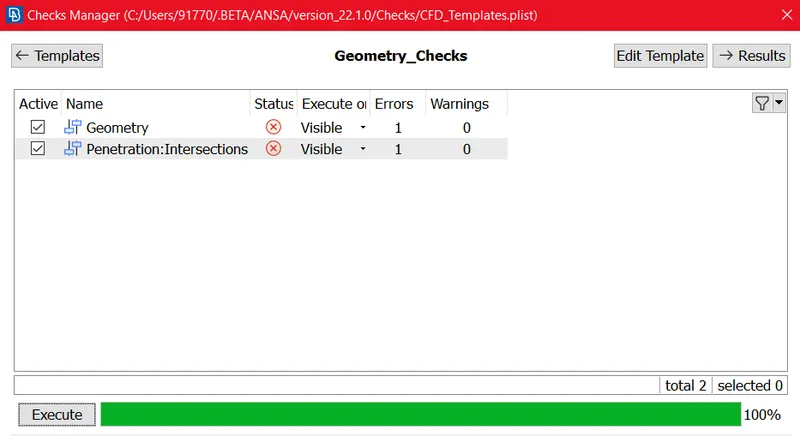
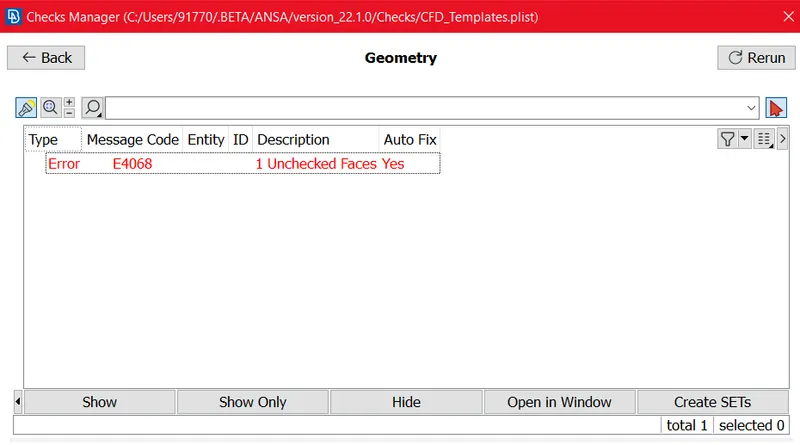
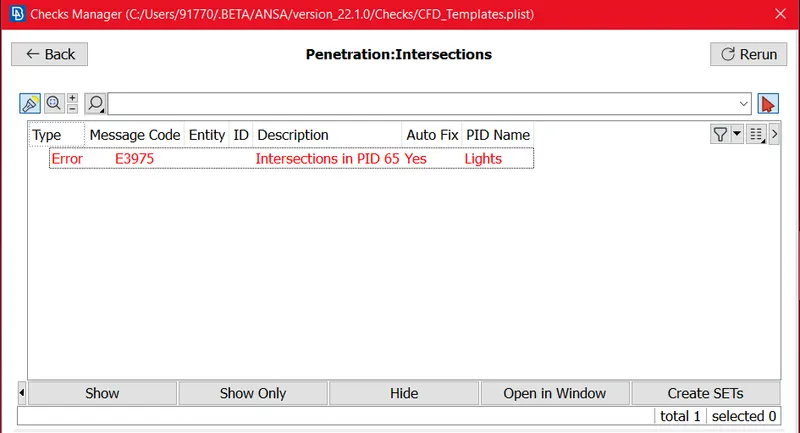
Before Clean-up:-
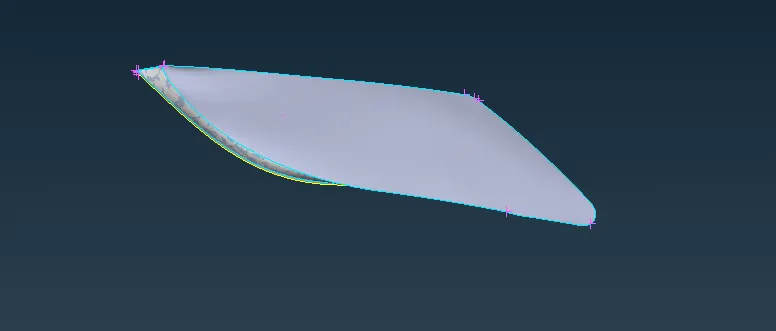
After Clean-up:-
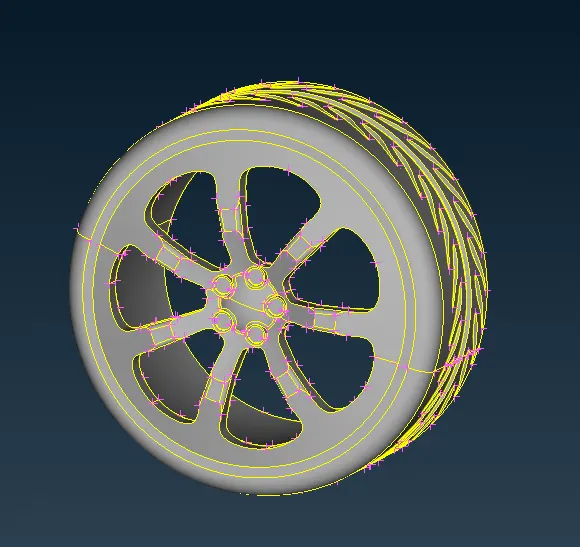
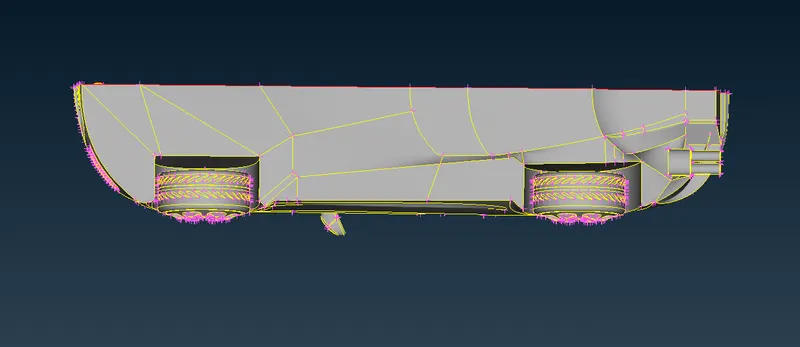
Rim and Tyres:-
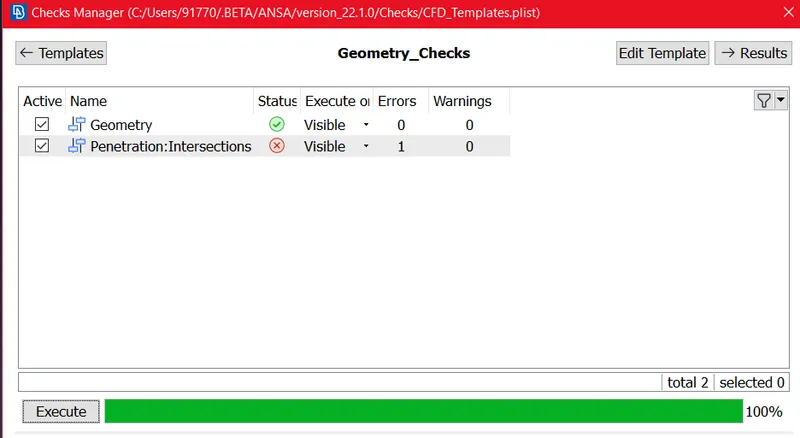
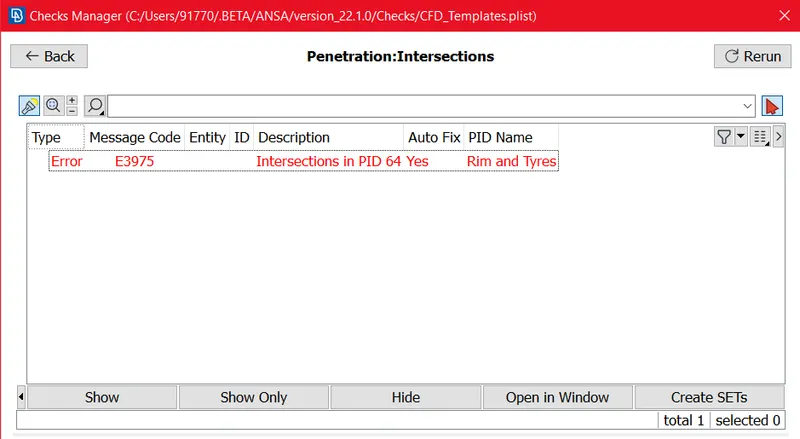
Before Clean-up:-
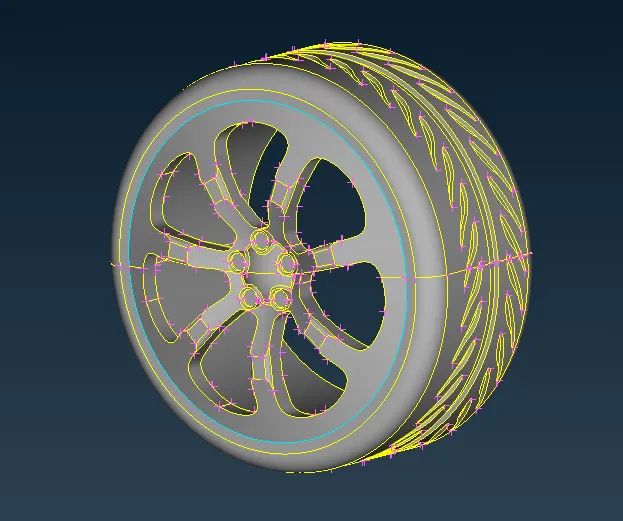
After Clean-up:-
Some of the Red cons present at Design at near to Front tyre:-
Before Clean-up:-
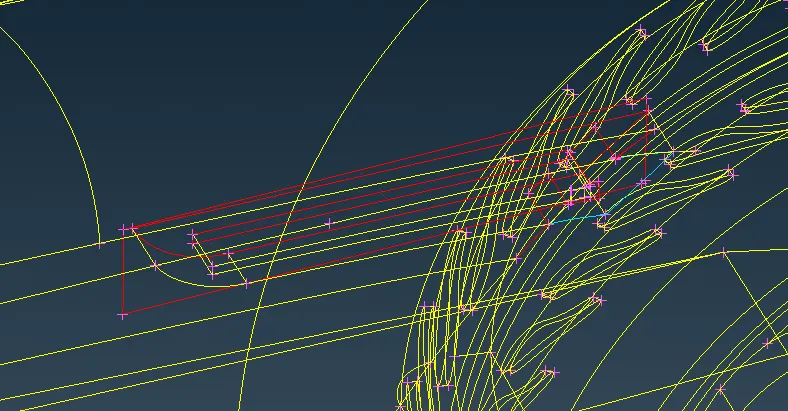
After Clean-up:-
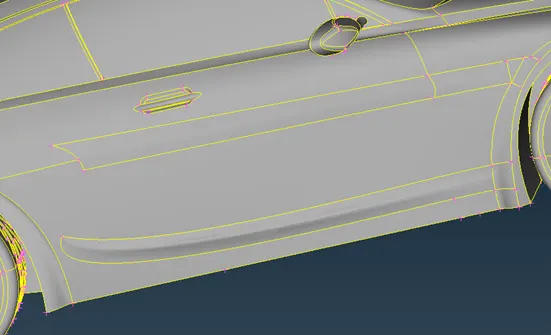
Some intersections/penetrations are present at Tyre :-
Before Clean-up:-
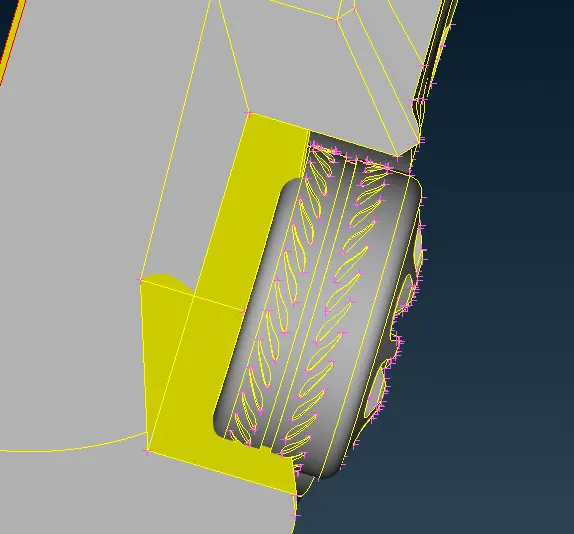
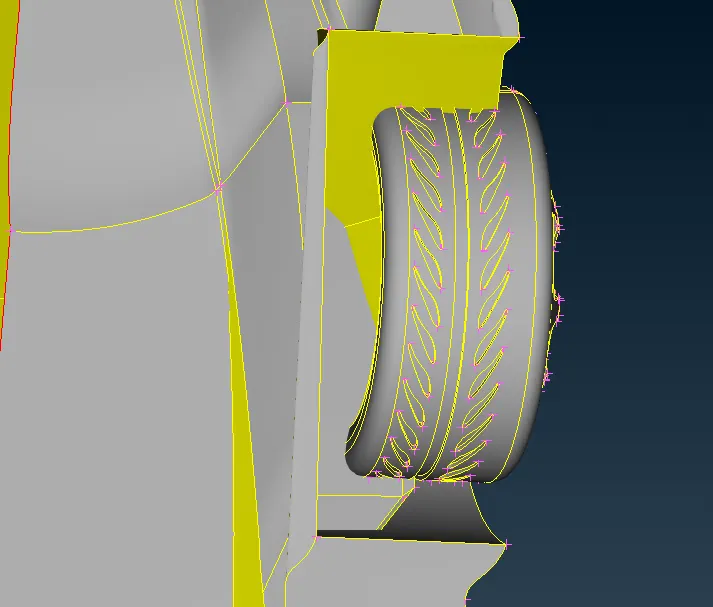
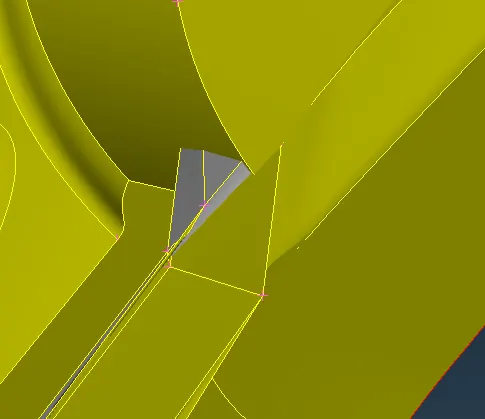
After Clean-up:-
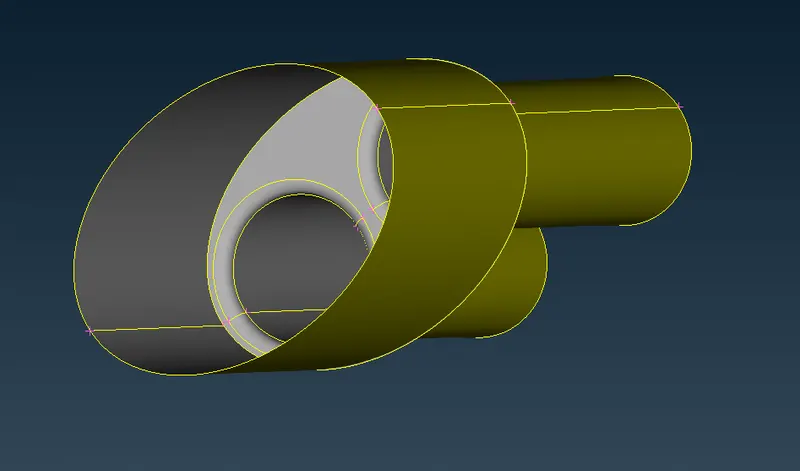
Silencer having thickness we have to keep only outer part because we are doing external Simulations and we have to avoid Volumes.
Before Clean-up:-
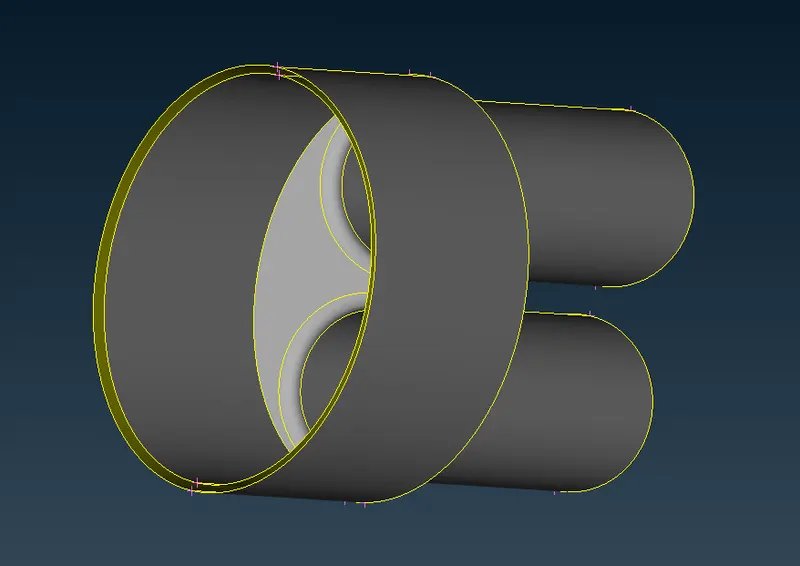
After Clean-up:-
Then we can get The Error proof Half Car body
Then We are going to Transform to Full body, bu using Trasform > Copy > select Entity > Symmetry > 3Point Mirror >ok. after that we can get.
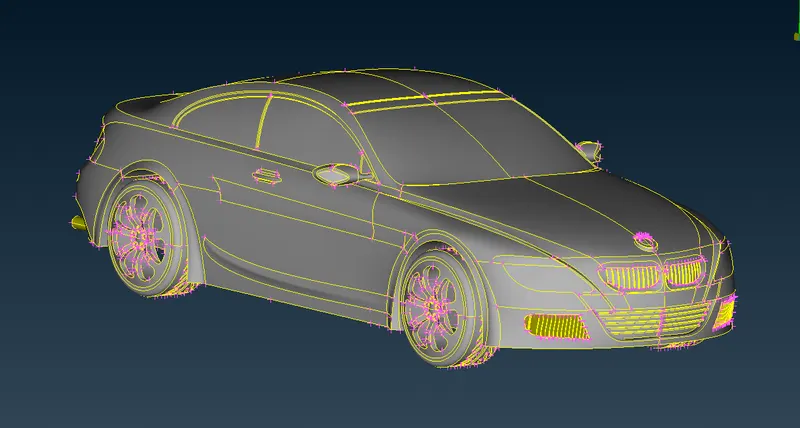
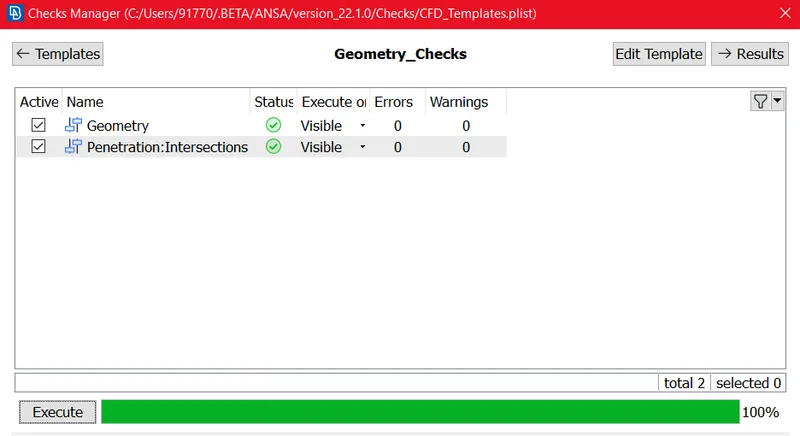
Again we checked Geometry errror and Penetration Error to go further for Surface meshing, now We get the Error free Full car body as shown in above Fig.
TOOLS USED FOR TOPOLOGY CLEAN-UP:-
Insert Hot points, Project Hot Point,Release Hot points, Paste cons, Project Cons, New faces (Fitted, Coons), Delete faces, Undelete faces , Cut Faces, Set PID, Topo, Project cut Faces, Check Geometry, Universal Delete etc.
SURFACE MESHING:-
we start the surface meshing as per set PID's as per given Element size, we are using tria Mesh algorithm here.
- Grill and Logo:- 1 mm Target element size
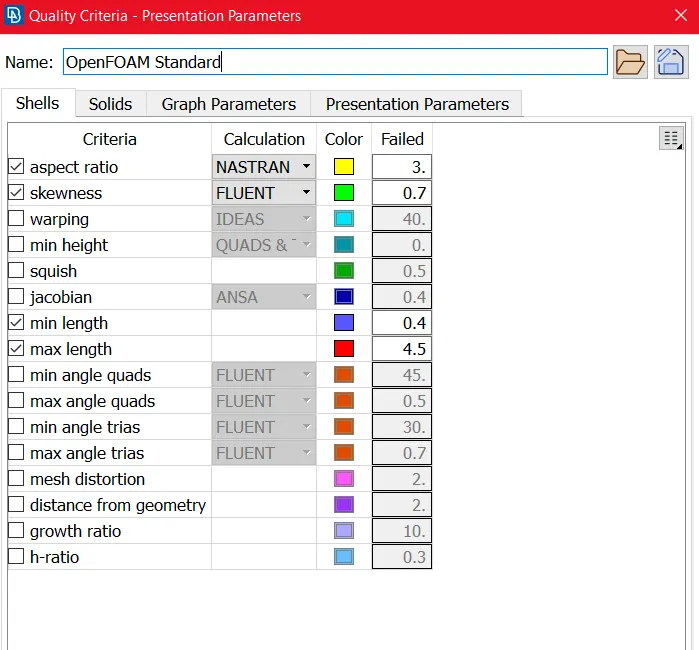
First of all we can set Mesh parameters and Quality criteria as below.
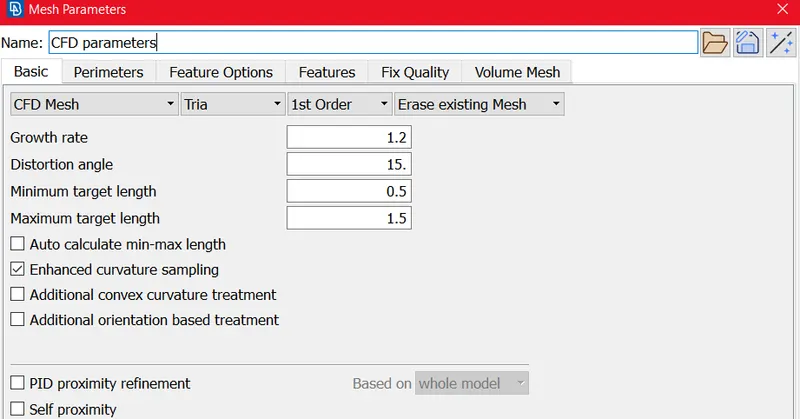
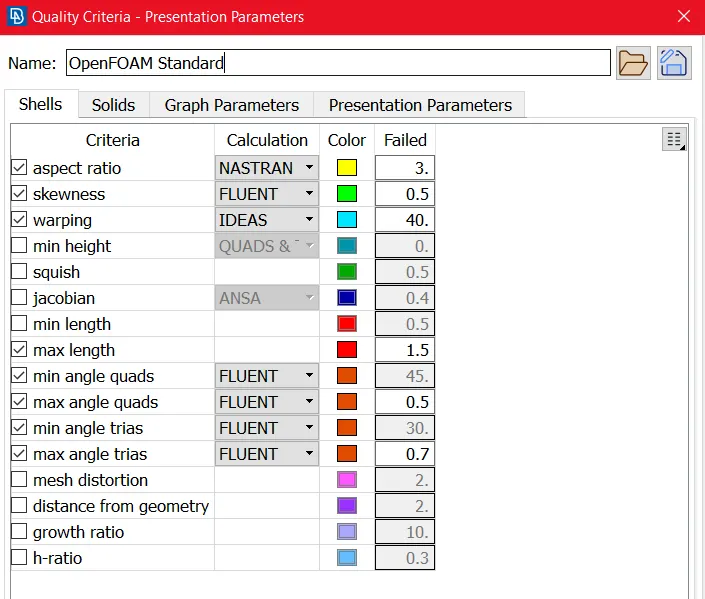
After that we used CFD Mesh Algorithm here. then we get the mesh below,
Surface meshing before improve:-
we encountered 35 off elements of total element 195662.
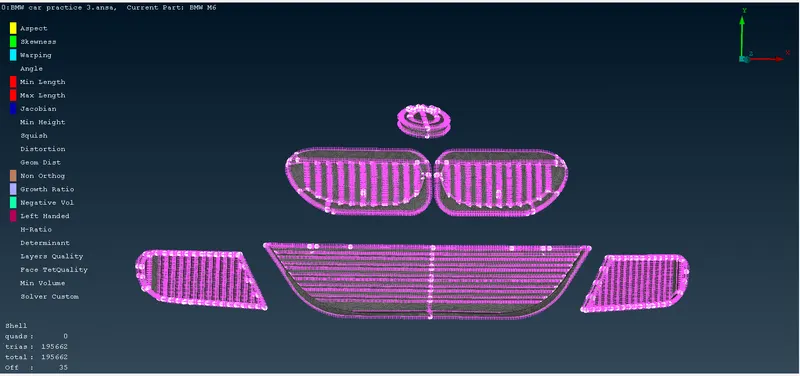
Surface meshing After improving Off elements:-
Now after using Improve Tool we get off elements are as zero.
Generated Mesh:-
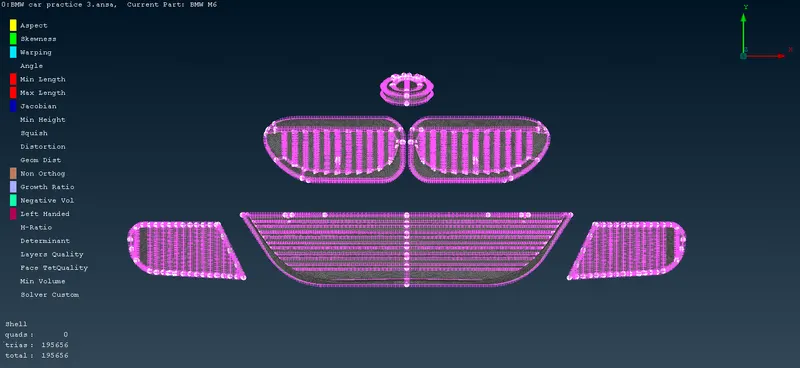
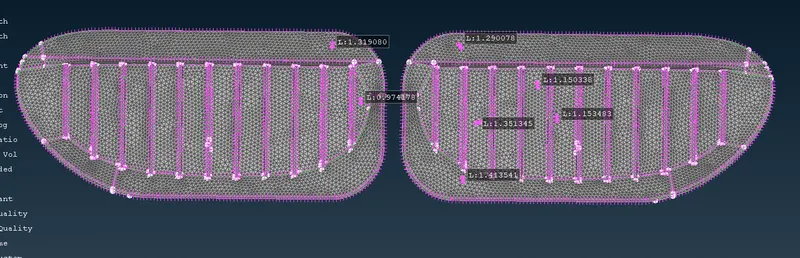
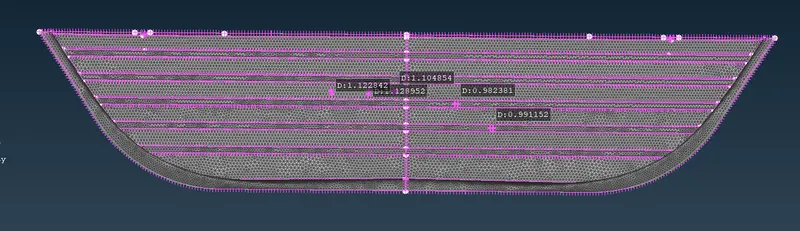
Generated Mesh Logo:-
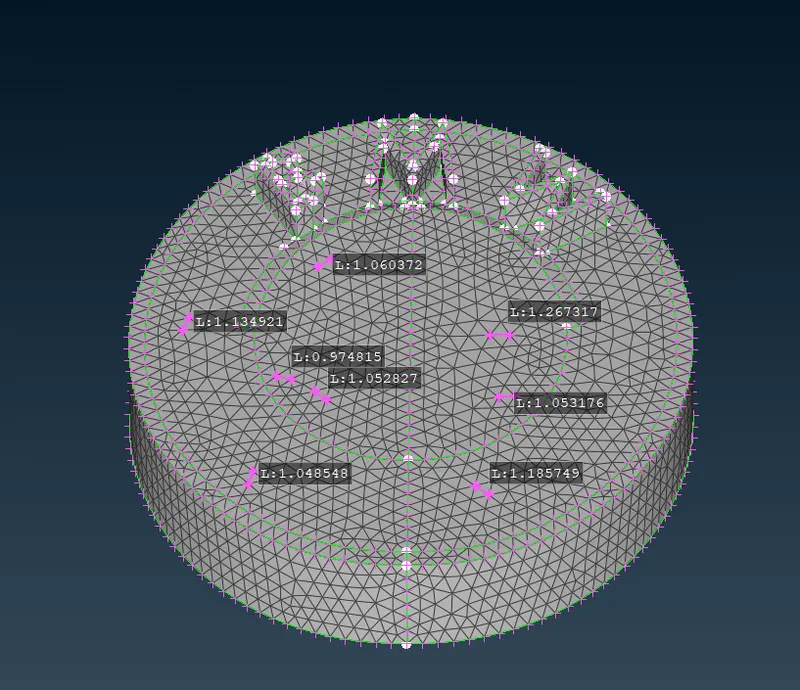
- Rims and Tyres, Optical Rear view mirror and Window Target Element Size 2 mm:-
we can set Mesh parameters and Quality criteria as below.
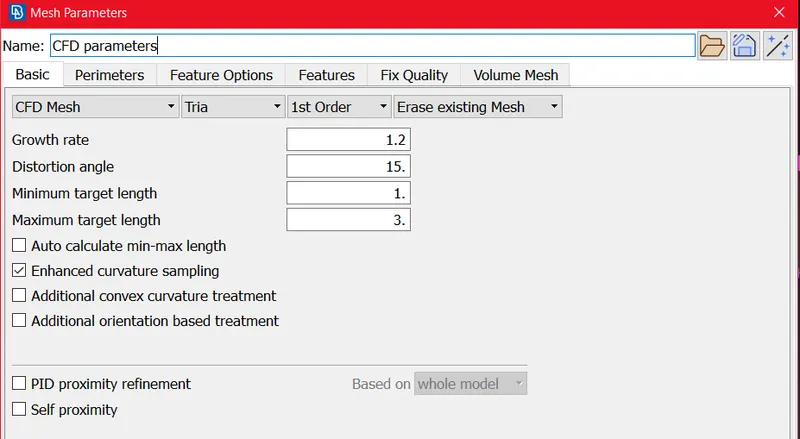
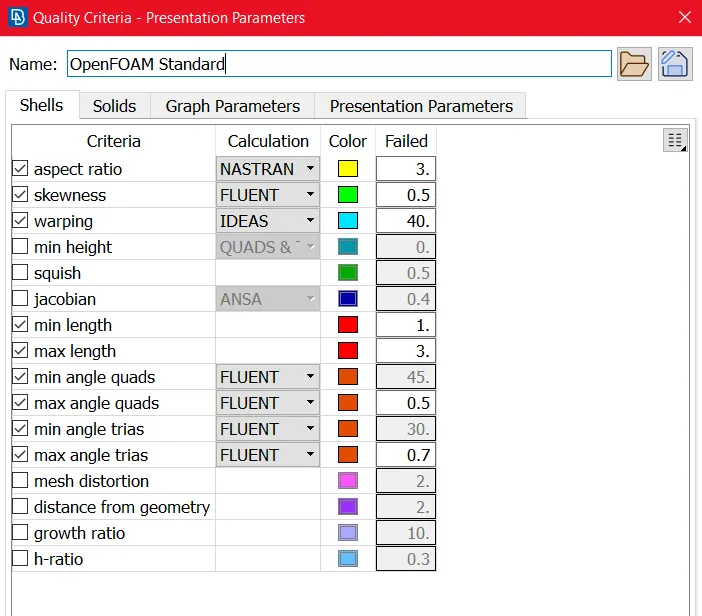
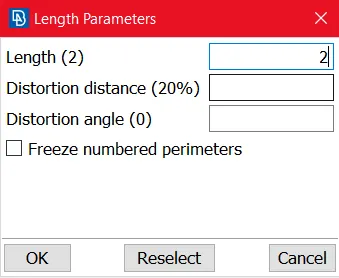
Surface meshing before improve:-
we encountered 918 off elements of total element 386622.
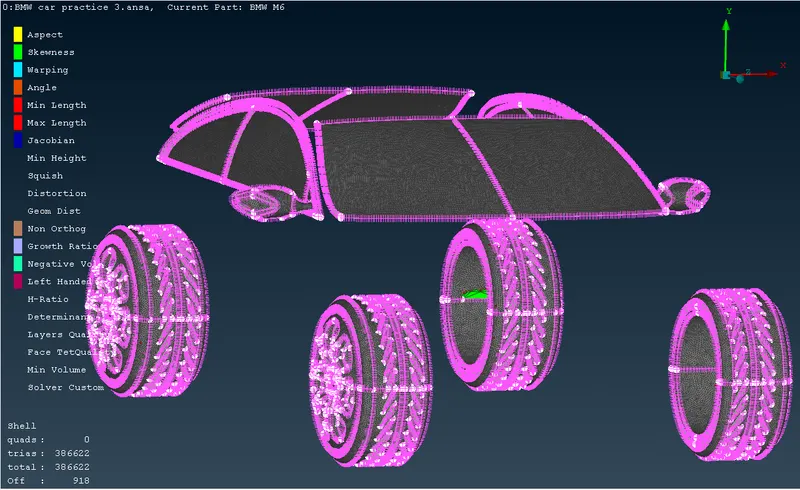
Surface meshing After improving Off elements:-
Now after using Improve Tool we get off elements are as zero.
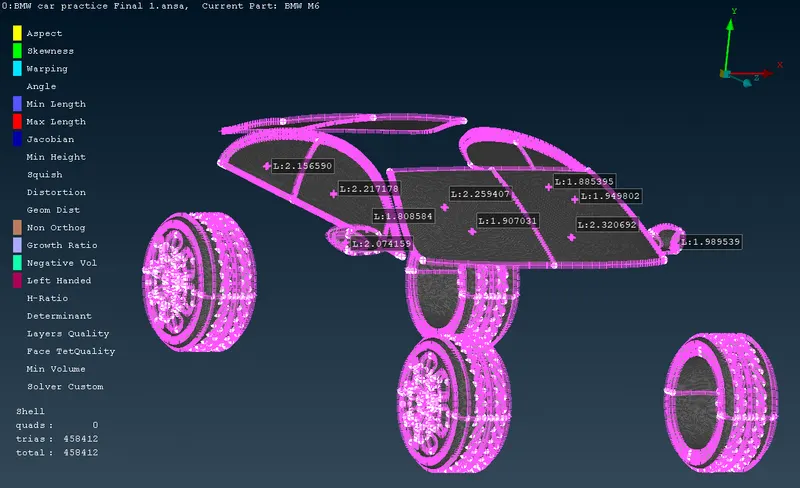
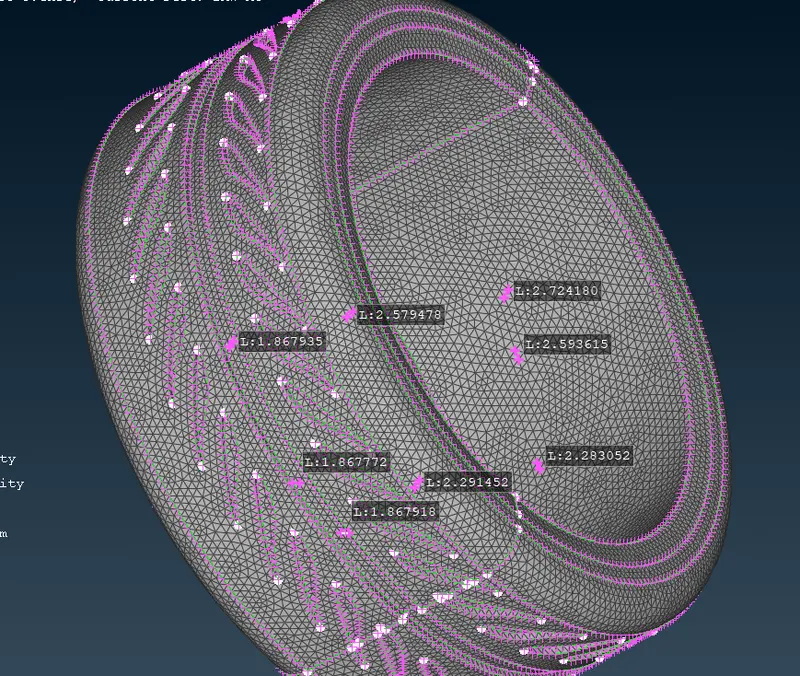
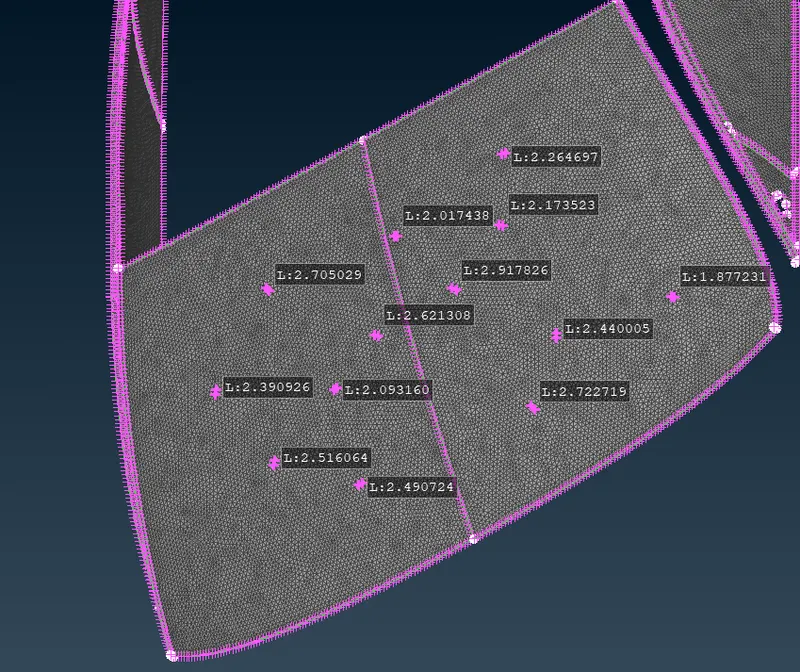
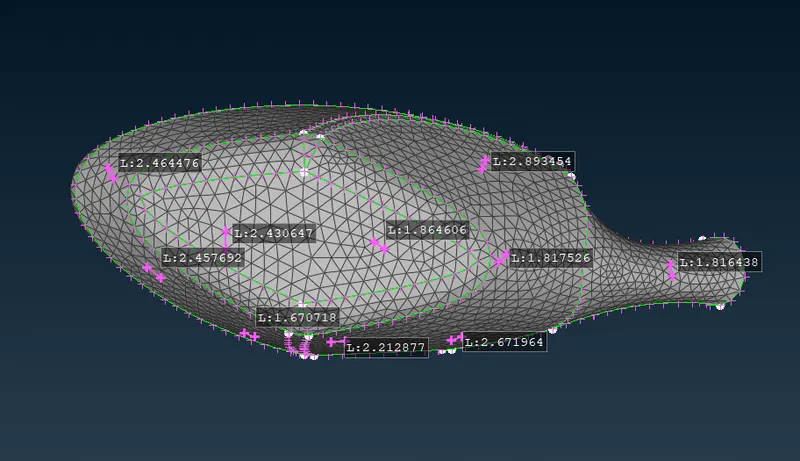
Generated Mesh Optical Rear view mirror:-
- Body and Silencer - Target Element 3 mm
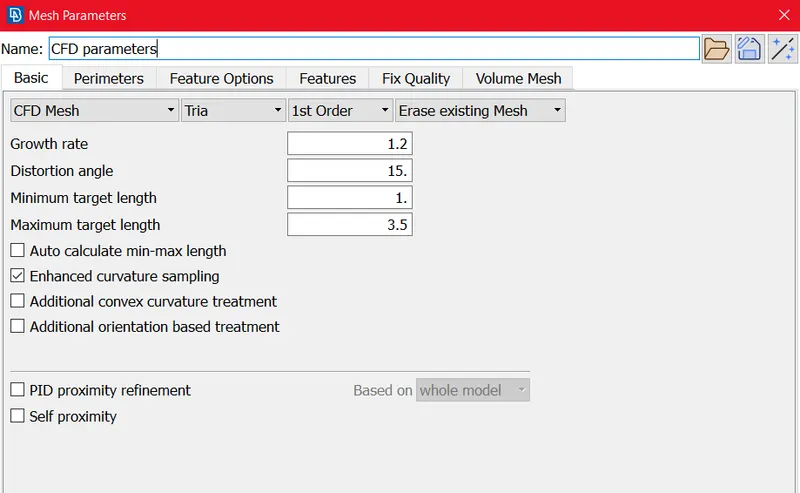
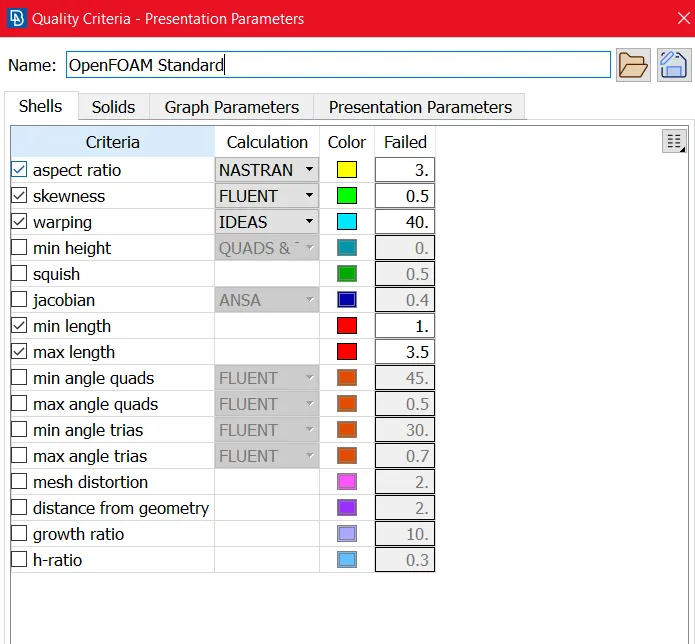
Mesh parameters and Quality criteria:-
we set the Mesh parameter and quality as below
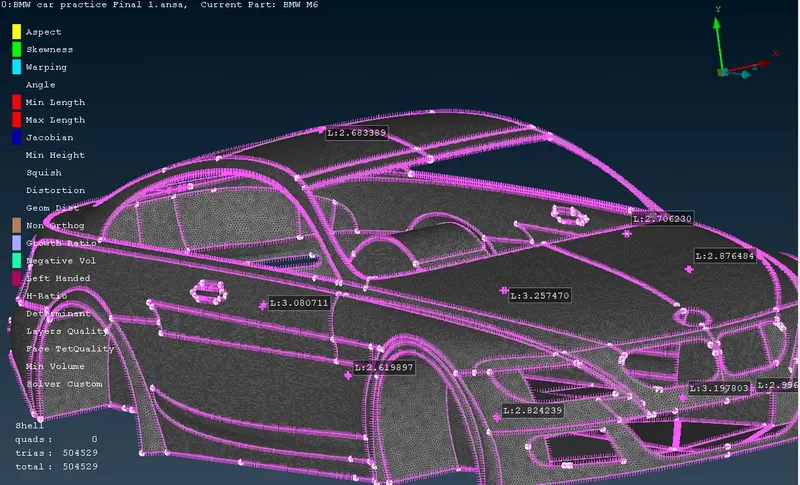
Body Before Improvement:-
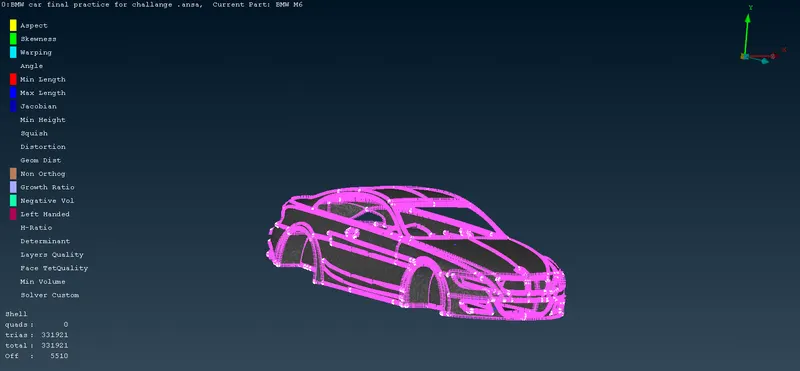
Body After Improvement:-
Then we are used Improve tool for improve the quality criteria. Now we are Not getting off element( off element is zero.
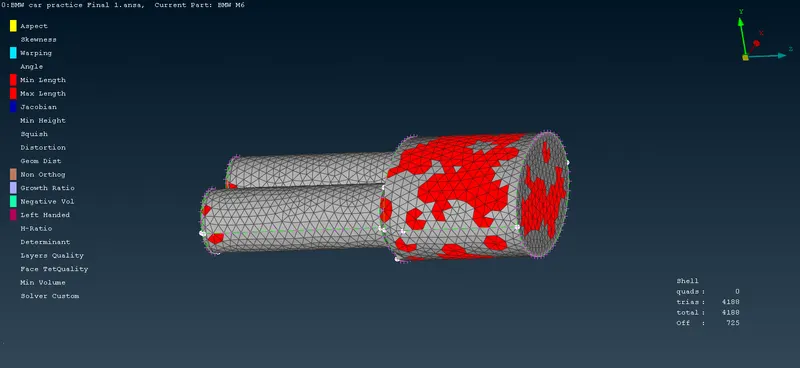
Silencer:-
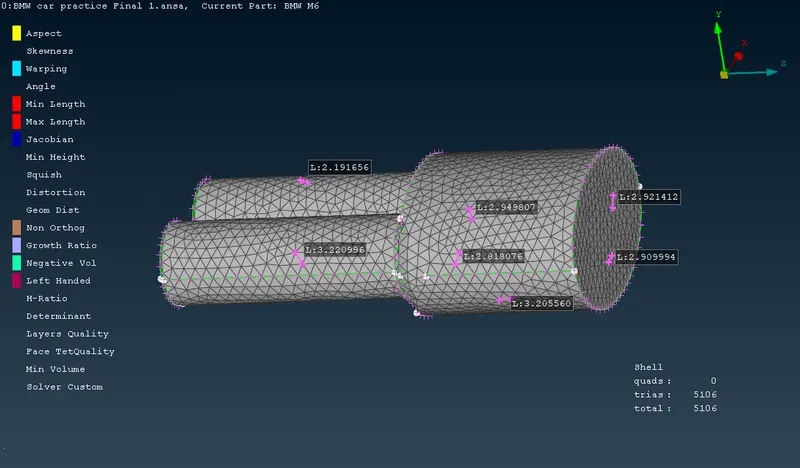
The mesh parameters and quality criteria is same as Body.
Before Improvement:-
After Improvement:-
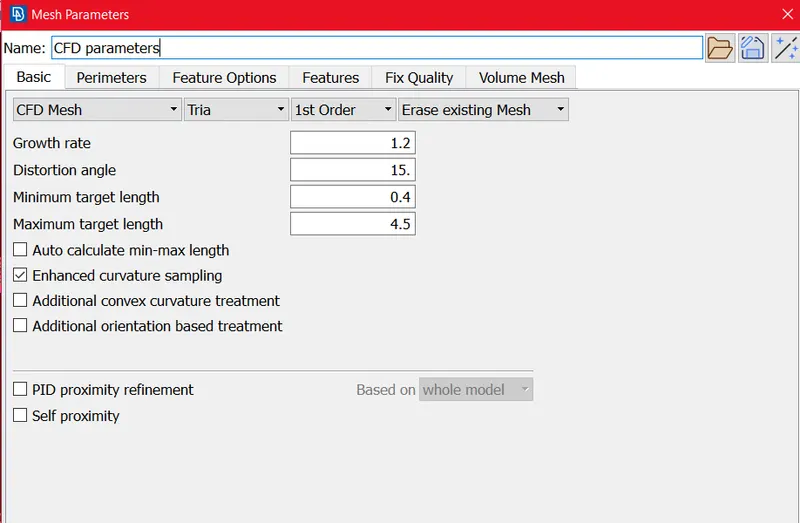
- Lights Target Element size 4 mm:-
Mesh parameters and Quality Parameters as below:-
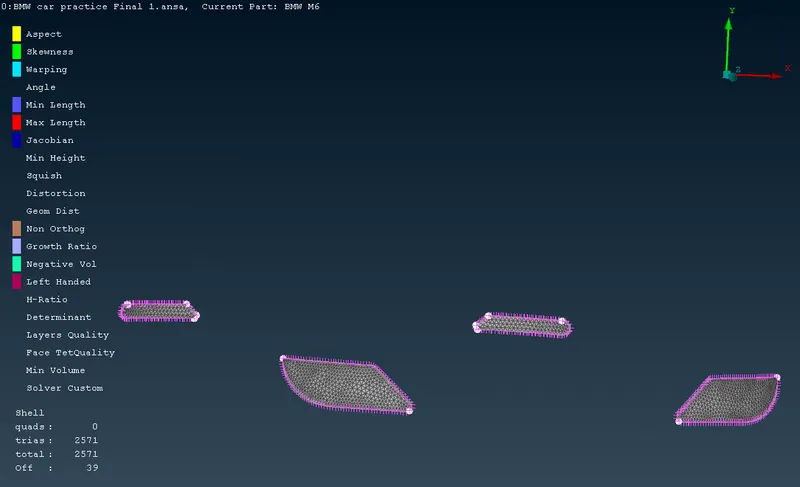
Before Improvement:-
After mesh generation we are getting 39 off element of total element 2571.
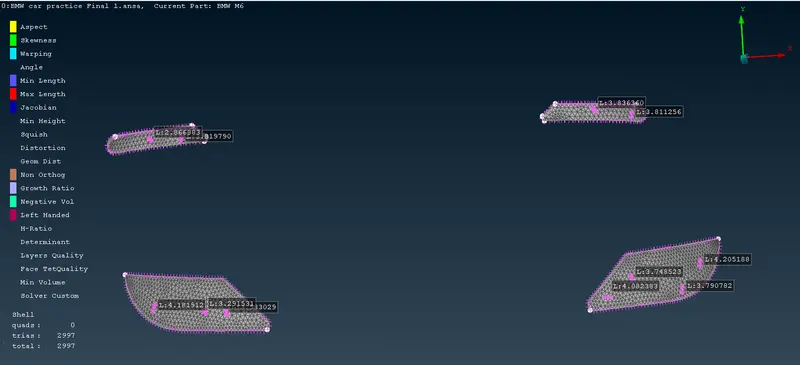
After Improvement:-
After improvement we are not getiing any off element (zero off elements )
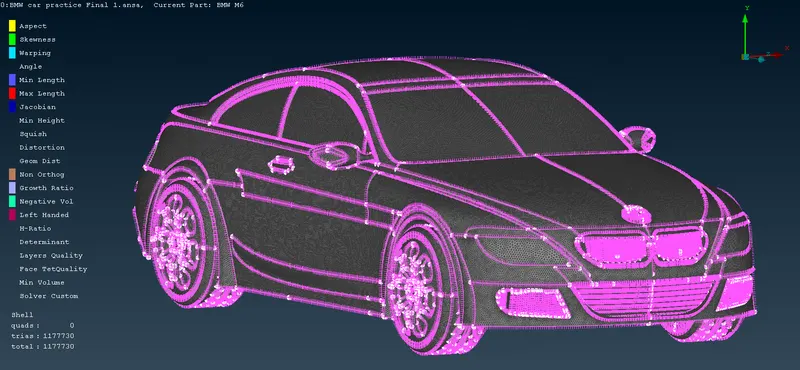
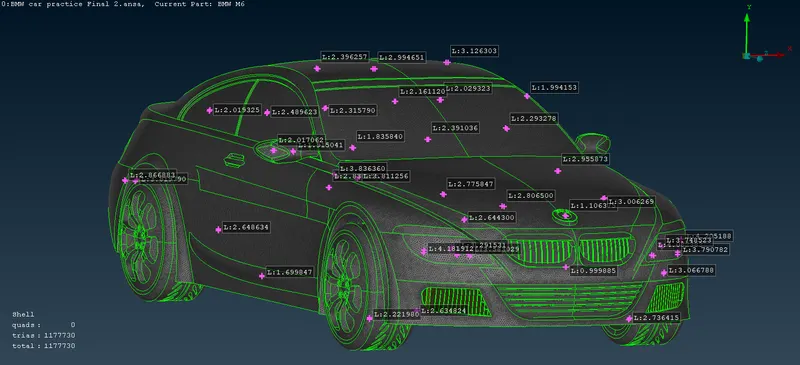
After Surface meshing we are getting Full body mesh as below,
Total mesh element size is 1177730.
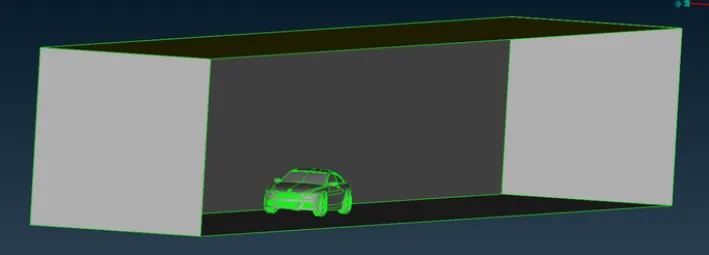
Now we have to Create Fluid Domain:-
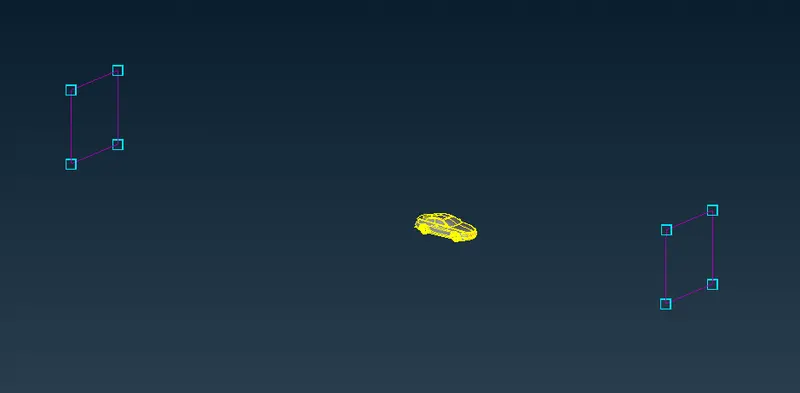
by using 3D points we can create Fluid domain, First of we can measure the length, Width and Height of car.
then we can define the fluid domain as
Top Domain from Roof= 3Y =3*350 = 1050
Front Domain from frontal portion of car= 4Z= 4*1300=5200
Rear Domain from rear portion of car = 6Z=6*1300= 7800
as per above dimension we are creating the Fluid Domain as below.
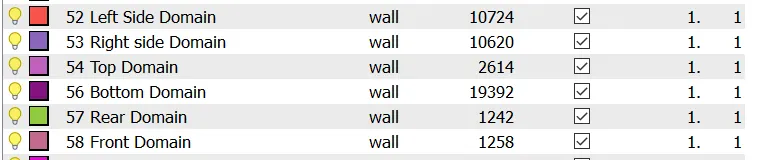
Then we are assigning PID For Fluid Domain:-
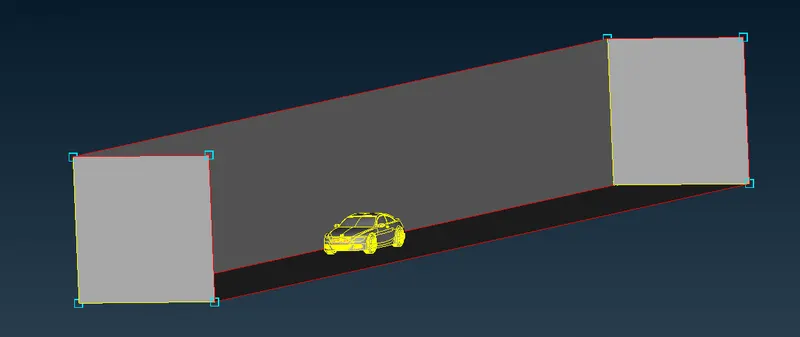
After that we are getting Fluid domain as below
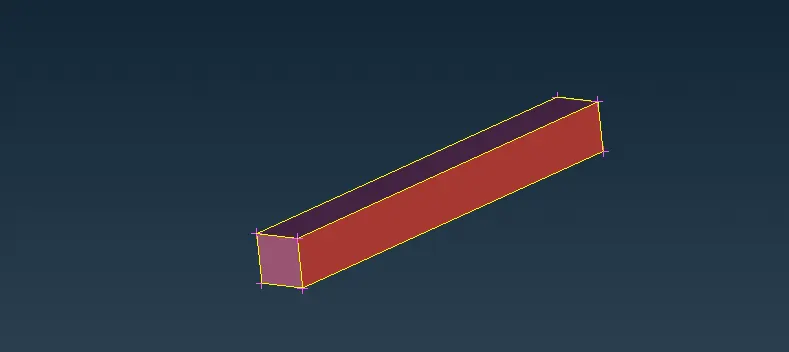
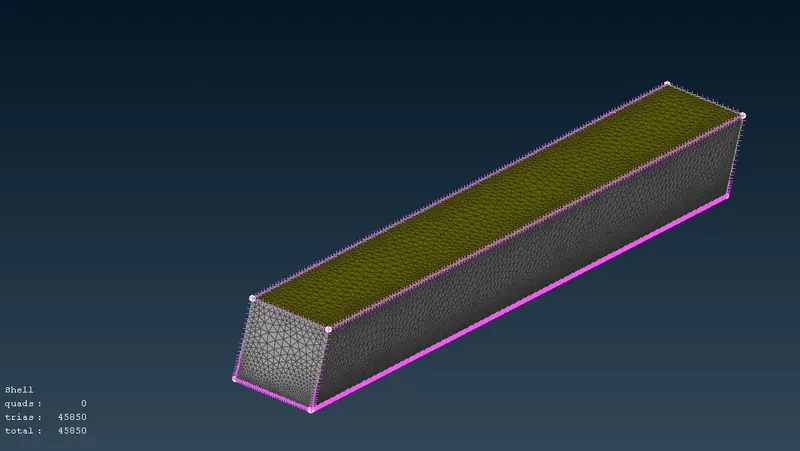
Then by using Element criteria at Bottom domain 20 mm and Top domain 100 mm by using this we can target the Car area as Fine mesh and above car to top domain Course Mesh. we are used Spacing Tool to specify 20 mm to 100 mm from Bottom to top domain.
then we used CFD Mesh algorithm here after that we are getting Mesh as below.
TOOLS USED FOR SURFACE MESHING:-
Mesh Parameters
Quality Criteria
Under perimeter : Nodal Length and Nodal Spacing
Under macros : Freeze/Unfreeze
Under grids : Move
Under Mesh generation: CFD and Erase
Under Shell Mesh: Improve
Under Elements: Split.
VOLUMETRIC MESH:-
In volumetric Mesh we are using below volumes as below.
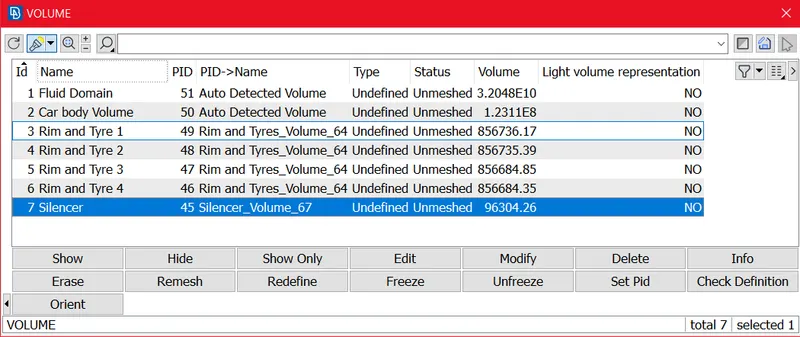
NOTE:- we can not Perform Volumetric Mesh, due to Volumetric Mesh is Huge, with Lower Computer spacifications and less time (it takes more computational time) we can't perform.
CONCLUSION:-
- Performed Topology clean-up and Geometry Checks For Half Section and used Transform to make the model in Full (Symmetry).
- Surface meshing is done for Full car model with making mesh with off element Zero.
- Created the Wind Tunnel (Fluid Domain) as per criteria and meshing has been completed.
GOOGLE DRIVE LINK:-
https://drive.google.com/file/d/1-1CcYB-wpP6Nk1k7CUPGgPpJsny3DU4f/view?usp=sharing