Week 4 Challenge : CFD Meshing for BMW car
Aim: For the given model, check and solve all geometrical errors on half portion and Assign appropriate PIDs. Perform meshing with the given Target length and element Quality criteria. After meshing the half model, Do symmetry to the other side.
Target lengths for the different parts of a model are as follow:
Body - 3 mm
Lights - 4 mm
Grills - 1 mm
Rims and Tyres - 2 mm
Optical Rear view mirror - 2 mm
Window - 2 mm
Silencer - 3 mm
Logo - 1 mm
Setup:
- Import the geometry in ANSA
- Clear the topological errors in the geometry given
- Do the surface mesh to all the parts of the geometry individually
- Create the wind tunnel around the geometry
- Complete the process by doing the volumetric mesh for the geometry
Procedure:
Import the geometry in ANSA.
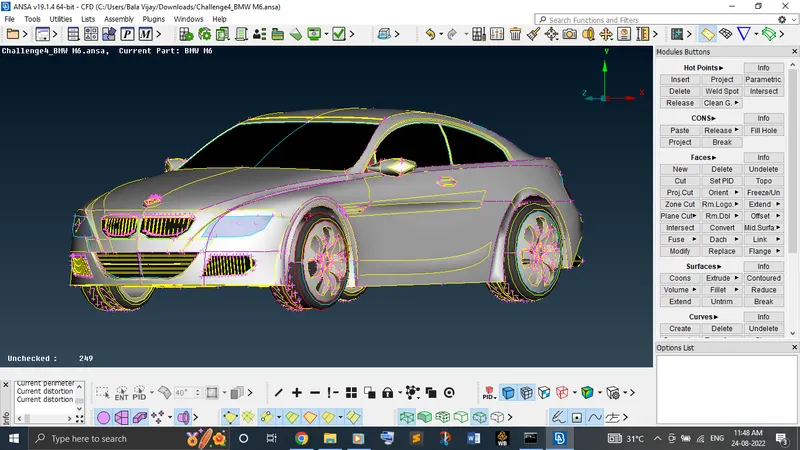
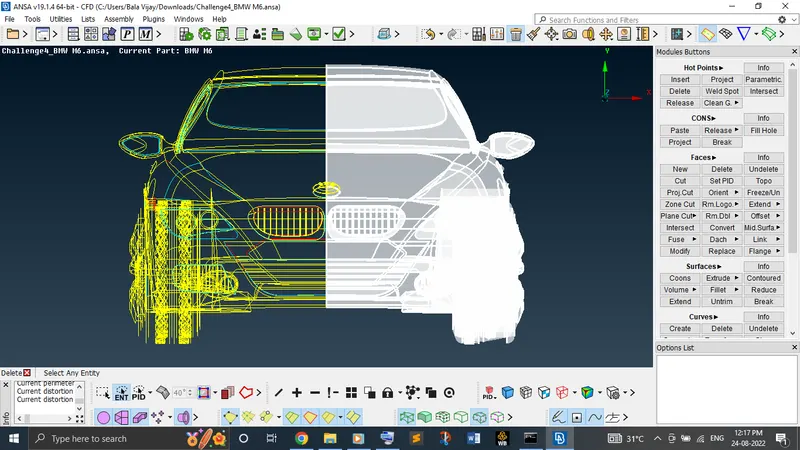
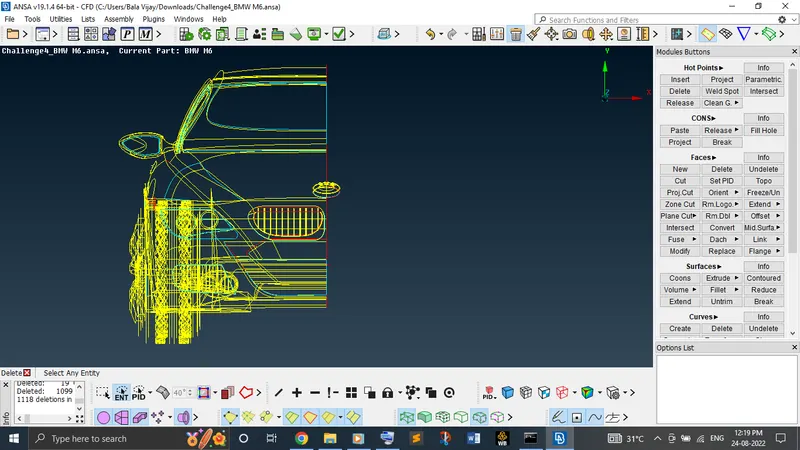
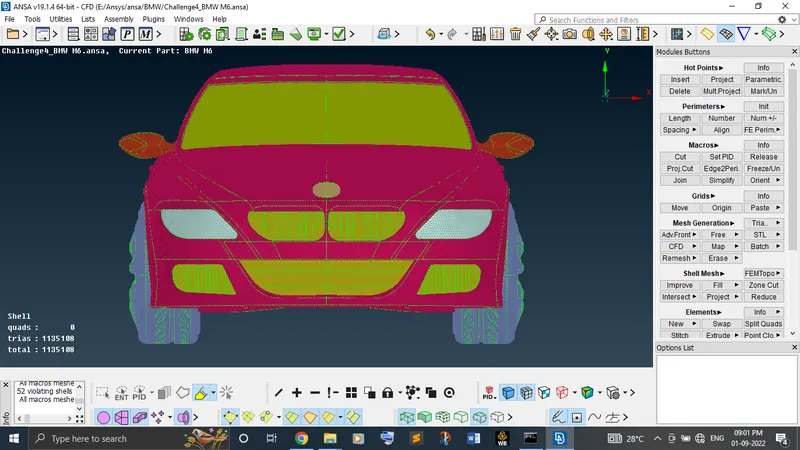
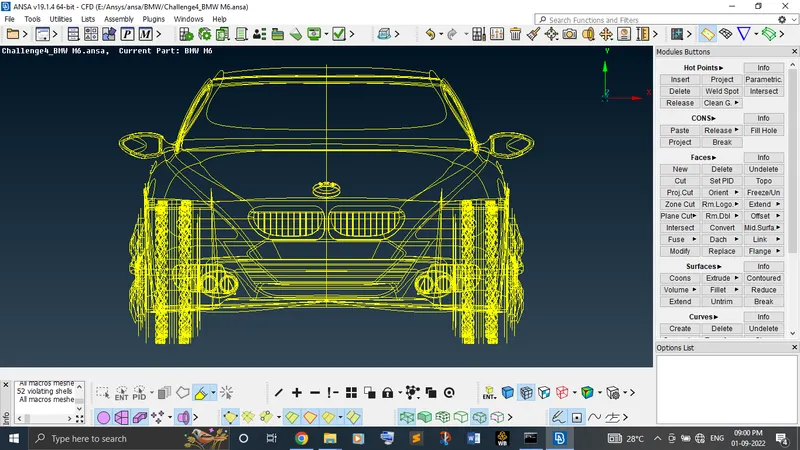
We can witness in the below image(first one) that the geometry seems in irregular shape. So, need to clear it by using mesh module where need to set the perimeter and macros length. This error is nothing but the length between the two hot points is higher. Just reducing the length perimeter in mesh module is enough. Below, in the second image it shows clearly how good the geometry seems after the changes made.
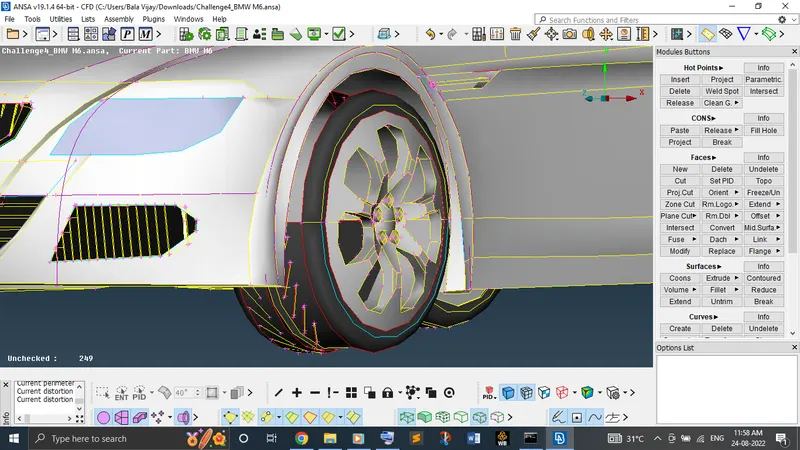
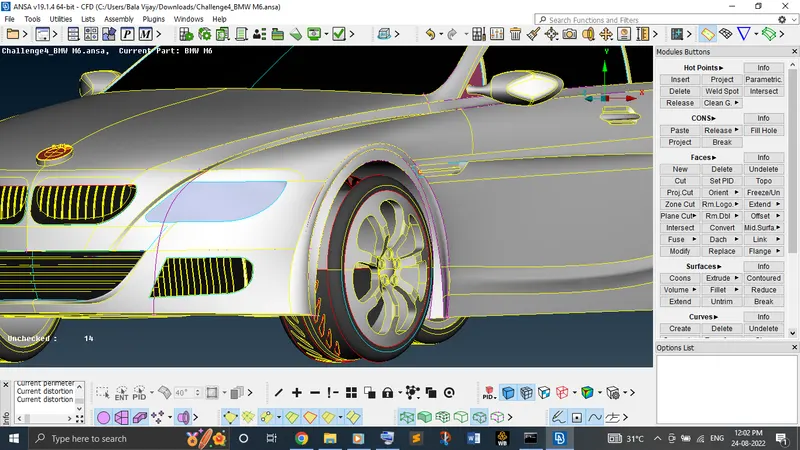
Now, start to clear the topological error throughout the body from each individual PID.
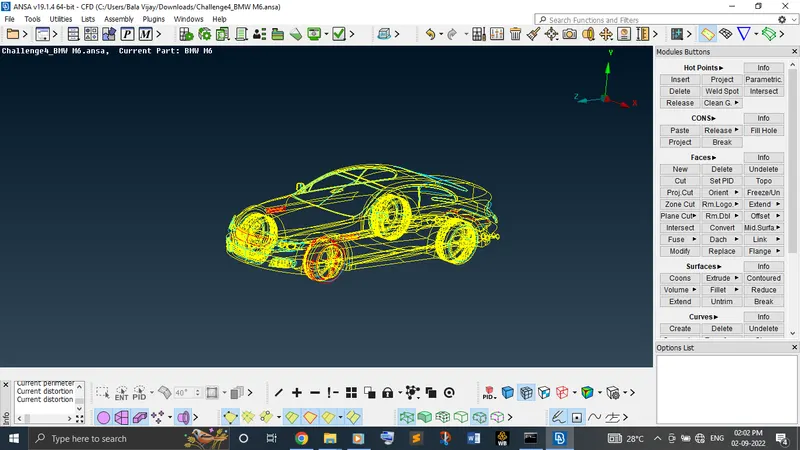
First, cut the half body from the model except logo because it's not a symmetry and then start to perform the topological clean up for each individual PID.
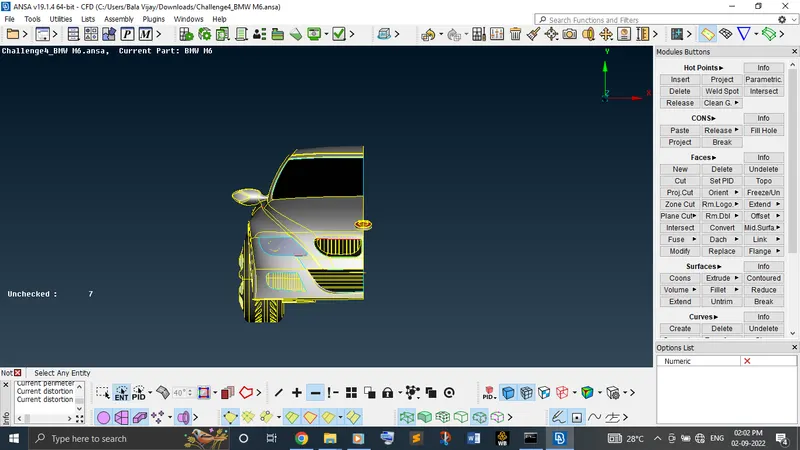
Inside car, the volume must be a single. So, need to delete surfaces of all the stuffs which is having a individual volume to convert into a single volume.
Now, use !not option to isolate a PID which you like to clean. While clearing the topological errors for this particular geometry, you may face different kind of problems. To clear all those errors, need to go with the different solving methods.
- At times, geometry has triple or single cons when there is only two surfaces are joining. At that situation, just release the cons and use topo option.
- Sometime, you may witness that geometry seems irregular. At that situation, create the cut properly on that surface and delete the unwanted surface.
- Sometime, there is a slanting surface without interfere properly with the neighbour surface. At that situation, use extend option to intersect the surface.
- Sometime, you may find two single cons at a same location. At that time, use paste option.
- Sometime, geometry seems irregular at a particular region. To create the surface properly, first delete the existing surface and create the new surface by using fitted or coons option. If new hot points are necessary, insert it and create the surface until where you need a new surface.
- If single or triple cons are available at a particular location unnecessarily, it might be a unwanted surface. Can delete it directly without a second thought.
- Sometime, surface with sharp edges with hotpoint can witness. At that point, release the hotpoint and delete it.
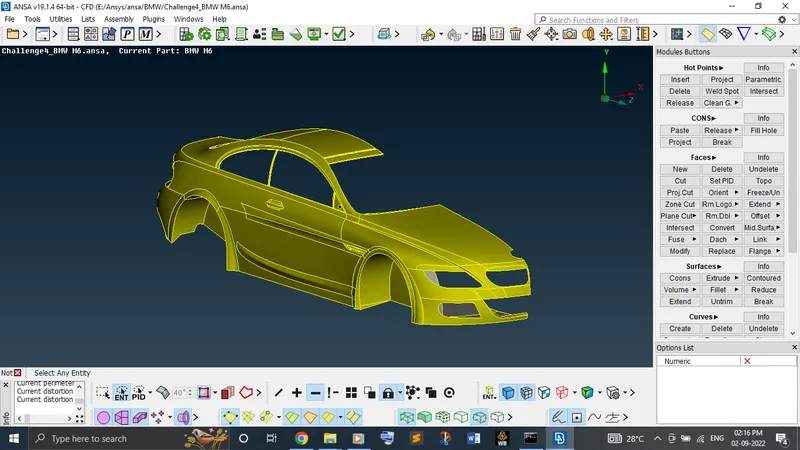
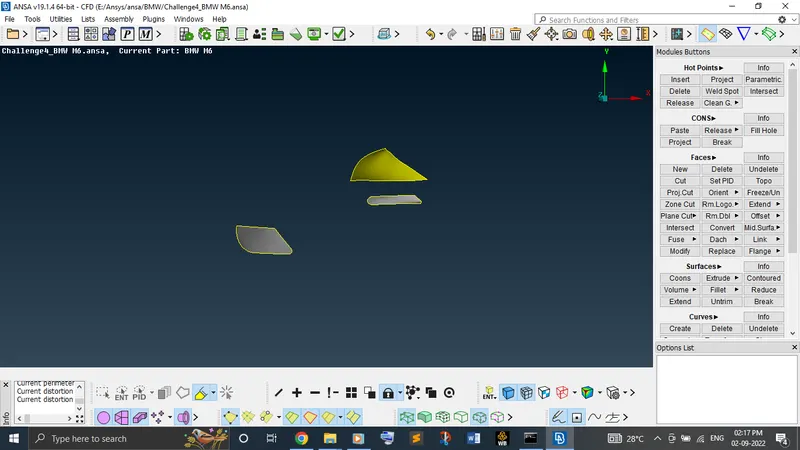
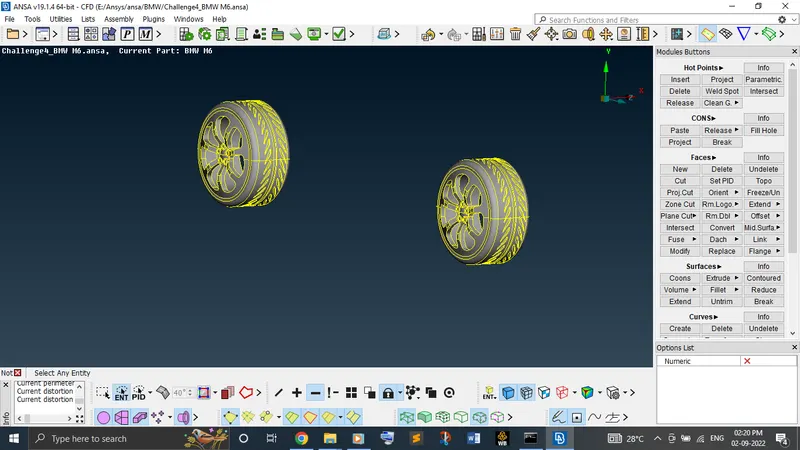
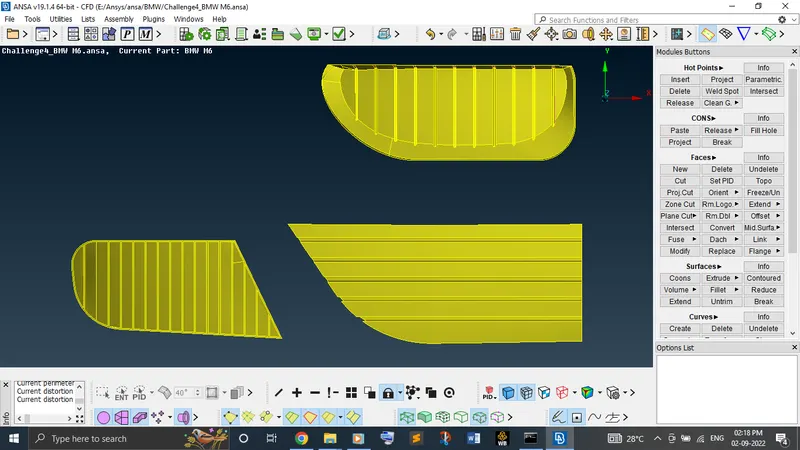
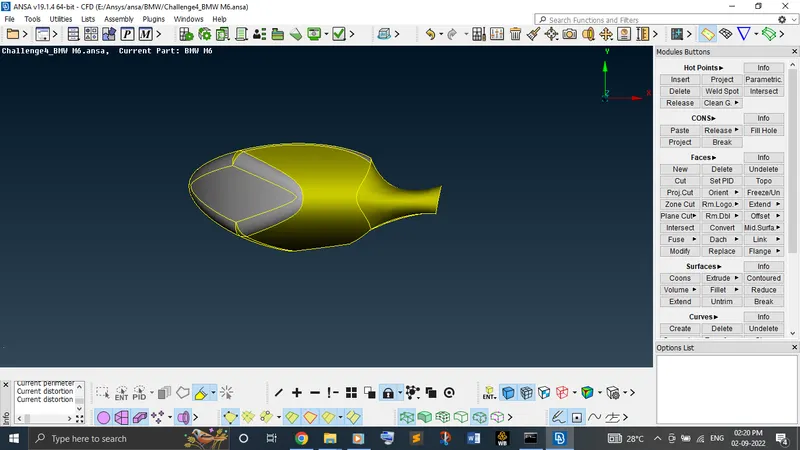
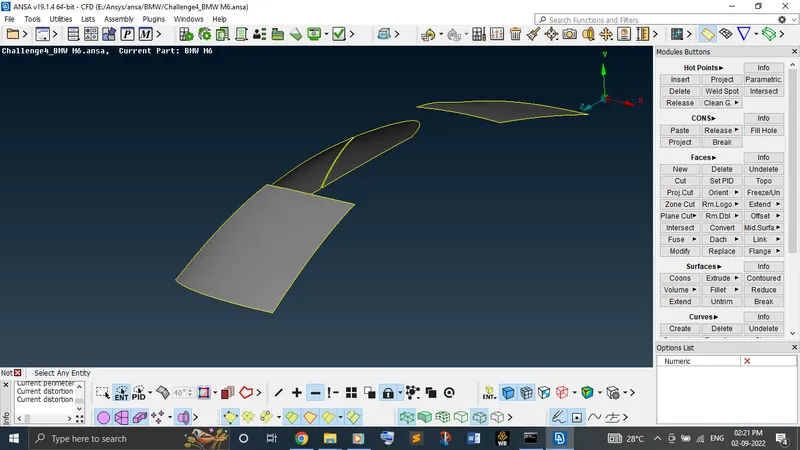
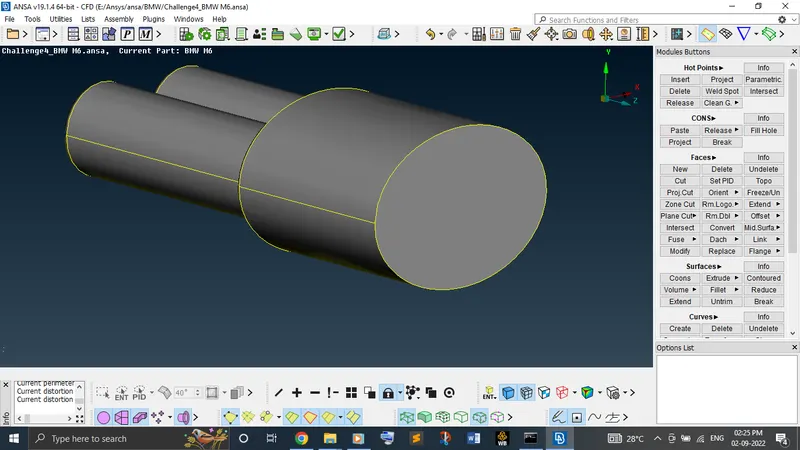
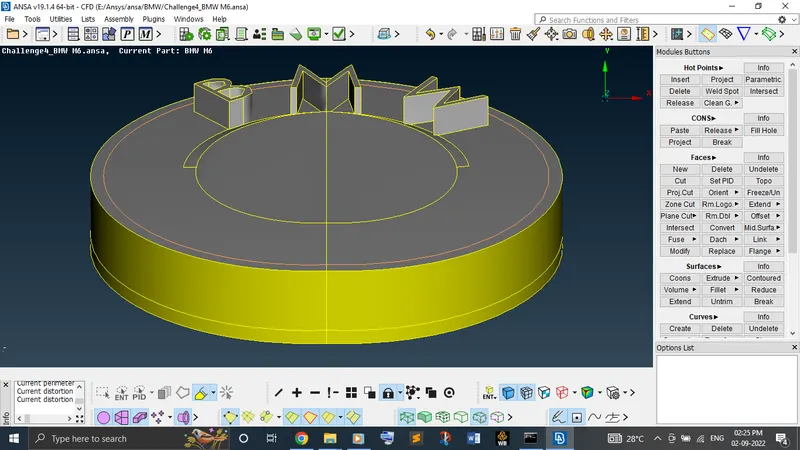
Once you cleared the topological error, check the geometry for the topological error in the checks manager once again to confirm it and step forward to the mesh module. Also, delete the unwanted hotpoints.
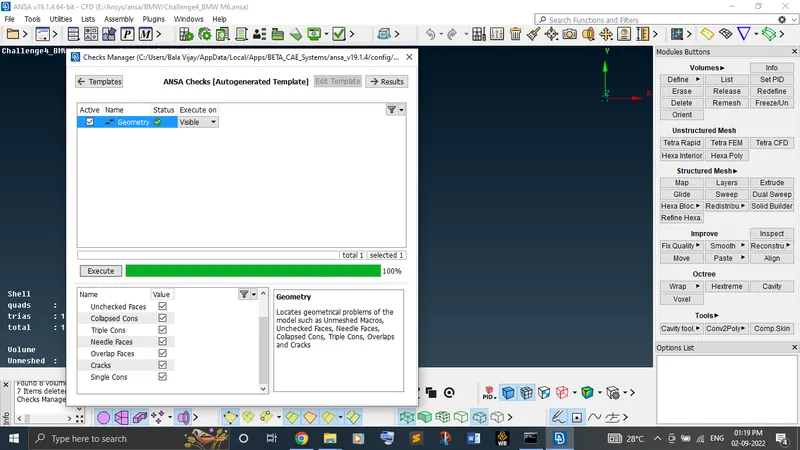
Now, in mesh module, isolate each PID and mesh each PID for the required target length.
Before start meshing, remember that always start the meshing from the smaller PID.
Fix the quality criteria and mesh parameters for each PID. Then, fix the perimeters and macros length for that particular PID. After completing this, go with the CFD mesh visible for that particular PID.
Repeat the same procedure to all the remaining PIDs.
If quality criteria which you provided doesn't clear and showing off elements, go to the topo and check what is happening there like any sharp ending is happening on the surfaces is taking place which is less than the mesh target length. If so, create the cut with larger target length and delete the existing sharp cut. If not so, head back to the mesh module, try different options like move, split, improve, reconstruct, etc... to clear the off elements.
When it comes to the body PID, need to remove the intersecting corns with other PIDs while providing perimeters and macros to the body PID. Otherwise, other PIDs meshed surface will get vanish.
Complete the surface mesh at the end without single off elements and unmeshed surface.
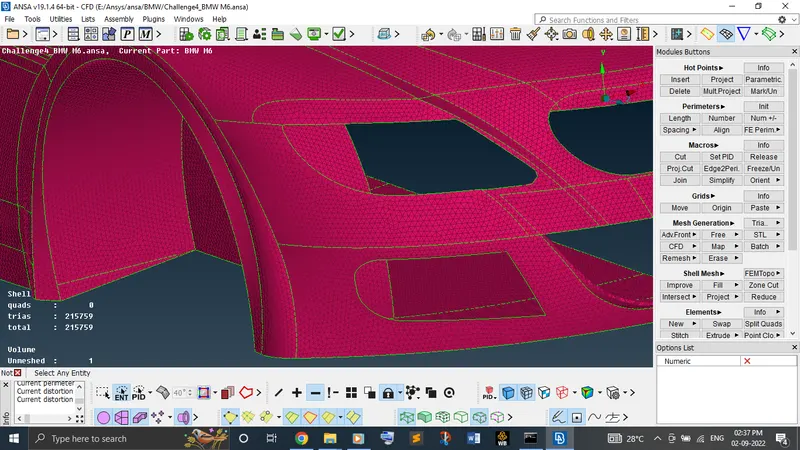
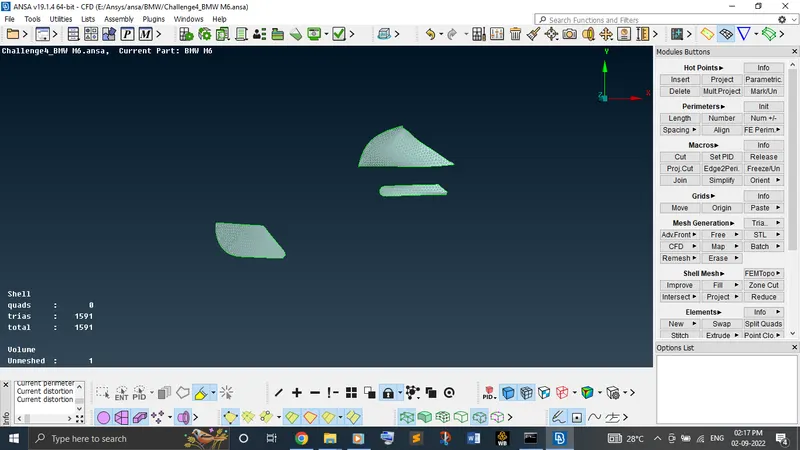
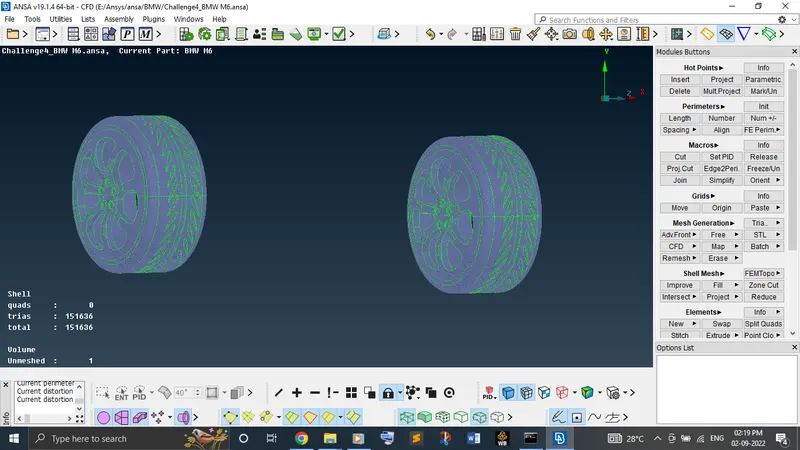
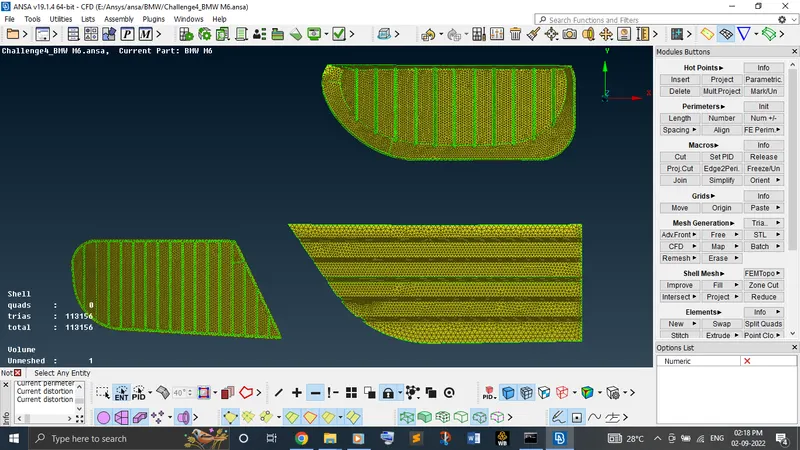
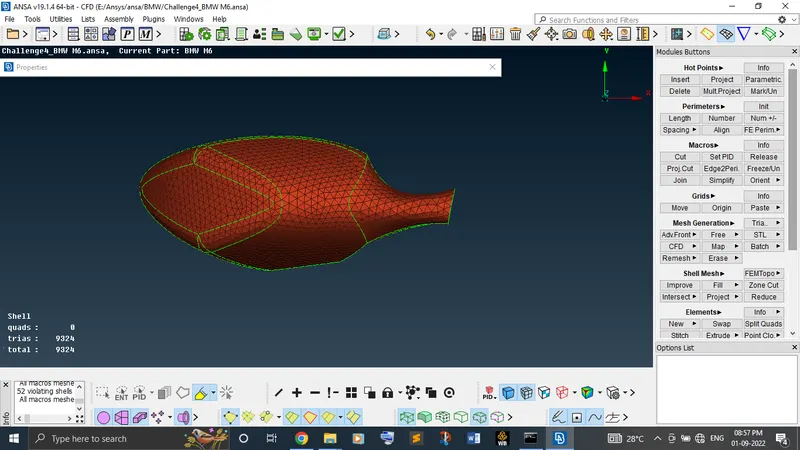
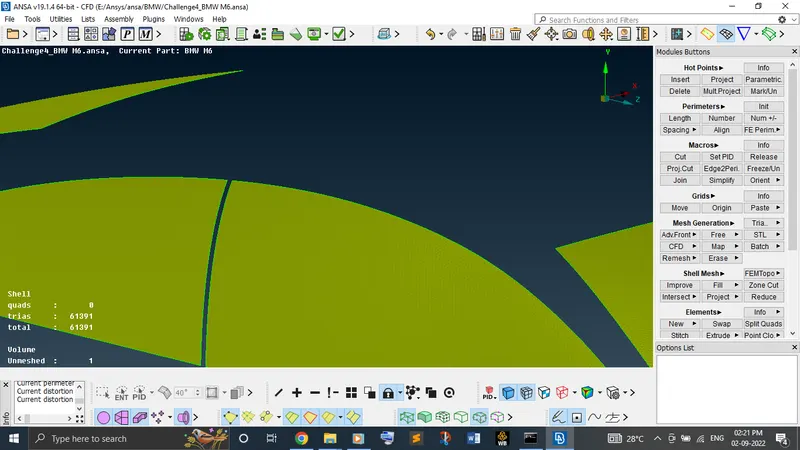
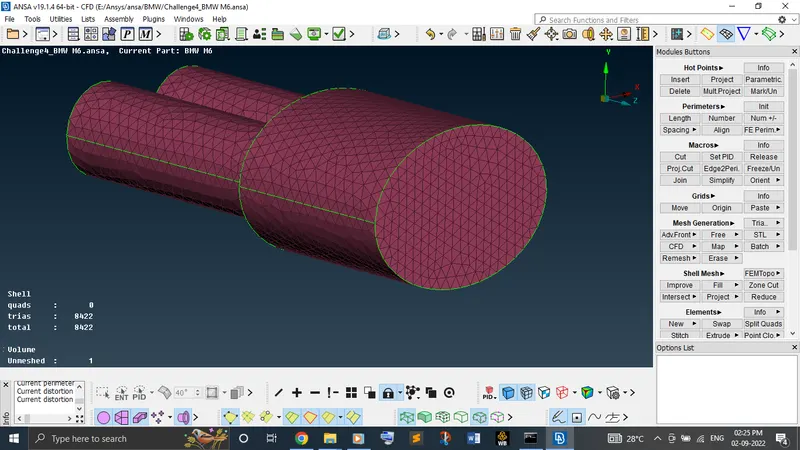
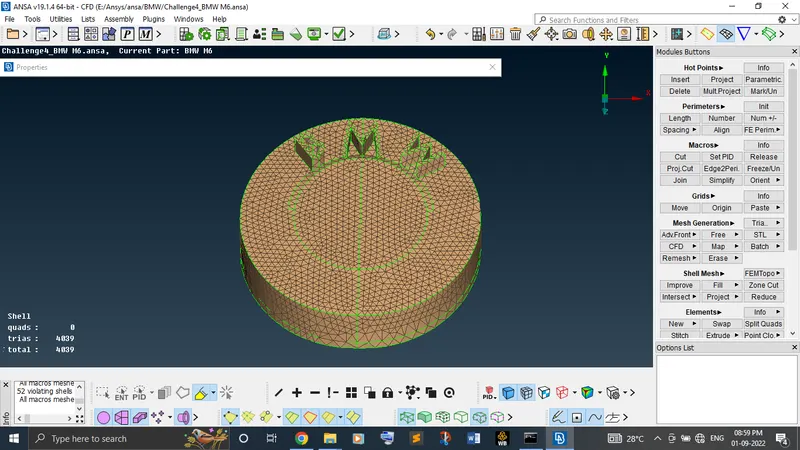
Now, to symmetry the PIDs to the opposite side except logo, use option copy from transform by clicking three hotpoints.
Now, create the wind tunnel from the distance of the 4X in the front, 6X in the back and 3X in the sides. To create surface around the car at a particular distance, first create the points by calculating distance of the car and pick a particular point from the surface and provide a axis distance where the point is necessary.
Join those created points by using create option under curves. Create the surface and delete the created curves.
Once you created a single surface, just offset the surface without moving the existing surface by providing the required distance.
To create surface of side walls, just use fitted or coons option.
Once you done creating the wind tunnel, create the new PID for each surface and apply to it.
Now, mesh each PID for different target length of 20 mm for the bottom surface and 100 mm for the top surface. But provide the target length by using spacing option for the front, back and sides and untick the minimum and maximum length in the quality criteria and provide the local target length in the mesh parameters.
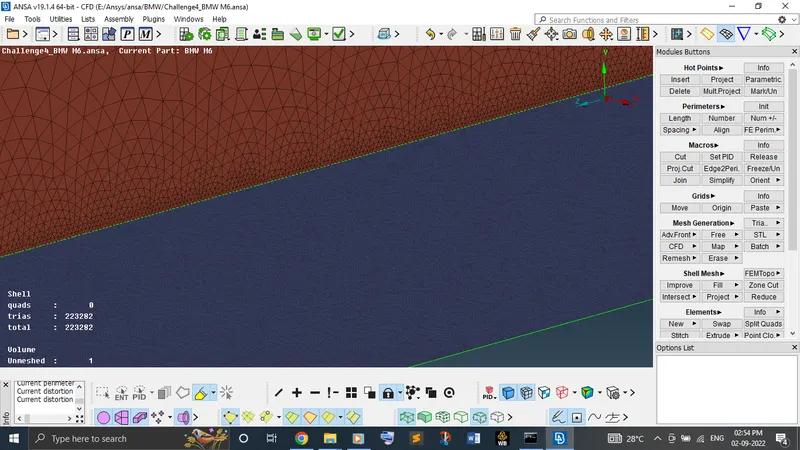
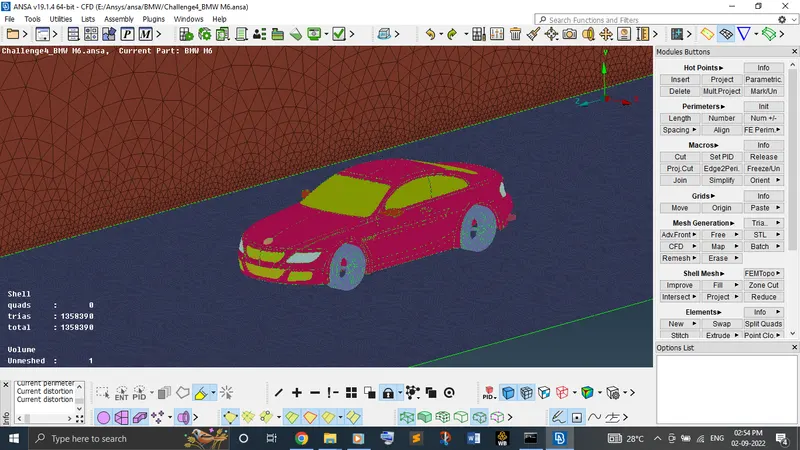
Finally, go to the volumetric mesh and define auto detect with whole database availabe to check the available volume. Keep the necessary volume which is need to done the volume mesh and delete the remaining auto detected volume. Once fixed the volume which should be mesh, proceed with remesh by using tetra CFD. It will take more time to provide the result due to large number of elements in the smaller size.
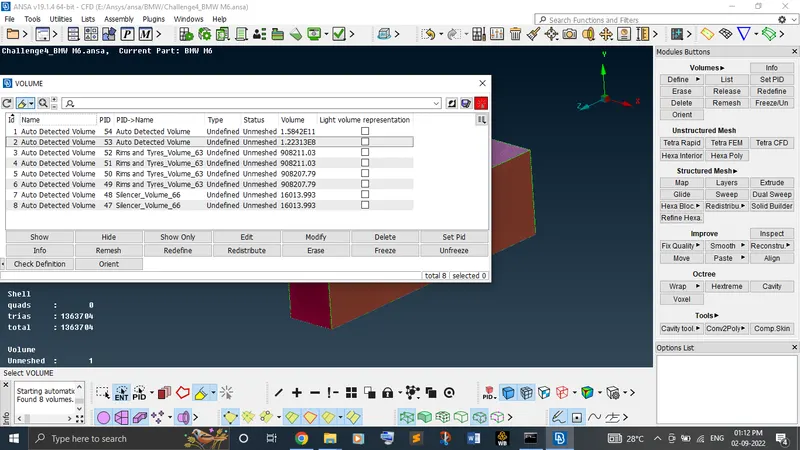
To remove the unwanted PIDs, use compress option.
Learning outcomes:
In this week, learnt new more topo and mesh module features like spacing, move, split, macro region, extend, fill hole, compress, etc. Learnt about the importance of quality criteria and how to check it and clears the off elements from the surface mesh. Also, learnt how wind tunnel should create from the geometry.
Conclusion:
From the result obtained, can conclude that each and every topological error and mesh quality criteria was cleared successfully without single off element and unmeshed surface.
Drive file link:
https://drive.google.com/file/d/1E0KjJEuo9cA78NEMv2bvg63foIzGfmz8/view?usp=sharing