Week 4 Challenge : CFD Meshing for BMW car
Aim: To clean up the given model of the BMW car so that no single coons are present and the only necessary triple coons should be there.
-
Procedure
- import geometry.
- delete half side of car.
- clear the single cons and triple cons.
- assign PID's.
- Perform meshing with given quality criteria and target length.
- clear off elements.
- create wind tunnel.
- mesh wind tunnel.
- Given target length
- body - 3mm.
- light - 4mm.
- grills - 1mm.
- rims and Tyres - 2mm.
- Rearview mirror - 2mm.
- window - 2mm.
- silencer - 3mm
- logo - 1mm.
- import geometry
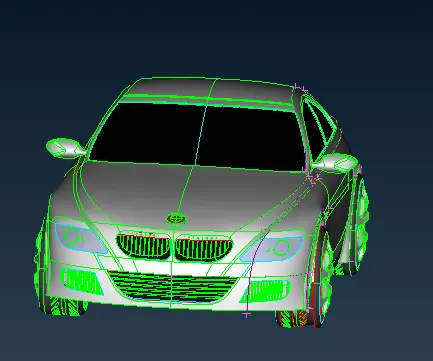
-
- set macro and parameter size to 1mm
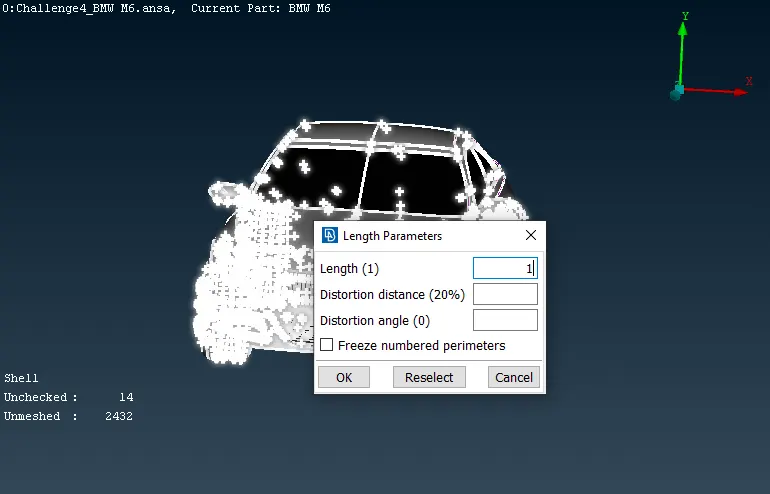
- set macro and parameter size to 1mm
Clean up headlight.
-
- Before cleaning up headlight
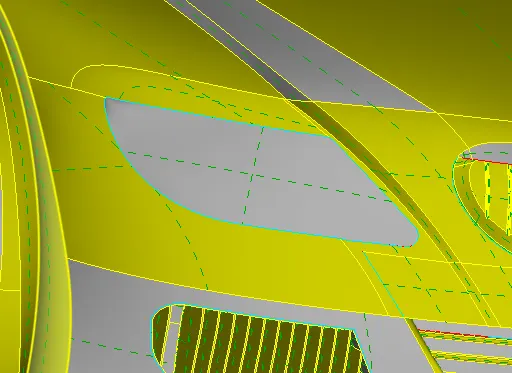
- Cleared headlight.
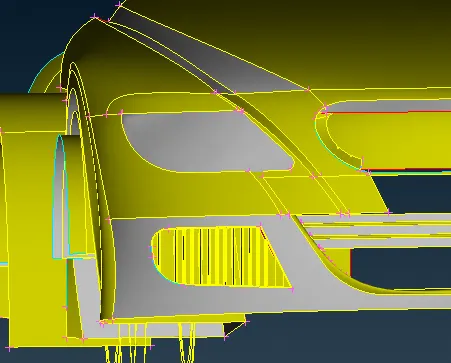
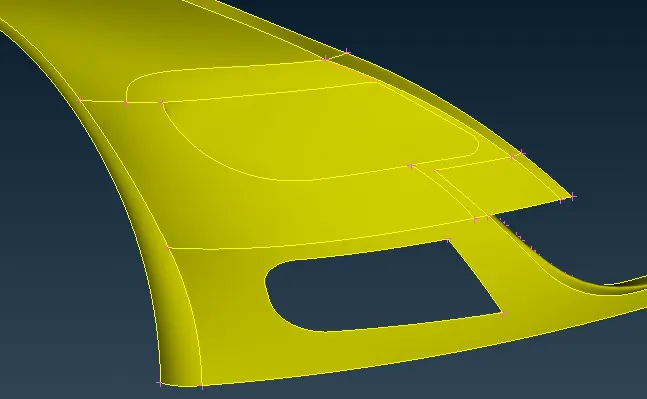
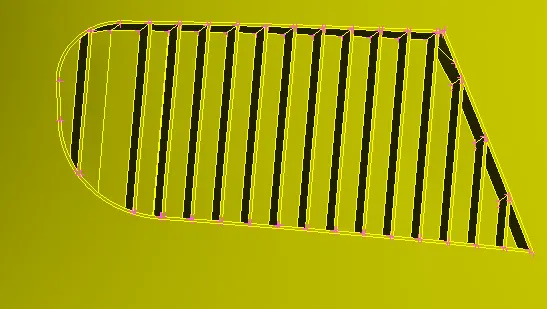
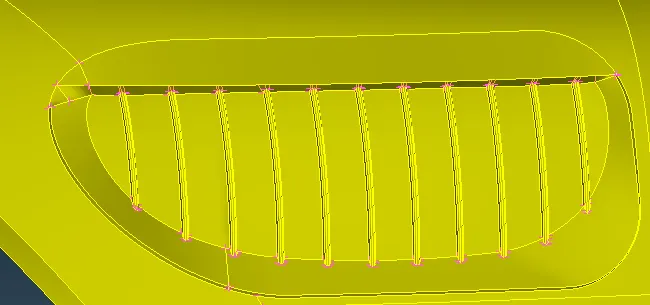
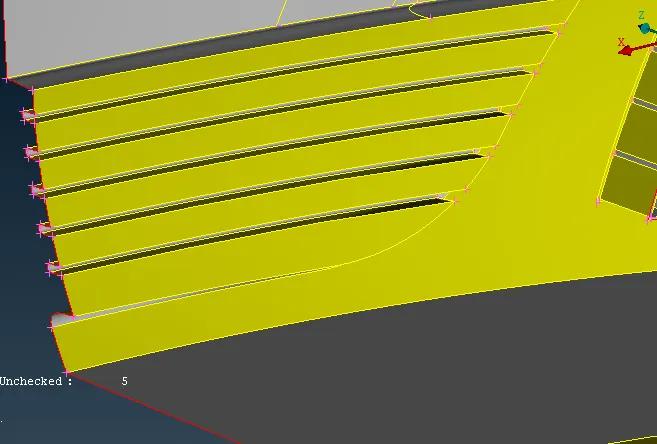
- Perform topo cleanup on grill. delete and create necessary surfaces.
- Before cleaning up grills.
we can see in the images below triple coon is present there.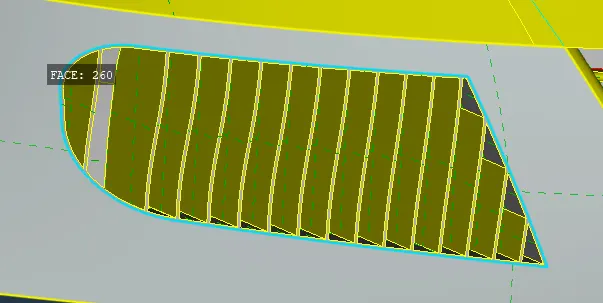
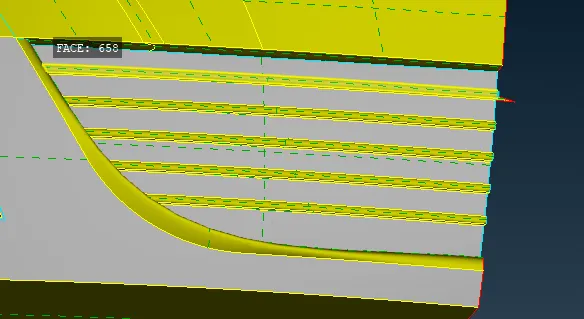
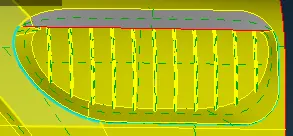
- After cleaning up grills.
- perform topo clean up on Logo.
- before cleaning the Logo.
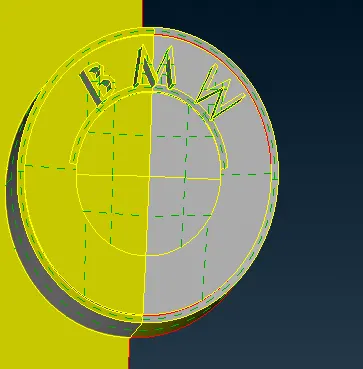
- After cleaning Logo.
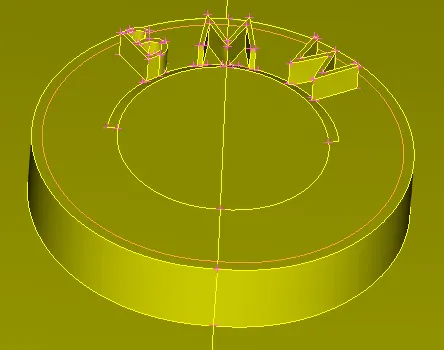
- Perform topo clean up on Rims and Tyres.
- before cleaning.
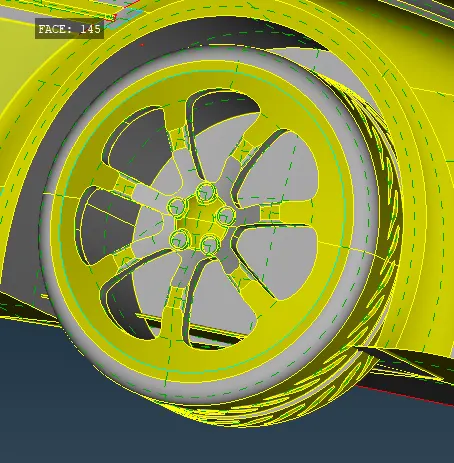
- Cleared Rims and Tyres.
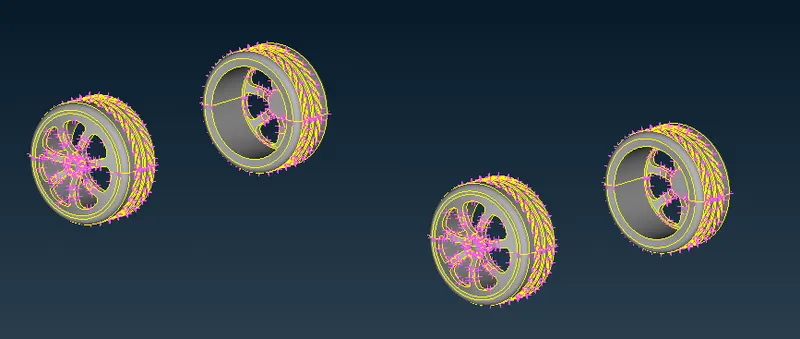
- Perform topo clean up on mirror.
- Before cleaning up.
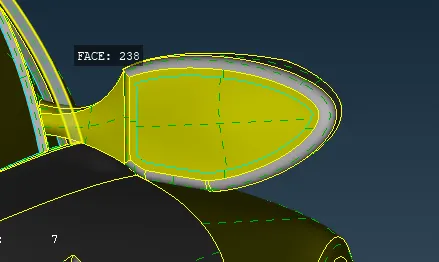
- After cleaning up mirror
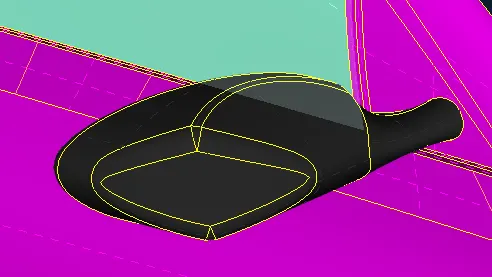
- Clear body.
- Before cleaning.
we can see there are lot of single coons and triple coons are present.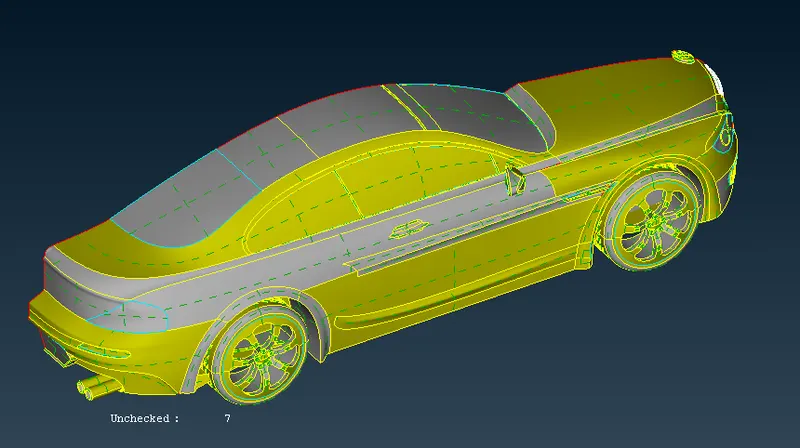
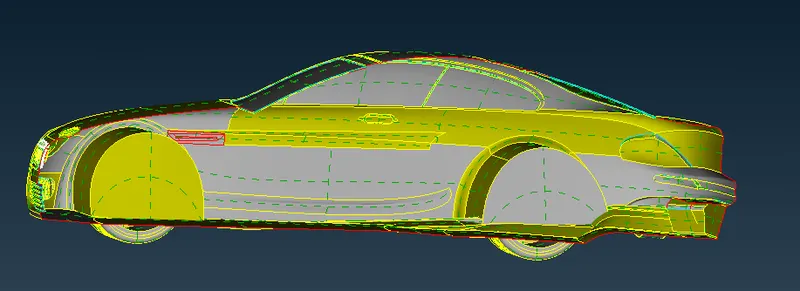
- delete unnecessary surfaces and create new if required.
cleared surface of the car.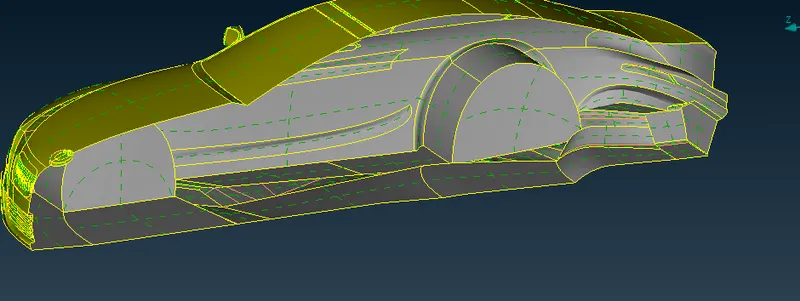
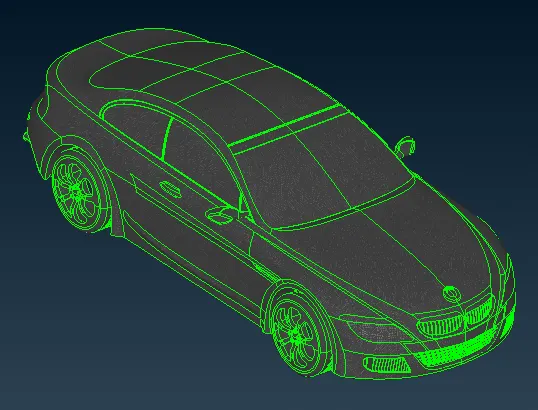
- Wireframe view of the car after topo cleanup.
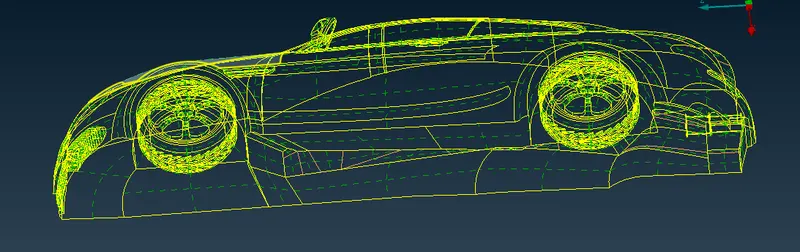
- wireframe view with double coons off.
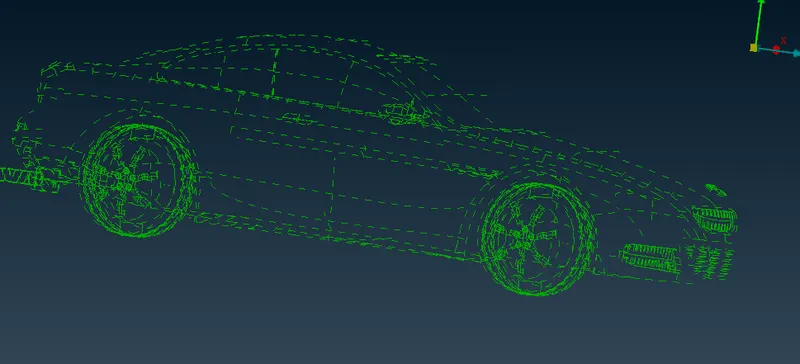
- we can see here there are no single Coons present.
- Before cleaning up headlight
Perform geometry checkup
- There is no penetration error.
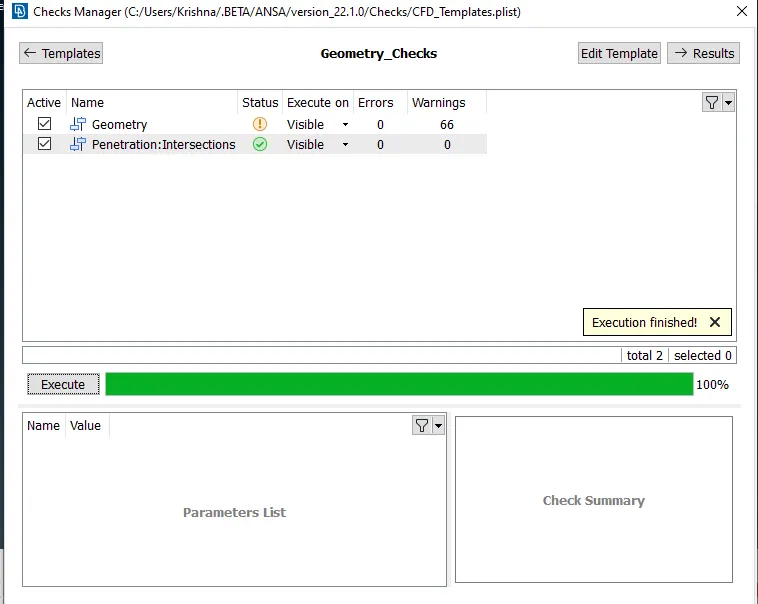
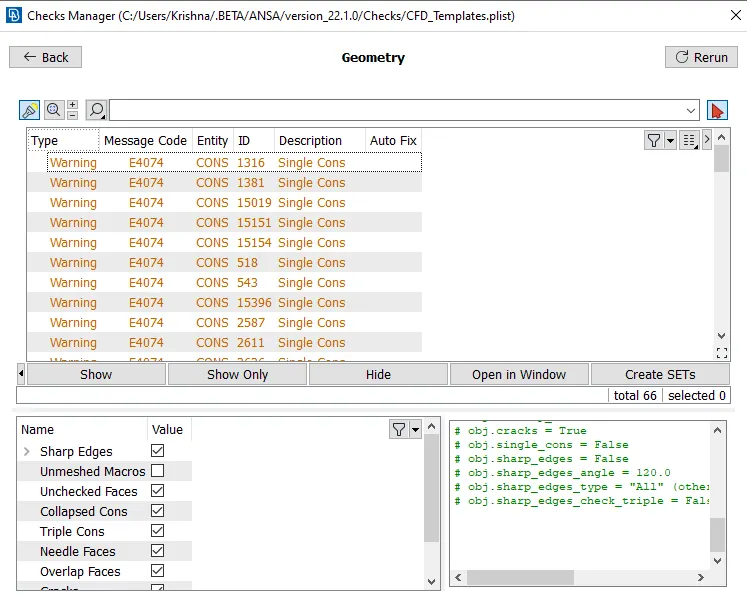
- In the above image we have warning for single coons. We can ignore these because after creating symmetry we will be resolved.
Assign PID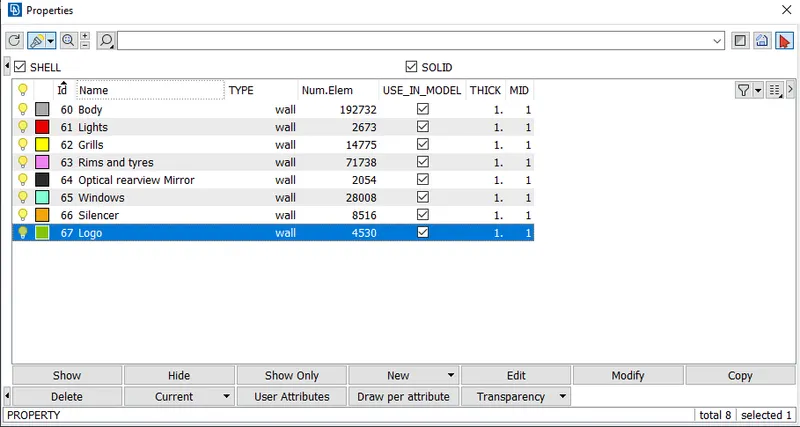
Logo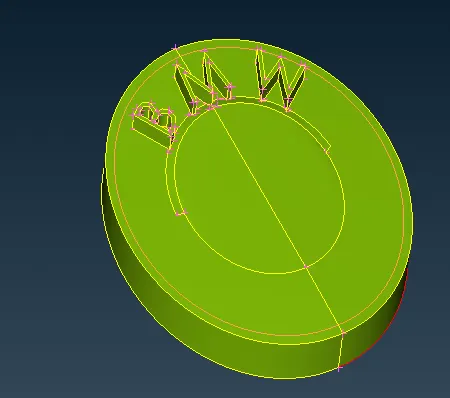
Mirror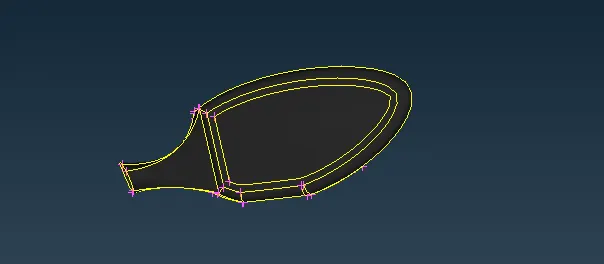
Silencer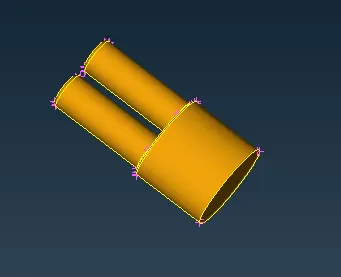
Windows
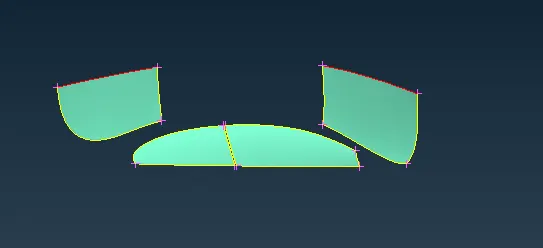
Rims and Tyres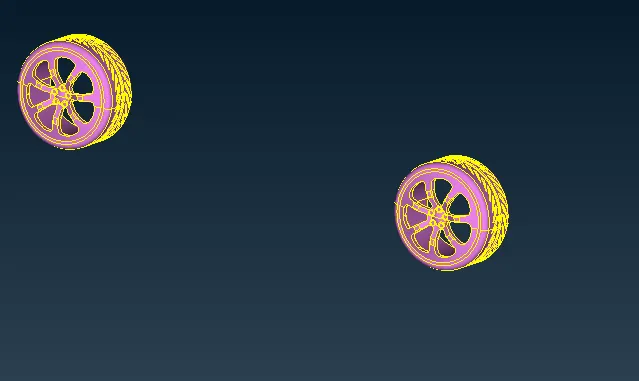
Grills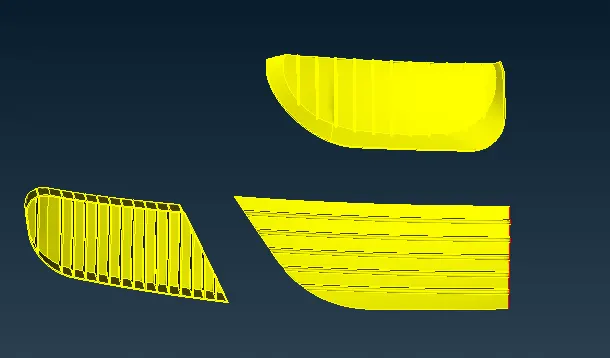
Lights with Neighboring parts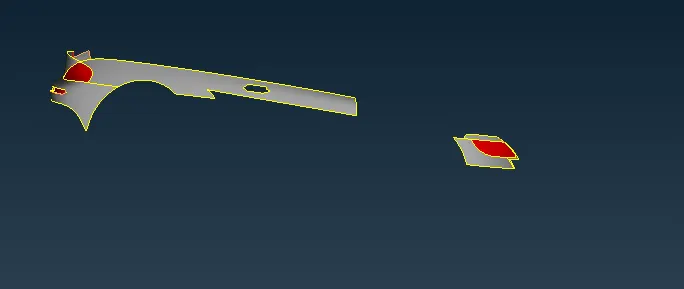
Body
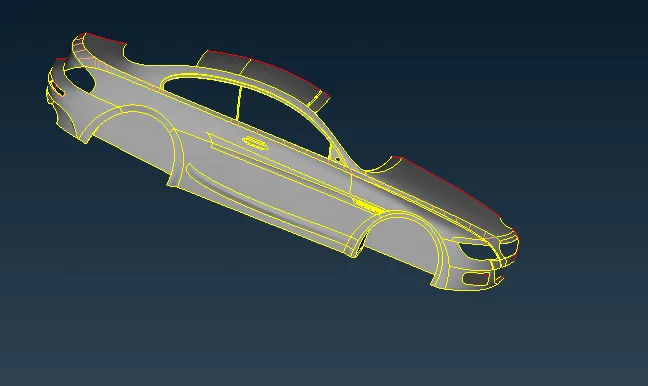
Surface meshing
- We will start meshing the car PID wise one by one.
Logo
Quality parameters
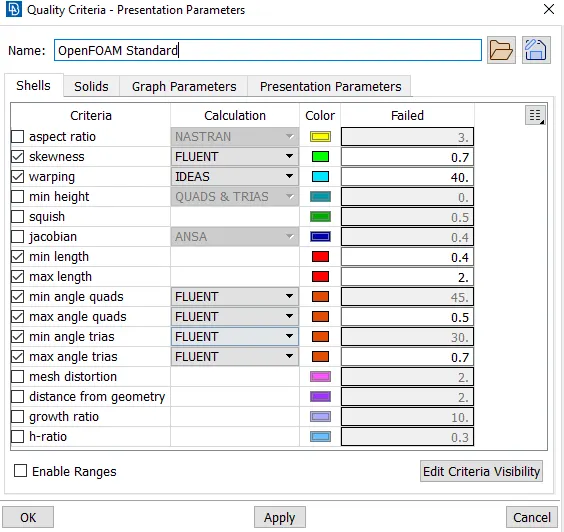
Mesh parameter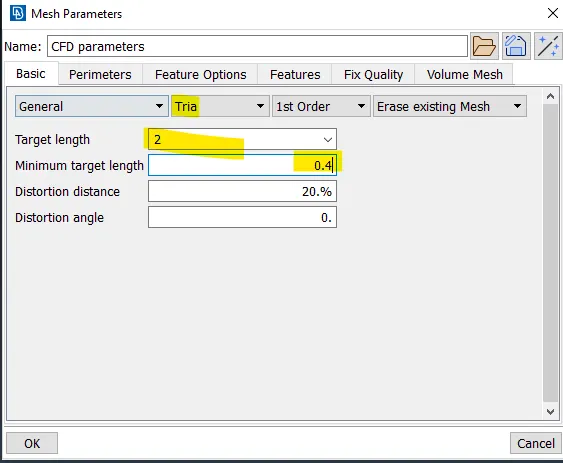
length parameter and macros are set to 1 mm.
Generated mesh
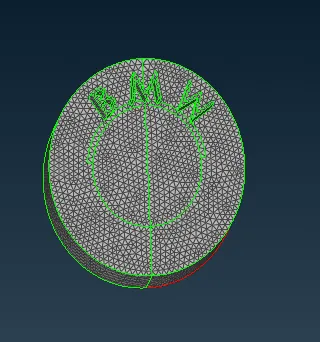
Silencer
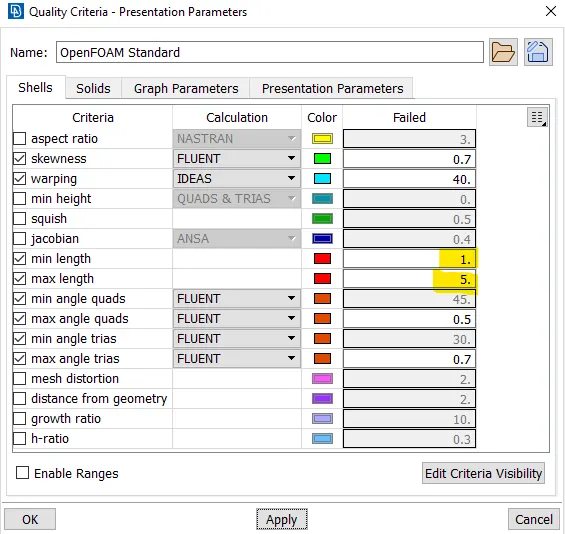
Quality parameters
Mesh parameter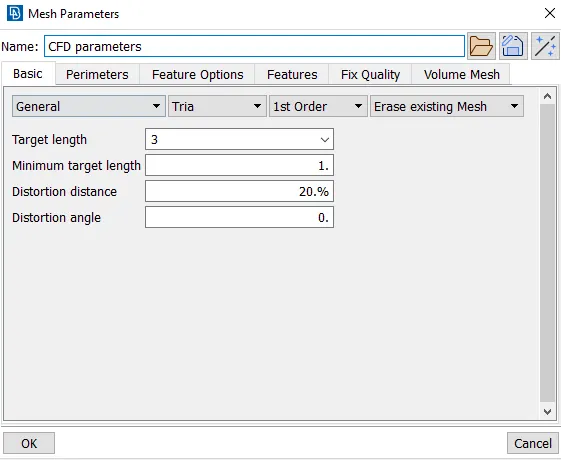
length parameter and macros are set to 3 mm.
Generated mesh
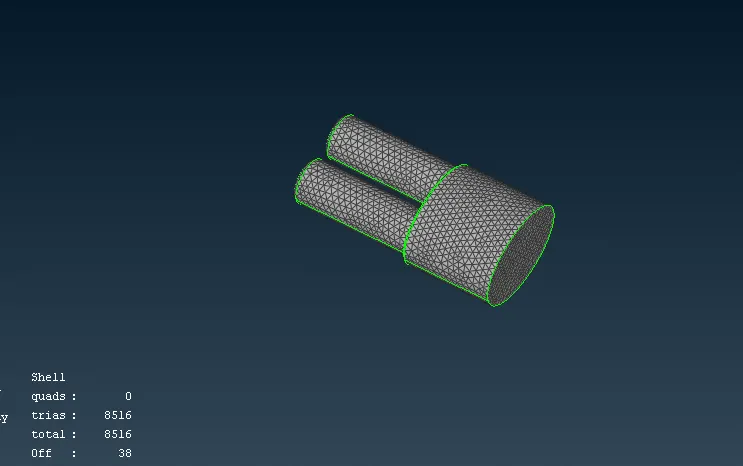
We have got 38 off elements. We will try reconstruct option to fix off elements.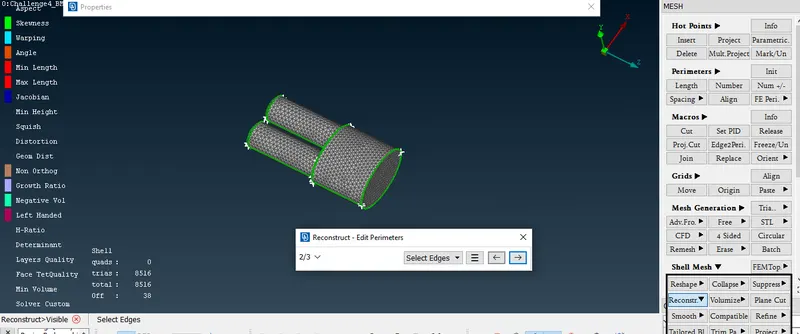
After reconstruction we are left with zero off elements so we can move forward.
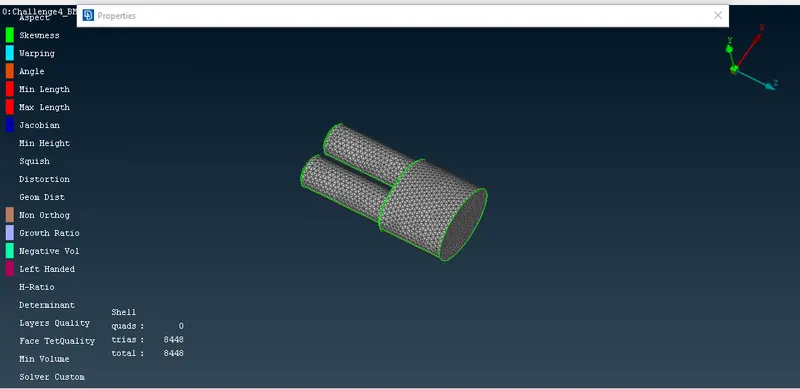
Note: we will be using reconstruct option for the off elements of other PID's also.
Windows
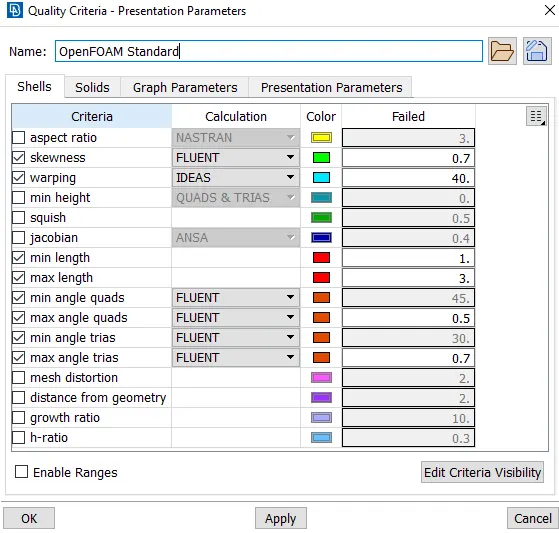
Quality criteria
Mesh parameter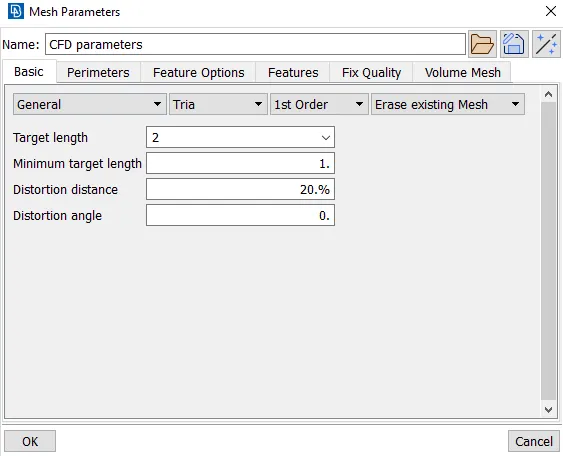
generated mesh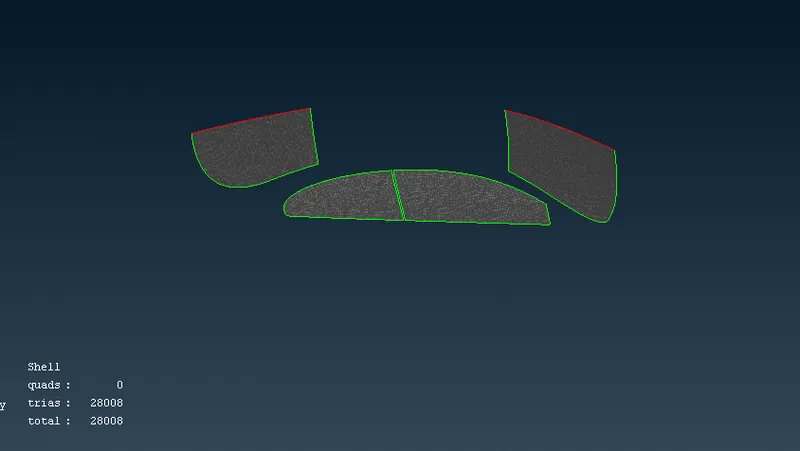
Mirror
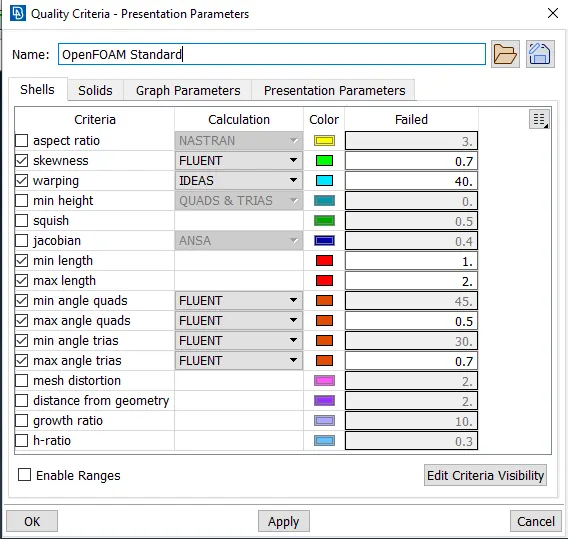
quality criteria
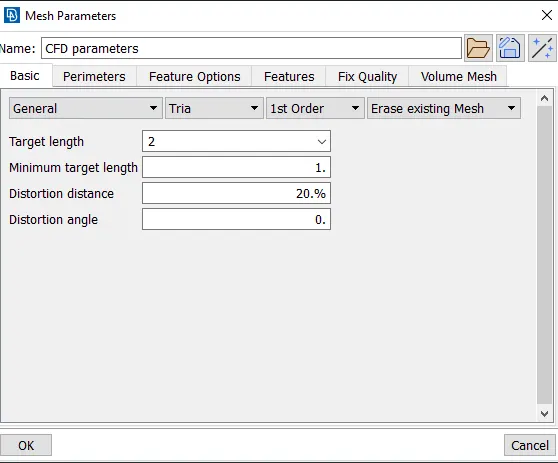
Mesh parameter
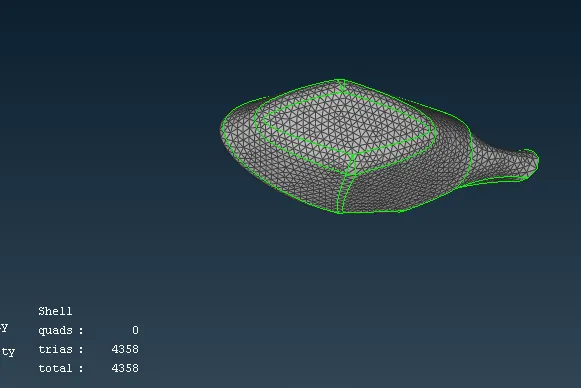
generated mesh
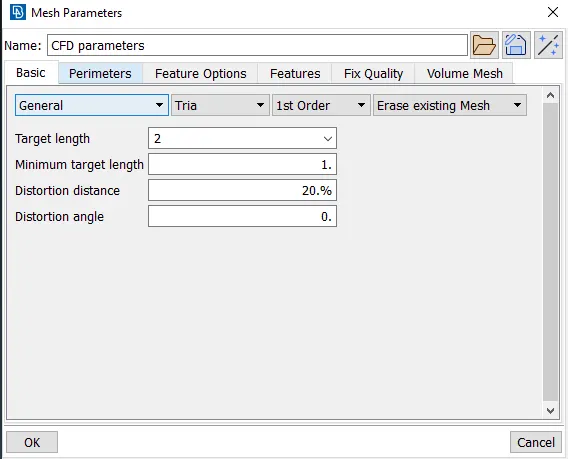
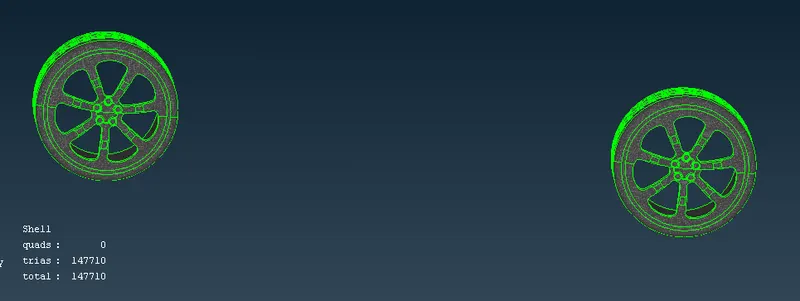
Rims and Tyres
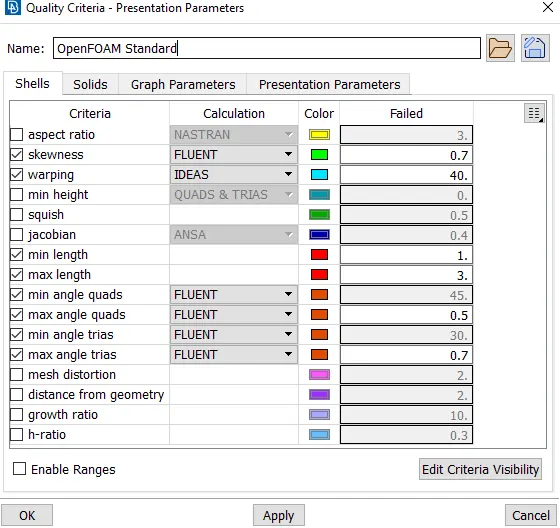
Quality criteria
Mesh parameter
Generated mesh
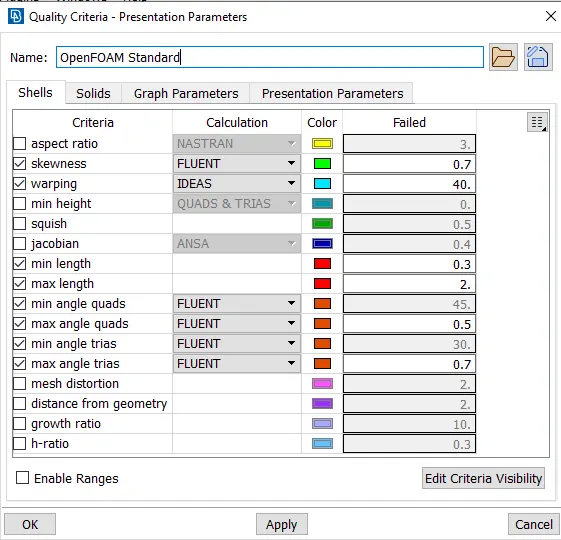
Grills
Quality criteria
Mesh parameter
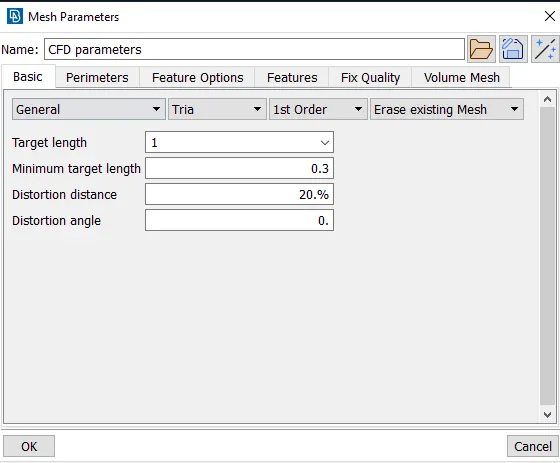
Generated mesh
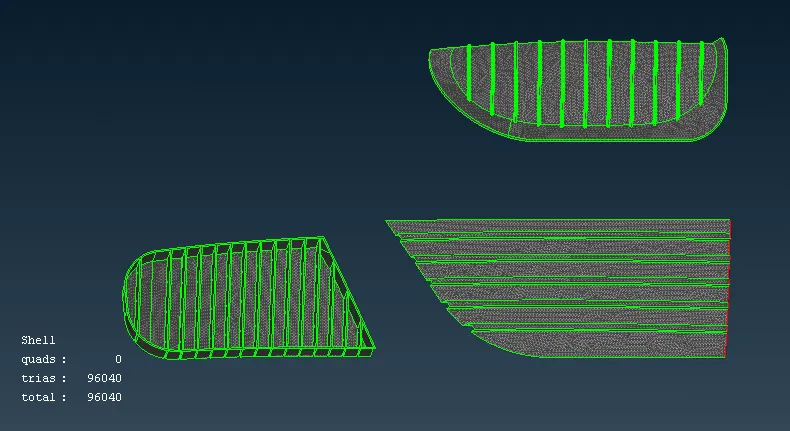
Lights
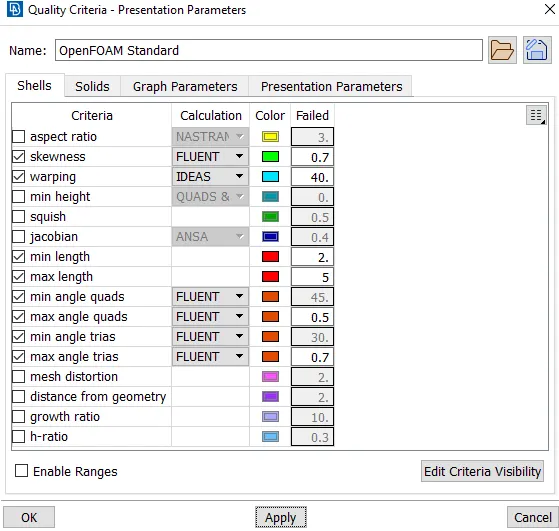
Quality criteria
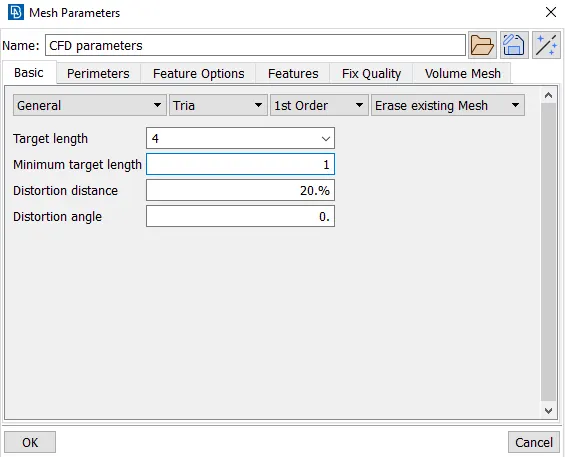
Mesh parameter
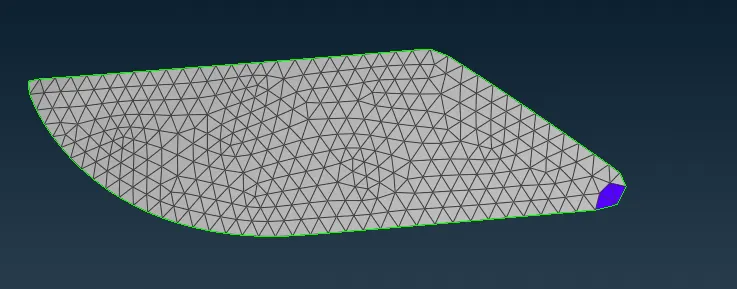
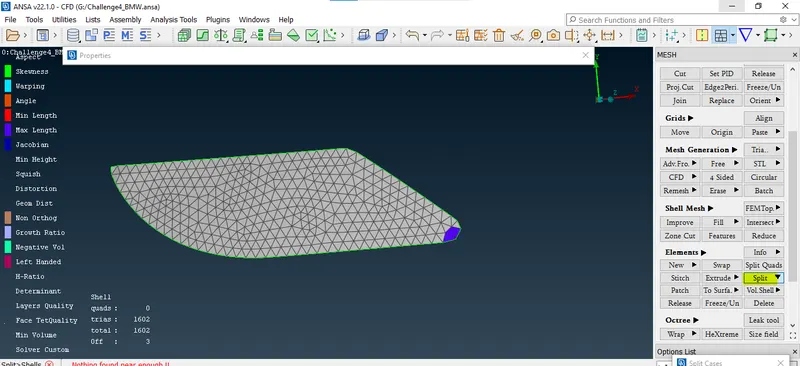
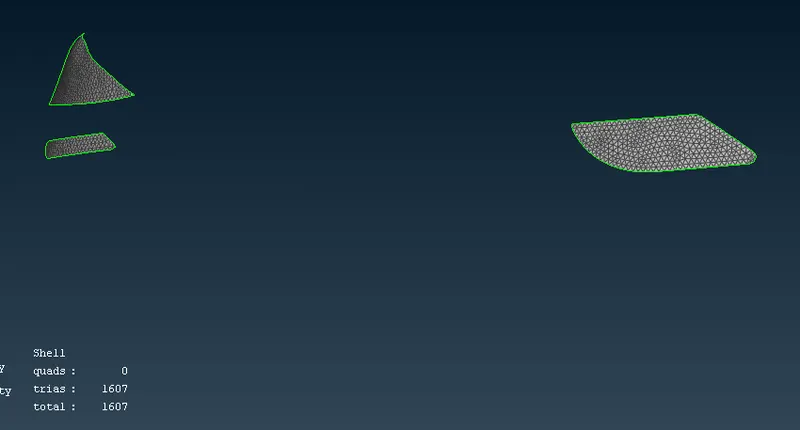
in the above image we have maximum length off elements.
We will fix this using the split option in elements.
After using the split option, we are getting minimum length off element.
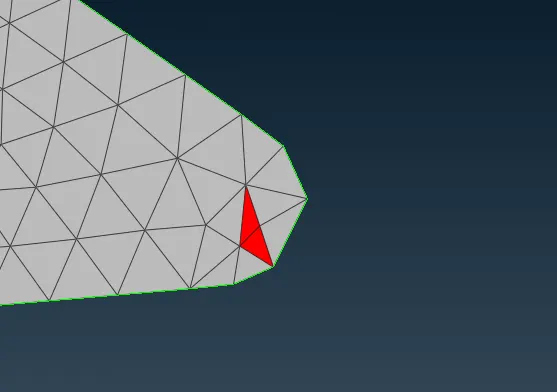
We can fix this using the move option in grid.
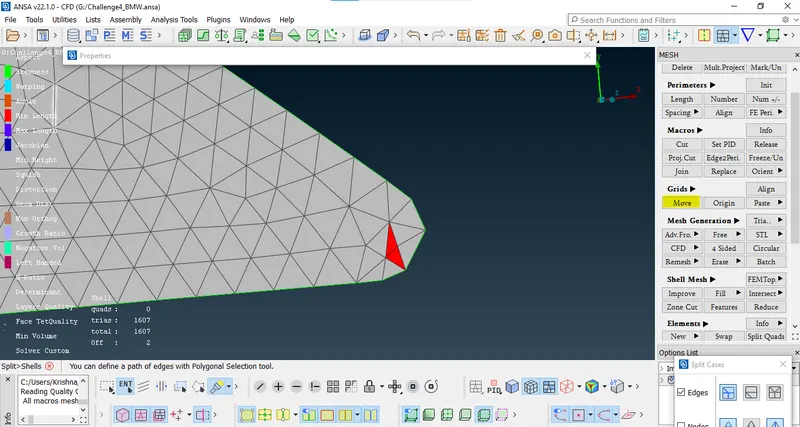
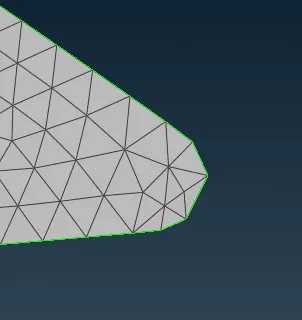
in the above image we can see off element has been resolved.
Note: similarly, we will fix the other off elements if it is not fixed by reconstruct option.
generated mesh for lights.
Body
Quality criteria
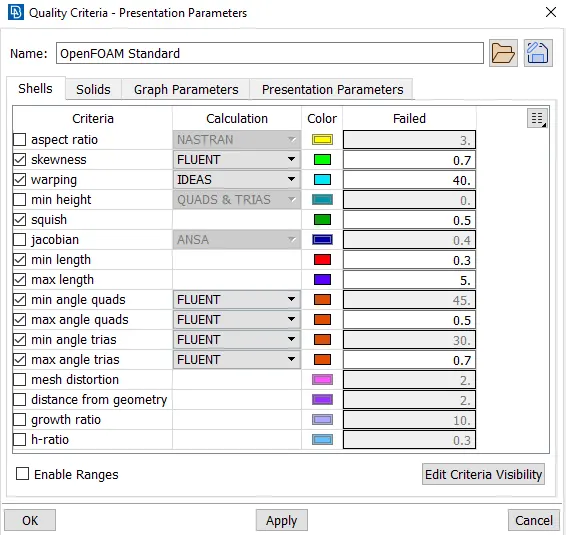
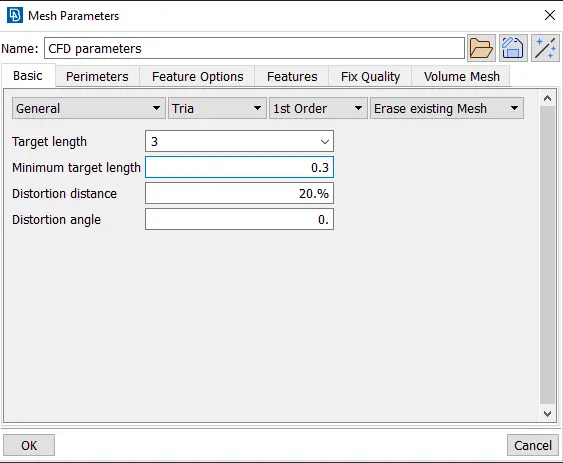
here i have used minimum length 0.3 mm because there is a neighboring PID(Grill) with minimum length 0.3mm which was getting affected by taking minimum length more than 0.3mm for body.
Mesh parameter
generated mesh
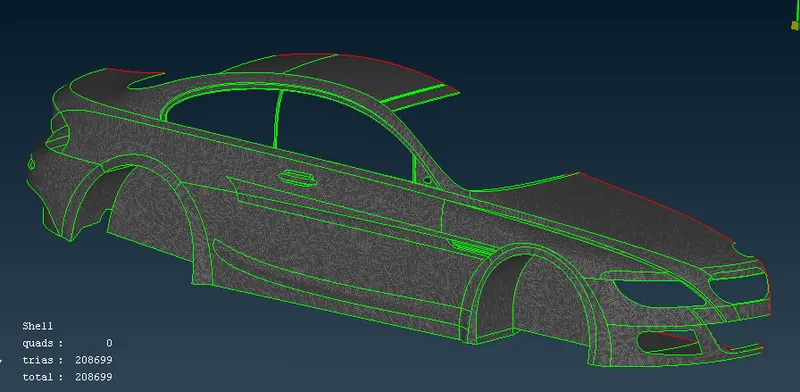
Overall generated mesh for the car
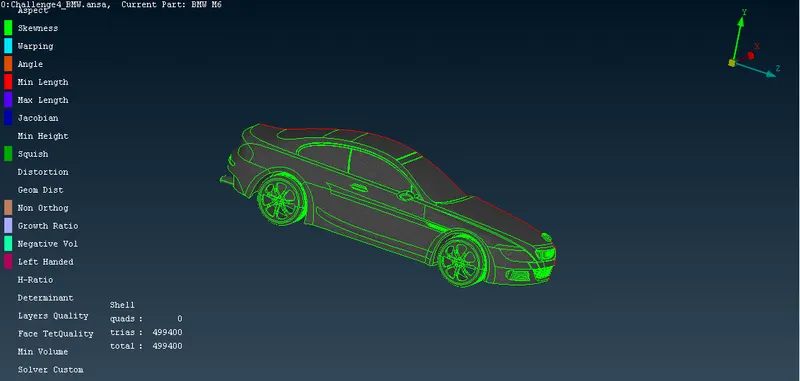
We have generated surface mesh for the car and we have got 499400 Tria elements. Zero quad elements and 0Off elements. so, we can further proceed for the symmetry.
Creating symmetry of the half car
select transform>copy
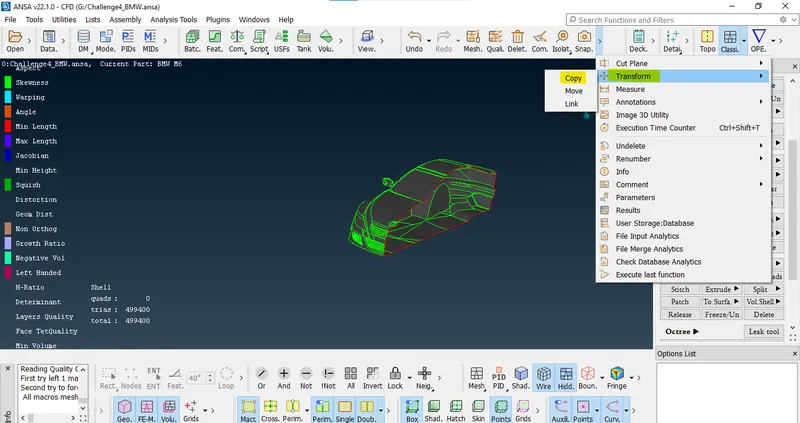
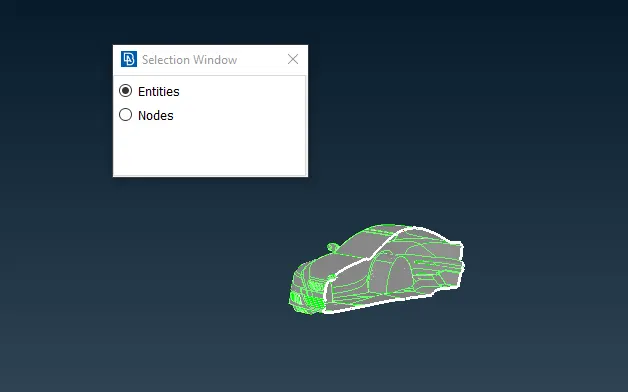
select entity which has to be do symmetry.
After selecting entity go for symmetry option>use mirror 3 points plane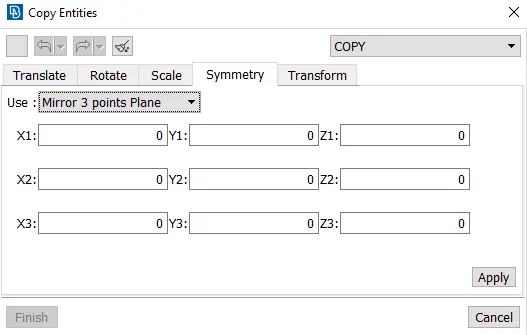
now select 3 points from the edge.
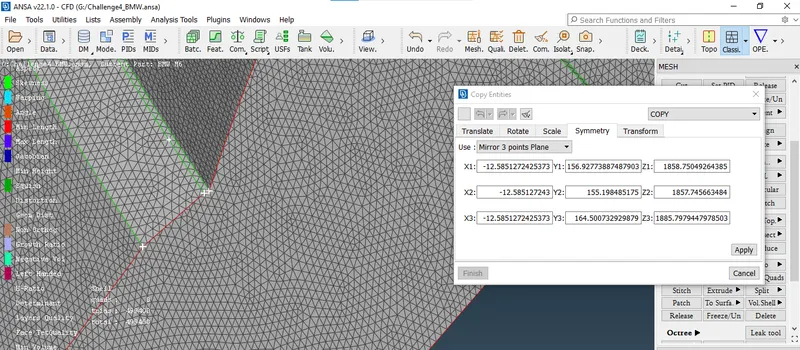
click on middle wheel. it will ask for transformation option. do not change anything let be as it is.
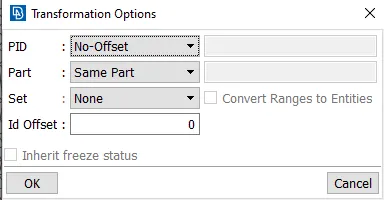
press OK
After checking preview press on finish.
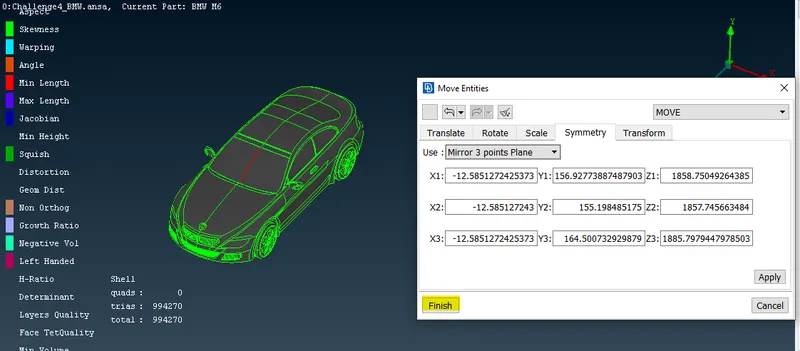
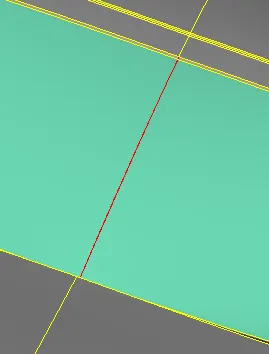
in the above image we can see there is single coon present we can fix this by using paste option.
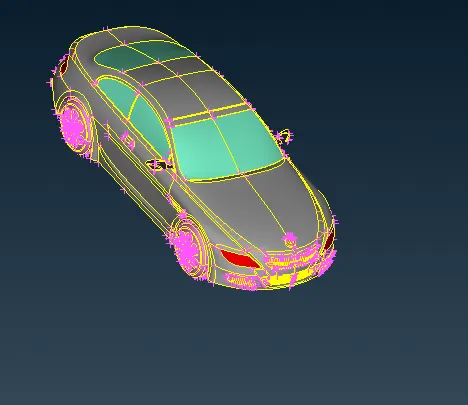
final surface mesh of the car.
Creating wind tunnel
- Measure car length
- Now we have to make wind tunnels as per the given aspects.
- The front face distance of the wind tunnel from the car front face = 4 times car length.
- The back face distance of the wind tunnel from the car back face= 6 times of car length.
- The top face distance of the wind tunnel from the car top face = 3 times car length.
- side face distance of the wind tunnel from the car side face = same as car length
- bottom face distance of the wind tunnel from the car bottom = nearer to car bottom.
- Now insert a point using relative option.
select the reference note then enter the distance in respective co-ordinate and press ok.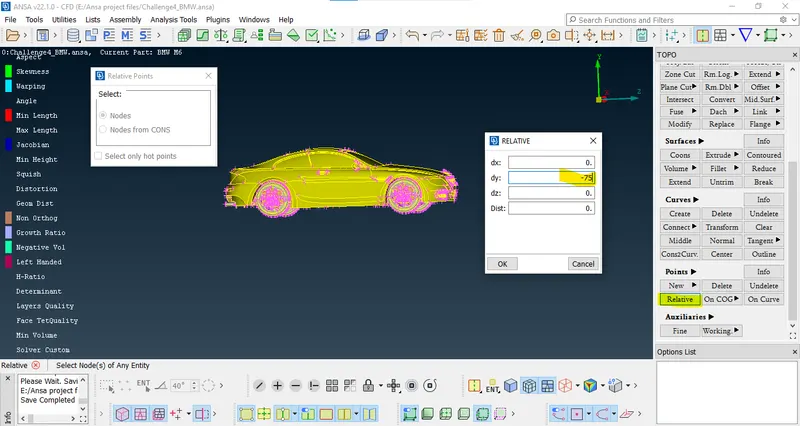
- insert the required node/points.

- create curve using those points.
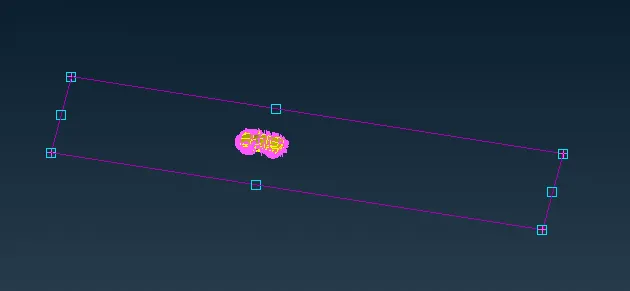
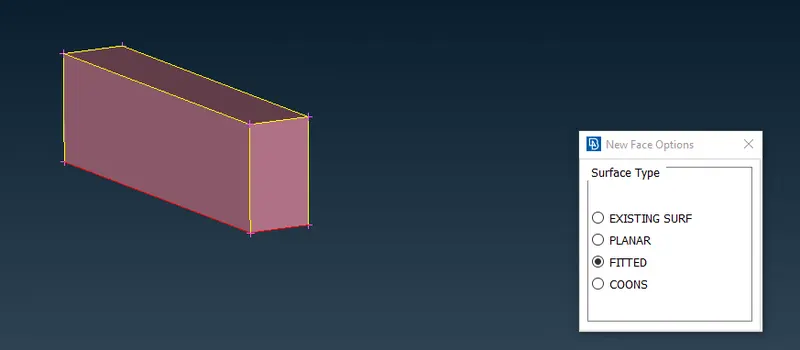
- now create new face using these curves.
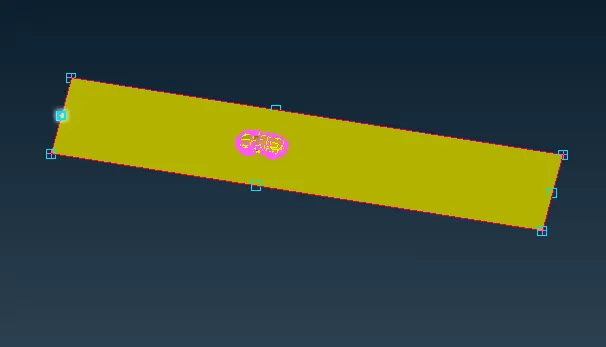
- use offset option in faces to create the top surface.
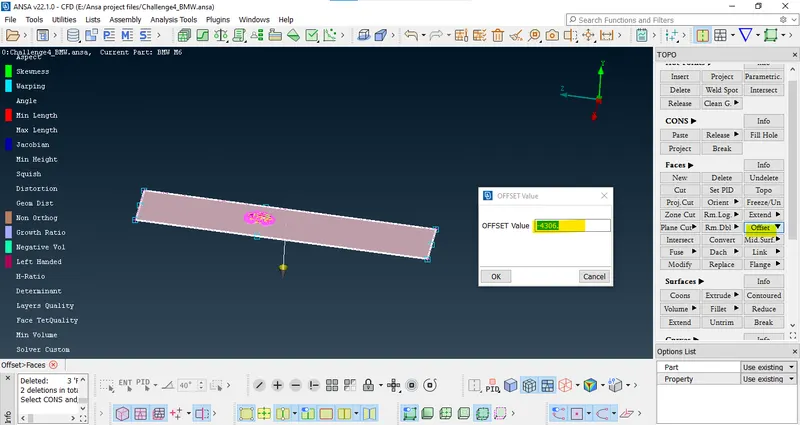
created top surface is shown belo.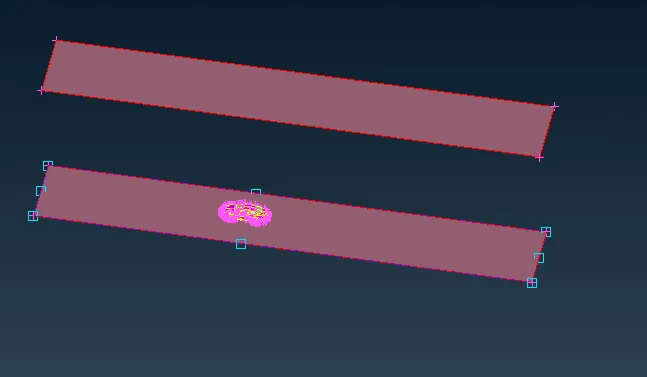
- now delete the unwanted curves and points.
- now create the remaining surfaces.
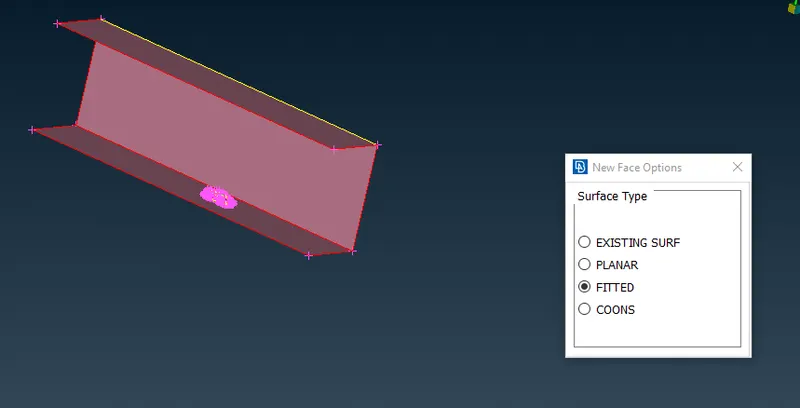
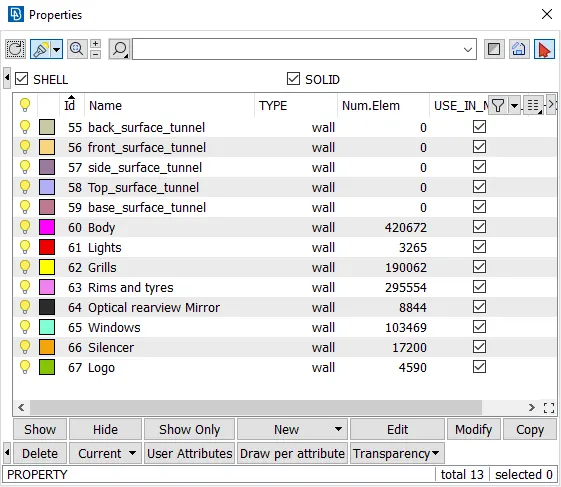
- Now assign PID's for the wind tunnel surface.
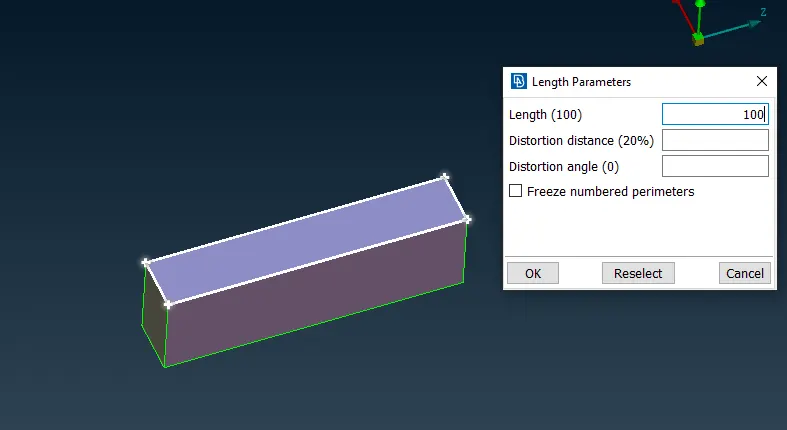
- now shift to mesh mode and assign length parameter and macros to top face as 100 mm.
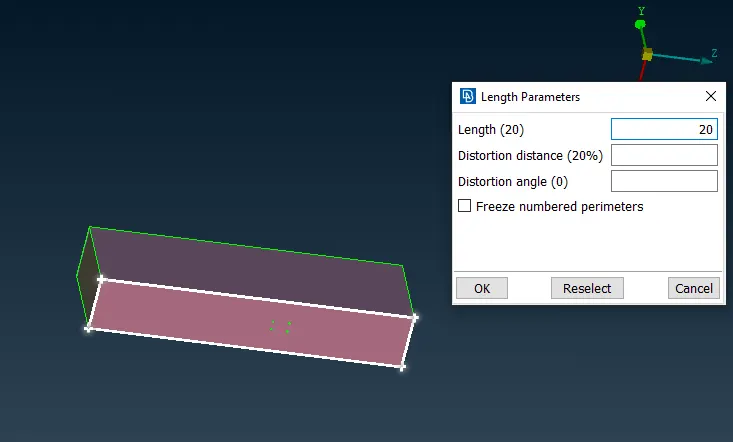
- Similarly, 20mm for bottom face.
- Now assign parameters to the side faces using spacing. starting from 20 to 100mm
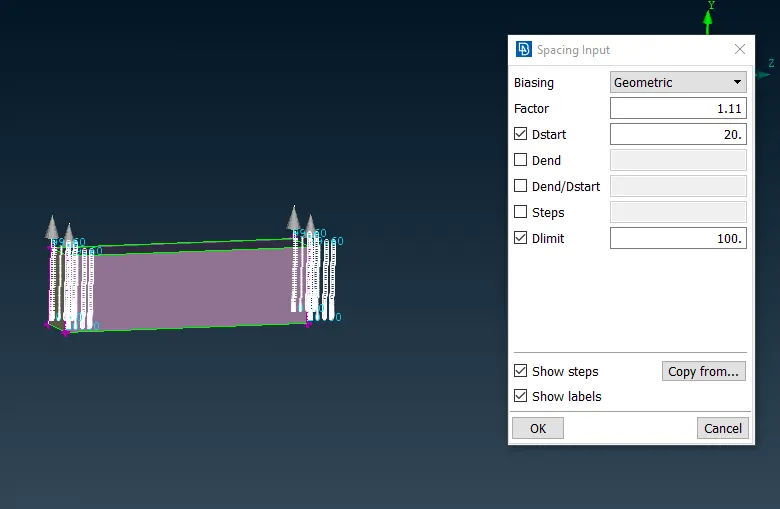
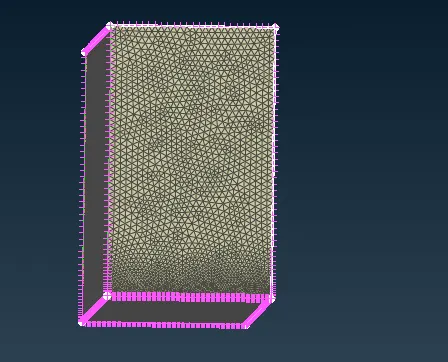
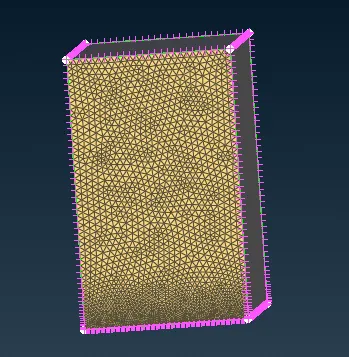
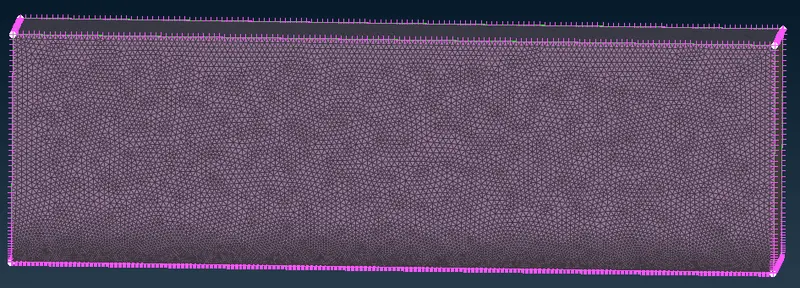
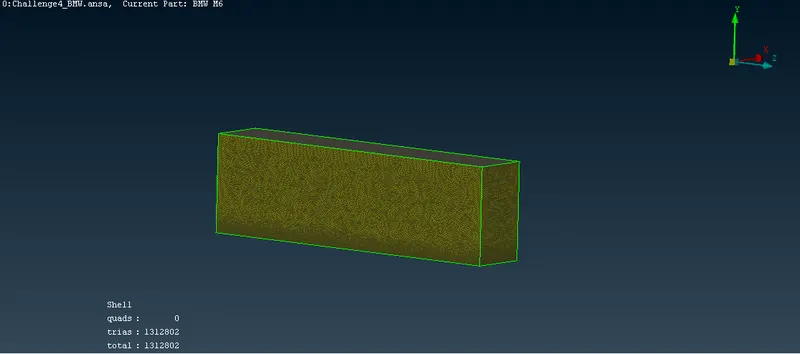
- Now try meshing the surfaces.
- Quality criteria for bottom surface.
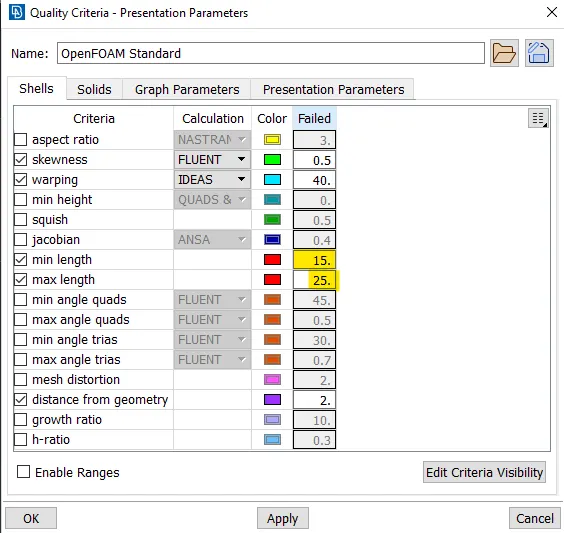
Mesh parameter for bottom surface.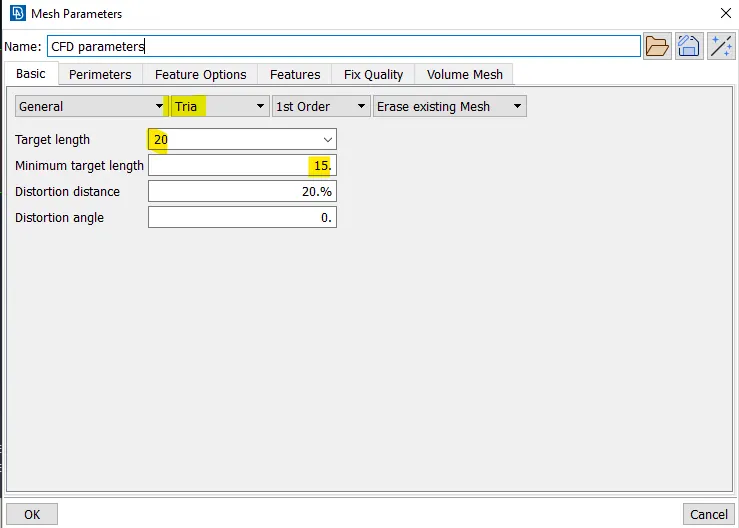
generated mesh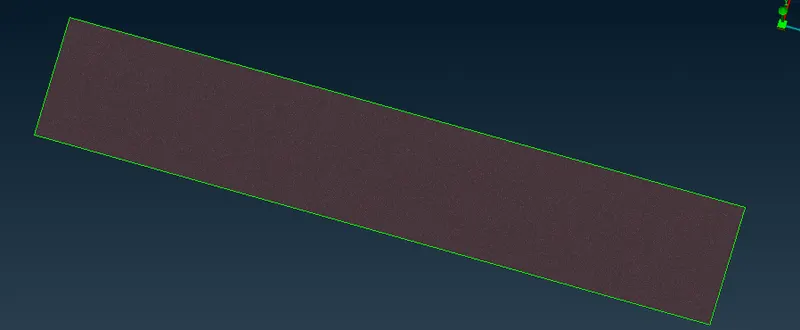
- Similarly, we will do for the top surface.
quality criteria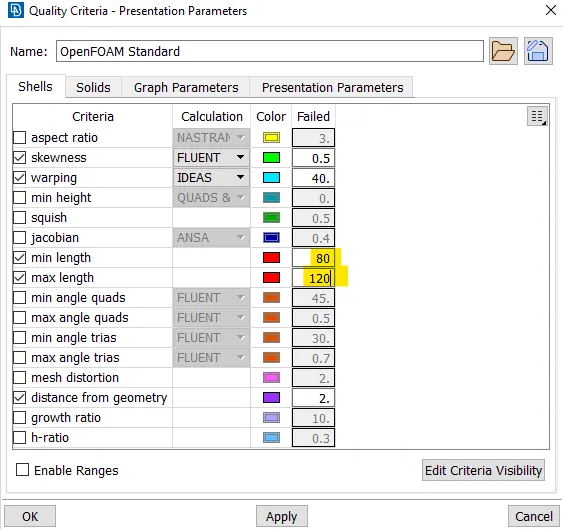
mesh parameter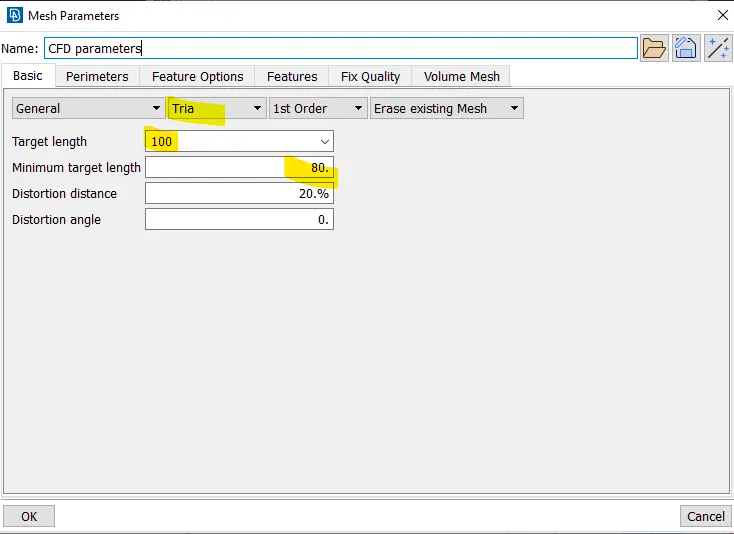
generated mesh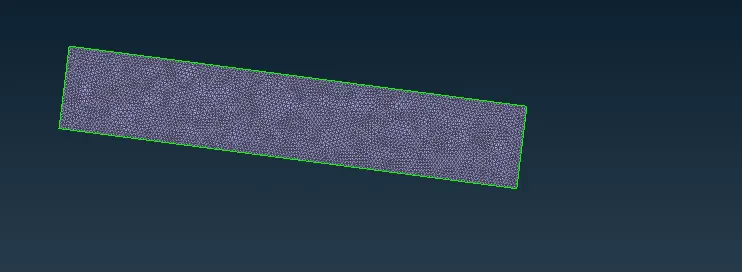
- now we will mesh the remaining faces.
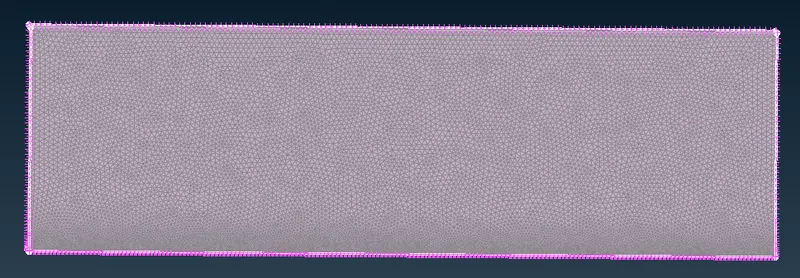
- Quality criteria for bottom surface.
- Now we have to make wind tunnels as per the given aspects.
Learning outcomes
- i have learned so many things during this project. which i am listing below.
- deleting and creating new surface.
- Resolving Single coons.
- resolving triple coons.
- understood the significance of Quality criterions.
- resolving off elements.
- resolving intersection error.
- making symmetry of any model.
- creating wind tunnel.
conclusion
- As per my observation during this project i can conclude that, if there are lot of small PID's attached with a single PID in this case (Body). then go for the minimum length with smallest of its neighboring PID's minimum length. It will automatically save your lot of time in cleaning off elements.
Google drive link for model
https://drive.google.com/file/d/1d9YeaWYPIyuX7C2kSjwwDdSgpOWdXBFm/view?usp=sharing