Week 4 Challenge : CFD Meshing for BMW car
Objective:
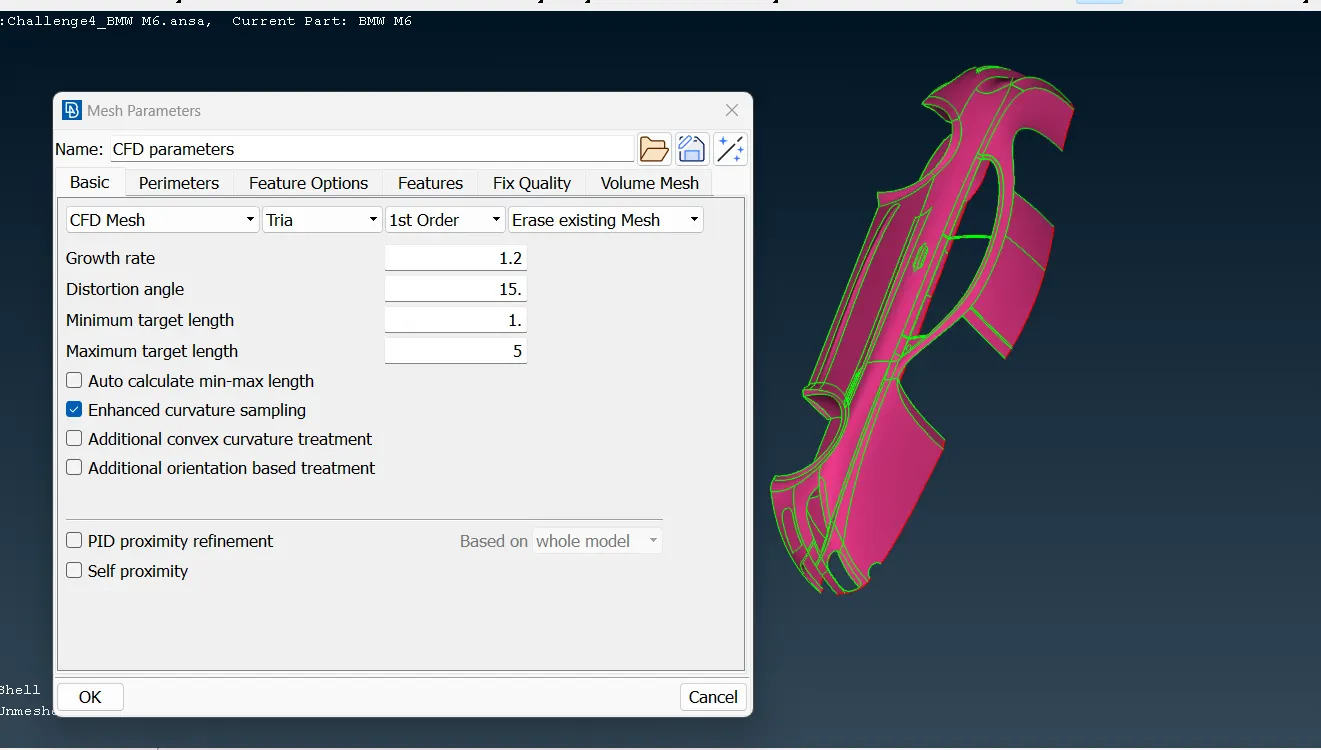
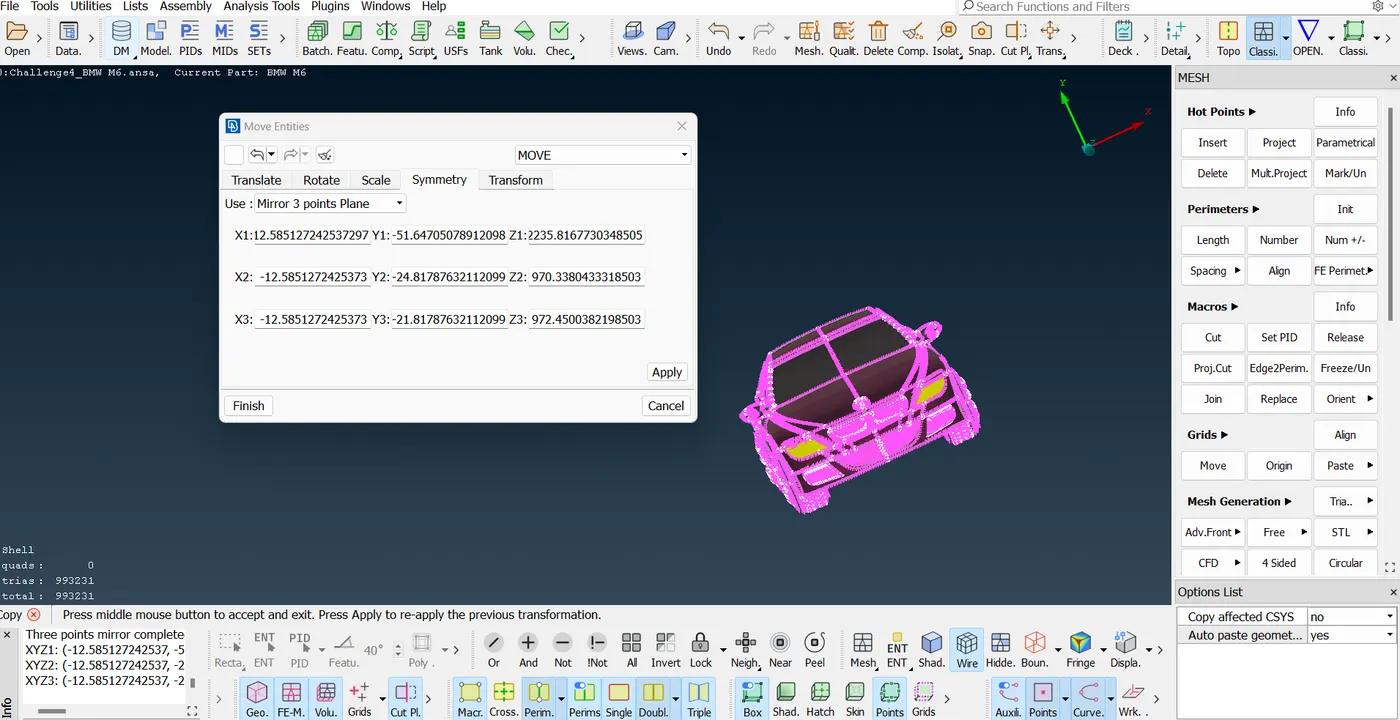
For the given model, check and solve all geometrical errors on half portion and Assign appropriate PIDs. Perform meshing with the given Target length and element Quality criteria. After meshing the half model, Do symmetry to the other side.
- Target lengths for the different parts of a model are as follow:
- Body - 3 mm
- Lights - 4 mm
- Grills - 1 mm
- Rims and Tyres - 2 mm
- Optical Rear view mirror - 2 mm
- Window - 2 mm
- Silencer - 3 mm
- Logo - 1 mm
AIM:
Agenda is that we need to 6 volumes then out of that only 1 volume that is inside car will keep other 5 will be deleted and then within wind tunnel will extract that volume to do CFD study of flow over car. We are concerned about the features outside of the car not the features inside as flow is outside
STEPS:
1. 1. Inspecting the geometry after importing.
whenever we get such model having so many errors related yellow patches and cons, click on PID mode and will do topo and drag to select the whole model. It will convert all single cons into double and double to triple cons
we also can see some features are not accurate like tyre, BMW logo etc
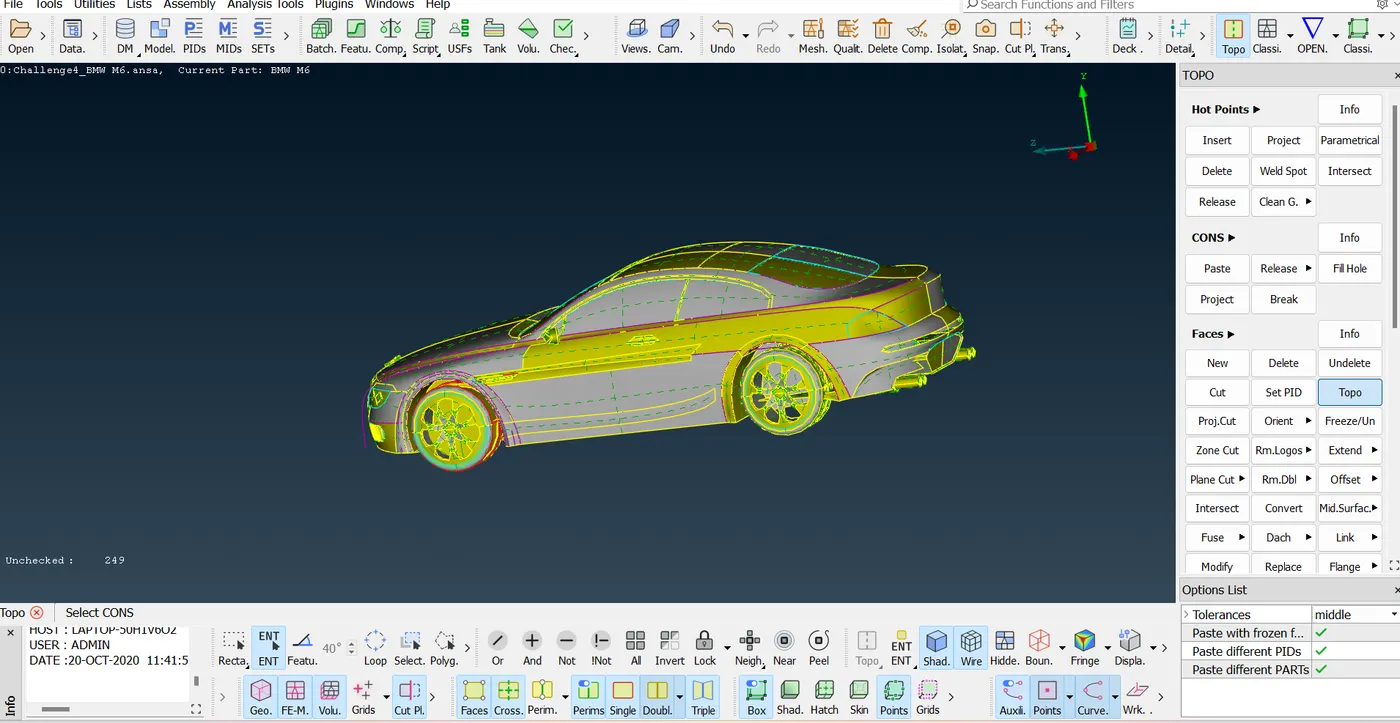
by clicking multiple times on so many coons over the object will give proper shape
but it will take huge time to settle this problem
Fine method does what thing? It decreases the length of mesh size like next method but 1 by 1
Thus another method is go to mesh mode
select by dragging whole body and change the length to 1mm and then come to macros and select whole body
step 2:
1. doing topo clean up:
Now we can use a concept of symmetricity except few features like logo. By deleting half side then will proceed with cleanup and meshing then will reflect half side to symmetric half other side by using symmetry option
except this logo top surface , whole body of right side got selected
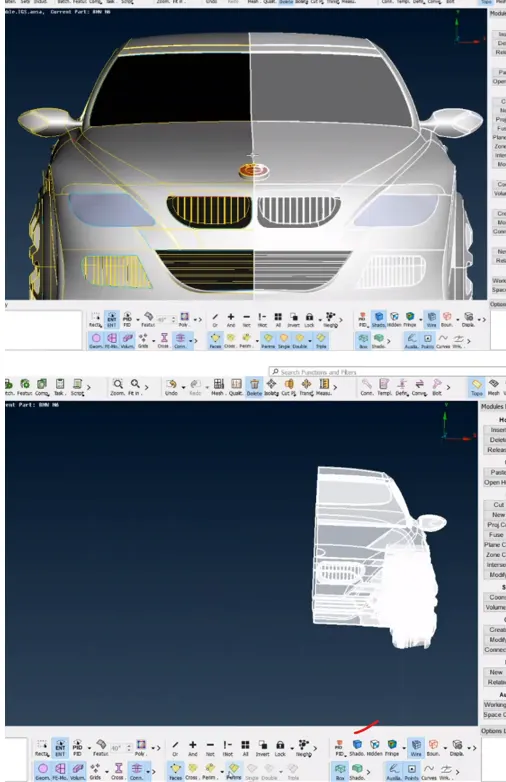
One by one we will resolve the errors of single and triple cons by isolating each PIDs:
1. inspecting the whole body from inside first to search the scope of resolving triple cons by deleting glitched surfaces and extra surfaces and intersecting surfaces using intersect command.
2. now doing topo cleanup from outside for each PID. 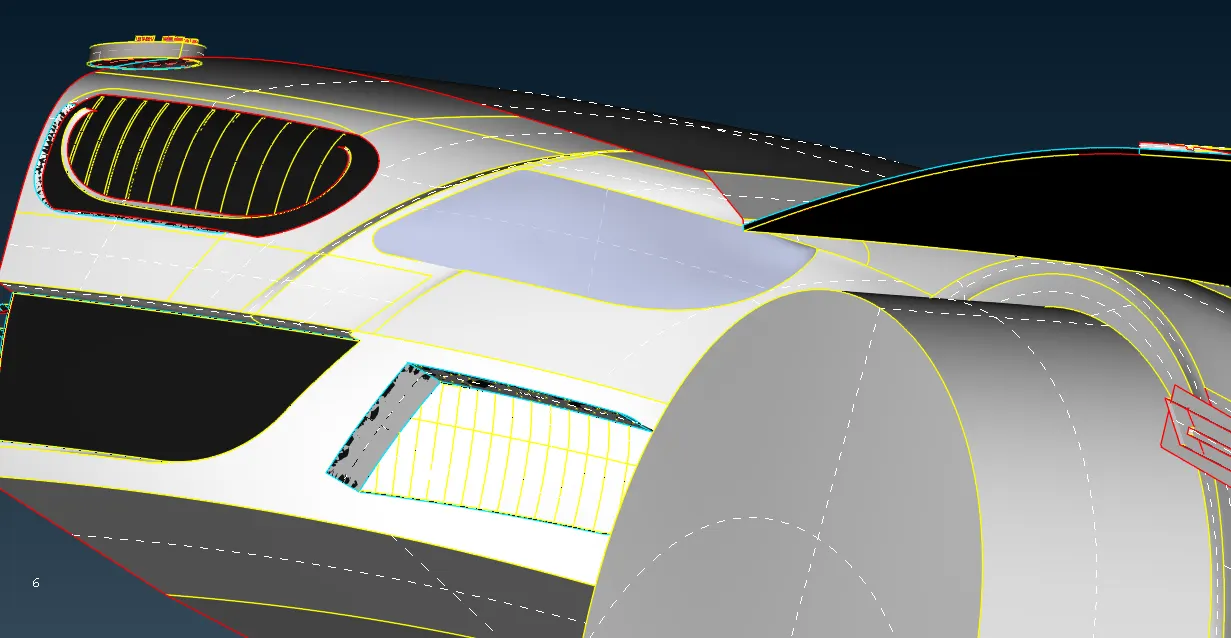
We need to close the volume by creating a surface that can be created by projecting the selected con over the selected surfaces
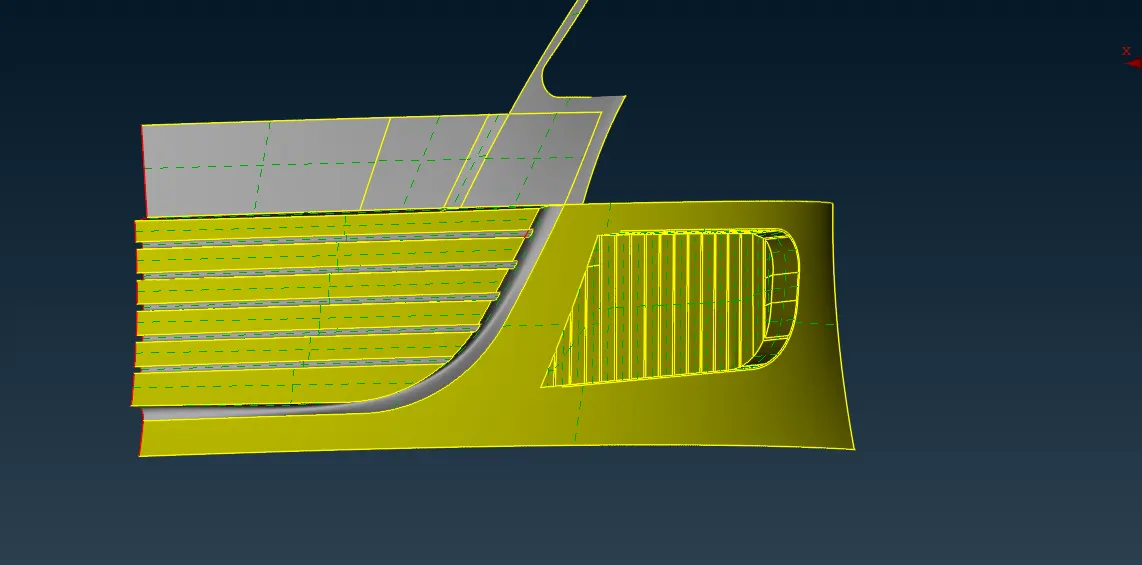
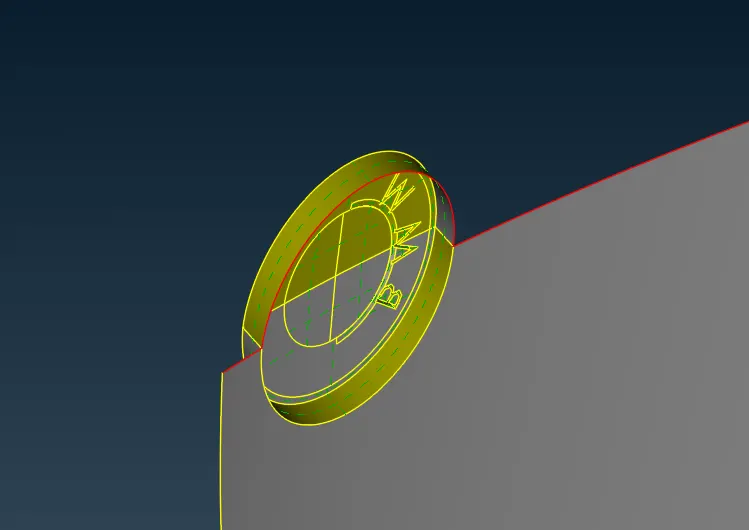
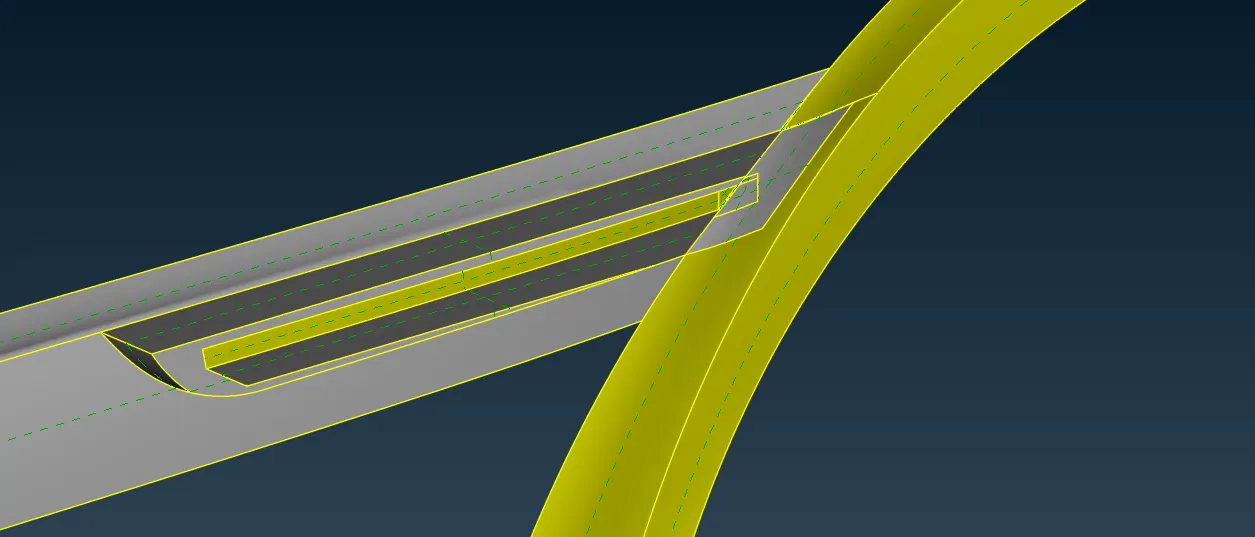
All the unnecessary surfaces are deleted like sharp edges
Now projecting the hot points from 2 surfaces to 1 surface as shown below so that we can create surfaces part wise to close the volume
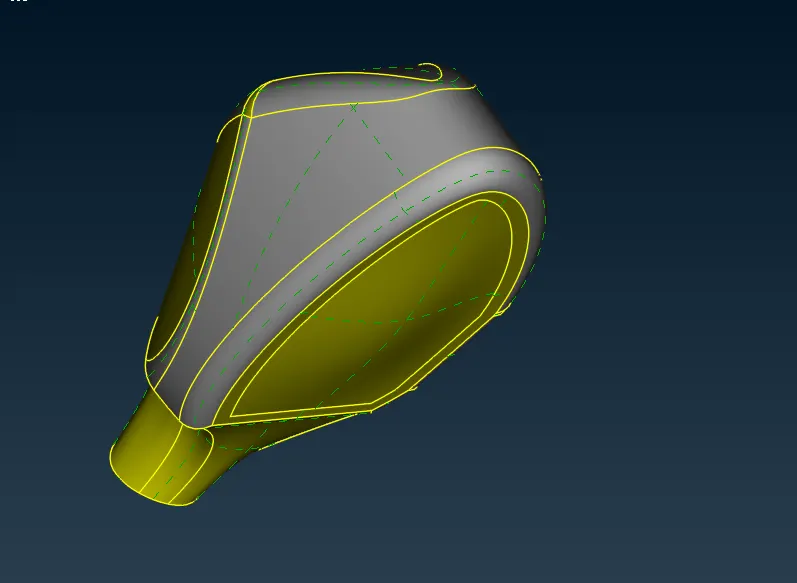
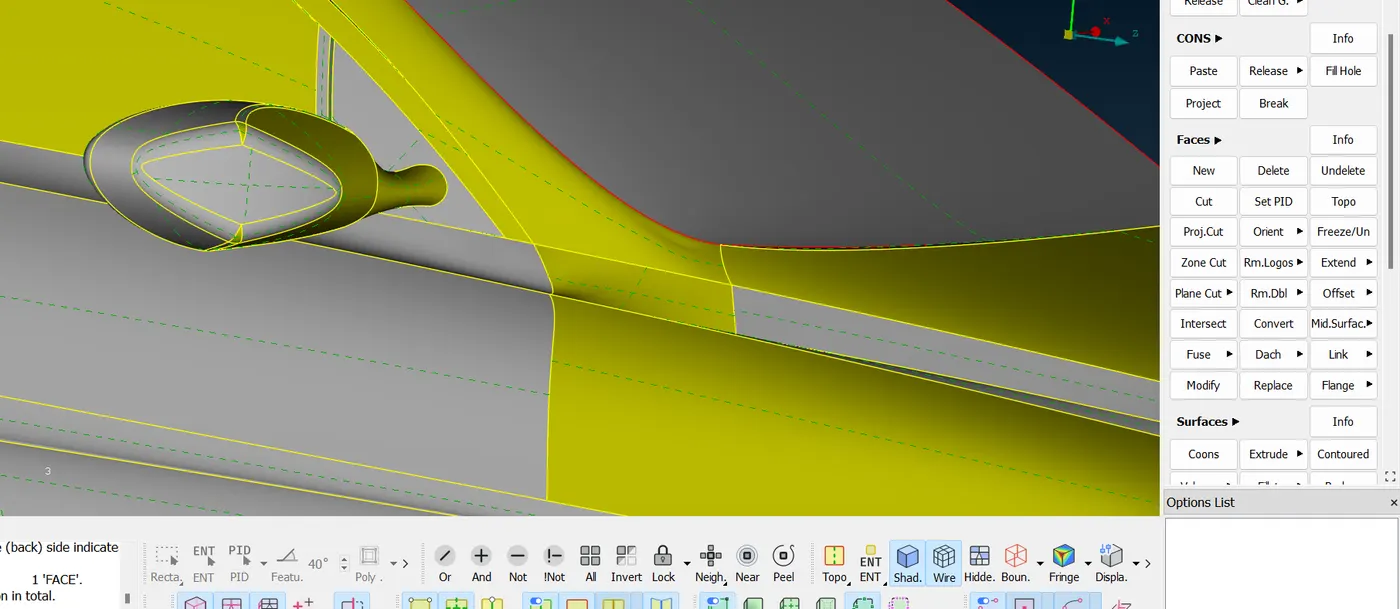
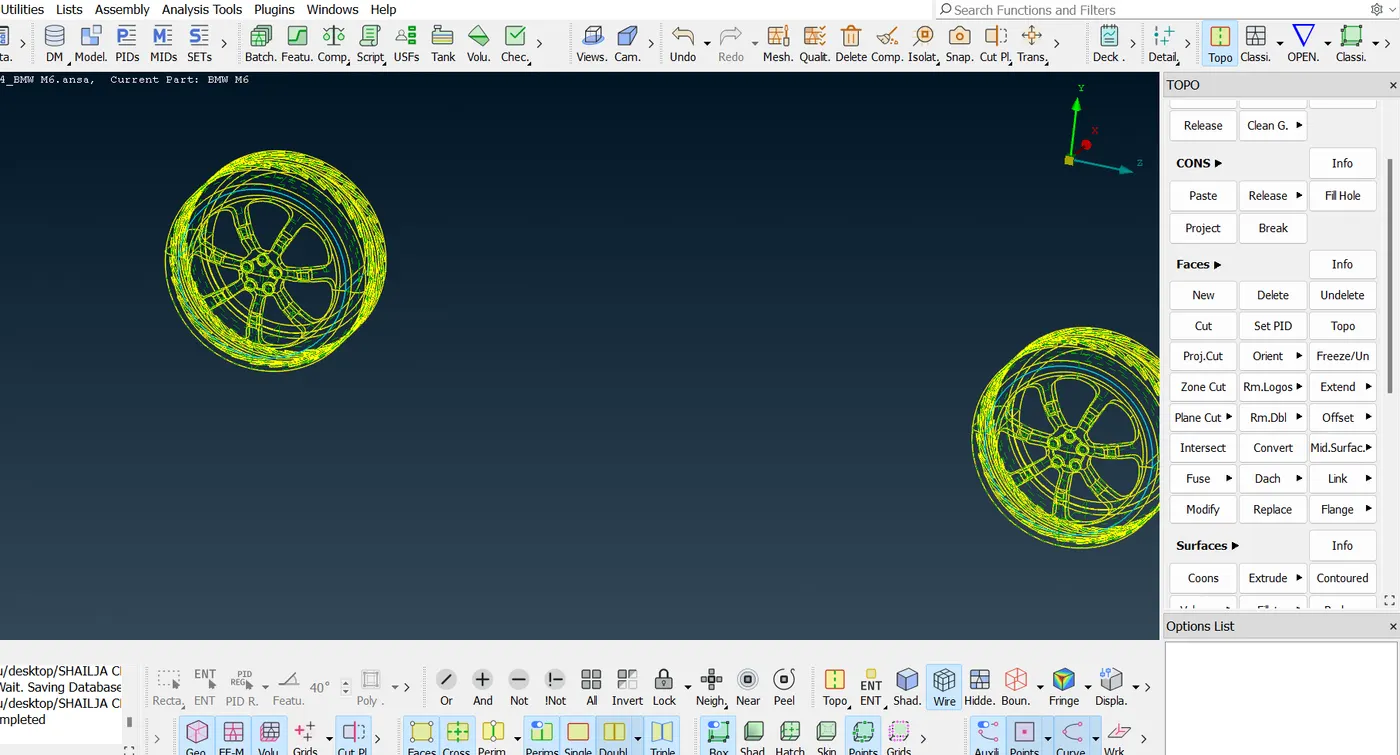
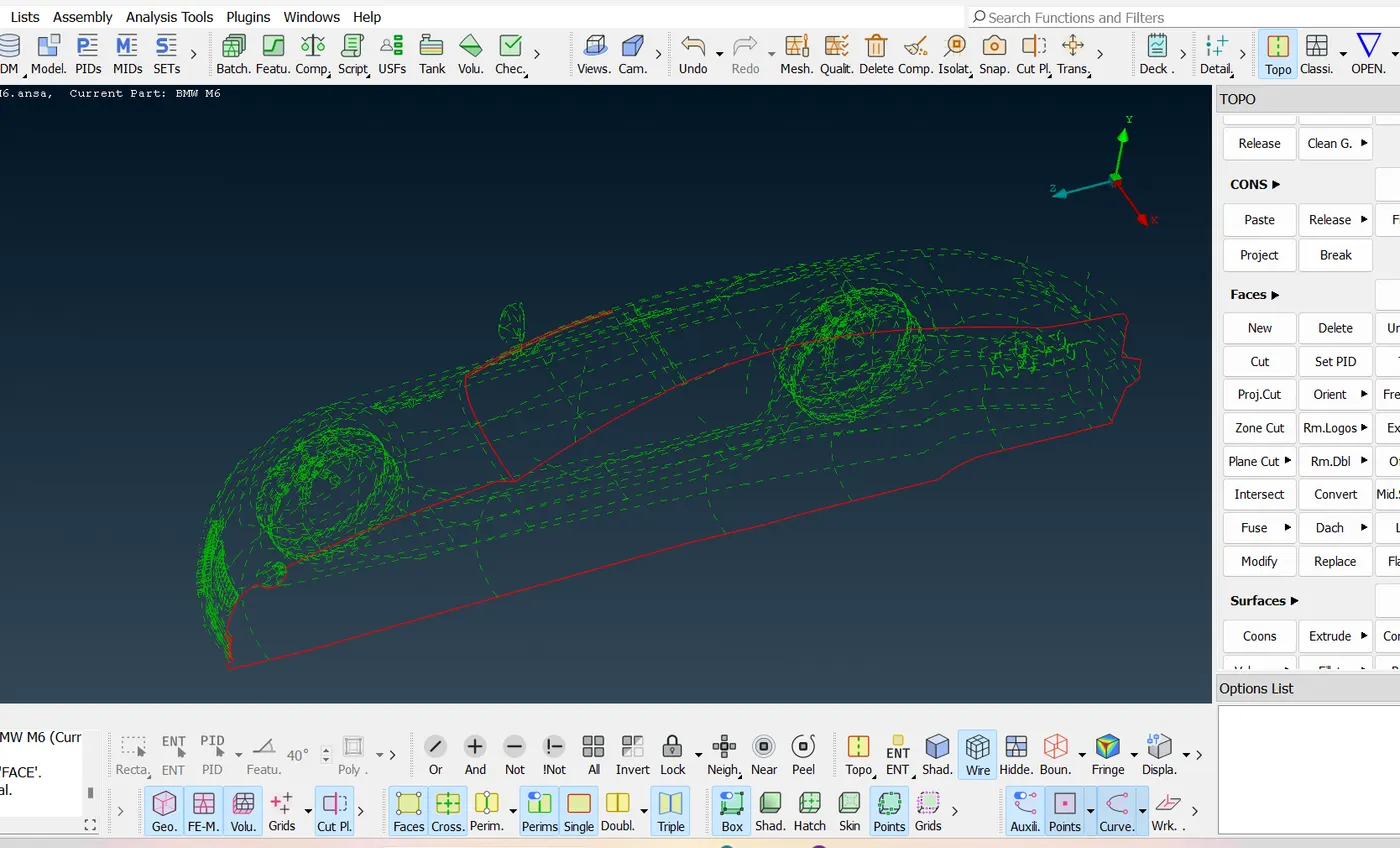
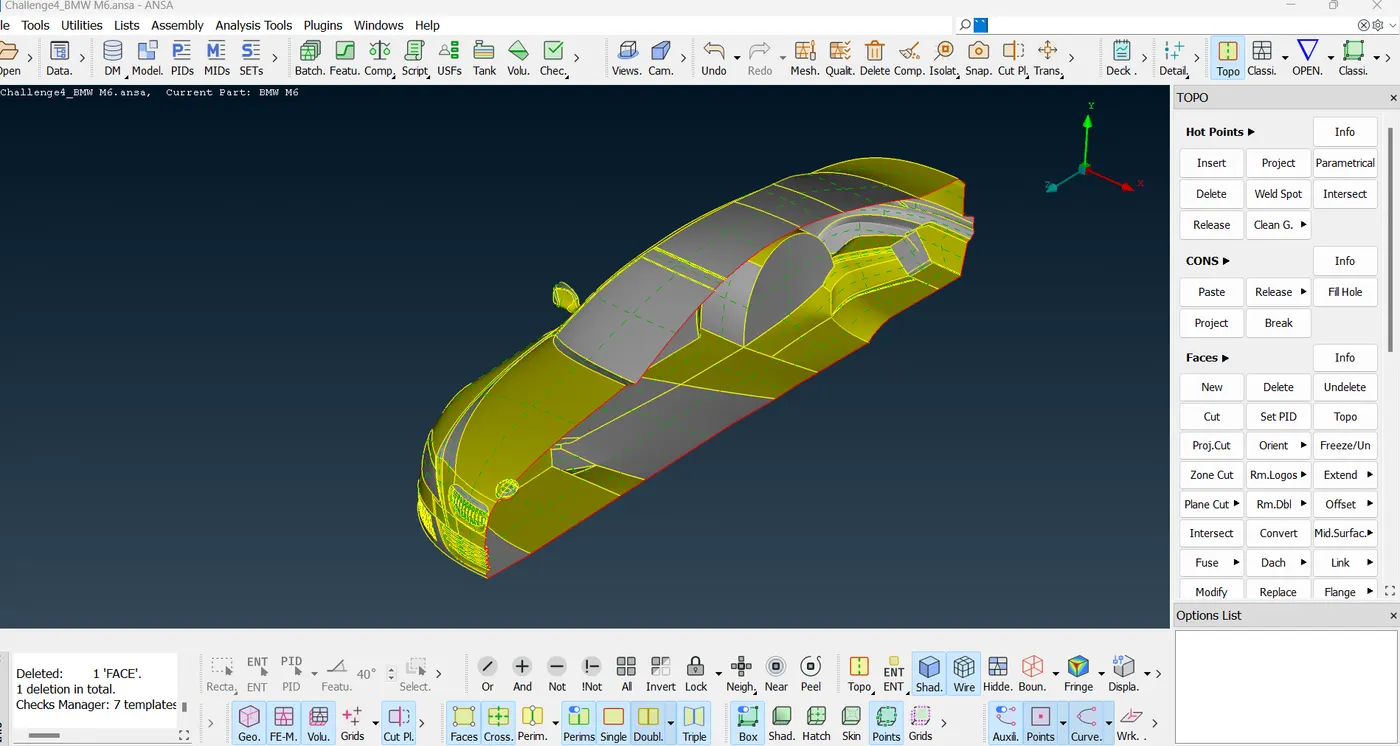
These all are cleaned and now now we can see only double cons. No triple and single cons
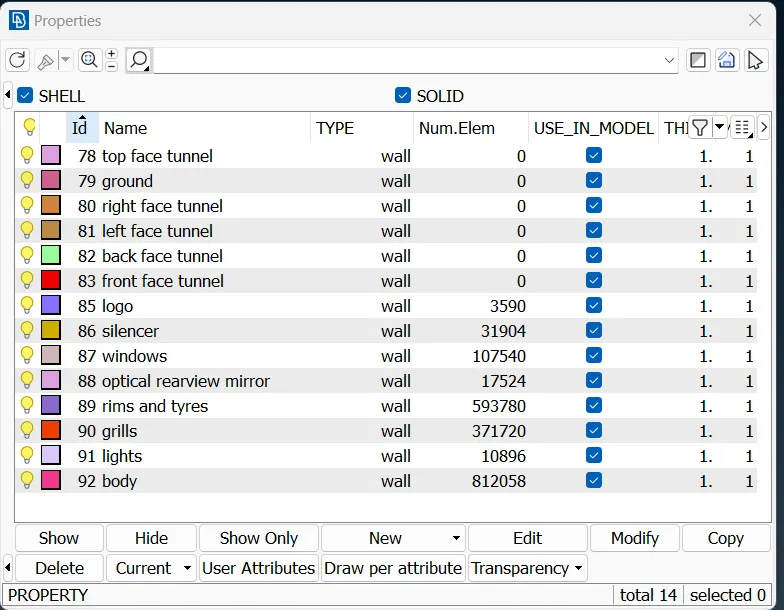
Step 3: creating and assigning PIDs to different parts of BMW car
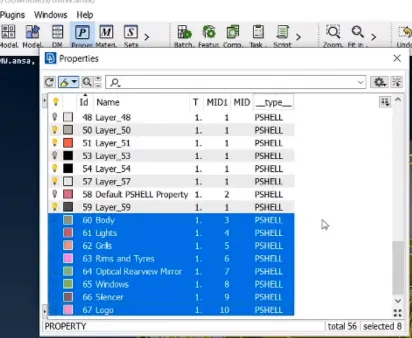
we can delete extra PIDs forcefully. Apply compress option to delete all the unwanted PIDs
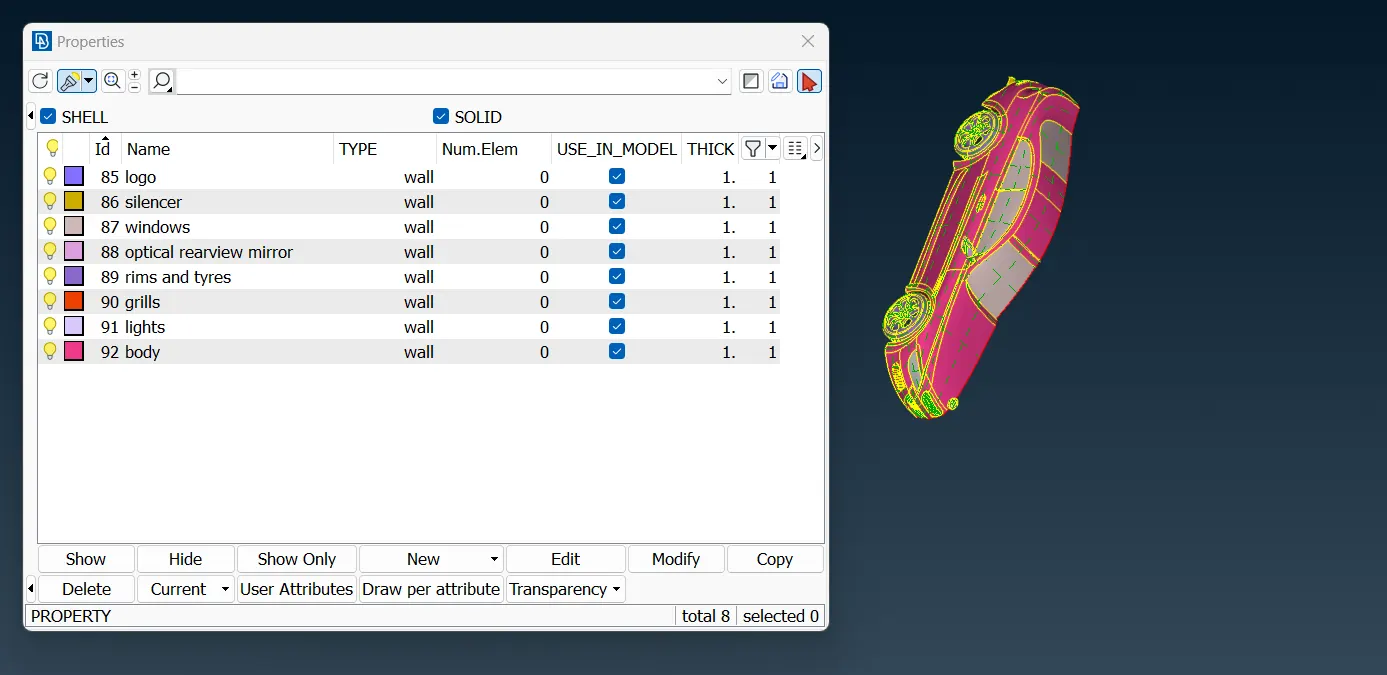
step 4: starting with meshing of each and every parts of BMW car by isolating one by one using !Not option
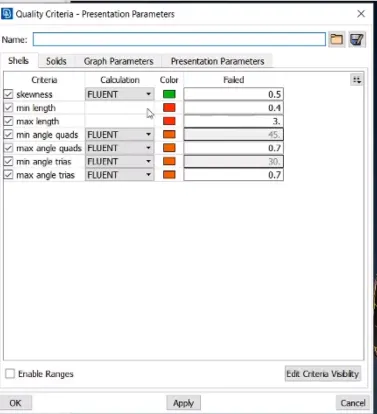
setting up the quality criteria from OPENFOAM
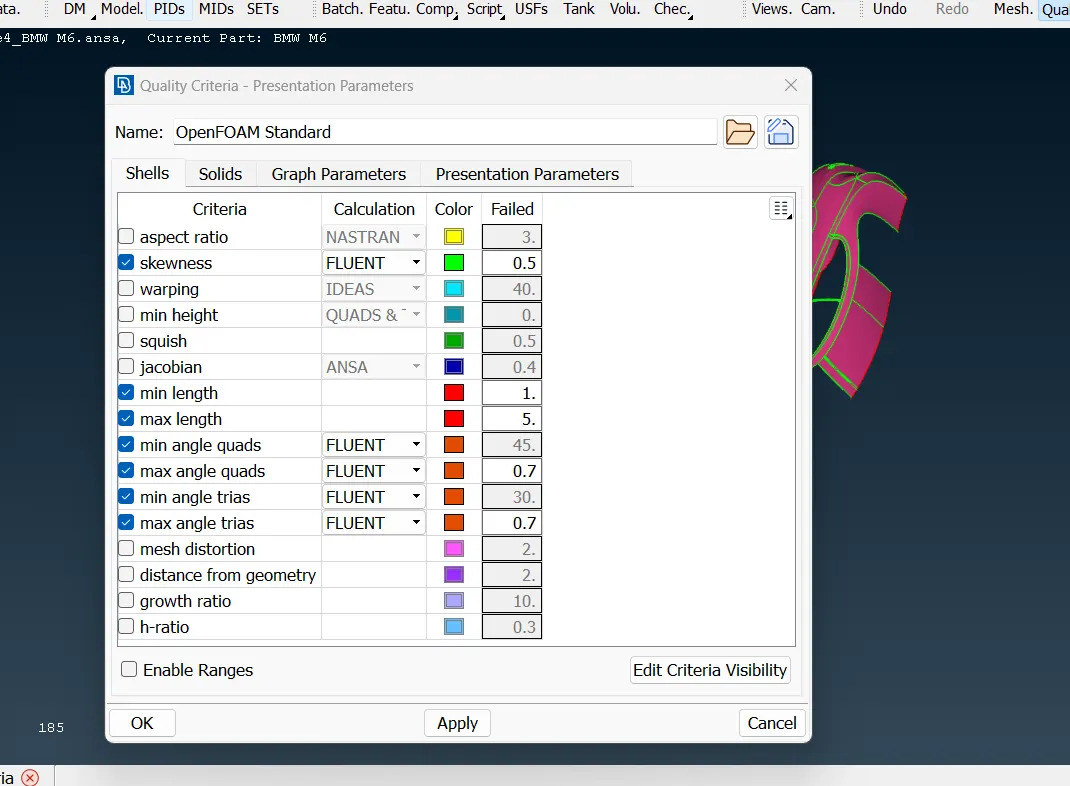
Now starting with meshing for 6 different volumes:
Volume between car body and tunnel, 4 tyres and car
Very important thing we need to keep in mind before meshing is to check every small lengths between 2 edges otherwise the meshing can fail if the distance between 2 edges becomes less than the minimum target length of mesh
We can separate that part by deleting the edge using cut option
We actually concern for the smaller body parts with greater mesh size
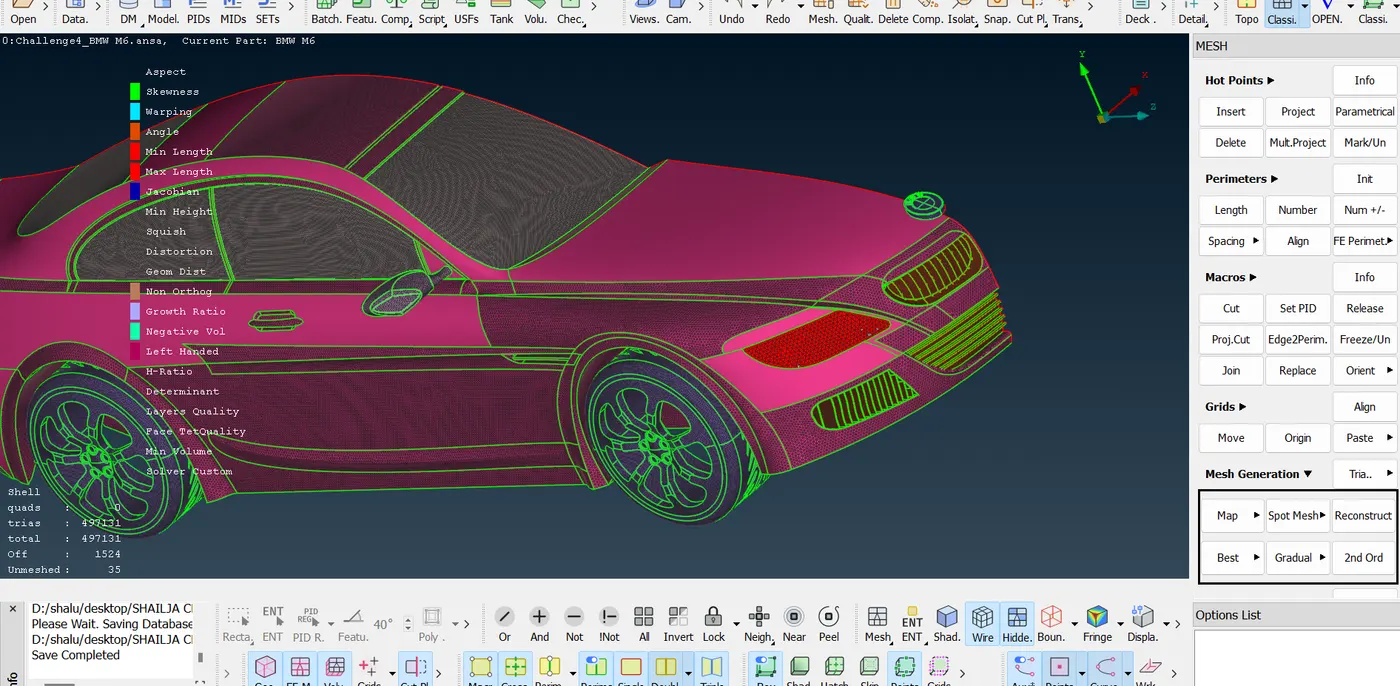
As we could see that body meshes go away after meshing every pids. Its beacause of different mesh sizes of neighbouring pids to body pid.
We can resolve it by removing the meshing perimeter of car body shared with neighbouring pids
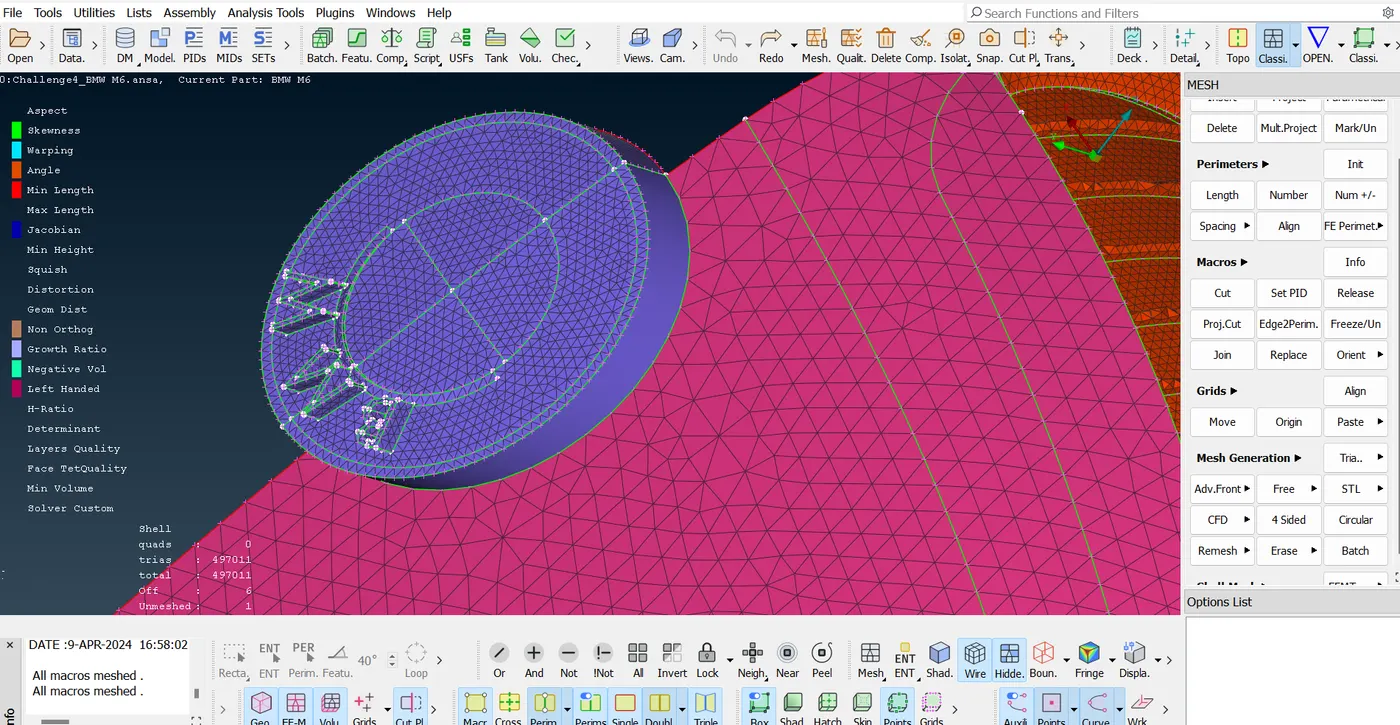
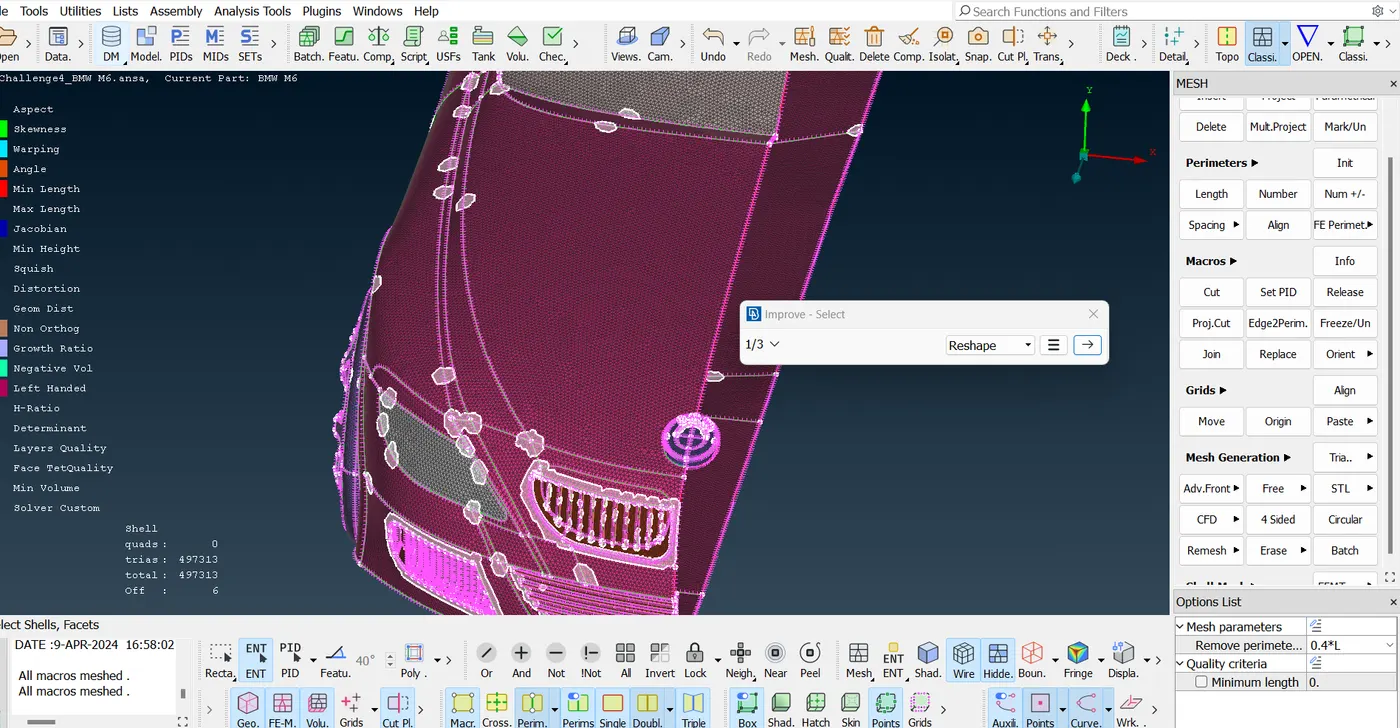
there are some off mesh elements that are not following the OPENFOAM qualifying conditions.
to resolve them we can go over off and right click to improve them.
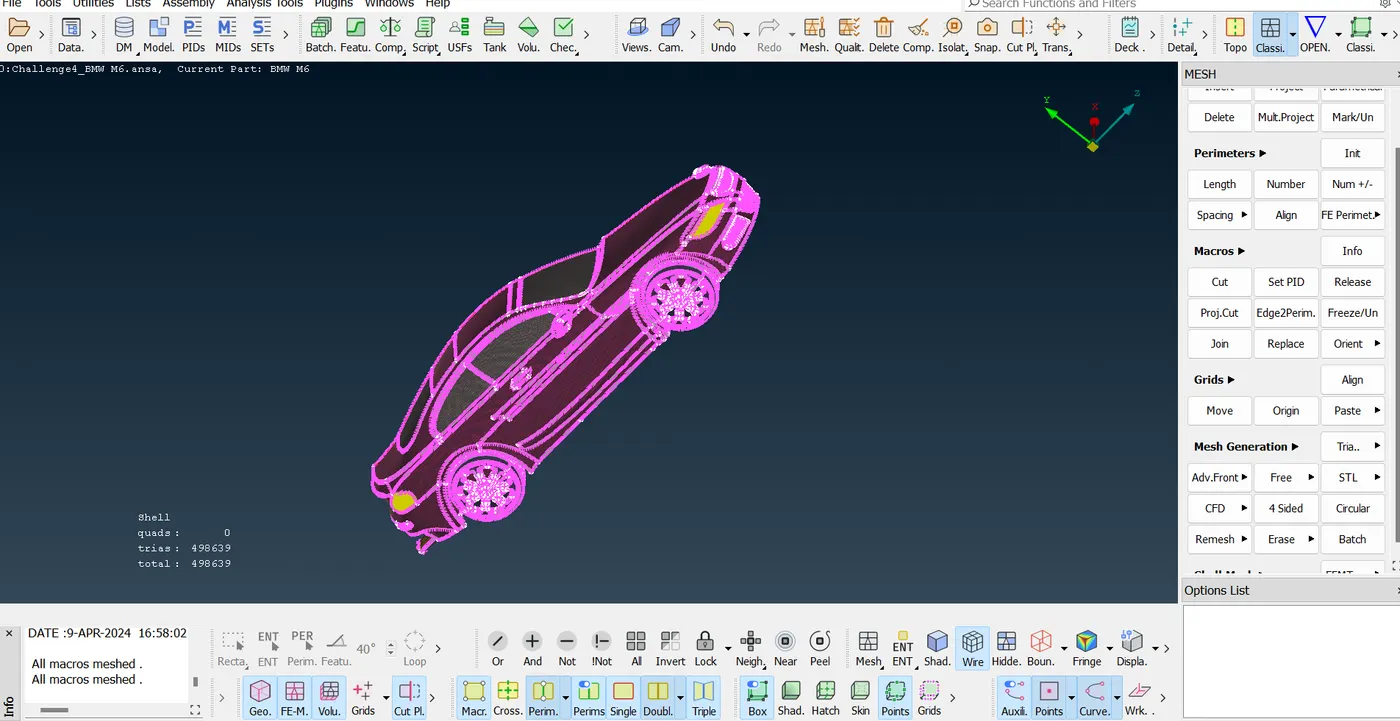
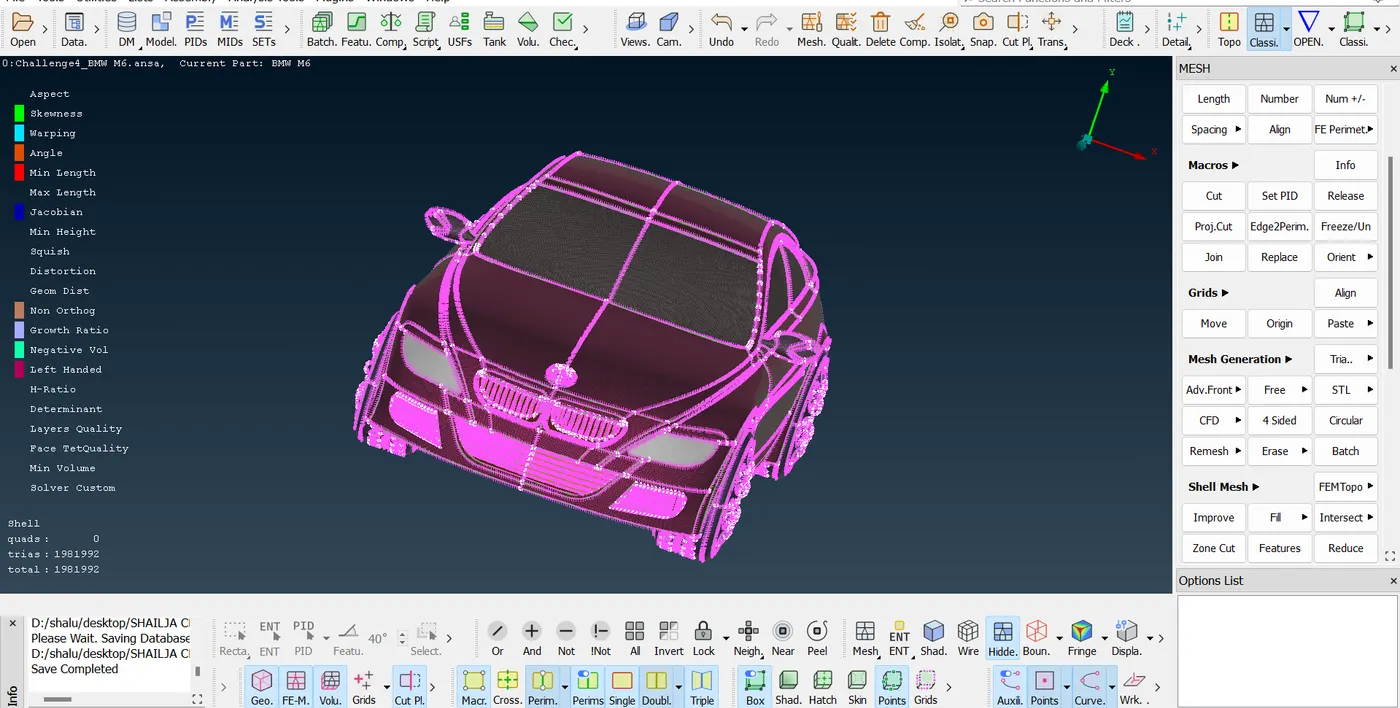
solving the intersecting faces and resolving them by pasting 2 single cons on same faces of joining faces of left and right parts
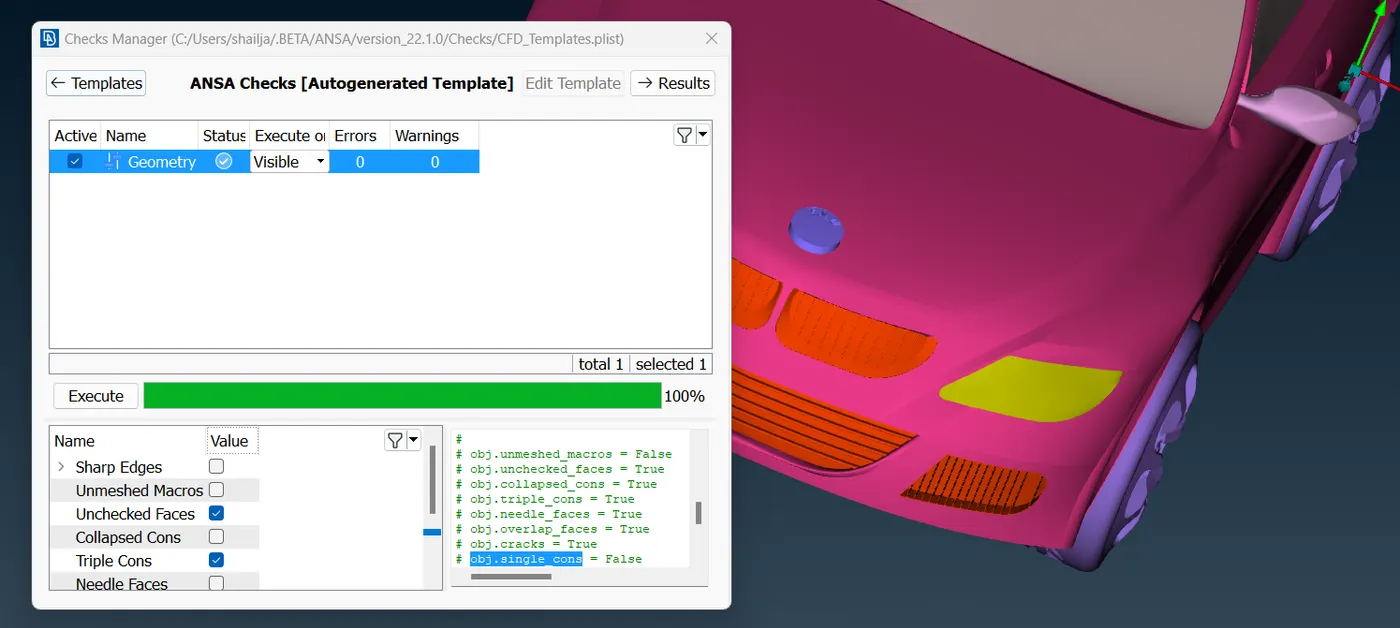
step 4: Creating wind tunnel:
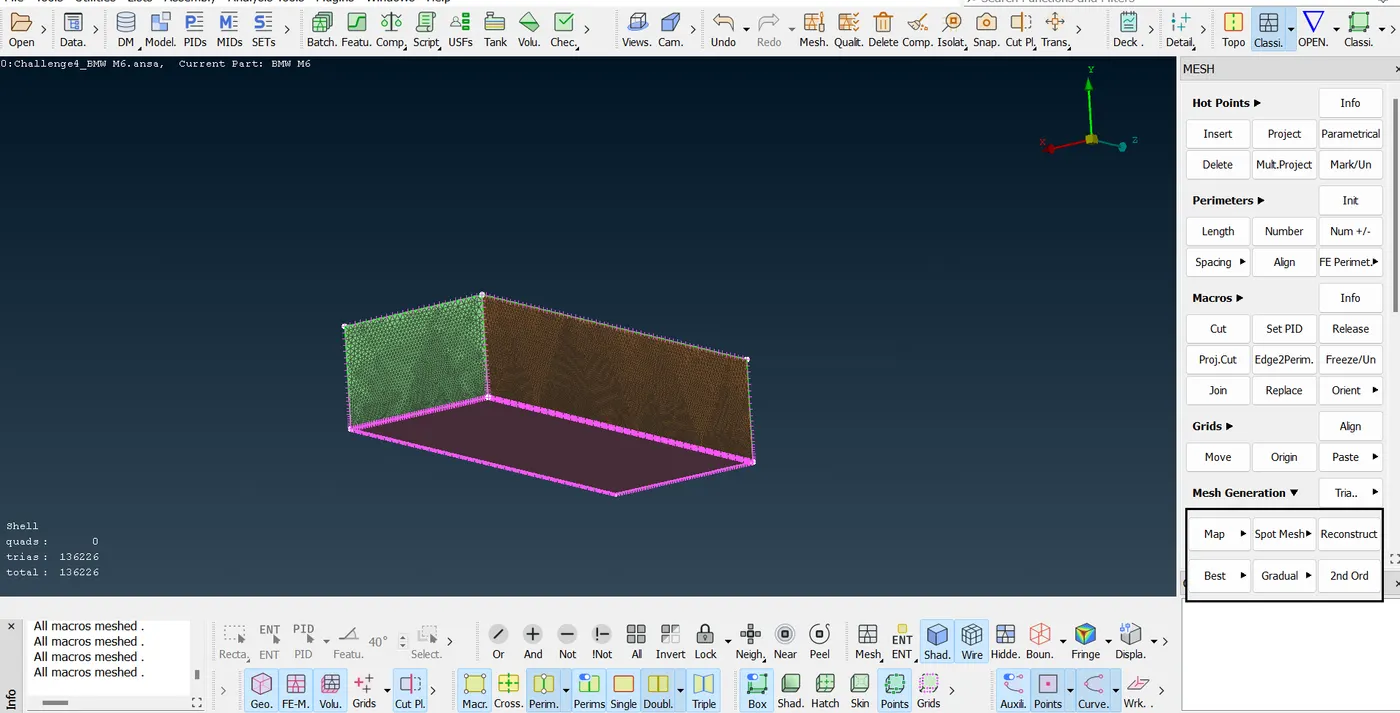
The distance of wind tunnel faces must be 4x from surfaces of car in air
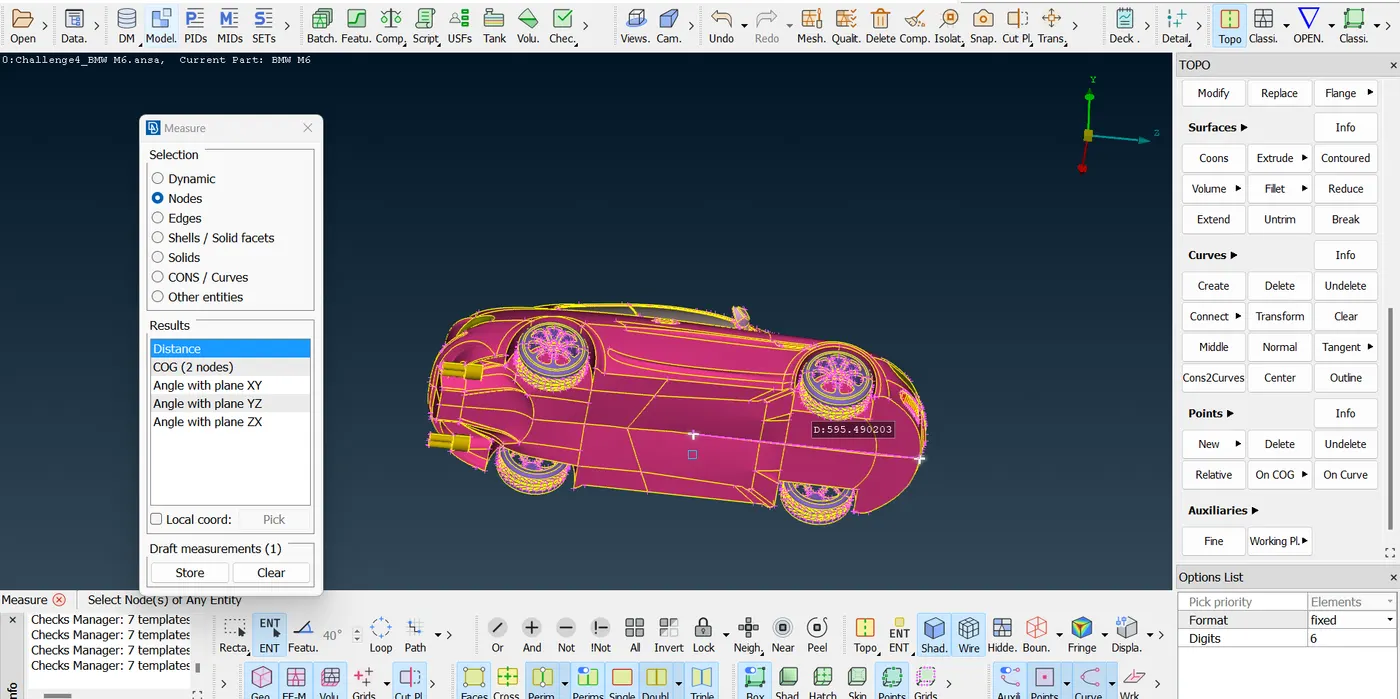
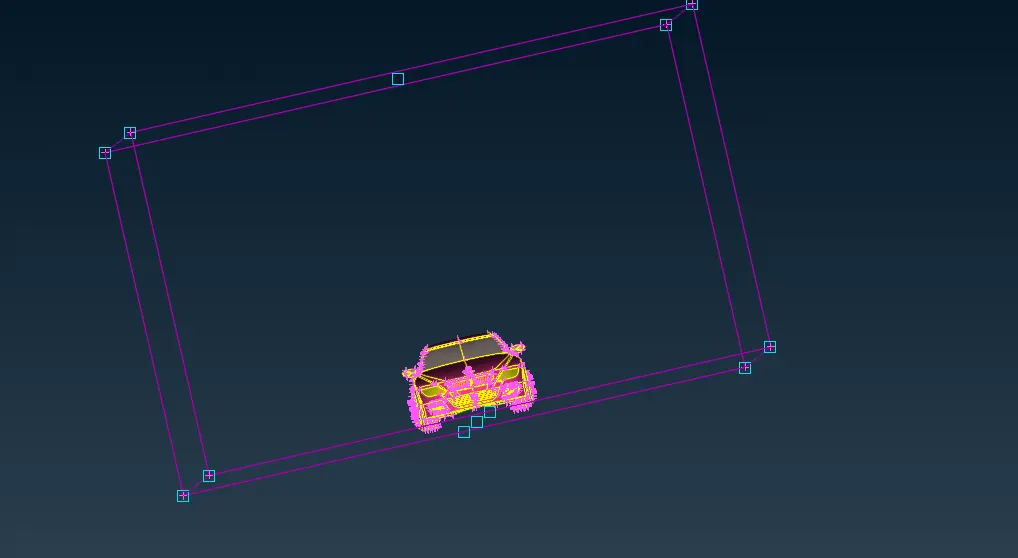
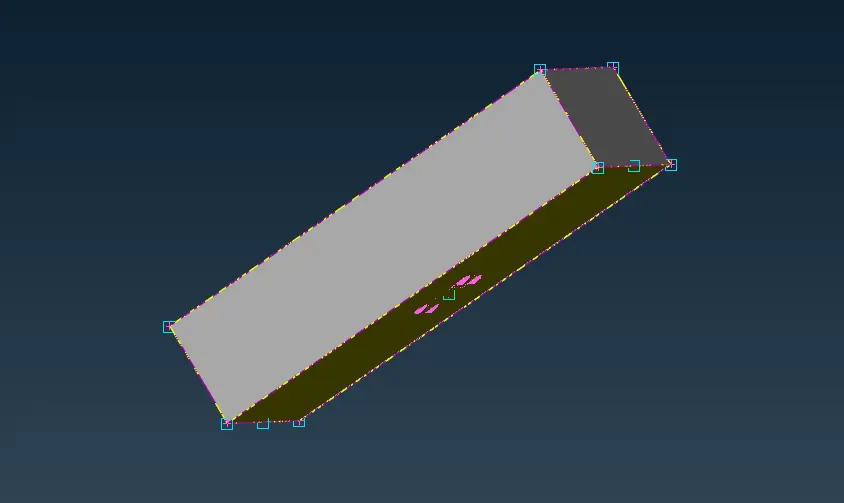
surface meshing of tunnel faces
Our area of interest is to mesh the volume that is nearer to the car surface as we go far the mesh also will get coarser
We need to give varying target length to side faces of tunnel
step 5: Volumetric meshing
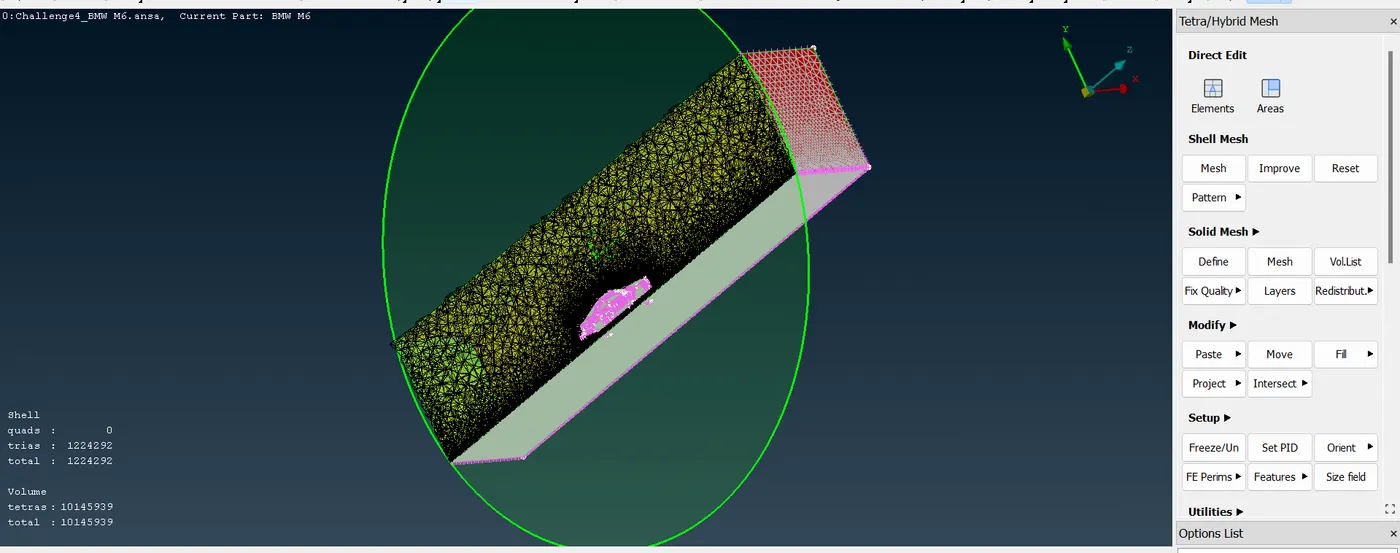
here we are opting for tetrahedral 3D meshing
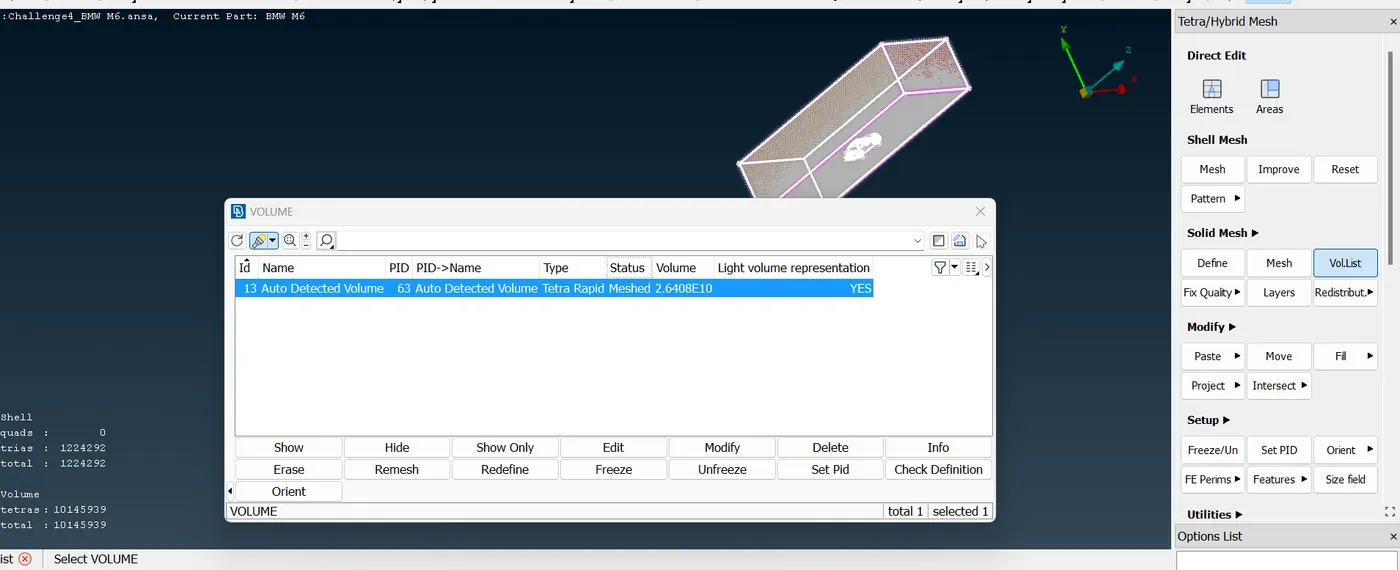
out of 6 autodetected volumes by ANSA, only above is usefull for flow study over car body
conclusions:
ANSA is very strong tool to identify errors whether its geometry error or 2D mesh error or 3D mesh error. As further process of meshing wont get proceed without resolving a single error.
We can get very fine meshes around the car body components that are also varying in contact with its surrounding in tunnel