Week 4 Challenge : CFD Meshing for BMW car
CFD Meshing For BMW Car
Aim:-
To create a surface mesh and volumetric mesh with the wind tunnel on a given BMW car model using ANSA (v22.1.0).
Objective:-
To perform a topology cleanup and surface mesh for a half model and symmetry of the model. After that create a wind tunnel and perform a volumetric mesh. The Target lengths of the different parts are,
- Body - 3 mm
- Lights - 4 mm
- Grills - 1 mm
- Logo - 1 mm
- Window - 2 mm
- Rims & Tyre - 2 mm
- Rear View Mirror - 2mm
- Silencer - 3 mm
Procedure:-
1) CAD Model
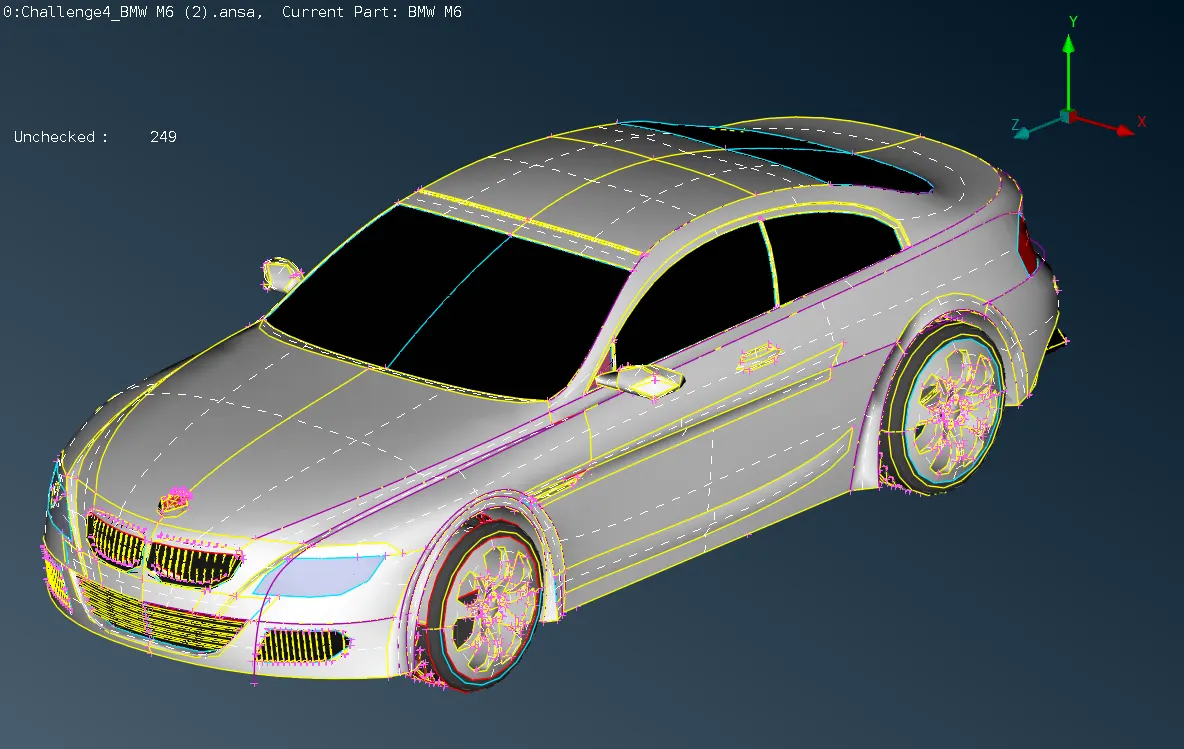
The given CAD model of the BMW car has been imported and the half model is deleted to reduce the topology and meshing time because of the symmetry shape model.
2) Toplogy Cleanup
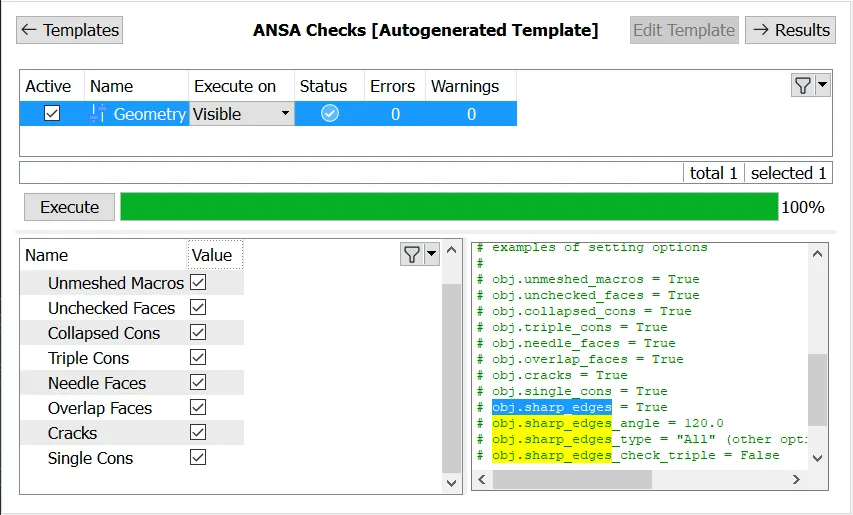
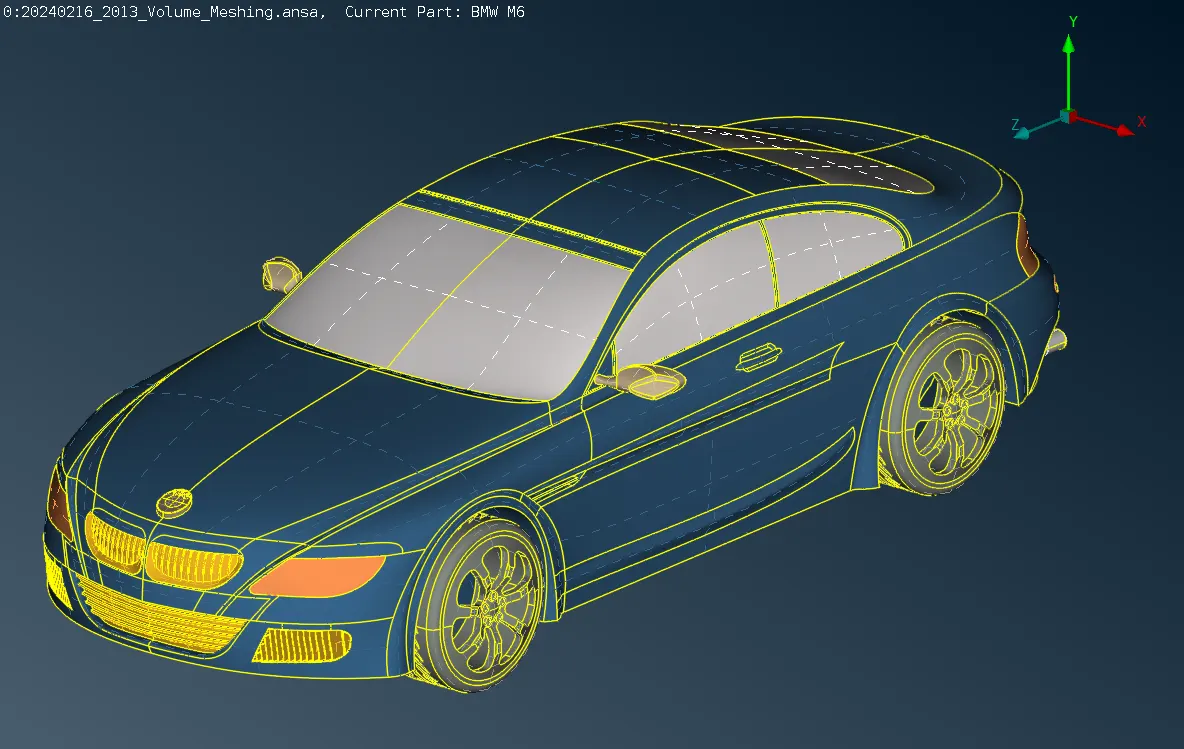
A given geometry has been prepared by removing single and triple cons. An overlapped surface, missing surface, and deformed surface are resolved and regenerated for all components of the model.
3) Creating SHELL PIDs
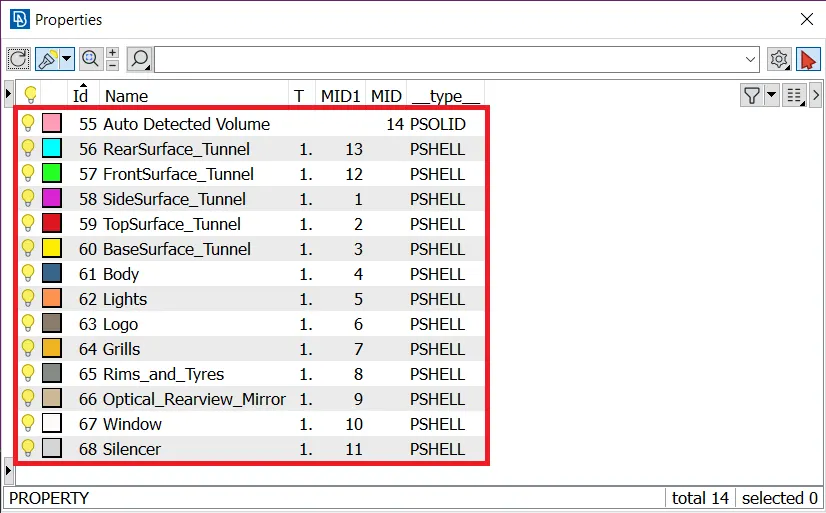
The property ID has been created for the different components of BMW.
4) Surface Meshing
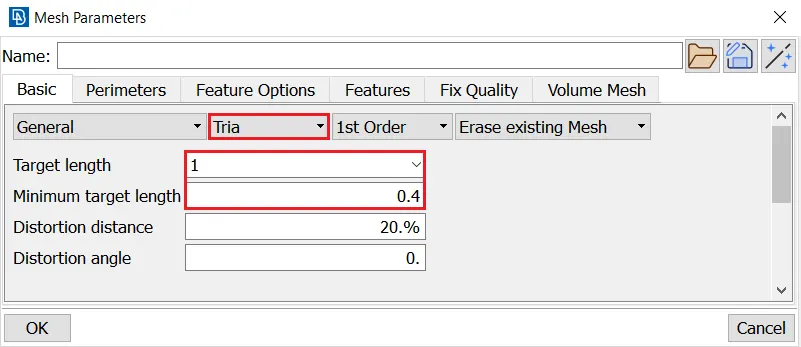
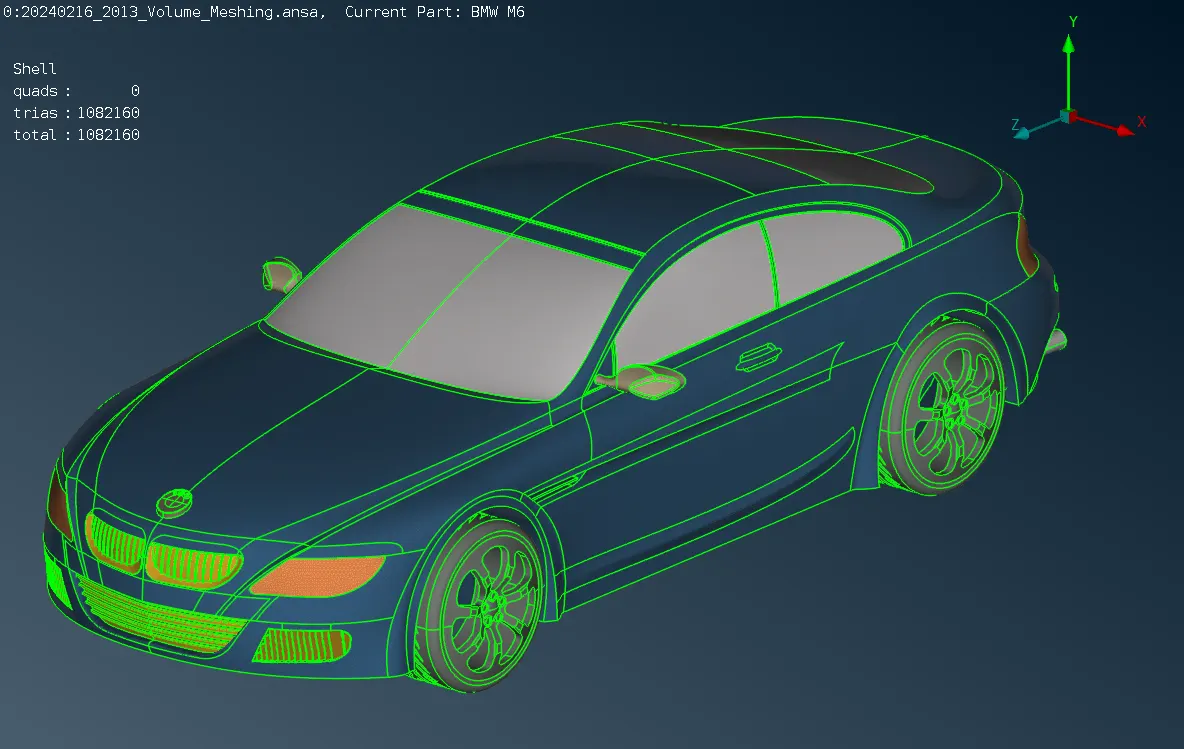
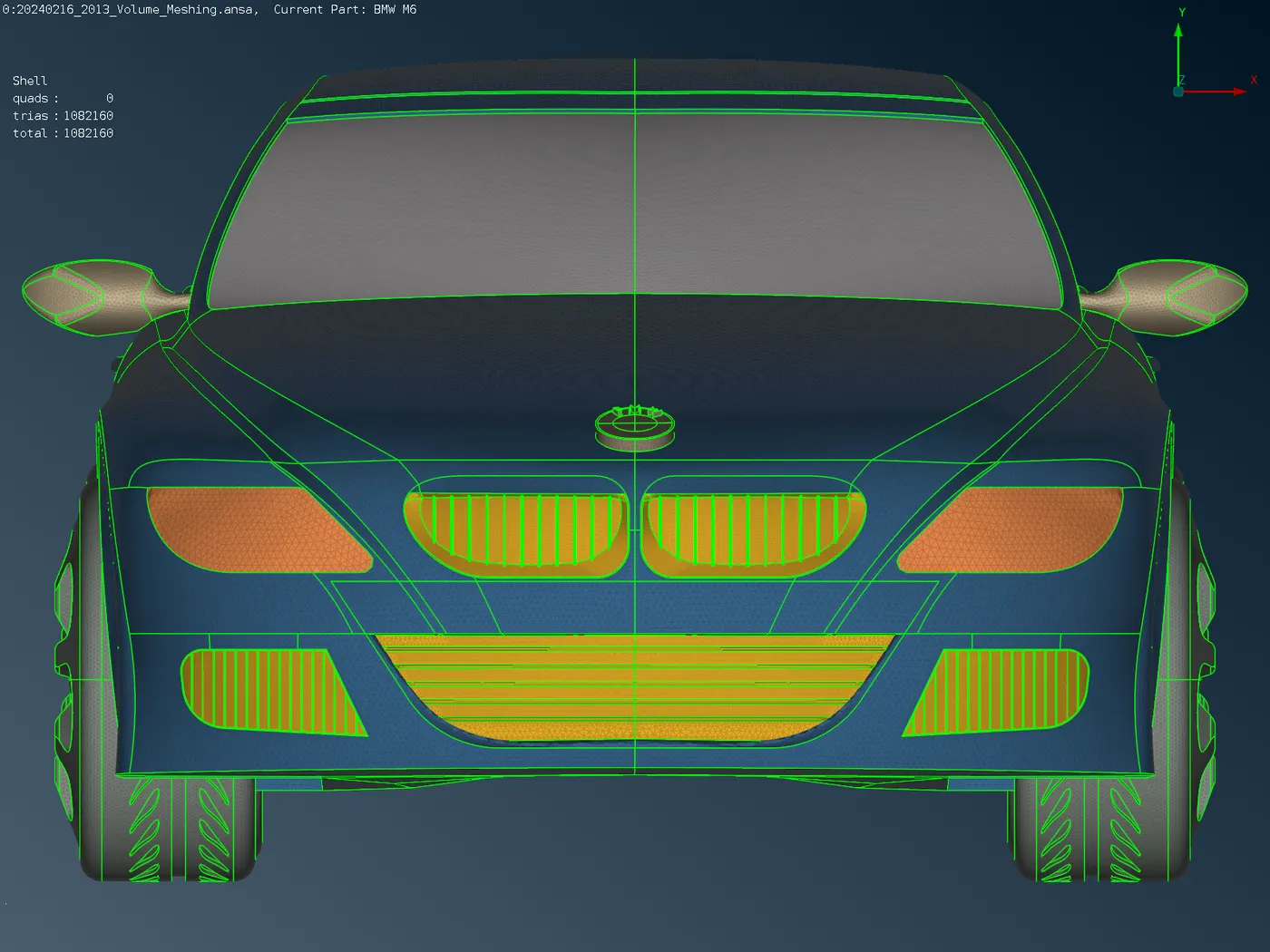
i) Meshing the BMW car with the given target mesh length for the appropriate components.
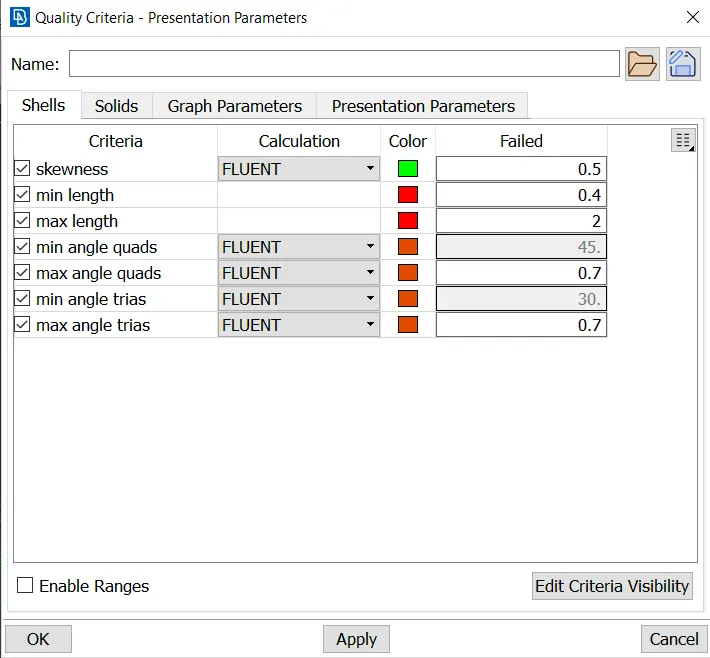
ii) Quality criteria and mesh parameters have been considered and define the perimeters and macros for the different parts.
iii) The skewness has been maintained at 0.5.
iv) Generate the surface mesh using the spot mesh by selecting the regions.
v) The off elements are solved by reconstructing the elements and also using grid, smooth, and split options.
5) Model Symmetry and Wind Tunnel
i) After generating and clearing the off elements, the surface mesh of half model has been mirrored by using the mirror 3-point plane symmetry option.
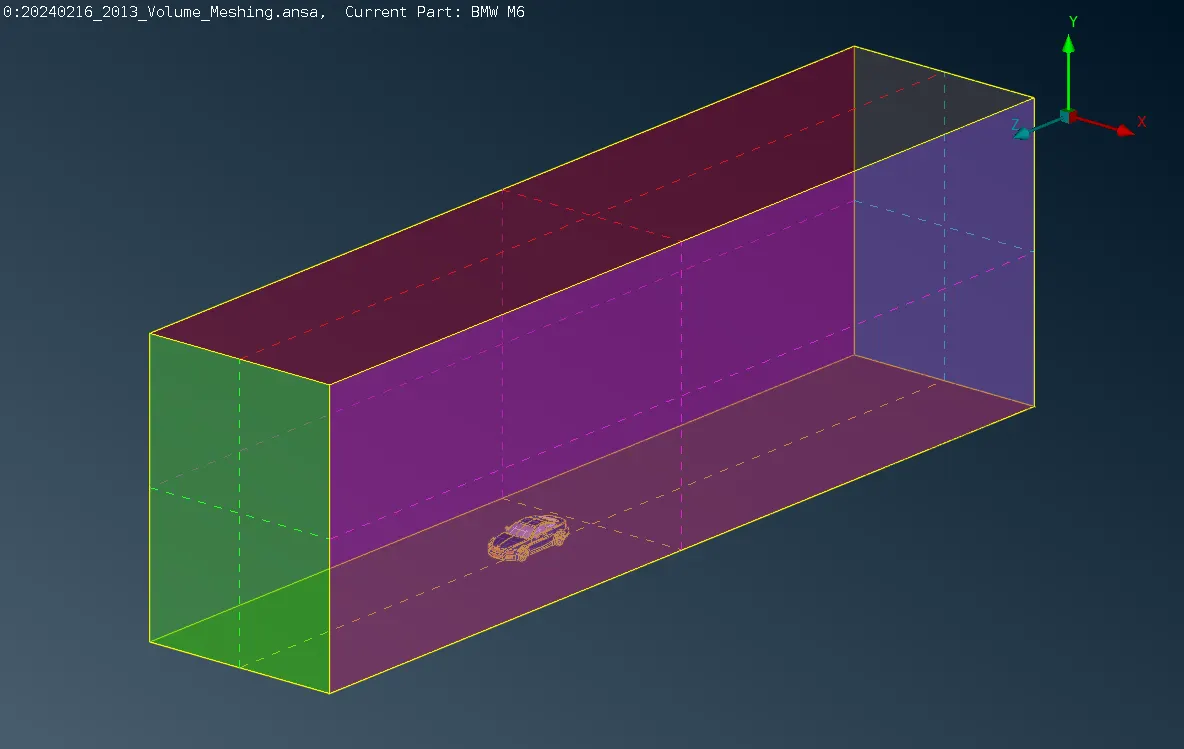
ii) The wind tunnel is created using the point and curve option. The dimensions of the wind tunnel are,
Vehicle Size
- Vehicle Length (L) = 1300 mm
- Vehicle Width (W) = 456 mm
- Vehicle Height (H) = 315 mm (body only)
Tunnel Size
- Front = 3L
- Rear = 6L
- Top = 3L + H
- Bottom = 75 mm (from the bottom of the body)
- Side = 1L (per side)
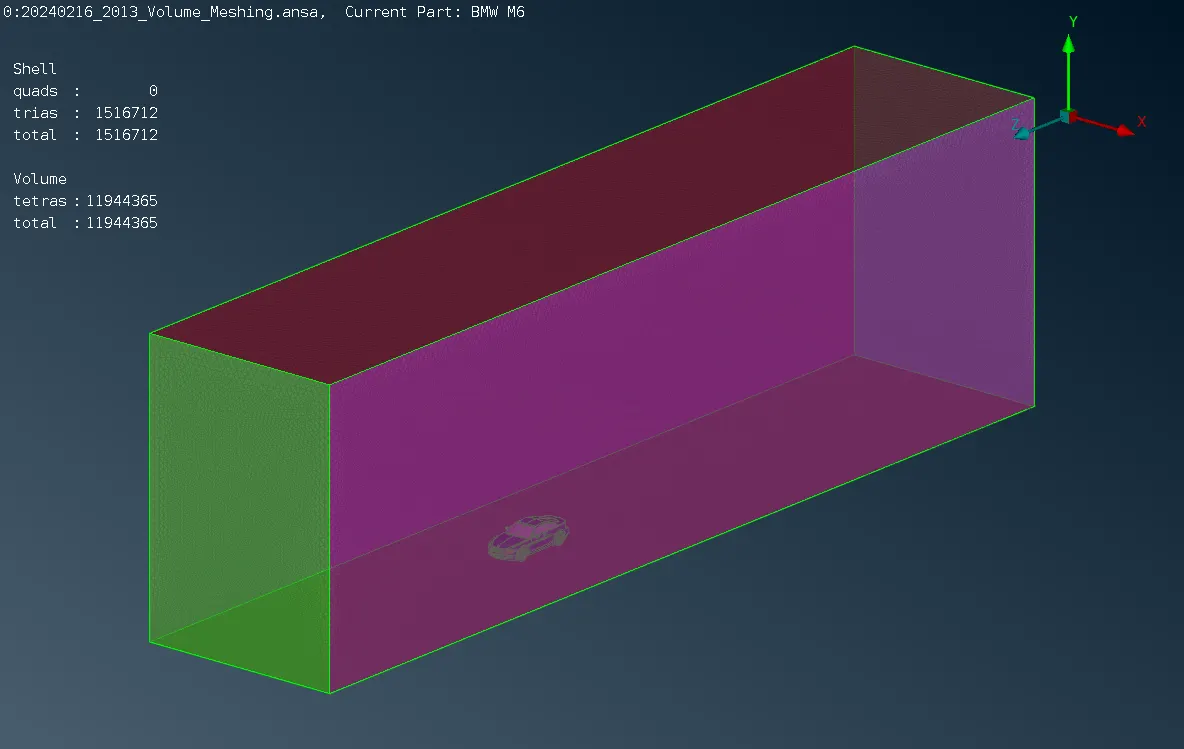
iii) The surface mesh has been generated for the wind tunnel with a bottom face of 20 mm and a top surface of 100 mm. The side faces have meshed using the spacing option with the factor of 1.1, Dstart as 20mm, and Dlimit as 100mm.
6) Volume Meshing
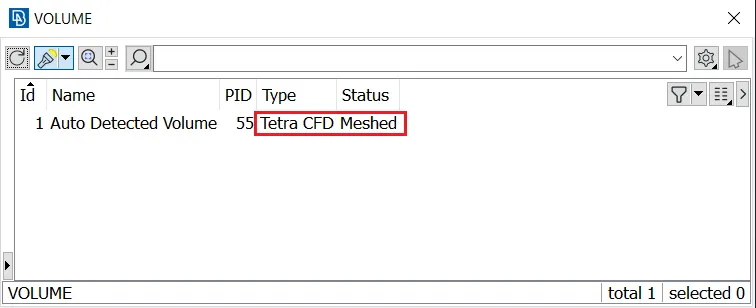
i) Define volume using the whole db option in the volume mesh deck for auto-generated volumes after creating the surface mesh.
ii) Keep the fluid volume of the tunnel with the vehicle over the body and delete the other volumes like the vehicle body, wheels, and silencer.
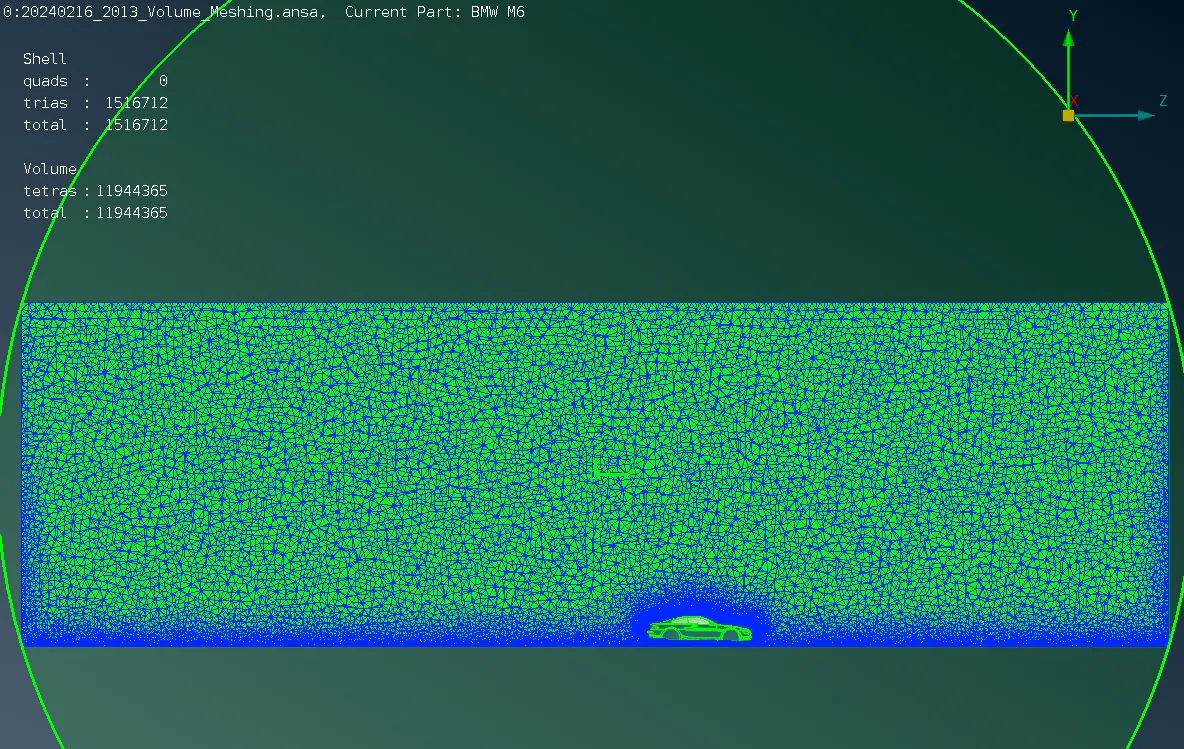
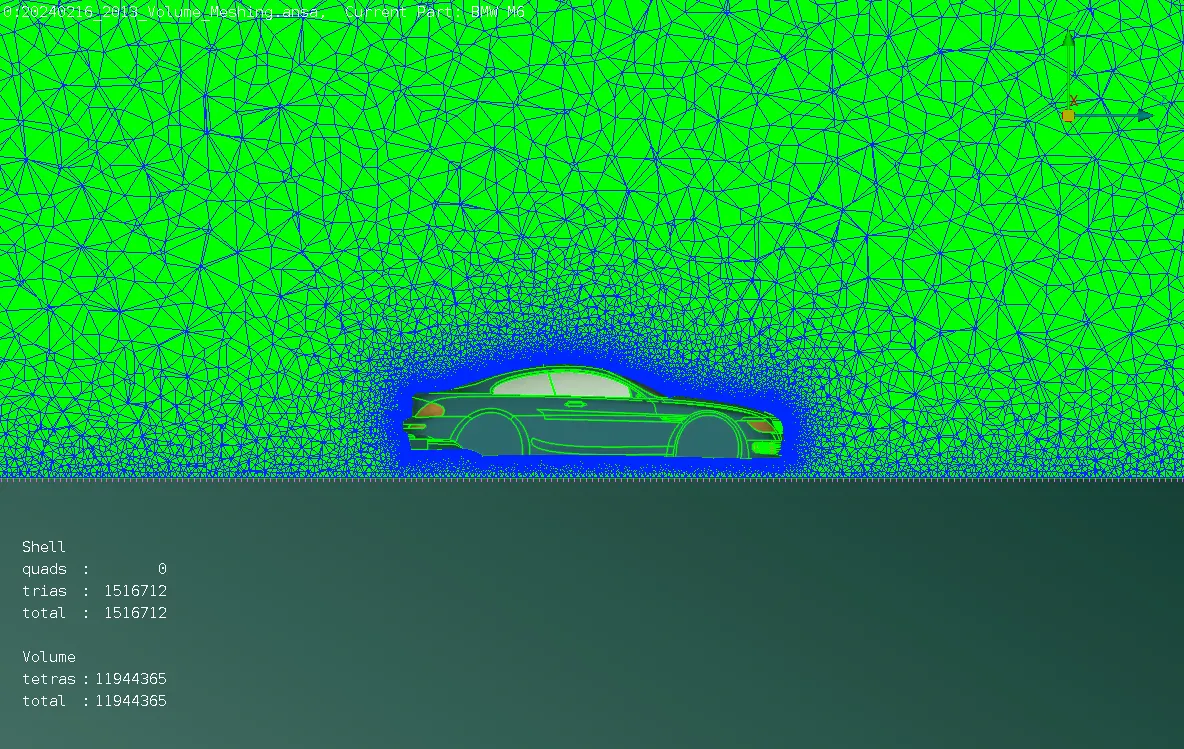
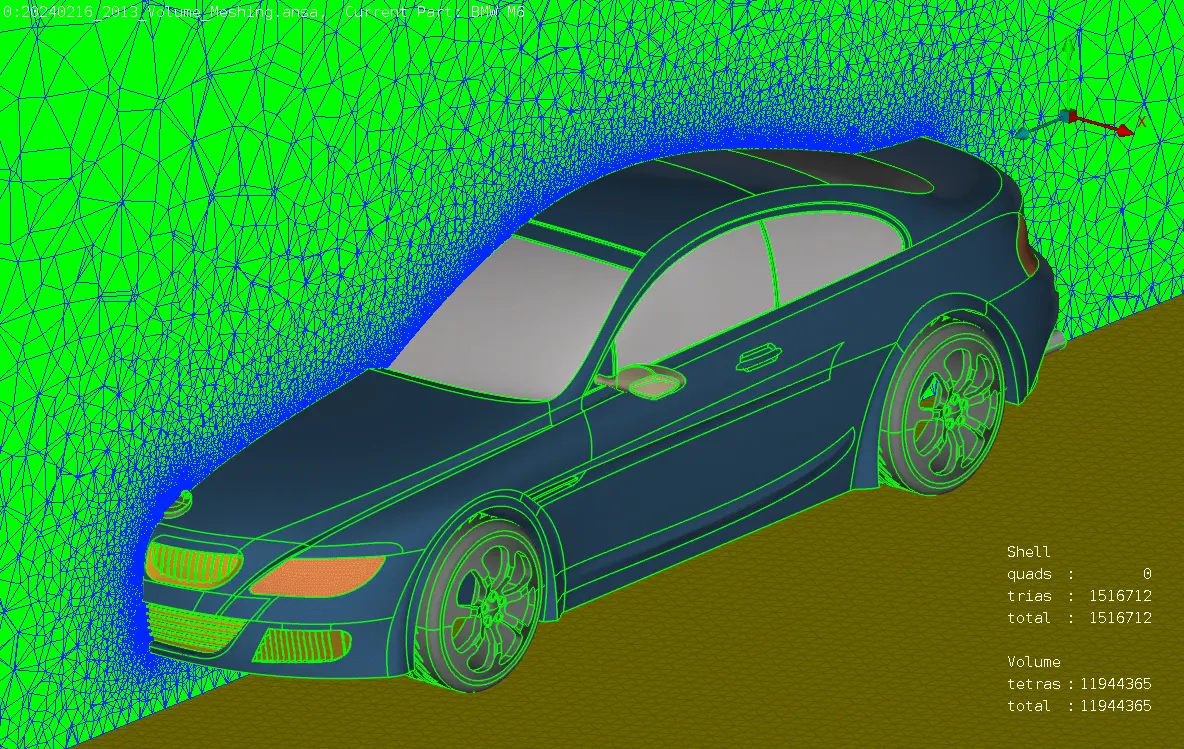
iii) The mesh type is changed to tetra CFD and meshed in the model.
Learning Outcomes:-
- Isolating the surface using OR, And, Not, !Not, Invert and neighbour options.
- Creating hot points using Insert, Project, Multi-Project, and Parametrical.
- Creating a new surface using existing surface, COONS, Fitted, curves, cons2curve, points and Fill hole option
- Setting up new PID for the BMW car for different parts in the property manager tool.
- To improve the mesh quality by reconstructing the elements, moving the grids, splitting the elements and increasing or decreasing the number of perimeter segments.
- Extracting the fluid volume of the car with windtunnel.
Results:-
The surface mesh and volumetric mesh have been created as per the given conditions.
1) Surface Mesh (trias) - 1516712
- Body - 431158
- Lights - 3180
- Grills - 190856
- Logo - 3764
- Window - 127054
- Rims & Tyre - 299216
- Rear View Mirror - 9380
- Silencer - 17552
2) Volume Mesh (Tetras) - 11944365
Volume Mesh File Link - CFD Meshing on BMW Car