Week 4 Challenge : CFD Meshing for BMW car
CFD Meshing for BMW car
Aim : For the given model, check and solve all geometrical errors on half portion and Assign appropriate PIDs
Objective: Perform meshing with the given Target length and element Quality criteria. After meshing the half model, Do symmetry to the other side.
Target lengths for the different parts of a model are as follow:
1.Body - 3 mm
2.Lights - 4 mm
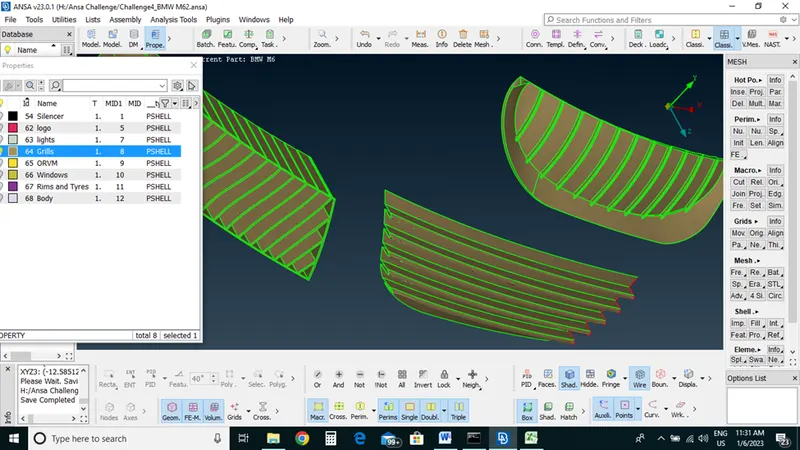
3.Grills - 1 mm
4.Rims and Tyres - 2 mm
5.Optical Rear view mirror - 2 mm
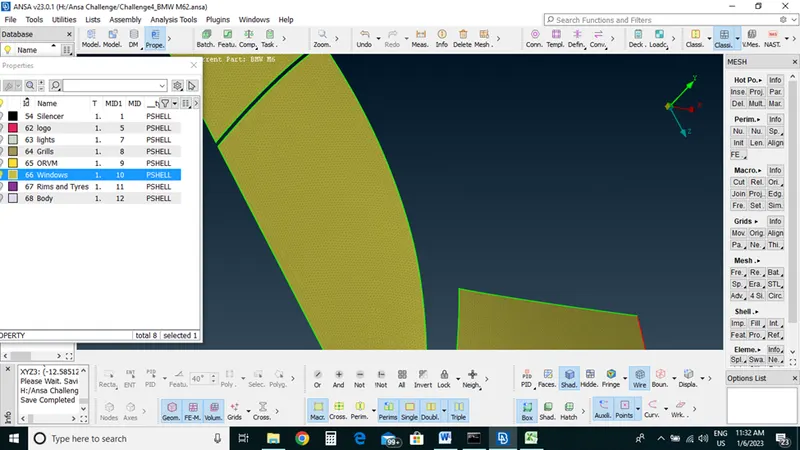
6.Window - 2 mm
7.Silencer - 3 mm
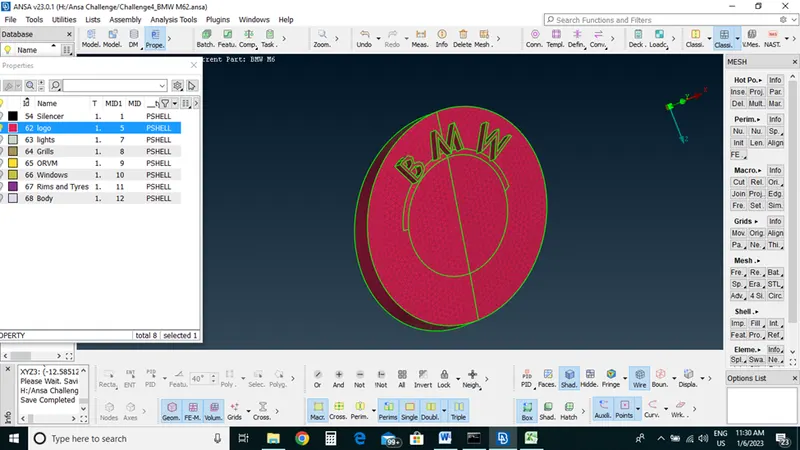
8.Logo - 1 mm
Procedure:
Topo Cleanup: First we will do Topo cleanup (geometry cleanup) on our BMW cad model.
We get the model in the form of ENT mode we will convert it into PID mode
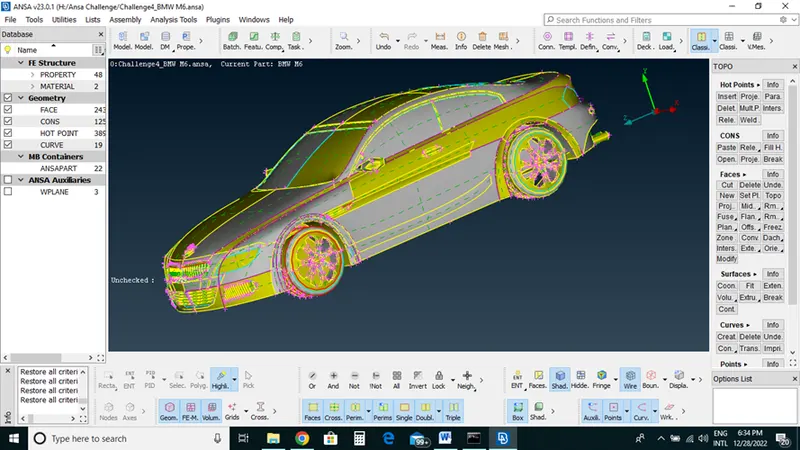
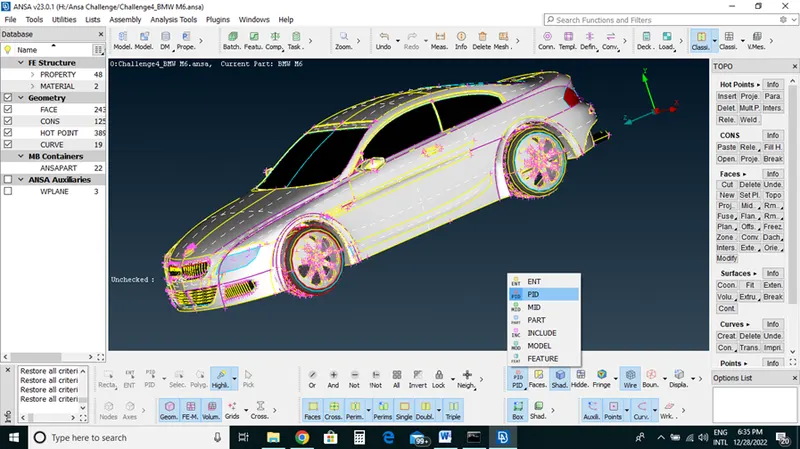
We observed that cons resolution or shapes of parts of our model is not smooth
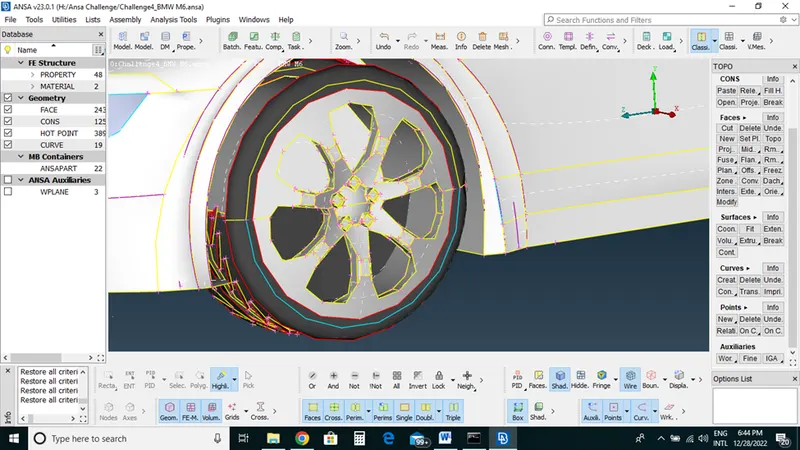
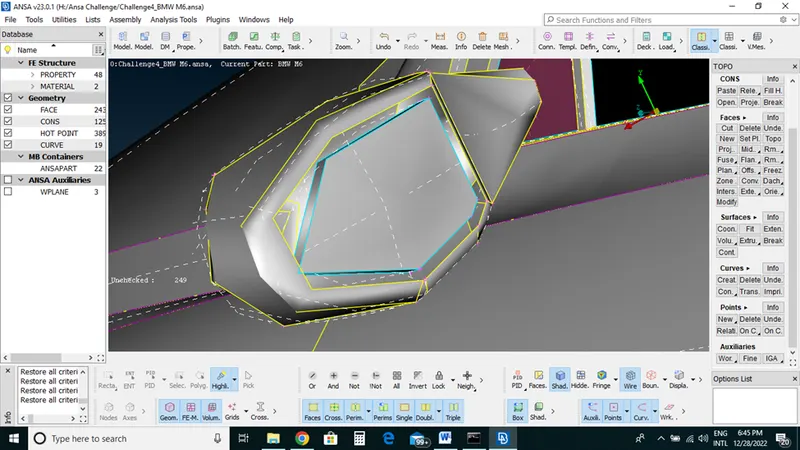
In order to resolve this and get proper shape of the parts we will
Go-Mesh length->select->parameter->box selection of whole model->middle clicks and set length as 1mm
Will do same for macros also
Now we can see a difference
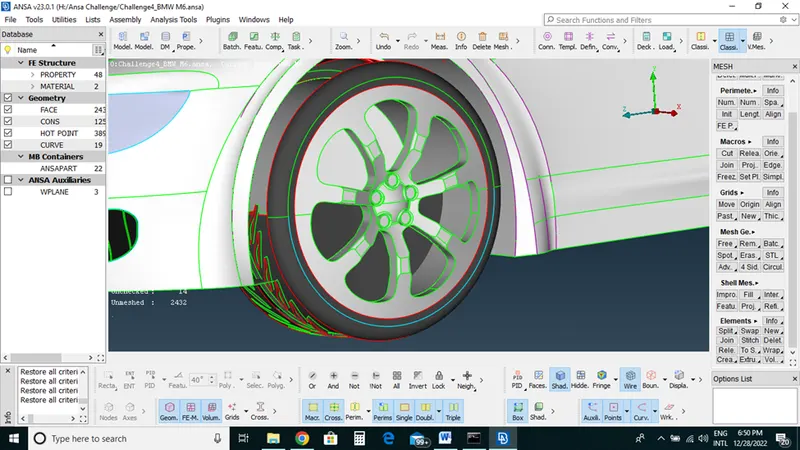
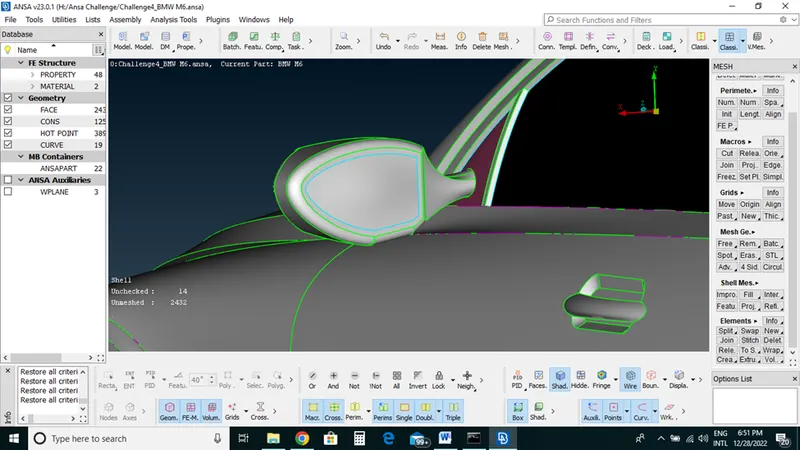
Before Topo clean up Ansa is a good preprocessing tool it will also give us a facility to reflect our model into half side which is symmetric we will use that concept here
This model has pretty much similar both side apart from the logo. Now we will delete half side of a particular model keep only half side and we will work on that side and then we will reflect this side to other side by using symmetric option
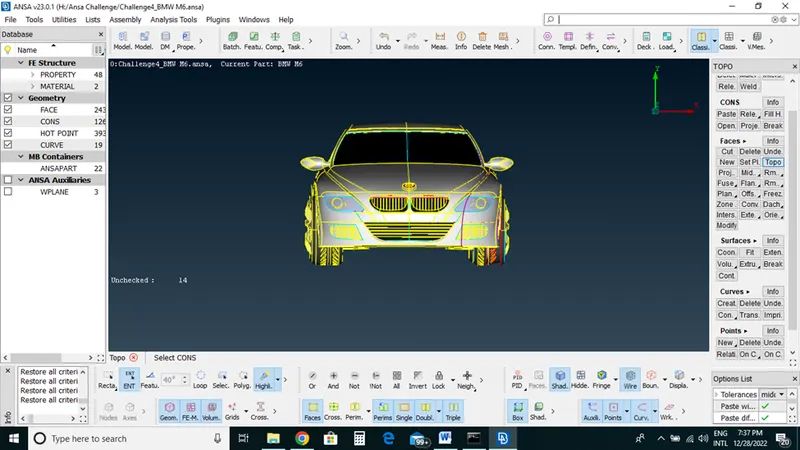
Select Delete->Box selection of half part ->ok
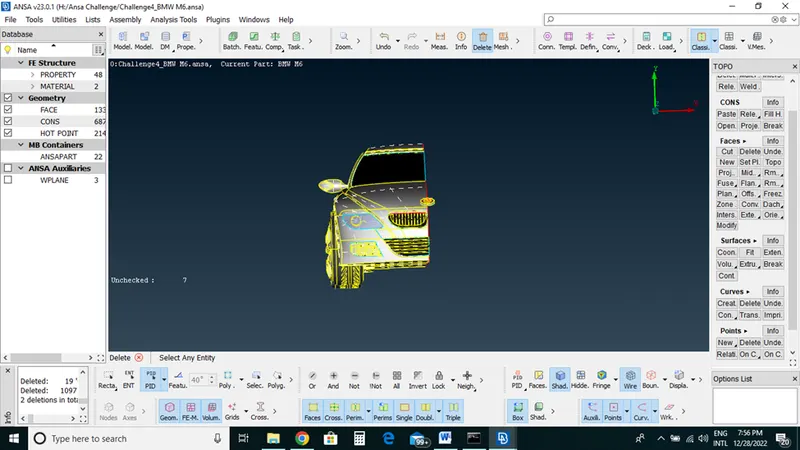
Now we have only half part and we will go for Topo cleanup on region one by one
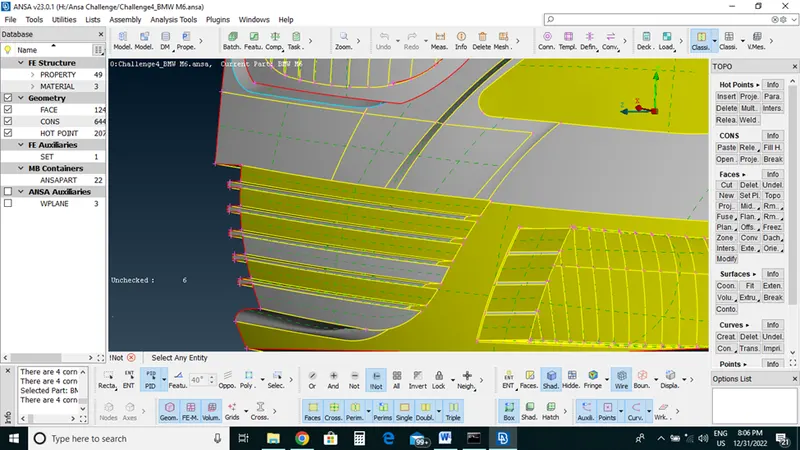
We have done with grill region and remove all the single cons and double cons.
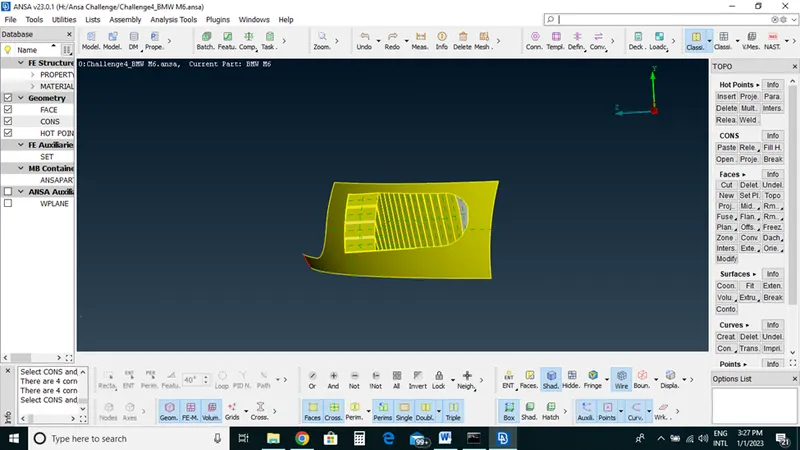
On logo
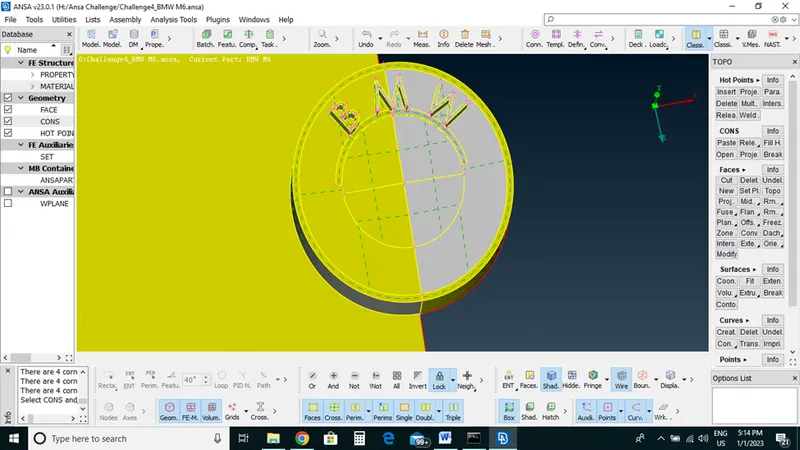
Front Windshield
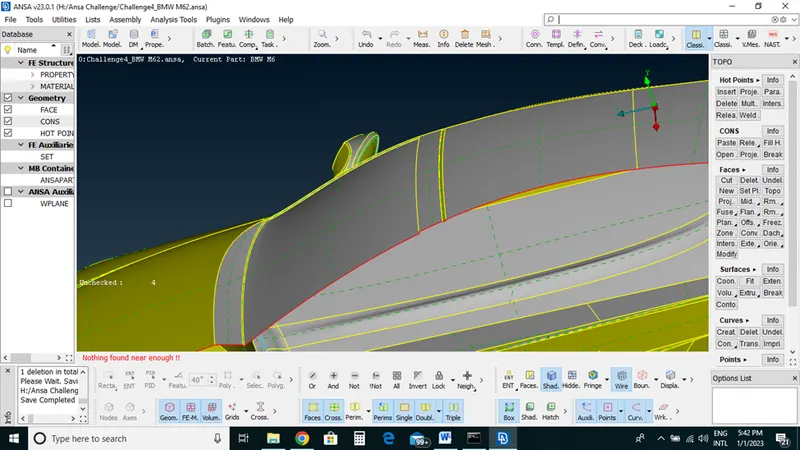
Rear Windshield
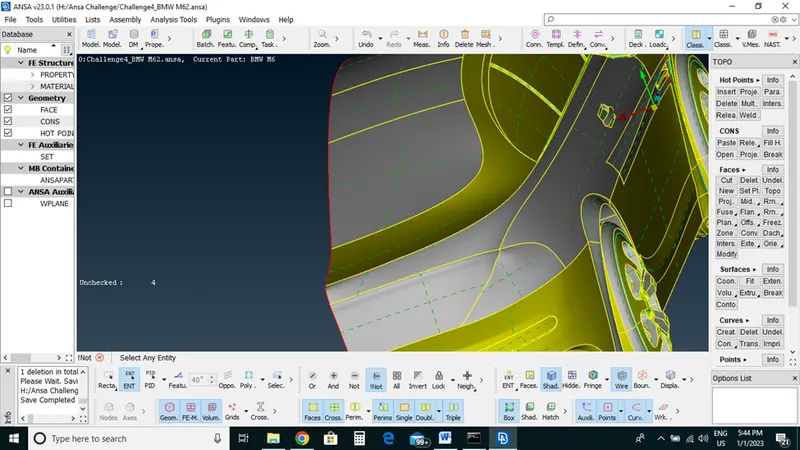
Tail Lamp
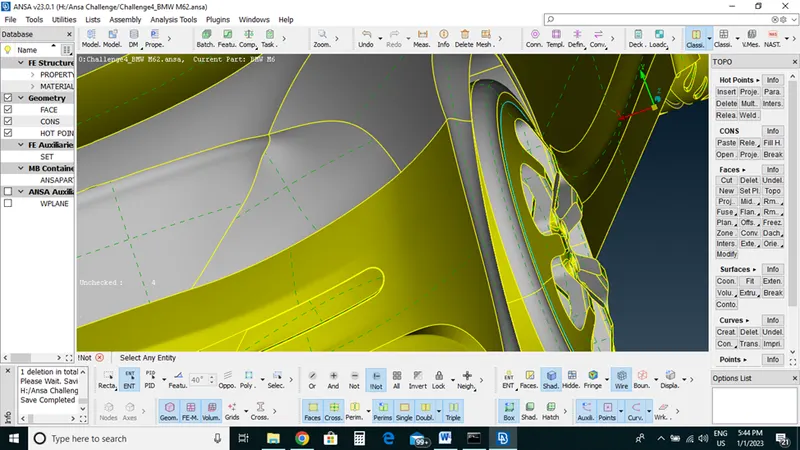
Bumper upper grill
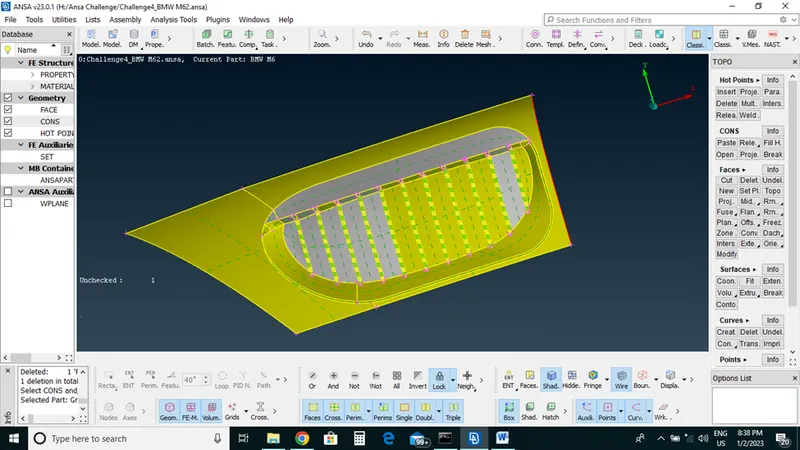
RHS fender grill
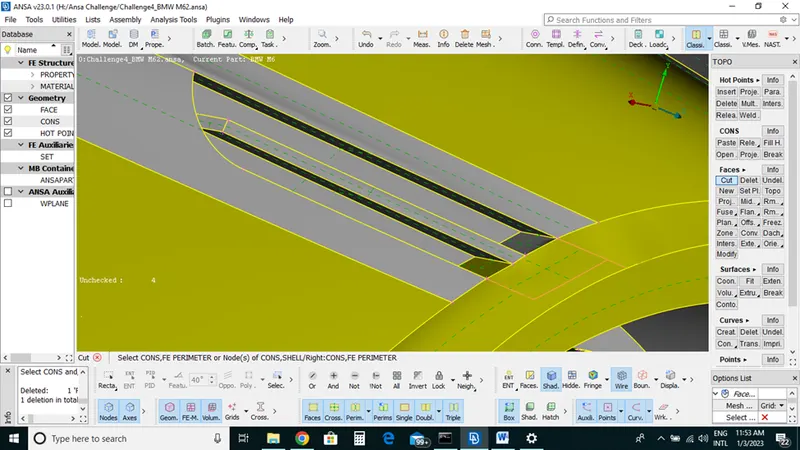
RHS ORVM
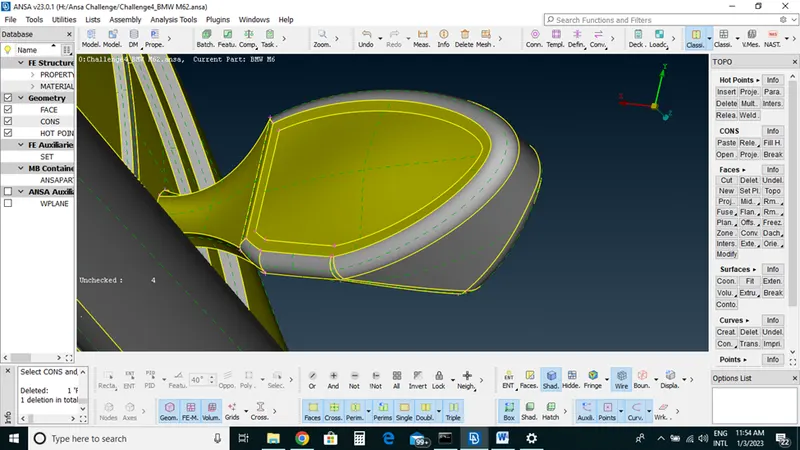
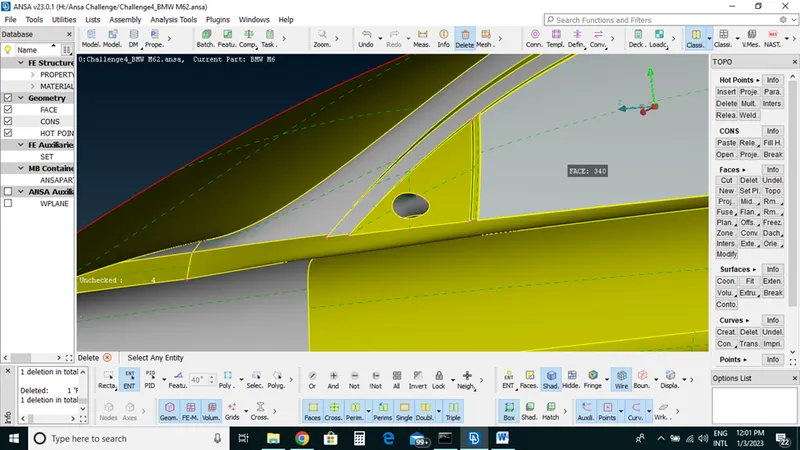
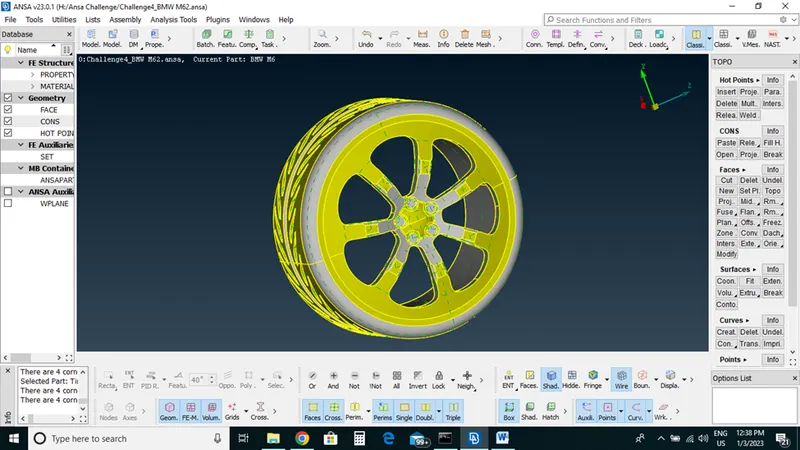
Tires
Rear Bumper bottom side
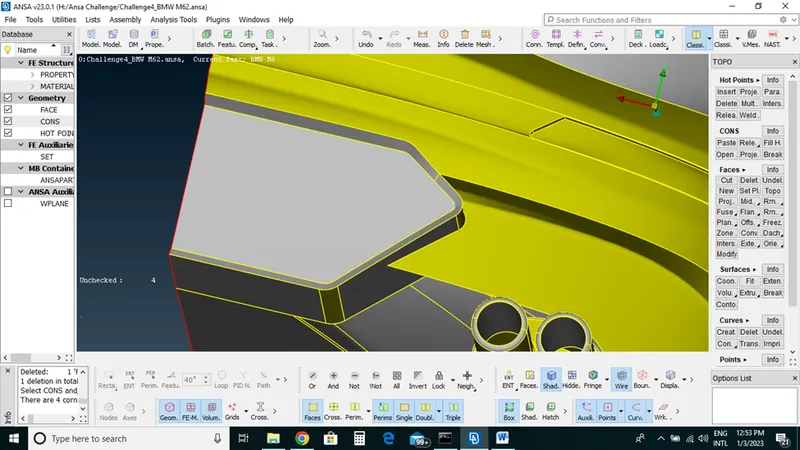
After Topo cleanup we will assign PID one by one
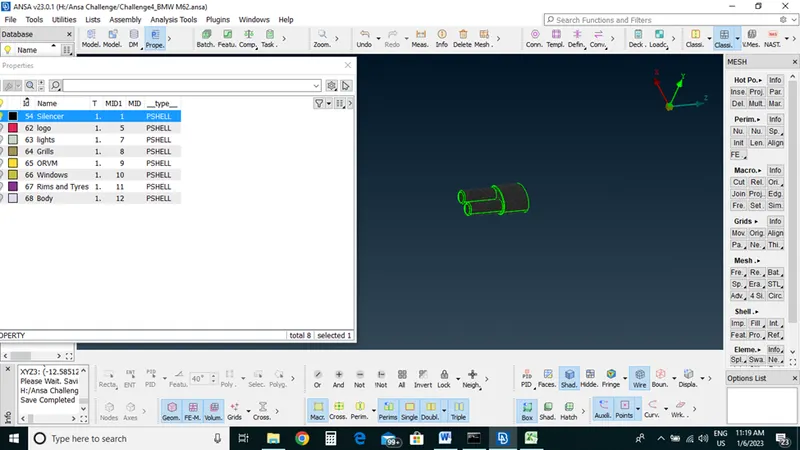
First we will assign PID to silencer
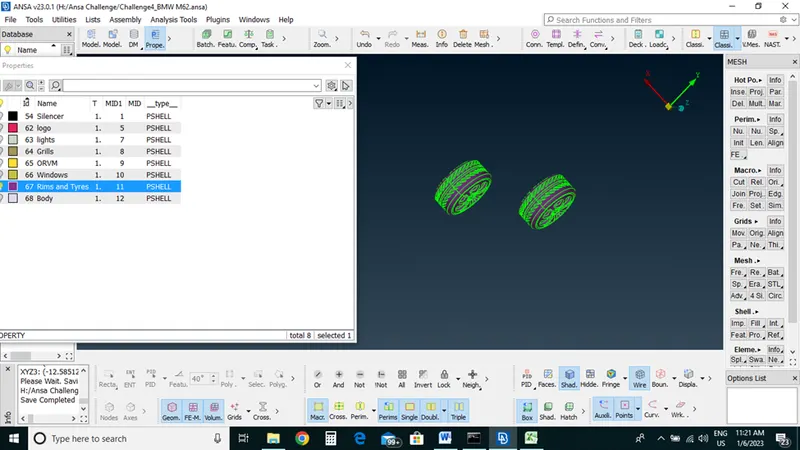
Rims and tires
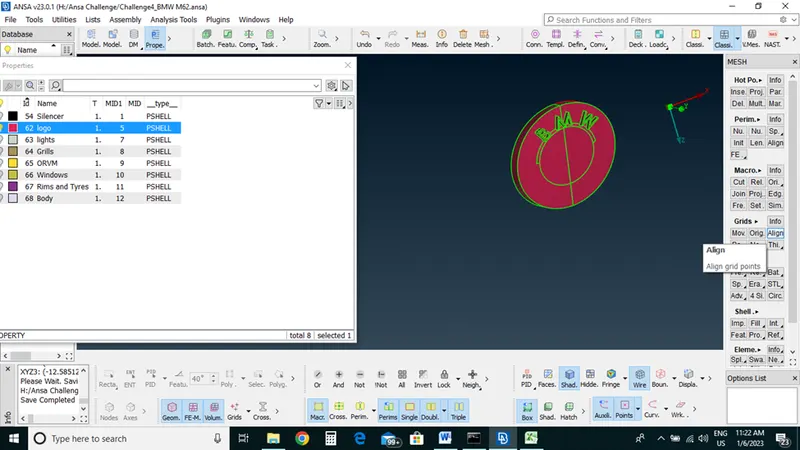
Logo
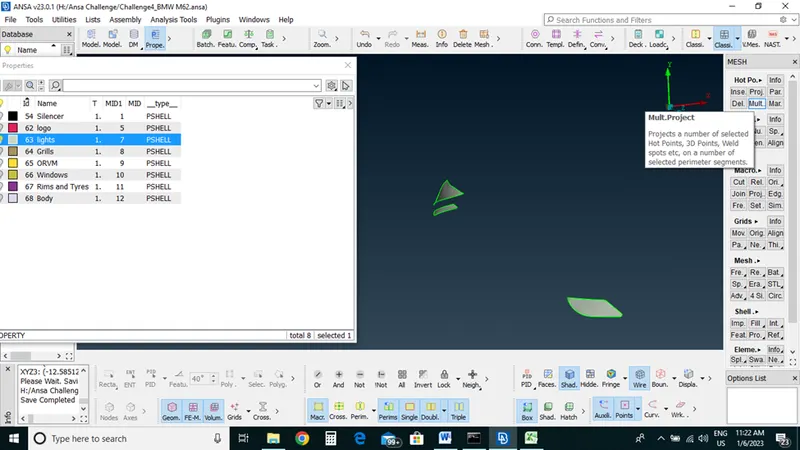
Lights
Grills
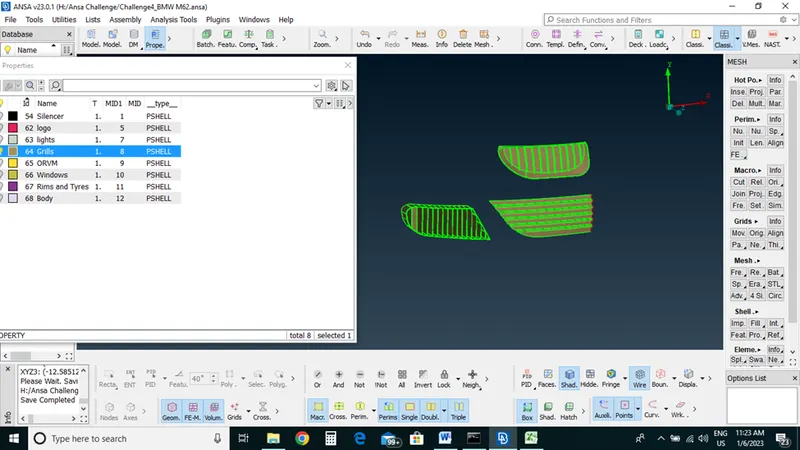
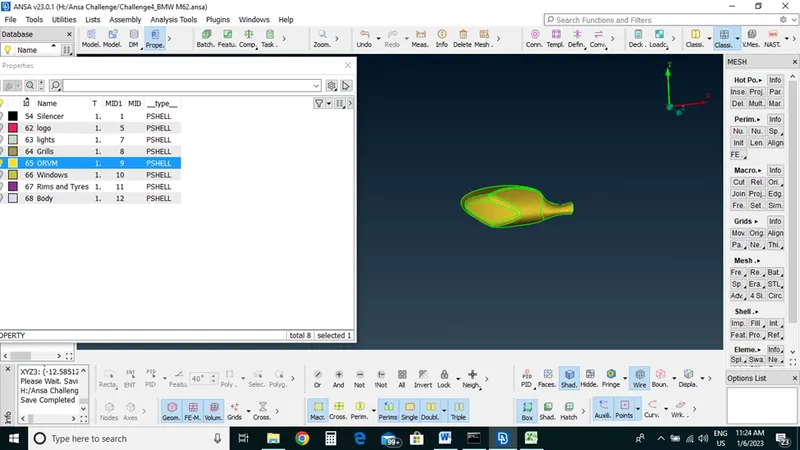
ORVM
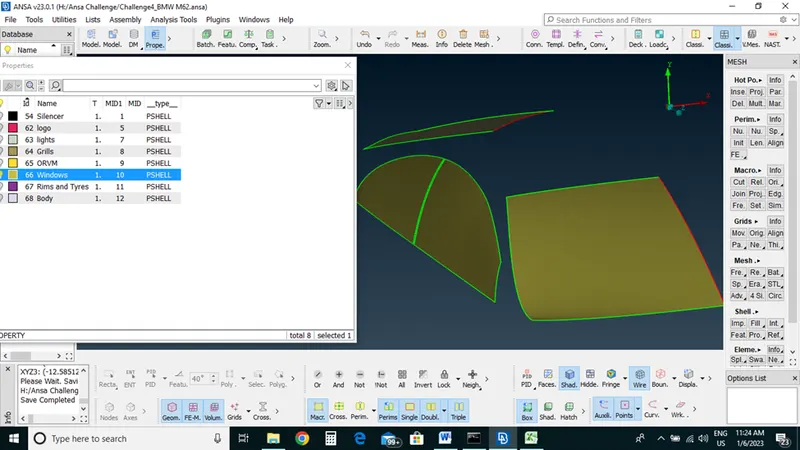
Windows
Body
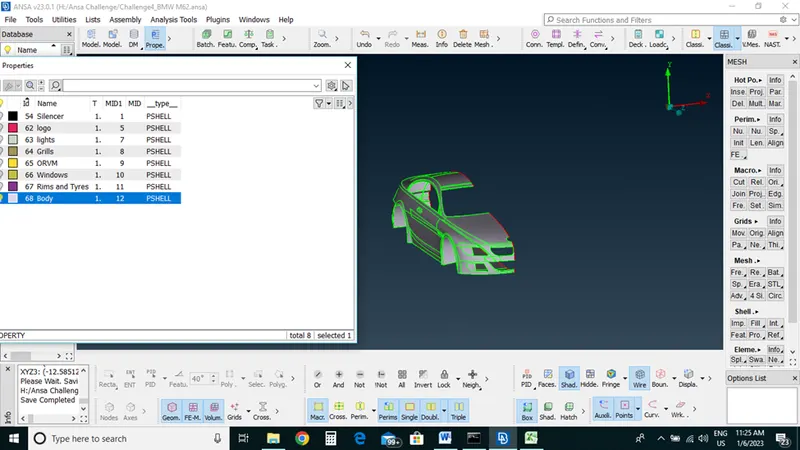
We have done with Topo cleanup and PID assignment now we will have to do meshing on all the PIDs
Meshing;
We will do meshing according to given Quality criteria
Silencer: 3 MM
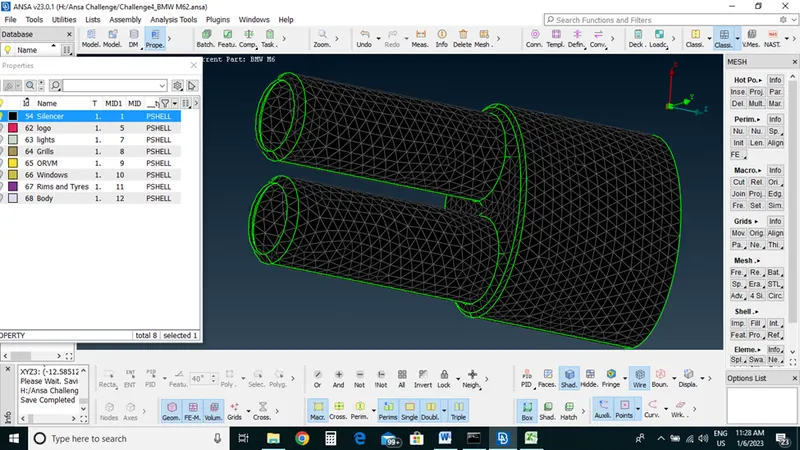
Logo: 1MM
Grill: 1MM
Windows :2MM
Rims and Tires : 2MM
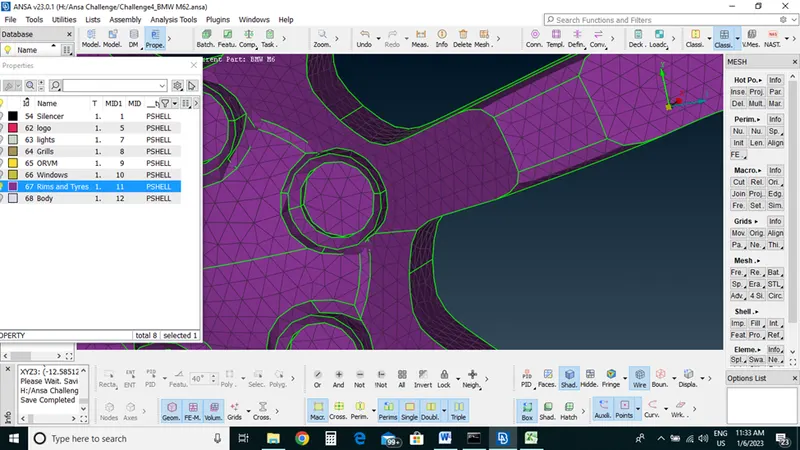
ORVM: 2MM
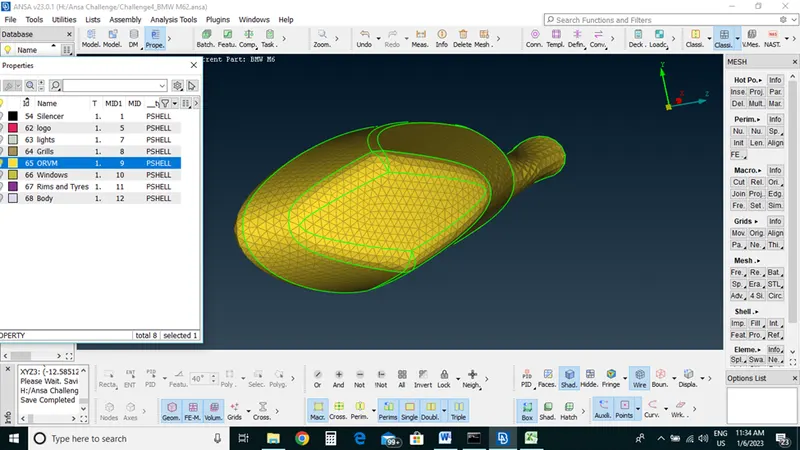
Lights: 4MM
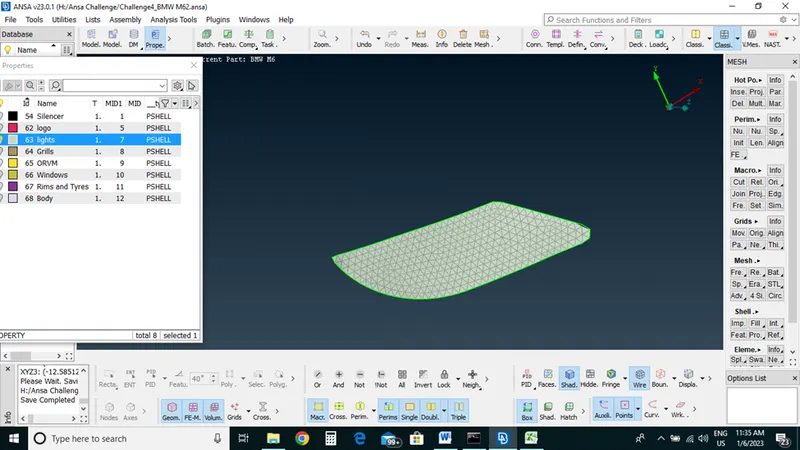
Body: 3MM before body mesh we have to detached all the connection between other PIDS and body then we will do body mesh
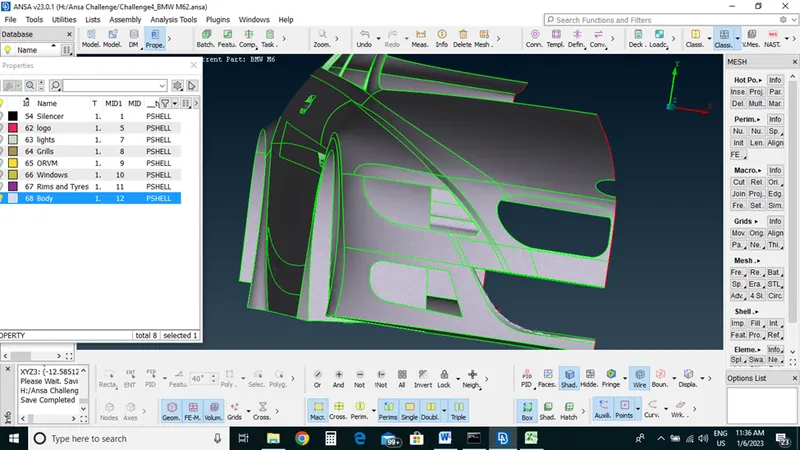
After completing all the mesh with removing all the offset from the PIDs we will go to copy symmetric side of the BMW to other side
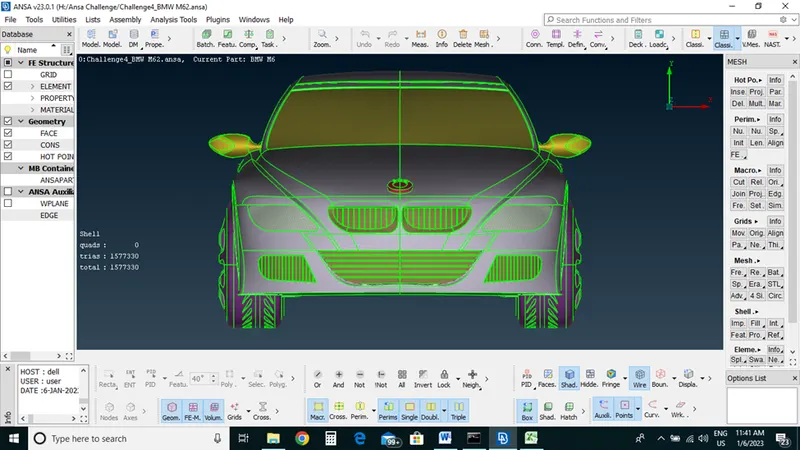
Select ->Trans form->copy
Now we will develop wind tunnel for a Car
To create a surface will go topo mode -> Points section-> relative option-Select point->middle click->
First we will measure total distance of a car
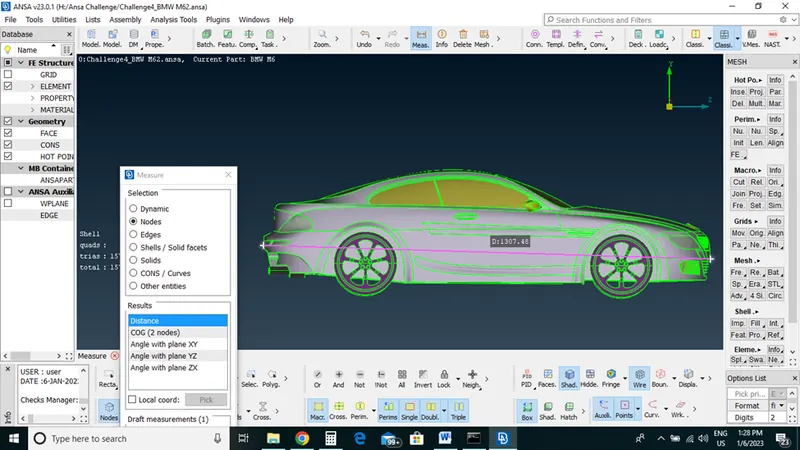
Select a center point
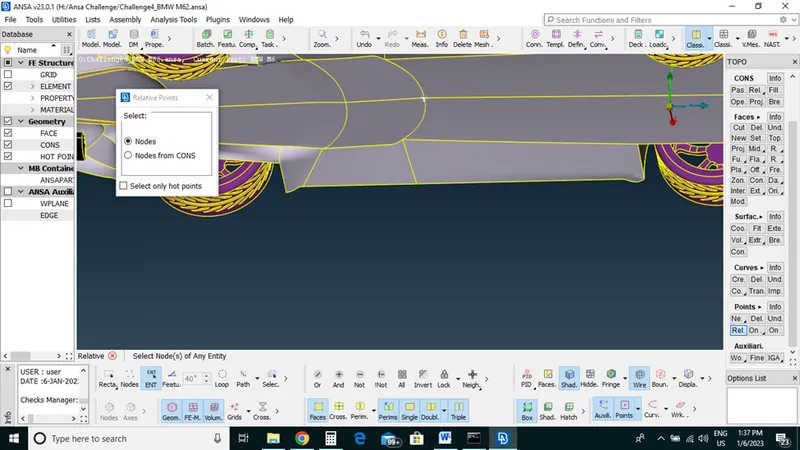
Create a curve point
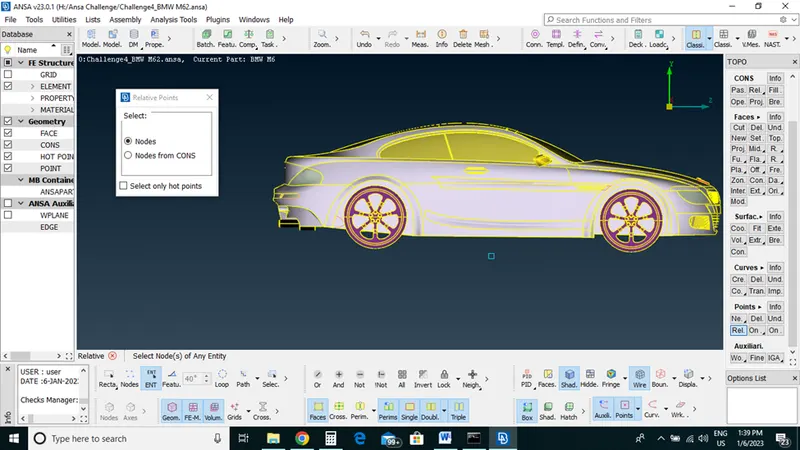
Create curve points and craete a base surface
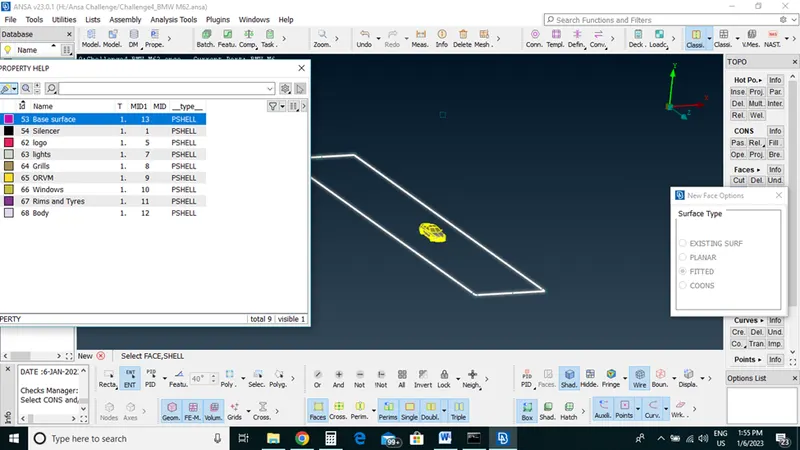
Then by using offset we create a top surface
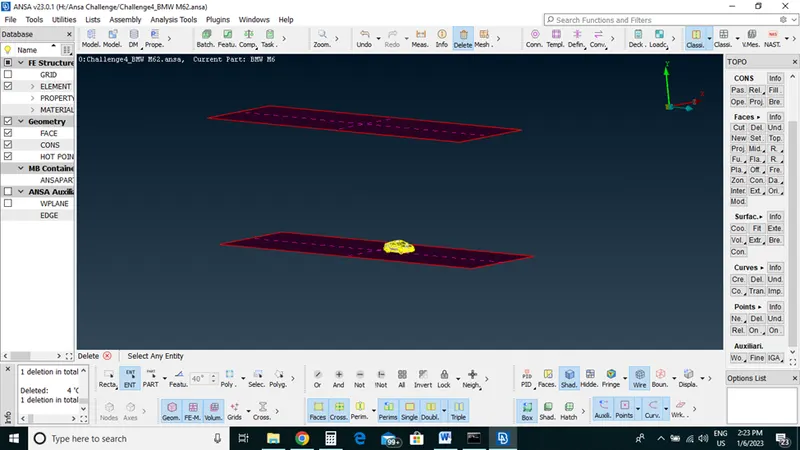
And then with new surface option we join all the surfaces
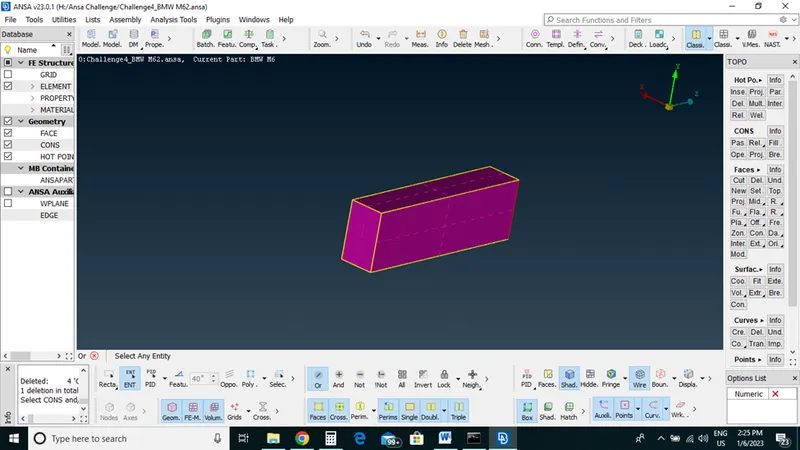
Now we did meshing for a tunnel
Pid allotment and then one by one faces with given lengths
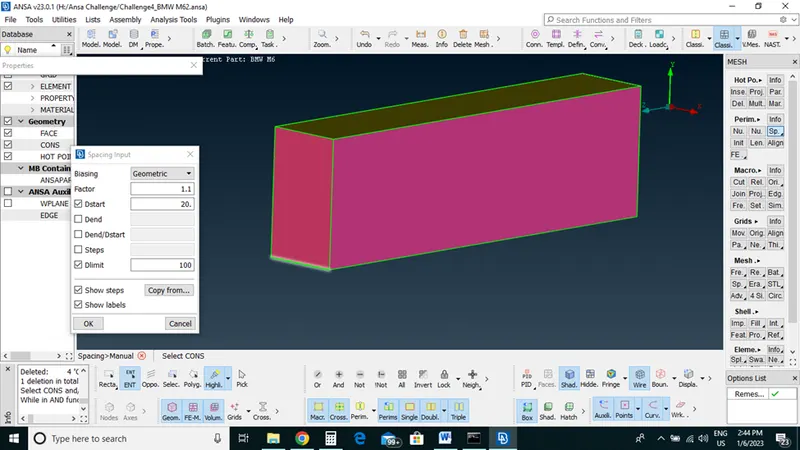
After that we did Volumetric mesh with define option we have deleted unwanted volumes.
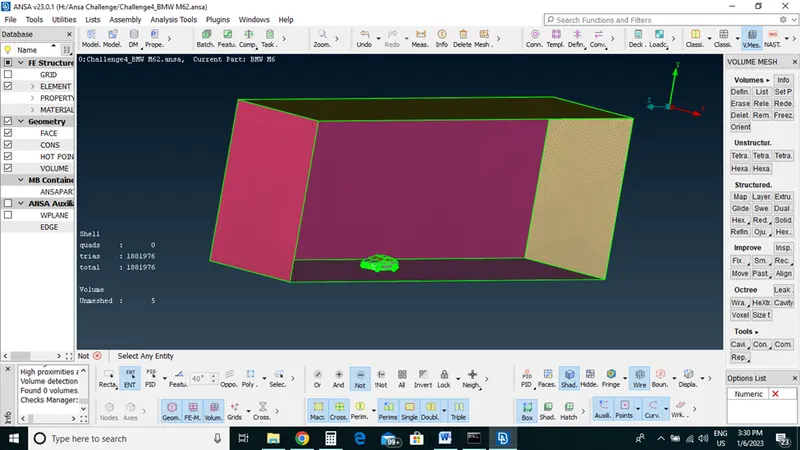
Now we have a model with wind tunnel to perform CFD.
Learning Outcomes : Using Ansa for the given model, we have checked and solved all geometrical errors on half portion and Assign appropriate PIDs
Performed meshing with the given Target length and element Quality criteria. After meshing the half model, Did symmetry to the other side.
Conclusion: Using Ansa we have developed tunnel volume for a car for a CFD analysis