Week 4 Challenge : CFD Meshing for BMW car
Aim- To check and solve all geometrical errors an assign appropriate PIDs and Perform meshing with the given Target length and element Quality criteria.
Procedure-
Topology Cleanup.
On intial inspection, there were a lot of single cons and triple cons present. Some of the fatures were also not accurate. Cons resolution option was used to refine the shape of the features.
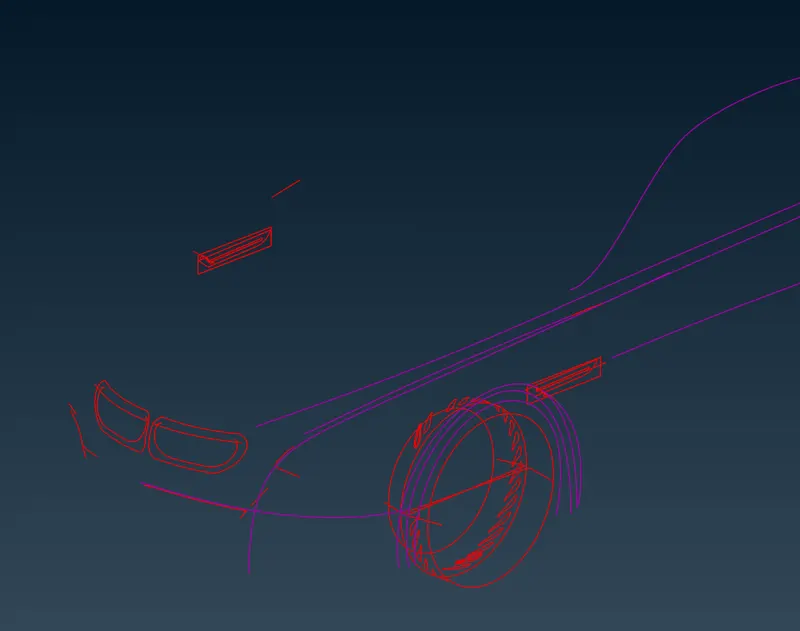
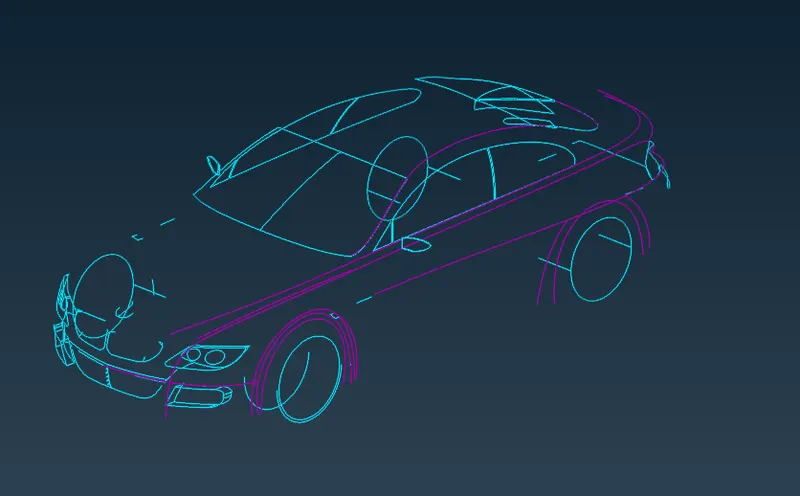
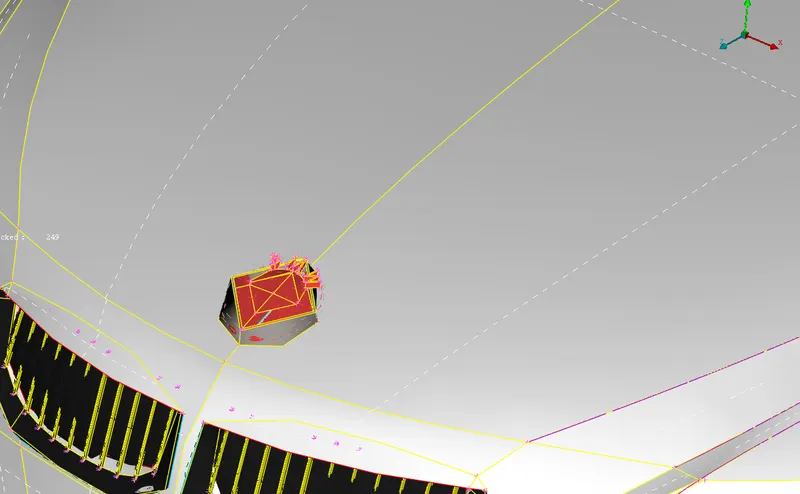
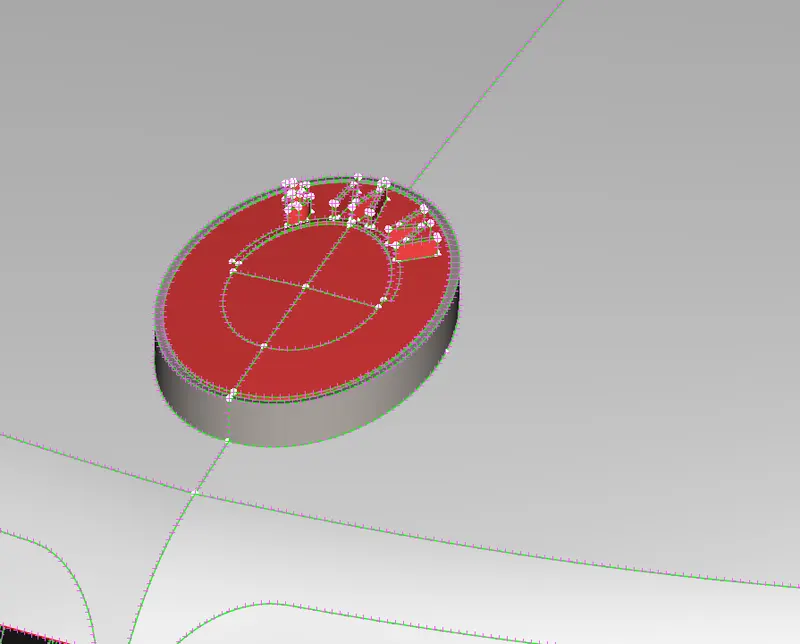
Since the model is symmetric, I deleted the half portion of the car. This makes it easy for me to do topo cleanup. Later the model can be mirrored and joined.
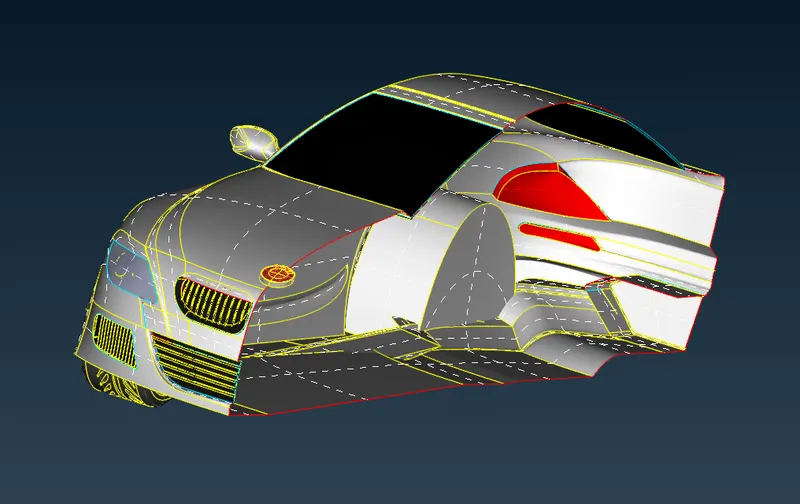
I started by deleting unwanted surfaces present inside the car. The aim is to have a shell with single closed surface to form a volumteric shell.
The front grills was having unwanted surfaces and tiple cons. For this region I used options like project suface, project points, cut and delete.
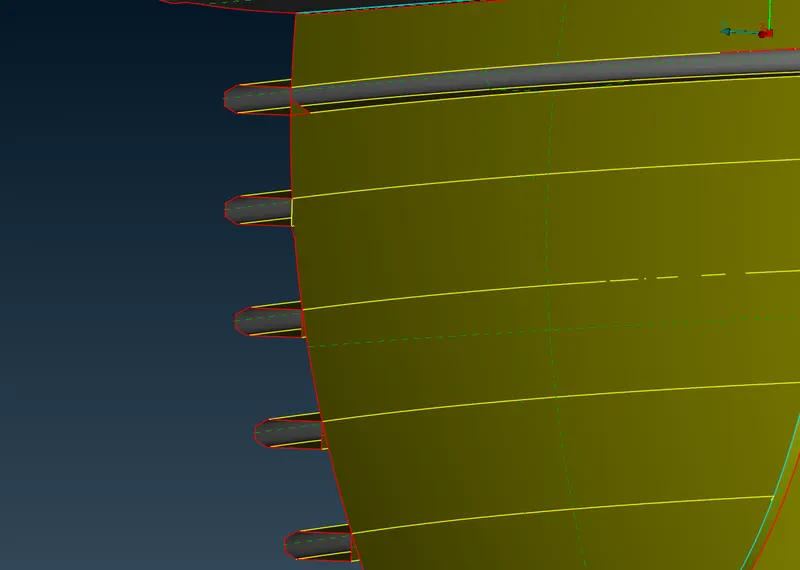
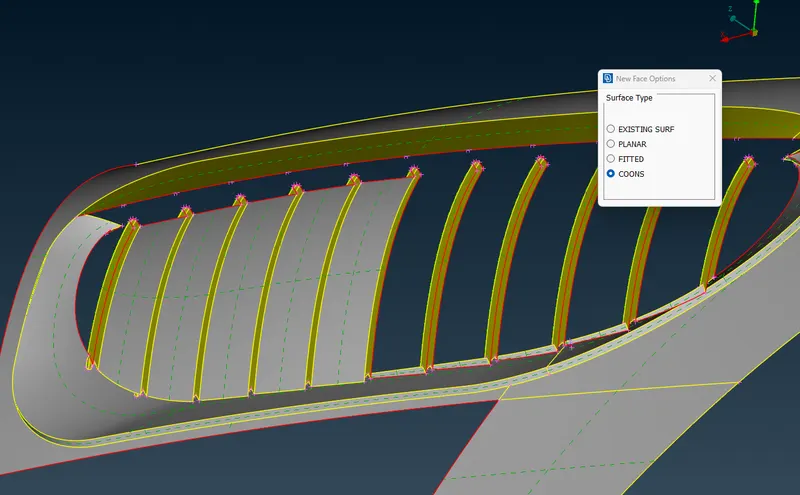
I followed a similar procedure for rest of the parts. Fot the wheels as well, few surfaces had to be deleted which were forming triple cons. and new surfaces were created.
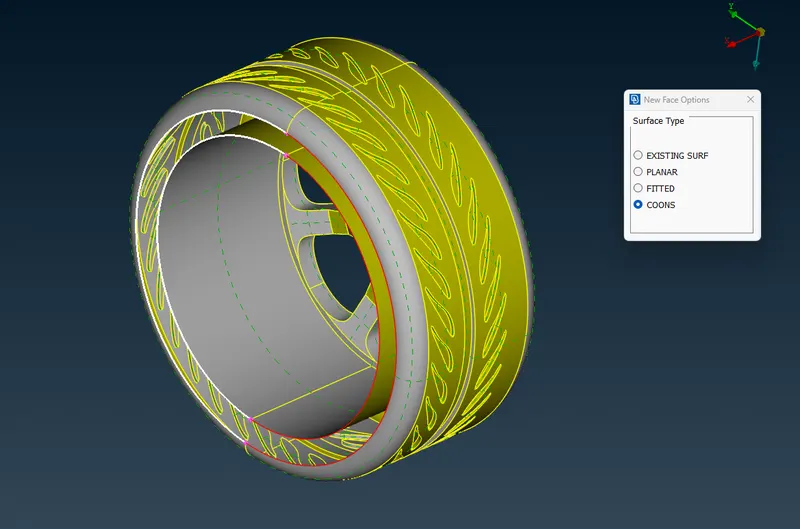
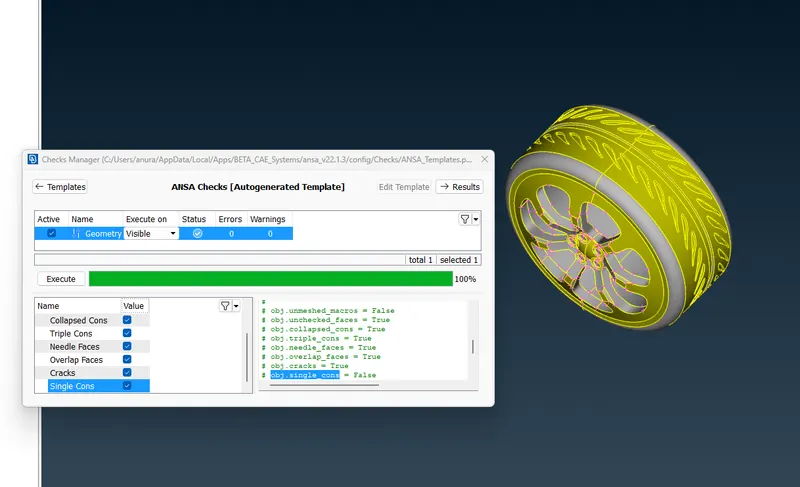
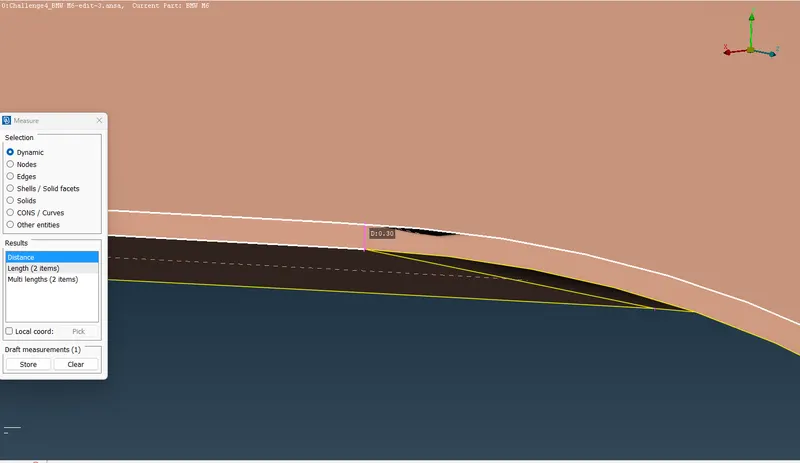
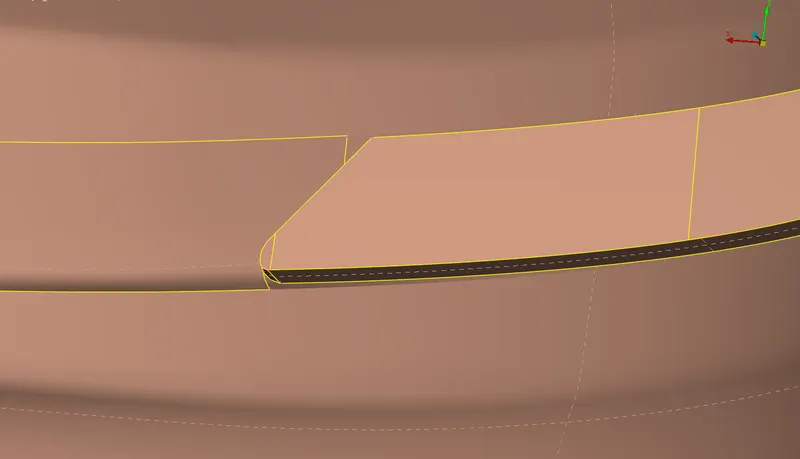
I had to do Topo cleanup such that I didnt create surfaces where distabce between the cons was smaller than the mesh length. In the car body, there were already some cons present with distance lesser than the mesh length. So for all these areas i deleted the unwanted cons but made sure that I did not change shape of the features.
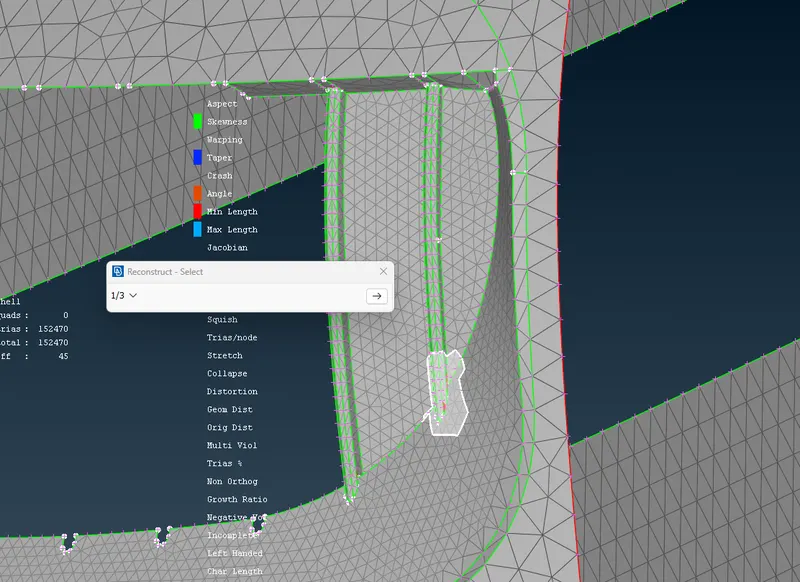
After the Topo cleanup, I assigned PID to all the parts then i began meshing the elememts one by one. I set the quality criteria and mesh parameters according to each PID. After generating the mesh, there were some Off Elements. This was solved by using reconstruct option.
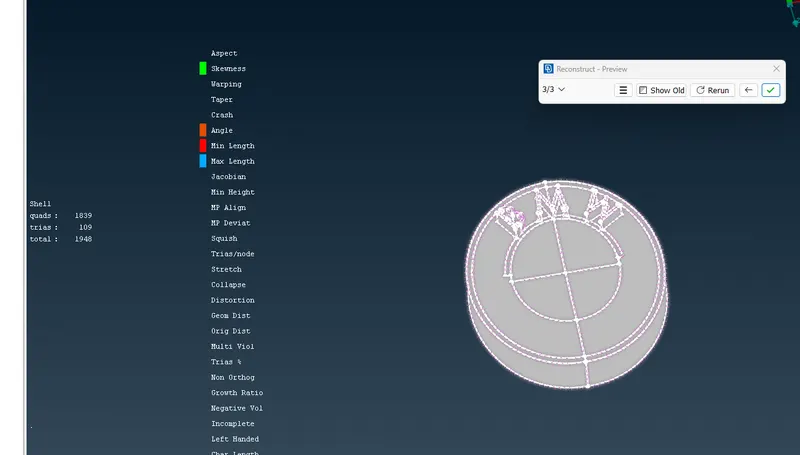
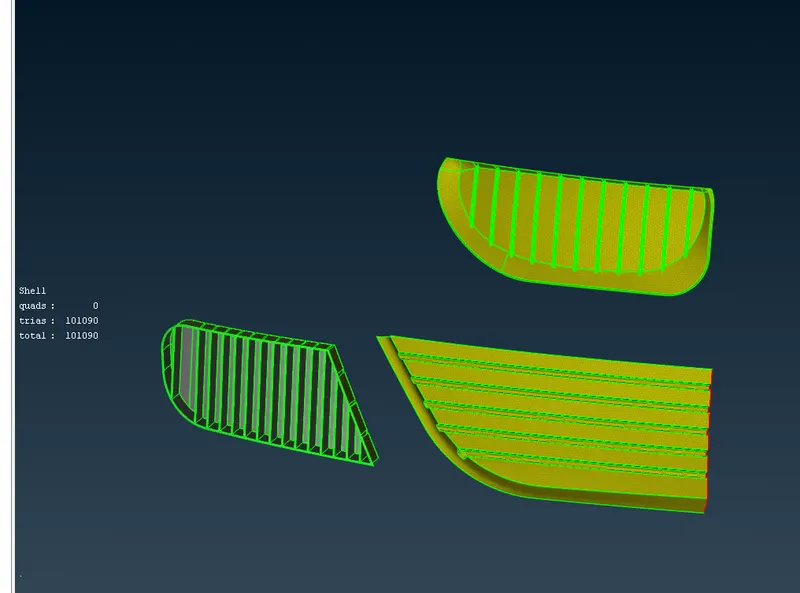
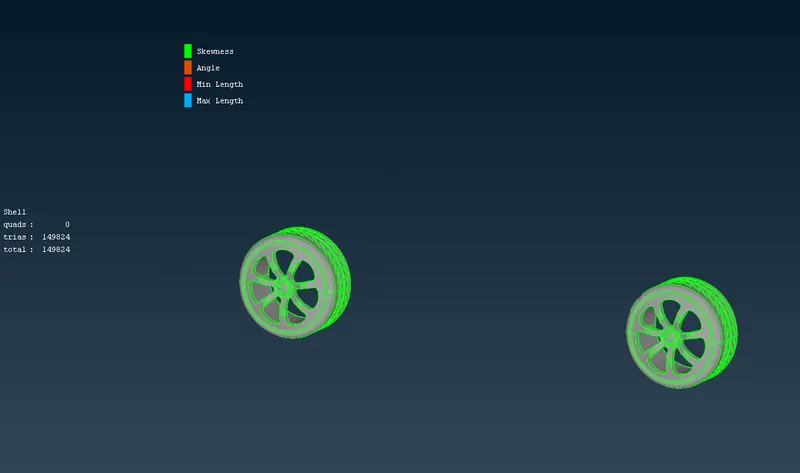
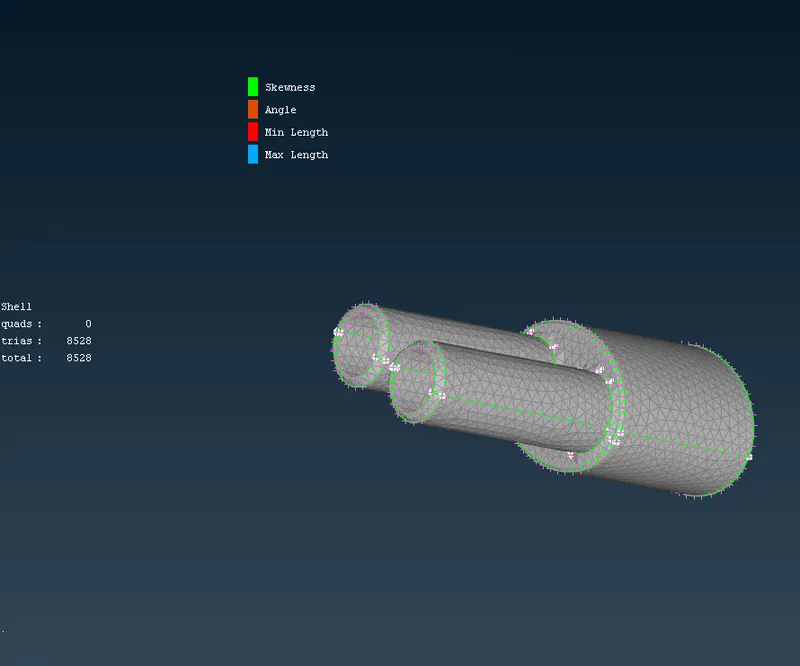
For some of the regions even after reconstruct, some of the ooff elemets were not solved. So I had to use options like move and cut.
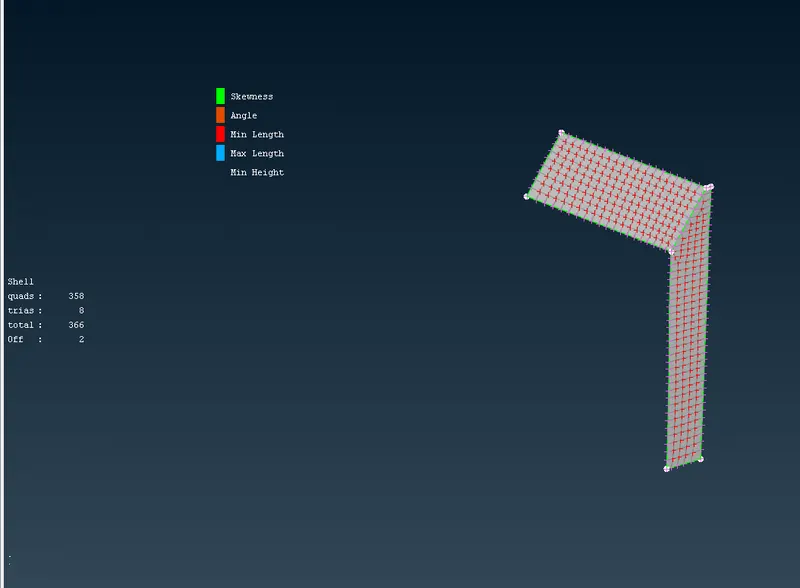
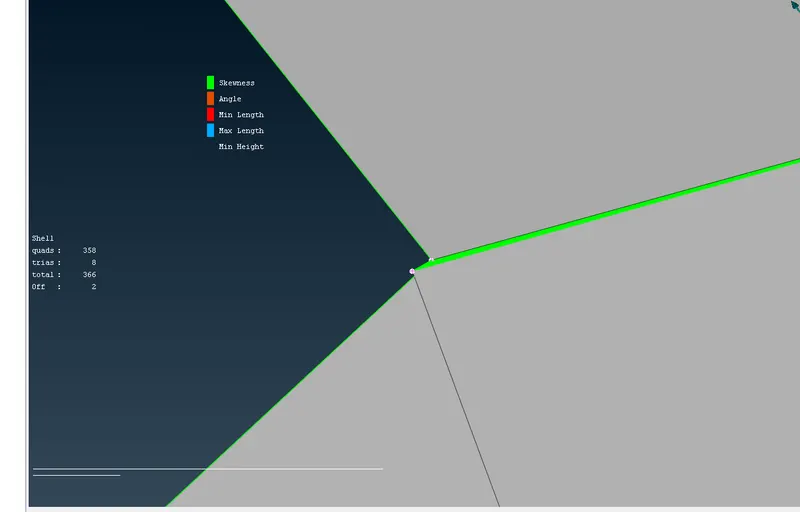
The car body was the last to be meshed. After meshing the body, There wee off elements forming near the joining region of different PIDs. I had to isolate these areas and use options such as reconstruct, move and cut.
After meshing and solving all Off Elemnts, I duplicated the other half of the car and merged them.
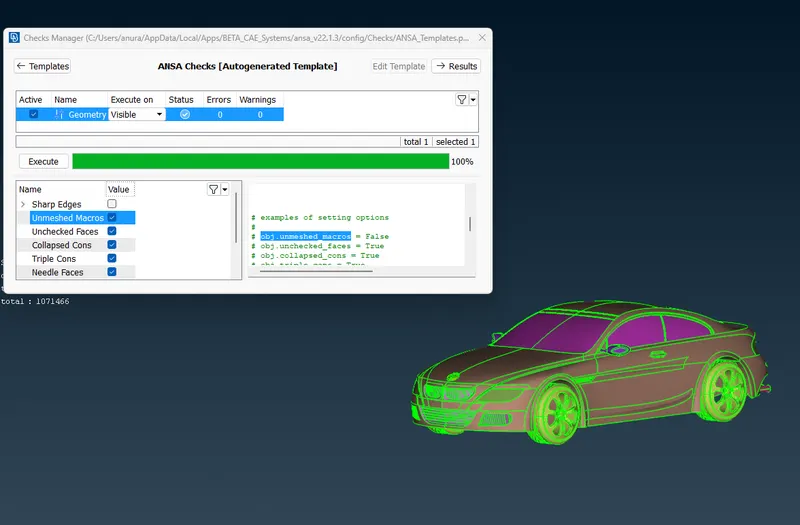
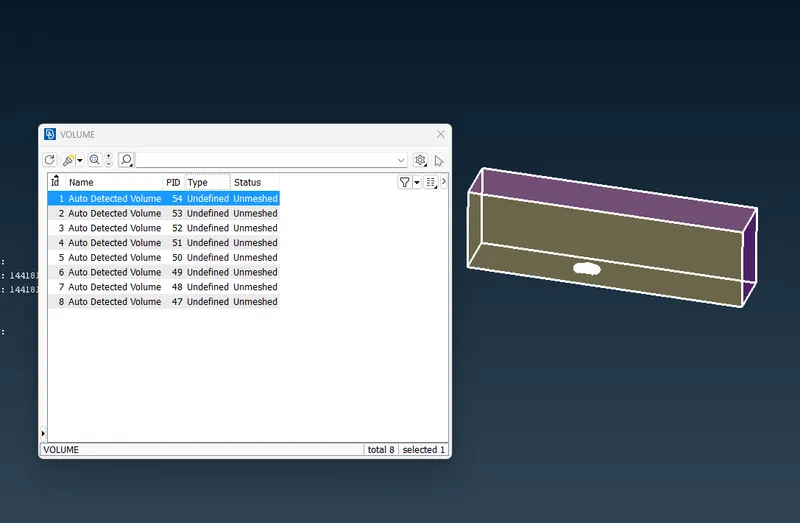
I measued the length of the car and then created relative points at specific distances.The font face of wind unnel should be at 4 times the length of the object. The back face should be at 6 times the length. The top face should be at 3 times the length and the bottom surface should be clse to the model. With this in mind I created the font and back points. For the side surface, I again created relative points at 1x the length of the car. did ths for both the sides. The using curves command, I joined bottom points to and created the bottom surface of the wind tunnel. With offset option I duplicated the bottom surface to create the surface at 3X length.
Now i created the other surfaces with Coons and created the wind tunnel box.
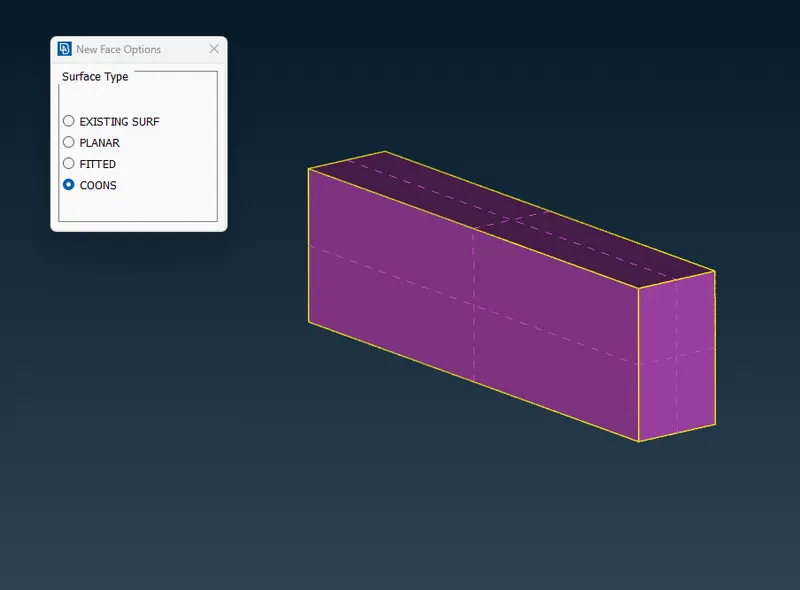
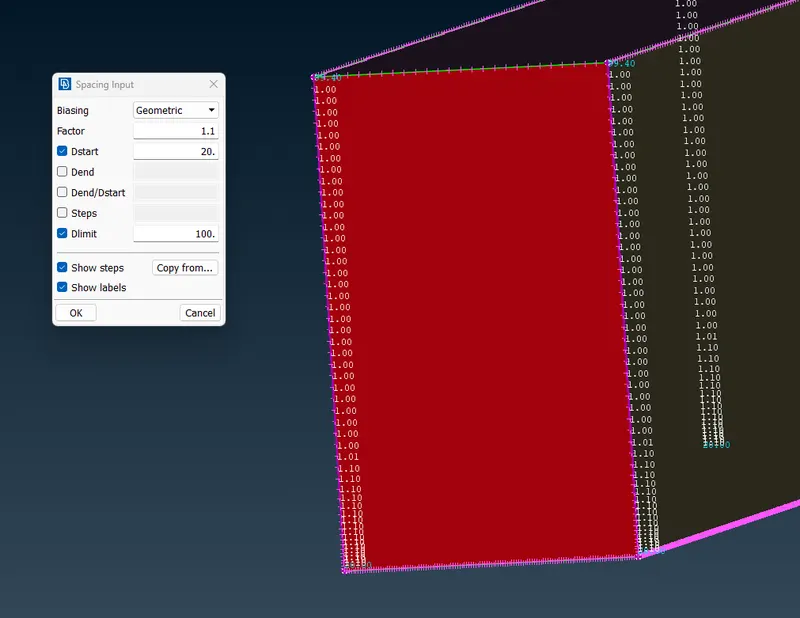
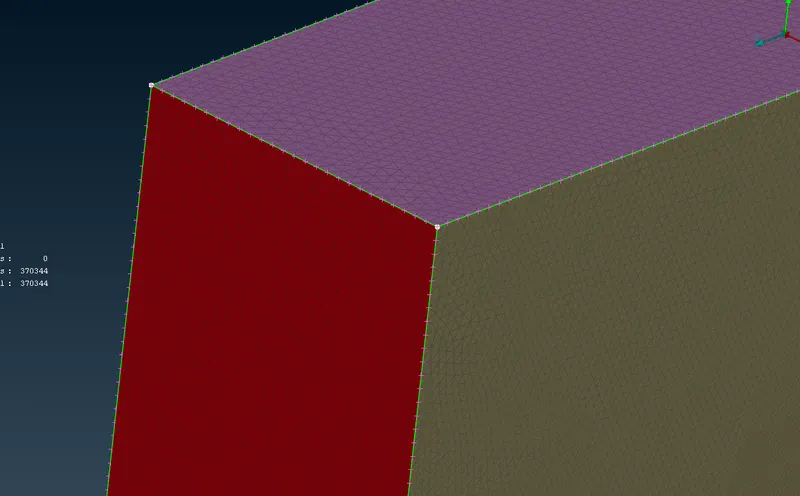
For the meshing of the box, The bottom part of the wind tunnel should have low mesh length and it should gradually increase towards the top surface. To achive this, the top surface was meshed wih length of 100. Next the bottom surface was meshed with length of 20.
The font, back and side surface will now have mesh of variable lengths. To achieve this, spacing option was used with variable factor of 1.1. The side cons were selected and then mesh was created.